
- Age rating4+
- CategoryMusic
- DeveloperKei Odaka
- LanguagesEnglish
- Size2.6 MB
Links to the official App Store page
Download.org hosts no file of Monandaeg. The button opens its official App Store page, published by Kei Odaka. Listing last checked on Nov 23, 2026.
Screenshots
About
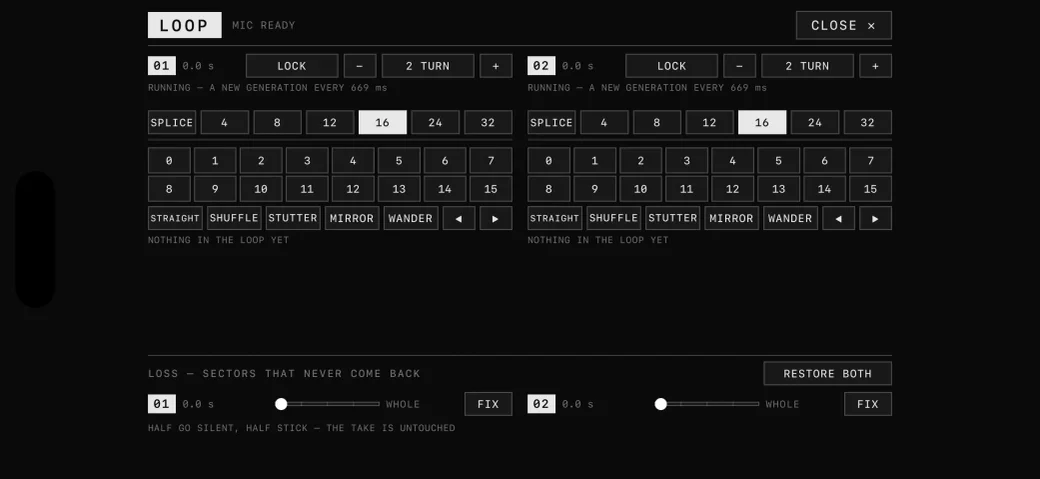
Mōnandæg plays your own recordings through a wave folder.
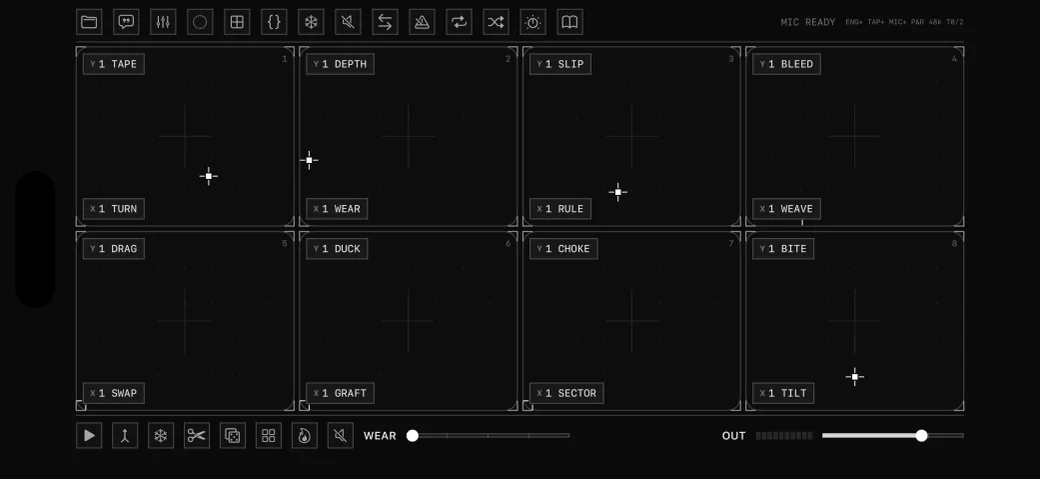
Up to eight takes stand in a row, A to H. At any moment one or two of them are heard (PLAY), and one or two others are only listened to (FOLLOW): their loudness becomes voltage that pushes the fold — how hard it bends, and where the bends land. Every take has a gate of its own, wired into a small network; when one fires, the roles change hands. The piece keeps rearranging itself out of the sound itself.
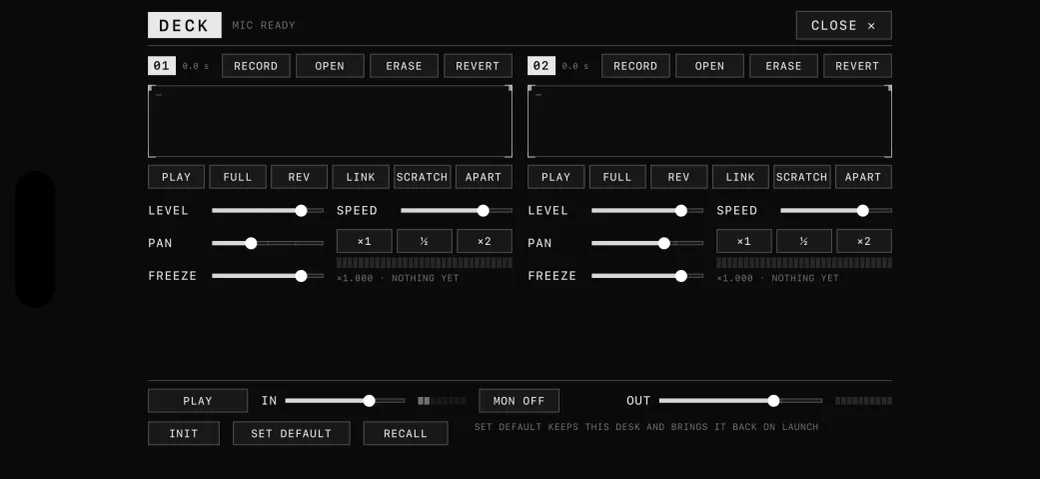
· A–H — eight takes. Tap the top of a cell to load a file, hold it to clear the take. REC→ chooses the take the microphone records into.
· I · II · III — three fold stages in series, each an XY pad.
· The net — how many takes, who plays, how they are read, when they swap.
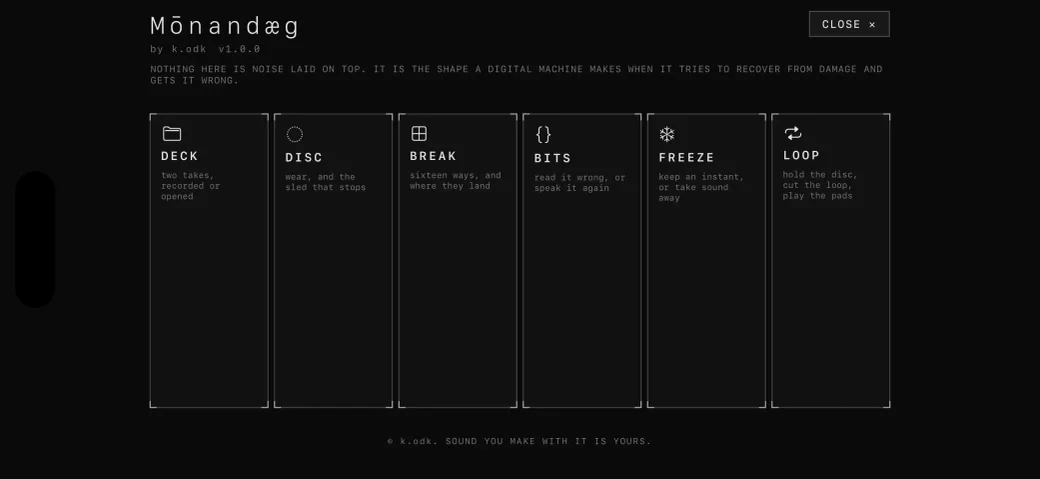
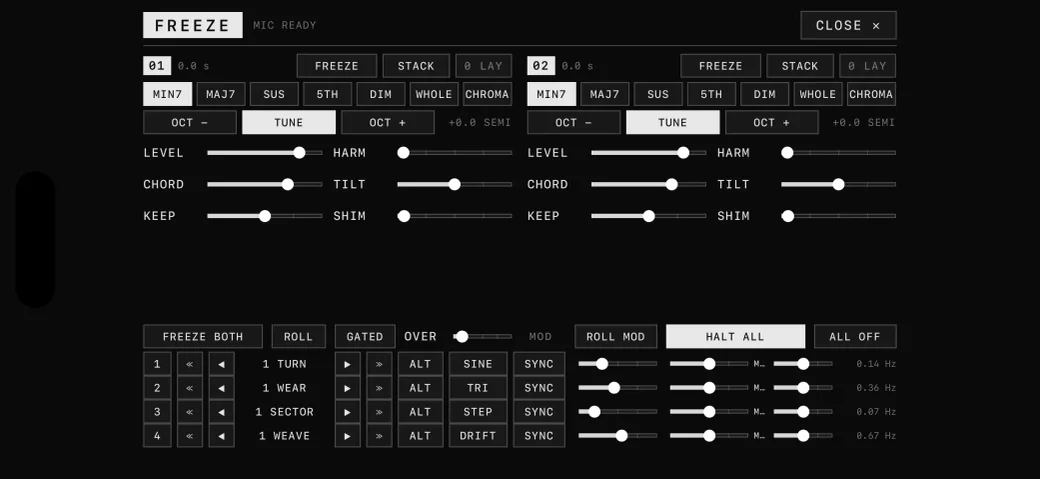
· FREEZE — one moment held as a chord.
· BREAK — cuts and rewrites the files.
· LOOP — one loop built from pieces of all of them.
· TEXTURE — tape and disc: wow, flutter, hiss, skips, dropouts.
· SEND — echo, room and sweep.
· VOICE — the device reads a line of text aloud into a take of its own.
· RADIO — internet radio as a source.
· BASIC — one key: four takes, one heard, one listening, swapping every couple of seconds.
· DRIFT — the pads and knobs move by themselves.
iPhone and iPad, in landscape. Your recordings stay on the device.
What’s new
Version 1.3.4 · Nov 21, 2026
- Fixed: on some iPads the file browser opened empty, so audio files could not be loaded. Monday now uses the standard iOS file picker, and files from iCloud Drive and other locations open reliably.
- Presets: hold a number for a moment to save, tap to recall. A new x button clears a preset. The buttons are larger.
- Presets now bring back their audio files reliably, including long files (over 10 minutes).
- Saving and recalling presets with long files no longer freezes the screen.
App privacy
What Kei Odaka declares on the App Store about how this app handles data.
-
Data not collected
The developer does not collect any data from this app.
Privacy practices may vary, for example with the features you use or your age.
Information
- Seller
- Kei Odaka
- Category
- Music
- Version
- 1.3.4
- Updated
- Nov 21, 2026
- Released
- Oct 21, 2026
- Size
- 2.6 MB
- Requires
- iOS 17.0 or later
- Age rating
- 4+
- Languages
- English
- Copyright
- © k.odk
You might also like
-
 Ring ModulatorDual Input RM / Native & AUv3
-
 Kinetic by folinaAUv3 - Movement Processor
-
 ScopeNodeMulti-track alignment scope
-
 Line HumThe Ungrounded Sound AU.
-
 VOSIS ProMusic
-
 BLEASS Spectral ReverbReverb Beyond Dimensions
-
 RUN4 - Tape & Texture MachineCreative Sampler & Looper
-
 SungalizerLive Audio Visualizer
-
 PixiTracker 1BitMusic
-
 LoopemeMusic