MondoWrite: Write a Novel
Screenwriting & story bible
Designed for iPhone, iPad, iPod touch
Free
- Age rating4+
- CategoryProductivity
- DeveloperSebastien PICONNIER
- LanguagesEnglish+ 2 more
- Size23.2 MB
Links to the official App Store page
Download.org hosts no file of MondoWrite: Write a Novel. The button opens its official App Store page, published by Sebastien PICONNIER. Listing last checked on Nov 24, 2026.
Screenshots

About
MondoWrite takes novelists and screenwriters from the very first idea to the finished manuscript, on iPhone, iPad and Mac.
FROM CHAOS TO AN ORDERED WORLD
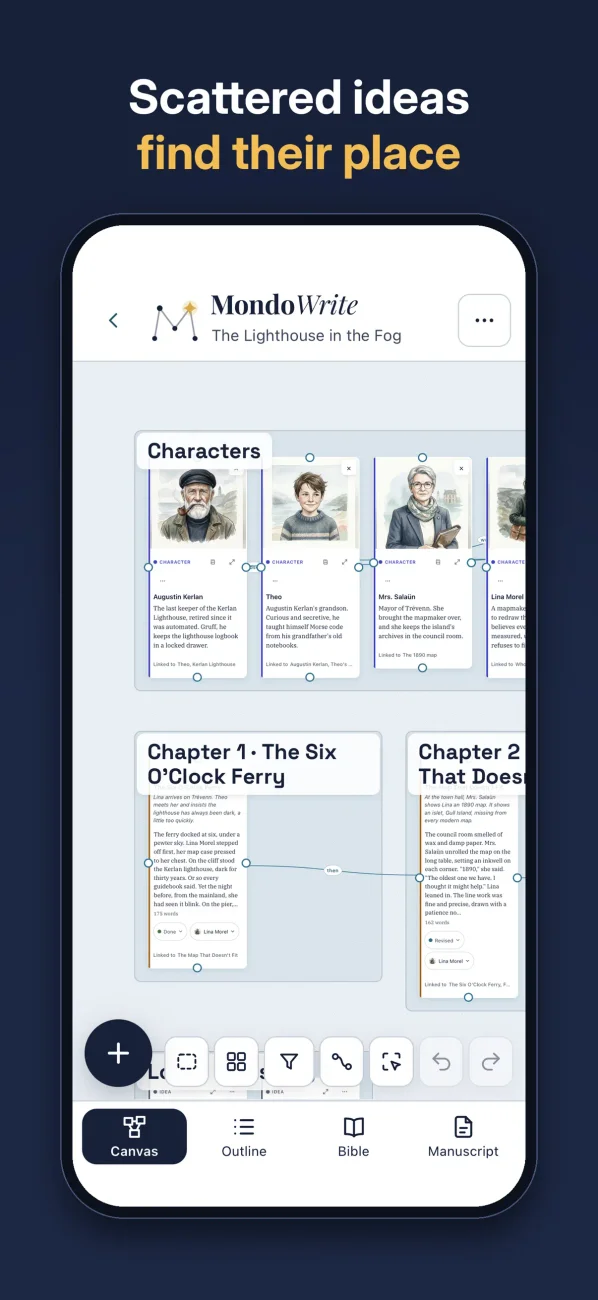
Drop your ideas on a free canvas: characters, places, scenes, plots, themes, questions and images. Connect them with named threads, group them in frames, filter them.
A BIBLE FOR YOUR STORY
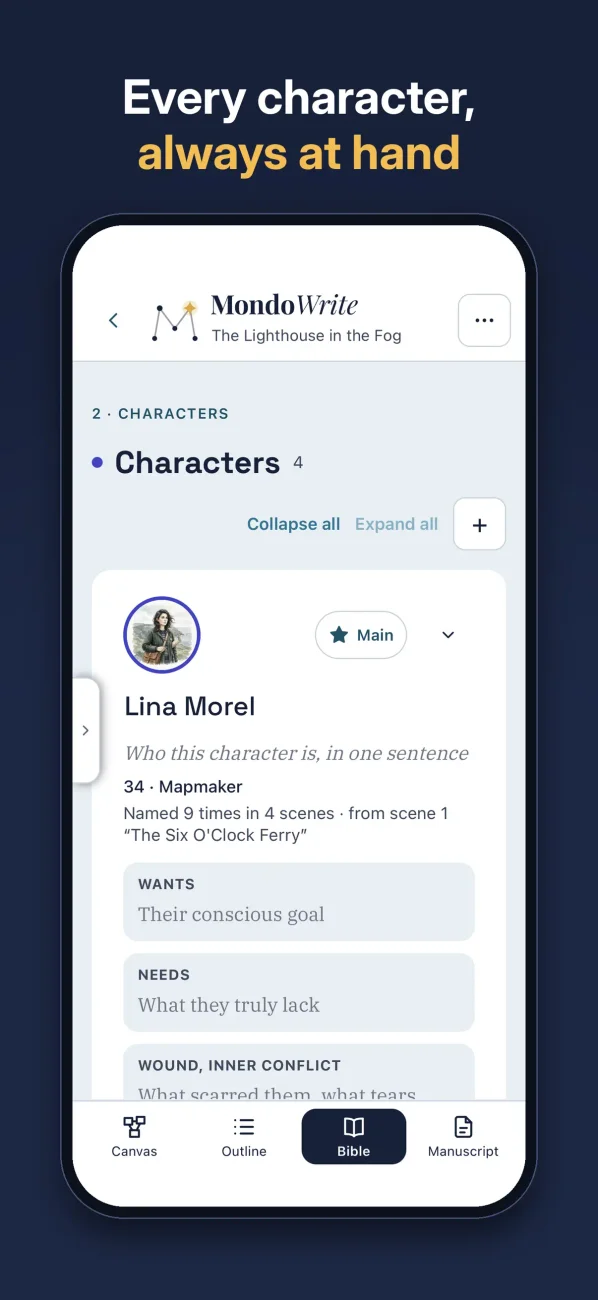
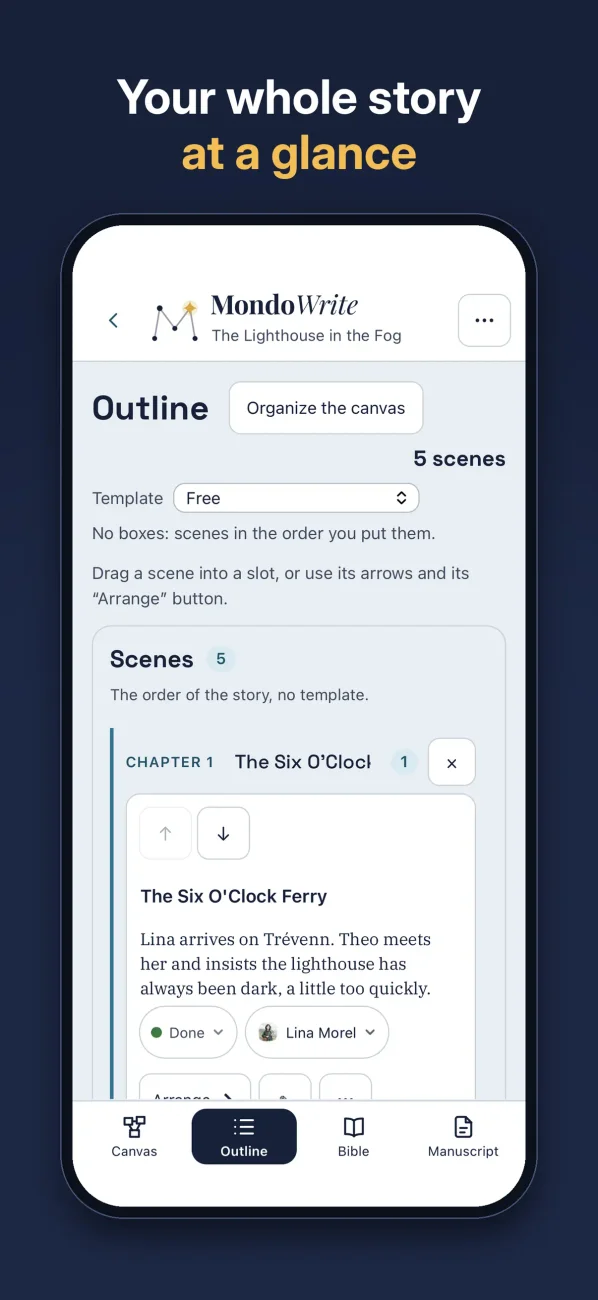
Cover page (logline, summary, genre, tone), character sheets with motivation and arc, a three-act outline with chapters, statuses and synopses. Ten story structures, including Save the Cat and the Hero's Journey.
NOVEL OR SCREENPLAY
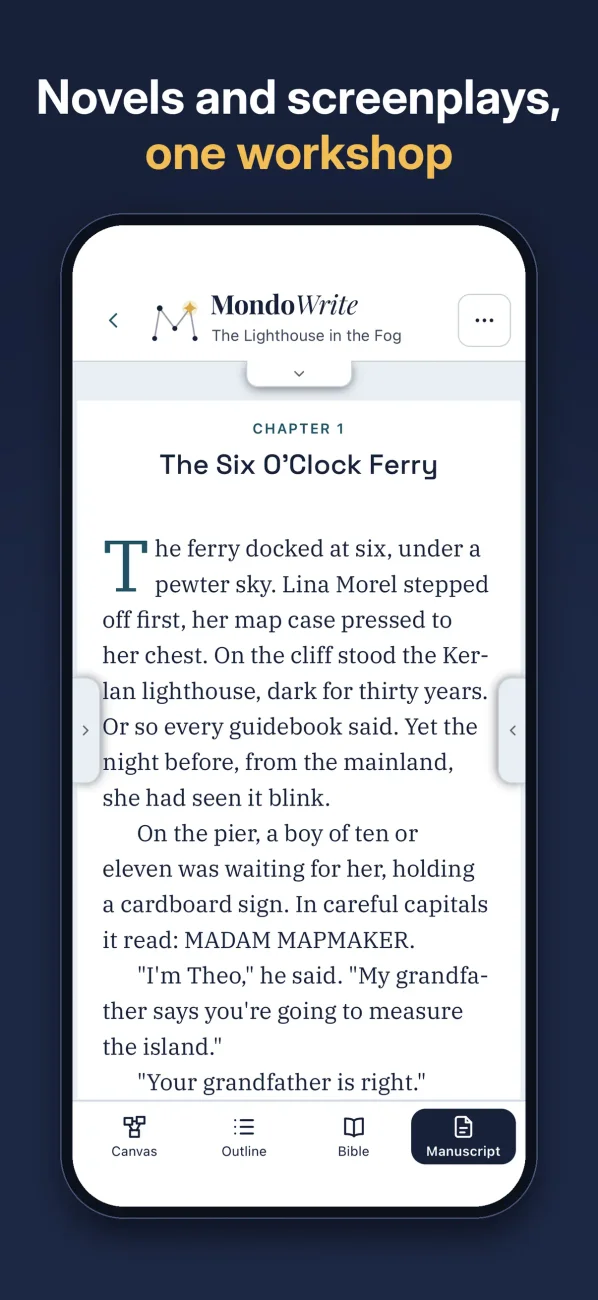
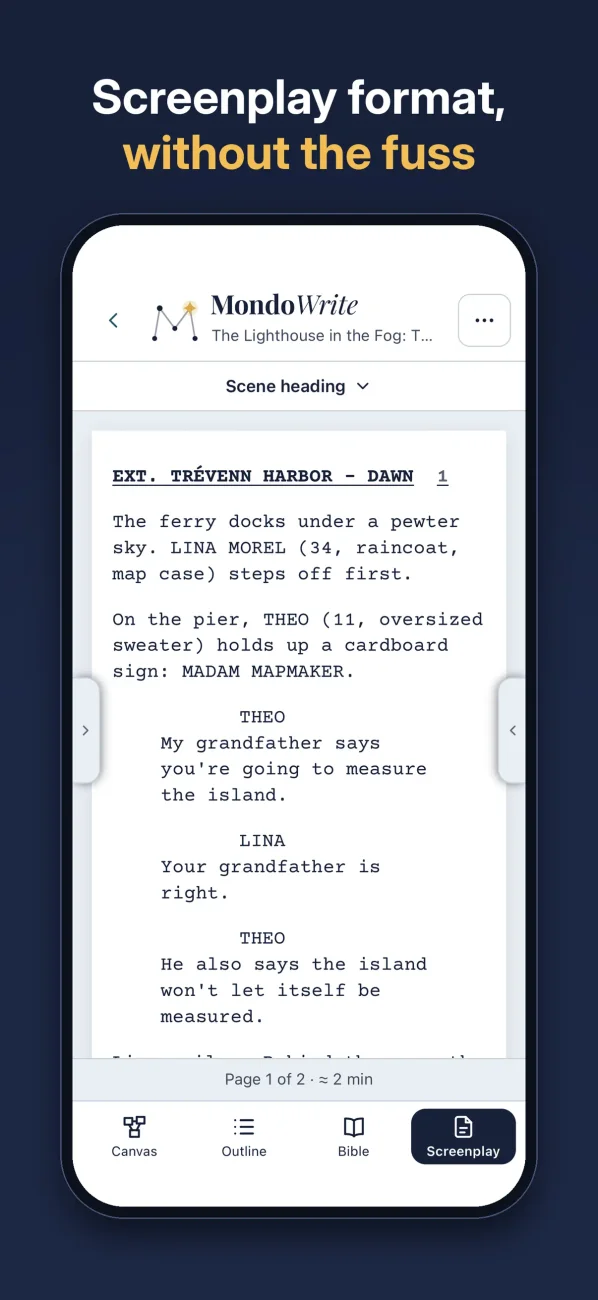
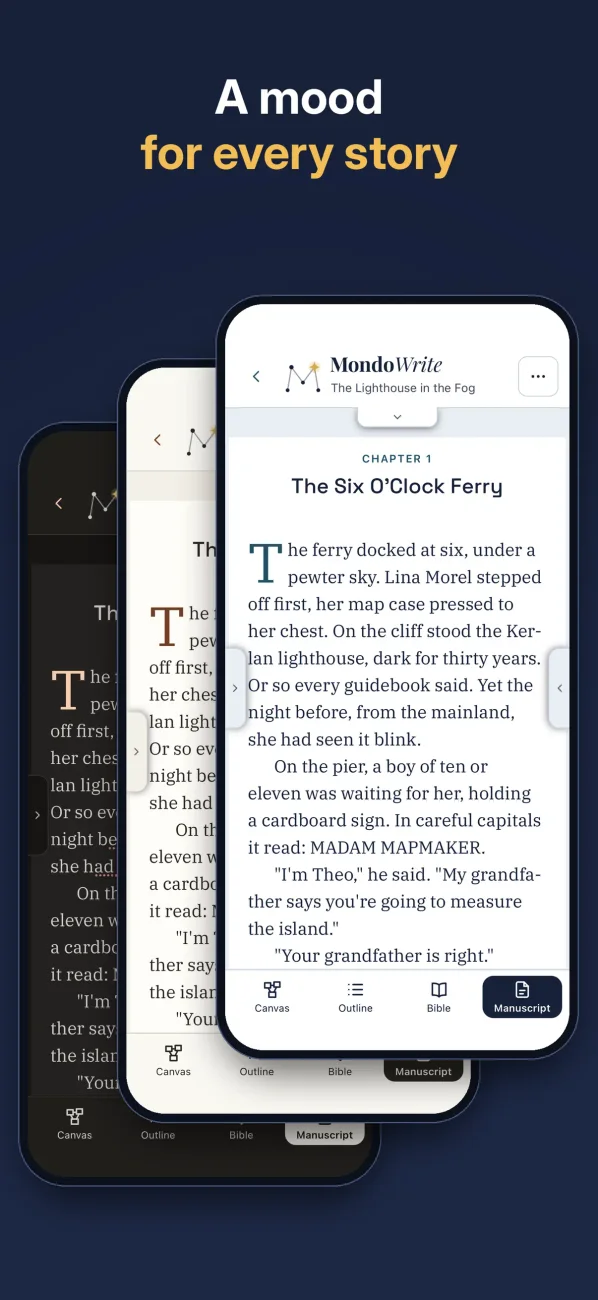
Write your manuscript in book layout, or your screenplay in standard format with step outline, dual dialogue and page and minute counters.
IMPORT AND EXPORT
Import Word, Markdown, Fountain, Final Draft or PDF files. Export to PDF, Word, EPUB, Fountain or Final Draft.
AI, IF YOU WANT IT
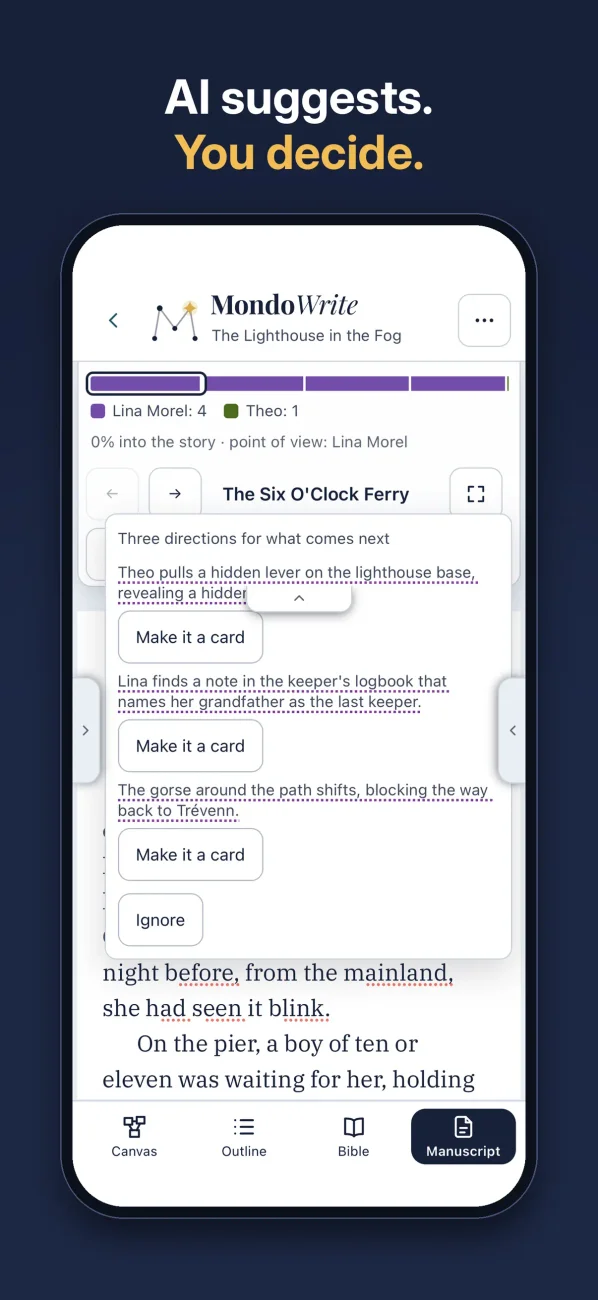
Optional artificial intelligence reviews your text (consistency, timeline, character voices), sorts your loose ideas and answers as one of your characters, based on what you have written. Connect it to Apple Intelligence or to your own key (Claude, OpenAI, OpenRouter). Every suggestion waits for your approval.
YOUR FILES BELONG TO YOU
Projects stored as readable Markdown files, works offline, iCloud sync between your iPhone, iPad and Mac.
FREE AND OPEN SOURCE
MondoWrite is free software under the AGPL-3.0 license: no account, no subscription, no ads. It grows with the requests of its writers.
What’s new
Version 1.47 · Nov 23, 2026
Review your story's structure
Read a thread: "Read these scenes" shows only the scenes of one plot, character or place.
Setups and payoffs: mark that one scene sets up another. Each pair gets a letter ("Sets up A", "Pays off A"), and "Check" flags a payoff that comes too early.
How much each plot weighs in Statistics, and transitions to reread after you move a scene.
Write
Images in the text of a novel's scenes, exported with the book.
Focus mode redesigned: the bar fades as you type, with all its settings at hand.
Proofreading by LanguageTool (spelling, grammar, style), without touching your files.
Search that stays in the view you're in.
Build
Custom templates on three levels.
On the canvas, a thread between two scenes becomes an arrow, and "Linked to" lets you follow a trail from card to card.
New, to try
Interactive novels (experimental): the reader chooses what happens next, and the canvas becomes the story map. "The Well" example included.
Your AI assistant can suggest images, which you generate or decline.
Also: Catalan interface, many fixes.
App privacy
What Sebastien PICONNIER declares on the App Store about how this app handles data.
-
Data not linked to you
May be collected but is not linked to your identity.
- User content
Privacy practices may vary, for example with the features you use or your age.
Information
- Seller
- Sebastien PICONNIER
- Category
- Productivity
- Version
- 1.47
- Updated
- Nov 23, 2026
- Released
- Nov 13, 2026
- Size
- 23.2 MB
- Requires
- iOS 15.0 or later
- Age rating
- 4+
- Price
- Free
- Languages
- English, French, Spanish
- Copyright
- © 2026 Sébastien Piconnier
You might also like
-
 Emend — Structure Your NovelWrite fiction, keep each draft
-
 Bookcraft: Book FormatterManuscript to print-ready book
-
 OneWriter: Inspiration PlaceYour Writing Assistant
-
 FantasyRat Novel StudioPlan, Write & Build
-
 ScribeMasterManuscript Studio
-
 Edda - Authors BibleWrite and build your world
-
 Calamus WriterWrite, outline, & format books
-
 My Drawer BooksYour Private Writing Space
-
 Driftnote: Story PlannerFor upcoming storywriters
-
 Ficaryn: AI Novel WriterStory Bible & Long-Form Plot