
Mongle Budget: Expense Tracker
Cute money diary & calendar
Designed for iPhone
Free
- Age rating4+
- CategoryFinance
- DeveloperKyungdoo Park
- LanguagesEnglish+ 14 more
- Size70.0 MB
Links to the official App Store page
Download.org hosts no file of Mongle Budget: Expense Tracker. The button opens its official App Store page, published by Kyungdoo Park. Listing last checked on Nov 15, 2026.
Screenshots
About
A cozy budget calendar for the money you spend each day.
Start with a cup of coffee or groceries on the way home.
Mongle Budget is a cozy expense tracker and money diary built around a calendar. Record income and expenses, see your monthly budget, and make room for savings goals. Start without an account or a bank connection.
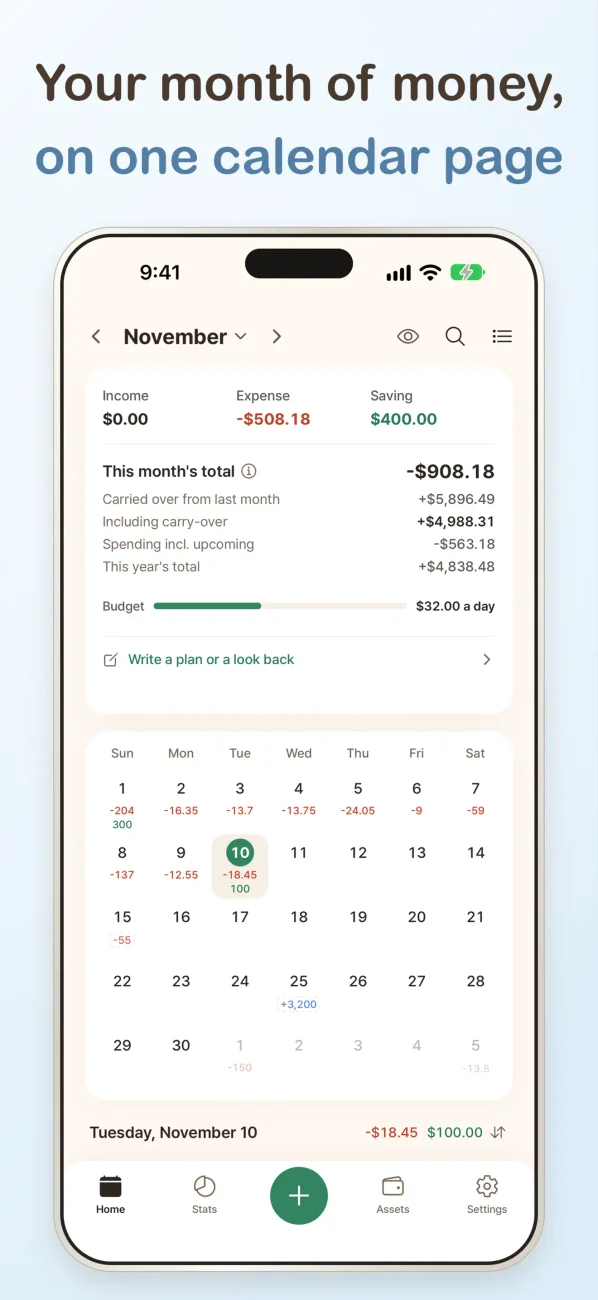
[Your spending calendar at a glance]
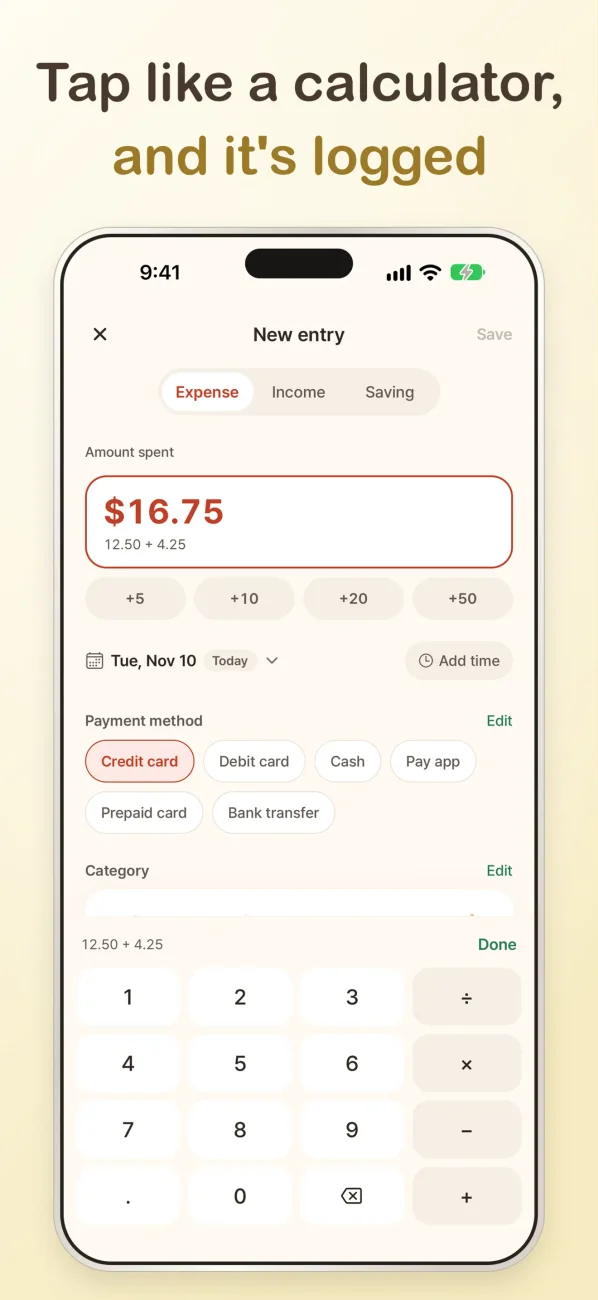
• Enter an amount and choose a category. Use the calculator, add a memo, or attach a receipt photo.
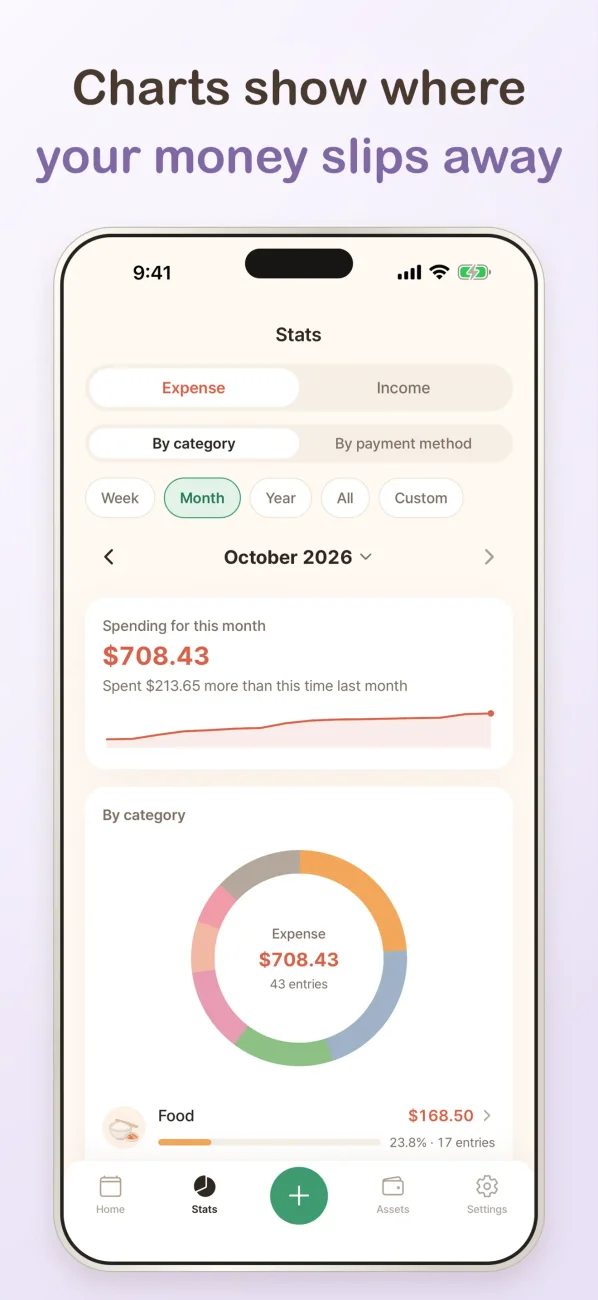
• Review income and expenses by day, then explore spending charts by category.
• Keep your spending and calendar close with home-screen widgets.
[Plan a budget around payday]
• Choose when your budget month begins and review totals and charts for the same period.
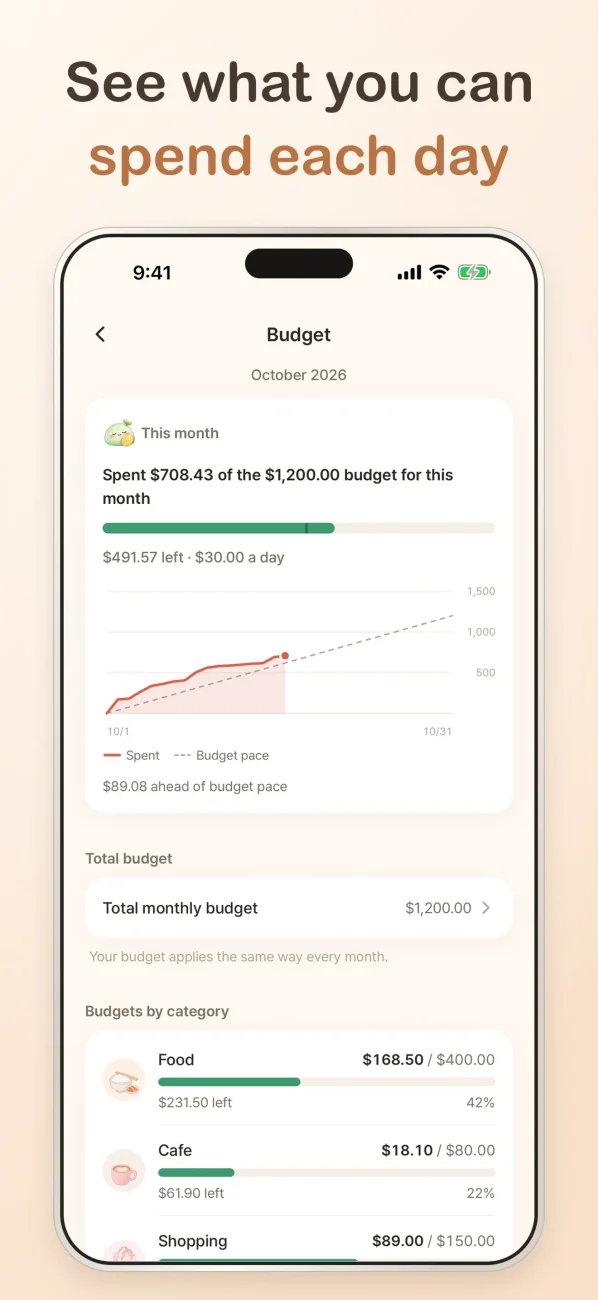
• Set a monthly budget and category budgets, then see what remains.
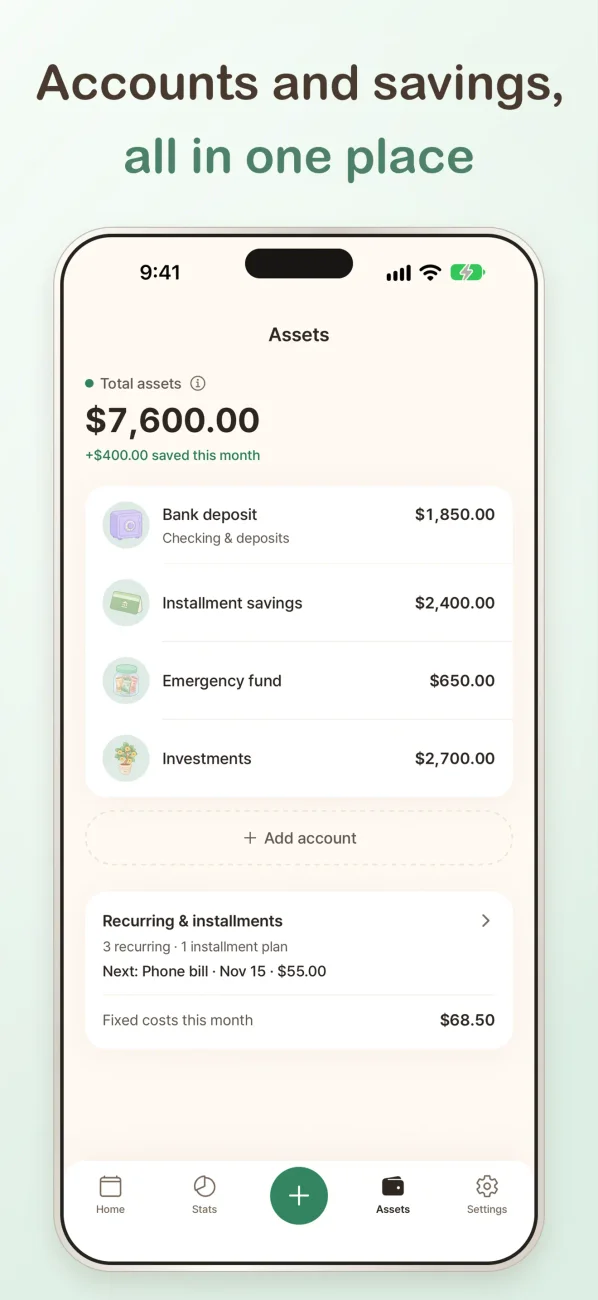
• Track accounts and savings goals separately from everyday spending.
[Keep recurring expenses in view]
• Add rent, subscriptions, and other regular payments as recurring entries. Preview upcoming entries on the calendar; scheduled entries are created when you open the app.
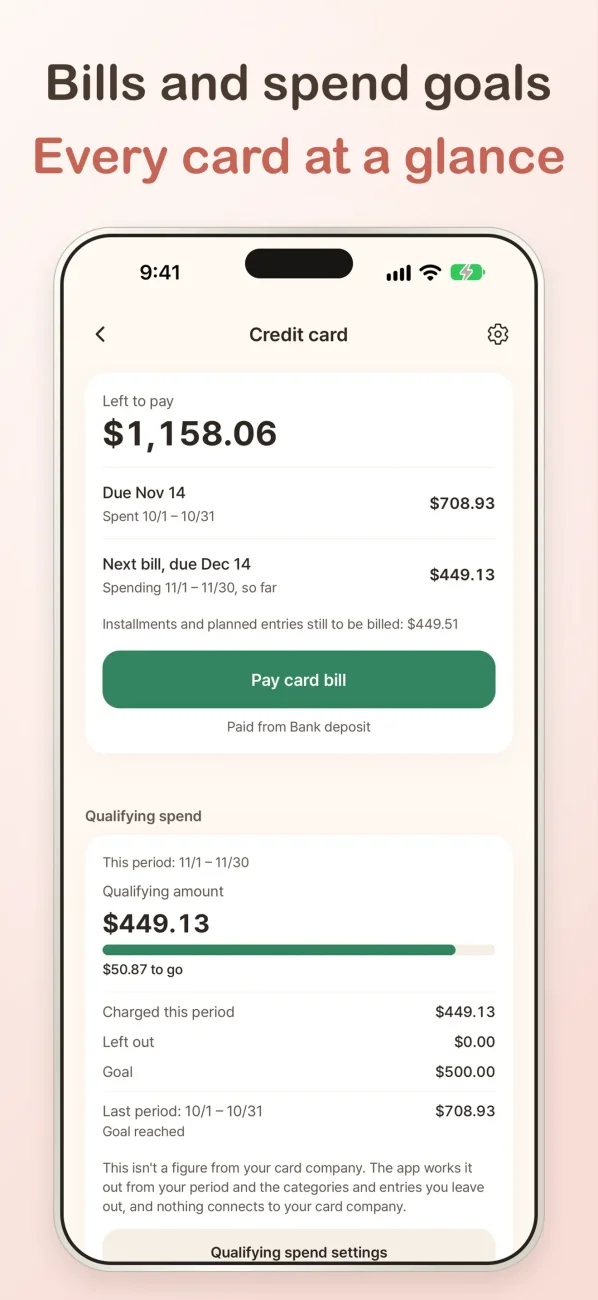
• Split purchases into installments and see the next amount due.
[Make your money diary your own]
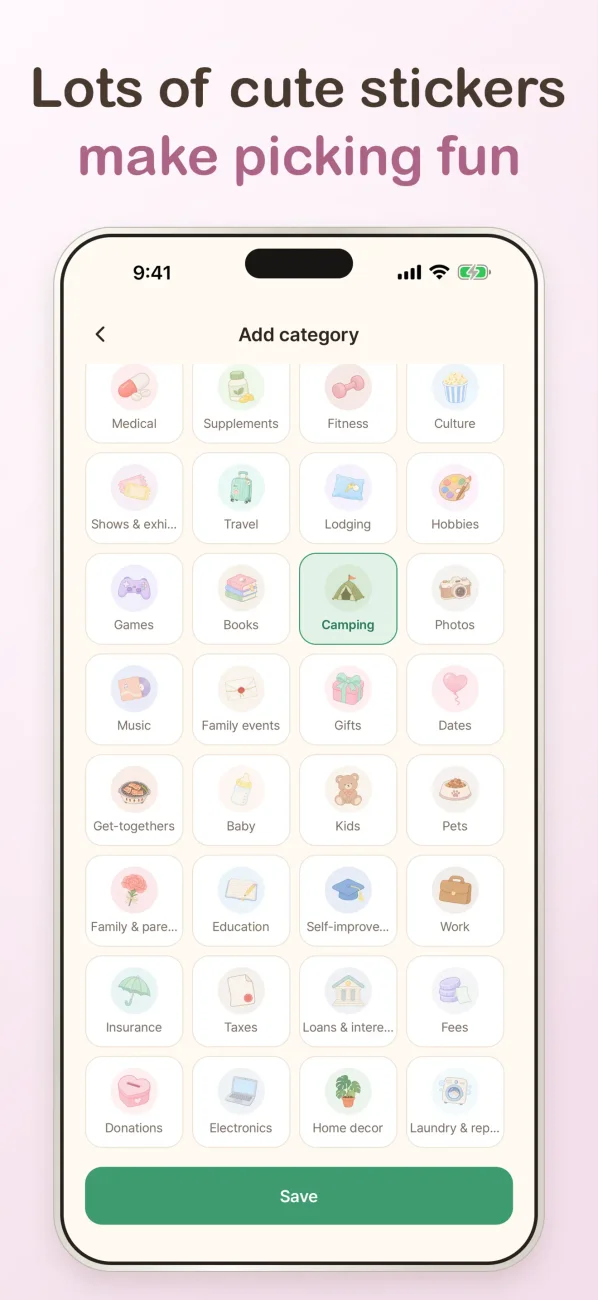
• Change category and payment method names, colors, icons, and order.
• Choose fonts and light or dark mode, and find entries with search and filters.
• Export your records as CSV for Excel or Google Sheets.
[Keep your records and a backup]
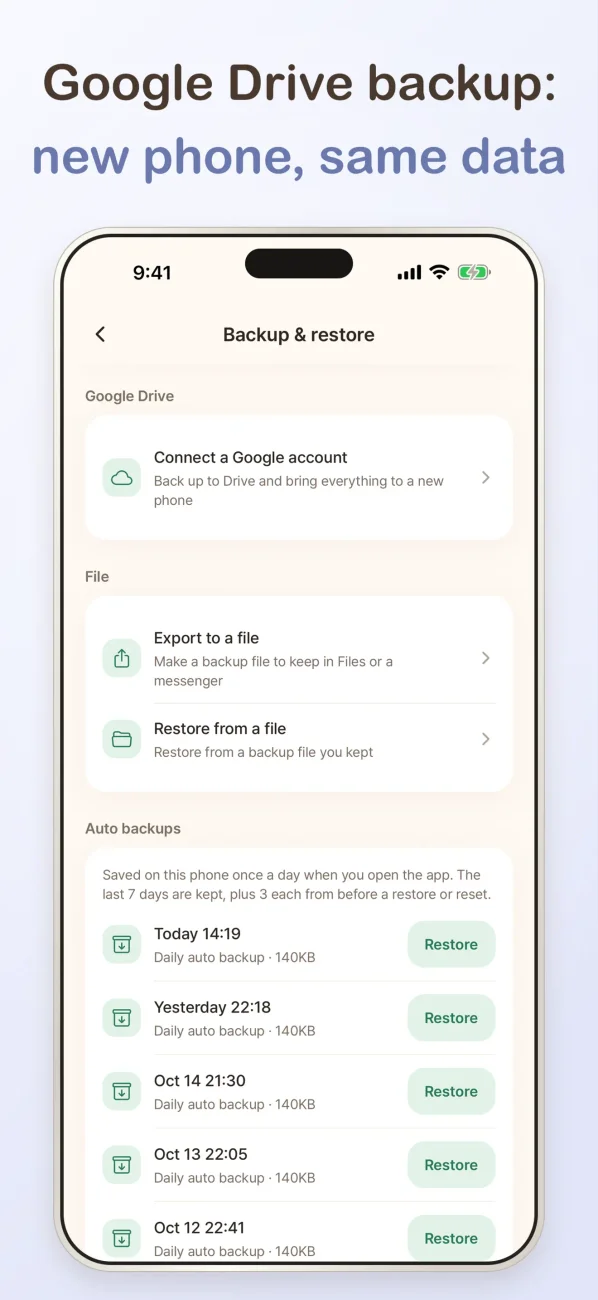
Everyday tracking works offline on your device. Back up and restore a copy with iCloud or Google Drive, and lock the app with a passcode or Face ID.
You don’t have to record everything at once.
Start with what you remember, one entry at a time.
What’s new
Version 1.3.1 · Nov 14, 2026
We fixed minor bugs and improved stability!
App privacy
What Kyungdoo Park declares on the App Store about how this app handles data.
-
Data used to track you
May be used to track you across apps and websites owned by other companies.
- Location
- Identifiers
- Usage data
-
Data linked to you
May be collected and linked to your identity.
- Contact info
- Identifiers
-
Data not linked to you
May be collected but is not linked to your identity.
- Location
- Identifiers
- Usage data
- Diagnostics
Privacy practices may vary, for example with the features you use or your age.
Information
- Seller
- Kyungdoo Park
- Category
- Finance
- Version
- 1.3.1
- Updated
- Nov 14, 2026
- Released
- Nov 2, 2026
- Size
- 70.0 MB
- Requires
- iOS 16.0 or later
- Age rating
- 4+
- Price
- Free
- Languages
- English, French, German, Hindi, Indonesian, Italian, Japanese, Korean, Portuguese, Simplified Chinese, Spanish, Tagalog + 3 more
- Copyright
- © 2026 Denru