- Age rating4+
- CategoryPhoto & Video
- DeveloperBlake Jones
- LanguagesEnglish
- Size4.9 MB
Links to the official App Store page
Download.org hosts no file of Monitor Calibrator. The button opens its official App Store page, published by Blake Jones. Listing last checked on Nov 12, 2026.
Screenshots

About
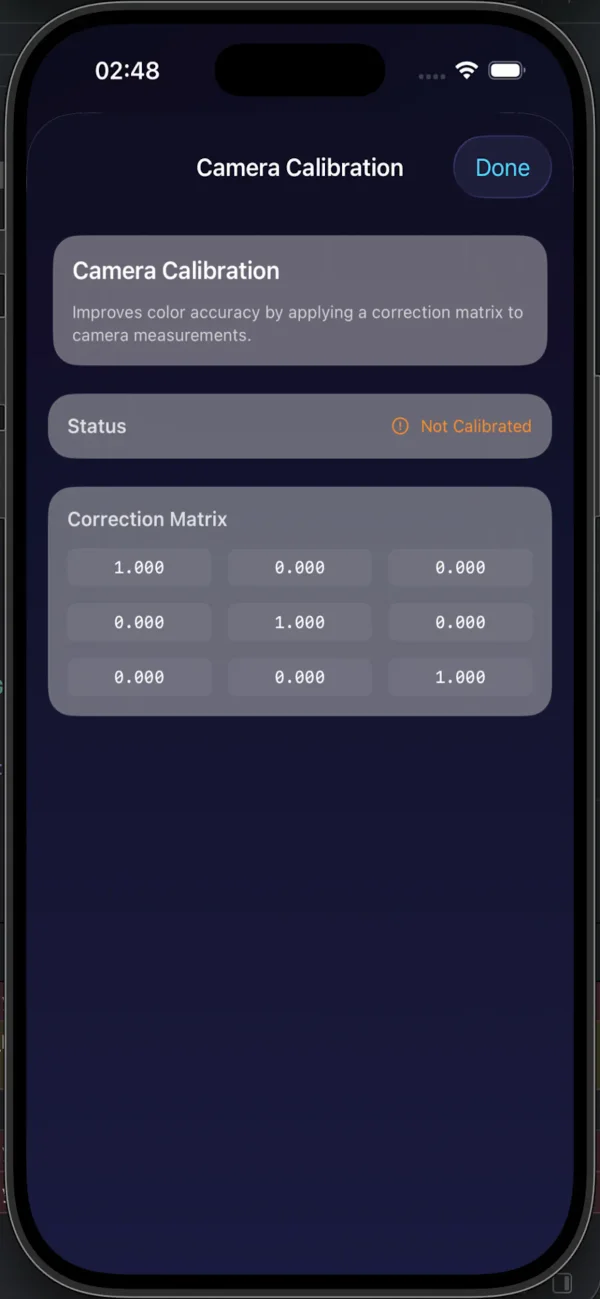
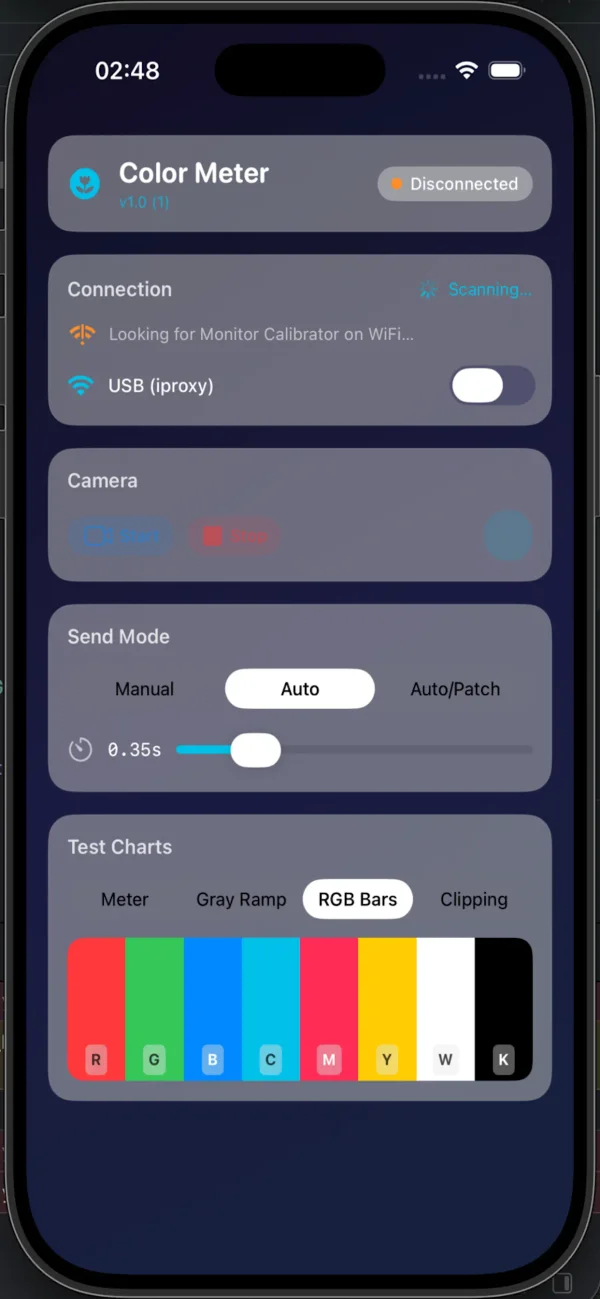
The Monitor Calibrator App is unique in that it transforms your iPhone into a monitor calibration probe. You need to install the macOS version on your computer and the iOS version on your iPhone. Once installed, your monitor should be attached to either the Thunderbolt or HDMI port on your computer. You can either attach your iPhone to your computer by wifi or usb. If attached by wifi, make sure you are both on the same network. Once you start the calibration process, it will ask you to aim the iPhone camera to the target that will appear on the monitor. You will then be prompted to confirm this and then start the process. The patches will then come up full screen on your display as seen by the iPhone. Once completed, you can then save the results to your computer. We have worked hard to make the calibration process as simple as possible,
What’s new
Version 2.0 · Oct 16, 2026
ICC Profile Export Support
App privacy
What Blake Jones declares on the App Store about how this app handles data.
-
Data not collected
The developer does not collect any data from this app.
Privacy practices may vary, for example with the features you use or your age.
Information
- Seller
- Blake Jones
- Category
- Photo & Video
- Version
- 2.0
- Updated
- Oct 16, 2026
- Released
- Jun 23, 2026
- Size
- 4.9 MB
- Requires
- iOS 26.4 or later
- Age rating
- 4+
- Price
- $12.99
- Languages
- English
- Copyright
- © 2026 Blake-jones.com