- Age rating4+
- CategoryHealth & Fitness
- DeveloperRYAN DAVID BURNS
- LanguagesEnglish
- Size60.2 MB
Links to the official App Store page
Download.org hosts no file of MonkeyLock: Earn Screen Time. The button opens its official App Store page, published by RYAN DAVID BURNS. Listing last checked on Nov 13, 2026.
Screenshots

About
Your phone locks the apps you choose. Your body opens them.
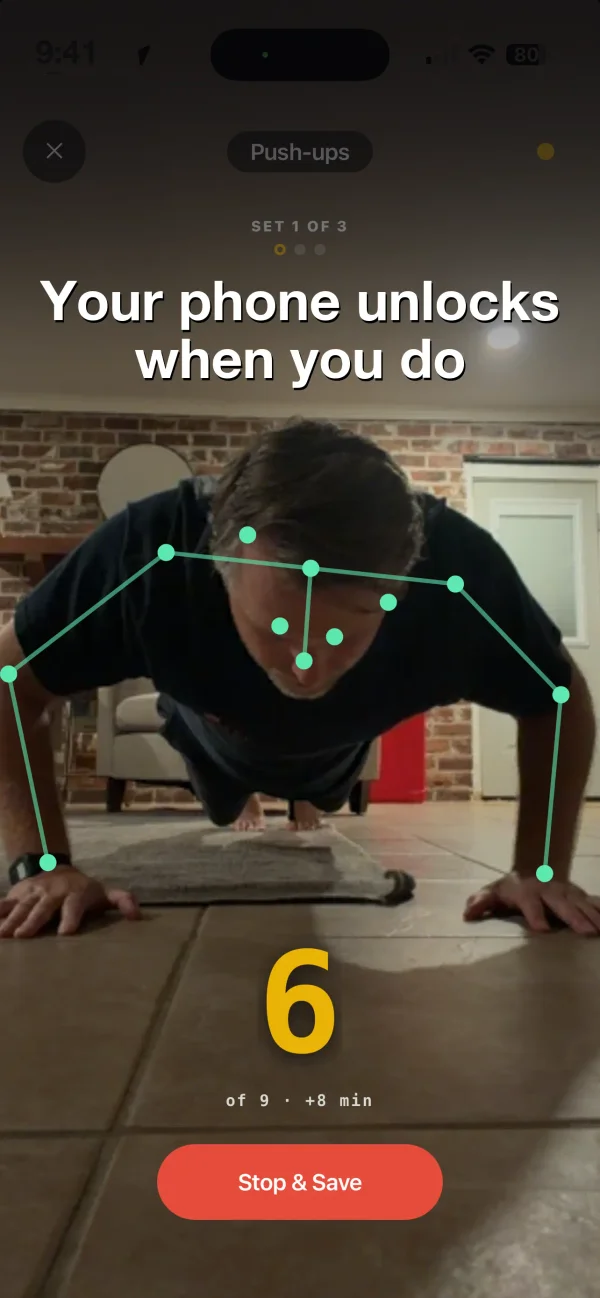
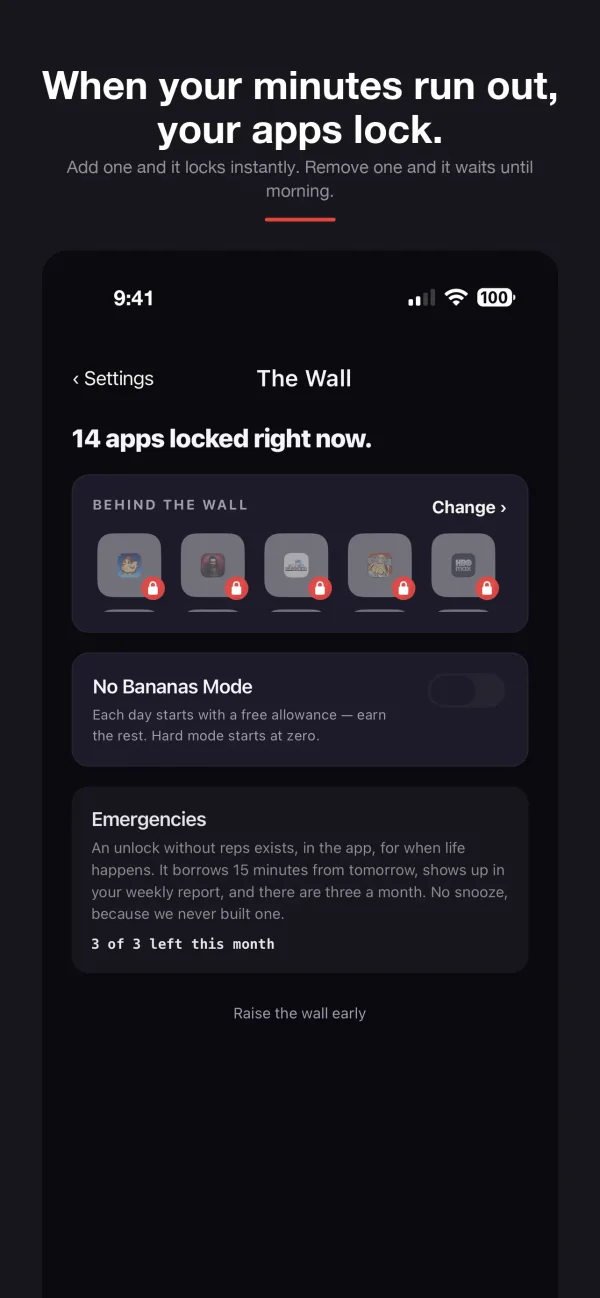
Pick the apps that eat your day. When your minutes run out, MonkeyLock locks them — really locks them, using Apple's Screen Time system. To open them again, you move: push-ups, squats, sit-ups, lunges, jump rope. Your camera counts the reps on device. Every rep buys minutes back.
That's the whole idea. No willpower required, because willpower is the thing that keeps failing.
FREE TO USE
The wall works free. Block as many apps as you like, earn as many minutes as you like, keep your streak, keep your history. There is no trial timer and nothing expires.
HOW IT WORKS
• Choose the apps to put behind the wall
• When your balance hits zero, they lock
• Do the reps — your camera counts them, nothing is recorded or uploaded
• Minutes go back in the bank and your apps open
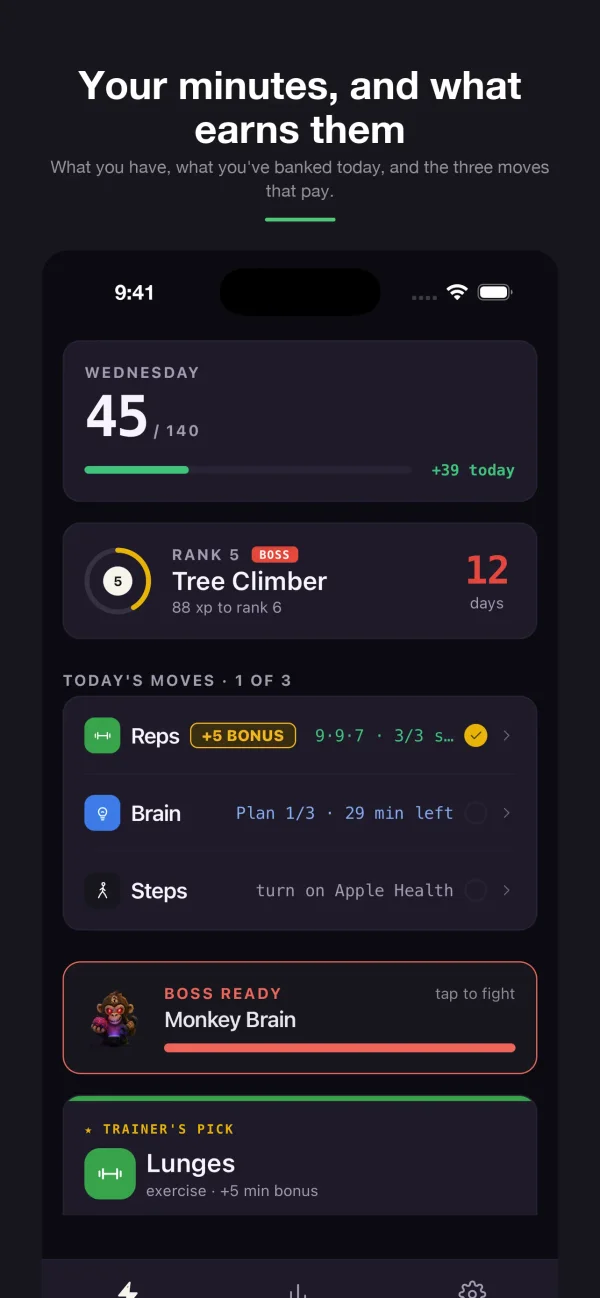
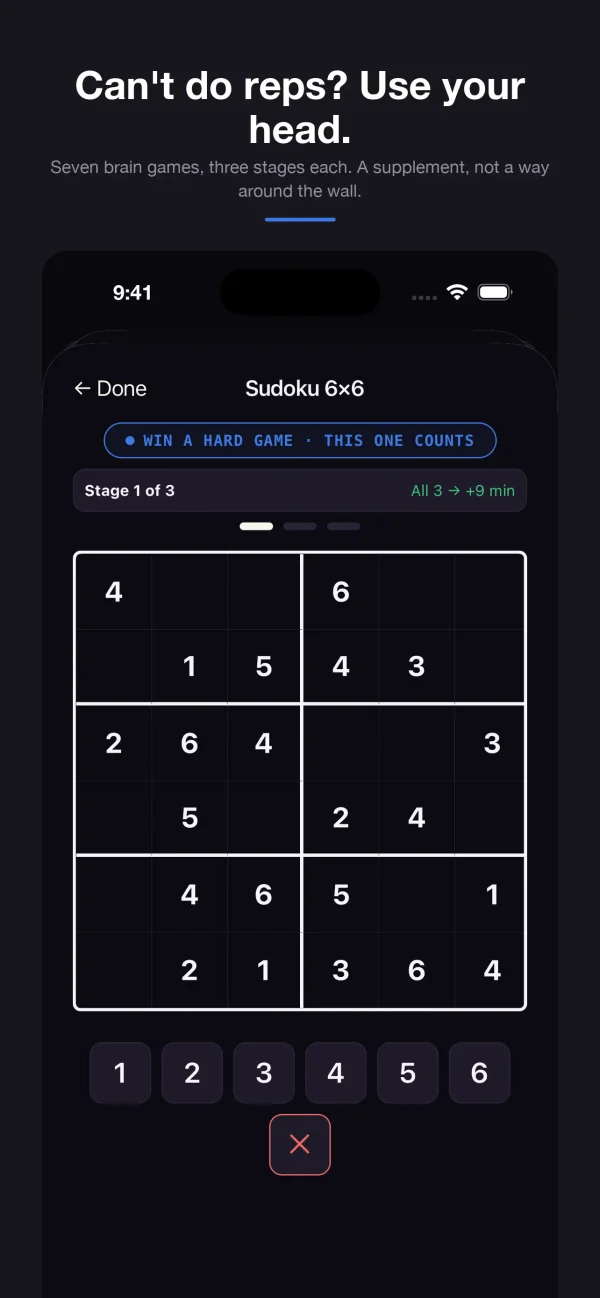
• Brain games and Apple Health steps earn a little on the side
THE WALL IS HONEST ABOUT ITSELF
An app you add to the wall goes on instantly. Taking one off waits until the next morning. That delay is deliberate: it means the wall does not move at the exact moment you most want it to.
And when you genuinely need in — an airport, a wedding, a message that will not wait — Break Glass gives you five minutes for a ten-second hold. Three a day. No reps, no cost, nothing owed tomorrow. A blocker that only ever says no is a blocker people delete.
BUILT TO STAY OUT OF YOUR WAY
• Everything happens on your device. No account, no sign-up, no servers.
• Camera frames are processed live and thrown away. Nothing is saved or sent.
• No ads. No tracking.
WHAT YOU GET FOR SHOWING UP
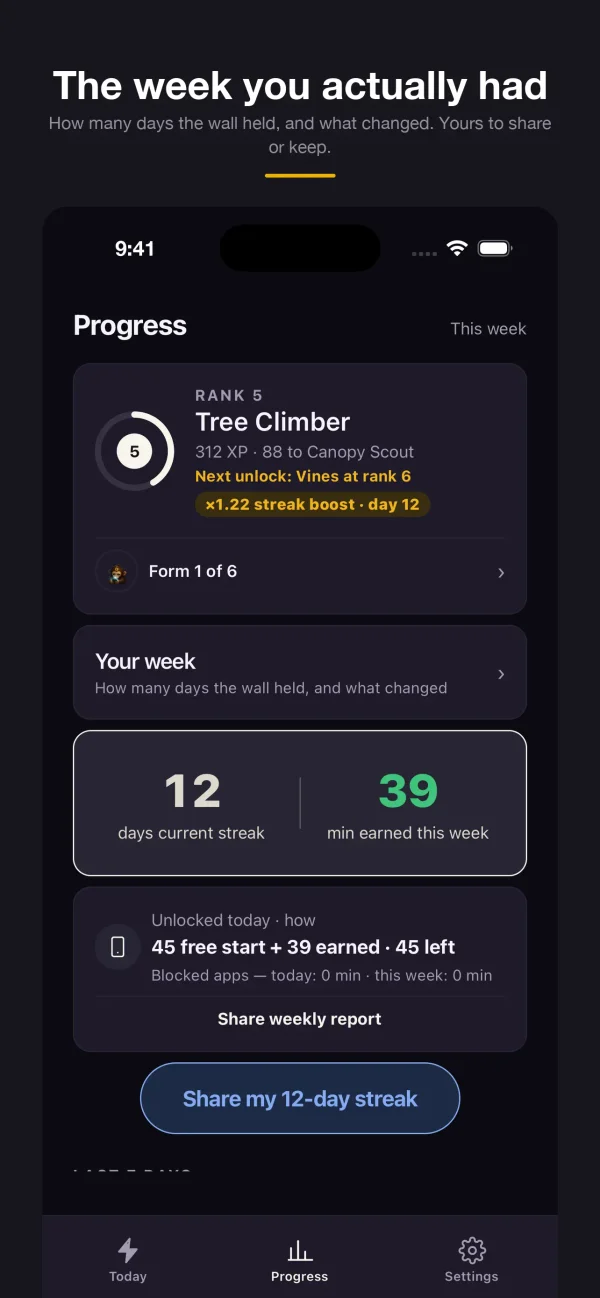
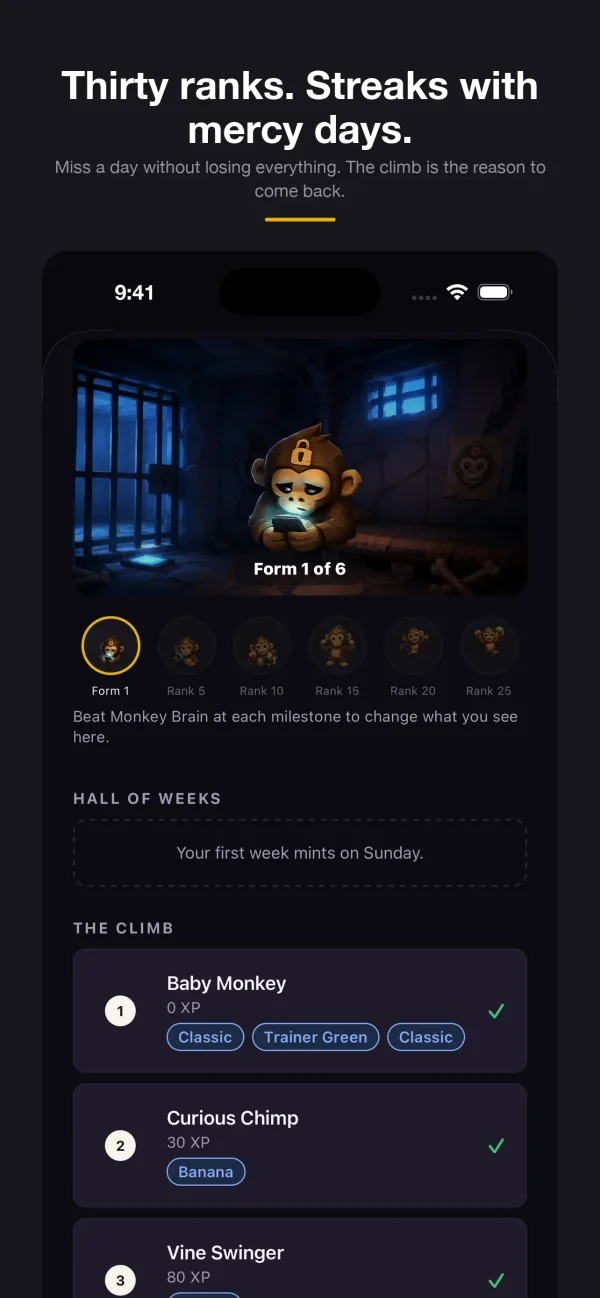
Ranks, streaks with a couple of mercy days, and a Sunday page that shows the week you actually had — how many days the wall held, and what changed.
Requires iPhone with iOS 17 or later. Screen Time permission is needed for blocking to work; MonkeyLock asks for it during setup and explains why.
What’s new
Version 1.1.0 · Aug 21, 2026
MonkeyLock is now free. The wall, the earning, the streak — all of it, with no trial and nothing to unlock.
New: Break Glass. When you genuinely need a blocked app, hold for ten seconds and get five minutes. Three a day, nothing owed tomorrow.
Also: the wall now counts time correctly overnight, memory match fits on one screen, and matched cards are readable on dark themes.
App privacy
What RYAN DAVID BURNS declares on the App Store about how this app handles data.
-
Data linked to you
May be collected and linked to your identity.
- Purchases
- Identifiers
Privacy practices may vary, for example with the features you use or your age.
Information
- Seller
- RYAN DAVID BURNS
- Category
- Health & Fitness
- Version
- 1.1.0
- Updated
- Aug 21, 2026
- Released
- Jun 12, 2026
- Size
- 60.2 MB
- Requires
- iOS 17.0 or later
- Age rating
- 4+
- Languages
- English
- Copyright
- © 2026 Ryan David Burns
You might also like
-
 ScreenRepsBlock Apps. Exercise to Unlock
-
 Dopi: Earn Your Screen TimeExercise Before You Scroll
-
 GritMode: App BlockerUnlock apps with exercise
-
 Domain: Exercise App BlockerWorkout to Earn Screen Time
-
 Clucky: Earn Your Screen TimeHabits That Unlock Your Apps
-
 PushStep: Daily Pushup LogRep Tracker & Reminders
-
 Pushups: Camera Rep CounterHome Workout & Habit Tracker
-
 Earned: Reclaim Your TimeScreen time you actually earn
-
 Unlockr - Earn Screen TimeBlock Apps, Earn Time Back
-
 Squat Social: Butt WorkoutAI Squat Counter, Booty & Legs