
Monoline: AI Expense Tracker
Log spending by text or voice
Designed for iPhone
In-app purchases
- Age rating4+
- CategoryFinance
- DeveloperPlien (KR)
- LanguagesJapanese+ 3 more
- Size31.2 MB
Links to the official App Store page
Download.org hosts no file of Monoline: AI Expense Tracker. The button opens its official App Store page, published by Plien (KR). Listing last checked on Nov 23, 2026.
Screenshots
About
One line is all it takes.
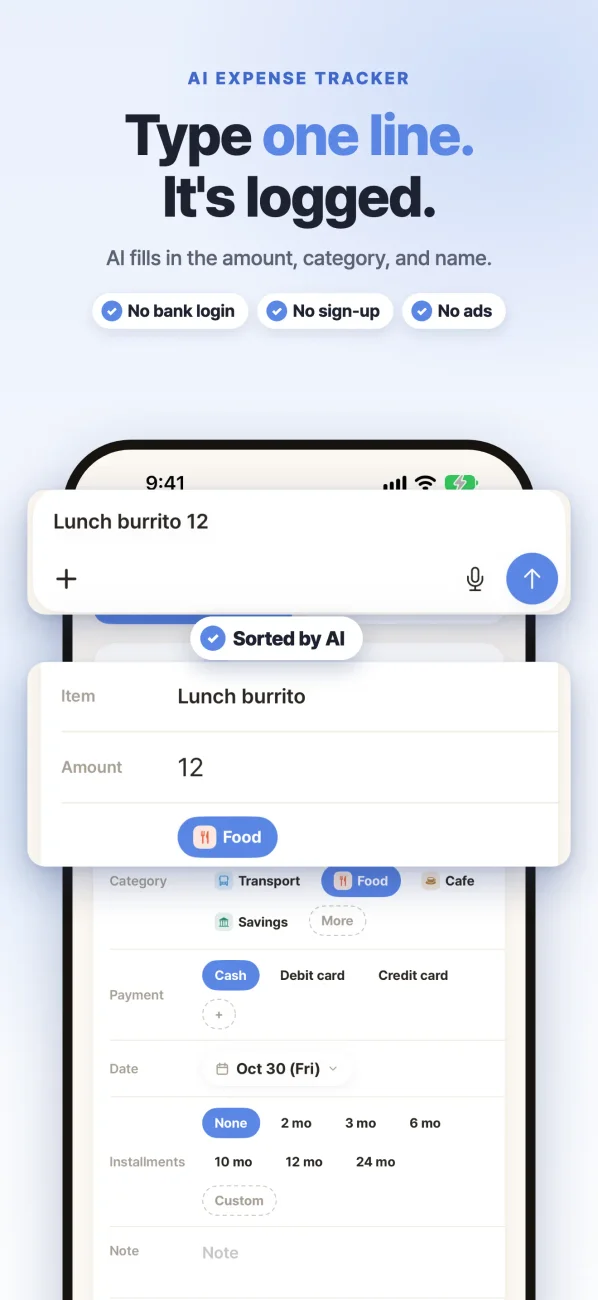
Write "lunch burrito 12" the way you'd text a friend, and Monoline fills in the amount, category, and place. No forms, no endless setup.
• One-line entry — write naturally, it gets sorted
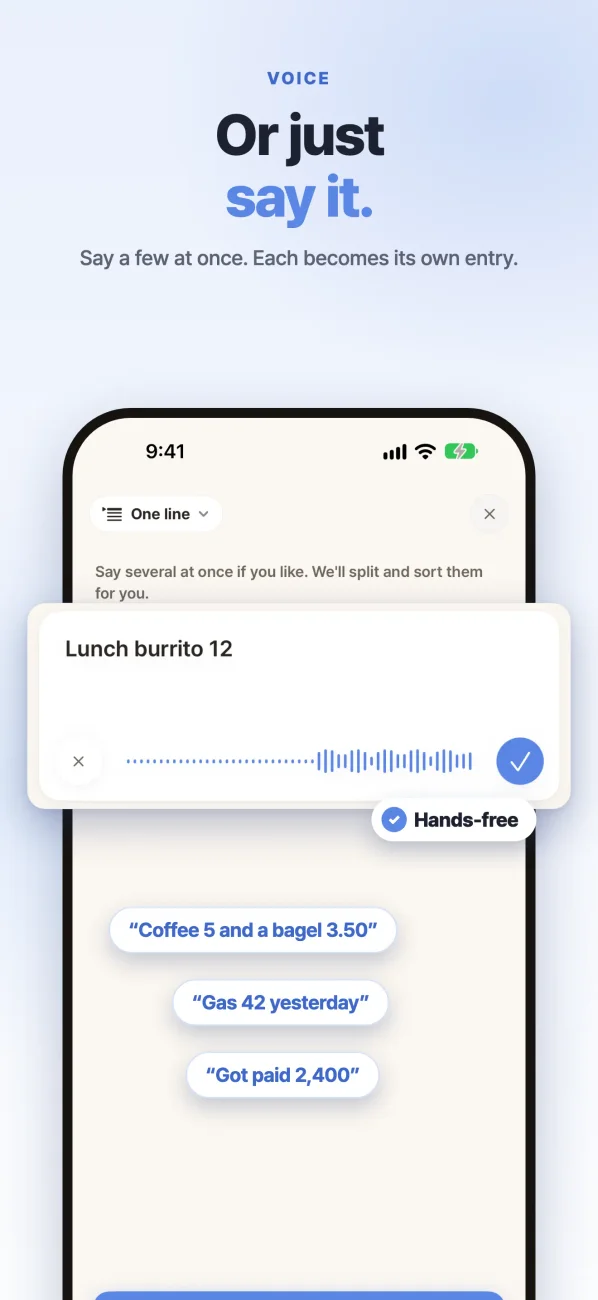
• Several at once — "coffee 4.5, subway 2.75" becomes two entries
• Voice — tap the mic and say it; fix the transcript right there
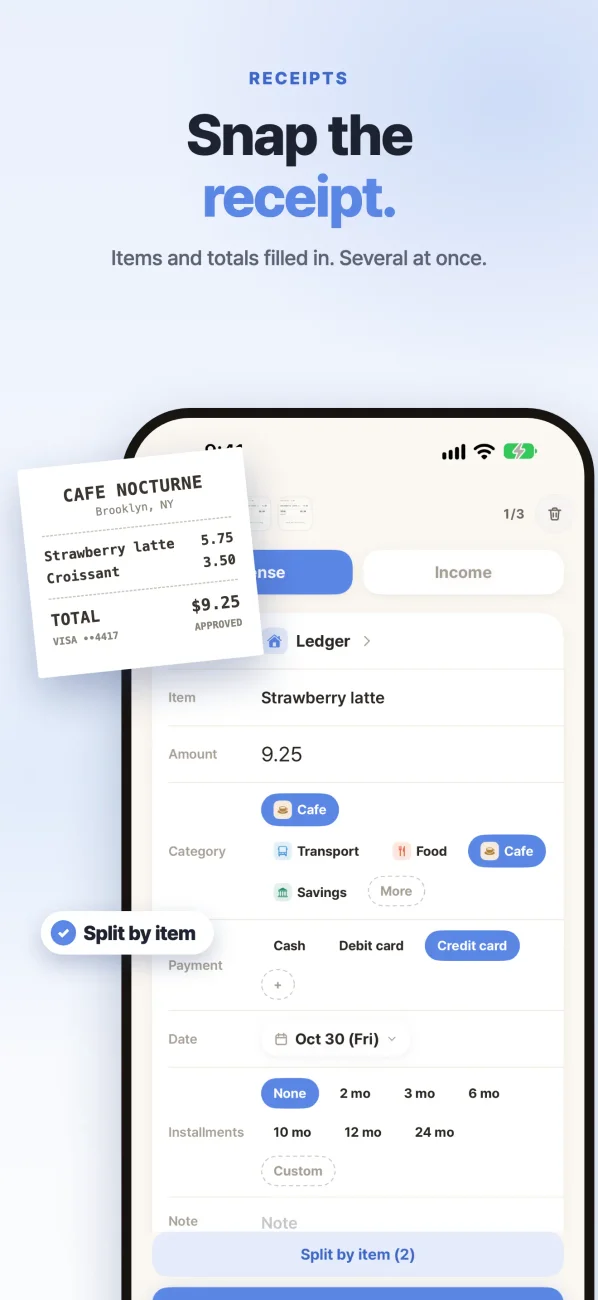
• Receipts — snap one or several photos, items and totals are read for you
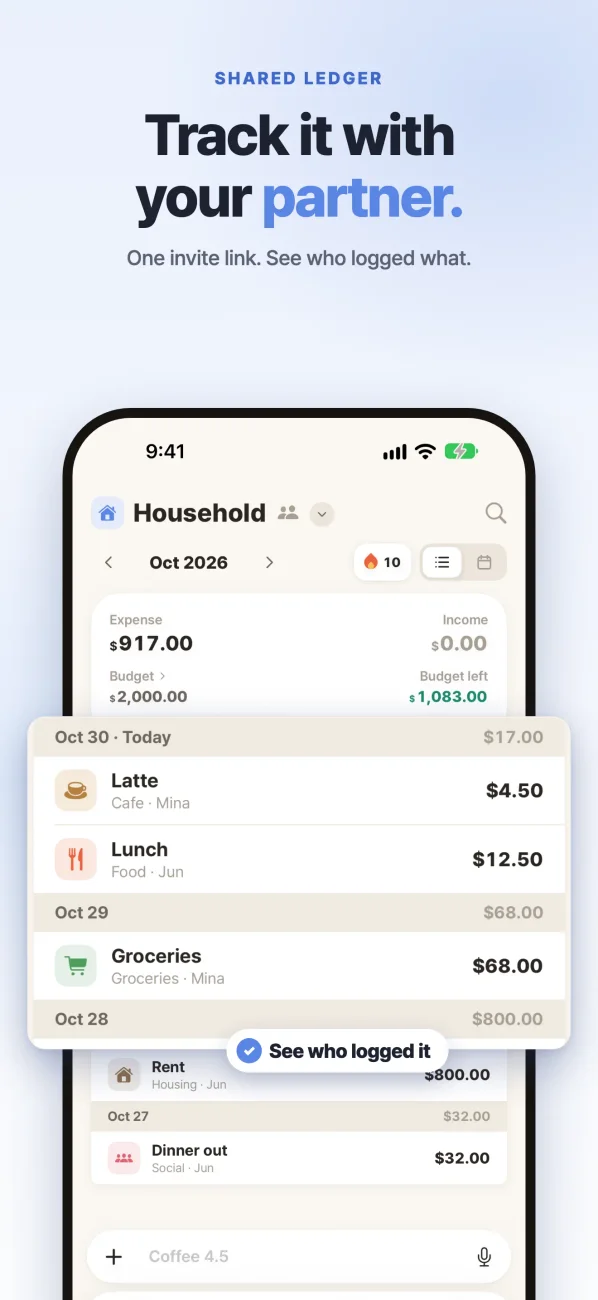
• Shared ledgers — one invite link and your partner or family logs into the same ledger; see who added what
• Day — one photo and one line about today, with an AI look-back at the end of the month
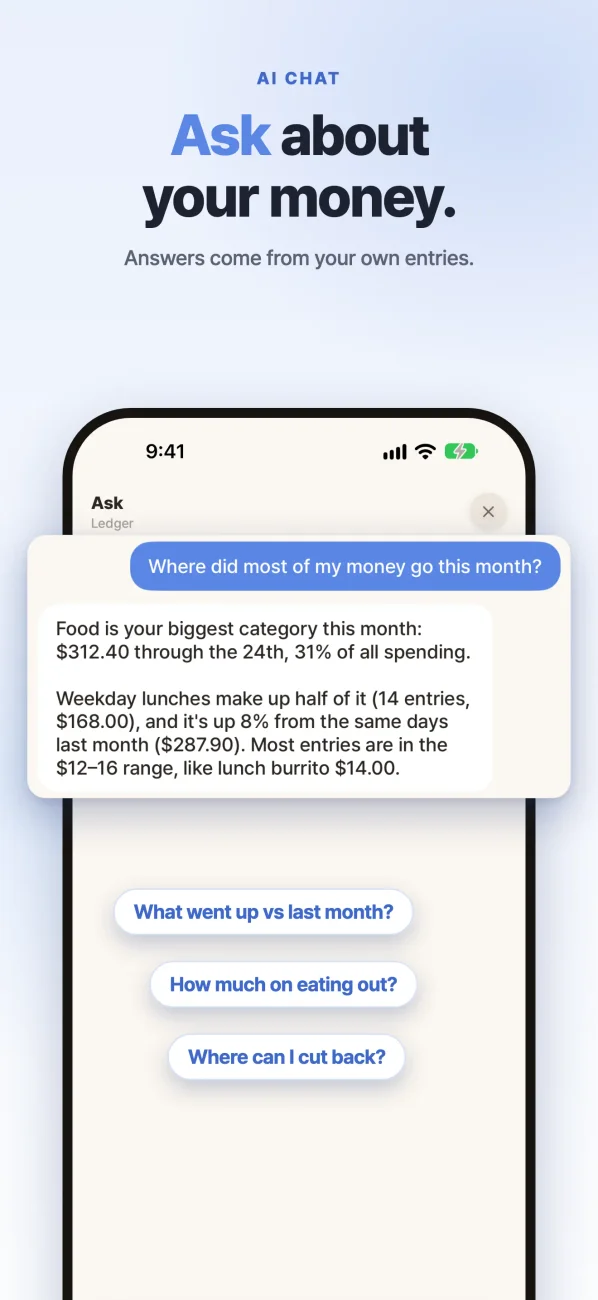
• Ask AI — ask anything about your spending, answered from your own entries
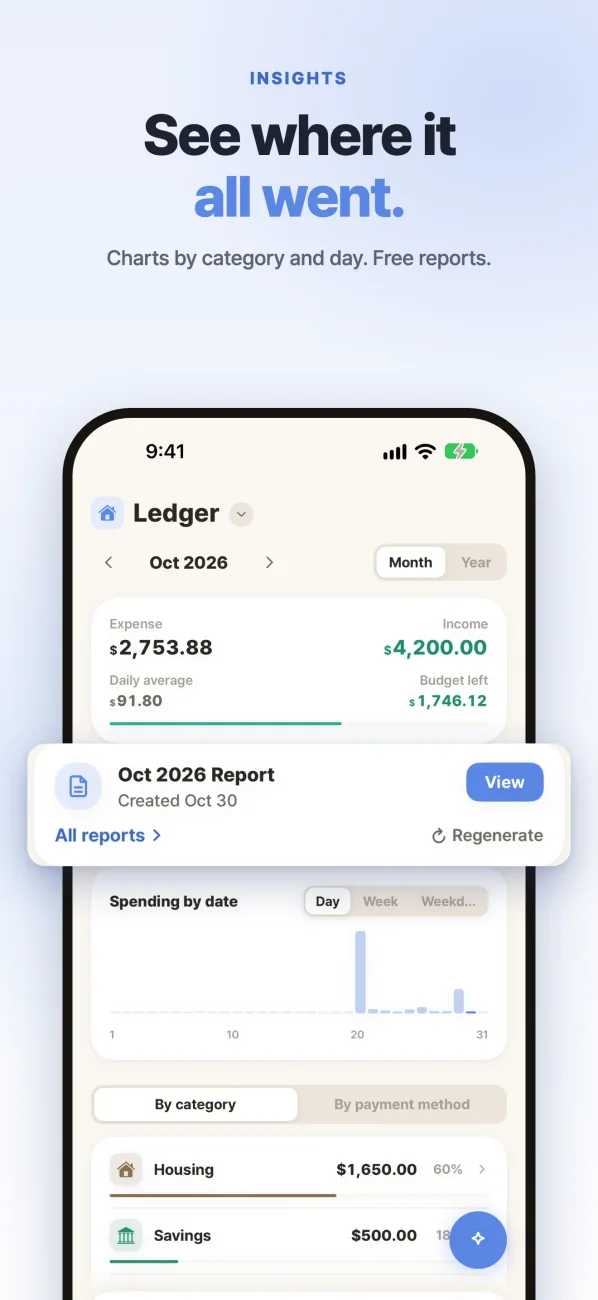
• Reports — monthly and yearly reports of tables and charts, built from your own entries
• Foreign currency — write "¥1,200" and it converts at that day's rate, original kept in the memo
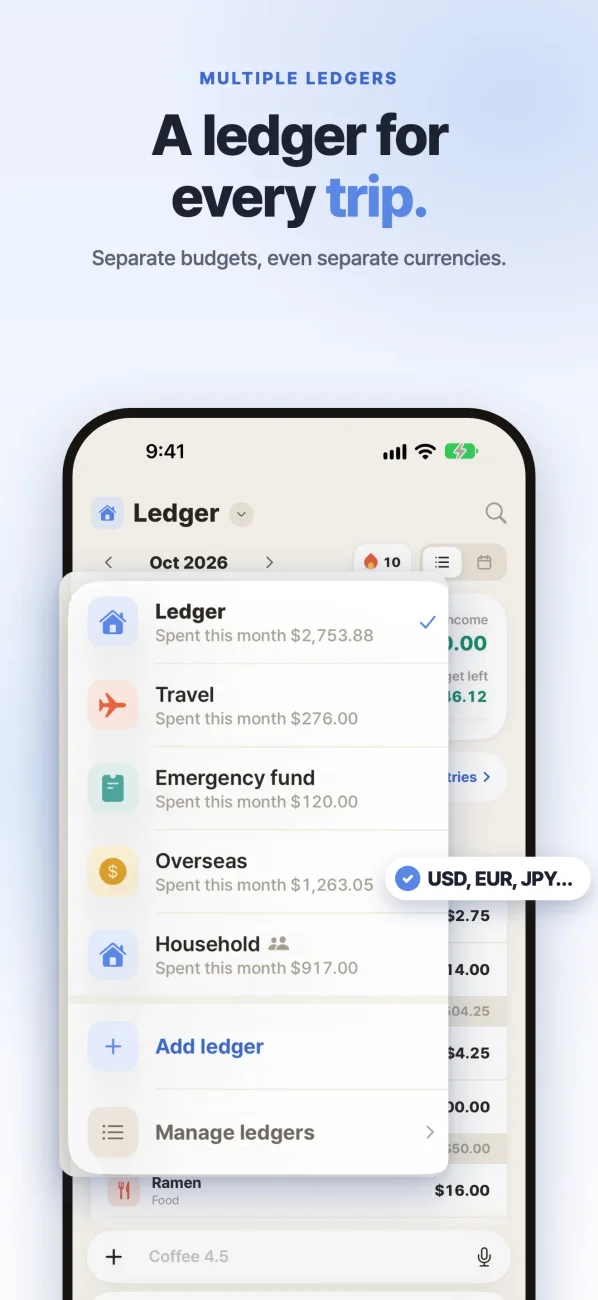
• Separate ledgers — travel, emergency fund, each with its own currency; period ledgers for trips and events
• Clean stats — spending by category and by month at a glance
• iCloud Drive backup — restore after a new phone or a reinstall
• No account needed — your entries live on your phone; sign in only when you share a ledger
Start right away. No sign-up.
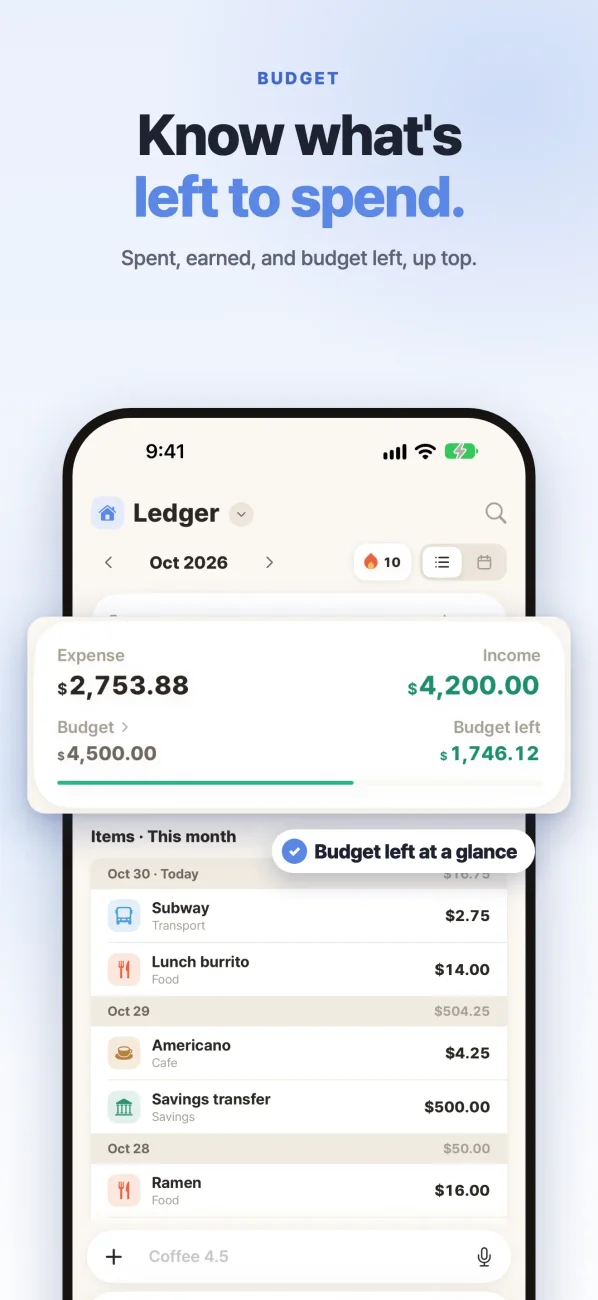
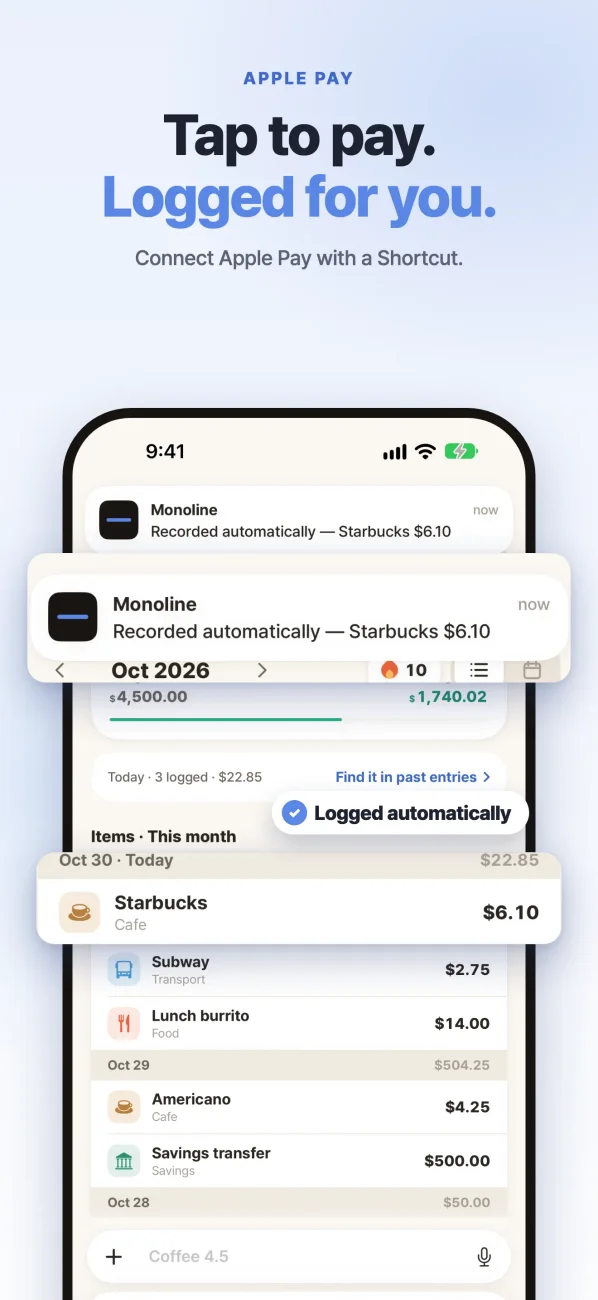
Monoline Plus (optional subscription): unlimited ledgers and Apple Pay auto-record — payments logged through a Shortcut even when the app is closed. The free app keeps everything above, including AI chat, reports and shared ledgers, with 2 ledgers and a 10-entry auto-record trial. Monthly or yearly, cancel anytime in Settings.
Questions: contact@plien.io
Terms of Use: https://plien.io/spent/en/terms
Privacy Policy: https://plien.io/spent/en/privacy
What’s new
Version 2.1.11 · Nov 21, 2026
• Notices are here. See new features and changes in Settings → Notices, and get a heads-up on Home when there's a new one.
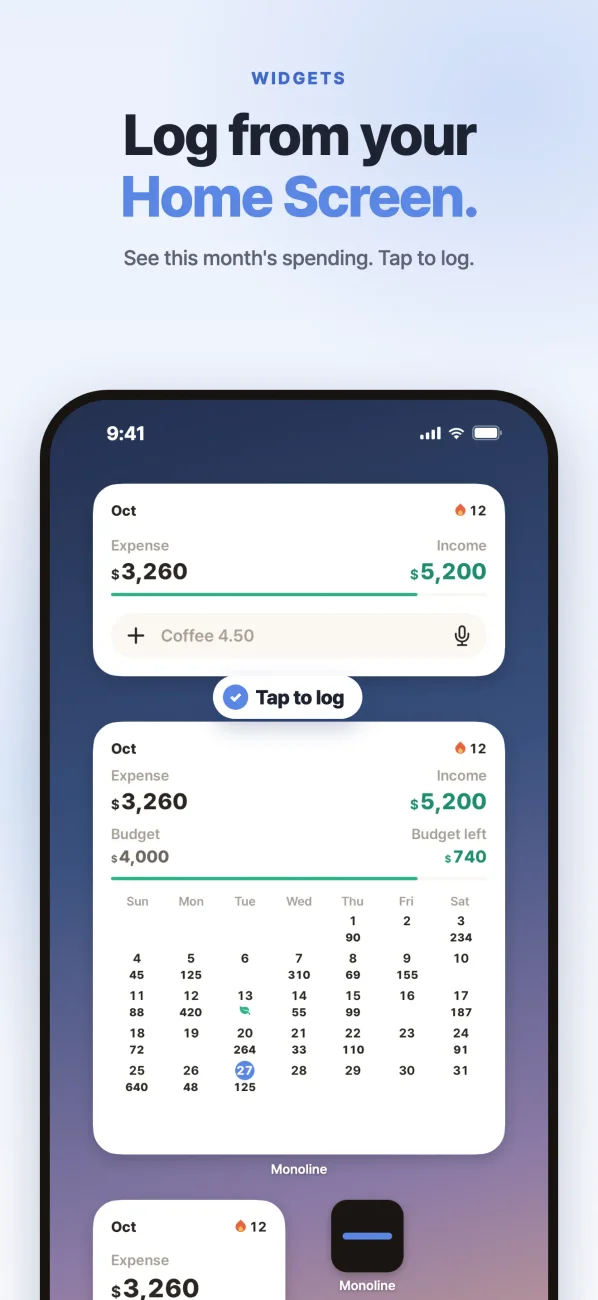
• The first notice introduces Home Screen widgets and how to add them.
• Tap the month name to pick a year and month and jump straight there.
• If you log something without an amount, the amount field opens right away.
• Small fixes and stability improvements.
App privacy
What Plien (KR) declares on the App Store about how this app handles data.
-
Data linked to you
May be collected and linked to your identity.
- Contact info
- User content
- Identifiers
- Usage data
-
Data not linked to you
May be collected but is not linked to your identity.
- Purchases
- Usage data
Privacy practices may vary, for example with the features you use or your age.
Information
- Seller
- Plien (KR)
- Category
- Finance
- Version
- 2.1.11
- Updated
- Nov 21, 2026
- Released
- Jul 9, 2026
- Size
- 31.2 MB
- Requires
- iOS 17.0 or later
- Age rating
- 4+
- In-app purchases
- Yes
- Languages
- Japanese, Traditional Chinese, English, Korean
- Copyright
- © 2026 Plien
You might also like
-
 Kirokuto: AI Budget TrackerTrack expenses by chatting
-
 moneasy AI Expense TrackerReceipt Scanner & Voice Entry
-
 Talk it - Voice ExpensesSimplest way to track spending
-
 Saive: AI Budget CoachAuto Expense Tracker · Shared
-
 チャット家計簿Finance
-
 OneLine: Expense TrackerType one line. You're done.
-
 Payto: AI Expense ManagerSplit Bills, Scan Receipts
-
 Zatto - Receipt Budget AppAI Expense Tracker & Category
-
 ノミカ・NOMICA 食費・飲み代の家計簿Finance
-
 家計簿アプリ【マネトナリ】レシート・音声で簡単入力Finance