Monologue: Smart Dictation
Voice notes & meetings too
Designed for iPhone, iPad
Free · In-app purchases
- Age rating4+
- CategoryProductivity
- DeveloperEvery Media Inc
- LanguagesEnglish
- Size118.4 MB
Links to the official App Store page
Download.org hosts no file of Monologue: Smart Dictation. The button opens its official App Store page, published by Every Media Inc. Listing last checked on Nov 29, 2026.
Screenshots
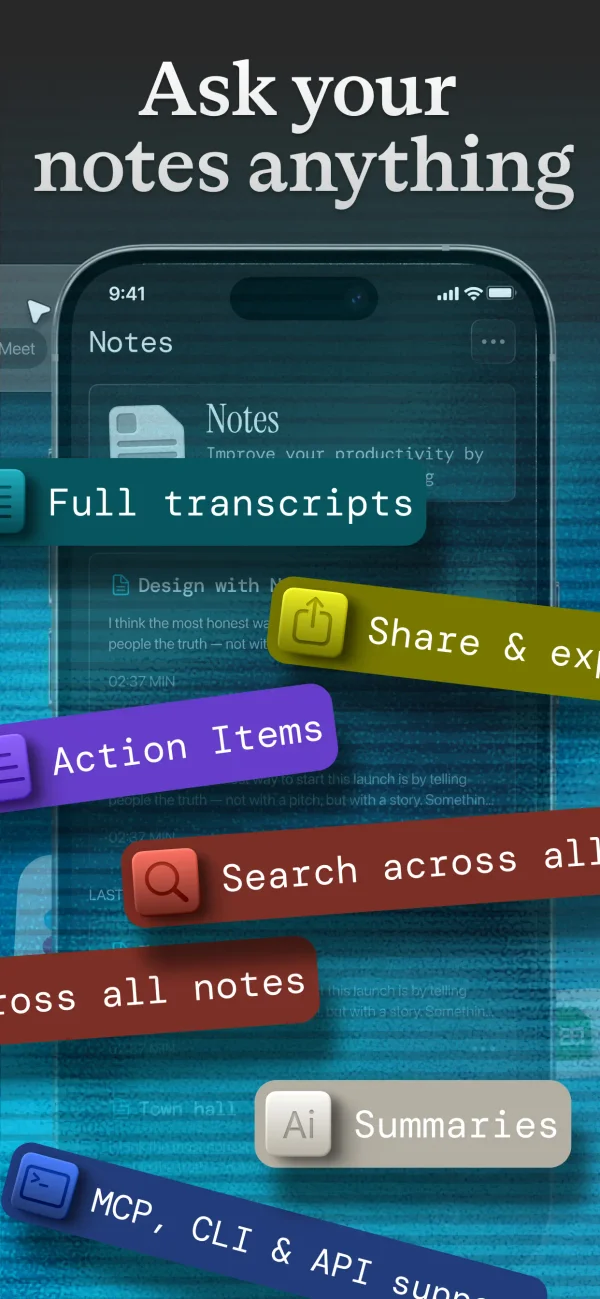


About
Monologue is what happens when you talk through your work instead of typing it.
It starts as dictation that writes what you meant. Use it for voice notes on a walk. Use it for meetings without a bot. Give the transcript to your agents and keep building.
It stays with you from Cursor to a walk to a call.
WHY PEOPLE SWITCH
Most dictation apps get the words down. Monologue gets the intent. It cleans filler, matches the tone of the app you are in, and remembers your names and jargon.
WHAT YOU GET
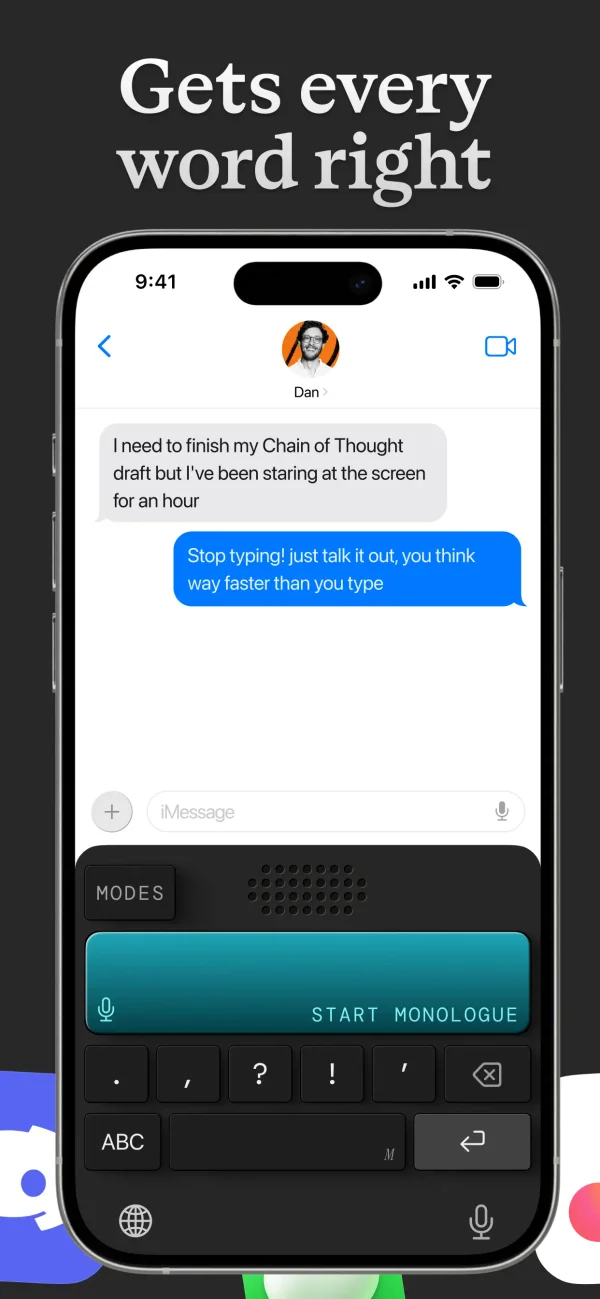
• Dictation in any app. Cursor, Slack, email, iMessage, docs. Talk, and the text is ready to send.
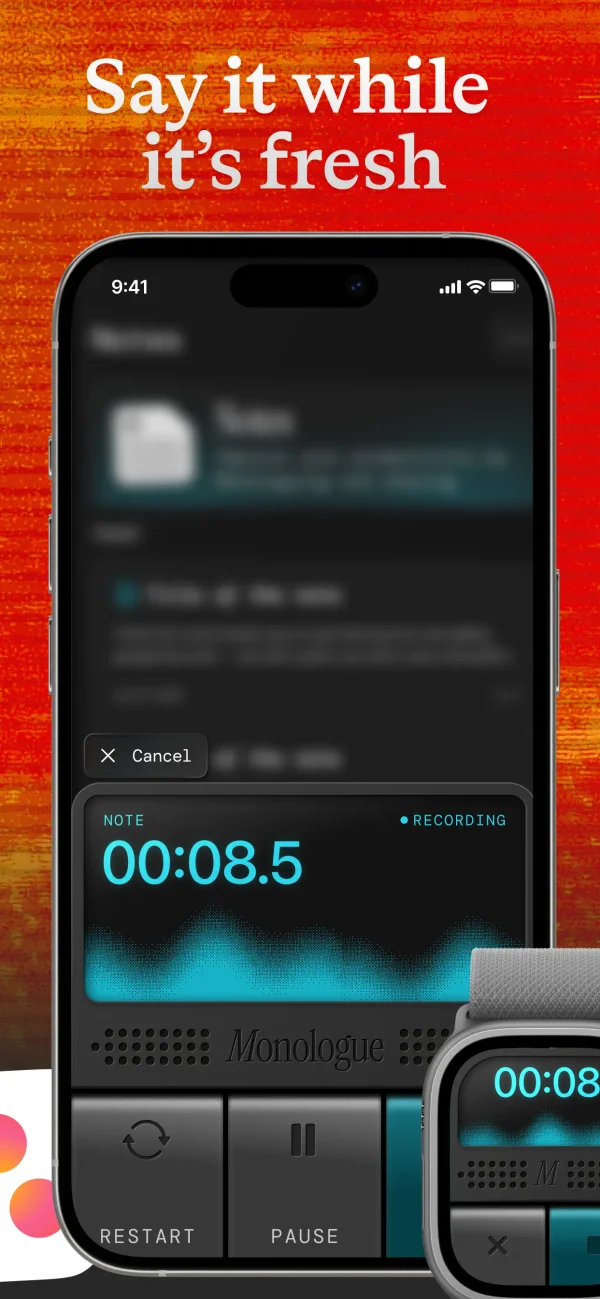
• Voice notes on a walk. Record from iPhone or Apple Watch. Transcript and summary waiting when you are back.
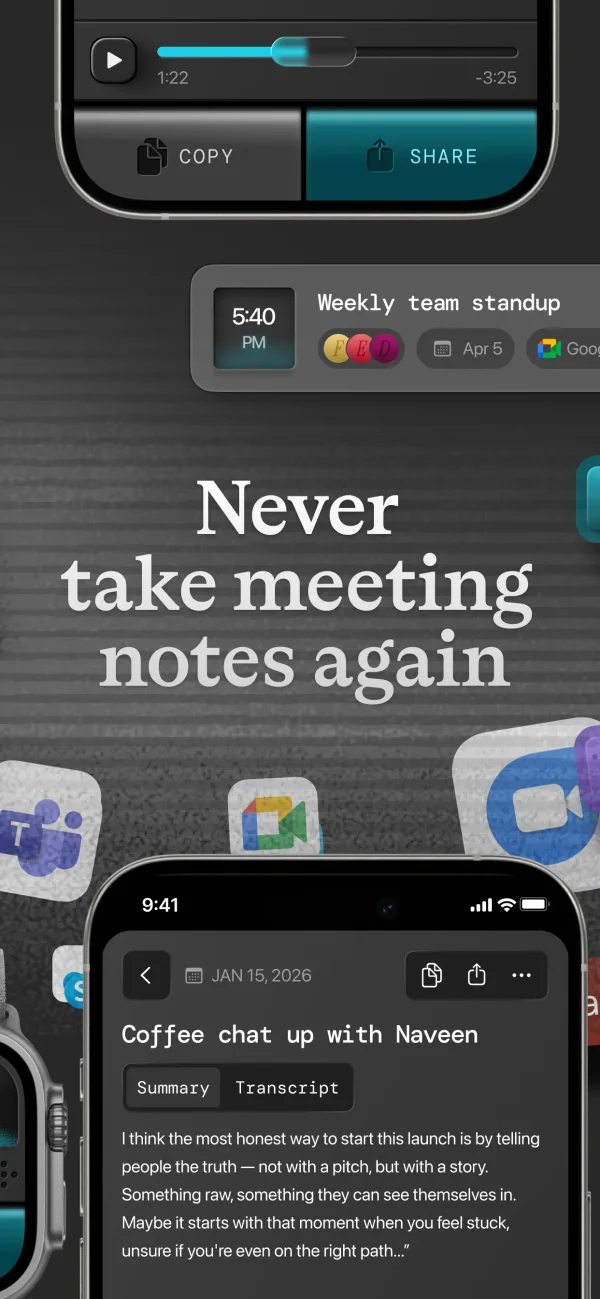
• Meetings without a bot. Capture the call without inviting a stranger into the room.
• Ready for your agents. Hand the note to the tools you already use and keep building.
ALSO BUILT IN
• Modes that change how it writes (chat, email, code, or your own)
• Personal dictionary for names, acronyms, and product language
• 100+ languages, including mid-sentence switches
• Offline transcription on Mac
"Monologue has replaced Wispr Flow for me." - Ben Tossell
Start free with 1,000 dictation words and 10 notes. Monologue Pro unlocks unlimited dictation, unlimited notes, and bot-free meetings
Privacy: we do not save dictation audio or transcripts on our servers. Zero LLM data retention for dictation.
Terms of Use (EULA): https://www.apple.com/legal/internet-services/itunes/dev/stdeula/
What’s new
Version 1.2.1 · Nov 20, 2026
Dictate without opening Monologue
Tap Start on the Monologue keyboard and speak right where you’re typing. Your words appear in the app you’re already using, and your microphone turns off between recordings.
What else is new
• Press and hold to dictate. When a keyboard dictation session is active, hold Start Monologue while you speak, then release to finish. Tap once to dictate hands-free.
• A more flexible keyboard. Collapse the dictation layout to make more room on screen, or start dictating right from the typing layout.
• Multilingual typing. Hold the space bar to switch between supported typing languages you’ve selected for dictation. Suggestions and autocorrect follow the language you choose.
• More control after dictation. Play back the original audio from History, or turn on Auto enter for a mode to press Return automatically after Monologue inserts your text.
• Better recording recovery. If a dictation gets cut short, you can retry the audio Monologue saved from History. Notes also save more reliably in the background and recover more reliably after interruptions.
• More on Apple Watch. Browse recent notes and read their summaries on your wrist. Start or stop a recording with Siri or Shortcuts.
• Connect your AI. Find AI app connections, API keys, and webhooks together in Settings.
App privacy
What Every Media Inc declares on the App Store about how this app handles data.
-
Data linked to you
May be collected and linked to your identity.
- Purchases
- Contact info
- Identifiers
- Usage data
-
Data not linked to you
May be collected but is not linked to your identity.
- User content
Privacy practices may vary, for example with the features you use or your age.
Information
- Seller
- Every Media Inc
- Category
- Productivity
- Version
- 1.2.1
- Updated
- Nov 20, 2026
- Released
- Feb 16, 2026
- Size
- 118.4 MB
- Requires
- iOS 17.6 or later
- Age rating
- 4+
- Price
- Free
- In-app purchases
- Yes
- Languages
- English
- Copyright
- © 2026 Monologue
You might also like
-
 Aqua Voice: AI DictationSpeech to Text Keyboard
-
 Spokenly: Audio to Text AI appTranscribe Voice Notes & Talk
-
 Willow Dictation & AI KeyboardVoice typing for work & chat
-
 Buzz - chat with your hiveWhere humans and agents build
-
 SuperwhisperAI Keyboard & Dictation
-
 Raycast: Keyboard, AI and moreProductivity on the go
-
 Unforgetful: Never Lose a TaskTo-do reminders app for ADHD
-
 Extra - your life's inboxYour inbox, handled.
-
 Limitless AI Voice RecorderTranscribe Meetings & Notes