- Age rating4+
- CategoryUtilities
- DeveloperTeevers Pte. Ltd.
- LanguagesEnglish
- Size298.6 MB
Links to the official App Store page
Download.org hosts no file of Moo-V. The button opens its official App Store page, published by Teevers Pte. Ltd. Listing last checked on Nov 12, 2026.
Screenshots
About
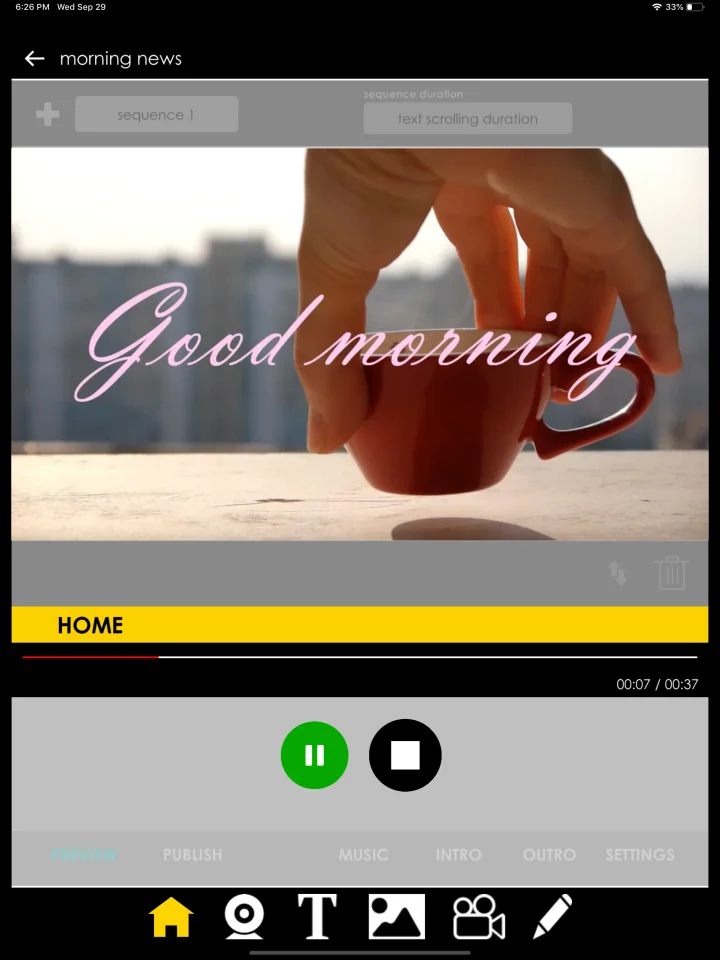
Moo-V is a tool for anyone who wants to create short, simple but fun presentation videos but do not have any experience in any video editing software or app.
Some examples of what Moo-V can do:
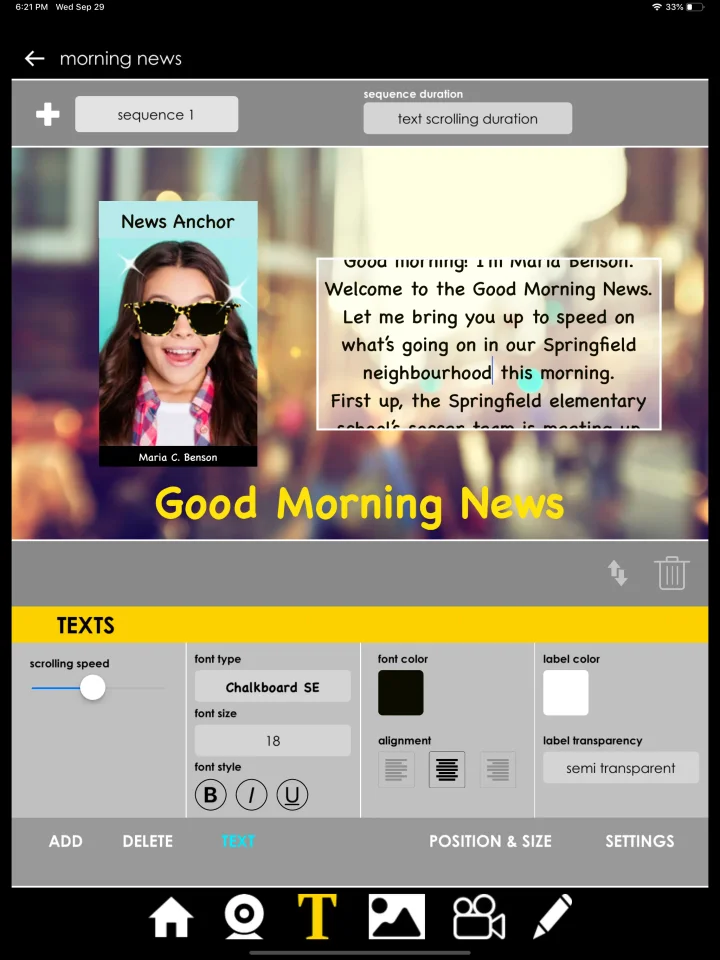
1. Presenters can read their scripts from a teleprompter-like textbox and which can also be displayed as subtitles in the published videos.
2. Presenters can create picture-in-picture videos or scribble notes on their videos easily.
3. Presenters can superimpose themselves into cartoon characters to liven up their presentations for their audience.
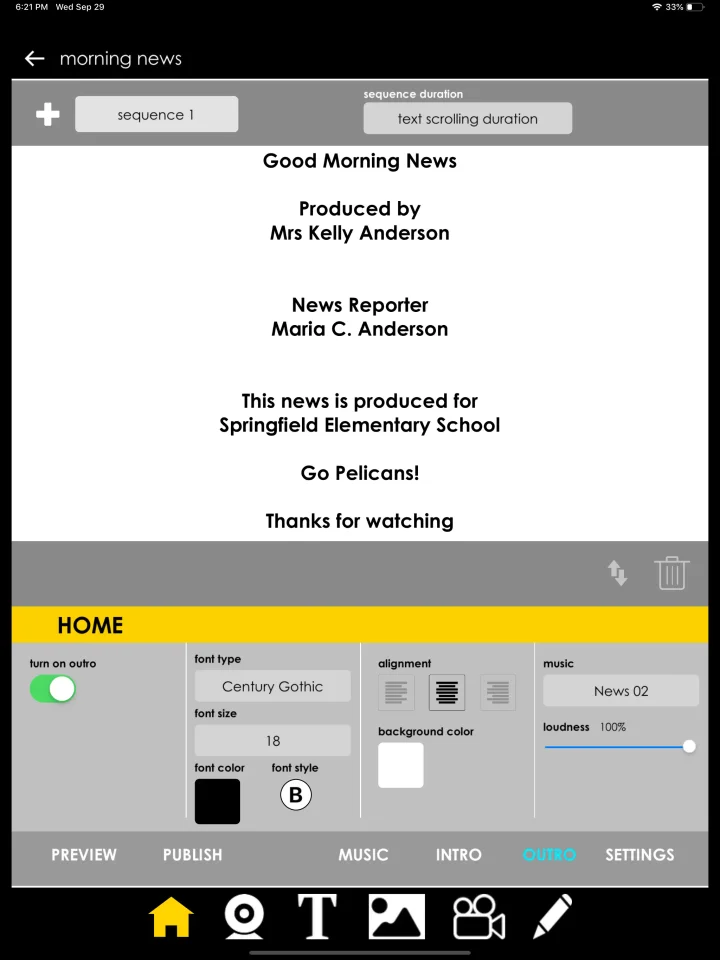
4. Presenters can also include ready-made intro animations in their videos to make them look like actual news programs.
Moo-V is especially suitable for schools to produce morning news videos to make public announcements, weather reports, and many others.
What’s new
Version 2.1.1 · Oct 28, 2026
Bug fixes and improvements.
App privacy
What Teevers Pte. Ltd. declares on the App Store about how this app handles data.
-
Data linked to you
May be collected and linked to your identity.
- User content
- Identifiers
Privacy practices may vary, for example with the features you use or your age.
Information
- Seller
- Teevers Pte. Ltd.
- Category
- Utilities
- Version
- 2.1.1
- Updated
- Oct 28, 2026
- Released
- Oct 1, 2021
- Size
- 298.6 MB
- Requires
- iOS 15.6 or later
- Age rating
- 4+
- Price
- Free
- In-app purchases
- Yes
- Languages
- English
- Copyright
- © 2021 Teevers. Pte. Ltd.
You might also like
-
 WMSenseHubUtilities
-
 WhalesBot EagleGraphical Programming Software
-
 MovieCollection_LWMobile Movie Database
-
 Tatl – Pure Tally CounterAd-Free, Screen Awake, Offline
-
 Boeing 787 Training Guide PROPRO
-
 Eutooth MPAMobile Public Address
-
 ComfyLinkRun ComfyUI workflow on mobile
-
 vloop ProCWG's Video Loop Presenter
-
 TV Remote Control - Android TVScreen cast & Remote control
-
 Visual Timer: See TimeSee remaining time at a glance