- Age rating4+
- CategoryUtilities
- Developerhirotoshi kasane
- LanguagesJapanese
- Size14.5 MB
Links to the official App Store page
Download.org hosts no file of MorCon. The button opens its official App Store page, published by hirotoshi kasane. Listing last checked on Nov 15, 2026.
Screenshots

About
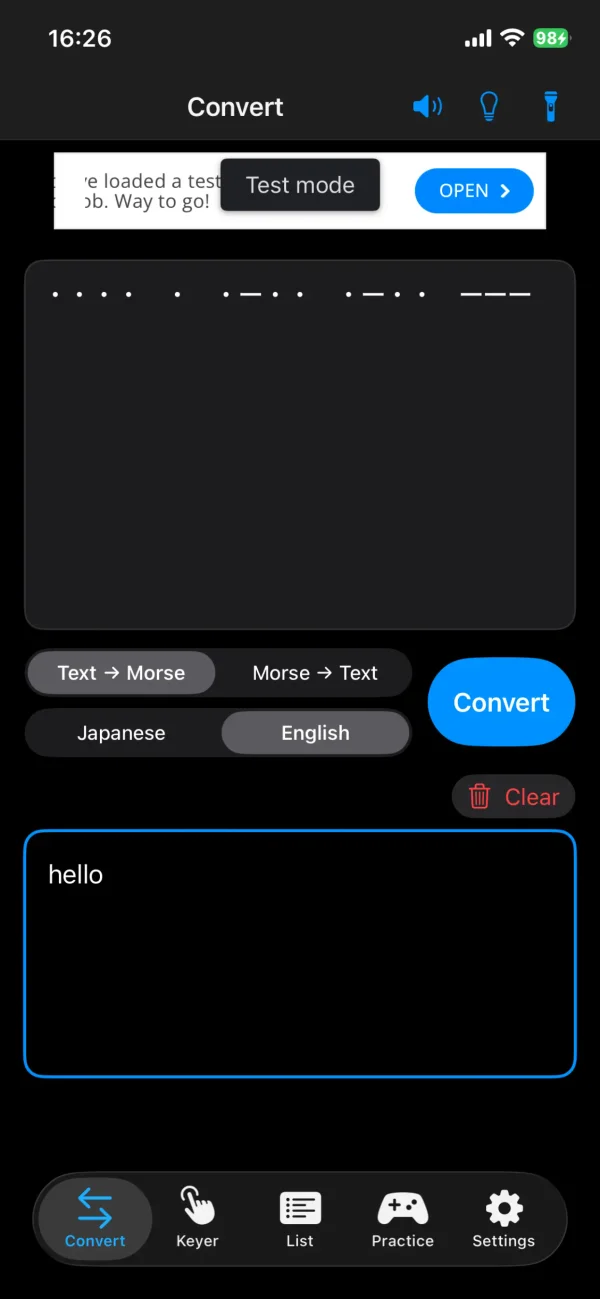
MorCon is a Morse code learning, conversion, and input app that lets you convert between Japanese or English text and Morse code in both directions.
You can easily convert text to Morse code, and Morse code back to text.
Morse code can be played not only through speaker audio, but also through screen flashing and flashlight flashing.
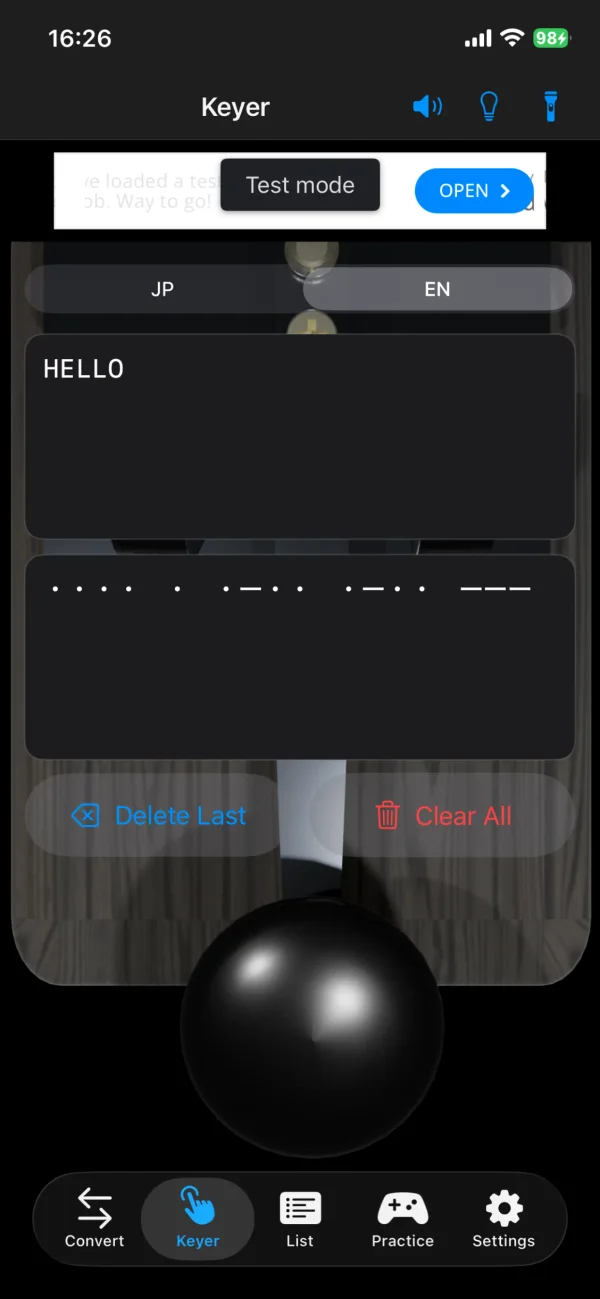
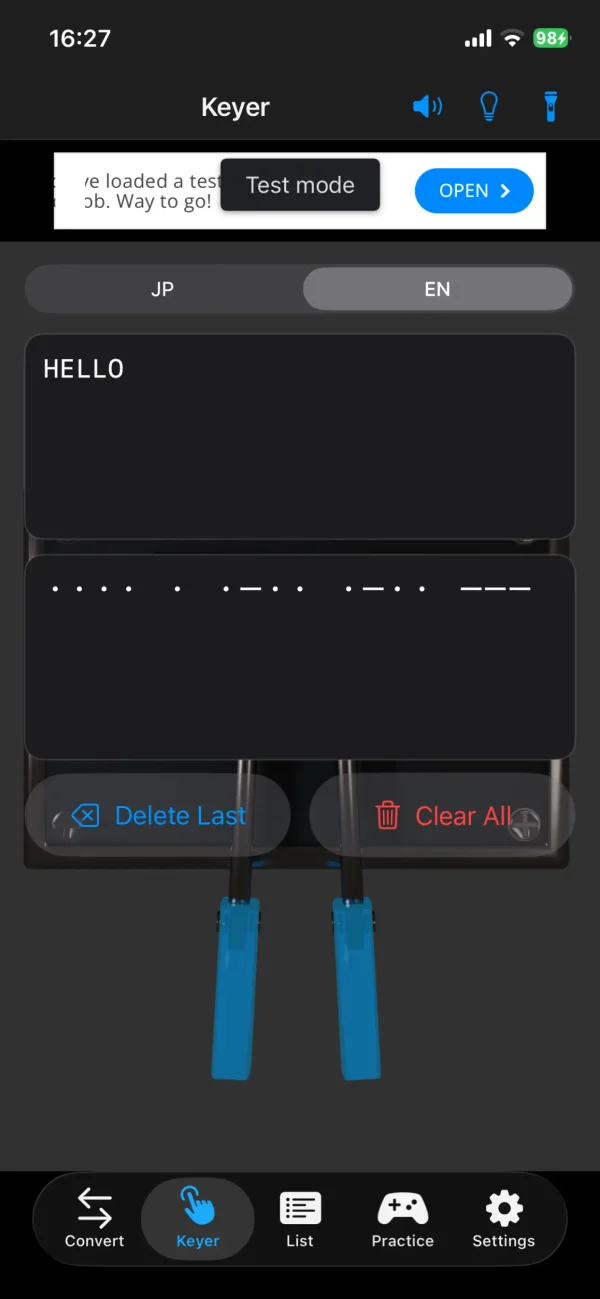
The app also supports key input, so you can enter signals with a straight key or paddle and convert them into Japanese or English text.
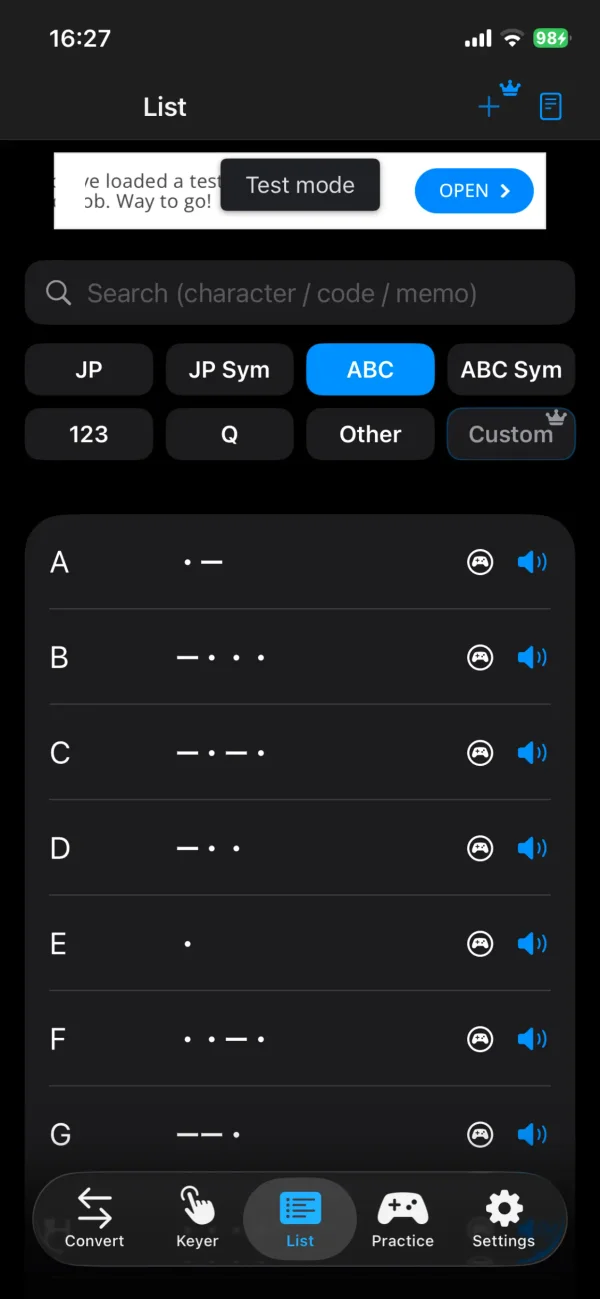
A built-in Morse code list helps you check and learn symbols as you practice.
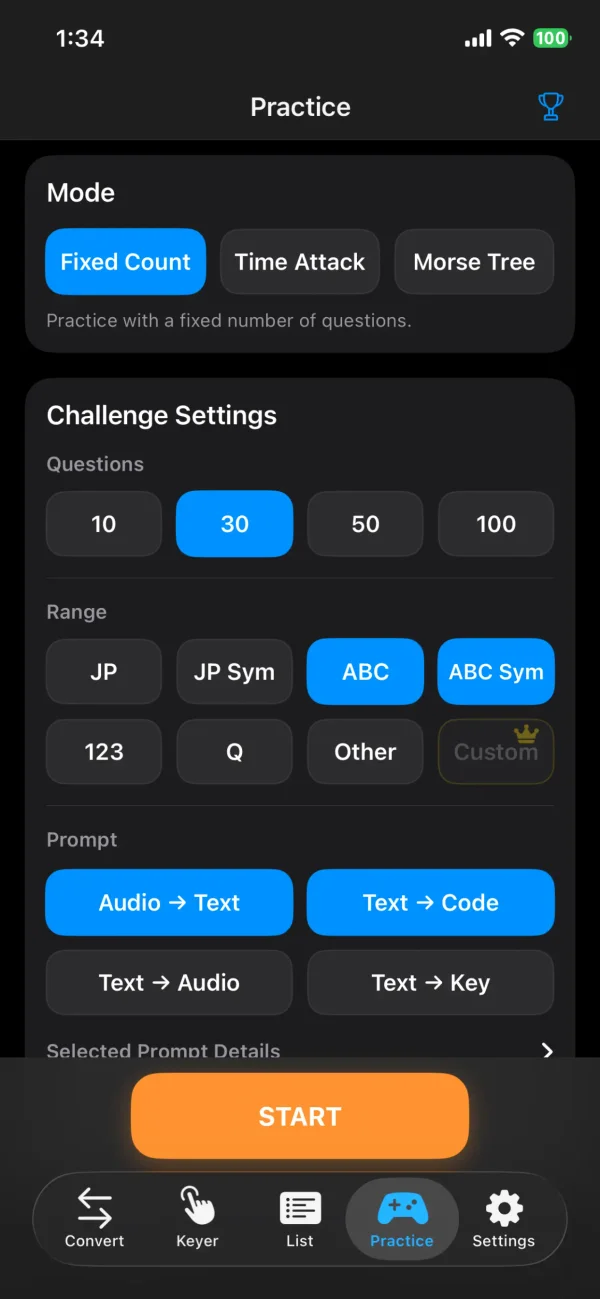
The app also includes multiple training modes with selectable ranges, including multiple-choice practice, timed practice, key input practice, and the new Morse Tree Mode.
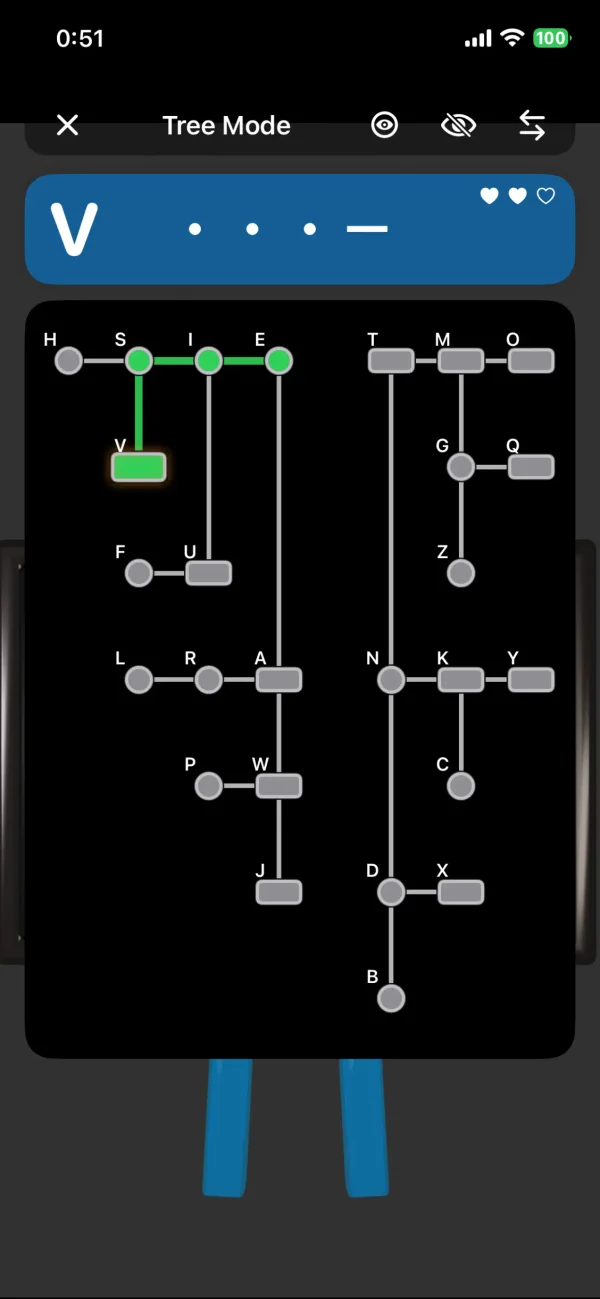
In Morse Tree Mode, you can learn Morse code by growing a visual Morse tree step by step.
Each node is unlocked as you practice, helping you understand the structure of Morse code while learning characters naturally.
Japanese and English trees are supported, with both key input and listening practice.
After mastering a tree, you can unlock Tree Time Attack mode for that specific language and input method.
Three built-in sound styles are included by default: sine wave, radio-style tone, and retro game-style tone.
Pitch can also be adjusted so you can practice with the sound that works best for you.
You can customize the characters used for dots, dashes, and spaces, and adjust playback speed from 5 to 50 WPM.
The app also supports exporting Morse playback as audio and video files.
In the free version, file export is available with a daily limit.
With Premium, file export becomes unlimited.
Main Features
Convert Japanese / English text to Morse code
Convert Morse code to Japanese / English text
Output Morse code as sound, screen flash, or flashlight flash
Export Morse playback as audio and video files
Input signals with a straight key or paddle
Browse a built-in Morse code list
Practice with multiple training modes and selectable ranges
Learn with the new Morse Tree Mode
Unlock Tree Time Attack by mastering each tree
Switch between three built-in sound styles
Adjust pitch
Customize dot, dash, and space characters
Adjust speed from 5 to 50 WPM
Premium Features
With either the lifetime plan or monthly plan, you can unlock the same Premium features:
Ad-free experience
Editing for the Morse code list
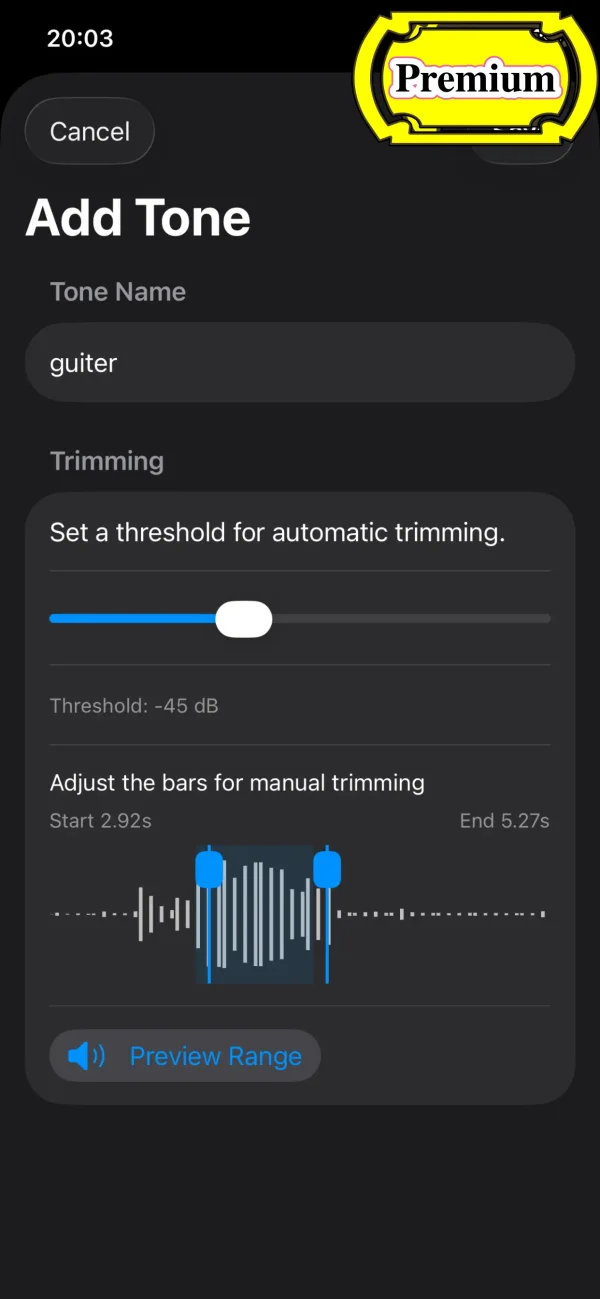
Playback using recorded custom sounds
Custom screen flash colors
Unlimited training sessions
Unlimited audio and video file export
Display Morse code in exported videos
The free version includes the core features, and additional training attempts can also be unlocked by watching ads.
Recommended for anyone who wants to study, review, practice, and input Morse code in one app.
Terms of Use (EULA): https://www.apple.com/legal/internet-services/itunes/dev/stdeula/
What’s new
Version 2.1.1 · May 31, 2026
Improved Tree Mode.
・Better visibility in both Dark Mode and Light Mode
・Fixed an issue where mistake-count hearts were not shown for premium users
・Improved repeated key input behavior
App privacy
What hirotoshi kasane declares on the App Store about how this app handles data.
-
Data used to track you
May be used to track you across apps and websites owned by other companies.
- Location
- Identifiers
- Usage data
- Diagnostics
-
Data linked to you
May be collected and linked to your identity.
- Location
- Identifiers
- Usage data
- Diagnostics
-
Data not linked to you
May be collected but is not linked to your identity.
- Diagnostics
Privacy practices may vary, for example with the features you use or your age.
Information
- Seller
- hirotoshi kasane
- Category
- Utilities
- Version
- 2.1.1
- Updated
- May 31, 2026
- Released
- Oct 13, 2022
- Size
- 14.5 MB
- Requires
- iOS 17 or later
- Age rating
- 4+
- Price
- Free
- In-app purchases
- Yes
- Languages
- Japanese
- Copyright
- © 2022 hirotoshi kasane
You might also like
-
 Morse Code - LearnEasy Fun Morse Code
-
 HAM Support - Powerful log appLog it, remind it, and HAM it!
-
 Morse Code Translator & LearnLearn & Practice Morse Signals
-
 RS-MS3IDV Gateway Communication app.
-
 LED Message BoardUtilities
-
 RS-MS1IUtilities
-
 Morse Code Keys - TrainerLearn Morse Code
-
 Morse Code Translator PlayerTranslate and play morse code!
-
 Morse Code Reader and DecoderTranslator & Flashlight Signal
-
 ST-4001IUtilities