Morse Code: Offline Chat
Translator, Decoder, SOS Light
Designed for iPhone, iPad, iPod touch
Free
- Age rating4+
- CategoryUtilities
- DeveloperAsynk Tech LTD
- LanguagesEnglish+ 1 more
- Size36.8 MB
Links to the official App Store page
Download.org hosts no file of Morse Code: Offline Chat. The button opens its official App Store page, published by Asynk Tech LTD. Listing last checked on Nov 23, 2026.
Screenshots

About
Morse code translator, decoder and offline chat — with your phone's camera, flashlight and speaker. No internet, no SIM card, no account.
DECODE MORSE WITH YOUR CAMERA
Point the camera at a flashing light, and the app translates the flashes into text in real time. It reads the brightest point inside the crosshair, so a small or distant light still counts. Adjust the sensitivity, zoom up to 10x and set the exposure for a dark room, a bright day or a far signal.
SEND BY FLASHLIGHT OR SCREEN
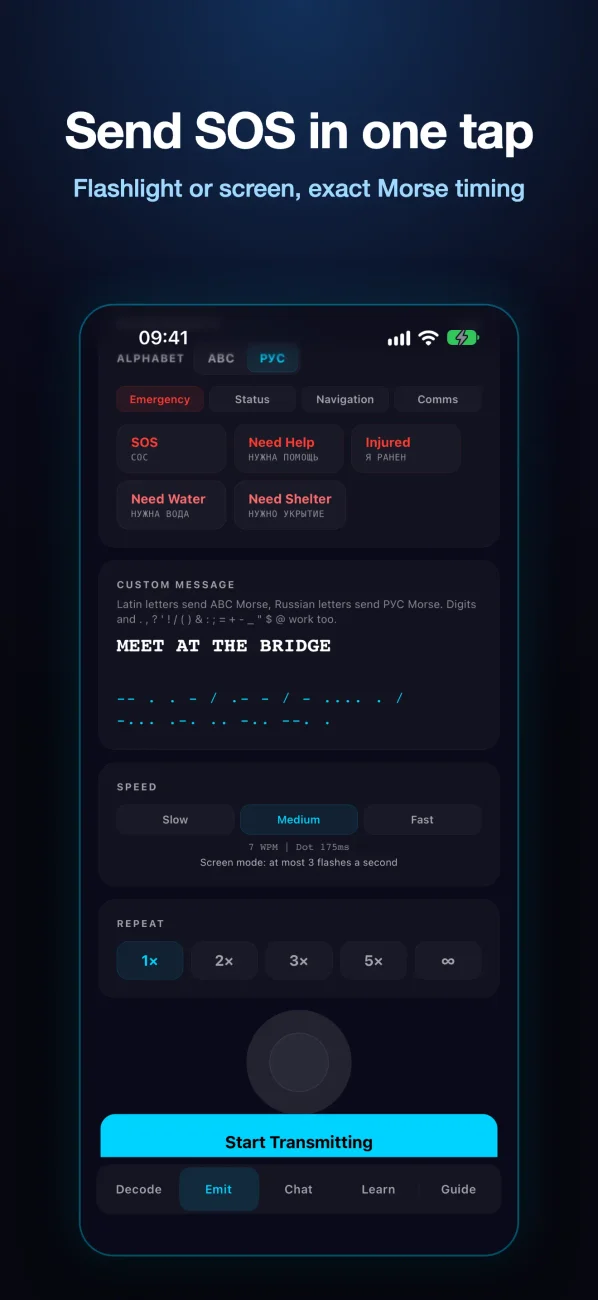
Type any text, and the app sends it as Morse code with the correct dot and dash timing. Three speeds: Slow (6 WPM), Medium (10 WPM) and Fast (15 WPM). Send once, 2, 3 or 5 times, or repeat until you stop. 19 one-tap messages for emergencies, status and directions, including SOS, Need Help and I Am Safe.
CHAT BY LIGHT OR SOUND
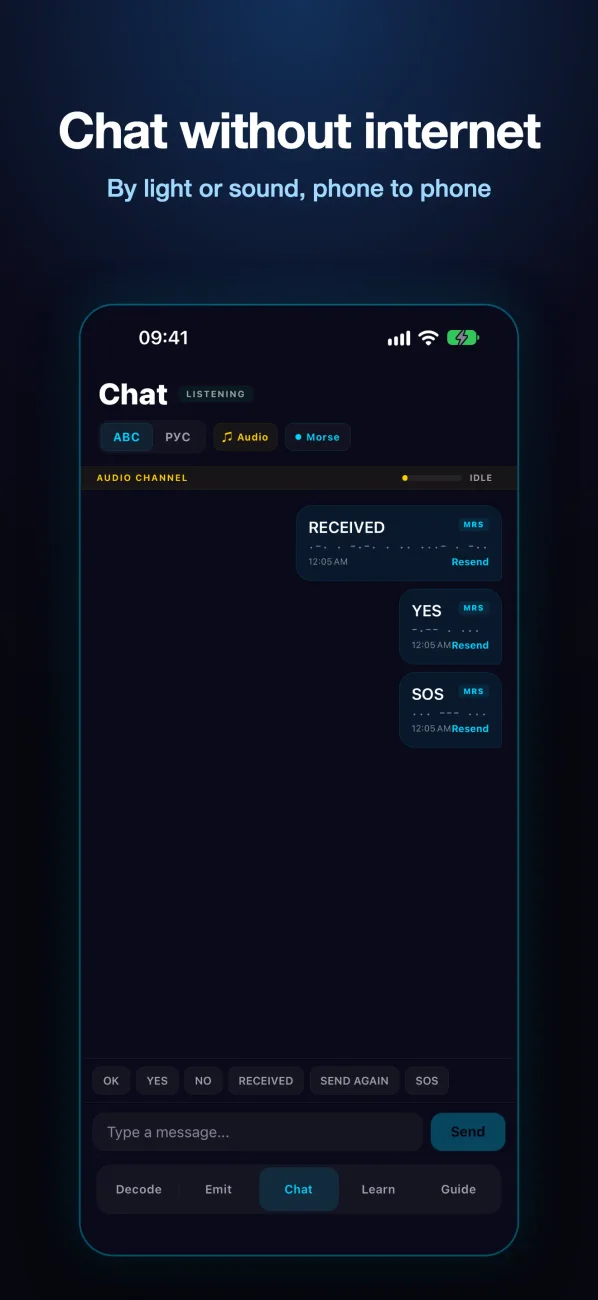
Two phones, two people, no network. One phone flashes, the other reads the light with its camera, then you change roles. With no line of sight, chat by sound through the speaker and microphone. Messages appear in a familiar chat view.
LEARN MORSE CODE
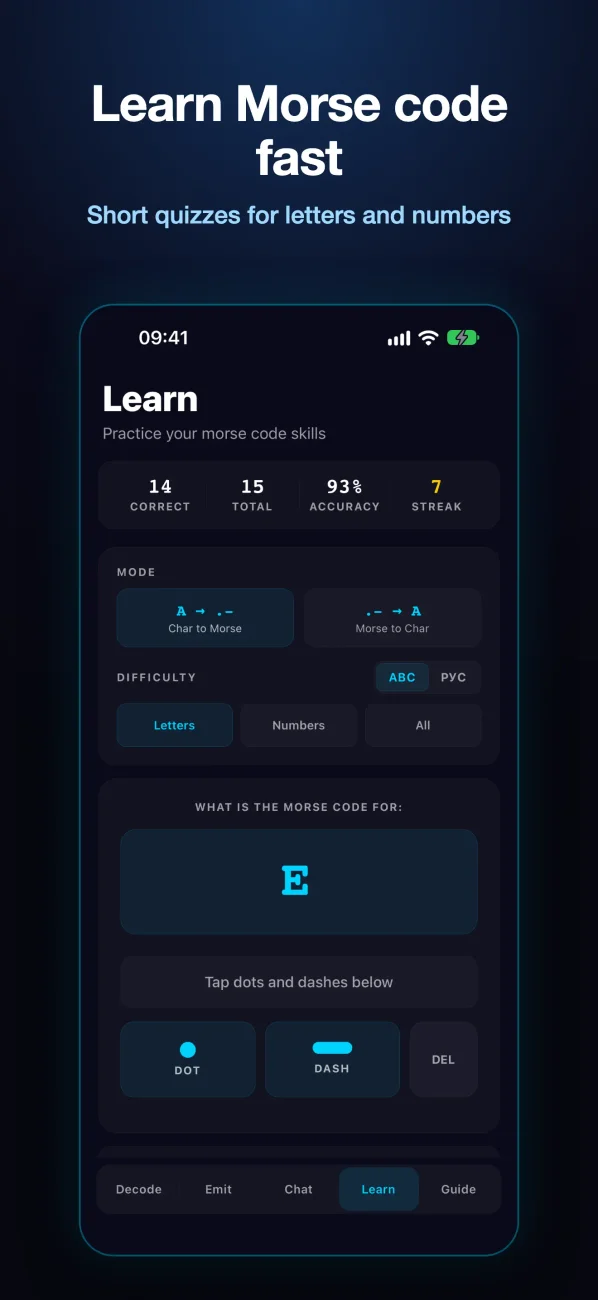
Practice both ways: tap the code for a letter, or pick the letter for a code. Letters, numbers or both, with your score, accuracy and streak. International (Latin) and Russian (Cyrillic) Morse alphabets.
MORSE ALPHABET REFERENCE
A Morse code chart for A–Z and 0–9, timing rules, tips for good reception and the SOS signal.
Morse code numbers are always five symbols:
1 = ·–––– 2 = ··––– 3 = ···–– 4 = ····– 5 = ·····
6 = –···· 7 = ––··· 8 = –––·· 9 = ––––· 0 = –––––
The SOS distress signal is ··· ––– ··· — three short, three long, three short.
BINARY MODE
For messages between two phones that both have the app: Manchester encoding with a CRC-8 checksum, so a damaged packet is detected instead of shown as wrong text. The app detects by itself whether a signal is Morse or binary.
SAFETY
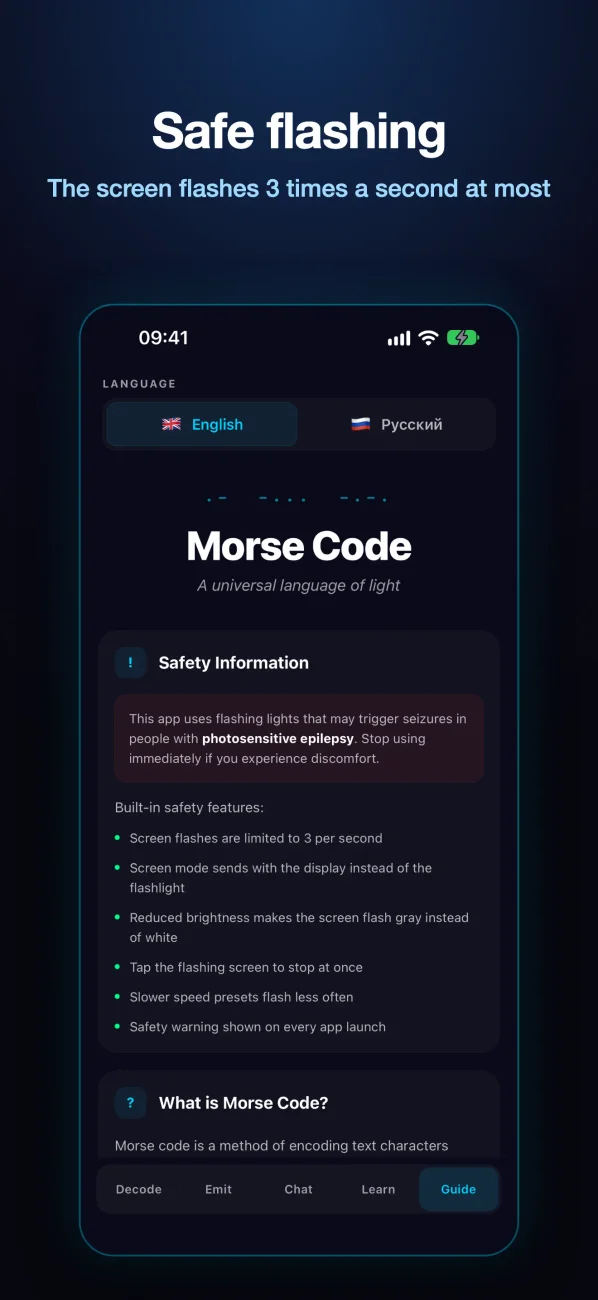
A photosensitivity warning on every launch. Screen flashes never go above 3 per second, a gray Reduced brightness option is available, and a tap on the screen stops a screen send.
WHEN THIS IS USEFUL
• When the internet is down, blocked or unavailable
• Hiking, in the mountains and at sea
• Signalling for help: SOS by flashlight
• Places with no mobile coverage
• Learning the Morse alphabet
• A genuinely interesting experiment
KEY FEATURES
• Morse code translator: text to Morse light, Morse light to text
• Real-time camera decoding of light signals
• Flashlight and screen transmission
• Two-way chat by light or sound
• 3 speeds (6–15 WPM)
• 19 one-tap messages, including SOS
• Morse code practice with scoring
• Latin and Cyrillic Morse code
• Error-checked binary mode
• Works completely offline
• Free: no ads, no in-app purchases, no data collection
Light instead of signal. Works even in airplane mode.
What’s new
Version 7.0.2 · Nov 16, 2026
New screenshots and small improvements.
App privacy
What Asynk Tech LTD declares on the App Store about how this app handles data.
-
Data not collected
The developer does not collect any data from this app.
Privacy practices may vary, for example with the features you use or your age.
Information
- Seller
- Asynk Tech LTD
- Category
- Utilities
- Version
- 7.0.2
- Updated
- Nov 16, 2026
- Released
- Mar 11, 2026
- Size
- 36.8 MB
- Requires
- iOS 15.1 or later
- Age rating
- 4+
- Price
- Free
- Languages
- English, Russian
- Copyright
- © MorseSignal
You might also like
-
 Morse Code Decoder and EncoderUniversal Morse Code Converter
-
 Morse Signal FlashlightMorse Code SOS via Flashlight
-
 Morseon - Morse Code ToolkitSend, Decode, Learn & Practice
-
 Morse Code Translator & LearnLearn & Practice Morse Signals
-
 Morse Code Interpreter ProTranslate Text & Speech
-
 Morse Flash SignalSend Morse code via flashlight
-
 Morse WatcherCode Translator & Detector
-
 Morse Code Translator & SignalLearn, Decode & Send Signals
-
 DigiDecoder: Ham RadioFT8 SSTV CW Packet JS8 Decoder
-
 Flashlight: Morse Code - SOSMorse - Keyboard - Translator