MorseLux: Learn & Keyboard
Learn Morse Code & Practice
Designed for iPhone
Free · In-app purchases
- Age rating4+
- CategoryEducation
- DeveloperSebastian Felipe Schulz
- LanguagesEnglish+ 2 more
- Size12.0 MB
Links to the official App Store page
Download.org hosts no file of MorseLux: Learn & Keyboard. The button opens its official App Store page, published by Sebastian Felipe Schulz. Listing last checked on Nov 23, 2026.
Screenshots



About
Learn Morse code step by step – listen, read, tap and write. With a translator, Q codes, radio conversations and a Morse keyboard for WhatsApp, Messages and every other app.
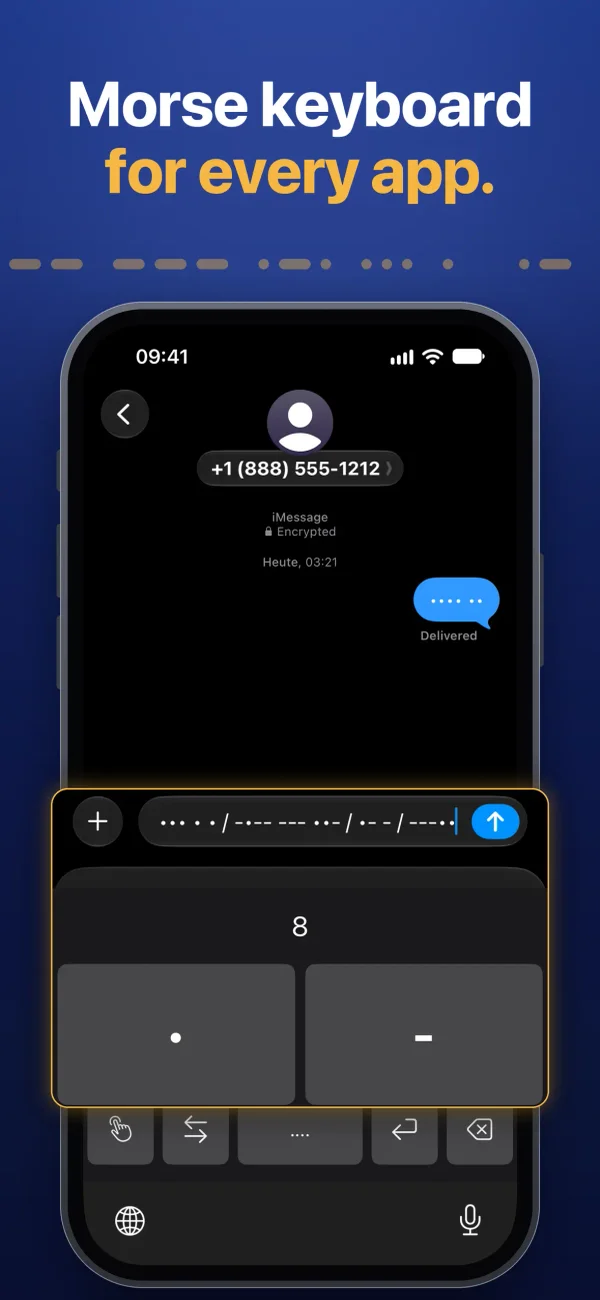
MORSE KEYBOARD FOR EVERY APP
Type Morse code in WhatsApp, Messages and any other app. Choose from three keyboards:
• A dot key and a dash key
• One big key: tap for dot, hold for dash
• Type letters, Morse code gets sent
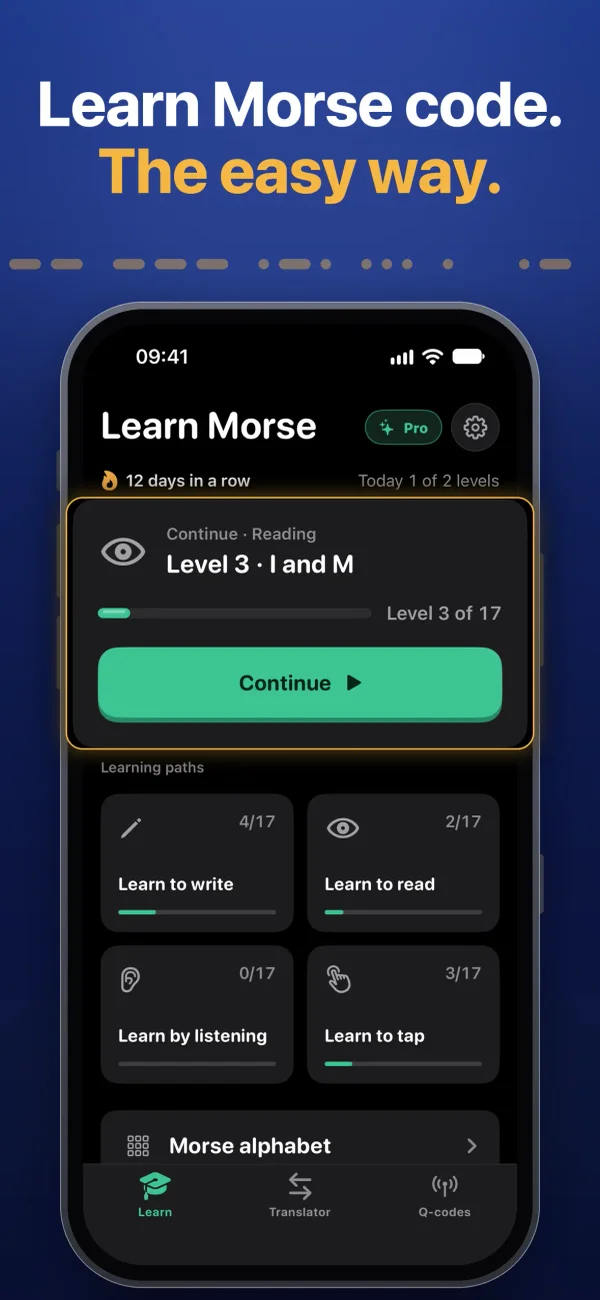
FOUR LEARNING PATHS – PICK YOURS
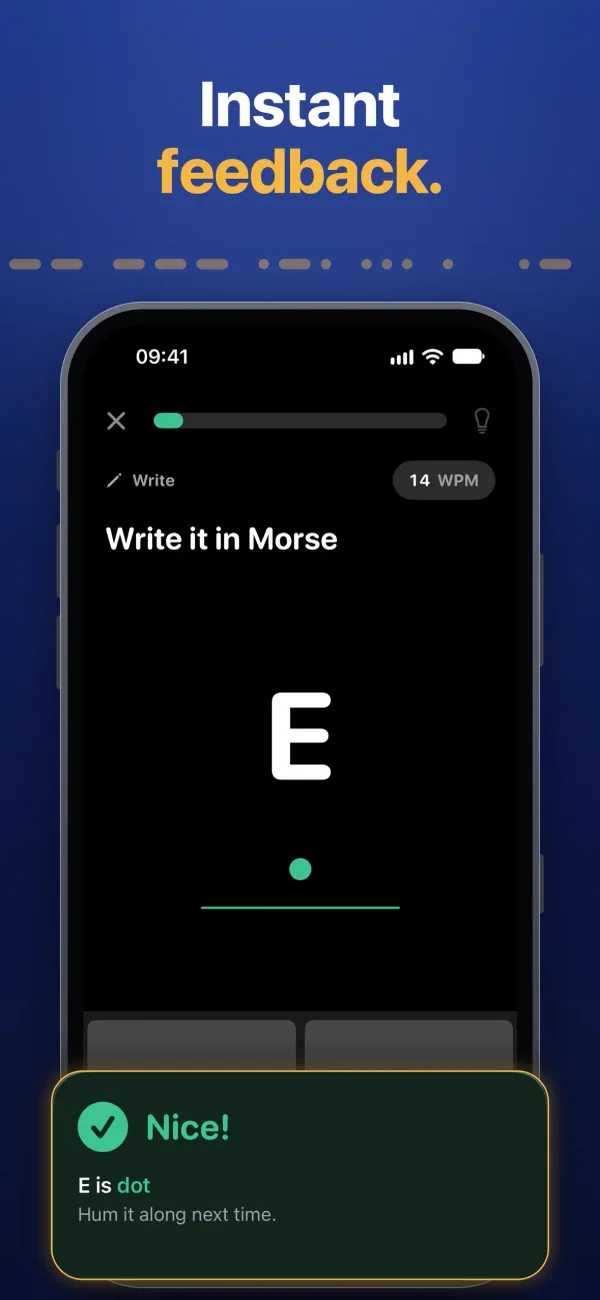
• Learn to write: see letters, write Morse
• Learn to read: see Morse, write letters
• Learn by listening: hear Morse, recognize letters
• Learn to tap: see letters, tap Morse in rhythm
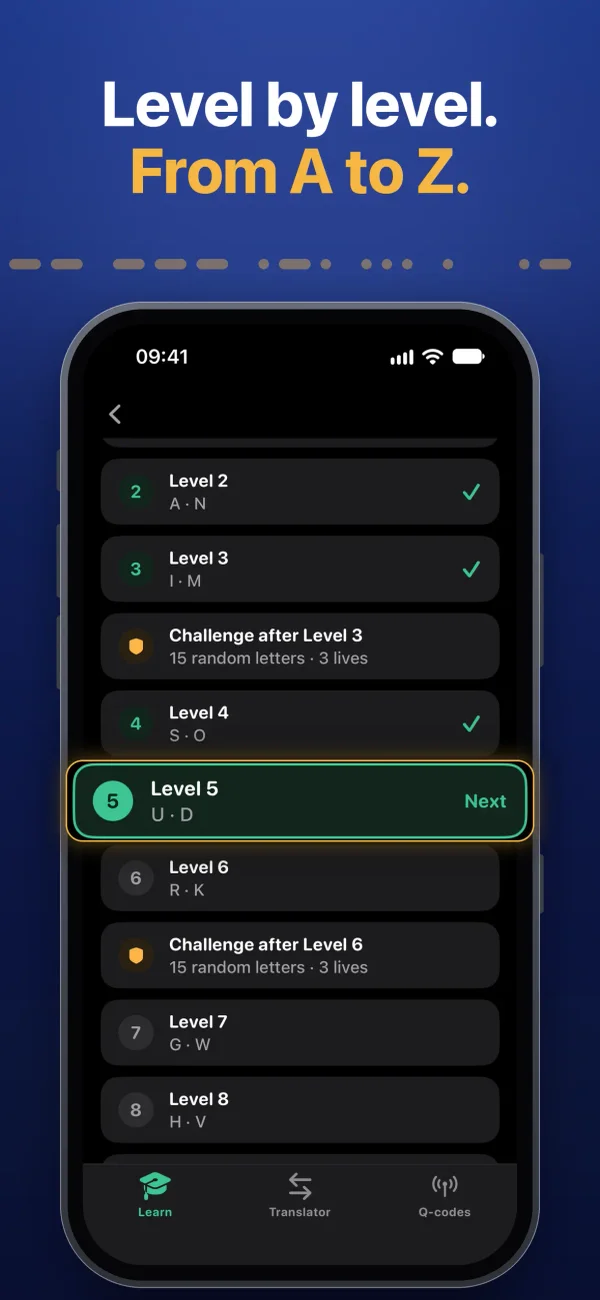
LEVEL BY LEVEL, FROM A TO Z
• Start with E and T, then add new letters one small step at a time
• Every path covers letters, words and full sentences
• Challenges along the way: 15 random letters, 3 lives
• Earlier letters keep coming back automatically
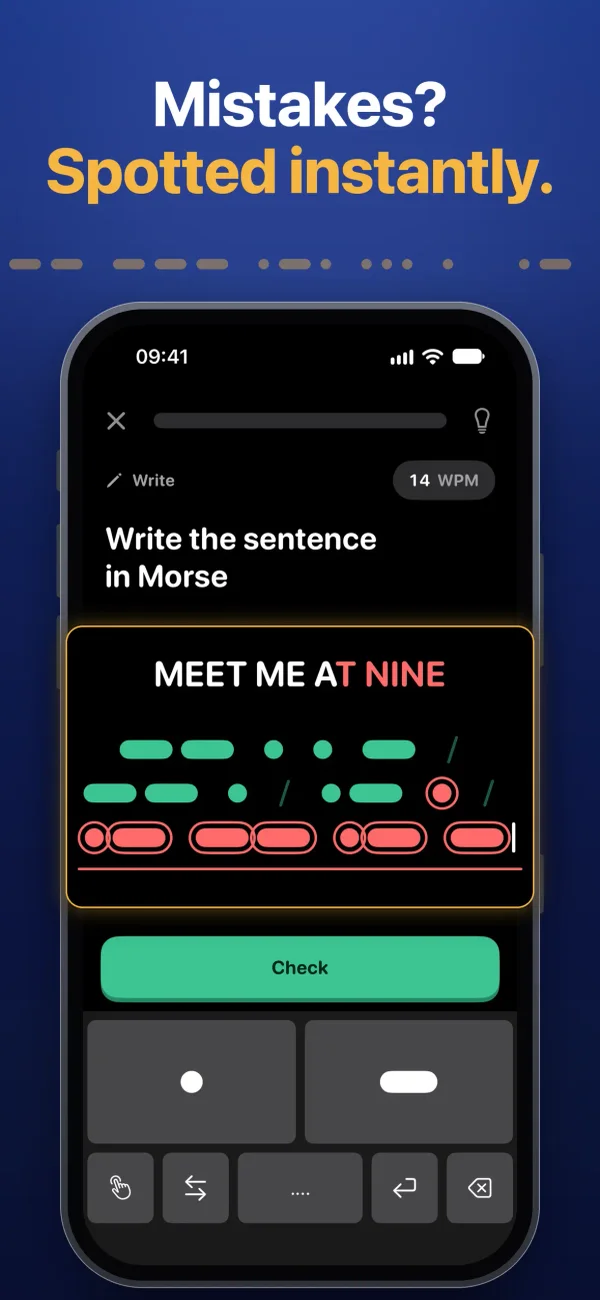
MISTAKES? EXPLAINED INSTANTLY
• See exactly which signal was wrong and why
• Wrong answers come back until they stick
• A practice mode just for your mistakes
• A hint button when you get stuck
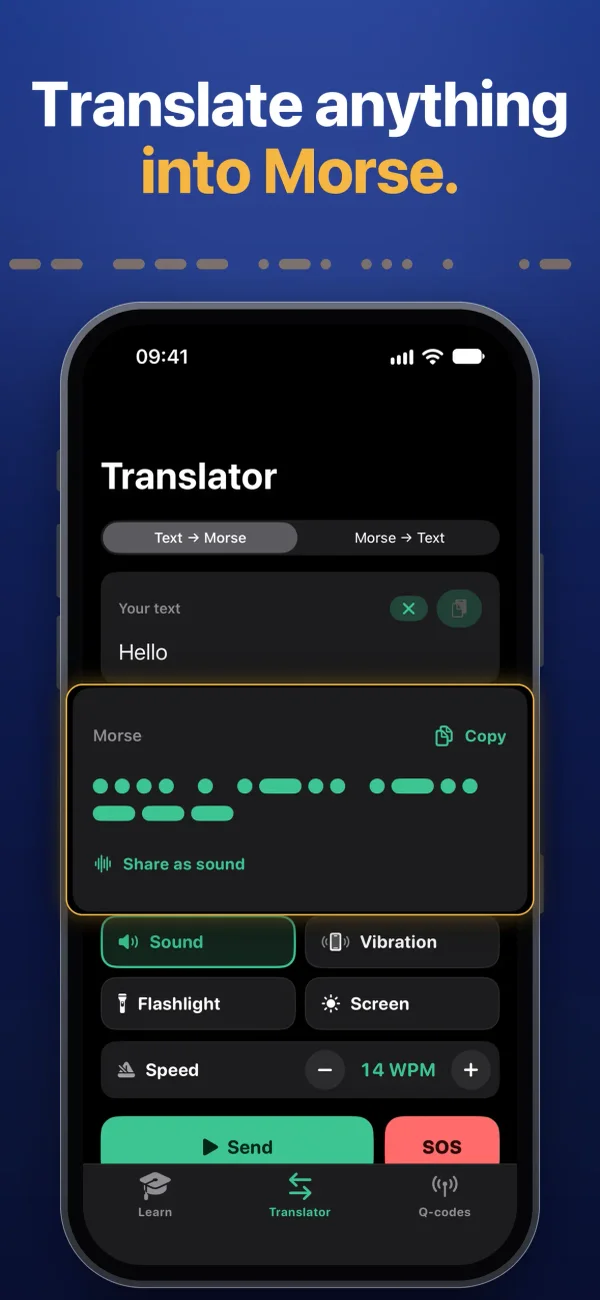
TRANSLATOR
• Text to Morse and Morse to text
• Play it as sound, vibration, flashlight or a flashing screen
• Microphone: the app listens to Morse and writes down the text
• Adjustable speed, SOS button, share Morse as sound
Q CODES & RADIO
• Q codes and radio abbreviations like QTH, QSL, CQ, 73 and SOS – with meanings you can listen to
• 10-question quizzes to practice
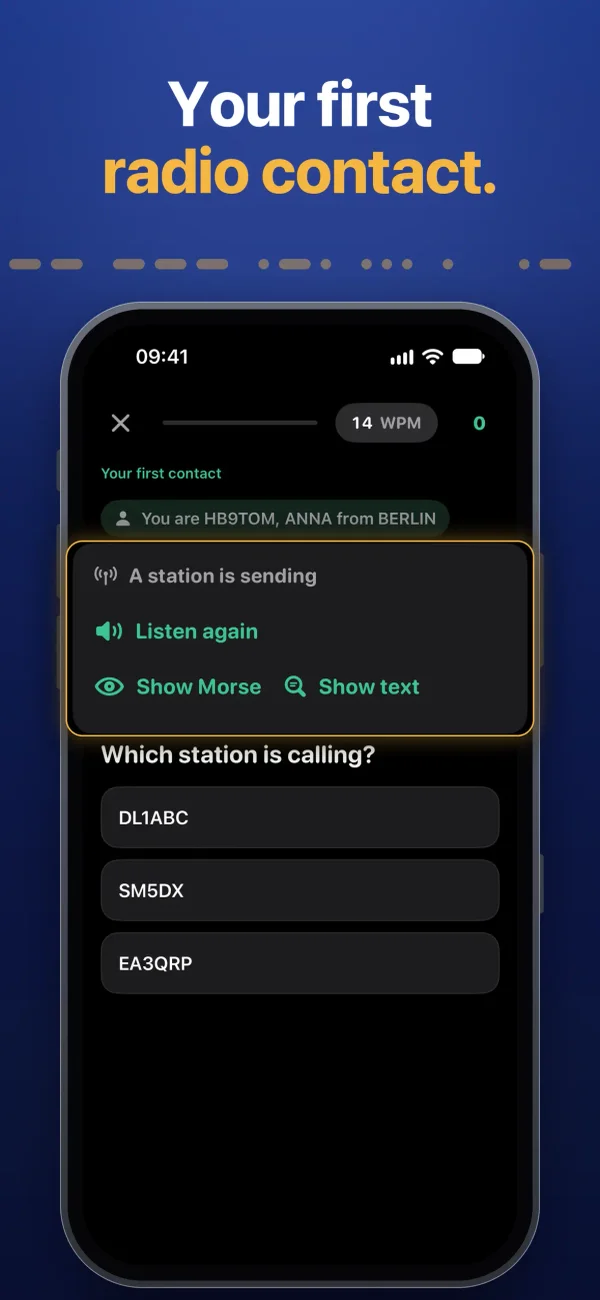
• Play through real radio conversations: your first radio contact, weather and equipment, a difficult connection and a fast contest contact
BUILT FOR YOUR PACE
• Adjustable speed, with an option to stretch only the gaps (Farnsworth)
• Adjustable tone pitch
• Morse alphabet with numbers and punctuation – tap to hear
• Home Screen widget with a new sentence to practice
• Light, dark or automatic design
• Fully available in English, German and Spanish
Perfect for beginners, scouts, ham radio operators and anyone who wants to send secret messages to friends.
Short. Clear. In rhythm. Get Morse Lux and send your first SOS.
MORSELUX PRO
Free: the Morse keyboard, the translator with microphone and the first levels of every path.
Pro unlocks all word and sentence levels, every challenge, speeds up to 28 WPM, reading Morse with the camera and the tap key in the keyboard.
• Yearly with a 1-week free trial, monthly, or Lifetime as a one-time purchase
• Subscriptions renew automatically unless cancelled at least 24 hours before the end of the period. Manage or cancel them in your App Store account settings.
Terms of Use (EULA): https://www.apple.com/legal/internet-services/itunes/dev/stdeula/
Privacy Policy: https://baddy369-creator.github.io/MorseLux/privacy.html
What’s new
Version 1.14 · Nov 21, 2026
MorseLux Pro – all levels, challenges, higher speeds and reading Morse with the camera. Keyboard and microphone stay free.
App privacy
What Sebastian Felipe Schulz declares on the App Store about how this app handles data.
-
Data not collected
The developer does not collect any data from this app.
Privacy practices may vary, for example with the features you use or your age.
Information
- Seller
- Sebastian Felipe Schulz
- Category
- Education
- Version
- 1.14
- Updated
- Nov 21, 2026
- Released
- Oct 14, 2026
- Size
- 12.0 MB
- Requires
- iOS 18.0 or later
- Age rating
- 4+
- Price
- Free
- In-app purchases
- Yes
- Languages
- English, German, Spanish
- Copyright
- © Spielkinder
You might also like
-
 Covert Mail: Morse & CiphersLearn Morse code and ciphers
-
 Morse Code: Keyboard & TrainerKeyboard, Trainer & Decoder
-
 MTP Koch TrainerKoch morse code lessons
-
 HangulQuest: Learn KoreanType Hangul, word by word
-
 Morse Hub - Learn Morse CodeFree CW Training for Ham Radio
-
 Aprender código morseEducation
-
 MorseLink – Learn CW MorseListen, Key & Practice CW
-
 Morse Code Go - Audio TrainerTap, Listen & Master Signals
-
 HamfistedEducation
-
 PharmaLingo: Top 300 DrugsTop 300 Drugs & Pharmacology