
Mosaic: Carousel & Collage
Photo carousel & grid maker
Designed for iPhone, iPad
Free
- Age rating4+
- CategoryPhoto & Video
- DeveloperAryaman Ravi
- LanguagesEnglish+ 5 more
- Size33.1 MB
Links to the official App Store page
Download.org hosts no file of Mosaic: Carousel & Collage. The button opens its official App Store page, published by Aryaman Ravi. Listing last checked on Nov 16, 2026.
Screenshots
About
Mosaic is a photo collage maker with nothing behind a paywall.
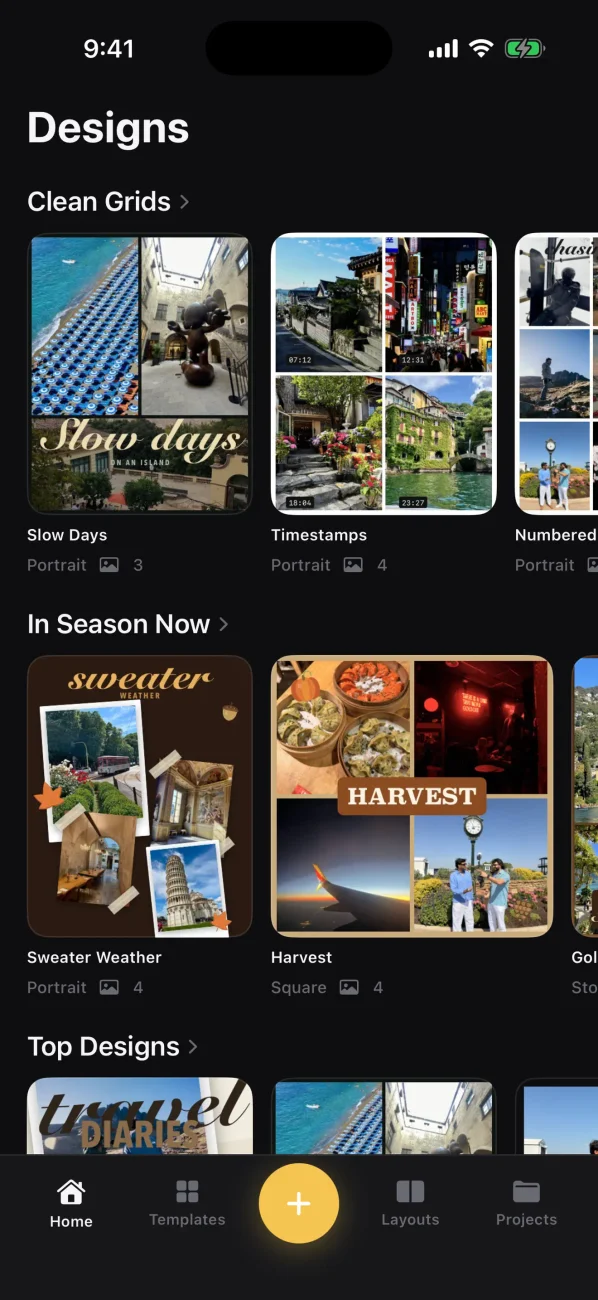
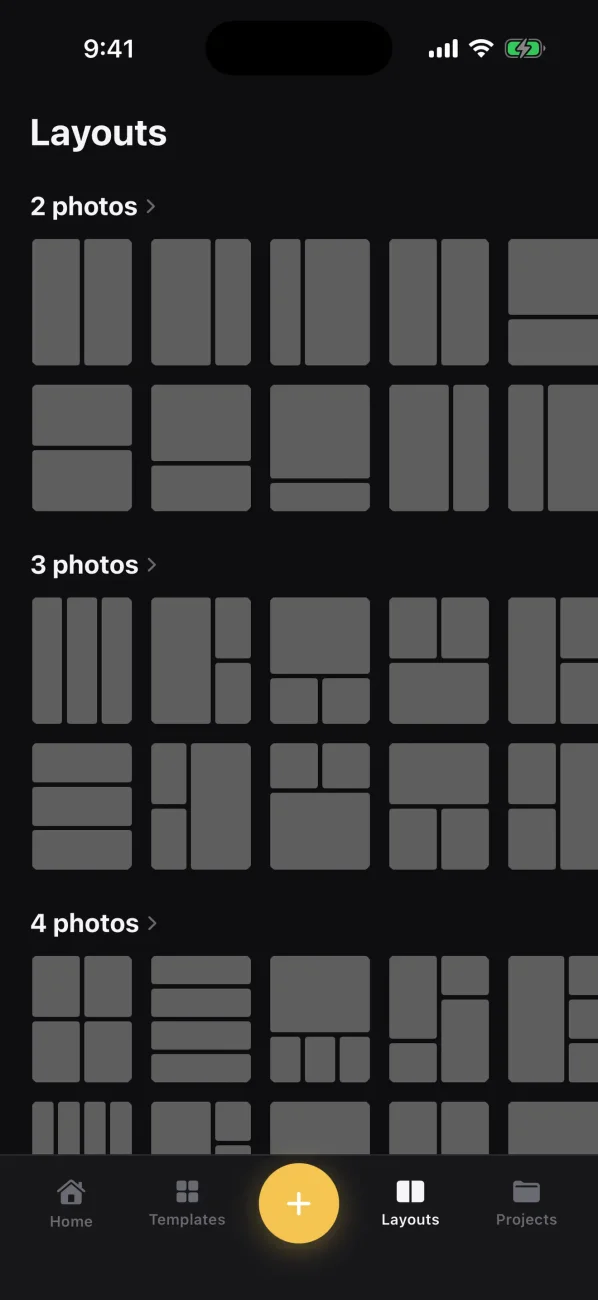
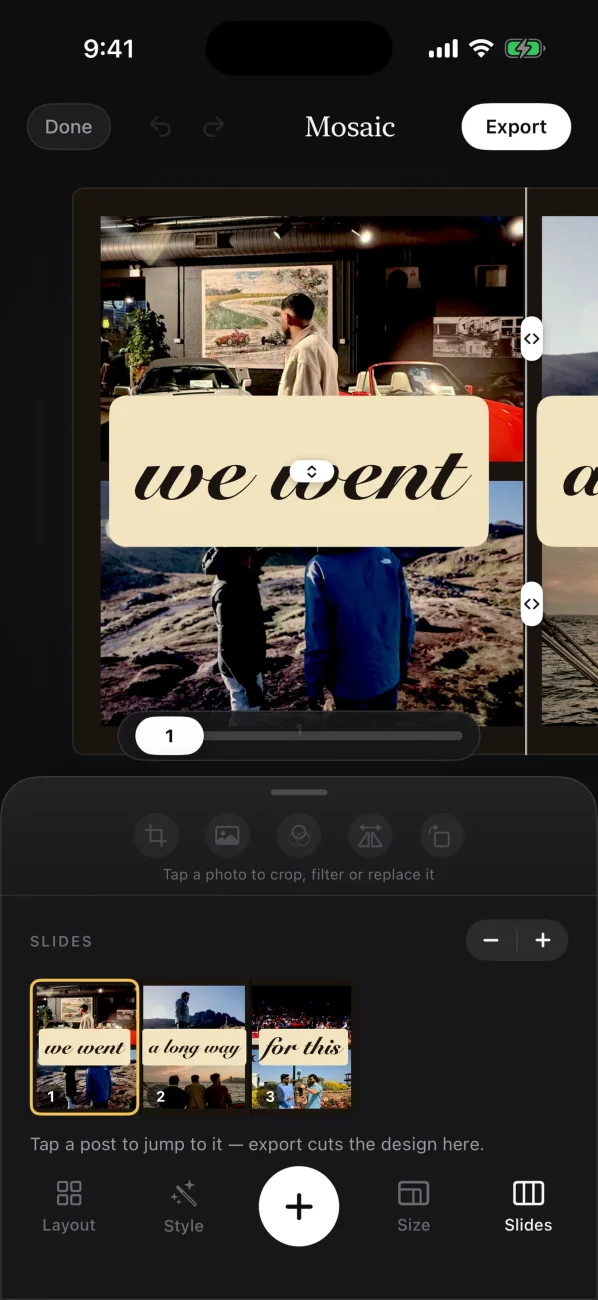
Most collage apps show you a wall of beautiful designs and then lock the good ones. Mosaic ships everything it has, free: 1,360 layouts, 749 designs, 25 themed looks, every sticker, every typeface. No watermark, no subscription, no account.
ONE DESIGN, UP TO TEN POSTS
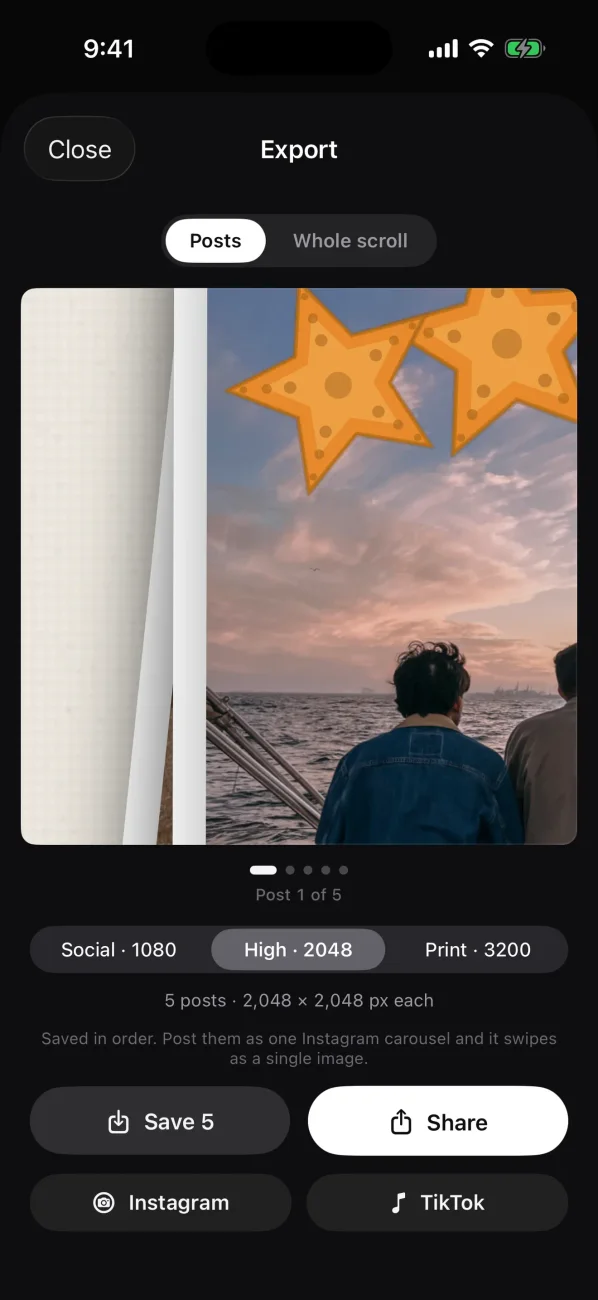
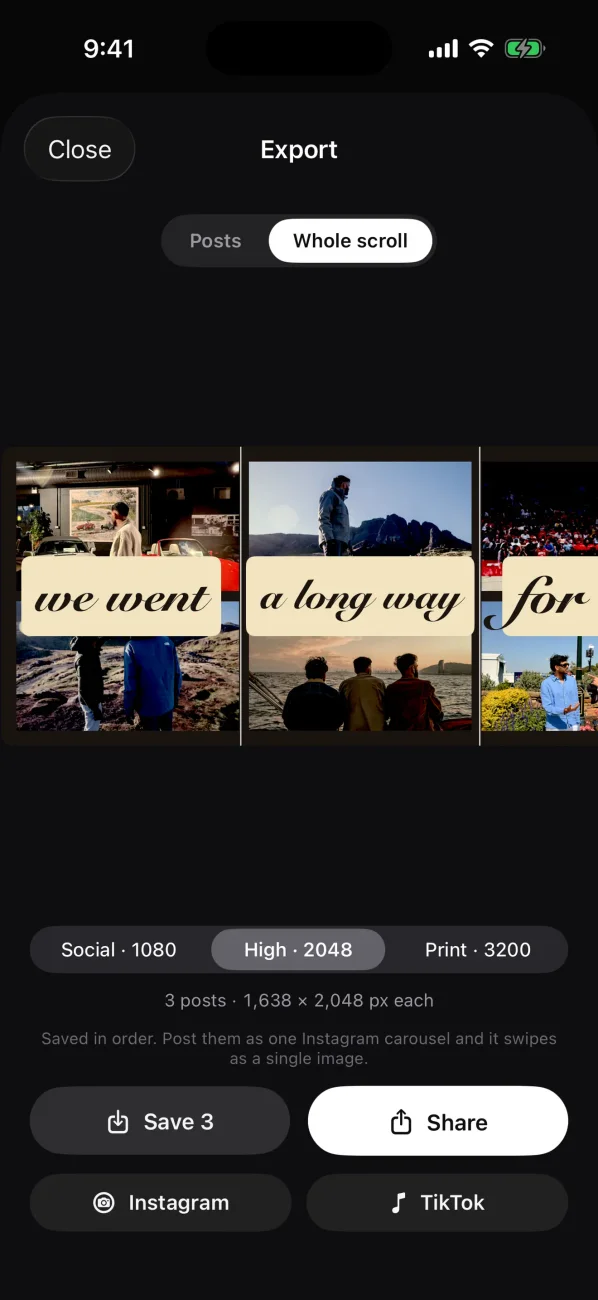
This is the part other apps charge for. Mosaic renders your design as one wide picture and cuts it at the very end, so the seams line up when somebody swipes your carousel. 225 of the designs are built for it: a sentence that runs out of one post and into the next, a week told a day at a time, one word broken across three squares.
749 DESIGNS, NONE OF THEM LOCKED
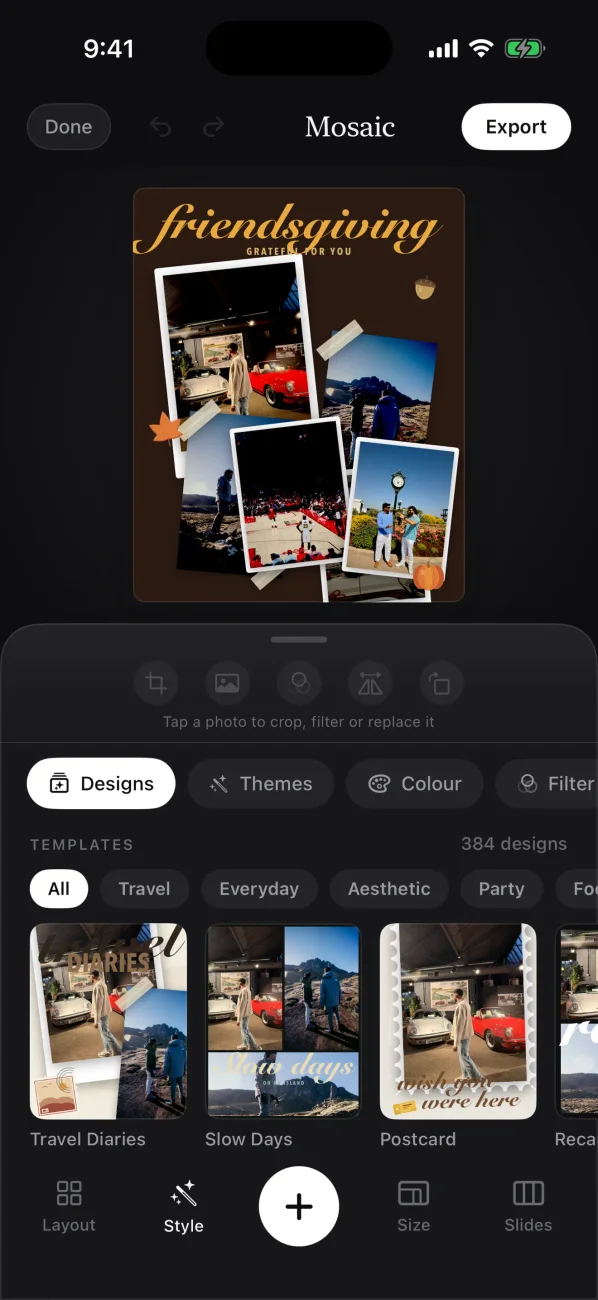
A design places the photographs, the type and the artwork for you. Tap one and it lands. Torn paper and album corners, film frames on slate, menus, tickets, magazine covers, and a set cut for the 9:16 story.
MAKE A COLLAGE IN SECONDS
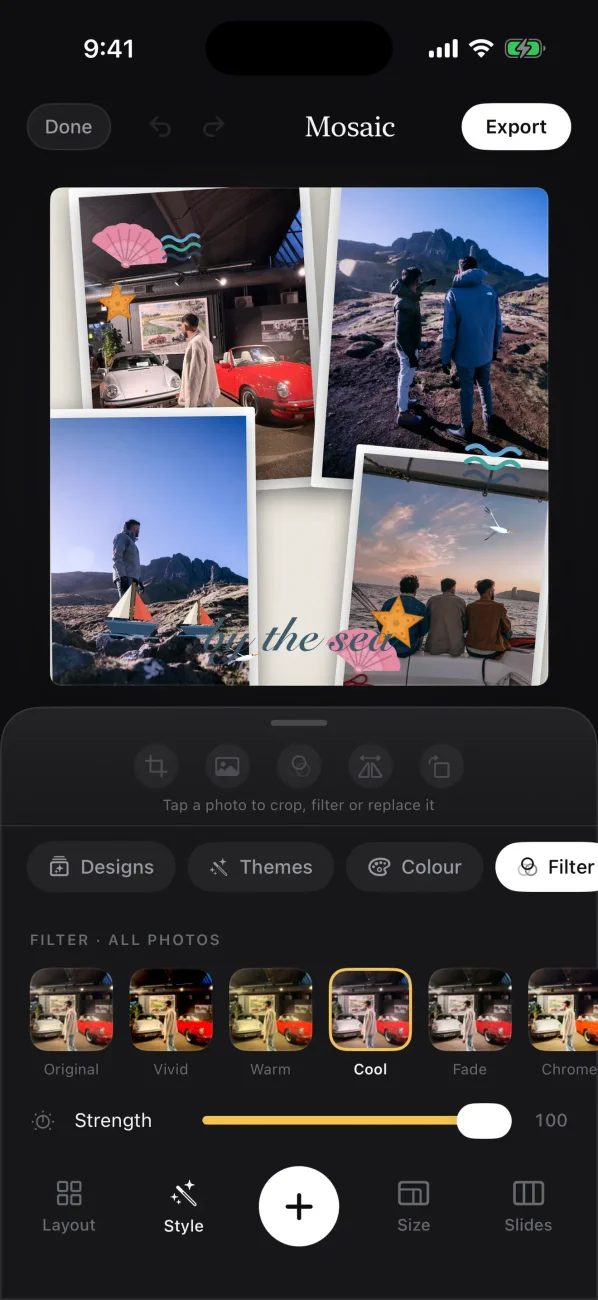
Pick up to 20 photos and Mosaic lays them out immediately. Tap Shuffle to re-deal until something clicks. Drag any photo onto another to swap the two. Drag the dividers to give a photo more room.
TWENTY-FIVE THEMED LOOKS
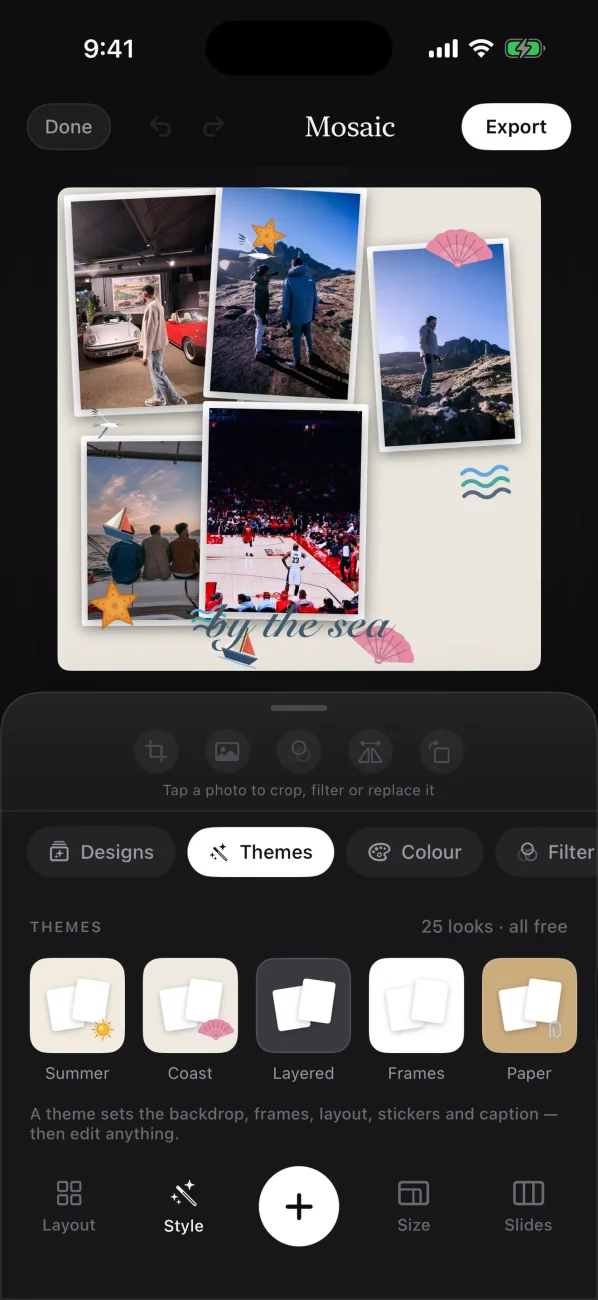
One tap sets the backdrop, frames, arrangement, artwork and caption together: Summer, Coast, Postcard, Cinema, Party, Noir, Bloom, Field Notes and more. Then change anything you like.
A REAL PHOTO EDITOR
Zoom, crop by dragging a corner, straighten a crooked horizon, rotate, mirror, and apply filters with adjustable strength. Lift a subject clean out of its background with one tap, and put it back with another.
FREEFORM SCRAPBOOKS
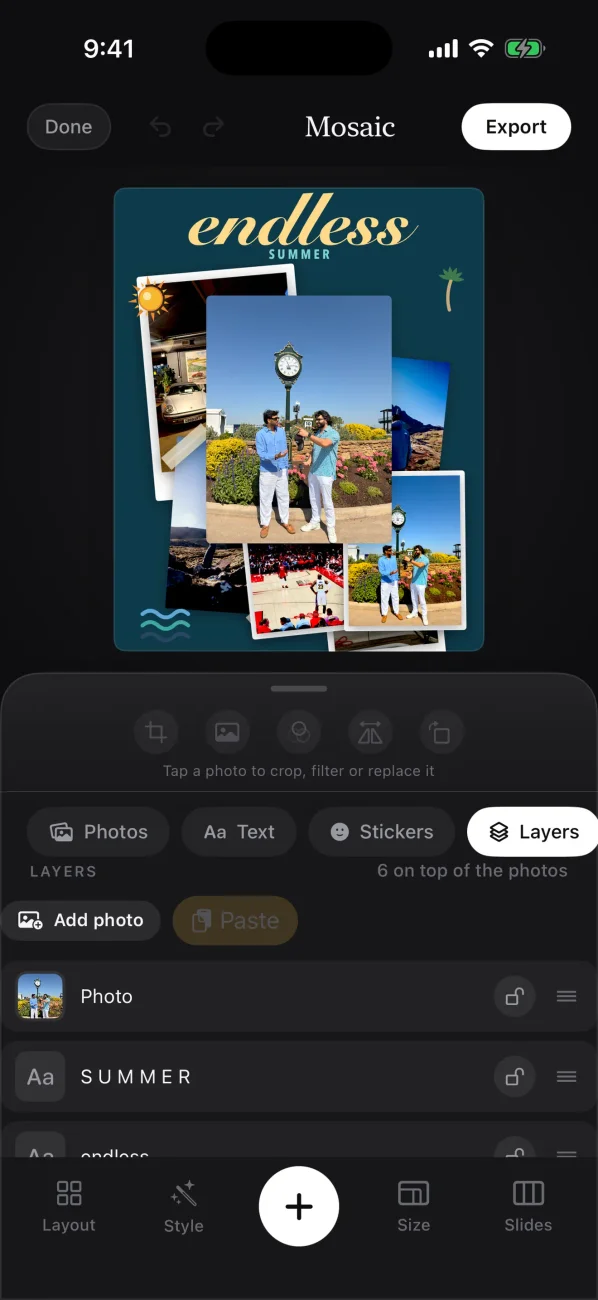
Switch to freeform and arrange photos by hand. Scatter, stack, fan or tidy them. Dress each one in a polaroid, border, postage stamp, film strip, torn edge or strips of tape.
FINISH IT
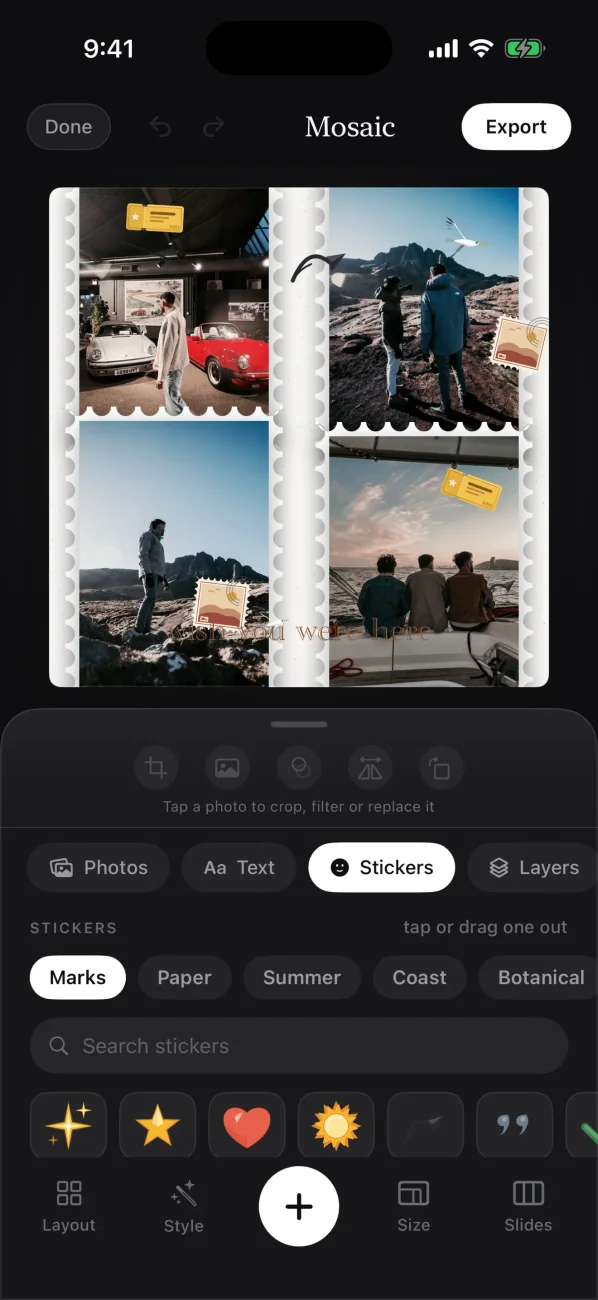
Captions in twelve typefaces, from clean sans to script and handwriting. Drawn stickers for every season, and plain shapes — circles, arches, stars, blocks of colour — to sit behind a photo or under a line of type. Set any photo, colour, gradient or paper texture as the background. Export square, 4:5, story, or any of eight sizes.
YOUR PHOTOS STAY YOURS
There is no account, no sign-up and no server. Mosaic has no analytics and collects nothing. Every project is saved on your device and never leaves it.
What’s new
Version 1.0.12 · Oct 23, 2026
• Checked against the newest iPhone screen sizes, including the iPhone Duo's folded and unfolded displays
App privacy
What Aryaman Ravi declares on the App Store about how this app handles data.
-
Data not collected
The developer does not collect any data from this app.
Privacy practices may vary, for example with the features you use or your age.
Information
- Seller
- Aryaman Ravi
- Category
- Photo & Video
- Version
- 1.0.12
- Updated
- Oct 23, 2026
- Released
- Aug 18, 2026
- Size
- 33.1 MB
- Requires
- iOS 17.0 or later
- Age rating
- 4+
- Price
- Free
- Languages
- English, Dutch, French, German, Spanish, Traditional Chinese
- Copyright
- © 2026 Aryaman Ravi
You might also like
-
 Swipely: Carousel & Photo DumpCollage Maker & Seamless Posts
-
 Glassy: Carousel MakerSeamless Photo Dump & Panorama
-
 CrlKit: Carousel & Story MakerPhoto Collage Maker, Templates
-
 Nola: Carousel & Collage MakerPhoto Grid & Layout Editor
-
 InsMix: Collage Maker & ScrollPhoto Carousel Maker
-
 Panoslice: Carousel Post MakerPhoto Collage, Design & Layout
-
 PSTR: Carousel & Collage MakerPhoto Dump, Scrapbook & Layout
-
 klora - scrapbook collagesPhoto & Video
-
 Carousel Post Collage SwipeMixPanorama Maker for Instagram
-
 Crsel: Carousel, Collage MakerEdit Photo - Template & Layout