
Motion Blur Effect
Make Blur Effect
Designed for iPhone, iPad, iPod touch
Free · In-app purchases
- Age rating4+
- CategoryPhoto & Video
- DeveloperHardik Dhameliya
- LanguagesEnglish
- Size50.8 MB
Links to the official App Store page
Download.org hosts no file of Motion Blur Effect. The button opens its official App Store page, published by Hardik Dhameliya. Listing last checked on Nov 12, 2026.
Screenshots
About
Welcome to Motion Blur Effect app
You need to convert your photo to motion blur photo then use this Motion Blur Effect app.
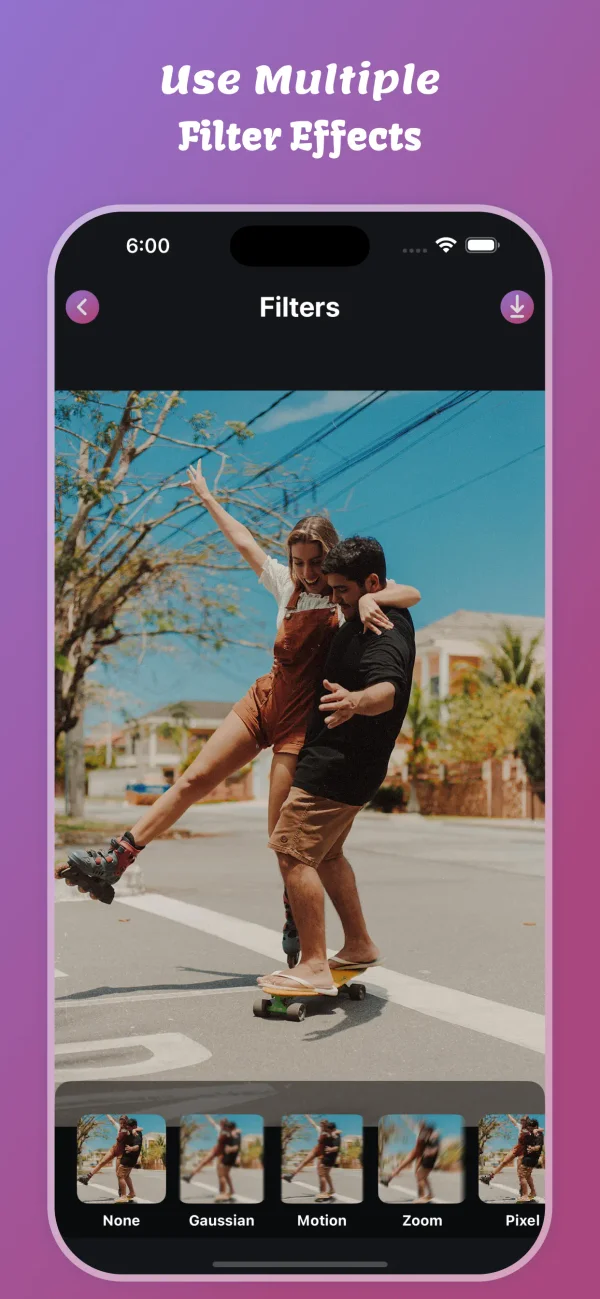
Motion Blur Effect app provides blur effects for Gaussian, Motion, Zoom, Pixel, Dot, Dilation, Vignette, Pinch, Sepia, Box Blur etc
Users can convert their image to filtered images.
Users can capture image using camera, gallery & Files.
Users can save hit blur effect photo in saved files.
Users can delete and share saved blur effect photos.
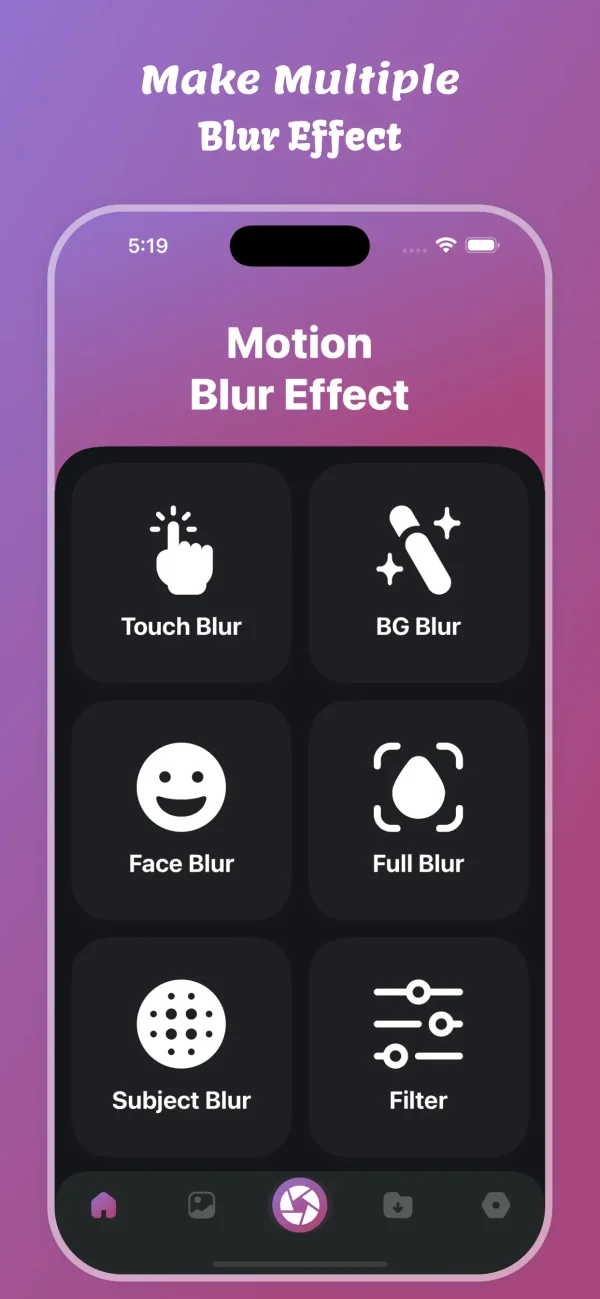
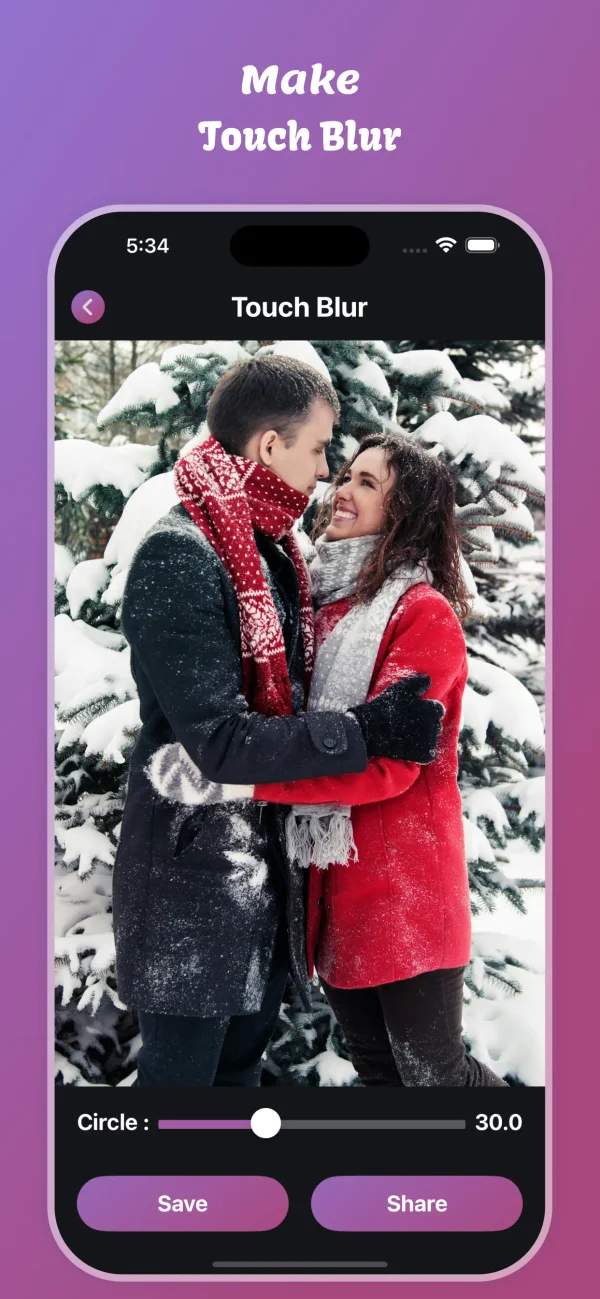
Transform your photos with stunning blur effects using Touch Blur! Whether you want to blur the background, faces, or the entire image, this app makes it simple and intuitive. Perfect for enhancing portraits, adding depth to landscapes, or creating artistic effects.
Key Features:
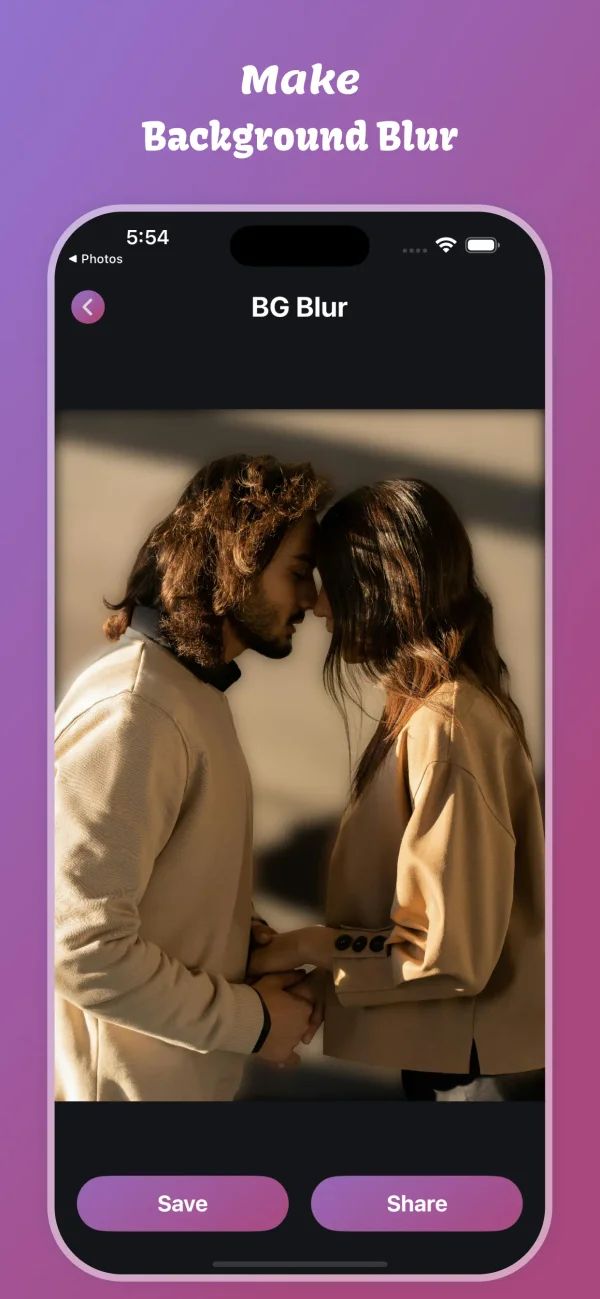
- BG Blur Effect – Blur the background while keeping the subject in focus.
- Background Blur Effect – Create a professional DSLR-style background blur.
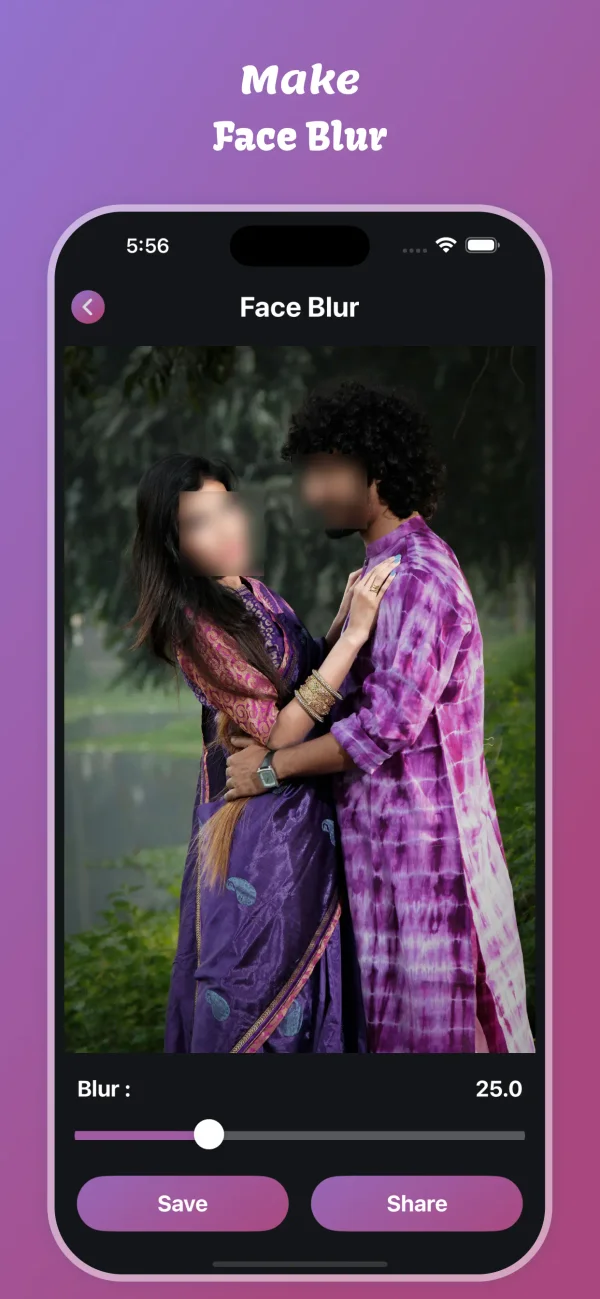
- Face Blur Effect – Hide faces or sensitive information with a smooth blur.
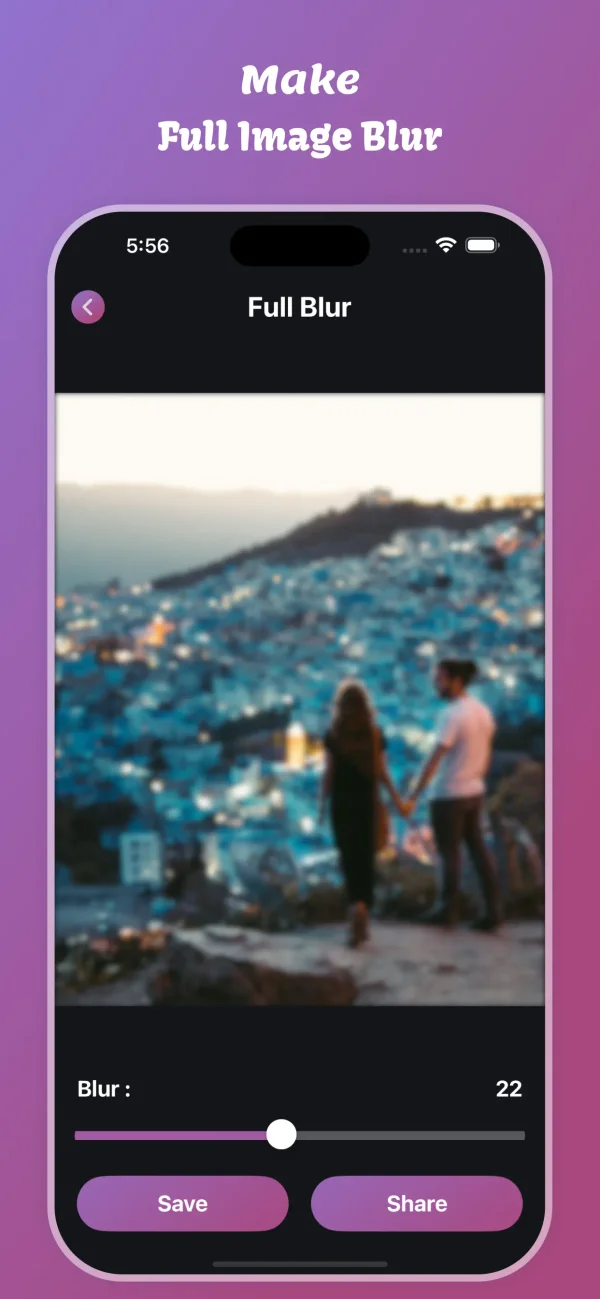
- Full Blur Effect – Blur the entire image for aesthetic or privacy reasons.
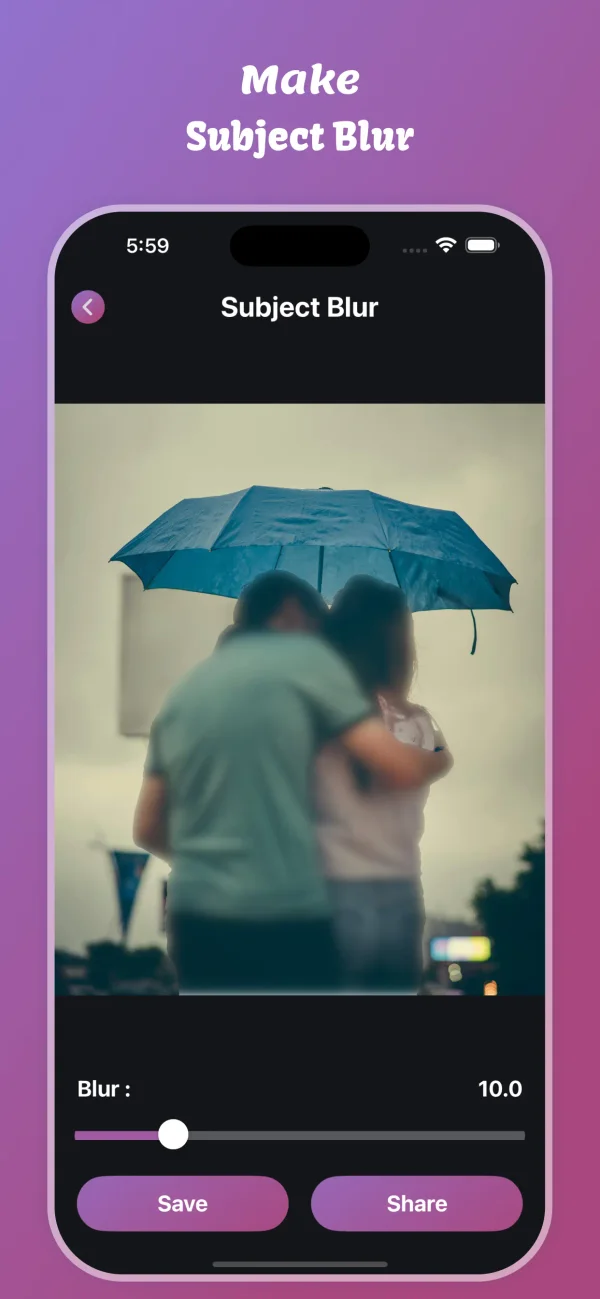
- Subject Blur Effect – Focus on the background while blurring the main subject.
Features:
- Make good blur effect to your photos
- There are also ready-to-listen preset mixes.
- Use multiple motion effects
- List of all your saved photos
- Delete your saved photos
- Share and Save your updated photos.
Blur Effects:
- Touch Blur Effect
- BG Blur Effect
- Background Blur Effect
- Face Blur Effect
- Full Blur Effect
- Subject Blur Effect
- Filter Image
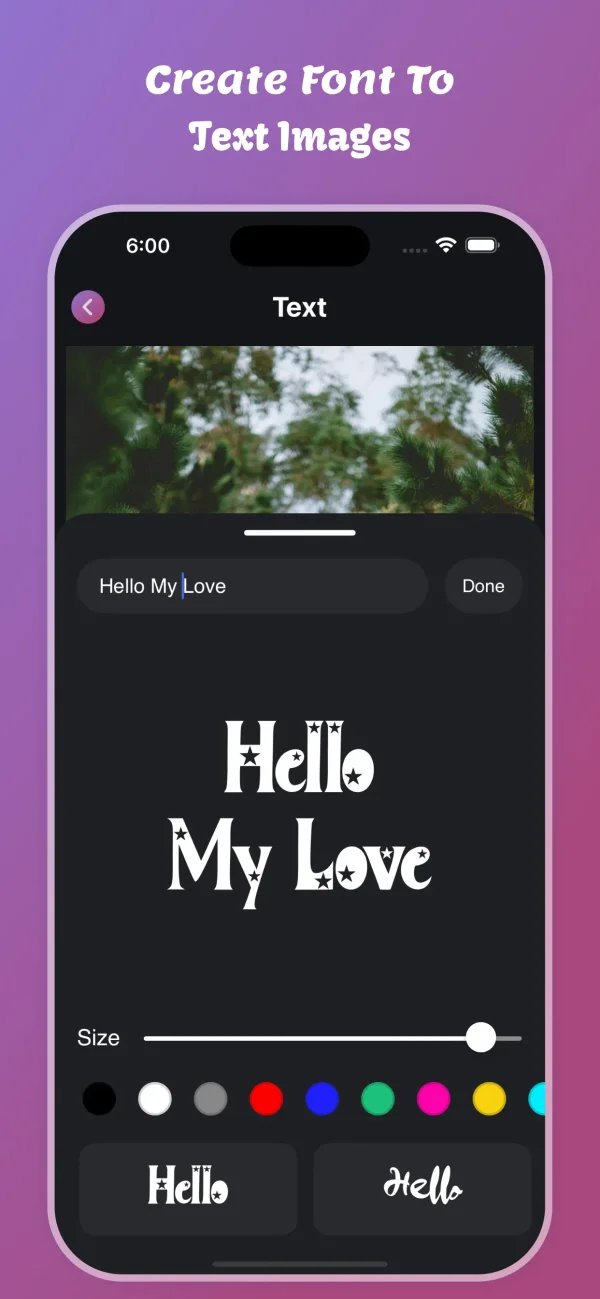
- Make Font to Images
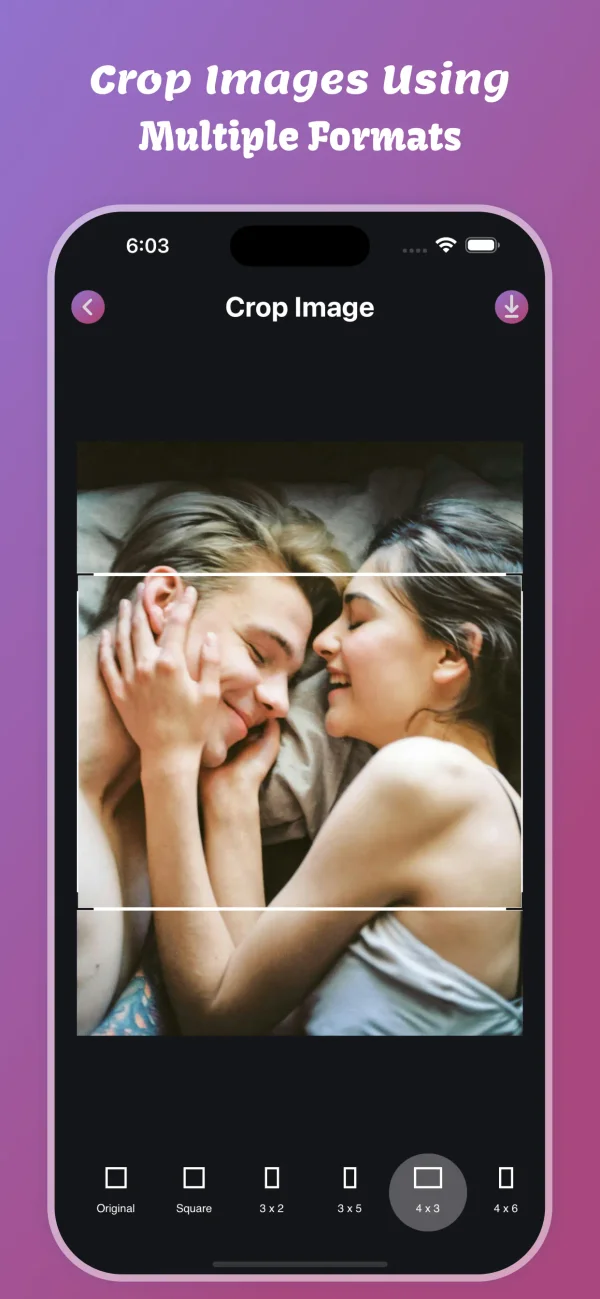
- Crop photo
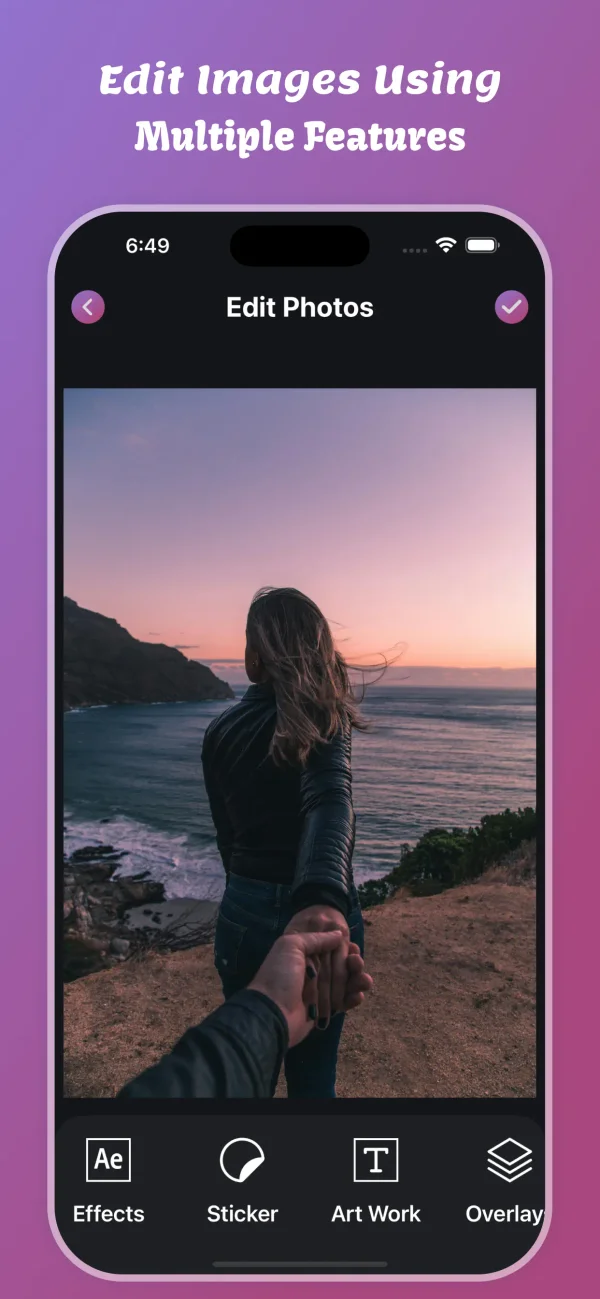
- Edit Images
- Add Stickers
- Add TextArt
- Add Background Overlays
- Make Borders
- Draw Lines
- Share & Save Photos
Blur Filters :
- Gaussian Blur Effect
- Motion Blur Effect
- Zoom Blur Effect
- Pixel Blur Effect
- Dot Blur Effect
- Dilation Blur Effect
- Vignette Blur Effect
- Pinch Blur Effect
- Sepia Blur Effect
- Box Blur Effect
If you need to make your photo background blur then this Motion Blur Effect app is provide best multiple effects.
Use multiple blur effect and save or share to other users.
Save your converted blur photos in saved list.
Download and enjoy the Motion Blur Effect app.
Privacy Policy: https://softapps.in/App_Privacy.html
Terms of use: https://softapps.in/App_TOS.html
What’s new
Version 2.3 · Nov 1, 2026
- Performance Improved
- Crashes Fixed
- iOS 27 Support added
App privacy
What Hardik Dhameliya declares on the App Store about how this app handles data.
-
Data used to track you
May be used to track you across apps and websites owned by other companies.
- User content
- Usage data
-
Data not linked to you
May be collected but is not linked to your identity.
- User content
- Usage data
Privacy practices may vary, for example with the features you use or your age.
Information
- Seller
- Hardik Dhameliya
- Category
- Photo & Video
- Version
- 2.3
- Updated
- Nov 1, 2026
- Released
- Oct 9, 2022
- Size
- 50.8 MB
- Requires
- iOS 15.0 or later
- Age rating
- 4+
- Price
- Free
- In-app purchases
- Yes
- Languages
- English
- Copyright
- © Hardik Dhameliya
You might also like
-
 Photo Focus: Blur EffectsBlur Image Background
-
 blur effect appBlur & fluffy processing
-
 Mosaic: Blur Photo & FaceCensor & Pixelate Background
-
 Blur Photos - Motion EffectBlur Photo Background Editor
-
 Bluur cam: Blur Effect EditorBackground, Face, Motion Blur
-
 Motion Blur Effect: AI EditorPhoto Blur & Motion Background
-
 InstaBlur - Blur. Photo. VideoBlur, Censor & Pixelate tool
-
 Motion Blur: Photo, BackgroundPhoto & Video
-
 Blur Photo & Background EditBlurry Video & Face
-
 Blur Video & Photo BlurEffectPhoto & Video