
- Age rating4+
- CategoryUtilities
- DeveloperCoulisse B.V.
- LanguagesEnglish+ 6 more
- Size63.2 MB
Links to the official App Store page
Download.org hosts no file of Motionblinds Bluetooth. The button opens its official App Store page, published by Coulisse B.V. Listing last checked on Nov 13, 2026.
Screenshots
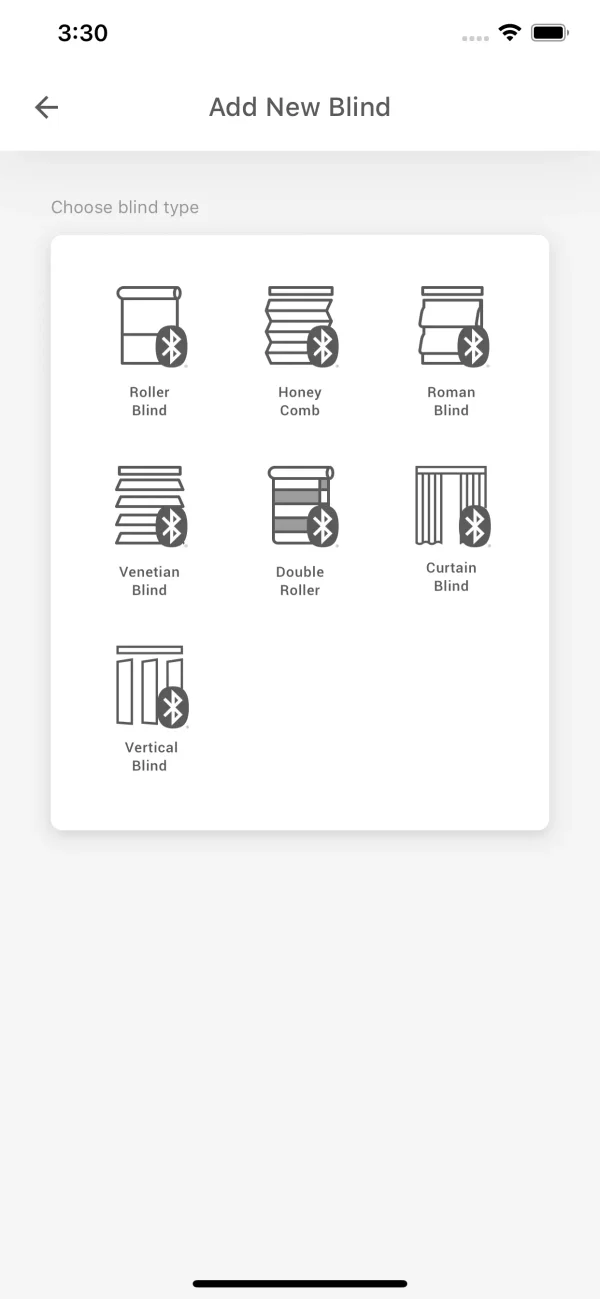
About
MOTIONBLINDS BLUETOOTH
SET UP
Bluetooth motors can be set up in a minute.
Download the Motionblinds Bluetooth app – no registration required.
Open the app and scan the setup code with your smartphone.
Complete setup by following a few simple steps in the app – now your blinds are ready to be used.
CONTROL
Control the blind from the Bluetooth app
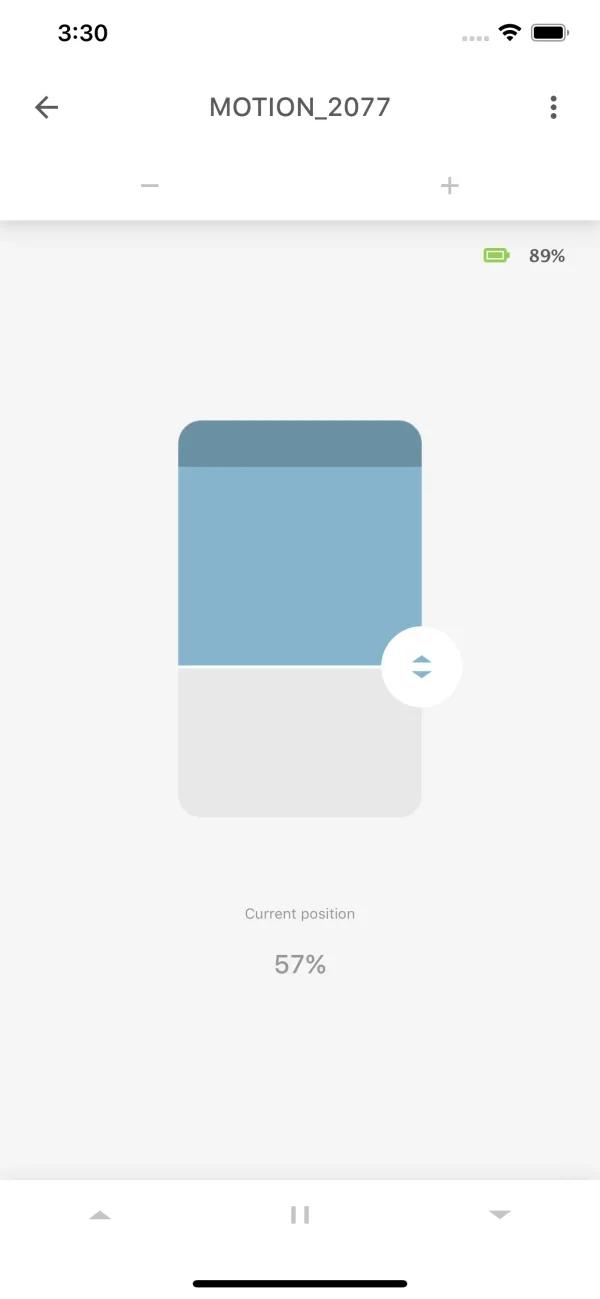
Operate the blinds to any desired position from the Motionblinds Bluetooth app. This works within Bluetooth range – about up to 10 meters between your smartphone and the blind.
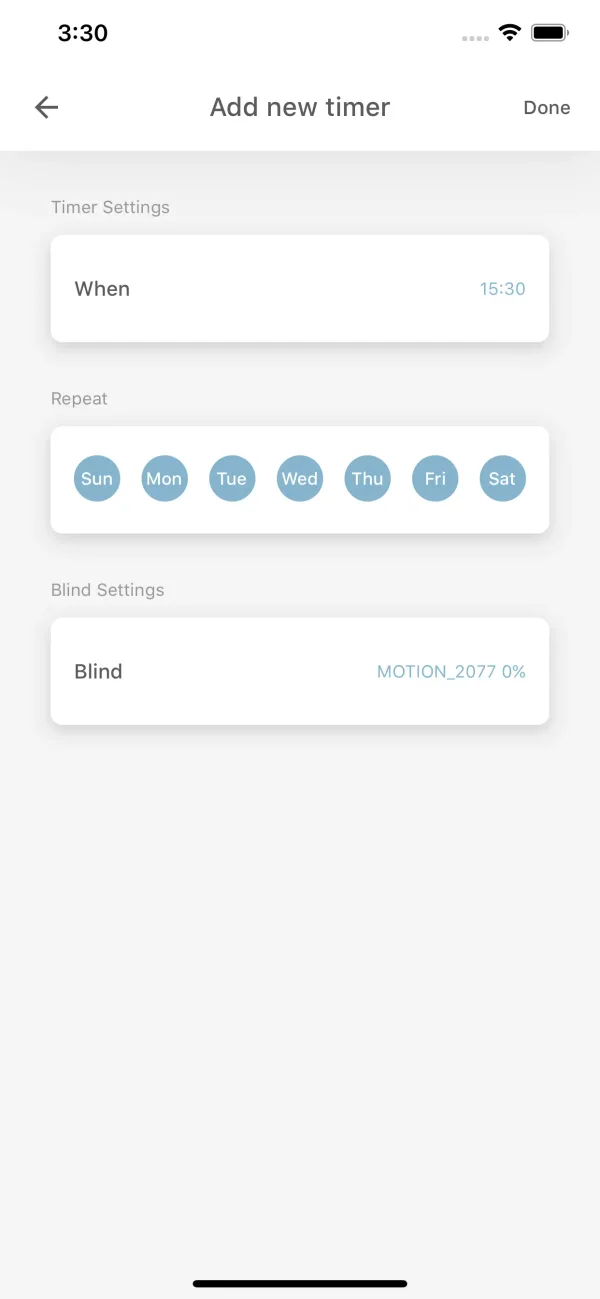
From the app, you can set up to 3 timers to put the blind on autopilot. Choose days, times and percentages. These make the blind open and close automatically. The timers are programmed into the motor, which means they continue to work automatically even when you are away from home.
For example:
Set your blinds to open at 8am on weekdays.
Open 30 percent at 9am on Saturday and Sunday.
Close every day at 7pm.
Yes – up to 5 family members can control the blinds using the same settings.
Yes – operation with a remote control is still possible, but no longer a necessity to program and control the blinds because this can be done with your smartphone.
No – voice control is not possible, unless the Motionblinds bridge is being installed.
CONNECTIVITY
Bluetooth motors by themselves cannot be connected to smart homes or controlled by app beyond Bluetooth range away from home. This requires installation of the Motionblinds bridge.
PROS
+ The easiest solution to control and automate blinds by smartphone
+ Setup in a minute – you only need the blind and the Motionblinds Bluetooth app
+ Control with your smartphone from home using the Bluetooth app
+ Put the blinds on autopilot mode by programming timers into the motor
+ 100% data privacy – no account or cloud dependency
CONS
- Only 3 timers can be programmed per motor
- No option to program scenes/rooms with multiple blinds
- No app control away from home (requires bridge)
- No smart home connectivity (requires bridge)
Need support? For videos, manuals and frequently asked questions please visit support.motionblinds.com.
What’s new
Version 1.1.6 · Aug 28, 2026
routine maintenance
App privacy
What Coulisse B.V. declares on the App Store about how this app handles data.
-
Data not collected
The developer does not collect any data from this app.
Privacy practices may vary, for example with the features you use or your age.
Information
- Seller
- Coulisse B.V.
- Category
- Utilities
- Version
- 1.1.6
- Updated
- Aug 28, 2026
- Released
- Sep 30, 2021
- Size
- 63.2 MB
- Requires
- iOS 15.6 or later
- Age rating
- 4+
- Price
- Free
- Languages
- English, Dutch, French, German, Italian, Polish, Spanish
- Copyright
- © motion blinds 2021
You might also like
-
 Help me by SomfyProfessional solution
-
 Service Provider Tech AppUtilities
-
 BLISS™ Automation 1.0 by ALTAUtilities
-
 ShadeAutoWindow Covering Automation.
-
 VTi HomeMate+Utilities
-
 3 Day Blinds 1.0Utilities
-
 Big Ass FansOfficial Big Ass Fans App
-
 KOHLER Energy ManagementKohler Generator Monitoring
-
 MOVE motorize blinds & shadesMotor for blinds and shades
-
 Touchstone FireplaceUtilities