
MotionDay: d-day, widget
D-Day with a special widget
Designed for iPhone, iPod touch
In-app purchases
- Age rating4+
- CategoryLifestyle
- Developersungsoo jung
- LanguagesKorean+ 3 more
- Size89.0 MB
Links to the official App Store page
Download.org hosts no file of MotionDay: d-day, widget. The button opens its official App Store page, published by sungsoo jung. Listing last checked on Nov 27, 2026.
Screenshots
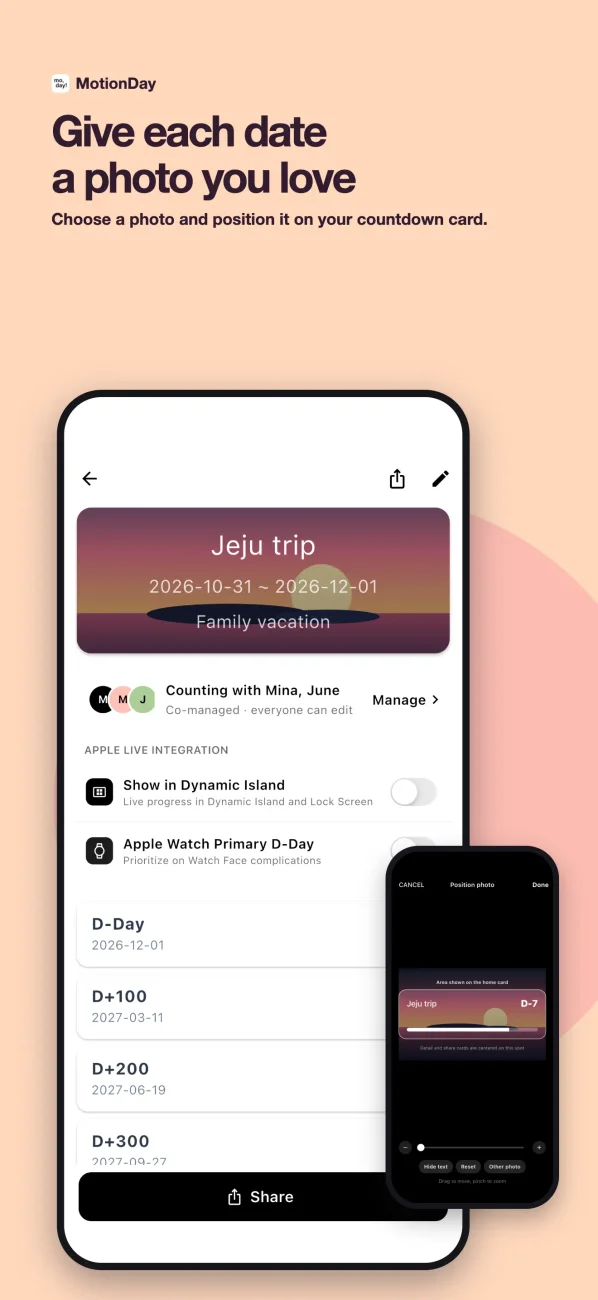
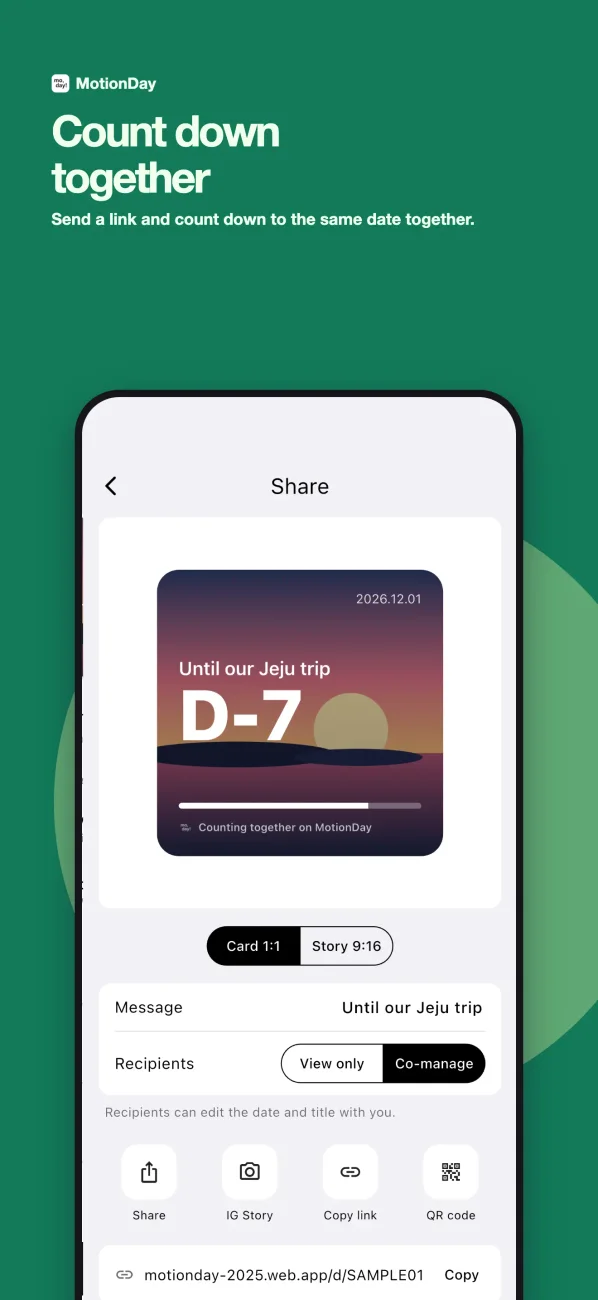
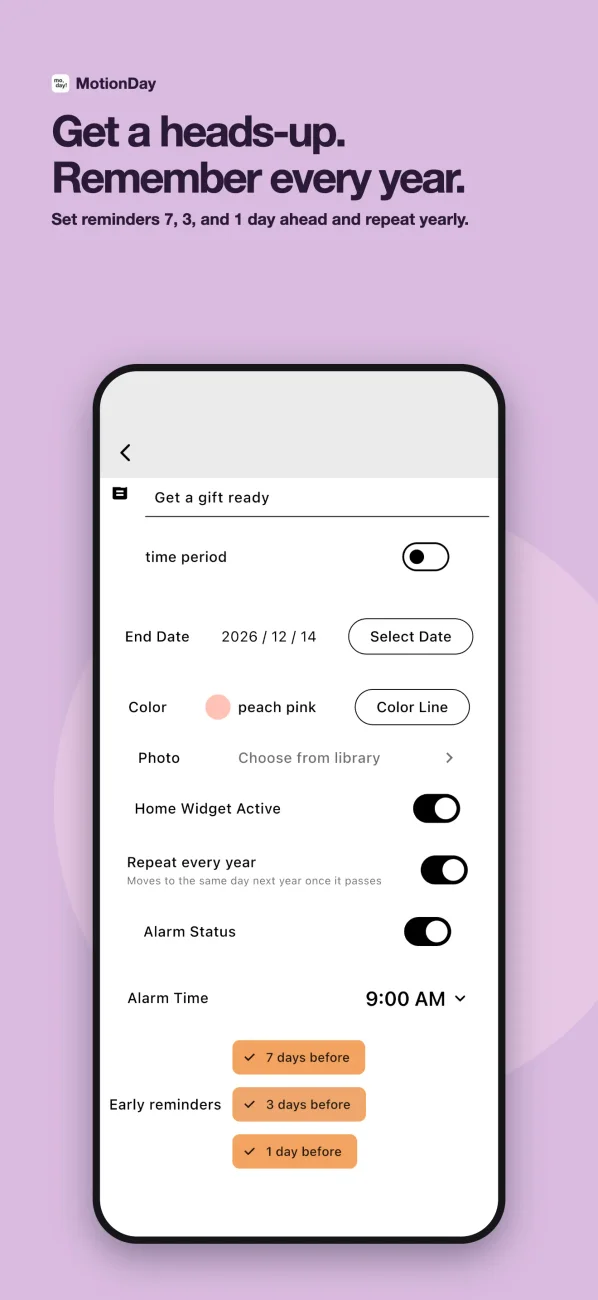
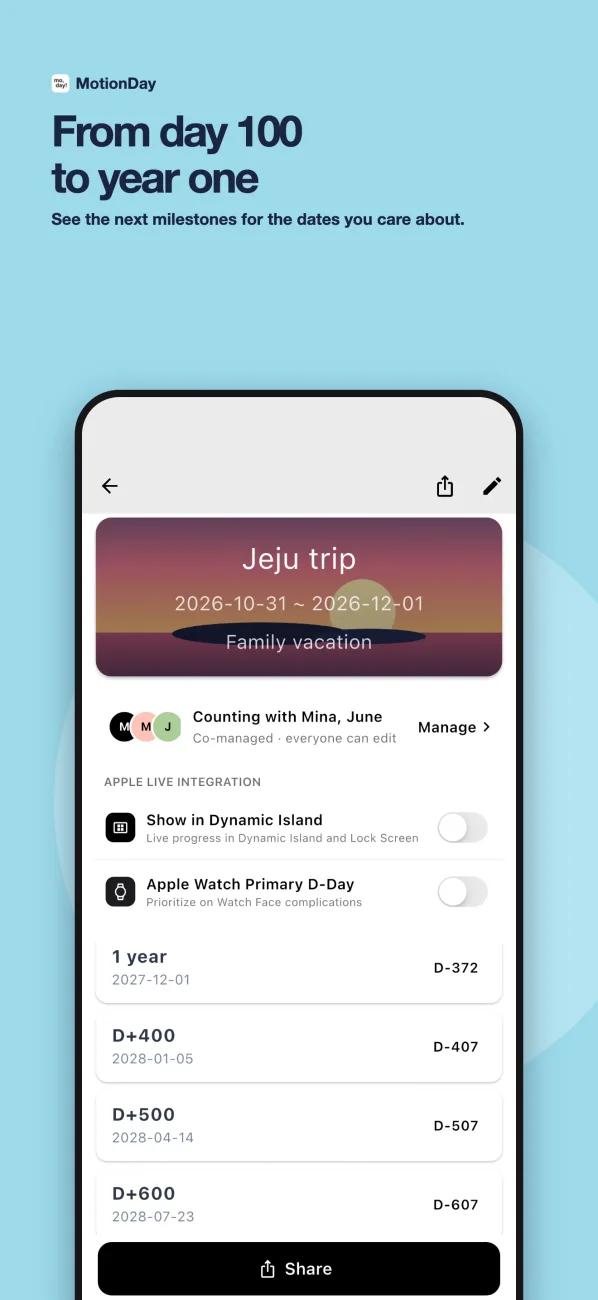
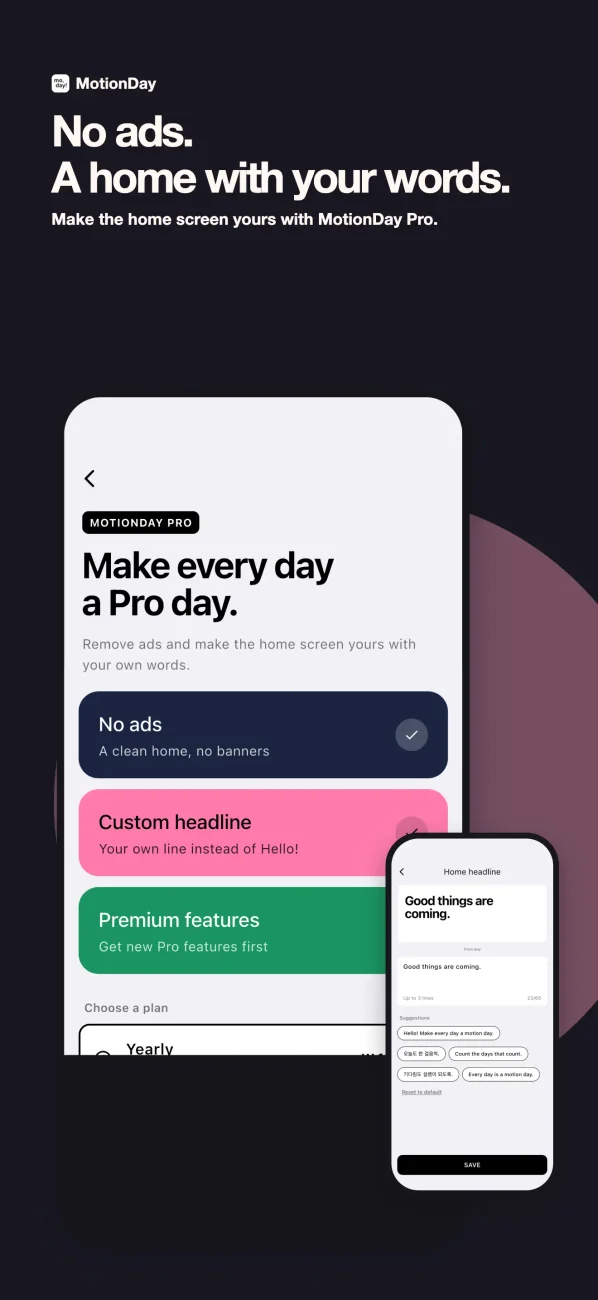
About
MotionDay — Make every day a motion day.
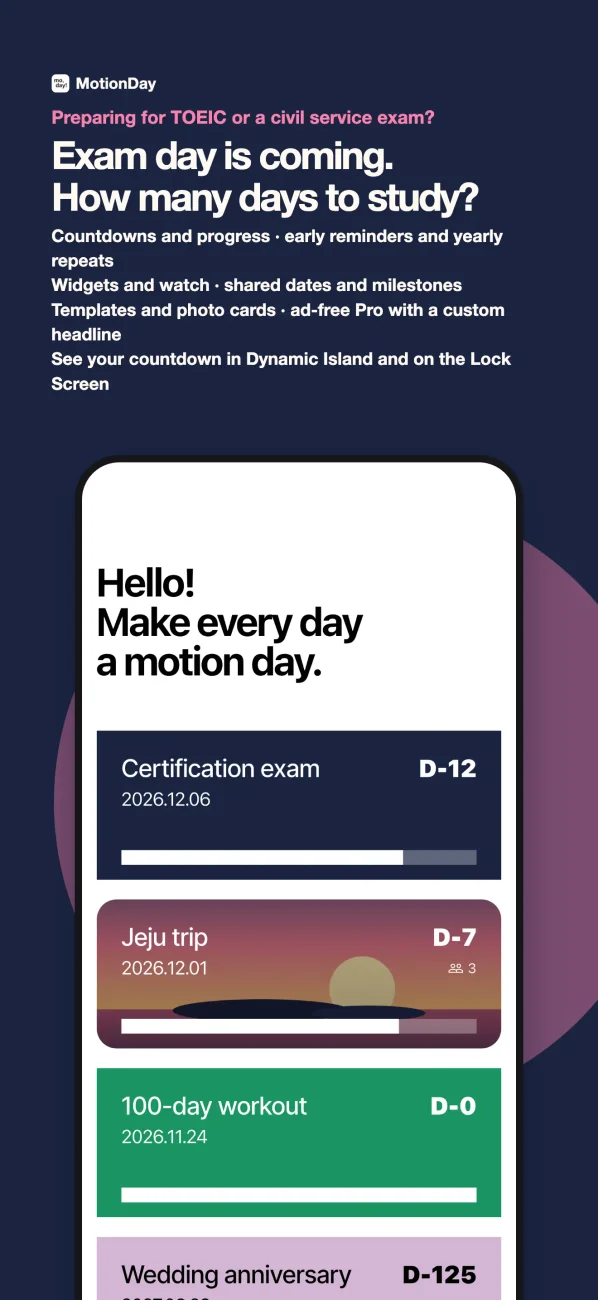
Keep anniversaries, exams, trips, birthdays, and every day you look forward to in one clear view. Start without creating an account, then keep important moments close with Home Screen and Lock Screen widgets.
KEY FEATURES
• Clear D-Day cards
- See days remaining, days passed, and progress at a glance
- Automatically calculate milestones such as 100 days, 200 days, and yearly anniversaries
- Choose colors and reminder times
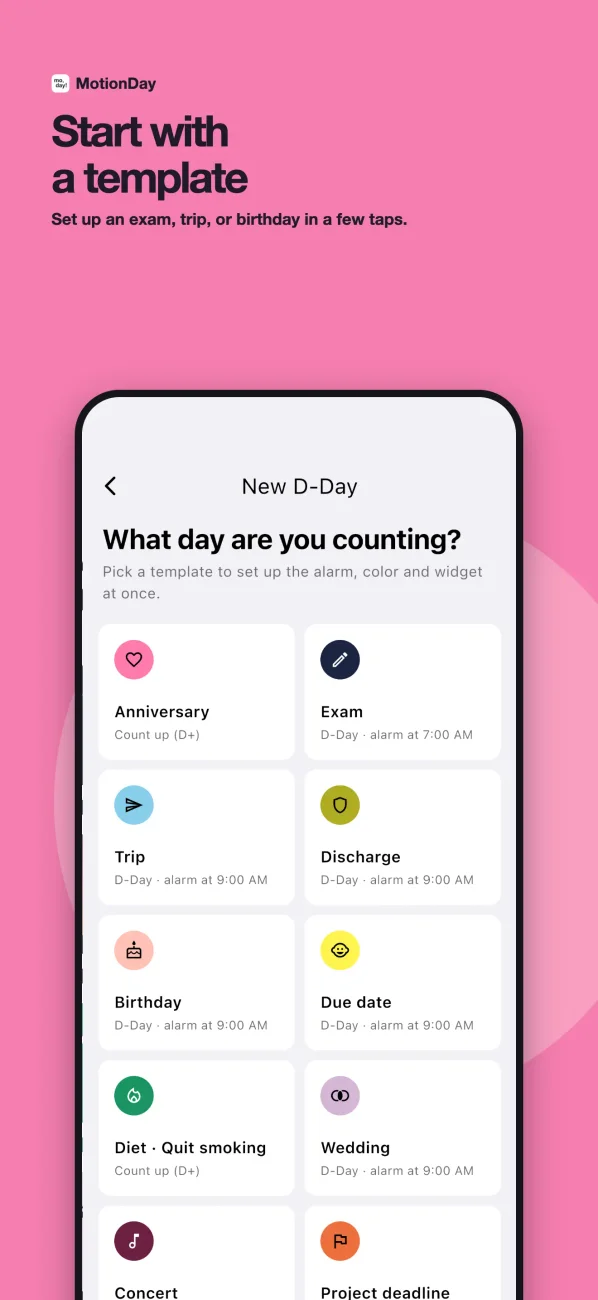
• 11 smart templates
- Anniversary, Exam, Trip, Discharge, Birthday, Due Date, Diet & Quit Smoking, Wedding, Concert, Project Deadline, and Reading Goal
- Pick a template to set the title, date, color, and reminder in one step
• Count together and share easily
- Share a D-Day as an image card, link, or QR code
- Friends can view it on the web without signing up; installing the app adds it automatically
- Share with co-editing or view-only access
• Home Screen and Lock Screen widgets
- Check your D-Days without opening the app
- Clean, modern designs
MOTIONDAY PRO
• Remove the home banner ad
• Customize the message at the top of your Home screen
• Choose an annual auto-renewing subscription (1 year) or a lifetime one-time purchase
• Both plans unlock the same Pro features, and purchases can be restored from Settings
The annual plan renews automatically unless canceled. Payment and renewal are handled through your Apple ID. You can manage or cancel the subscription at any time in your App Store account settings. The price shown in the App Store purchase screen varies by country or region.
Privacy Policy: https://motionday-2025.web.app/privacy
Terms of Use (EULA): https://www.apple.com/legal/internet-services/itunes/dev/stdeula/
What’s new
Version 1.2.6 · Nov 24, 2026
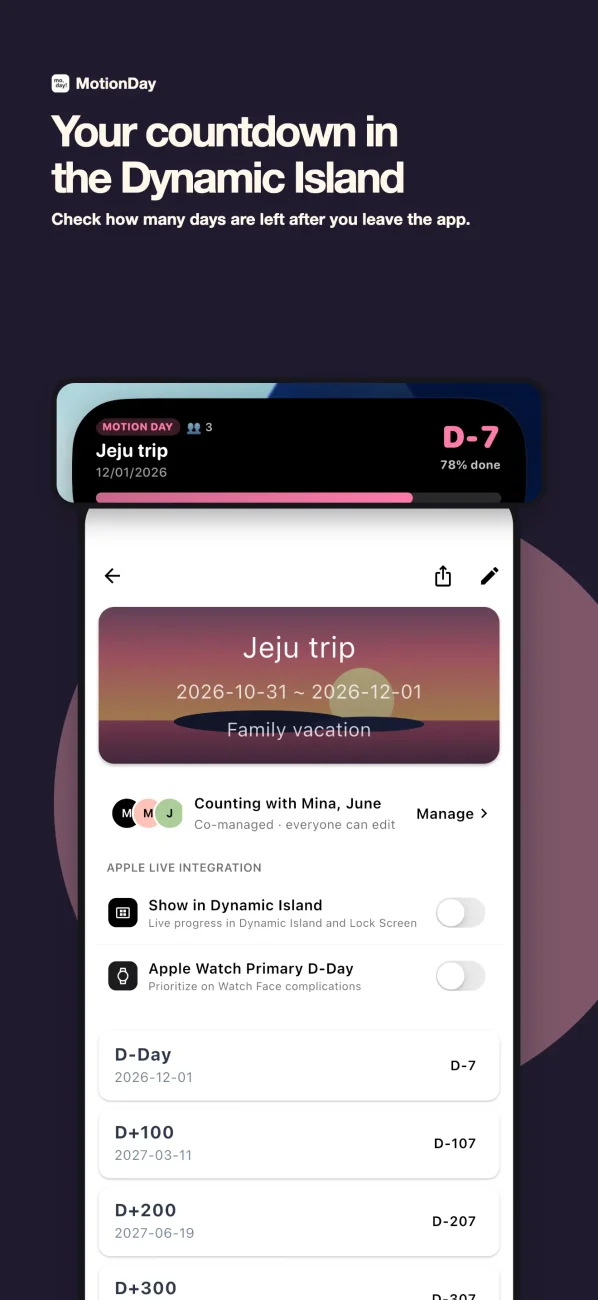
D-Day in the Dynamic Island
- Pin a D-Day to the Dynamic Island and Lock Screen with one switch on its detail screen
- See the progress ring and days left at a glance; touch and hold to expand the target date and progress bar
- Cards with a photo show it as the Lock Screen banner background
- Turn the Dynamic Island on or off for all D-Days in Settings
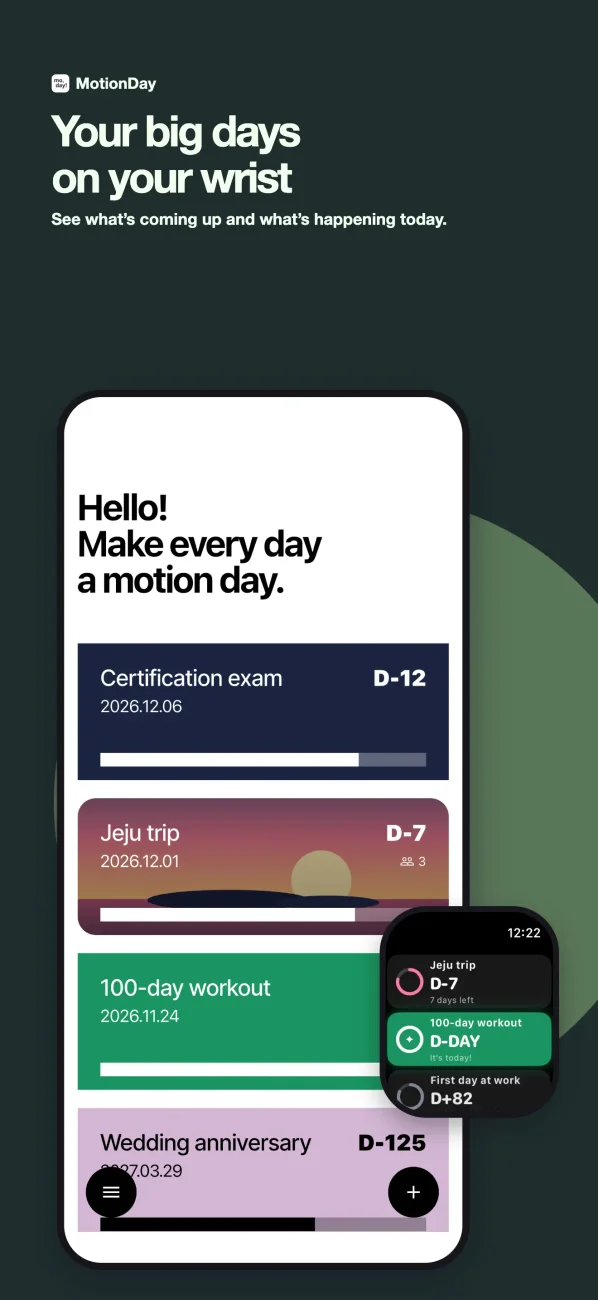
Apple Watch app
- Browse your D-Day list on Apple Watch
- Show your main D-Day in watch face complications and the Smart Stack
- Choose which D-Day appears on your watch from its detail screen
- On the day, it fills with your card color; after the day, it counts toward the next 100-day milestone
- Your watch recounts at midnight, even when your iPhone is not nearby
- The Apple Watch guide in Settings shows how to add a D-Day to your watch face
Language and region
- Dates in the Dynamic Island and on Apple Watch follow your device region format
- The photo library permission message now appears in your device language
App privacy
What sungsoo jung declares on the App Store about how this app handles data.
-
Data not linked to you
May be collected but is not linked to your identity.
- Identifiers
- Usage data
Privacy practices may vary, for example with the features you use or your age.
Information
- Seller
- sungsoo jung
- Category
- Lifestyle
- Version
- 1.2.6
- Updated
- Nov 24, 2026
- Released
- May 30, 2025
- Size
- 89.0 MB
- Requires
- iOS 15.0 or later
- Age rating
- 4+
- In-app purchases
- Yes
- Languages
- Korean, English, Japanese, Simplified Chinese
- Copyright
- © 2025 Yongsil
You might also like
-
 Day Press - Diary & JournalOne-line diary, kept as a book
-
 Unforget! Dayreminder anniversary, birthday
-
 한밤더 - 커스텀 디데이 위젯Lifestyle
-
 고백 D-day - 고백 타이밍 알림, 연애 디데이Lifestyle
-
 canD-DaySpecial days with canD-Day.
-
 Last Message WillSend a message to a loved one
-
 오늘의 띵언Lifestyle
-
 GizmoryYour devices, your story
-
 Dear Day - 디데이 위젯Lifestyle