MotoFuelTracker
Fuel & Service for Vehicles
Designed for iPhone, iPad, Mac
Free · In-app purchases
- Age rating4+
- CategoryUtilities
- Developer雪波 洪
- LanguagesEnglish+ 3 more
- Size75.9 MB
Links to the official App Store page
Download.org hosts no file of MotoFuelTracker. The button opens its official App Store page, published by 雪波 洪. Listing last checked on Nov 22, 2026.
Screenshots




About
Track every fill-up, fuel economy, fuel spending, and long-term ownership costs.
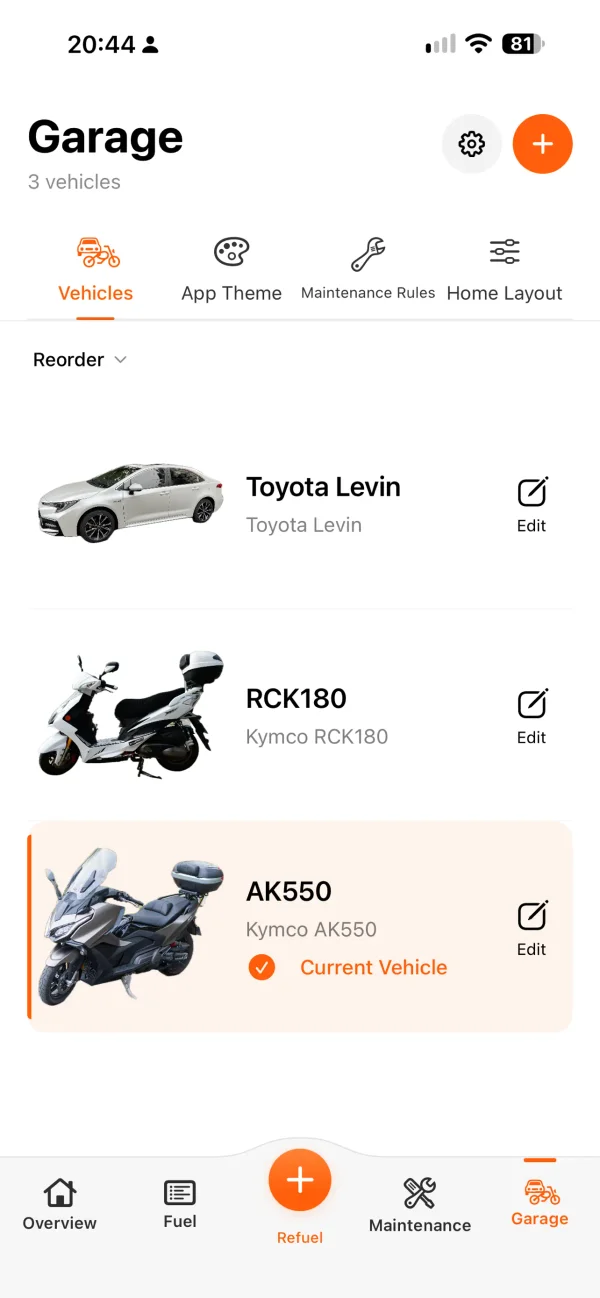
For commuting, touring, and multiple motorcycles or cars. Manage each vehicle separately and sync via personal iCloud across iPhone, iPad, and Mac.
MADE FOR GLOBAL USE
• English, Japanese, Simplified Chinese, and Traditional Chinese; choose a language or follow system settings.
• Metric: km, L, L/100km or km/L. Imperial: mi, L, mpg. US: mi, US gal, mpg.
• 44 currencies, searchable by name or code.
• RON, AKI, Japanese fuel grades, and ethanol blend tracking.
• Set currency, units, and fuel system per vehicle; switch metric economy display anytime.
FUEL & ECONOMY
• Log odometer readings, unit price, order total, amount paid, discounts, and volume.
• Enter any two of price, volume, and order total to calculate the third.
• New entries reuse your last fuel selection.
• Supports full tanks, partial fills, free fuel, and missed fill-ups.
• Missed fill-ups break unreliable calculation intervals.
• View overall and interval economy, spending, and cost per km or mile.
• Estimate fuel usage costs from tank capacity, remaining fuel, and actual payments.
• Save feedback shows counts and interval economy; confetti and haptics are optional.
• Unusual economy alerts; smoother forms with keyboard-aware fields.
PHOTO SCANNING
• Capture or select receipts, electronic orders, payment screenshots, and pump displays.
• Zoom dial and pinch-to-zoom; camera recognition stays within the viewfinder.
• Extract available dates, amounts, prices, volumes, and fuel grades.
• Rules follow vehicle currency, units, and fuel system—not interface language.
• Rules for supported documents from mainland China, Taiwan, Hong Kong, the US, and Japan.
• Receipt edge detection and dedicated pump-display recognition.
• Distinguish totals, tax, discounts, and payments.
• Currency or unit mismatches show the original image for review, without automatic conversion.
• Zoom into scans to check details; prompts help add missing odometer readings.
• Review and edit before saving. Accuracy depends on image quality and format. Currency support does not imply local receipt support.
MAINTENANCE & COSTS
• Combine service, repairs, parts, and upgrades in one record, with an overall title and individual item names.
• Log brand, specifications, quantity, materials, labor time, and costs.
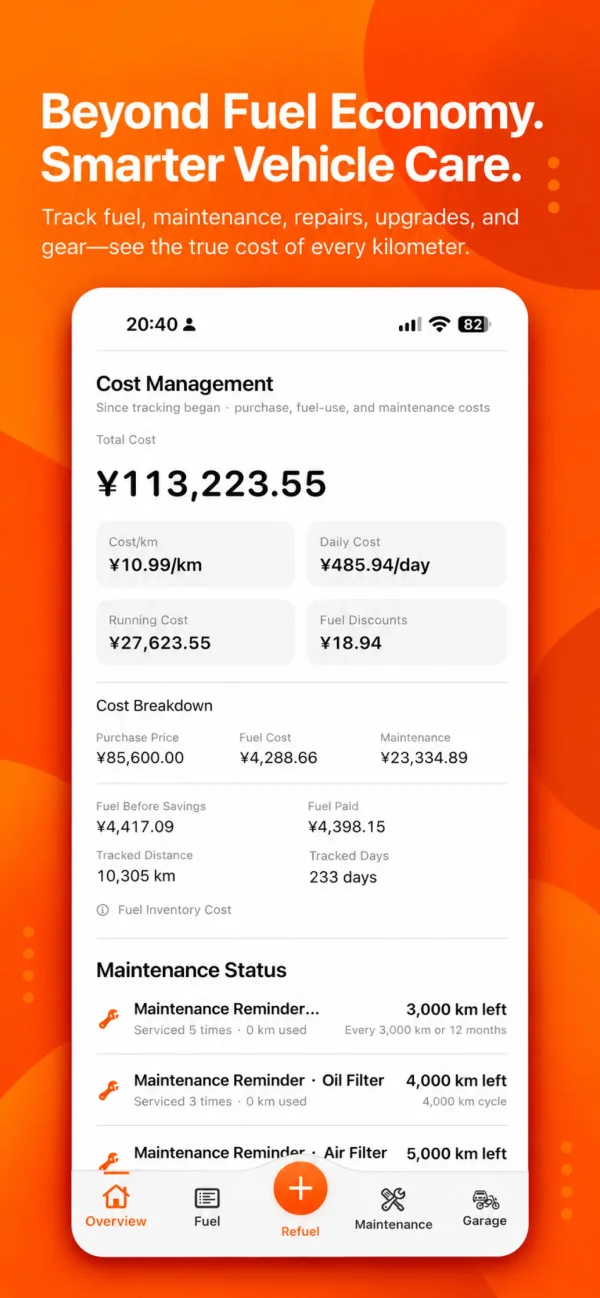
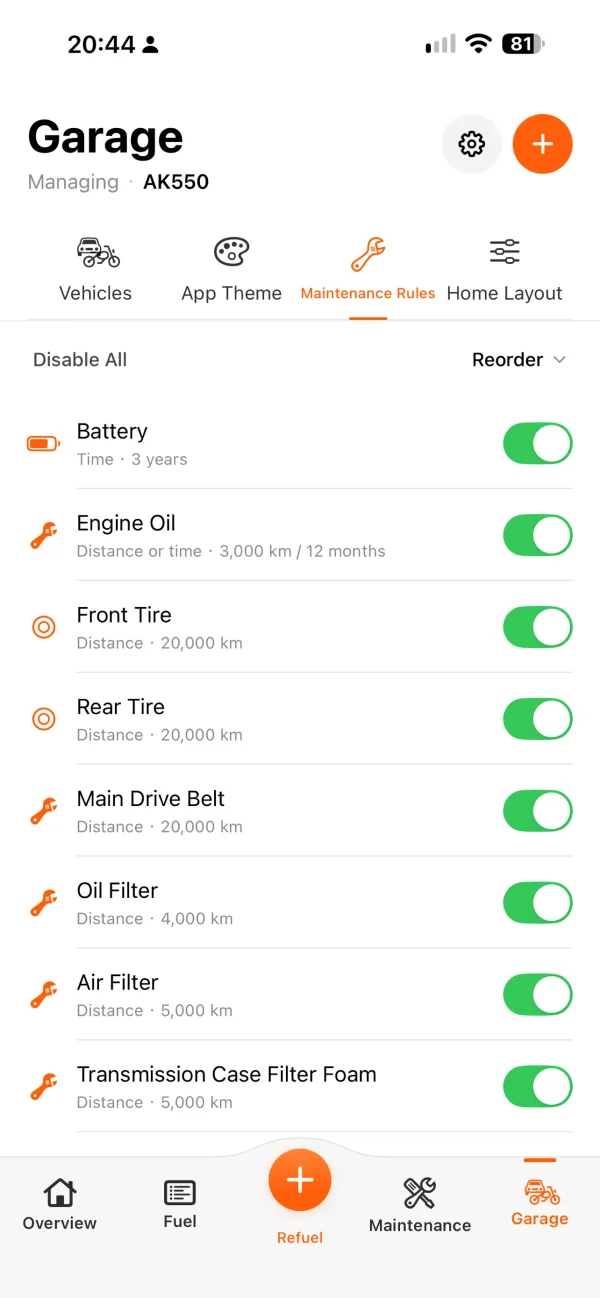
• Set initial and recurring reminders by distance, time, or whichever comes first.
• Check remaining distance and time; receive local due-date alerts.
• Sort rules by name, date, or drag. Language changes preserve custom names.
• Track purchase price, fuel, service, repairs, and other expenses.
• View cost per km or mile, daily ownership cost, and long-term charts.
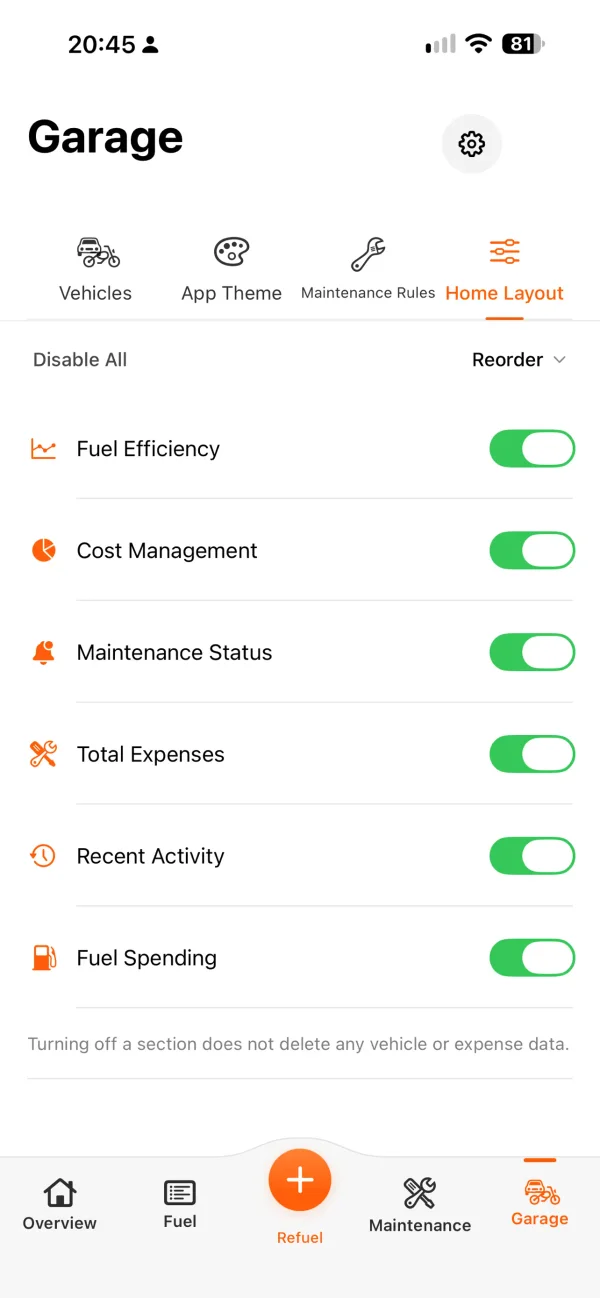
• 3-month, 6-month, or yearly charts; reorder or hide home modules.
YOUR GARAGE
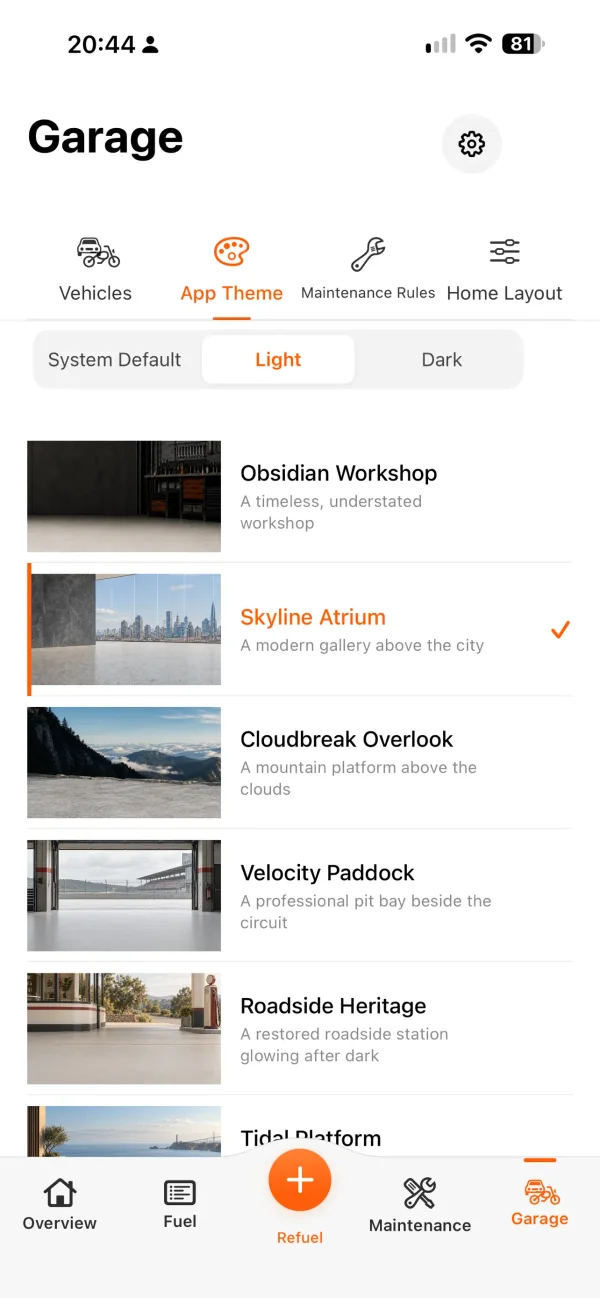
• On-device vehicle cutouts with six light/dark garage themes.
• Optional tilt-based depth and parallax effects.
• iPhone Duo layouts adapt to folding, unfolding, and rotation, including settings, charts, navigation, and buttons.
DATA & PRIVACY
• Personal iCloud sync, Excel import/export, and full backups.
• Restore Excel backups across interface languages, preserving currencies, units, and values. Supports older data.
• Photos and app data stay on your device or in your iCloud, not on developer servers.
• Email feedback and screenshots from settings. These are sent to the developer; replies go to your sending address.
Try the main features before a permanent unlock.
What’s new
Version 1.503 · Nov 15, 2026
This update improves photo scanning on iPhone.
- Scanning uses only what’s visible in the viewfinder. The same image is saved to Photos.
- Improved photo loading and moved text recognition to the background to keep the app responsive.
- When scanning a fuel pump, the total, fuel volume, and unit price are filled in together after they pass validation. If the scan is incomplete, you can refer to the photo and enter the values manually.
App privacy
What 雪波 洪 declares on the App Store about how this app handles data.
-
Data not collected
The developer does not collect any data from this app.
Privacy practices may vary, for example with the features you use or your age.
Information
- Seller
- 雪波 洪
- Category
- Utilities
- Version
- 1.503
- Updated
- Nov 15, 2026
- Released
- Jul 9, 2026
- Size
- 75.9 MB
- Requires
- iOS 17.0 or later
- Age rating
- 4+
- Price
- Free
- In-app purchases
- Yes
- Languages
- English, Japanese, Simplified Chinese, Traditional Chinese
- Copyright
- © 2026 Xuebo Hong
You might also like
-
 摩油记-油耗记录与保养提醒Utilities
-
 油耗账本Utilities
-
 JiuKong Alarm: Group AlarmsSkip once, shift work, snooze
-
 機車管理Utilities
-
 Pitbox Moto: Motorcycle LogService Records & Tire Tracker
-
 Fuel Log: Gas MPG TrackerFill-Up, Mileage & Cost Diary
-
 摩界-二轮车智能解决方案Utilities
-
 券易用 - 澳門消費券記賬助手Utilities
-
 水平仪-水平角度精准测量助手Utilities
-
 掌上鄂中经销商Utilities