Move-in Check
Home checks, photos and notes
Designed for iPhone, iPad, iPod touch
In-app purchases
- Age rating4+
- CategoryLifestyle
- Developer위즈오션(WizOcean)
- LanguagesKorean+ 2 more
- Size91.8 MB
Links to the official App Store page
Download.org hosts no file of Move-in Check. The button opens its official App Store page, published by 위즈오션(WizOcean). Listing last checked on Nov 20, 2026.
Screenshots
About
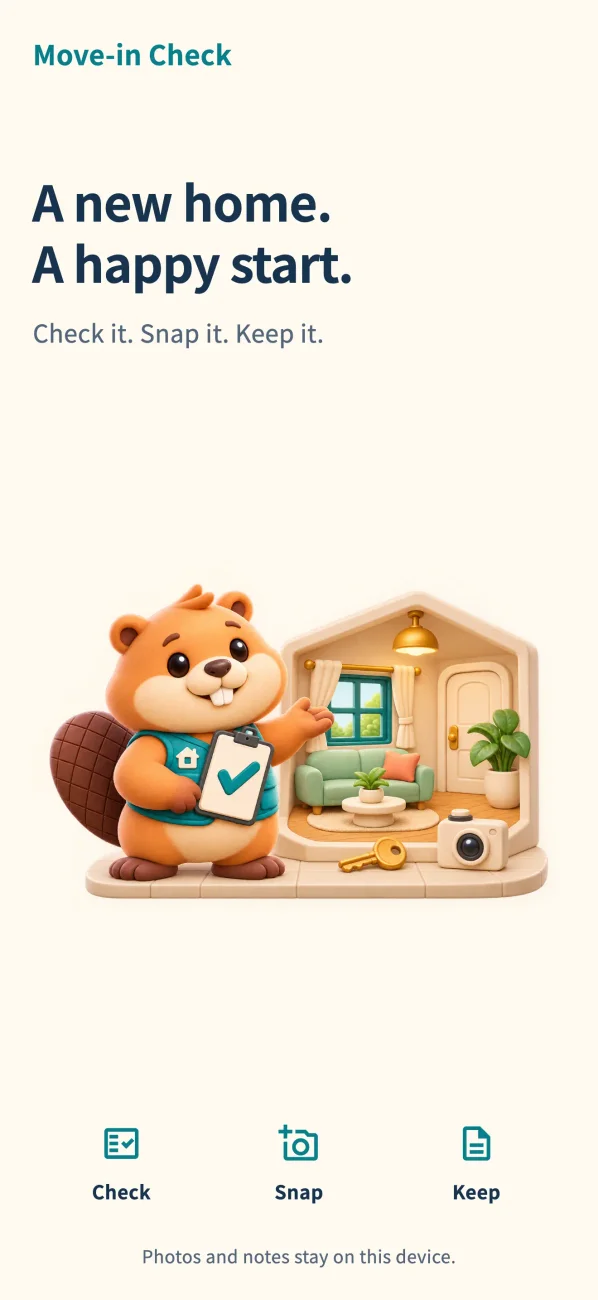
Check your home. Keep a clear record.
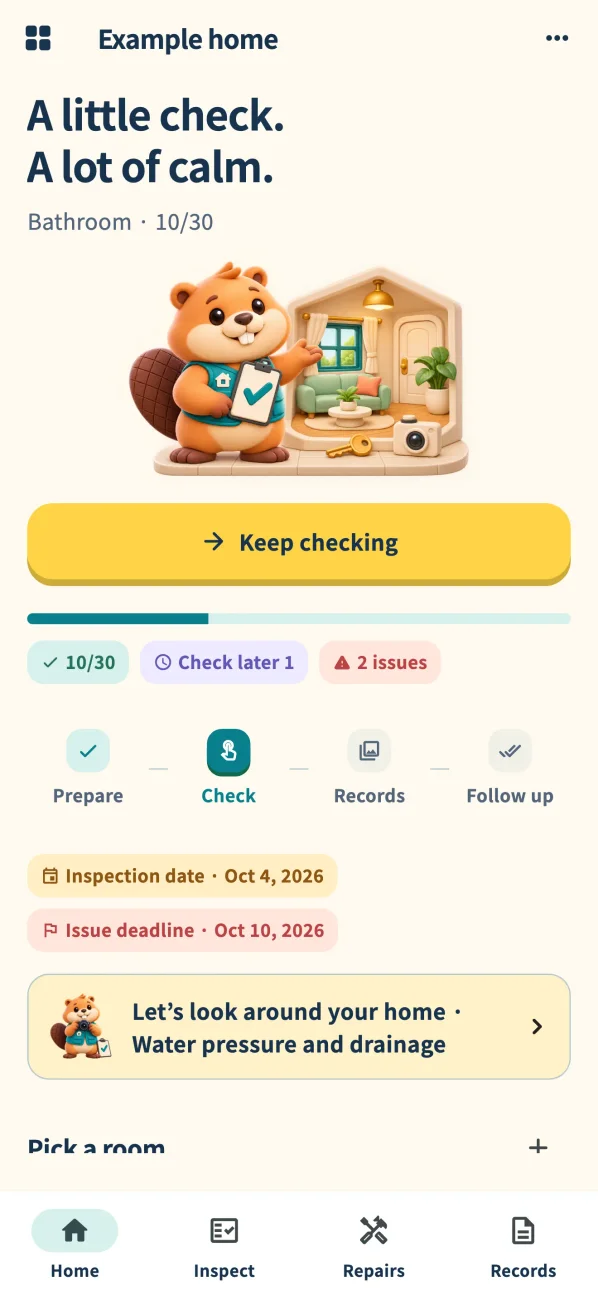
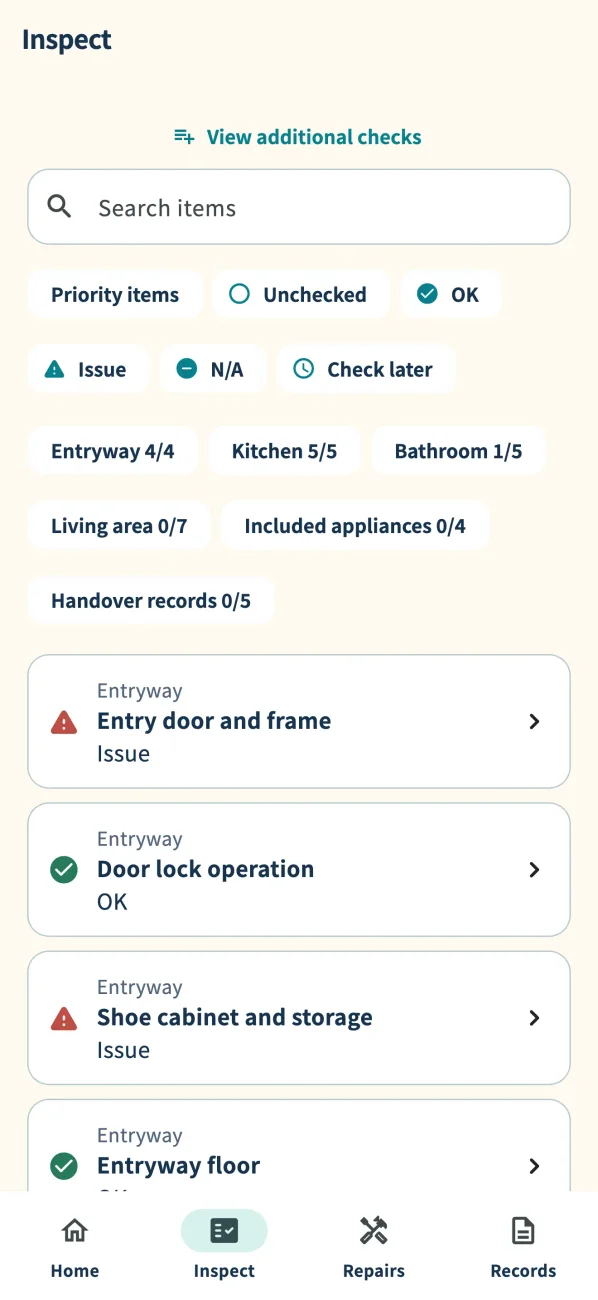
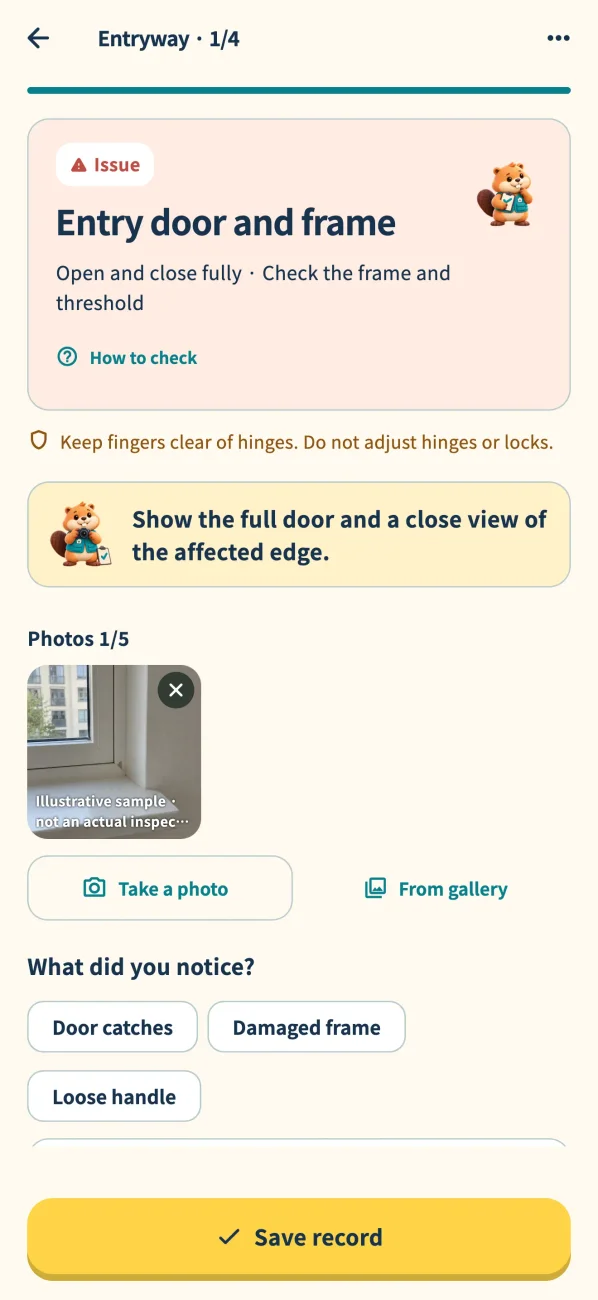
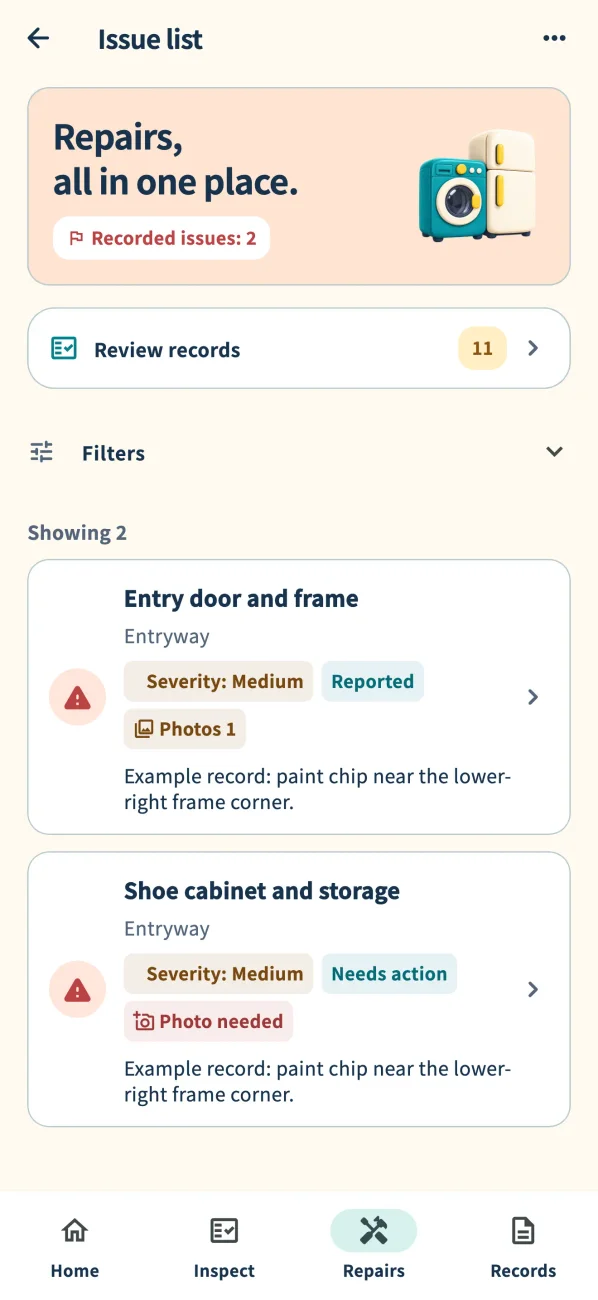
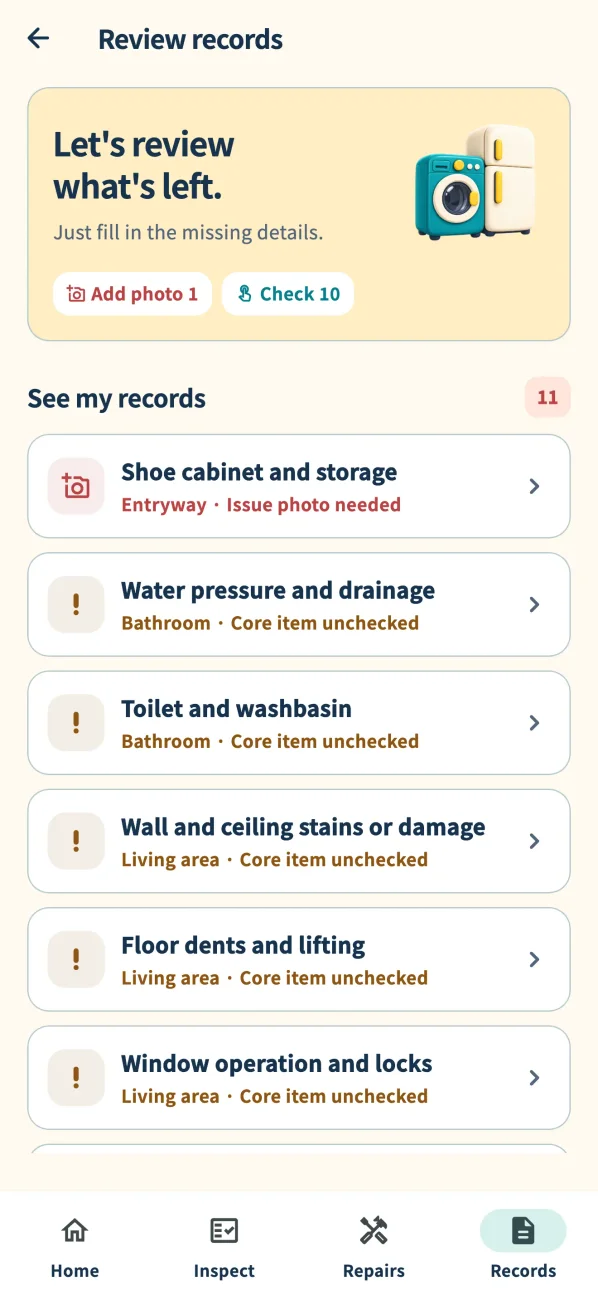
Move-in Check helps you document apartment, studio and home inspections before and after moving. Ready, a friendly beaver companion, points you to the next check and missing records. Follow room-by-room checklists and keep photos and notes in one place.
[Start with free inspection tools]
• One active home, room checklists, item search and filters
• OK, Issue, N/A and Check later, with a reason for deferred checks
• Handover readings, keys, cards, remotes, included equipment and overview photos
• Add only the ventilation, network equipment, dishwasher, oven, bidet or dryer provided in your home
• Photos, notes, locations and separate pins, arrows and short photo annotations
• Observations after rain or first use, manual meter readings and observation times
• Share issue records and keep contacts, receipt references, replies, appointments and resolution history
• Dates you enter and optional on-device reminders
• Individual photo saving/sharing, photo-free JSON export and restore
[One-time Pro purchase]
• Multiple homes and custom checklists
• Full PDF report export
• ZIP backup and restore including photos
• Unresolved, selected, full or move-out reinspections with previous records and photos
• Higher-quality photos and ad removal
Pro is a one-time purchase, not a subscription. Check the purchase screen for the final local price. Both plans allow up to five photos per item. Free PDF previews show selected items; full export requires Pro.
[Records on your device]
No account is required. Inspection records stay on your device unless you choose to share or export them. Automatic cloud sync is not provided. Photos are resized for storage. Unknown capture times are not estimated, and displayed metadata does not authenticate when a photo was taken.
JSON files exclude photo files. Save photos separately or keep a Pro photo ZIP backup before deleting the app or changing devices. Reminders are for dates you choose and require operating-system permission; restored tasks require reminders to be enabled again. Optional usage counters remain local. Free home/project-list screens may show ads.
This is a personal documentation tool, not a professional inspection, safety assessment, legal opinion or determination of defects or compensation. Stop if you suspect danger and contact an appropriate professional.
Support: ceo@wiz-ocean.com
Website: https://www.wiz-ocean.com
What’s new
Version 2.0.1 · Nov 18, 2026
See only unchecked and deferred items in each room. Check the remaining count and open the item you want to inspect.
Find open-source licenses under Settings, in Help and legal.
App privacy
What 위즈오션(WizOcean) declares on the App Store about how this app handles data.
-
Data linked to you
May be collected and linked to your identity.
- Location
- Identifiers
- Usage data
-
Data not linked to you
May be collected but is not linked to your identity.
- Diagnostics
Privacy practices may vary, for example with the features you use or your age.
Information
- Seller
- WizOcean
- Category
- Lifestyle
- Version
- 2.0.1
- Updated
- Nov 18, 2026
- Released
- Sep 8, 2026
- Size
- 91.8 MB
- Requires
- iOS 15.0 or later
- Age rating
- 4+
- In-app purchases
- Yes
- Languages
- Korean, English, Japanese
- Copyright
- © 2026 WizOcean