MoveFirst: Screen Time Control
Move to Unlock. App Blocker
Designed for iPhone
In-app purchases
- Age rating+4
- CategoryHealth & Fitness
- DeveloperEverton Carneiro
- LanguagesPortuguese+ 1 more
- Size92.4 MB
Links to the official App Store page
Download.org hosts no file of MoveFirst: Screen Time Control. The button opens its official App Store page, published by Everton Carneiro. Listing last checked on Nov 12, 2026.
Screenshots
About
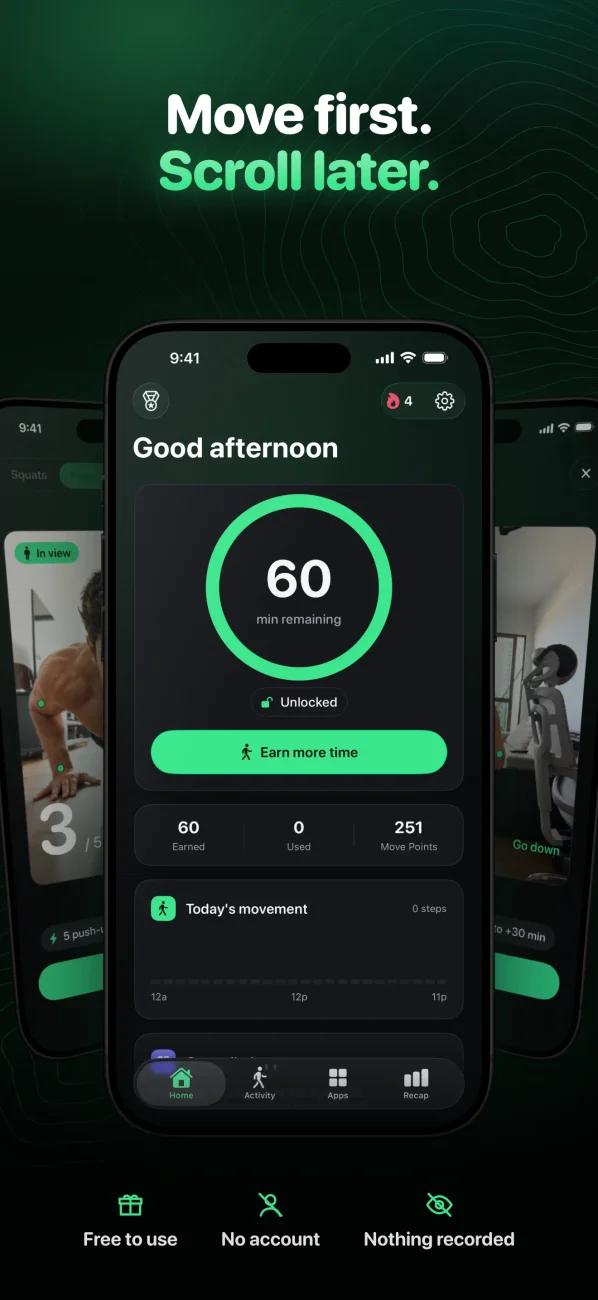
Move first. Scroll later.
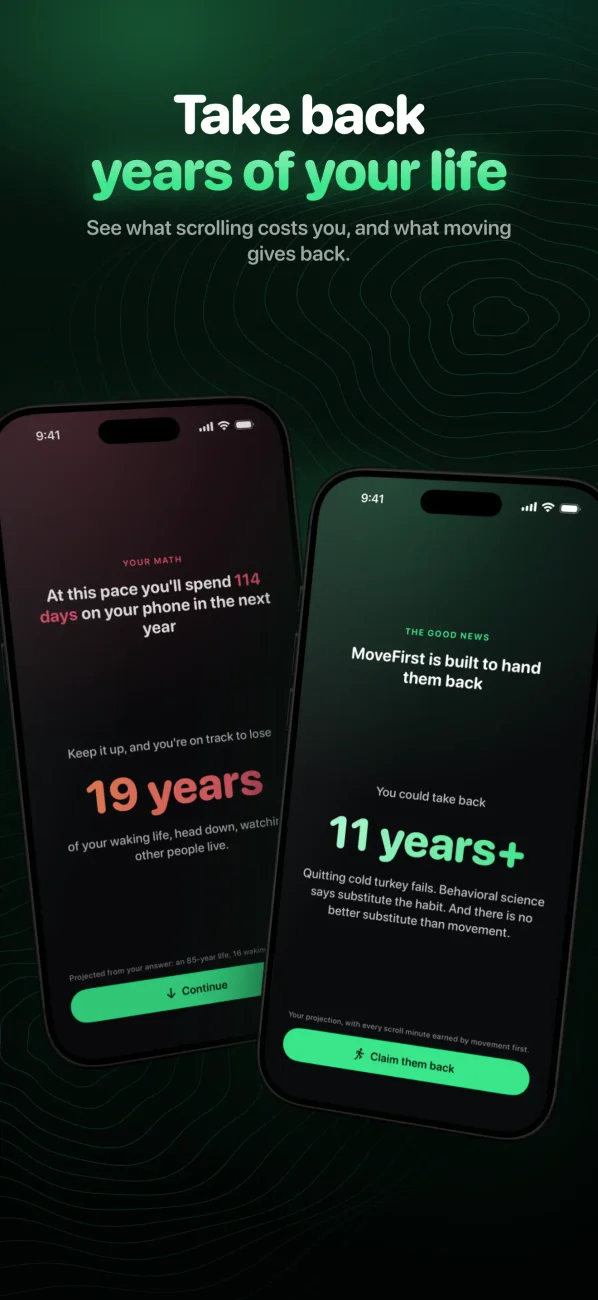
MoveFirst locks the apps that eat your time, like social media and endless video feeds. To open them, you earn minutes by moving: a set of squats, a few push-ups, your steps, or any workout in Apple Health. When the minutes run out, the apps lock again until you move some more. It's a way to reduce screen time that doesn't run on willpower.
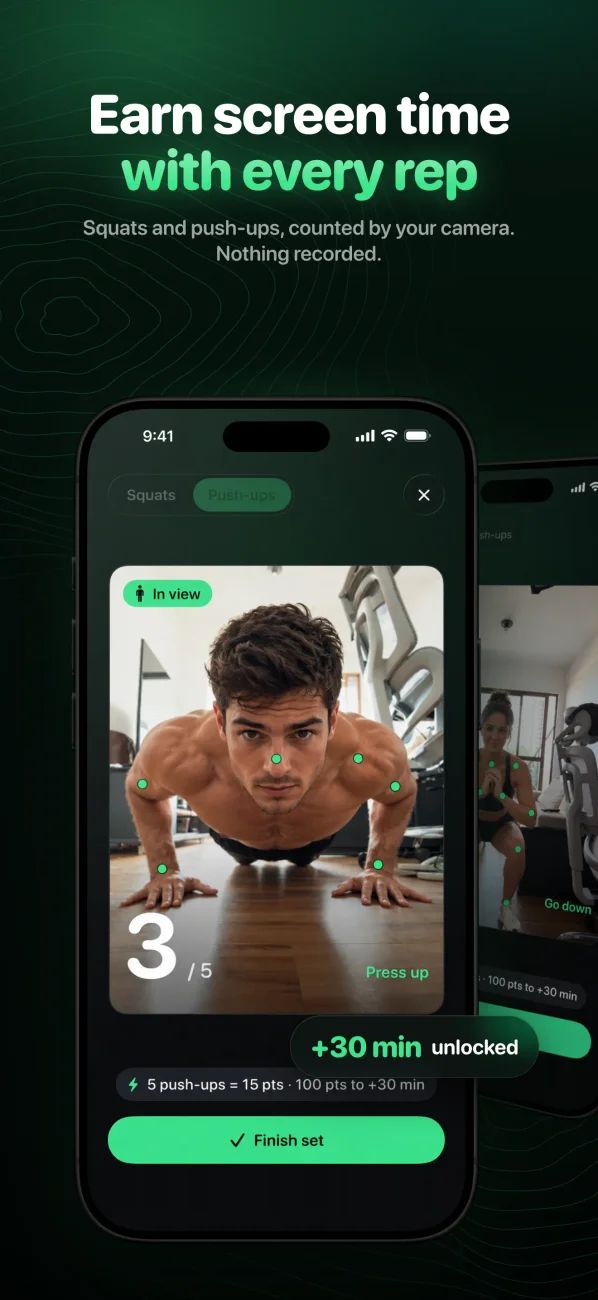
EARN TIME IN SECONDS
Prop your iPhone up and do squats or push-ups in front of it. The front camera counts every rep on your iPhone, and nothing is recorded or saved. At the regular pace, 50 squats or 35 push-ups unlock 30 minutes.
EVERY STEP AND WORKOUT COUNTS
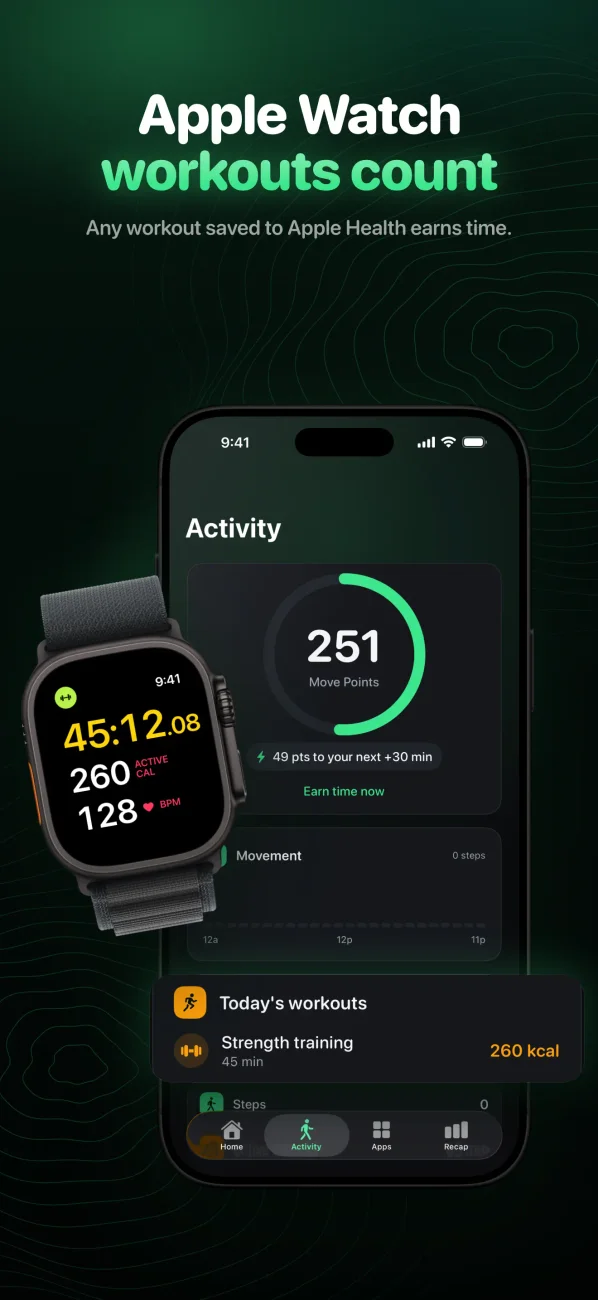
Steps, exercise minutes and workouts from Apple Health earn time on their own, in the background. Workouts from any watch or fitness app that saves to Apple Health count too.
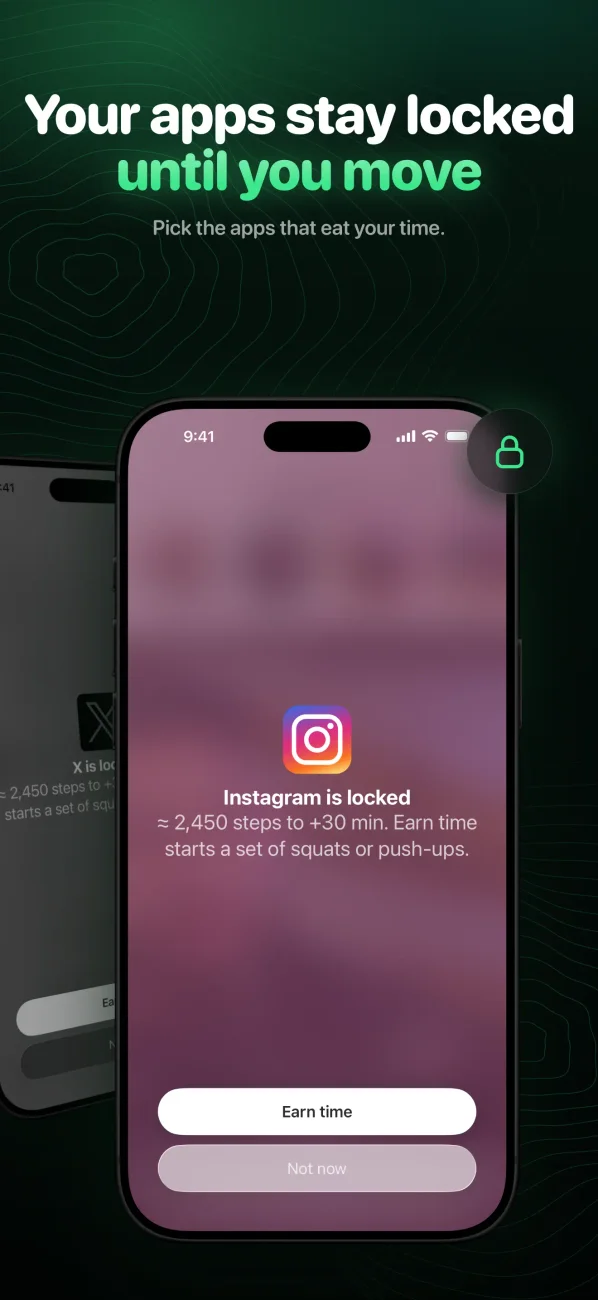
LOCKED MEANS LOCKED
Pick the apps to block with Apple's Screen Time. When your time is up, they open to a MoveFirst lock screen, and its Earn time button gets you moving. A daily cap keeps earned time in check, and an emergency unlock is there when you truly need it.
PICK YOUR PACE
Easy, Regular or Hard: choose how much movement buys 30 minutes. Your minutes reset every day.
STREAKS, BADGES AND WIDGETS
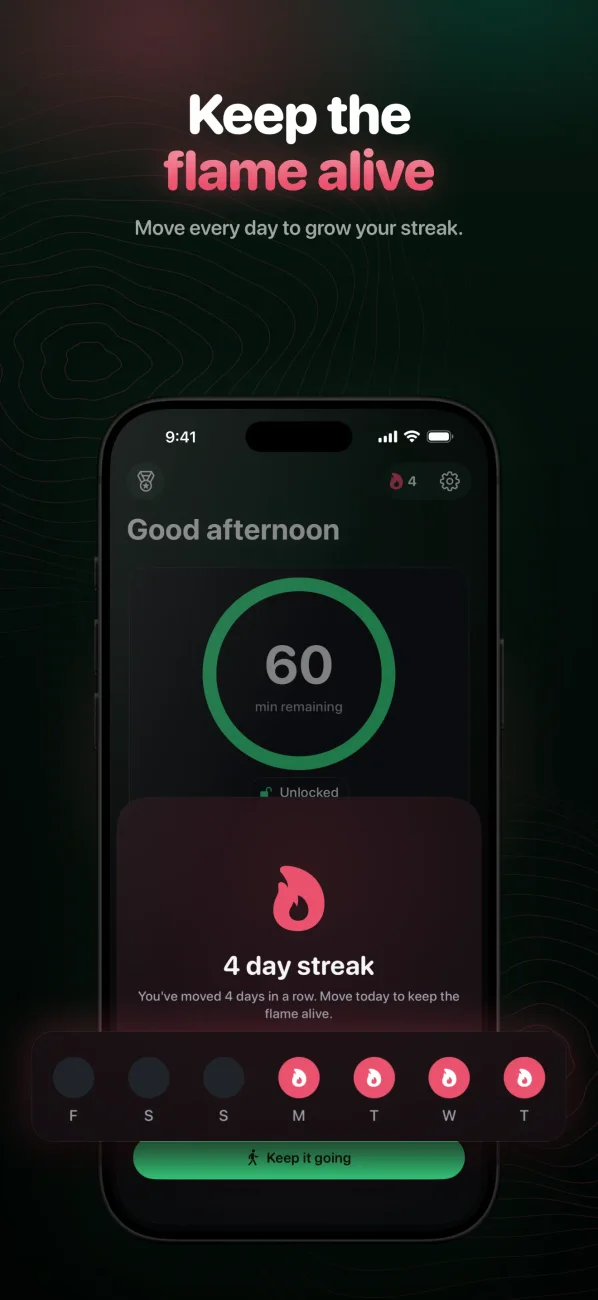
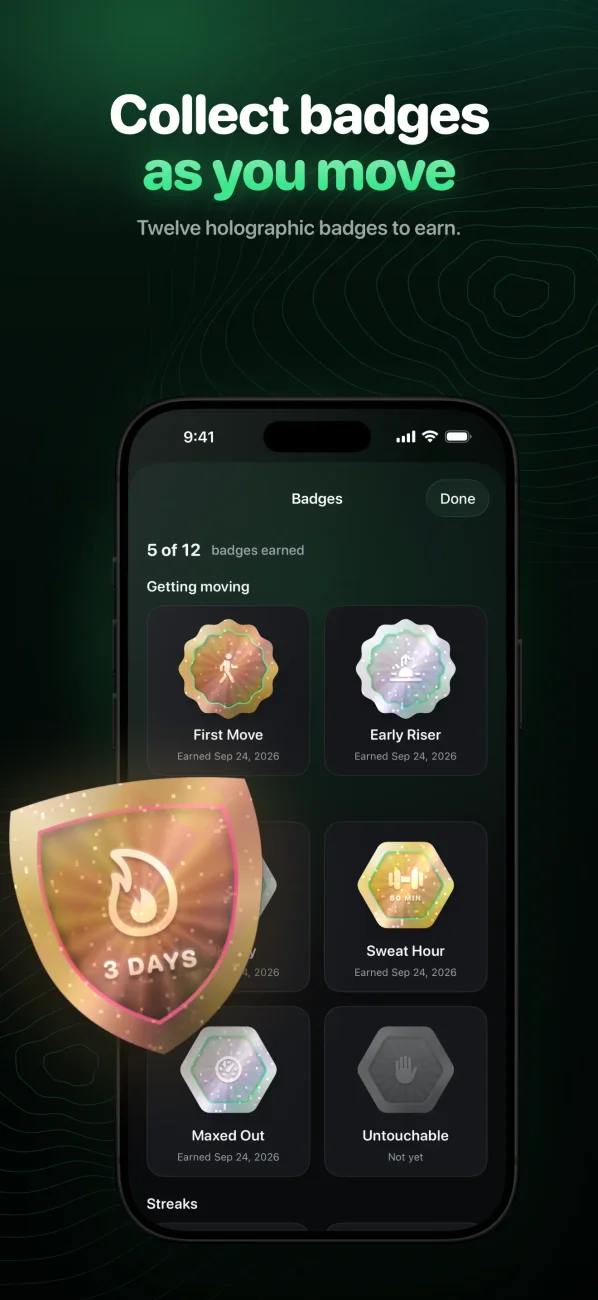
Keep a daily Move streak, collect 12 holographic badges, and check your time from widgets on your Home Screen and Lock Screen.
FREE TO USE
MoveFirst is free with one locked app and every way to earn. MoveFirst Pro adds:
• Unlimited apps and whole categories
• A custom daily cap
• A streak calendar with weekly rest days
• Insights: where your minutes went and your last 7 days
PRIVATE BY DESIGN
No account, no ads, no tracking. Your health data, your Screen Time and your camera never leave your iPhone.
MoveFirst Pro is a weekly or yearly auto-renewing subscription; the yearly plan starts with a 1-week free trial. Nothing is charged during the trial: payment goes to your Apple Account when the trial ends, or at confirmation of purchase when there's no trial. Subscriptions renew automatically unless cancelled at least 24 hours before the end of the current period. Manage or cancel them in Settings › your name › Subscriptions.
Terms of Use: https://www.apple.com/legal/internet-services/itunes/dev/stdeula/
Privacy Policy: https://www.mobyaplicativos.com.br/movefirst/privacy
What’s new
Version 1.1 · Oct 2, 2026
MoveFirst now speaks Portuguese (Brazil).
• The paywall spells out exactly what happens: how long the free trial lasts, the day you'd be charged, the price, and how to cancel so you pay nothing.
• Prices always show in your own currency.
• Small fixes and polish.
App privacy
What Everton Carneiro declares on the App Store about how this app handles data.
-
Data not linked to you
May be collected but is not linked to your identity.
- Purchases
Privacy practices may vary, for example with the features you use or your age.
Information
- Seller
- Everton Carneiro
- Category
- Health & Fitness
- Version
- 1.1
- Updated
- Oct 2, 2026
- Released
- Oct 1, 2026
- Size
- 92.4 MB
- Requires
- iOS 26.0 or later
- Age rating
- +4
- In-app purchases
- Yes
- Languages
- Portuguese, English
- Copyright
- © 2026 Moby Soluções em Aplicações Mobile
You might also like
-
 Fastly: Simple Fasting TrackerEasy 16:8 intermittent fasting
-
 Beastie: Push Up Rep Counter1v1 Push Up Challenge & Squats
-
 Vora: Quit Porn Now#1 Science-Based Recovery App
-
 CalorieQuest: AI Calorie LogSnap food, track, level up
-
 Plank Core Workout at HomePlank Timer, Workout & Tracker
-
 DebloatX - AI LooksmaxxingFace Scan, Jawline & Symmetry
-
 Endor Fitness - Workouts AppAI Workouts for All Users
-
 Eurofarma DigitalHealth & Fitness
-
 Essence: Quit AddictionDopamine Reset & Detox
-
 KickerAI - Your Health BestieYour caring AI health buddy