MP3 Converter + Ringtone Maker
Video to Music & Audio Editor
Designed for iPhone, iPad
Free · In-app purchases
- Age rating4+
- CategoryUtilities
- DeveloperTurbo Ventura FZCO
- LanguagesEnglish+ 32 more
- Size105.3 MB
Links to the official App Store page
Download.org hosts no file of MP3 Converter + Ringtone Maker. The button opens its official App Store page, published by Turbo Ventura FZCO. Listing last checked on Nov 12, 2026.
Screenshots


About
Pull the music out of any video, convert audio to the format you need, make your own ringtones and split a song into its instruments with AI. Conversion happens on your phone; your files are never uploaded to a server.
VIDEO TO MUSIC
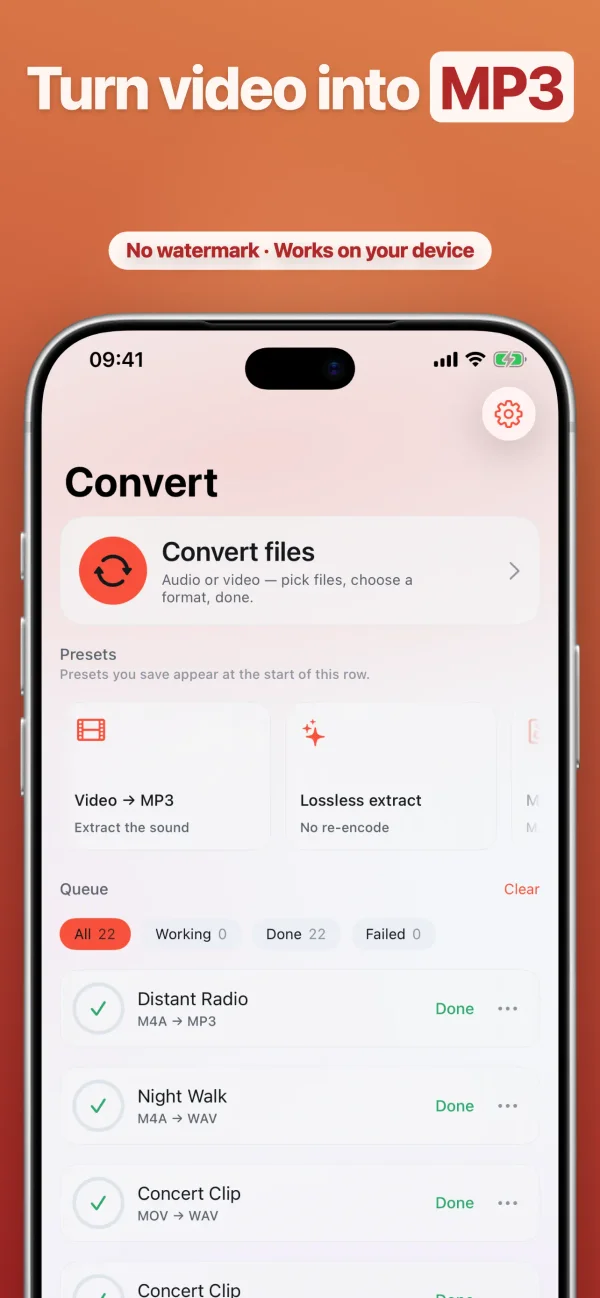
• Extract the audio from MP4, MOV, MKV, AVI and more in seconds
• 38 formats: MP3, M4A, AAC, WAV, FLAC, ALAC, OGG, Opus and beyond; MP4, MOV, MKV, WebM and GIF for video
• When the source allows it, the audio is taken without re-encoding, so the quality stays exactly as it was
• Batch conversion: queue a whole folder at once
• Choose bitrate, sample rate and channels, and save them as a preset
• Compare with the original in a preview before you convert
ENHANCE THE SOUND
• Even out the loudness, reduce noise, trim silence from the start and end
• Karaoke, reverb, pitch and stereo width effects
• Split long recordings by chapters, by CUE sheet or by silence
• Speed, rotate and crop for video
SEPARATE INSTRUMENTS WITH AI
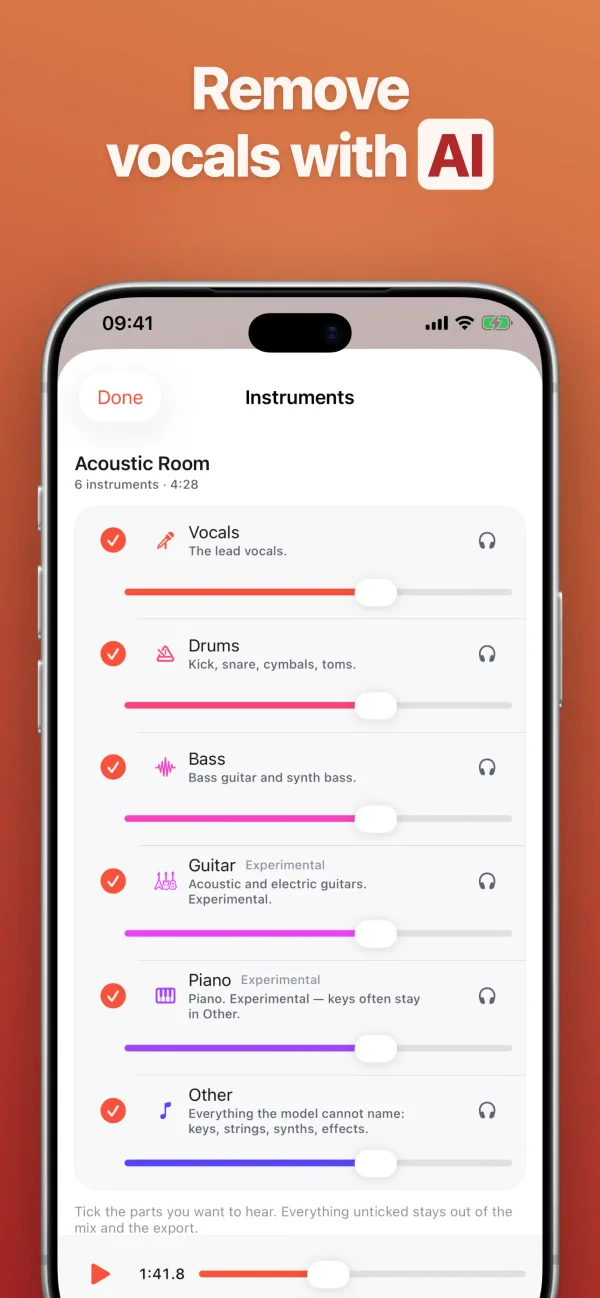
• Remove the vocals and get the instrumental version of a song
• Isolate the vocals on their own
• Split vocals, drums, bass, guitar, piano and everything else into separate tracks
• Separation runs on your phone; your song is never sent anywhere
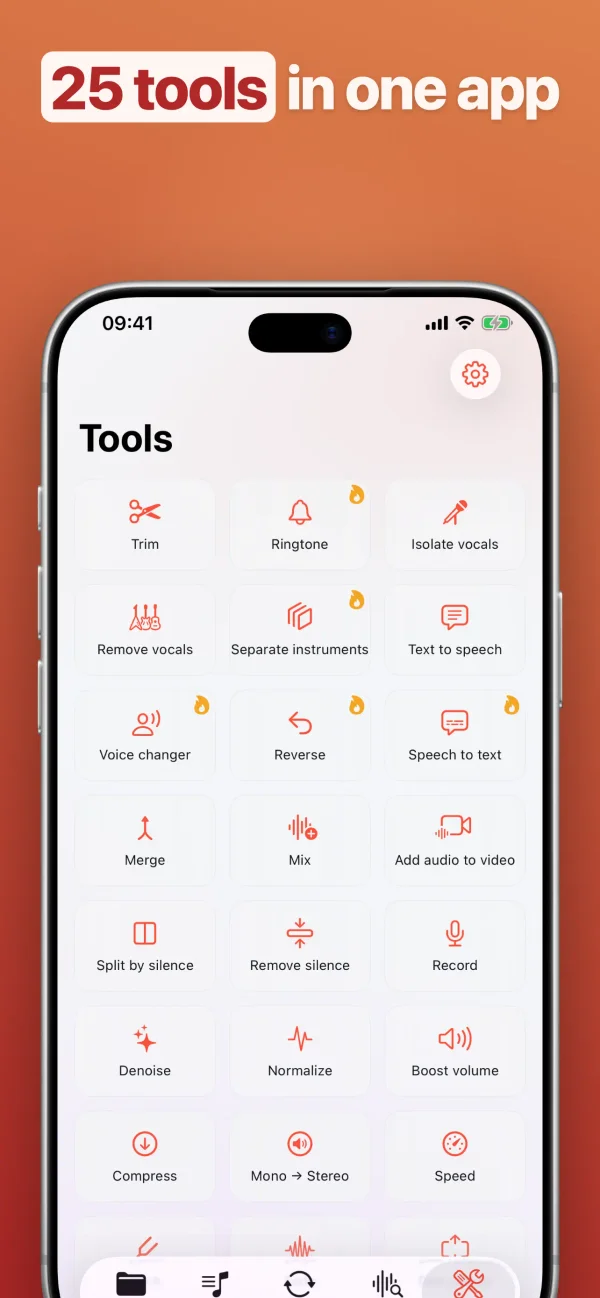
25 AUDIO TOOLS
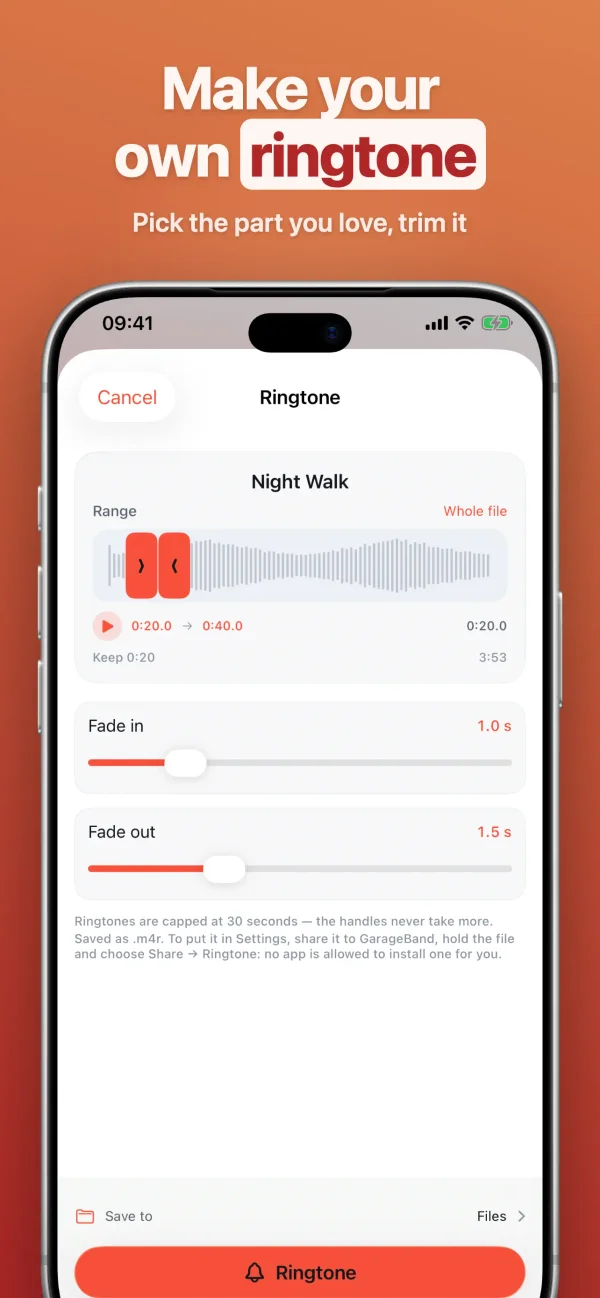
• Make a ringtone: pick the part you love and let your phone play it
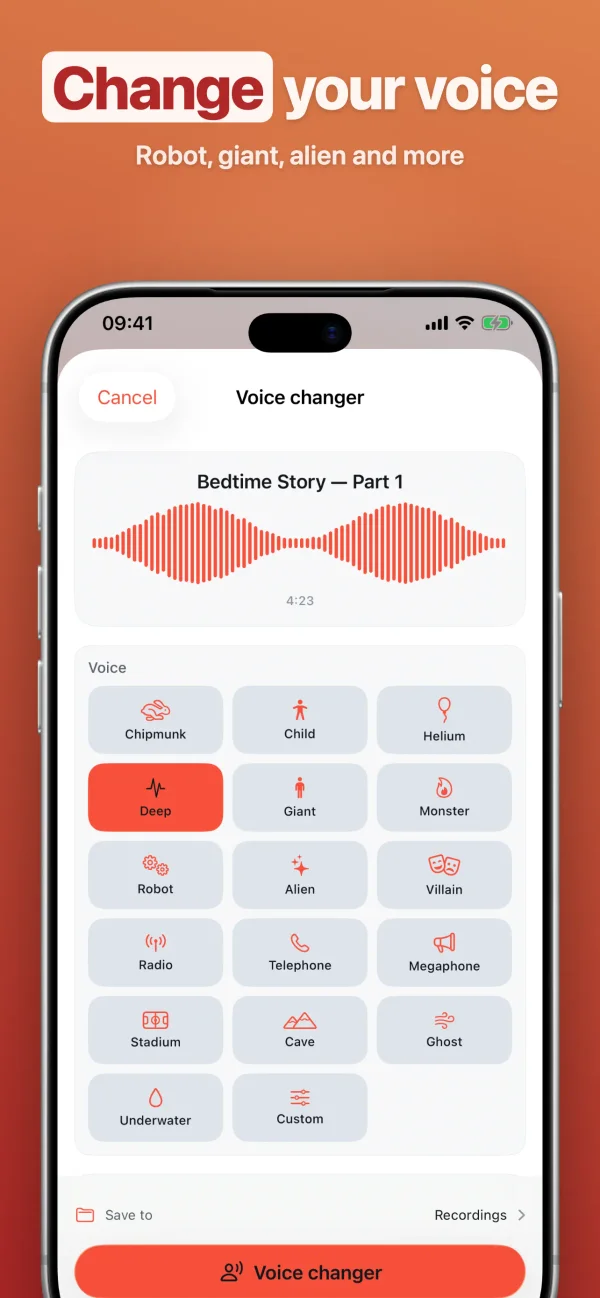
• Voice changer: robot, monster, alien, chipmunk, radio, telephone, cave, underwater and more — or set the pitch and the room yourself
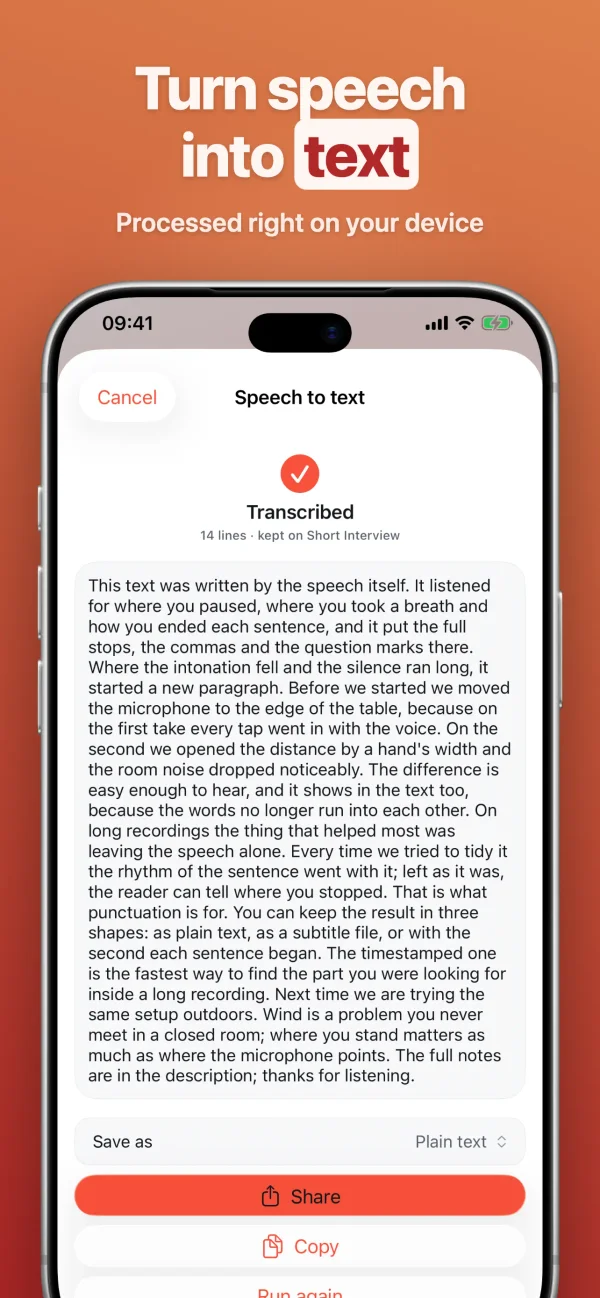
• Speech to text: turn conversations, lectures and voice notes into text
• Text to speech: have what you write read aloud in a natural voice and save it as a file
• Trim and merge: keep just the part you want, join tracks one after another
• Add audio to video: put music on your video and balance the levels
• Record: start recording with a single tap
• Boost volume, normalize, compress; change speed and pitch; reverse
STUDIO
• Multitrack audio editor
• Split, trim and move clips; add fades and effects
• Record straight onto a layer, export the mix in the format you want
PLAYER
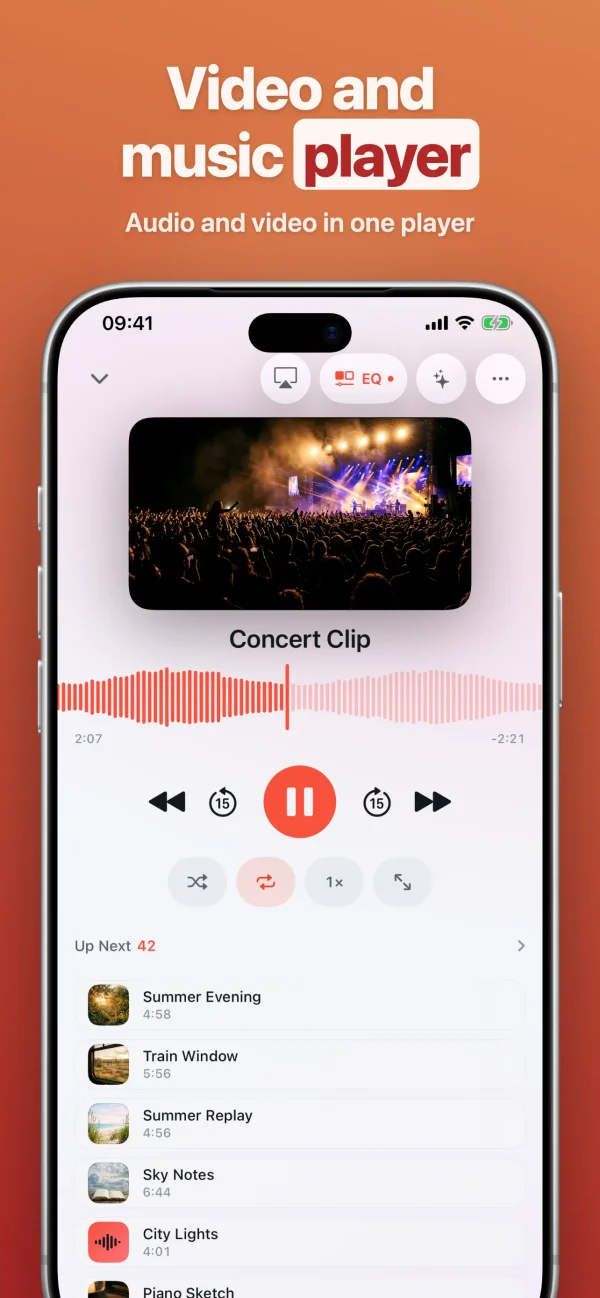
• Offline player for audio and video — MKV and AVI included
• Background playback, lock screen controls, Picture in Picture
• Up Next, playlists and favorites
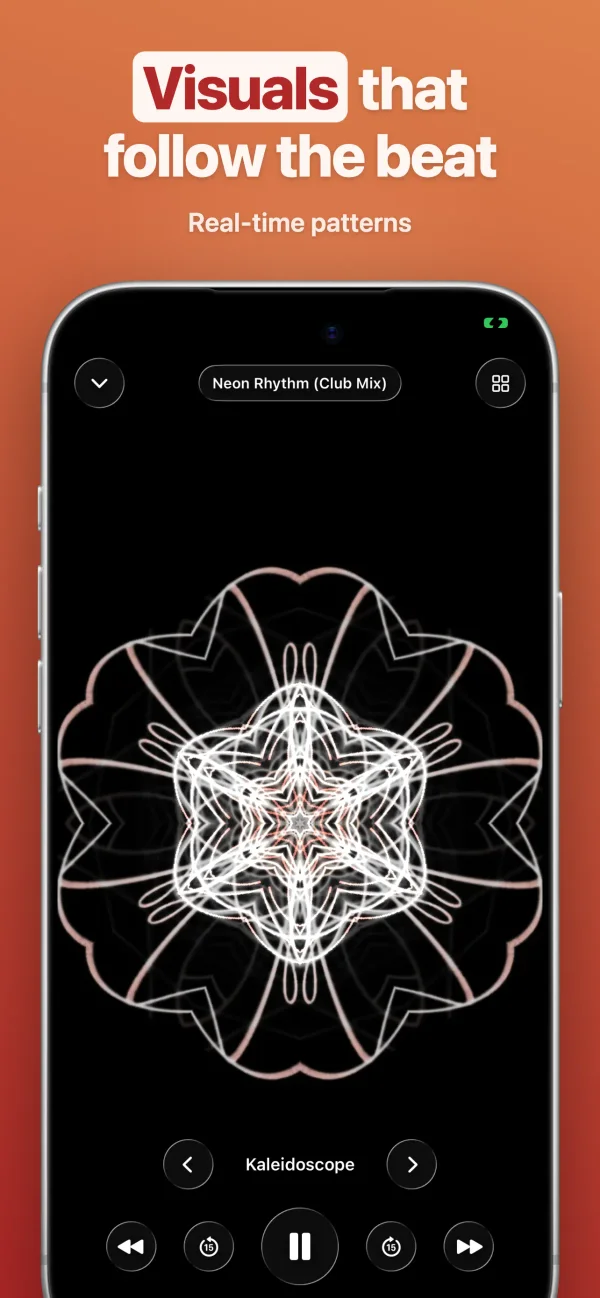
• Equalizer and presets, sleep timer, visualizer
YOUR LIBRARY, YOUR WAY
• A library organized in folders, with a tag and cover art editor
• Add files from Files, Photos, the share sheet and Wi-Fi Transfer
• Connect Google Drive, Dropbox, Yandex Disk, WebDAV, Nextcloud and SMB
• App Lock: passcode, Face ID or Touch ID
• Convert, make a ringtone or start recording with Shortcuts and Siri
• Home Screen and Lock Screen widgets
PREMIUM
• Premium is offered as a weekly or yearly auto-renewing subscription, or as a one-time lifetime purchase.
• Payment is charged to your Apple Account when you confirm the purchase.
• A subscription renews automatically unless it is cancelled at least 24 hours before the end of the current period; the renewal is charged within the last 24 hours of the period.
• You can manage and cancel your subscriptions at any time in your account settings on the App Store.
Terms of Use: https://turboventura.com/terms
Privacy Policy: https://turboventura.com/apps/mp3-converter/privacy
What’s new
Version 1.1.0 · Oct 22, 2026
• iPhone Duo support
• Performance improvements
App privacy
What Turbo Ventura FZCO declares on the App Store about how this app handles data.
-
Data used to track you
May be used to track you across apps and websites owned by other companies.
- Identifiers
-
Data linked to you
May be collected and linked to your identity.
- Identifiers
-
Data not linked to you
May be collected but is not linked to your identity.
- Purchases
- Location
- Usage data
- Diagnostics
Privacy practices may vary, for example with the features you use or your age.
Information
- Seller
- Turbo Ventura - FZCO
- Category
- Utilities
- Version
- 1.1.0
- Updated
- Oct 22, 2026
- Released
- Sep 17, 2026
- Size
- 105.3 MB
- Requires
- iOS 17.0 or later
- Age rating
- 4+
- Price
- Free
- In-app purchases
- Yes
- Languages
- English, Arabic, Catalan, Croatian, Czech, Danish, Dutch, Finnish, French, German, Greek, Hebrew + 21 more
- Copyright
- © 2026 Turbo Ventura
You might also like
-
 MP3 Converter -Audio/VideoYouTube/video to Audio
-
 Audio File Converter: My MediaEdit, Convert & Extract Music
-
 Converting Videos To MP3Convert Video To Audio MP3
-
 Combine Audio -Music,Mp3 MixerMerge Voice Memos Files Editor
-
 All Video Downloader : PlayerAll Video & Music Downloader
-
 FoxFM Offline Music MP3 PlayerCloud video saver, web browser
-
 تحويل فيديو الى mp3 - طربUtilities
-
 MP3 Converter - Convert to MP3Audio Converter & Extracter
-
 Video to MP3 Converter ‣Convert MP4, M4A, MOV to MP3