- Age rating17+
- CategoryEducation
- DeveloperShenZhen SamApp Technology Development Co., Ltd
- LanguagesEnglish+ 4 more
- Size38.3 MB
Links to the official App Store page
Download.org hosts no file of MTestM. The button opens its official App Store page, published by ShenZhen SamApp Technology Development Co., Ltd. Listing last checked on Nov 17, 2026.
Screenshots

About
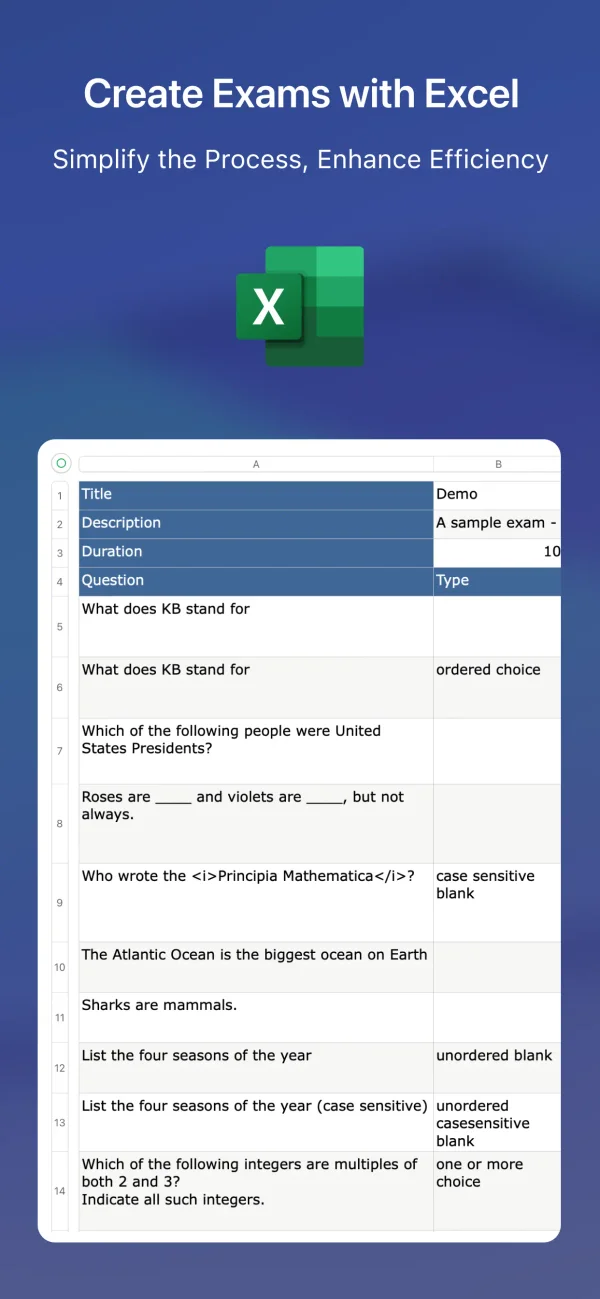
MTestM is an exam creator application that allows you to create, publish and share exams. Creating an exam has never been easier. You can add different types of questions on an Excel spreadsheet.
MTestM is used by educators, trainers, non-profits, businesses and other professionals who need an easy way to quickly make exams, tests, and quizzes online. You can create and publish your first exam in a few minutes!
1.Create exams easily
Excel is a great program for creating questions. Exams can be created offline using Excel. By taking a tour, it’s easy to understand the MTestM format and add your own questions in the spreadsheet.
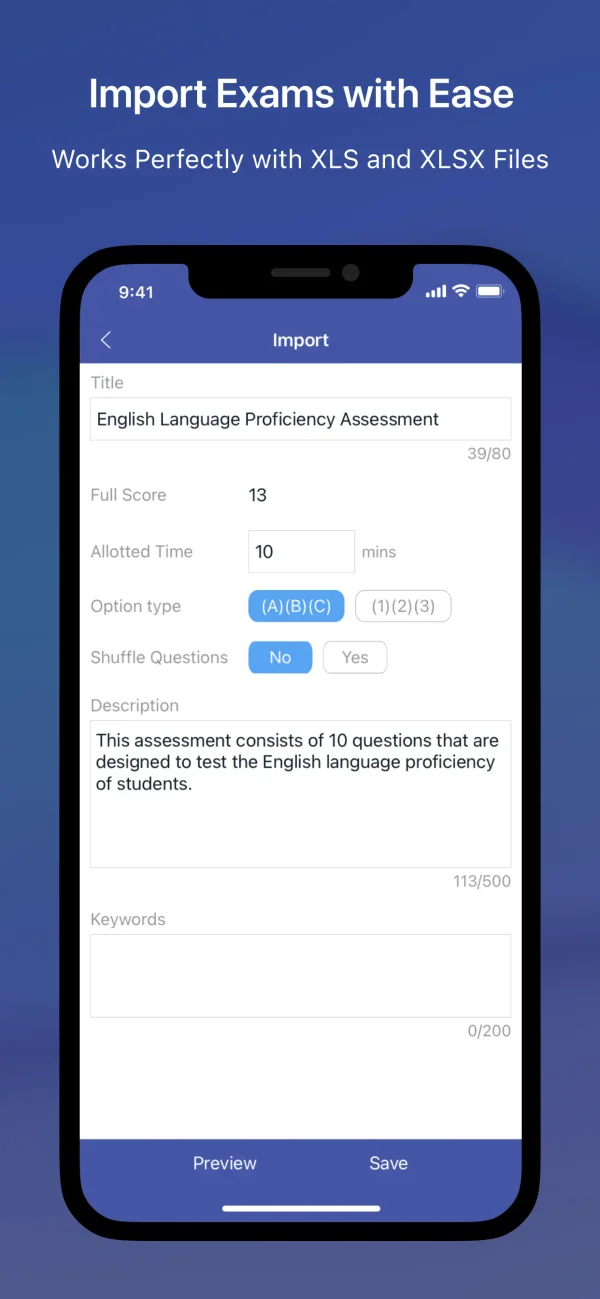
MTestM allows you to use Excel to write multiple-choice, fill-in-the-blank and matching questions in a simple format that can be imported. When creating a large numbers of questions, MTestM can provide a quick way of bulk importing questions.
2.Advanced question types
MTestM allows you to create single choice, multiple choice, fill in the blank and matching questions. MTestM supports case sensitive answers and questions having more than one correct correct answer.
You can also create questions that are based on the same material or based on the same stem. You can also specify HTML, MathML, image, audio and video for the question.
3.Publish exams
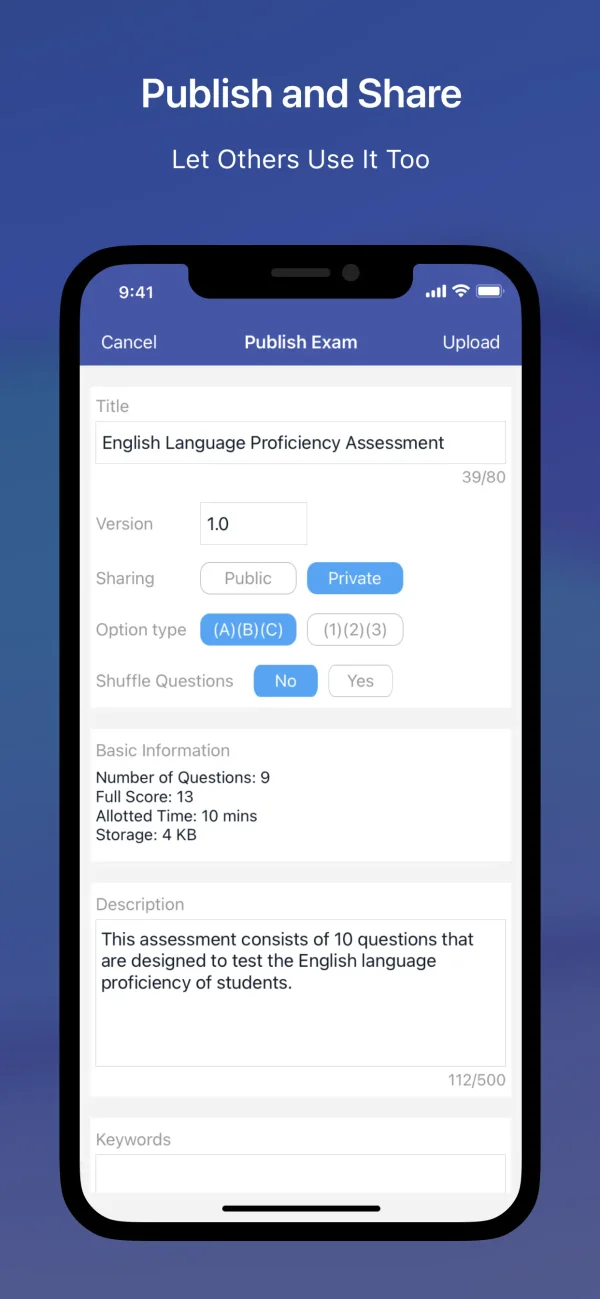
After you have created an exam, you can publish it. You can mark your exams as private if you do not want others to see your exams, otherwise your exam can be seen by others.
In order to create high quality exams, we recommend you to update your exams regularly. MTestM allows you to update your published exams. If an exam is not the current version, it will be kept for 30 days on the server.
4.Share exams
Anyone can share public exams with others. Only you can share your own private exams with others. Others cannot share your private exams.
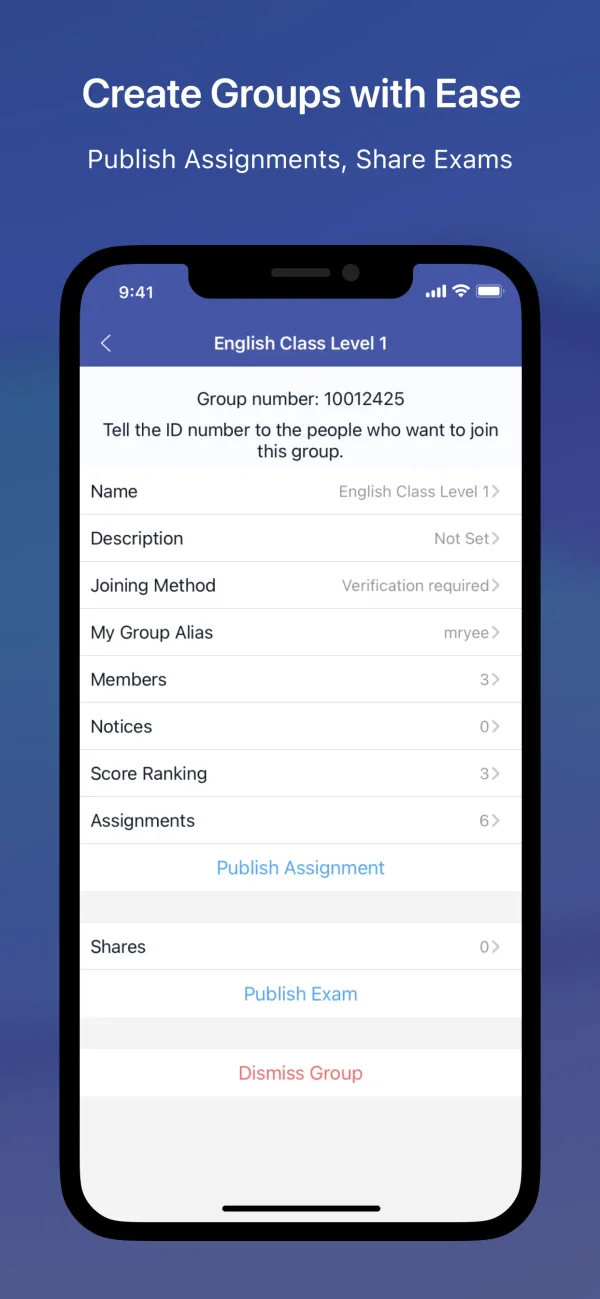
If you are a teacher, sharing exams is an alternative way to assign homework to your students. If you are a student, share your study quiz with your classmates and test each other as much as possible in order to discover even more details and areas you may have overlooked.
5.Organize exams into folders
Organizing exams is very important. You can organize exams into folders and subfolders.
Exams are saved locally on your phone, so you can search exams quickly using keywords. You can also find the exams and questions you recently took.
6.Take exams offline
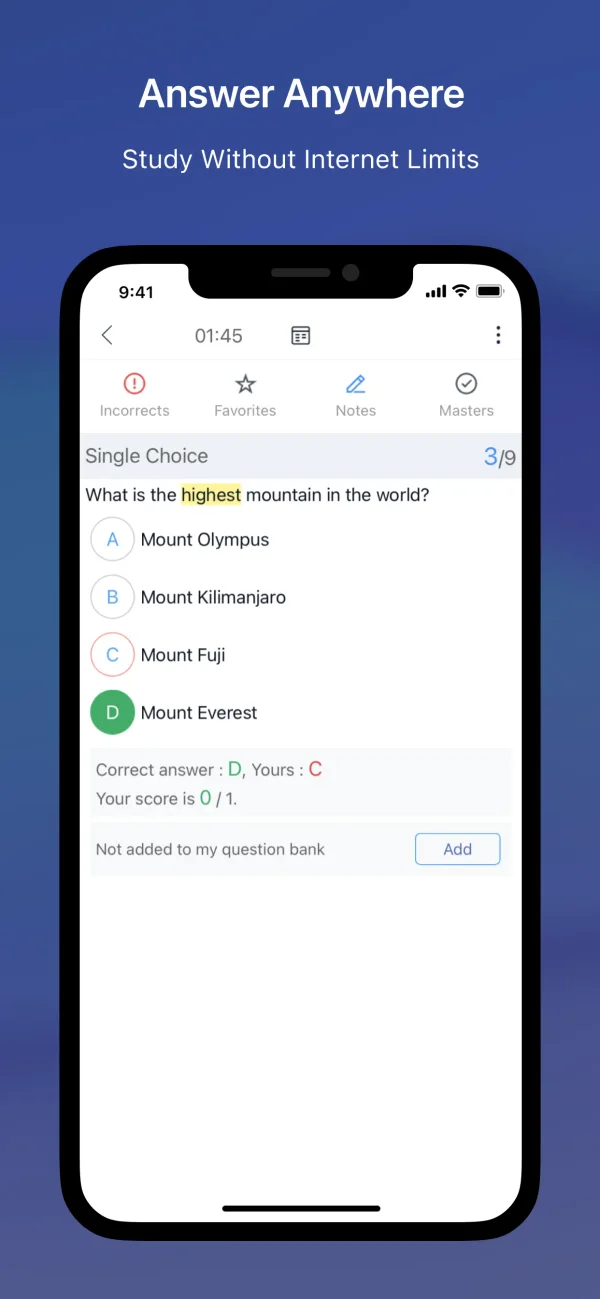
MTestM allows you to take your exam anytime, anywhere at your convenience. You do not need to be connected to the internet while you are taking the exam.
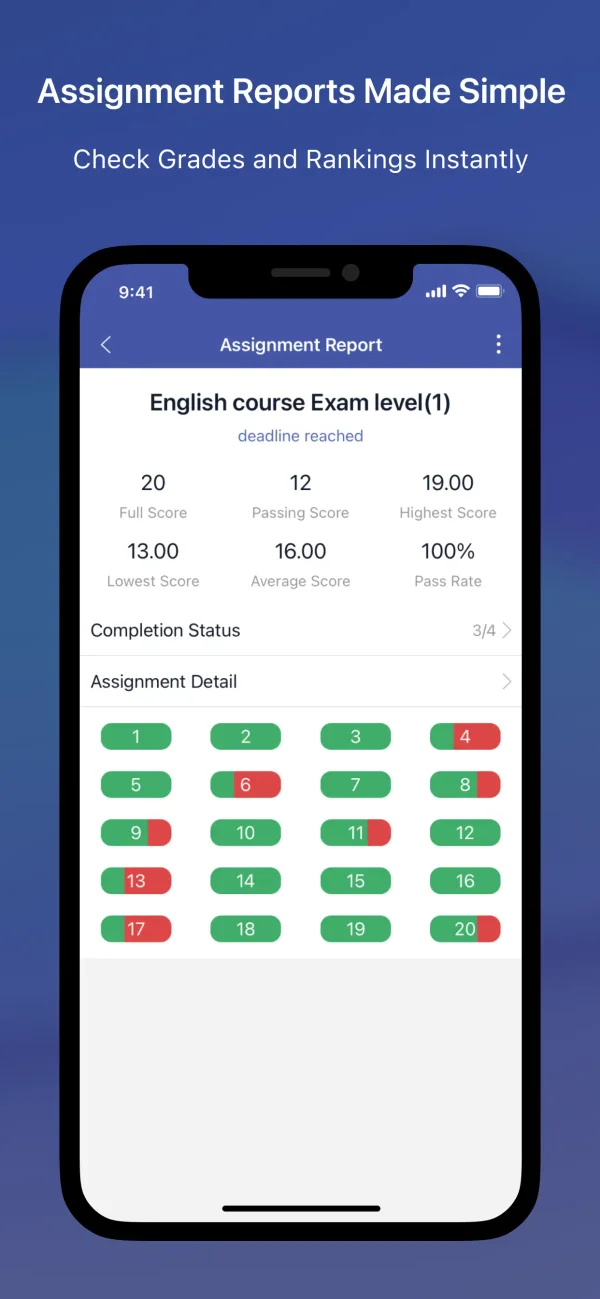
After the exam is scored, you can review the grade report and see which questions you got wrong.
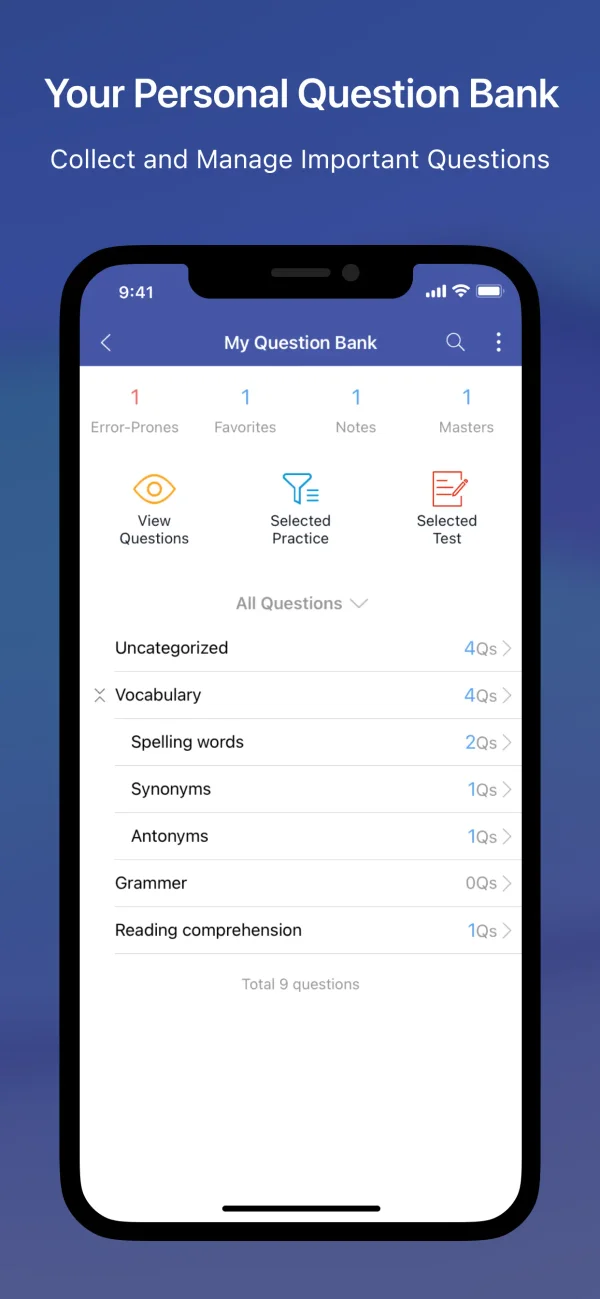
You can re-test yourself on the questions you’ve missed and you can re-test yourself on your favorite questions.
What’s new
Version 1.12.168 · Oct 21, 2026
1. Added compatibility with iOS 27.
2. Fixed date and time conversion on devices set to the 12-hour clock. This caused items such as wrong answers to sync from the beginning each time, so syncing took longer.
App privacy
What ShenZhen SamApp Technology Development Co., Ltd declares on the App Store about how this app handles data.
-
Data used to track you
May be used to track you across apps and websites owned by other companies.
- Identifiers
-
Data not linked to you
May be collected but is not linked to your identity.
- User content
- Identifiers
- Usage data
Privacy practices may vary, for example with the features you use or your age.
Information
- Seller
- ShenZhen SamApp Technology Development Co., Ltd
- Category
- Education
- Version
- 1.12.168
- Updated
- Oct 21, 2026
- Released
- Jul 24, 2015
- Size
- 38.3 MB
- Requires
- iOS 17.0 or later
- Age rating
- 17+
- Price
- Free
- In-app purchases
- Yes
- Languages
- English, Japanese, Portuguese, Simplified Chinese, Spanish
- Copyright
- © 2014-2026 SamApp Inc.
You might also like
-
 Quiz NavalEducation
-
 Quiz Maker & Tests: PrepClubAI Flashcards & Exam Creator
-
 TestMaker - Flashcard & QuizStudy guide & exam prep maker
-
 Quizziz: Study FlashcardsAI Quiz Maker & Exam Prep
-
 Aviation Exam - EASAOffline Test Prep for Pilots
-
 AI Quiz Generator - QuizaticPDF Flashcards & Test Prep
-
 ATPL QuestionsEducation
-
 Marinus: maritime rulesCOLREGs, IRPCS, IALA & more!
-
 AI Quiz Maker by JotformCreate Quizzes From PDF & Docs
-
 737 Master Cautionfor Classic, NG and MAX series