MTG: Deck Builder
Deck Builder & Card Tracker
Designed for iPhone, iPad
Free · In-app purchases
- Age rating9+
- CategoryCard
- DeveloperJonathan Parkins
- LanguagesEnglish
- Size70.9 MB
Links to the official App Store page
Download.org hosts no file of MTG: Deck Builder. The button opens its official App Store page, published by Jonathan Parkins. Listing last checked on Nov 16, 2026.
Screenshots
About
MTG: Deck Builder is a deck builder, card library and life counter for Magic: The Gathering on iPhone and iPad. I built it for my own Commander decks, but it's happy with any format. Everything is stored on your device: no account, no ads and no subscription.
FREE TO TRY FOR 7 DAYS
Download it free and use it for 7 days. During the trial you can build up to 2 decks, add and scan cards, and use the life counter and rules reference. Deck import, CSV sharing and backup files are part of the full version, which is a single one-time purchase. No subscription and no recurring charges. After the 7 days the app asks you to unlock it to carry on.
DECKS
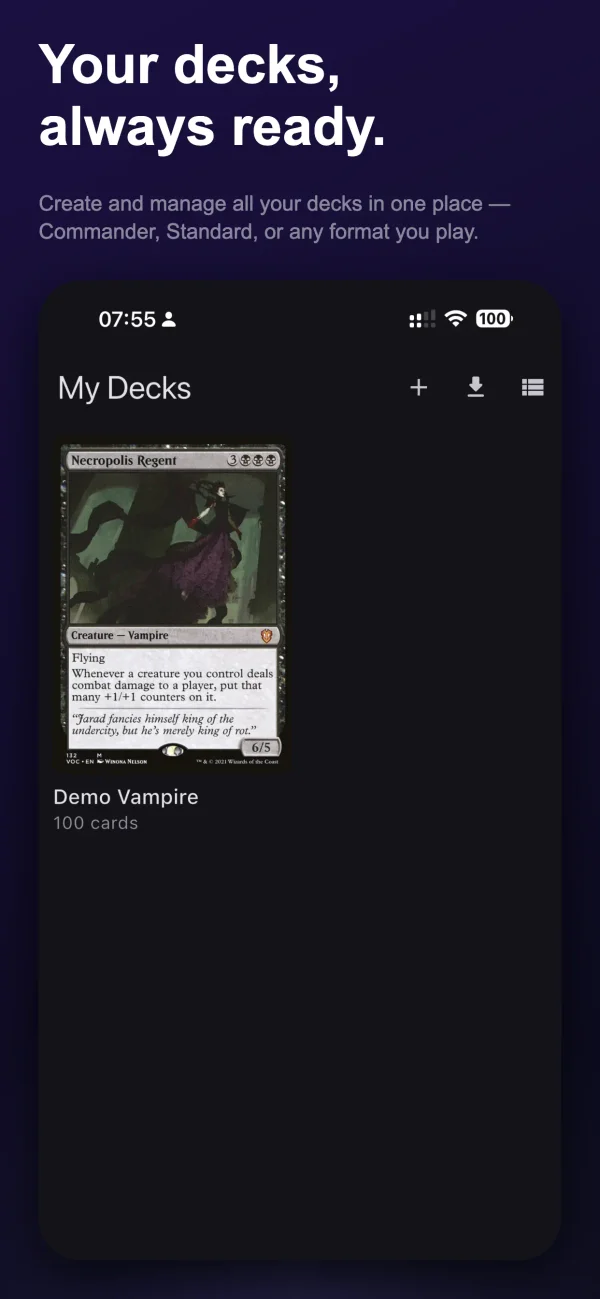
• Build Commander, Standard or any other kind of deck, as many as you like in the full version
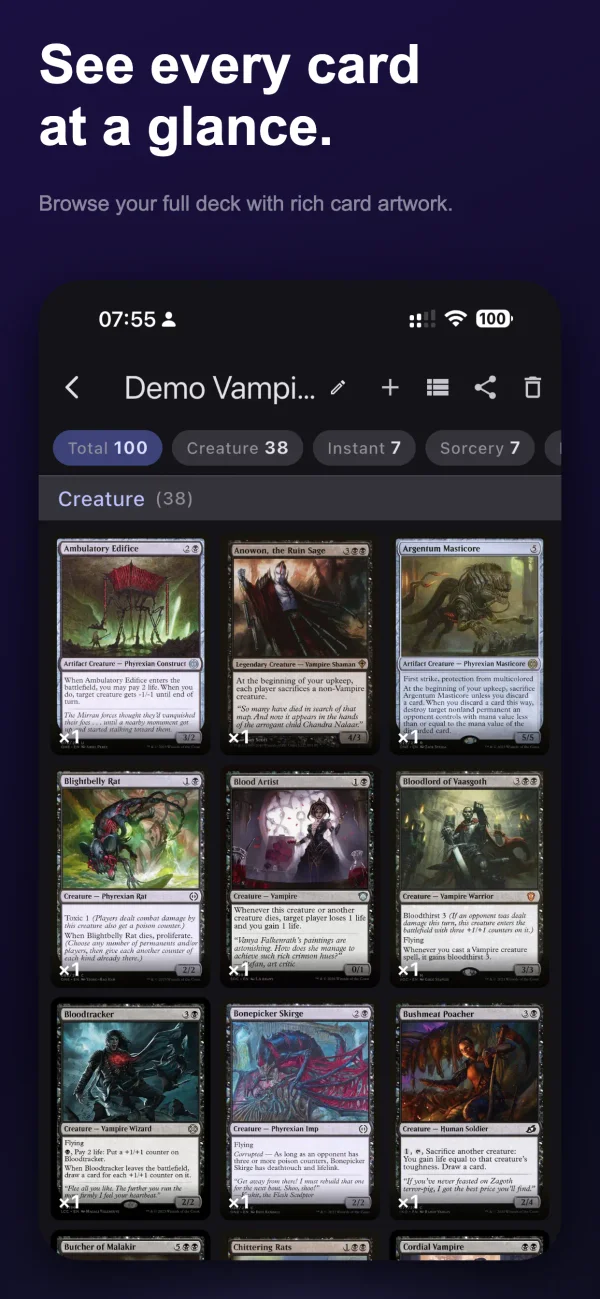
• View a deck as a grid of card images or a compact list, grouped by card type
• Mark your commander, and cards outside its colour identity get flagged
• Add cards from your own Library or straight from Scryfall, with colour, type and rarity filters on both
• Tokens get their own section and don't count towards the deck total
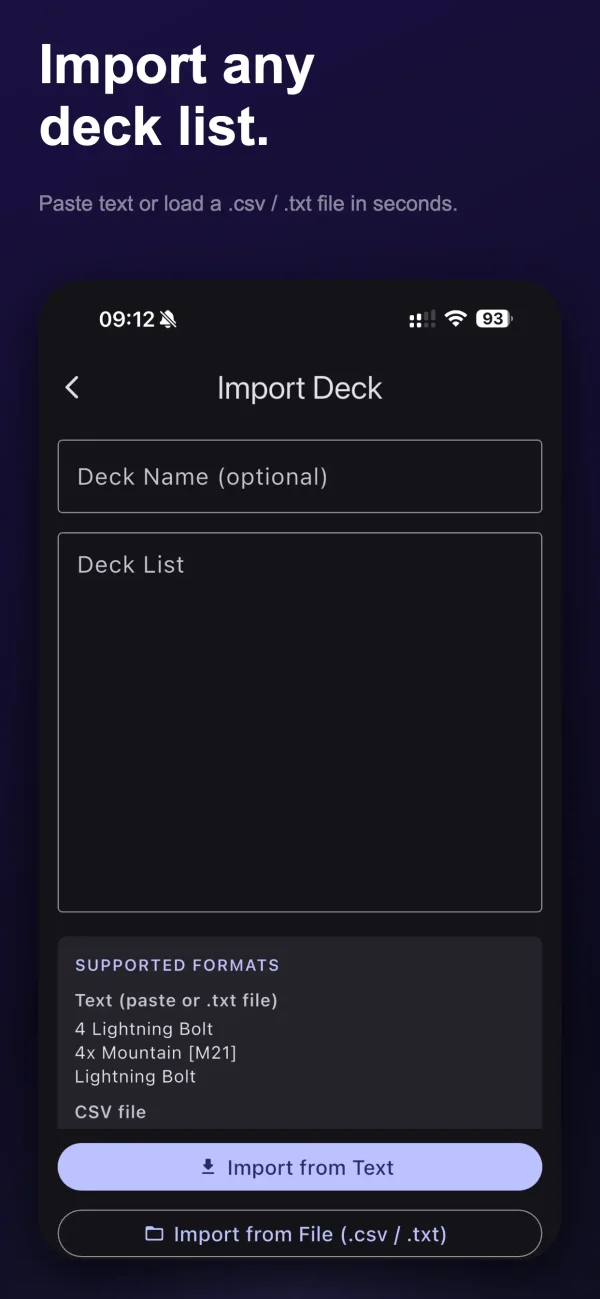
• Import a deck from pasted text, a .txt file or a .csv file (full version)
• Share a deck list as a CSV file (full version)
CARD LIBRARY
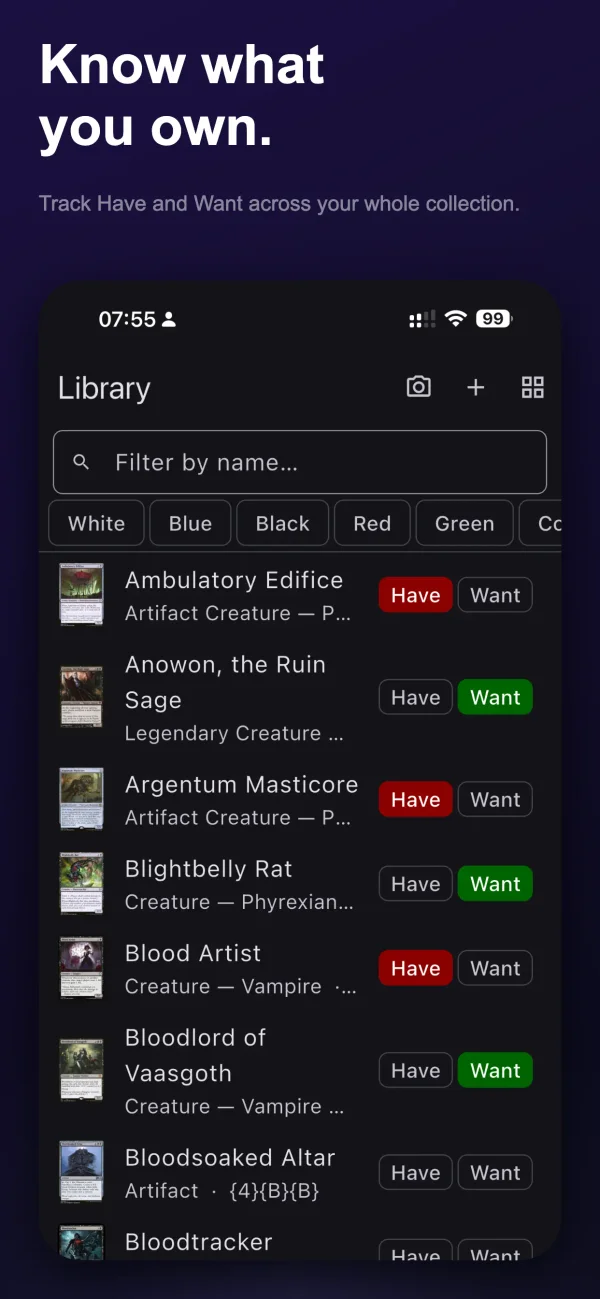
• Every card you add is kept in your Library with Have and Want status, so you know what you own and what you still need
• Search by name and filter by colour, card type, rarity, Have and Want
• Search Scryfall to find and add any card, tokens included
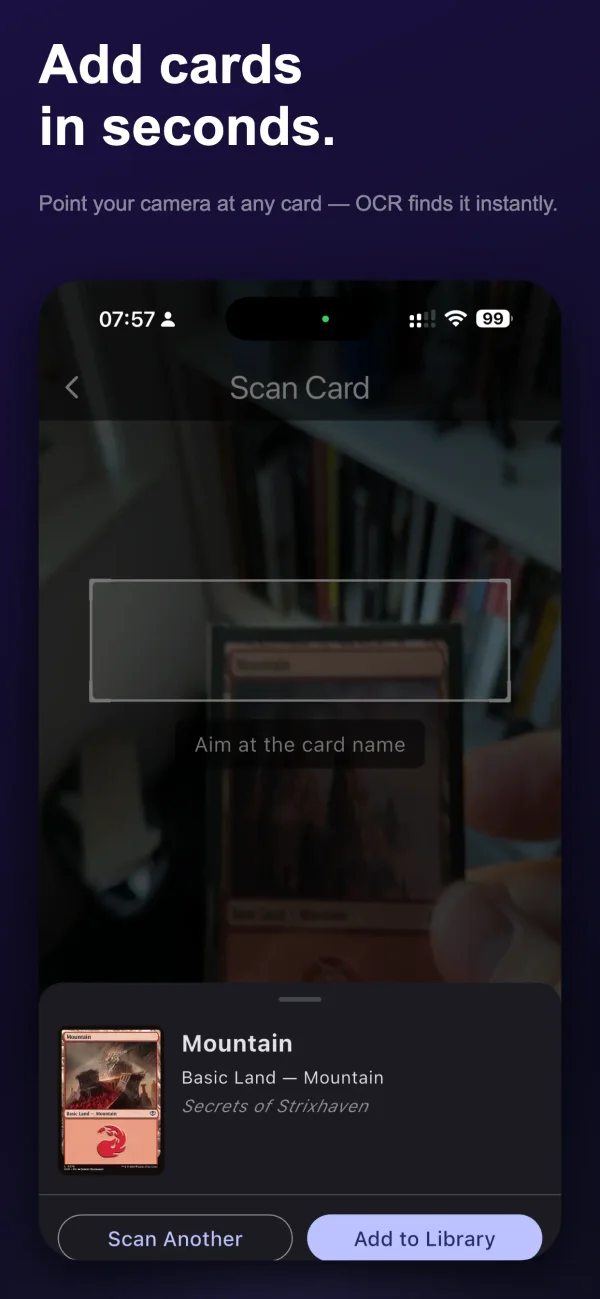
• Scan a card with the camera: point it at the card name and it looks the card up for you
• Remove cards one at a time or a whole selection at once
• Open a card's Cardmarket listing from its page
LIFE COUNTER
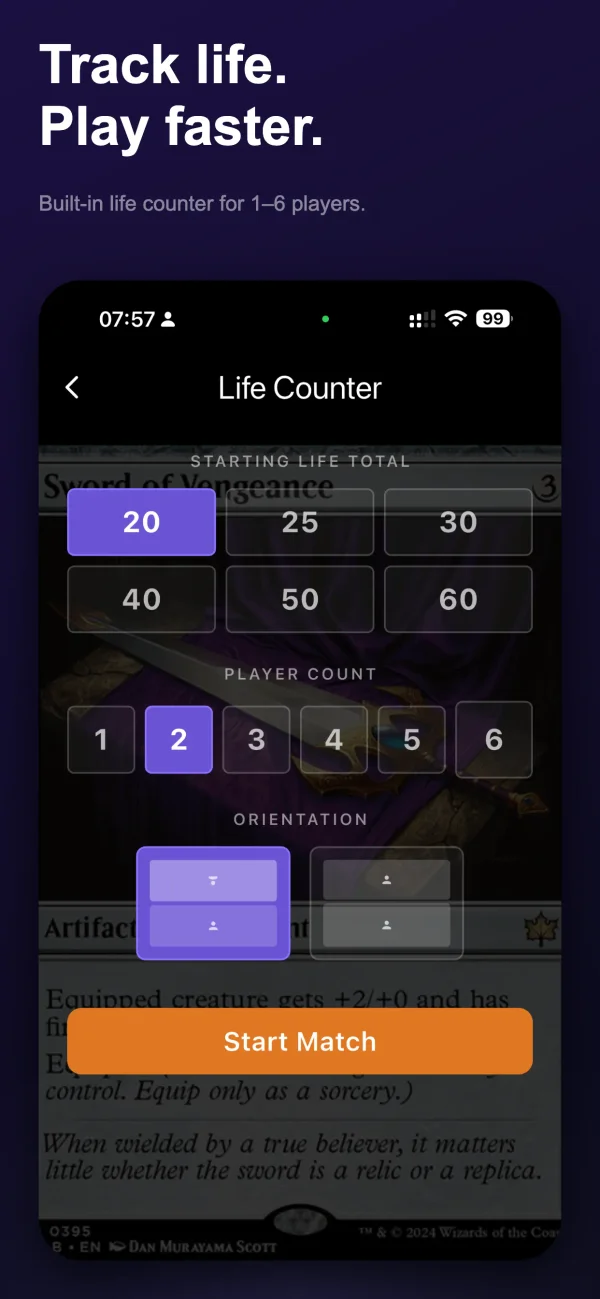
• 1 to 6 players
• Starting life of 20, 25, 30, 40, 50 or 60
• Two layouts, for players facing each other or all sat on the same side
• Your game is still there if you leave the counter to look something up
RULES REFERENCE
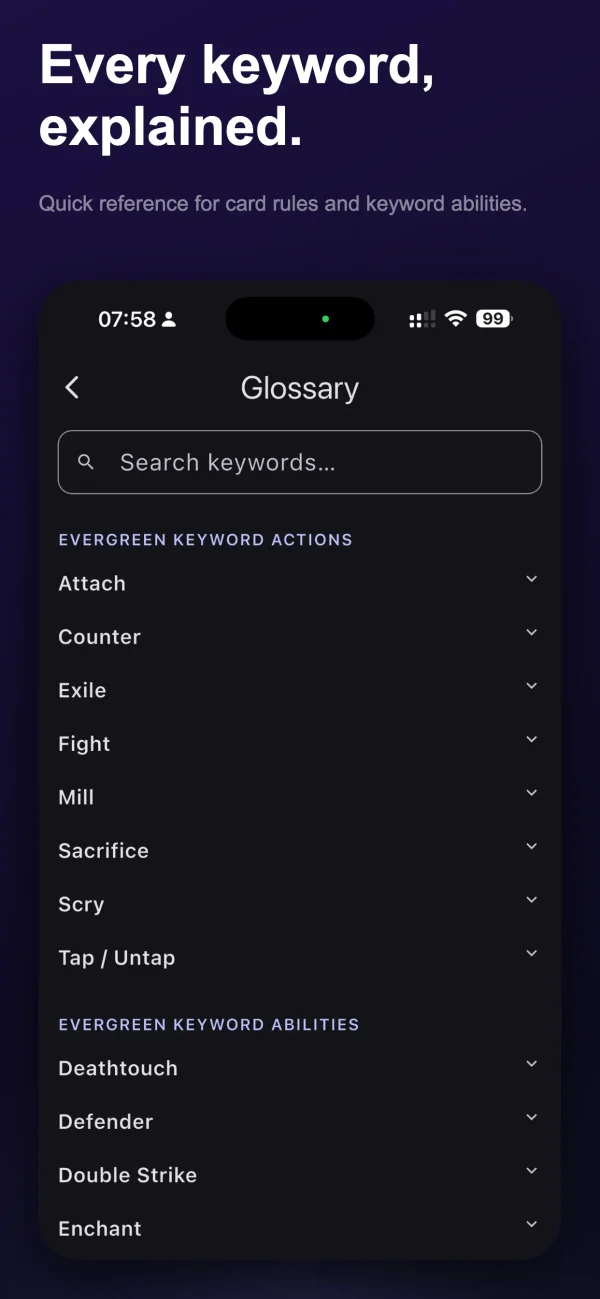
• Keyword abilities, keyword actions and ability words, each with a plain explanation
• Searchable, so you can look up Deathtouch or Proliferate mid-game
• Handy for new players, and for settling the odd dispute at the table
YOUR DATA
• Decks and Library live on your device and are included in your iCloud device backup
• Export a backup file and restore it on another device (full version)
• Light and dark themes
IPHONE AND IPAD
One purchase covers both: use Restore Previous Purchase in Preferences on your second device. On an iPad in landscape you get the list on the left and the deck or card on the right. Decks don't sync between devices by themselves, so use Export Backup and Import Backup to move them across.
Magic: The Gathering is property of Wizards of the Coast LLC. This app is not affiliated with or endorsed by Wizards of the Coast. Card data provided by Scryfall.
What’s new
Version 1.1.0 · Nov 13, 2026
NEW
• Remove cards from your Library, one at a time from the card's page, or several at once with Select (long-press a card or tap the checklist icon). You'll see which decks use a card before you confirm.
• Deleting a deck can take its cards with it. Tick "Also remove its cards" and it removes the ones that no other deck uses and that you haven't marked Have.
• Tokens! Pick the Token filter to find them on Scryfall. They get their own section in a deck and don't count towards the deck total.
• The colour, type and rarity filters now work on Scryfall searches too, both in Add Card and when adding cards to a deck.
• The Library title shows how many cards you have, and how many match the current search.
FIXED
• A deck could show a higher card count in the deck list than on the deck's own screen. Cards picked across several Scryfall searches weren't all being saved. They are now, and any that went missing are fetched again the next time you open the app.
App privacy
What Jonathan Parkins declares on the App Store about how this app handles data.
-
Data not collected
The developer does not collect any data from this app.
Privacy practices may vary, for example with the features you use or your age.
Information
- Seller
- Jonathan Parkins
- Category
- Card
- Version
- 1.1.0
- Updated
- Nov 13, 2026
- Released
- Apr 29, 2026
- Size
- 70.9 MB
- Requires
- iOS 16.0 or later
- Age rating
- 9+
- Price
- Free
- In-app purchases
- Yes
- Languages
- English
- Copyright
- © Jonathan Parkins 2026
You might also like
-
 Decksmith: MTG Deck BuilderCard Scanner & Collection
-
 MTG Life Counter App: LotusMagic the Gathering Companion
-
 Ancient Gods: Deckbuilding RPGRoguelike, Cardbattle, Offline
-
 Cards, Universe & EverythingBuild Decks, Trade and Battle!
-
 Card Guardians - Deck builderDungeon Crawler RPG Roguelike
-
 Dice of Kalma: Dice GameBrutal Roguelike Deckbuilder
-
 KARDS - The WW2 Card GameWorld War 2 CCG & Card Battle
-
 MONOPOLY Poker - Texas HoldemThe Official Poker Tycoon Game
-
 HearthstoneStrategy Card Battle
-
 MARVEL SNAP - Hero Card GameCollect Cards and Win Battles