MTP Code Groups
Train CW with random codegroup
Designed for iPhone, iPad, iPod touch
- Age rating4+
- CategoryEducation
- DeveloperOliver Bross
- LanguagesEnglish
- Size49.9 MB
Links to the official App Store page
Download.org hosts no file of MTP Code Groups. The button opens its official App Store page, published by Oliver Bross. Listing last checked on Nov 23, 2026.
Screenshots
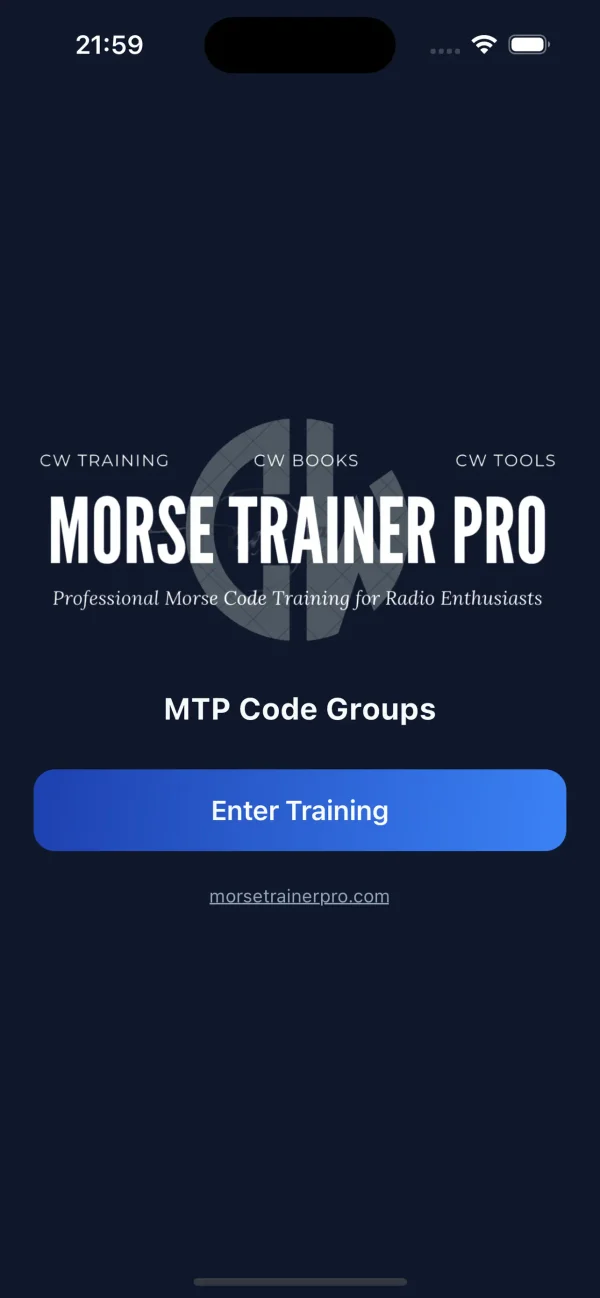
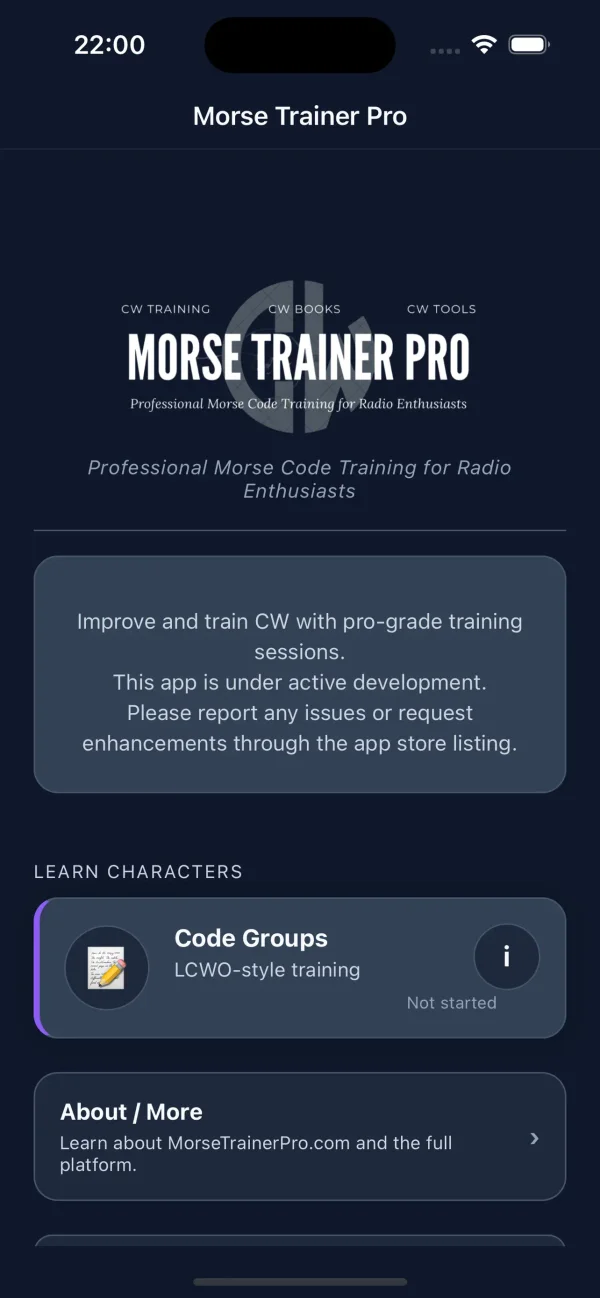


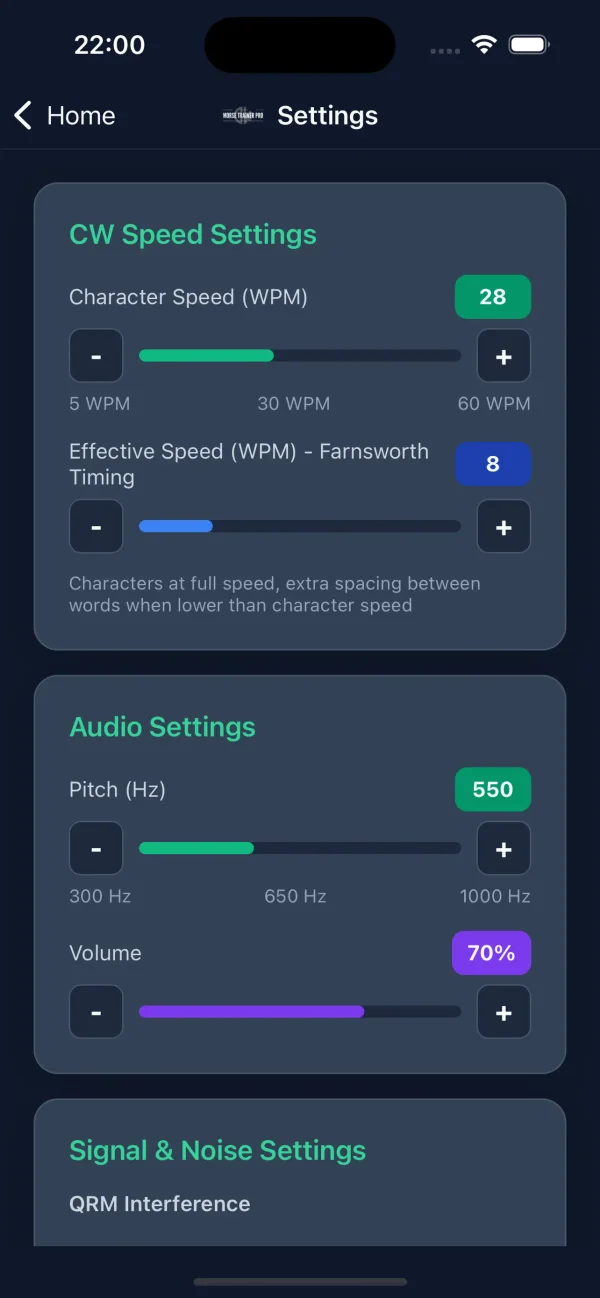
About
MTP Code Groups delivers CW / Morse Code focused practice with random character groups, similar to classic LCWO-style drills. This training mode is perfect for smoothing out hesitation and improving character transitions. Pick the group length and session size, then copy each group at speed. The feedback is straightforward so you can spot weak areas and refine timing without getting lost in extra features.
Code group practice is a staple for operators who want cleaner, more automatic decoding. It removes context clues and forces pure recognition, which makes real-world copying feel easier by comparison. You can use this app as a daily warmup, a speed-building sprint, or a way to sharpen precision before longer QSOs. Sessions stay compact, which makes it easy to repeat them and track improvement.
Adjust the group length to match your goals: shorter groups for precision, longer groups for flow. The idea is to keep your rhythm steady and your spacing consistent, which carries directly into on-air copying. Over time, the random groups help reduce guesswork and encourage confident recognition of each character.
MTP Code Groups is a dedicated micro-app with a single, targeted focus. It is part of the Morse Trainer Pro ecosystem, offering a familiar interface while keeping your attention on a single training routine.
What’s new
Version 1.2.4 · Nov 21, 2026
• Refreshed design with consistent headers, buttons and stat tiles
• Better layouts on small iPhones, including iPhone SE
• Start and practice controls are easier to reach without scrolling
• Typing answers no longer triggers autocorrect or spelling suggestions
• Bug fixes and reliability improvements
App privacy
What Oliver Bross declares on the App Store about how this app handles data.
-
Data not collected
The developer does not collect any data from this app.
Privacy practices may vary, for example with the features you use or your age.
Information
- Seller
- Oliver Bross
- Category
- Education
- Version
- 1.2.4
- Updated
- Nov 21, 2026
- Released
- Mar 10, 2026
- Size
- 49.9 MB
- Requires
- iOS 15.1 or later
- Age rating
- 4+
- Languages
- English
- Copyright
- © 2026 Oliver Bross OM0RX
You might also like
-
 MorseWave – Morse Code AppLearn Translate Send Morse
-
 HAM Radio Technician Exam PrepTechnician Class FCC License
-
 Kenbak-1Education
-
 MorseCAT: Morse Code TrainerLearn CW by ear, at real speed
-
 HAM Radio General Exam PrepCommunications Commission Test
-
 HAM Radio Extra Test Prep 2025Extra Class FCC License Exam
-
 Morse - Easy to learnLearn Morse, listen & type!
-
 Morse OperatorThe WWII Morse Code Game
-
 Watch Morse: Learn Morse CodeKoch Method - Haptic Training
-
 English - Ukrainian TranslatorEnglish Ukrainian Translator