Muka - Quiet Filter Camera
Built-in quality, easy to use
Designed for iPhone
Free · In-app purchases
- Age rating4+
- CategoryPhoto & Video
- Developerseihee han
- LanguagesEnglish+ 14 more
- Size12.1 MB
Links to the official App Store page
Download.org hosts no file of Muka - Quiet Filter Camera. The button opens its official App Store page, published by seihee han. Listing last checked on Nov 27, 2026.
Screenshots

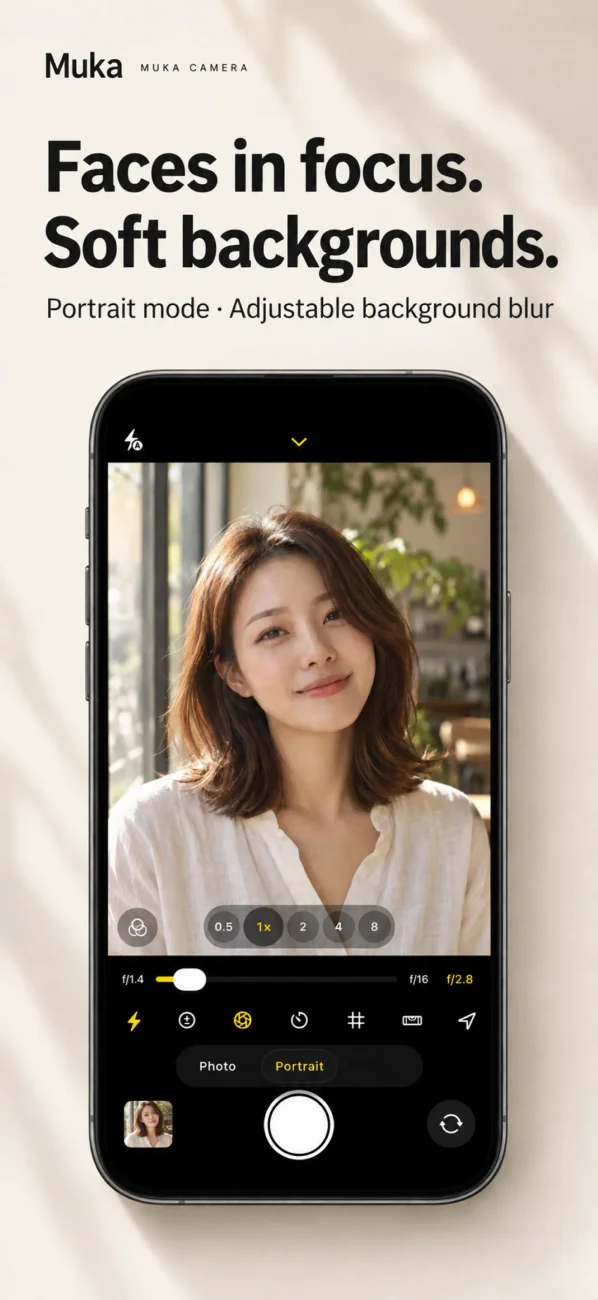
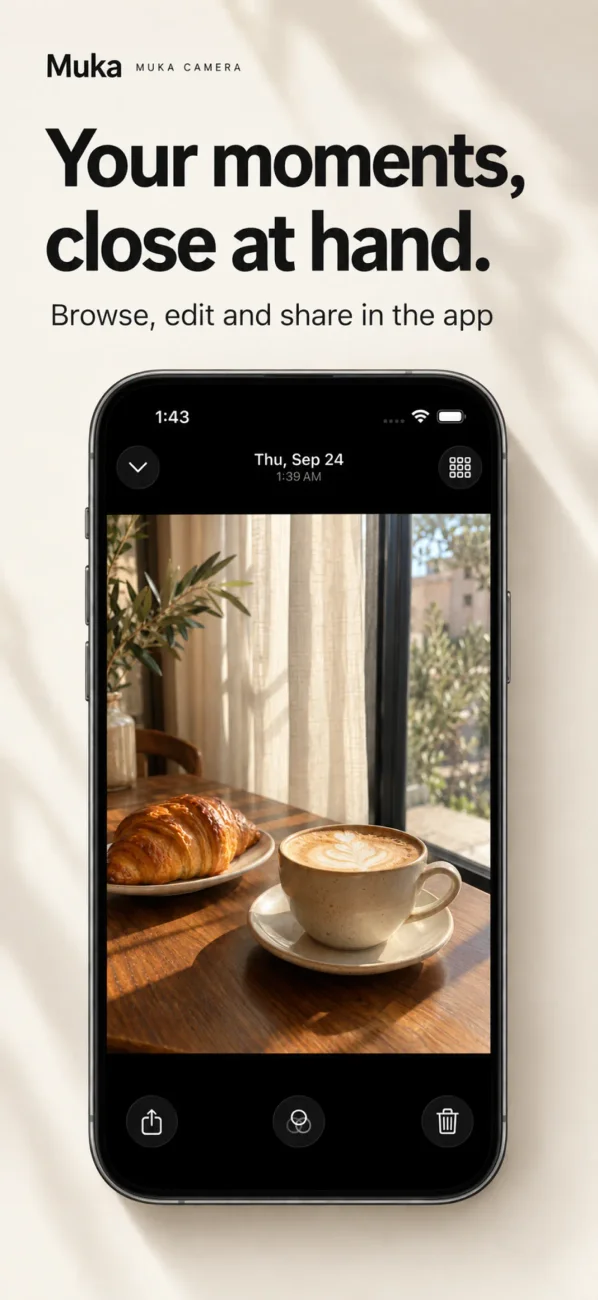
About
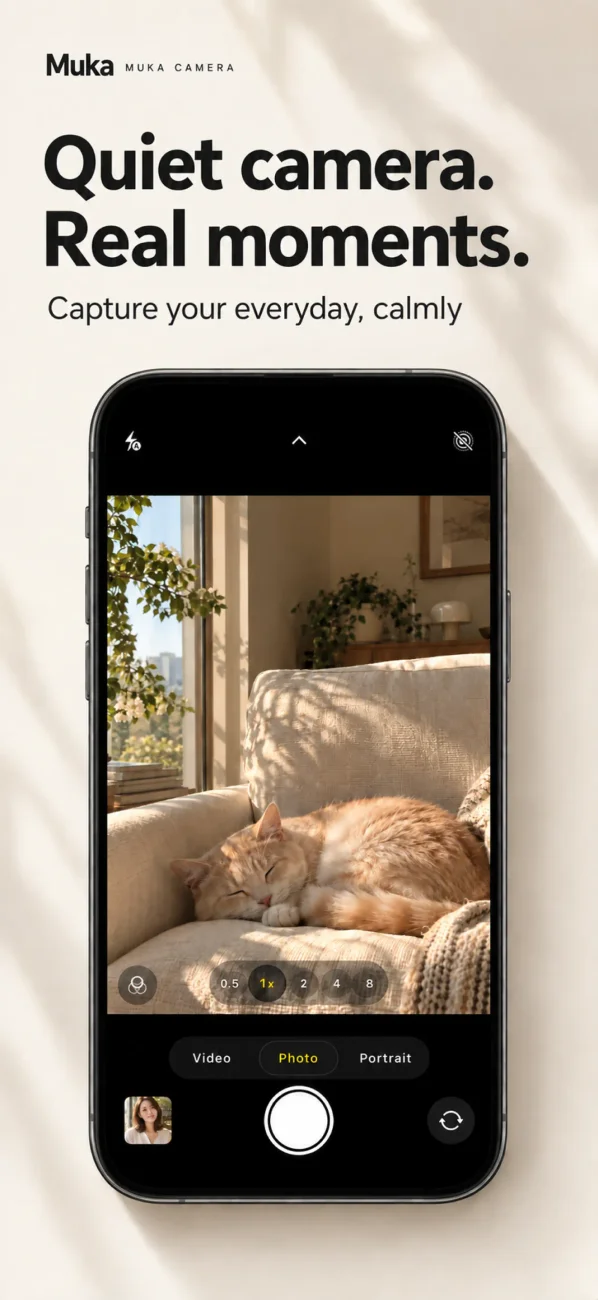
Muka, the quiet camera.
No flashy effects, no cluttered menus. Just the camera you already know, capturing your everyday calmly.
Sunlight by the window, a lazy cat, a slow afternoon at a café. Keep the moments that won't come again, simply and easily.
■ SAME QUALITY AS THE BUILT-IN CAMERA
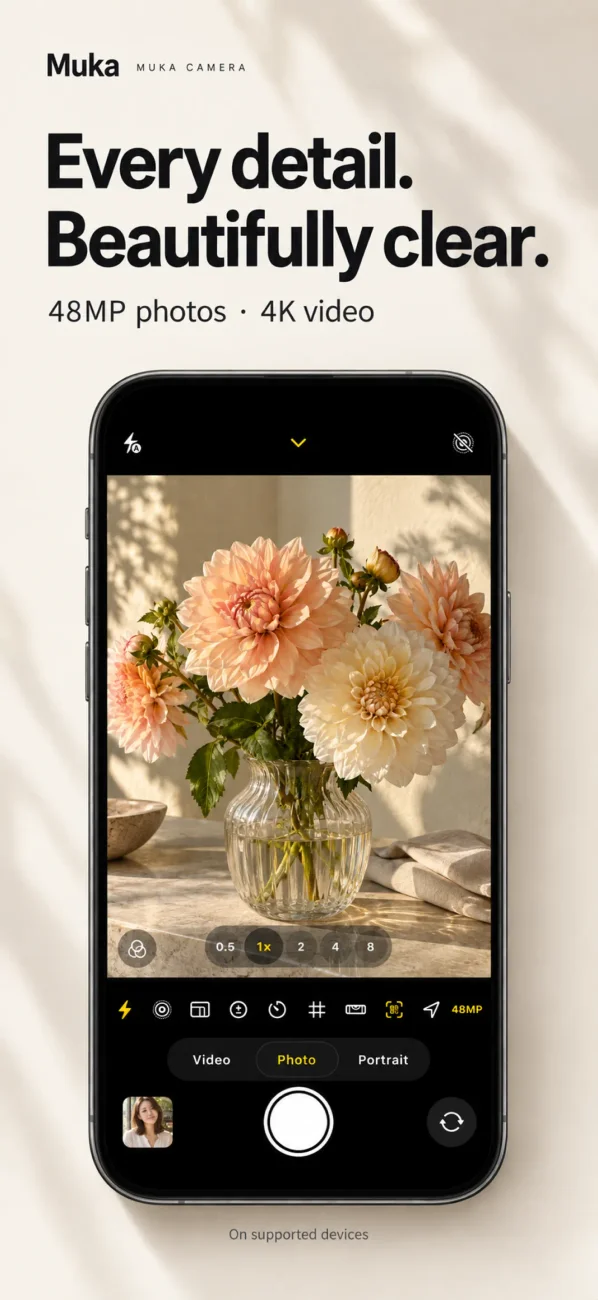
Shoot 24MP / 48MP photos and 4K 60fps HDR video with the same capture pipeline as the iPhone's built-in camera.
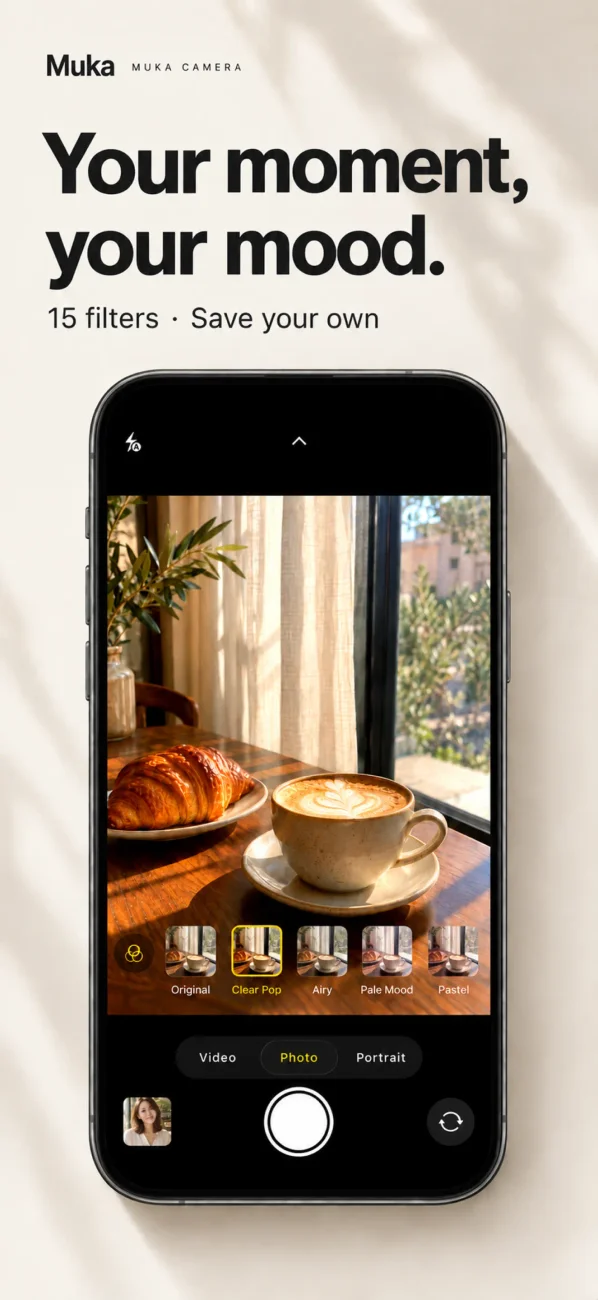
■ 15 LIVE FILTERS
From Clear Pop, Airy, Pale Mood and Cream Film to Dreamy Glow, Halation Night, Youth Film and Y2K Digicam. Filters apply to the live preview, so what you see is what you get. Create your own with light, color and film texture, plus fade, glow, halation, light leak and a date stamp.
■ 5 SHOOTING MODES
Photo (Live Photos) · Video (take photos while recording) · Portrait (adjustable f-stop bokeh) · Slo-mo (120/240fps) · Time-lapse
■ ZOOM & MACRO
From 0.5× ultra wide up to 40×, with automatic lens switching and optical-quality 8× zoom. Get close for detailed macro shots.
■ FAMILIAR CONVENIENCES
Timer, grid, level, QR code scanning, volume-button shutter, burst, hold the shutter to start recording, selfie mirroring
■ BUILT-IN GALLERY
View, share and organize your photos and videos right in the app.
■ RIGHT FROM THE LOCK SCREEN
Open Muka straight from the Lock Screen and Control Center. (Requires the Remove Ads purchase)
■ PRIVACY
No sign-up required. Your photos and videos are saved only to your photo library and are never uploaded. Some device information may be collected to show ads and improve app stability (crash reports). See the privacy policy and the App Privacy section on the App Store for details.
■ ADS
The free version shows ads. A single one-time purchase removes all ads permanently.
What’s new
Version 1.6.12 · Nov 26, 2026
• Muka can now take 48 MP photos when you open it from the Camera Control button or the Lock Screen. Just choose 48 MP resolution and the 4:3 aspect ratio in the app, and the back camera shoots at 48 MP (on iPhone models that support 48 MP).
• Fixed an issue where the preview could freeze and photos kept failing after a camera error.
• Fixed photos failing when the shutter was tapped very quickly in a row.
• Fixed shots failing when you left the app during a self-timer countdown or pulled down Control Center.
App privacy
What seihee han declares on the App Store about how this app handles data.
-
Data linked to you
May be collected and linked to your identity.
- Identifiers
- Usage data
- Diagnostics
-
Data not linked to you
May be collected but is not linked to your identity.
- Location
- Diagnostics
Privacy practices may vary, for example with the features you use or your age.
Information
- Seller
- seihee han
- Category
- Photo & Video
- Version
- 1.6.12
- Updated
- Nov 26, 2026
- Released
- Jul 7, 2026
- Size
- 12.1 MB
- Requires
- iOS 18.0 or later
- Age rating
- 4+
- Price
- Free
- In-app purchases
- Yes
- Languages
- English, French, German, Indonesian, Italian, Japanese, Korean, Portuguese, Russian, Simplified Chinese, Spanish, Thai + 3 more
- Copyright
- © 2026 Seihee Han
You might also like
-
 Ō Camera - LiquidGlass, No AdsQuick, HD, LiquidGlass
-
 Silent Camera - SZKCameraNo shutter sound & beauty cam
-
 マナーカメラ 高画質4K動画・夜景撮影Photo & Video
-
 QuietShot: Silent HD CameraNo Shutter Sound Photo & Video
-
 SilentShot - Silent CameraQuiet in silent mode, no ads
-
 Silentone — Moment CameraChoose a moment before the tap
-
 Silent Camera - No SoundCapture moments in silence
-
 SCameraMinimal. Clean. Focused.
-
 Shizuka - 高画質マナー カメラPhoto & Video