Multi-Timer; Stopwatch & Timer
Multiple Timer, T&F, Training
Designed for iPhone, iPad
Free · In-app purchases
- Age rating4+
- CategoryHealth & Fitness
- DeveloperKoki Osada
- LanguagesEnglish+ 12 more
- Size147.5 MB
Links to the official App Store page
Download.org hosts no file of Multi-Timer; Stopwatch & Timer. The button opens its official App Store page, published by Koki Osada. Listing last checked on Nov 21, 2026.
Screenshots


About
All basic features are available for free!
The ideal app for team managers and anyone who needs to measure several times at once!
With support for iPad multitasking and built-in timers, you can use it for training, studying, cooking, and many other everyday tasks!
The photo finish feature is recommended when you need accurate timing and cannot afford mistakes!
As a runner myself, I often wished for an app like this. It is built from the perspective of runners and team managers.
■ Used across many fields
Multi-Timer is used to time athletics, swimming, keirin, car and motorboat races, games, and multiple workplace tasks. It is also widely deployed on organization-managed devices (MDM).
■ Multiple stopwatches and saved results
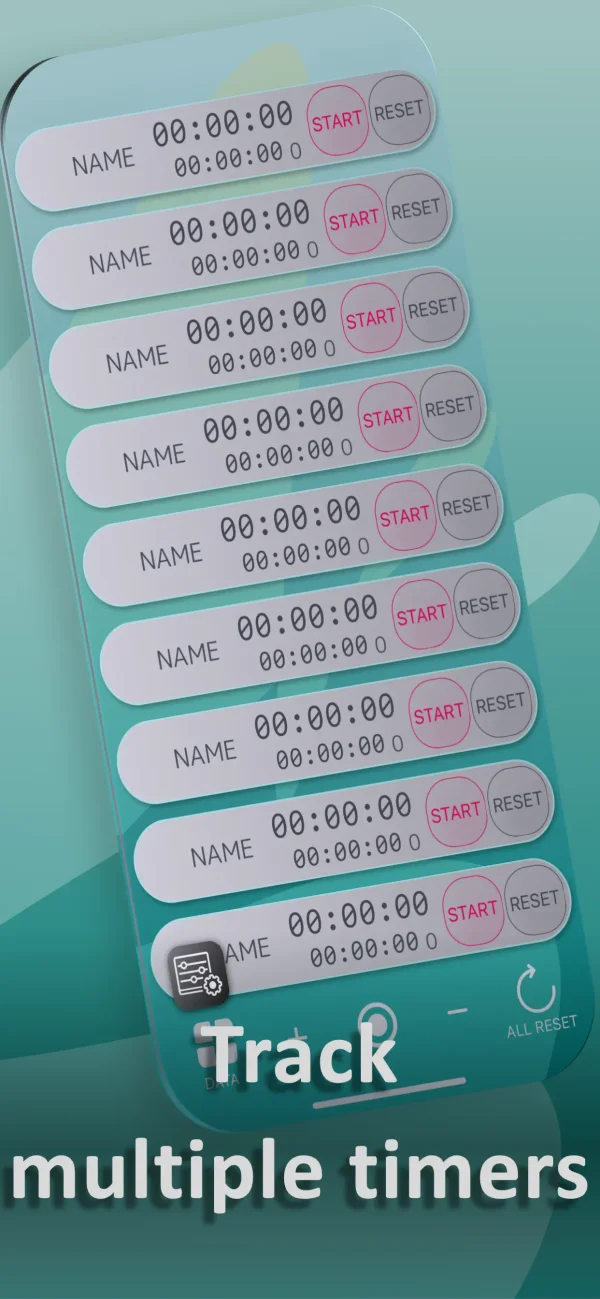
• Run 20+ stopwatches at once, depending on your device.
• A lap is the time for one segment; a split is the total time from the start.
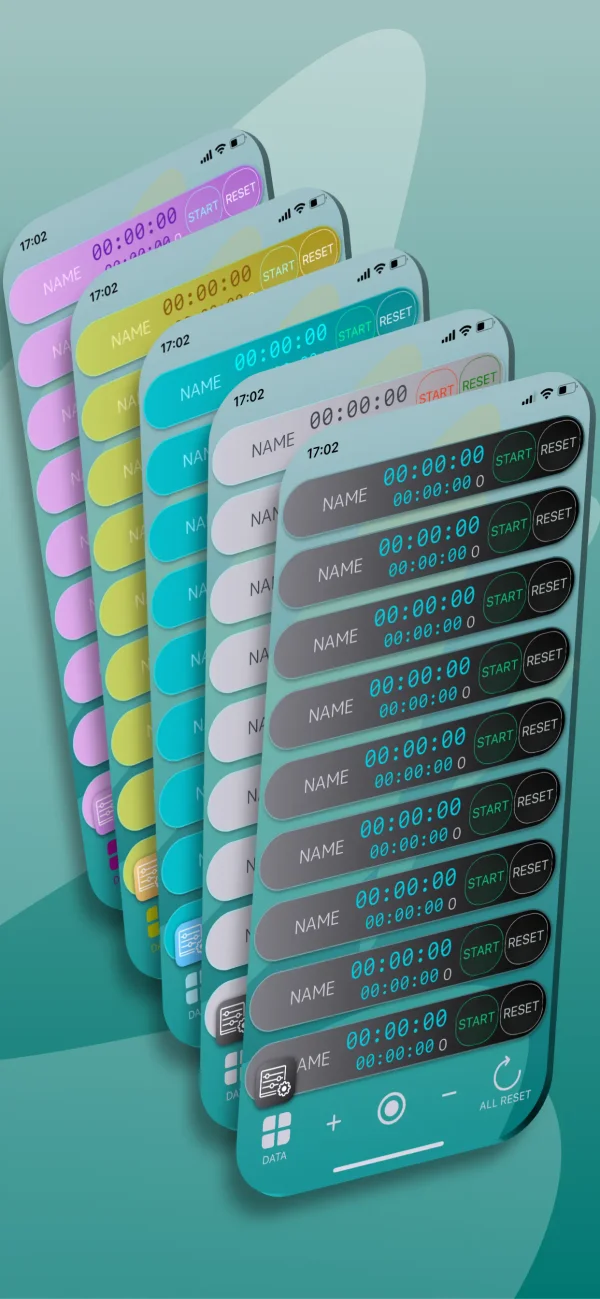
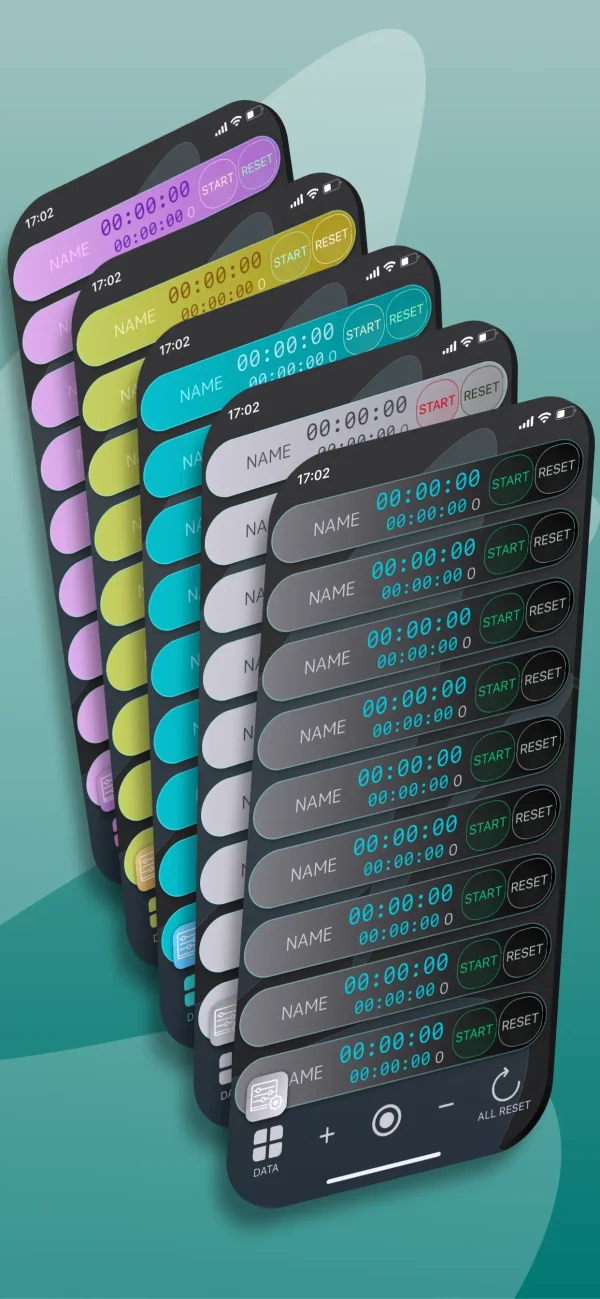
• Change each stopwatch's name and color, and choose how many appear on screen.
• Rearrange stopwatches manually or sort them automatically by rank.
• Group stopwatches to start, stop, or record laps together.
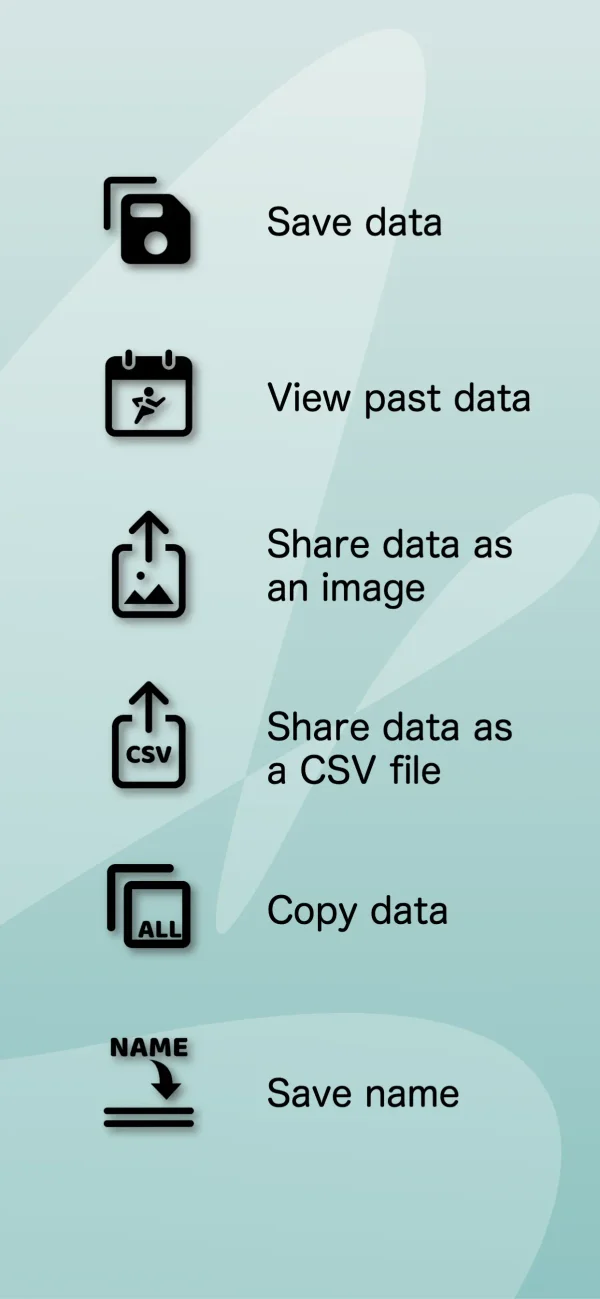
• Save results and revisit them in the calendar.
• Edit times, share CSV files or images, and copy results for use in Excel or Google Sheets.
• Enable volume button controls to start or stop stopwatches in sequence with the volume down button.
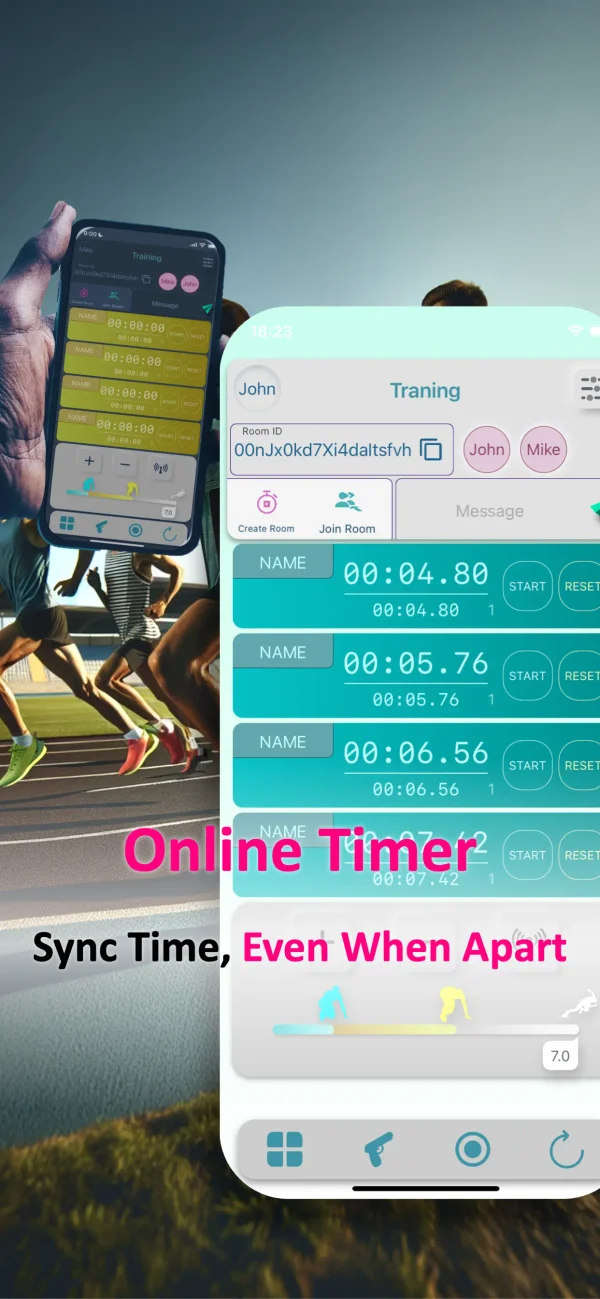
■ Online Timer: synchronized timing across devices
Share a room ID to link stopwatches on different devices. Useful when the start and finish are far apart or several people help with timing. A stable internet connection is required.
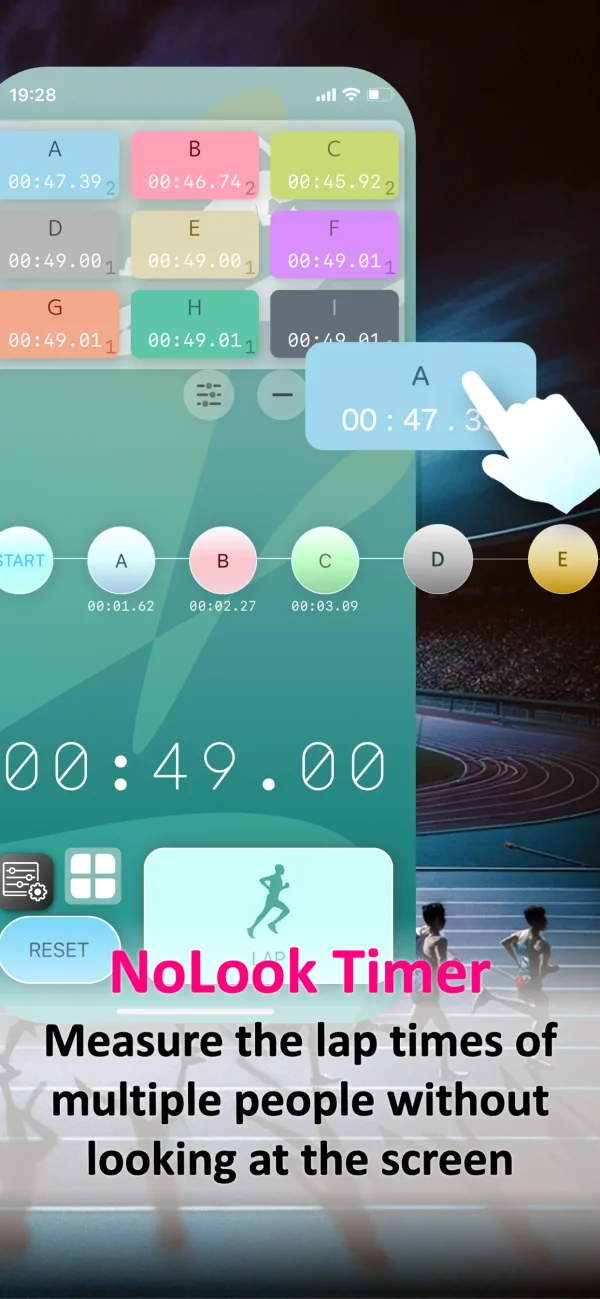
■ NoLook Timer: record laps without watching the screen
Tap as athletes pass, then assign recorded marks to athletes or adjust their times afterward. Lap times are calculated automatically, helping you record several athletes passing in quick succession.
Use the volume down button to start timing or record a lap.
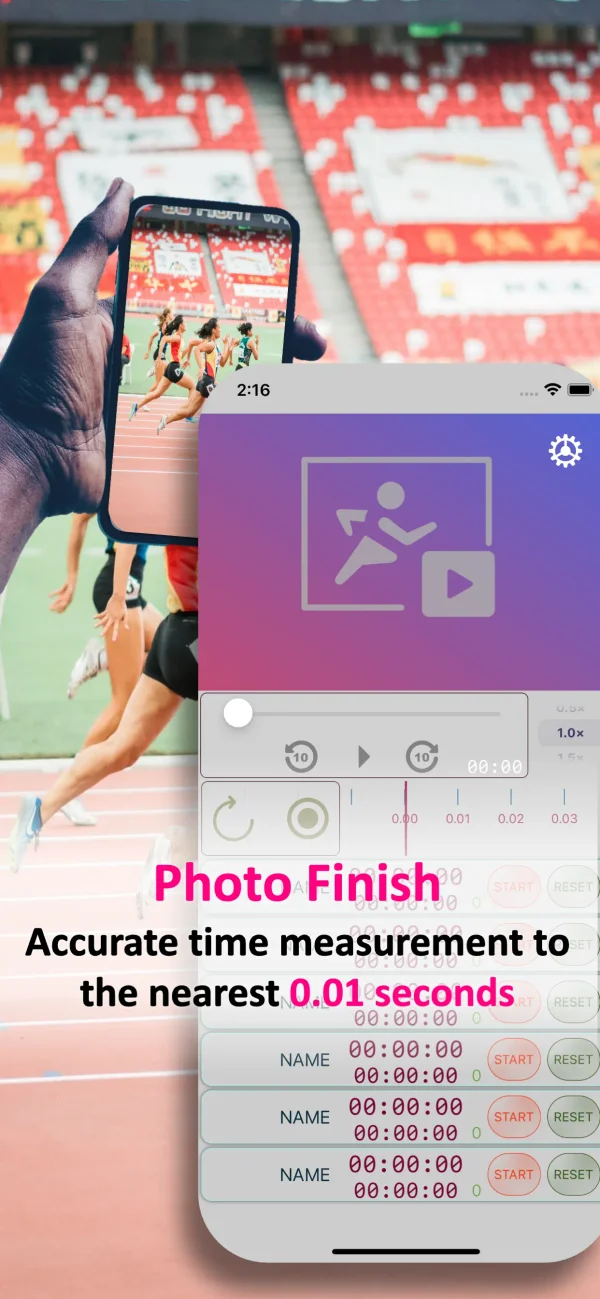
■ Photo finish: timing linked to video
Synchronize the stopwatch with video playback. Use slow motion, fast-forward, and pause to inspect finishes or swimming touches. Pause the video to manually record times for multiple athletes.
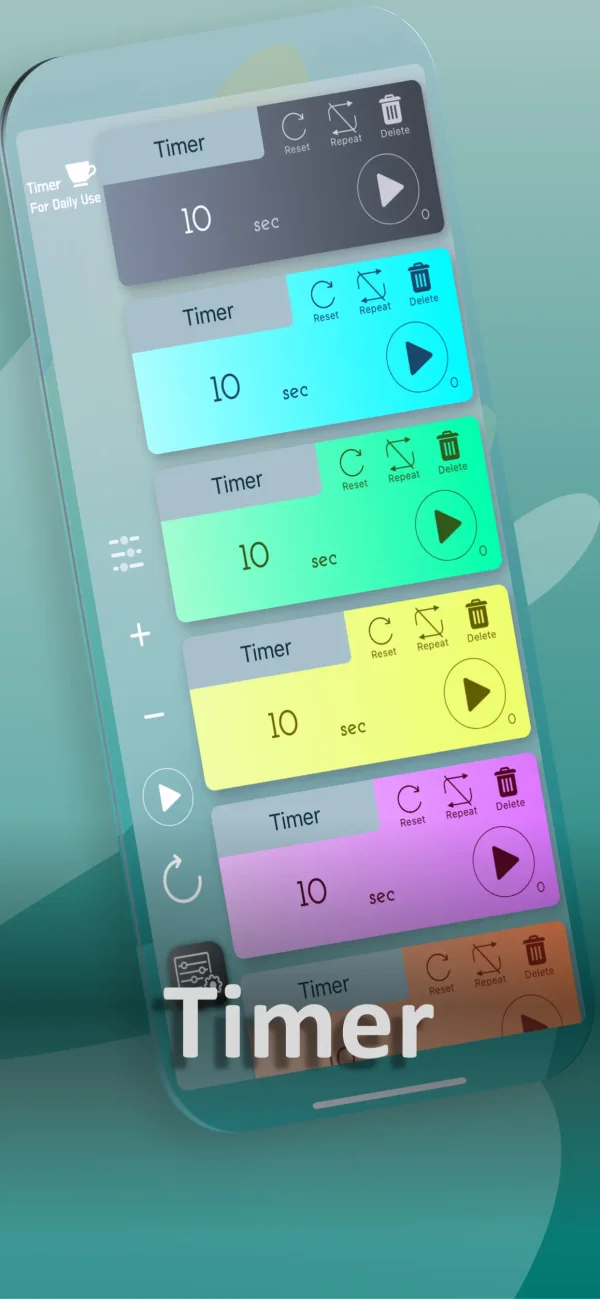
■ Timer For Daily Use: separate countdowns for everyday tasks
Manage cooking, study, or other tasks with multiple countdowns. Set each timer's name, color, sound, and repeat option.
On iOS 26 or later, allow alarms to hear the timer end while the app is in the background or the screen is locked, including in Silent mode or Focus. When regular notifications are used, sound behavior depends on notification settings.
■ Timer For Training: repeat work and rest intervals
Add intervals, set each duration, and repeat the sequence up to 9,999 times. Useful for Tabata, HIIT, and circuit training. Save your settings to reuse them later.
Keep the app open to follow interval changes and hear alerts. Background sounds and notifications are not supported in this mode. Use the sound button to toggle audio; change vibration in Settings.
■ Recommended for
• Coaches and team managers timing multiple athletes
• Runners, swimmers, and cyclists recording training or races
• PE teachers and fitness trainers planning exercise and rest
• People recording laps in cycling or motorsport
• Students managing study sessions and cooks using several timers
• Anyone who wants to save, share, and review timing results
■ How to use
Swipe horizontally to switch modes. Control stopwatches with START, STOP, LAP, and RESET. Open DATA, choose the save action, and enter a title. Revisit saved results in the calendar.
■ Purchases and ads
Photo finish, Online Timer, and NoLook Timer are additional features, each available as a one-time in-app purchase. Temporary access by watching an ad may also be offered. Ad removal is a separate one-time purchase.
Sound effects: OtoLogic
What’s new
Version 7.4.4 · Nov 14, 2026
Added a silent alarm option for daily-use timers.
You can now permanently delete multiple deleted items at once.
Added confirmation before deleting calendar records.
Fixed a crash when adjusting the photo finish time slider.
App privacy
What Koki Osada declares on the App Store about how this app handles data.
-
Data used to track you
May be used to track you across apps and websites owned by other companies.
- Location
- Identifiers
- Usage data
- Diagnostics
-
Data linked to you
May be collected and linked to your identity.
- Location
- Identifiers
- Usage data
- Diagnostics
-
Data not linked to you
May be collected but is not linked to your identity.
- Diagnostics
Privacy practices may vary, for example with the features you use or your age.
Information
- Seller
- Koki Osada
- Category
- Health & Fitness
- Version
- 7.4.4
- Updated
- Nov 14, 2026
- Released
- Mar 3, 2020
- Size
- 147.5 MB
- Requires
- iOS 17.0 or later
- Age rating
- 4+
- Price
- Free
- In-app purchases
- Yes
- Languages
- English, French, German, Italian, Japanese, Korean, Polish, Portuguese, Simplified Chinese, Spanish, Thai, Traditional Chinese + 1 more
- Copyright
- © 2020-2026 Koki Osada
You might also like
-
 CalcuSplitRace & Relay Split Timer
-
 Team lap timerOne stopwatch to time them all
-
 Interval Timer X Workout TimerTabata/HIIT/Yoga | Home & Gym
-
 Split Tracker - Timing SystemTrack multiple athletes
-
 Next Up - Interval TimerCustomizable interval timer
-
 TimeTime - Stopwatch and TimerBeautiful Stopwatch and Timer
-
 XC Time SplitsHealth & Fitness
-
 RaceDay MobileHealth & Fitness
-
 ManyTimers & Stopwatches350 timers & stopwatches
-
 Interval Timer for HIIT | CeroTabata, Gym & Boxing Workout