
Multicast - Screen Mirroring
Screen Mirror Cast to TV
Designed for iPhone, iPad, iPod touch
Free
- Age rating4+
- CategoryUtilities
- Developer正福 邹
- LanguagesEnglish+ 18 more
- Size49.4 MB
Links to the official App Store page
Download.org hosts no file of Multicast - Screen Mirroring. The button opens its official App Store page, published by 正福 邹. Listing last checked on Nov 12, 2026.
Screenshots
About
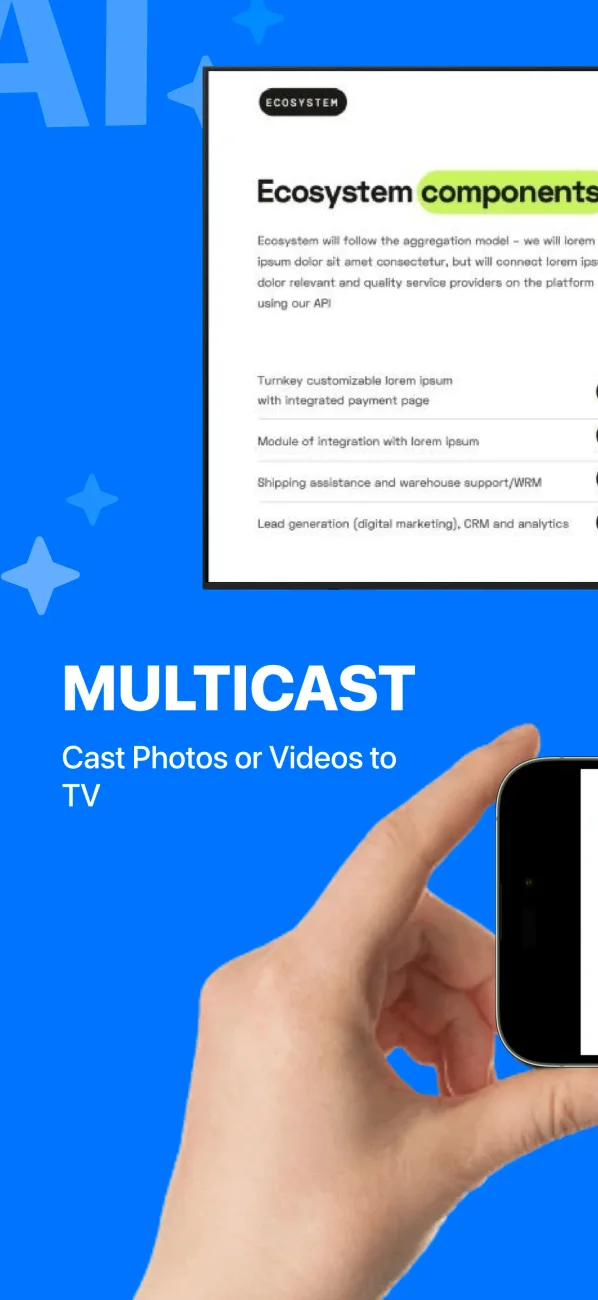
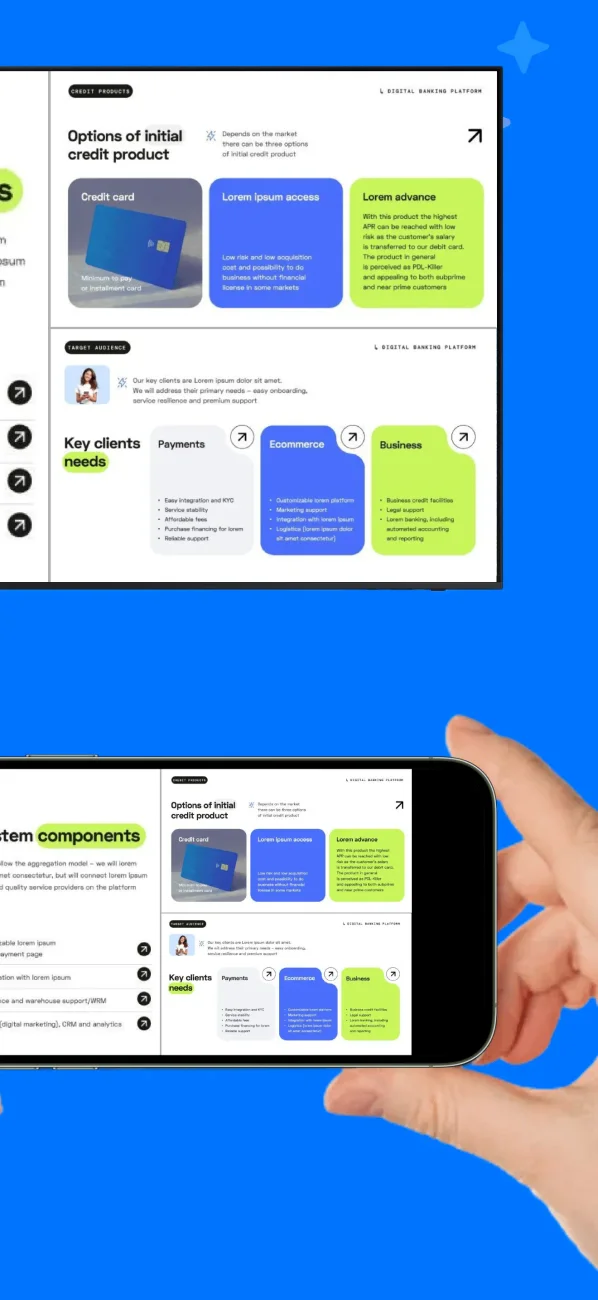
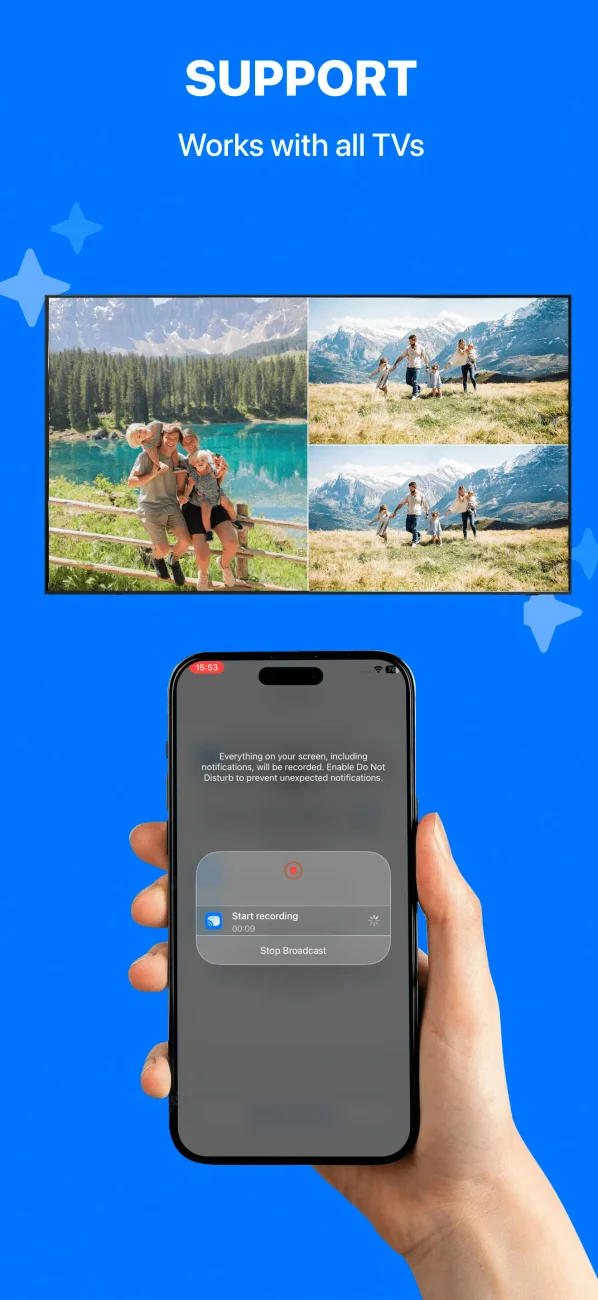
This is a professional split-screen casting app that allows you to cast multiple photos or videos to your TV simultaneously, displaying them in side-by-side or grid layouts for a richer visual experience. Whether for teaching presentations, team collaboration, showroom displays, or home entertainment, it easily meets multi-content viewing needs.
FEATURES
Split-Screen Casting
- Cast multiple photos or videos to your TV at the same time, with automatic side-by-side or grid layout rendering.
Multiple Modes
- Supports one-to-one casting, one-to-many casting, and other modes to adapt to different usage scenarios.
No Delay
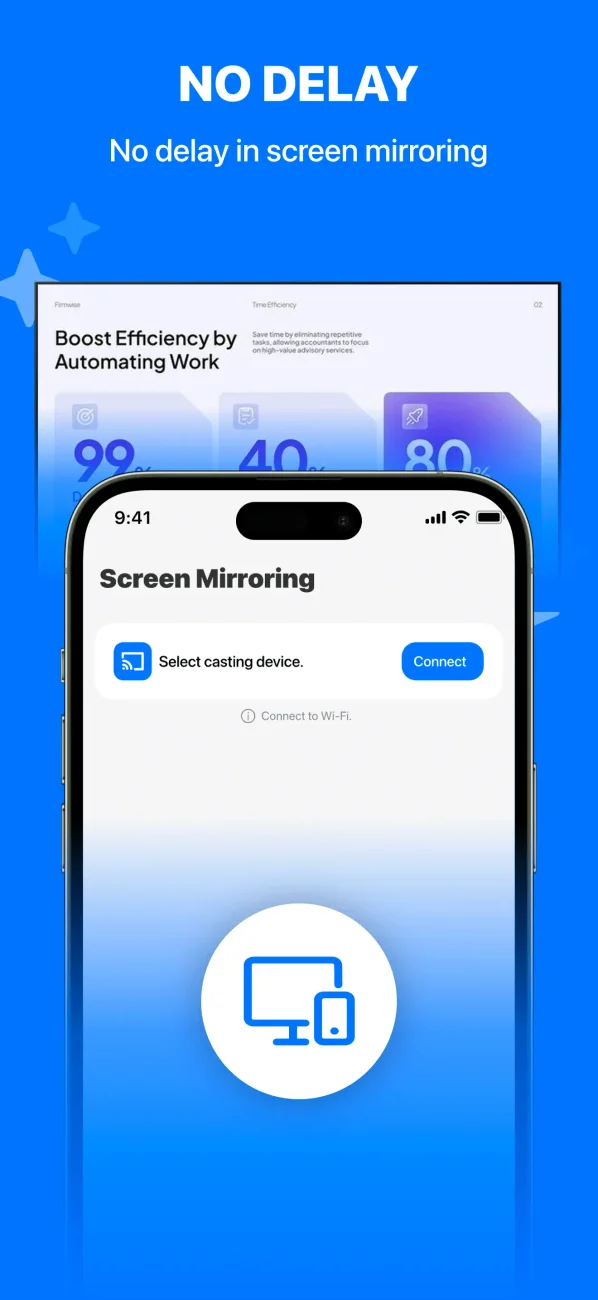
- Uses an optimized, stable transmission scheme to ensure smooth and synchronized playback.
Compatibility
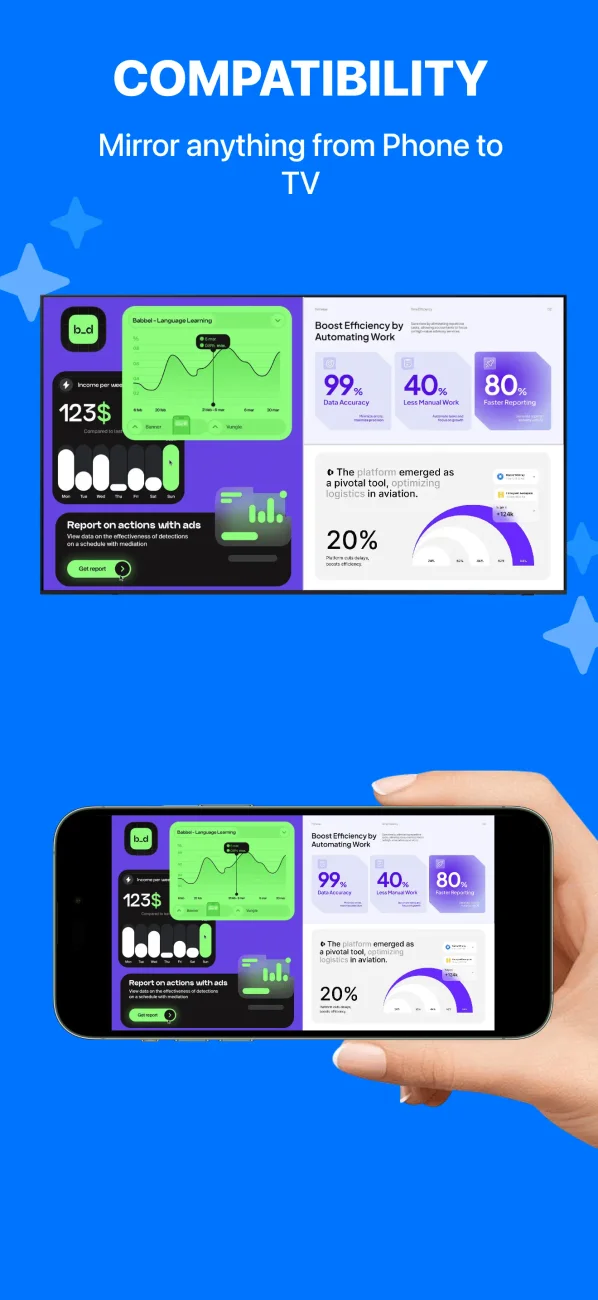
- Supports AirPlay and DLNA casting protocols, enabling connection with most smart TVs on the market.
Support
- Thoroughly tested and optimized for many mainstream TV brands and models.
USE CASES
Education & Training
- Teachers can cast multiple photos, videos, and materials side by side for comparison and interactive teaching.
Meetings & Collaboration
- Allows multiple presenters to cast their content simultaneously, enabling clearer discussion and improved communication efficiency.
Showroom & Retail Displays
- Perfect for exhibitions and retail spaces to present ads, product demos, and social content in parallel, increasing information density.
Home Entertainment
- Can be used as a “TV photo wall,” displaying multiple photos or videos at once—ideal for family gatherings or showcasing travel albums in a lively, engaging way.
TIPS FOR USE
- Make sure your phone and TV are connected to the same Wi-Fi network.
- For a more stable casting experience, consider disabling VPN or proxy services.
COMPATIBILITY
We have conducted extensive testing on many popular TV devices and continue to optimize compatibility across more models. Due to differences in TV brands, systems, and firmware, casting experiences may vary. If you encounter any issues, feel free to contact us—we are committed to continuous improvement.
What’s new
Version 1.1.0 · Sep 2, 2026
- New UI Design: A complete visual refresh for a cleaner and more intuitive experience.
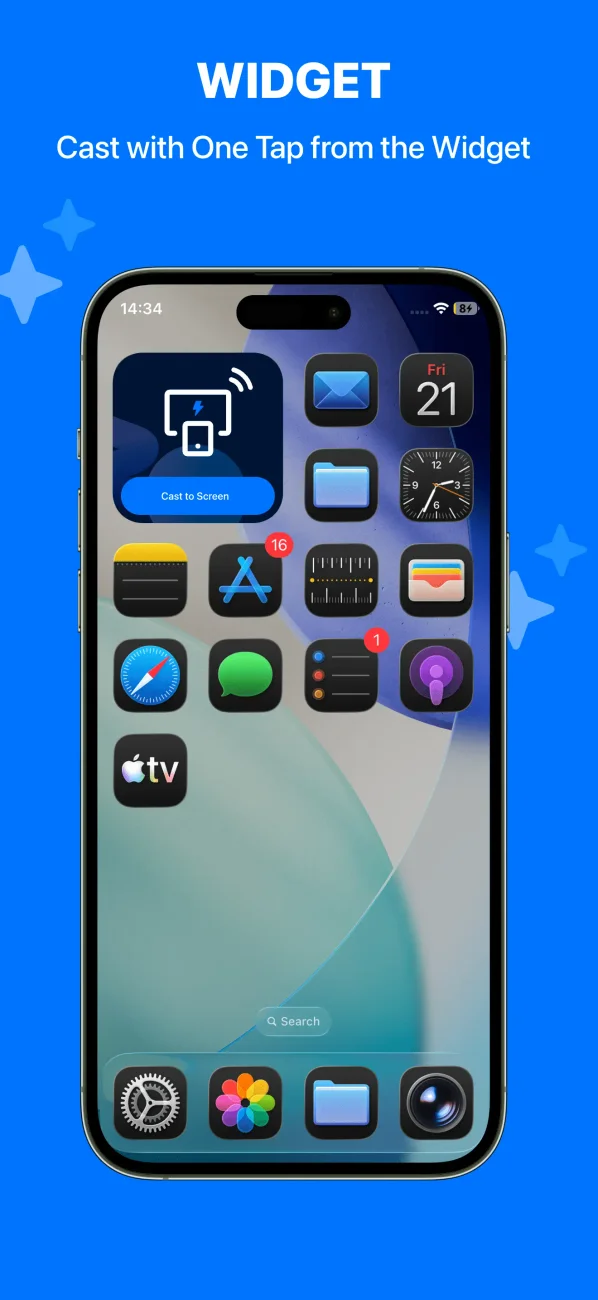
- Shortcuts: Launch your favorite casting features instantly with Shortcuts.
- Bug Fixes: Resolved minor issues to improve overall app reliability.
- Performance Enhancements: Improved overall stability and performance.
App privacy
What 正福 邹 declares on the App Store about how this app handles data.
-
Data used to track you
May be used to track you across apps and websites owned by other companies.
- Identifiers
- Usage data
-
Data not linked to you
May be collected but is not linked to your identity.
- Identifiers
- Usage data
Privacy practices may vary, for example with the features you use or your age.
Information
- Seller
- 正福 邹
- Category
- Utilities
- Version
- 1.1.0
- Updated
- Sep 2, 2026
- Released
- Dec 13, 2025
- Size
- 49.4 MB
- Requires
- iOS 15.0 or later
- Age rating
- 4+
- Price
- Free
- Languages
- English, Arabic, Catalan, Dutch, French, German, Indonesian, Italian, Japanese, Korean, Malay, Portuguese + 7 more
- Copyright
- © ZHOU
You might also like
-
 Screen Mirroring・Smart TV CastCar TV for Chromecast-Webcast
-
 Screen Mirroring・Cast to TV +Phone Share & Wireless Display
-
 Screen Mirroring for MiracastScreen Share & Chromecast TV
-
 Screen Mirroring | TV CastShare Screen, Wireless Display
-
 Cast to TV & Screen MirrorScreen Mirroring & Media Cast
-
 Screen Mirroring ‣ Cast to TVSmart Mirror for Video Casting
-
 Screen Mirroring Cast to TV ⁺Share Mirror View to Smart TV
-
 Screen Share for ChromecastCast to TV: Wireless display
-
 Screen Mirroring | Smart CastScreen Share - Smart View TV
-
 Screen Mirroring-Smart TV CastMiracast, Mirror & Web Caster