- Age rating4+
- CategoryProductivity
- DeveloperDanuta Novikova
- LanguagesEnglish+ 7 more
- Size35.2 MB
Links to the official App Store page
Download.org hosts no file of Multireader: Document Viewer. The button opens its official App Store page, published by Danuta Novikova. Listing last checked on Nov 8, 2026.
Screenshots


About
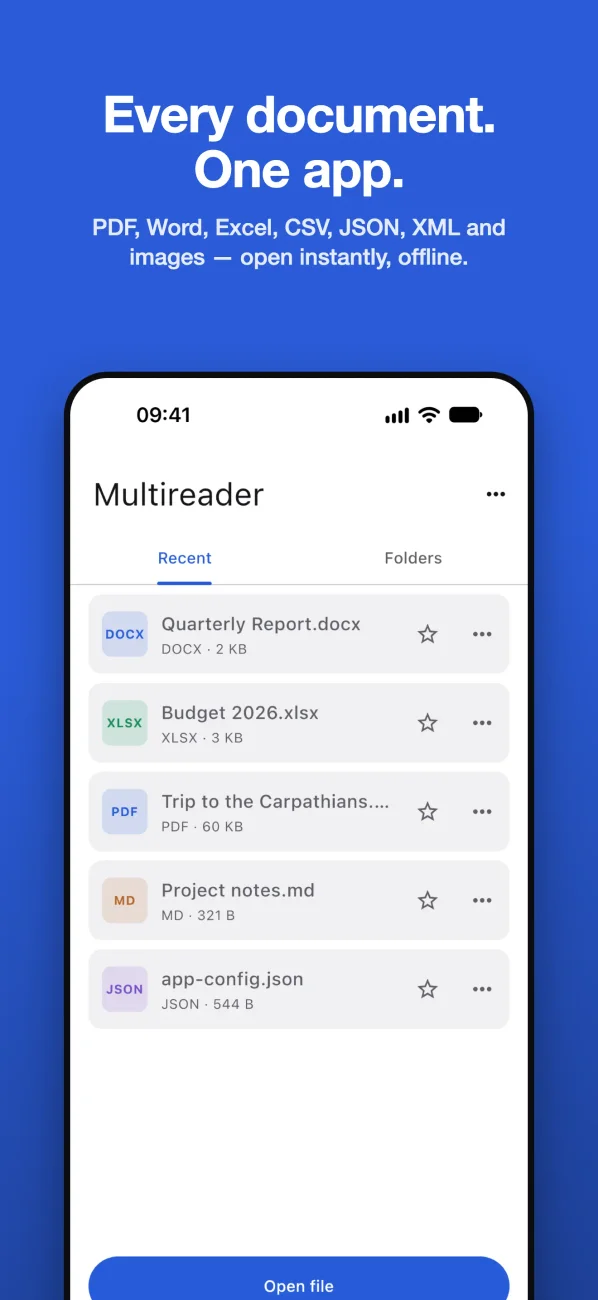
Multireader opens your documents instantly — and that's it. No ads, no accounts, no subscriptions, no tracking.
OPEN FROM ANYWHERE
Tap a file in your file manager, mail, messenger or browser and choose Multireader. Your document opens in a moment.
FORMATS
• PDF
• Markdown (.md) with headings, lists, tables and code
• Plain text and logs (.txt, .log) — even files of hundreds of megabytes
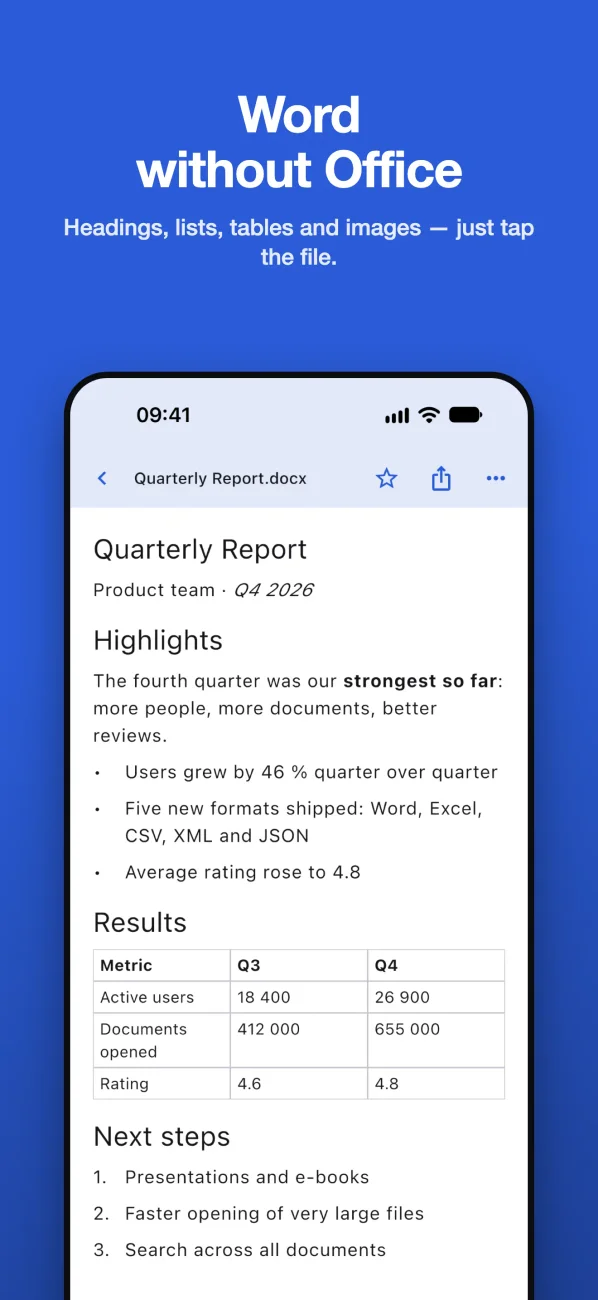
• Word documents (.docx) with headings, lists, tables and images
• Spreadsheets (.xlsx, .csv, .tsv) as a table
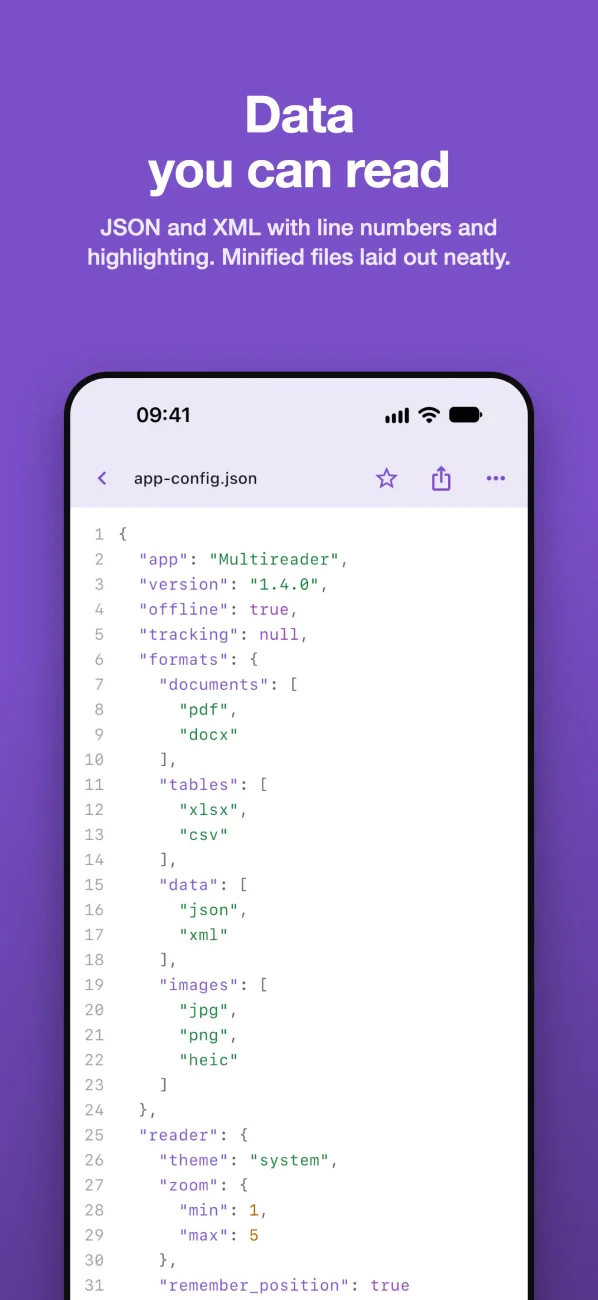
• Data (.json, .xml) with line numbers and highlighting
• Images (.jpg, .png, .heic, .webp, .gif)
More formats are on the way. If a file isn't supported yet, Multireader tells you honestly and lets you open it in another app.
COMFORTABLE READING
• Remembers where you stopped in every document
• Light and dark theme, or follow the system
• Pin the documents you need often
PRIVATE BY DESIGN
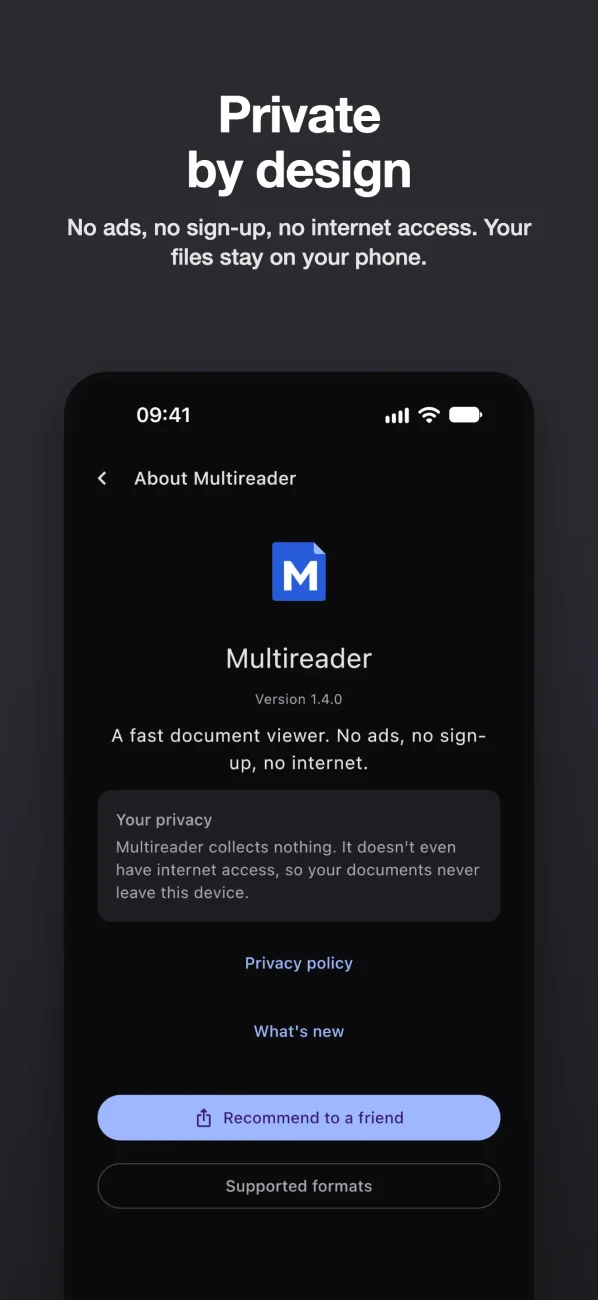
Everything happens on your device. Multireader doesn't even have permission to access the internet, so your documents never leave your phone.
FREE. REALLY.
No ads, no in-app purchases, no paid features. If you like it, tell a friend.
What’s new
Version 1.5.0 · Nov 6, 2026
Word documents look like the original: fonts, colours, tables, indents and margins. Prefer plain text? Tap the reading-mode button at the top of the document.
Check for updates: in the menu on the home screen — opens the Multireader page in the store.
Write to the developer or rate Multireader from the menu. After a crash, the app offers to email a report — without your files or their names.
Usage statistics in Settings: kept only on your device, no file names. Send them by email if you like.
App privacy
What Danuta Novikova declares on the App Store about how this app handles data.
-
Data not collected
The developer does not collect any data from this app.
Privacy practices may vary, for example with the features you use or your age.
Information
- Seller
- Danuta Novikova
- Category
- Productivity
- Version
- 1.5.0
- Updated
- Nov 6, 2026
- Released
- Nov 5, 2026
- Size
- 35.2 MB
- Requires
- iOS 16.0 or later
- Age rating
- 4+
- Languages
- English, French, German, Italian, Polish, Portuguese, Spanish, Ukrainian
- Copyright
- © 2026 Danuta Novikova