
MultiStreamer TV
MultiStream Watching
Designed for iPhone, iPad, Mac
Free · In-app purchases
- Age rating12+
- CategoryEntertainment
- DeveloperDan Ashley
- LanguagesEnglish
- Size7.4 MB
Links to the official App Store page
Download.org hosts no file of MultiStreamer TV. The button opens its official App Store page, published by Dan Ashley. Listing last checked on Nov 15, 2026.
Screenshots

About
MultiStreamer brings multi-stream viewing to iPhone, iPad, Apple TV, and Mac.
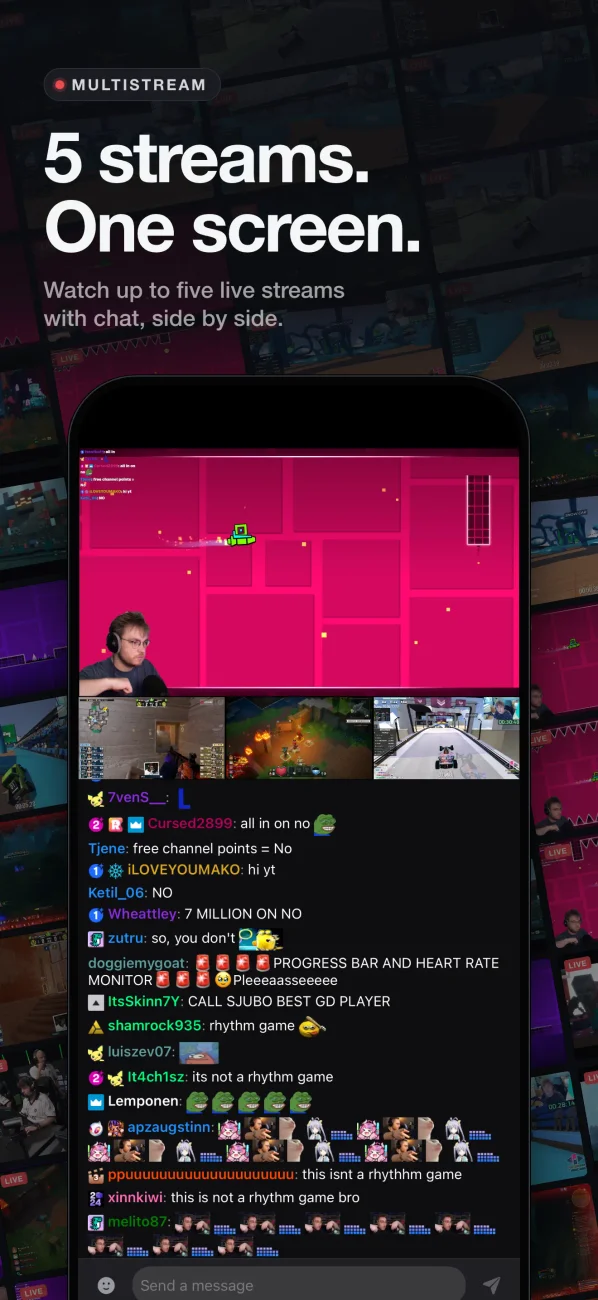
Watch up to 5 live streams side by side with live chat, full emote support, and layouts that adapt to your screen.
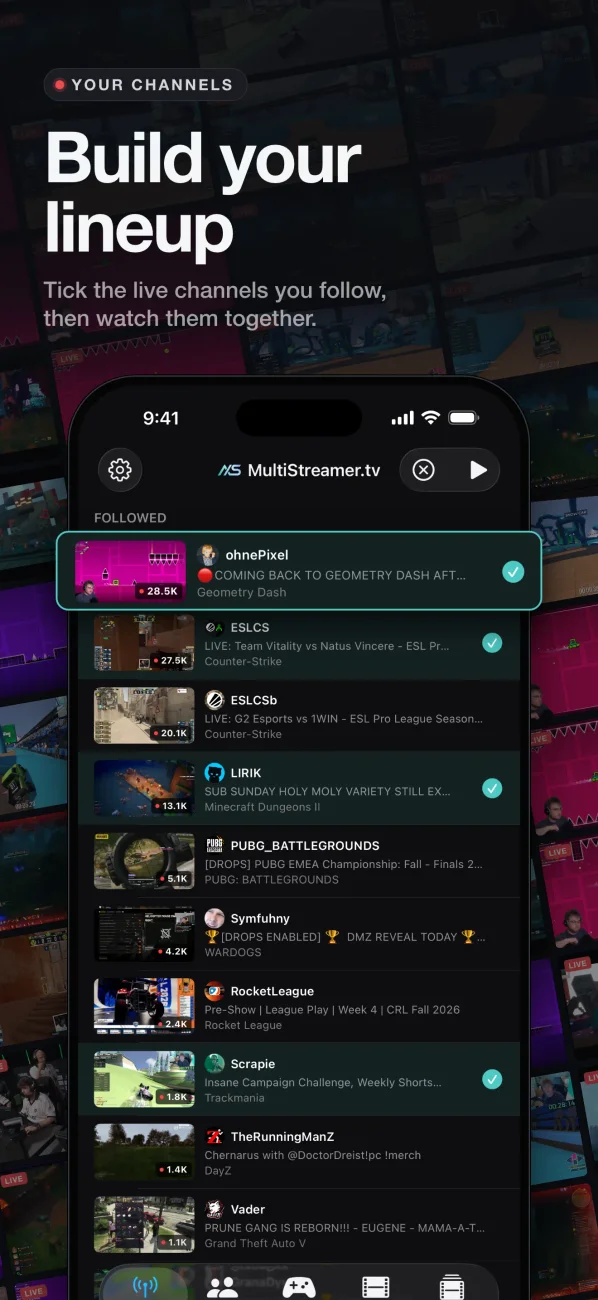
Connect your existing Twitch account to see the channels you follow and chat with your own identity. MultiStreamer does not create a separate account.
Every feature is free. No ads, no locked settings, no reduced stream count. Free watching runs in two minute stretches with a 30 second break in between. Pro removes that timer, and that is the only difference.
Features
• Watch up to 5 streams at once
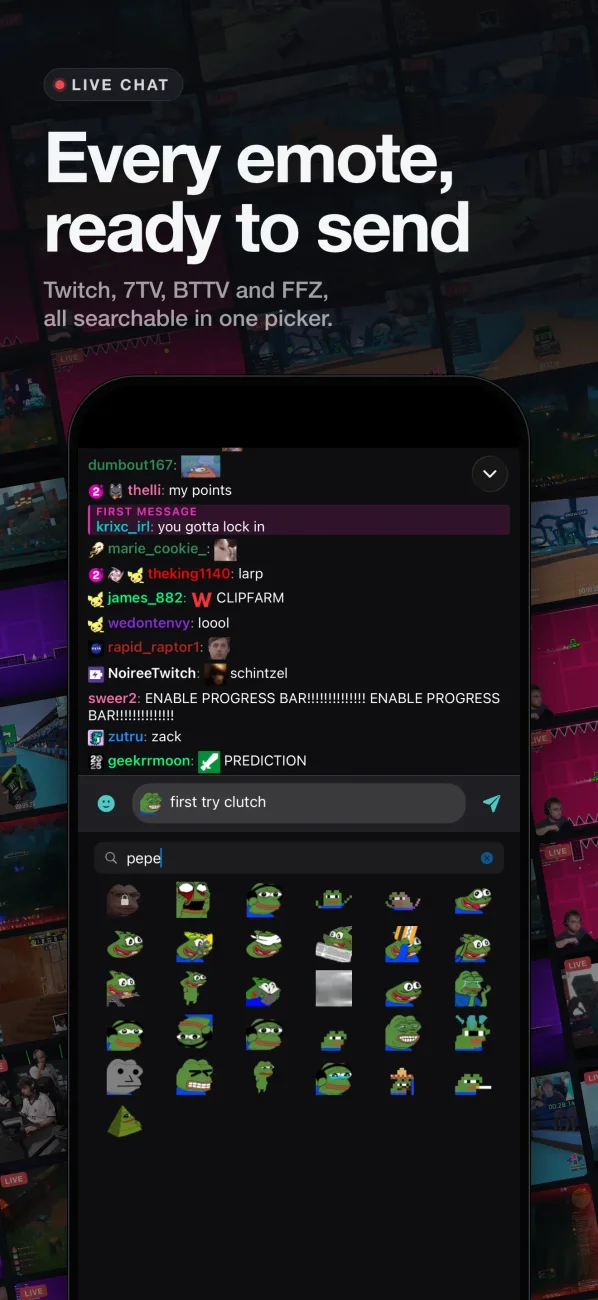
• Live chat with animated emotes from Twitch, 7TV, BetterTTV, and FrankerFaceZ
• 7TV name paints, so chatters look the way they do on the web
• Send messages with your own Twitch identity, and reply in threads
• Cheers, first messages, channel point highlights, subs, and raids are called out
• Emote picker grouped by source, with search across all of them and a Recent tab that follows you between channels
• Group the channels you follow into your own Live tab sections, synced across your devices
• Reruns and 24/7 loops sort themselves into Always Live
• Push notifications when a channel goes live, per channel (iPhone and iPad)
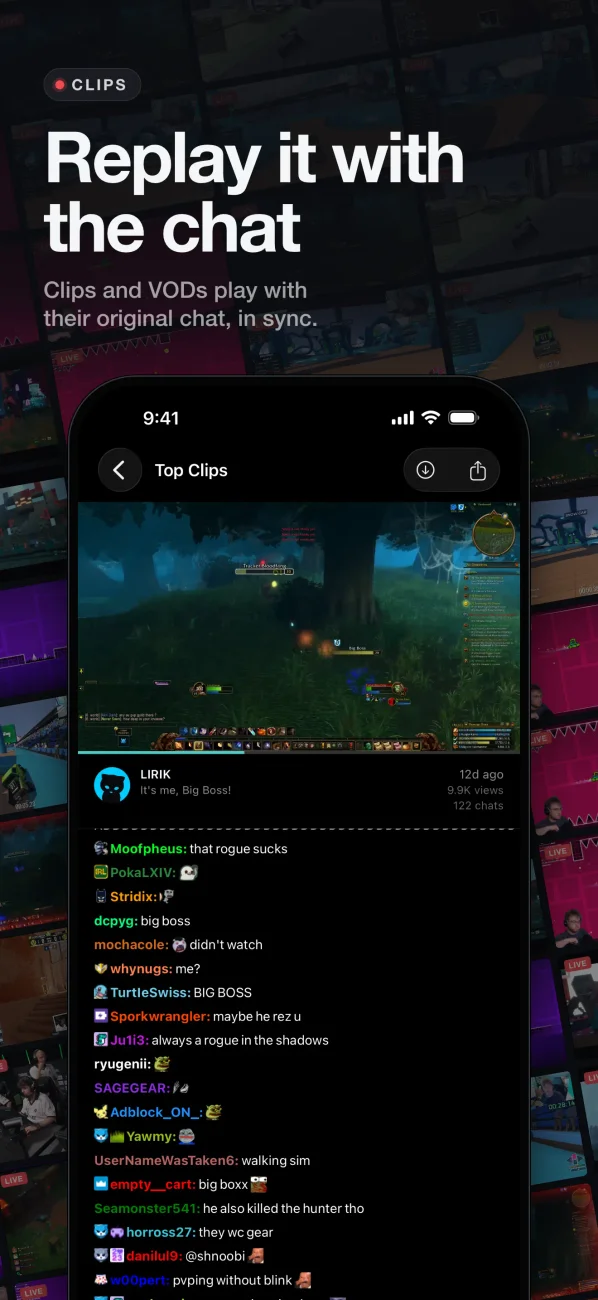
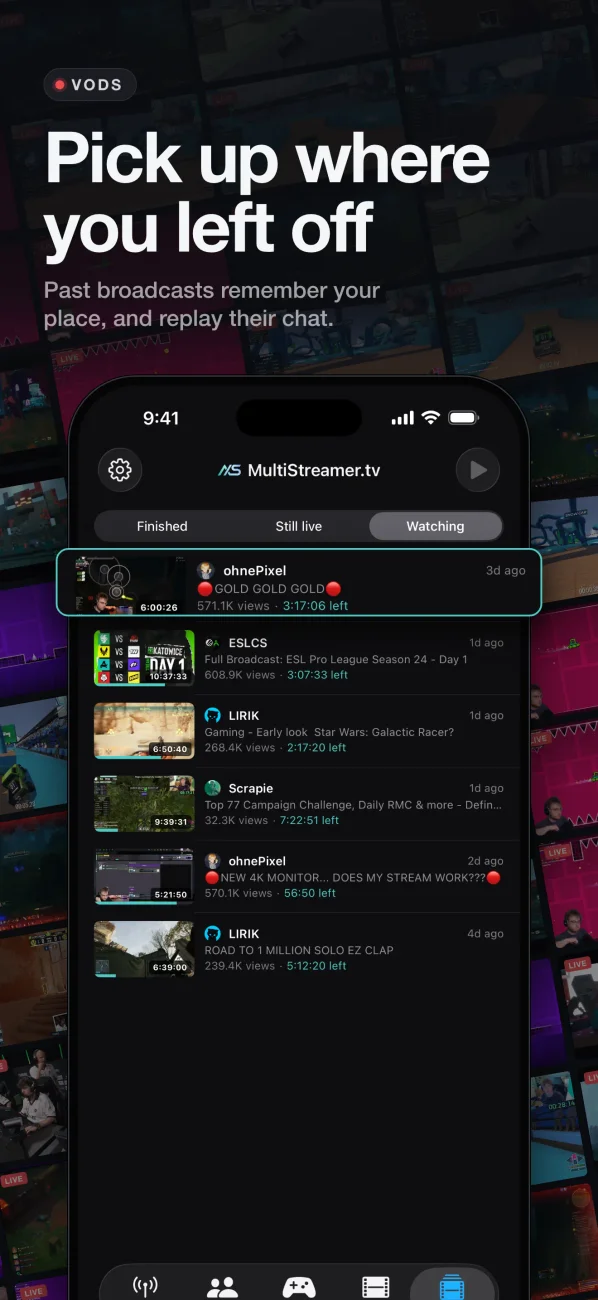
• VODs with chat replay synced to the video, resuming where you left off
• Clips by channel or across everyone you follow, by day, week, or month
• Search any Twitch channel, or browse top games with live viewer counts
• Focus mode, stream rotation, and volume per stream
• All, Video, Chat, and Chat plus Audio viewing modes
• Pin a fixed stream quality, or leave it automatic
• Background playback as Picture in Picture or audio only (iPhone and iPad)
• Light, Dark and OLED themes (iPhone and iPad)
• Preload a channel's emotes before you watch, with a cache from 100 MB to 2 GB
• Streams reconnect on their own if they drop
• Widget for the channels that are live right now
• 20+ language filters
• Available on iPhone, iPad, Apple TV, and Mac
MultiStreamer Pro
Pro removes the watch timer. Streams keep playing for as long as you want them to. Everything else in the app is already yours.
One Pro unlocks every device. Buy it once and it works on your iPhone, iPad, Apple TV, and Mac, on the same Apple Account. No more paying per platform.
Two ways to get it:
• Monthly, $0.99 per month
• Lifetime, $9.99 once, with nothing to cancel
Already bought Pro? If you purchased MultiStreamer Pro on any platform before this update, you keep it permanently, and it now works on all of your devices at no extra cost. Nothing to do, nothing to buy again.
Subscription details
MultiStreamer Pro Monthly is $0.99 per month and renews automatically. Payment is charged to your Apple Account at confirmation of purchase. The subscription renews unless it is turned off at least 24 hours before the end of the current period, and your account is charged for renewal within 24 hours before the period ends. You can manage or cancel your subscription in your Apple Account settings, or from Manage Subscription inside the app. The Lifetime purchase is a one time payment and does not renew.
Privacy Policy: https://multistreamer.tv/privacy
Terms of Use: https://www.apple.com/legal/internet-services/itunes/dev/stdeula/
What’s new
Version 2.15 · Nov 4, 2026
• Send to TV: in Watch from a Link, send the live channels to an Apple TV or Android TV that has MultiStreamer open and is signed in to the same Twitch account. The TV asks whether to watch them.
• Two streams side by side: with two streams playing, the watch options have a button to show them side by side instead of one above the other.
App privacy
What Dan Ashley declares on the App Store about how this app handles data.
-
Data linked to you
May be collected and linked to your identity.
- Identifiers
-
Data not linked to you
May be collected but is not linked to your identity.
- Identifiers
Privacy practices may vary, for example with the features you use or your age.
Information
- Seller
- Dan Ashley
- Category
- Entertainment
- Version
- 2.15
- Updated
- Nov 4, 2026
- Released
- May 15, 2026
- Size
- 7.4 MB
- Requires
- iOS 26.0 or later
- Age rating
- 12+
- Price
- Free
- In-app purchases
- Yes
- Languages
- English
- Copyright
- © Copyright 2026 Lucidic
You might also like
-
 ViewGrid - Multi Stream ViewerWatch Twitch & YouTube at once
-
 MultiviewTV PlayerMulti-Stream Video Player
-
 KulveFully native Twitch client
-
 Limerino7TV, BTTV & FFZ emotes inline
-
 Twick: Watch Twitch & KickLive chat with 7TV, BTTV & FFZ
-
 Multiview AppMultiple Channels at Once
-
 ChatsenEntertainment
-
 Streamer UniversityThe Streamer University App
-
 Frosty for TwitchSee 7TV, BTTV, and FFZ emotes!
-
 SOOP - Live StreamingConnect live with streamer!