Multitrack Audio Player
Perform live w/markers & MIDI
Designed for iPhone, iPad
$9.99
- Age rating4+
- CategoryMusic
- DeveloperJason Shimkoski
- LanguagesEnglish
- Size10.5 MB
Links to the official App Store page
Download.org hosts no file of Multitrack Audio Player. The button opens its official App Store page, published by Jason Shimkoski. Listing last checked on Nov 18, 2026.
Screenshots



About
A powerful, easy-to-use, musician‑focused backing track player built for live performance.
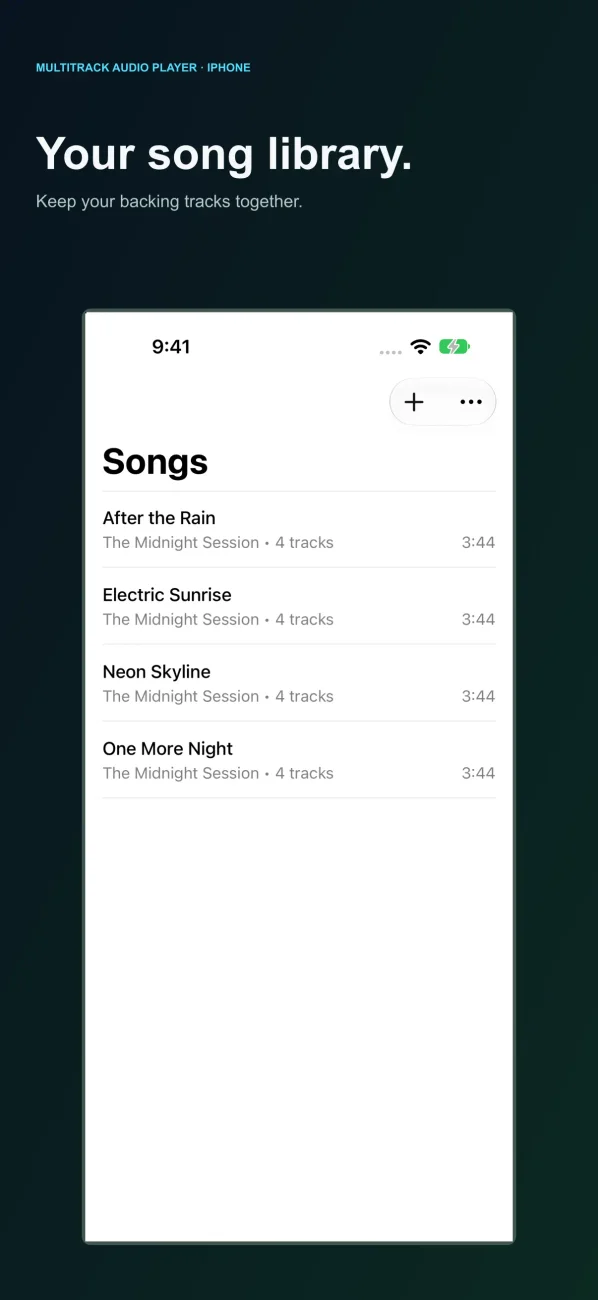
Run your entire show with confidence using a multitrack engine that gives you complete control over every song, every marker, and every output.
Perform your way.
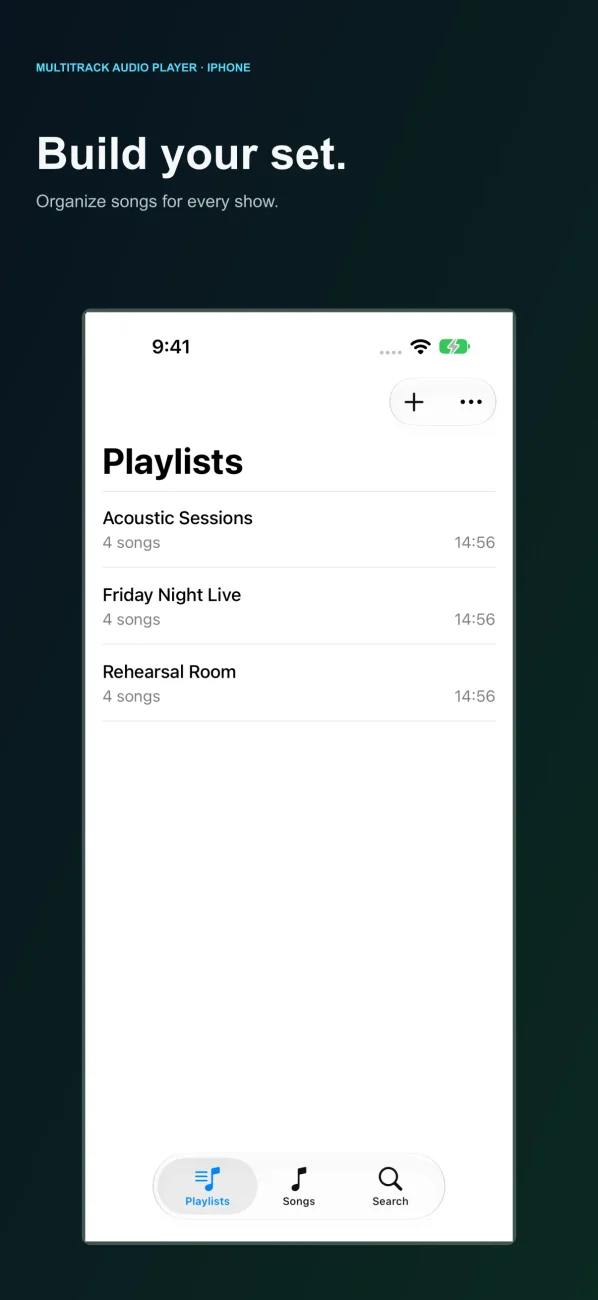
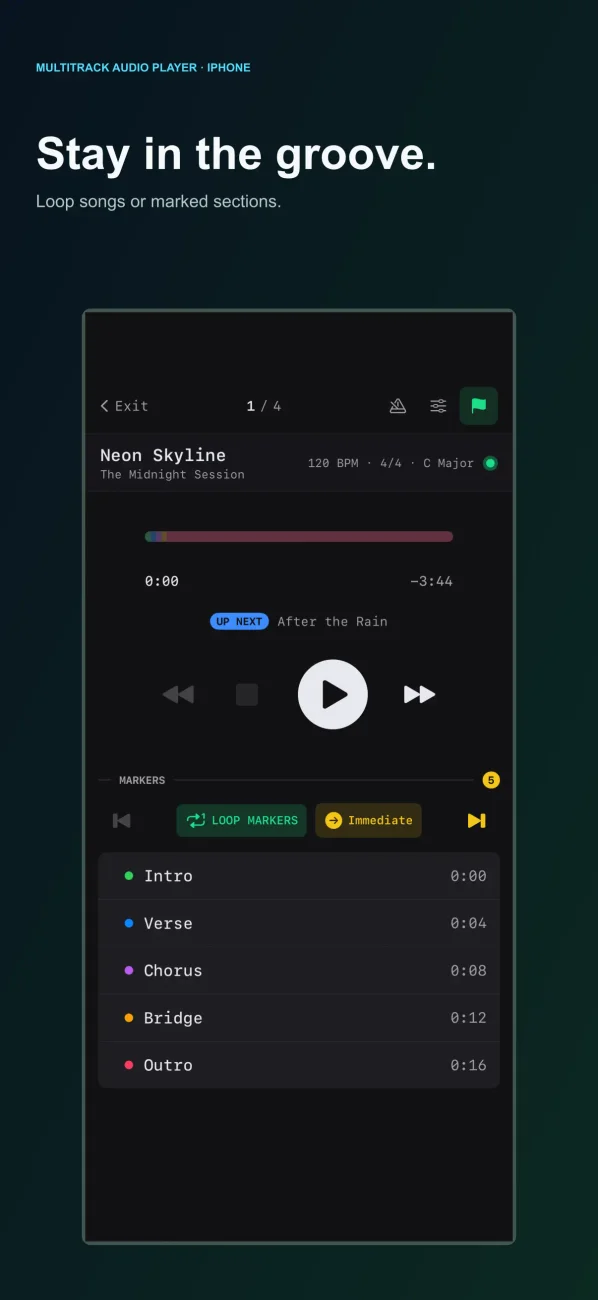
Play a single song or run a full playlist with seamless transitions. Use markers to jump to sections, rehearse efficiently, or trigger specific moments during a live set. Everything stays tight, predictable, and performance‑ready.
Flexible audio routing.
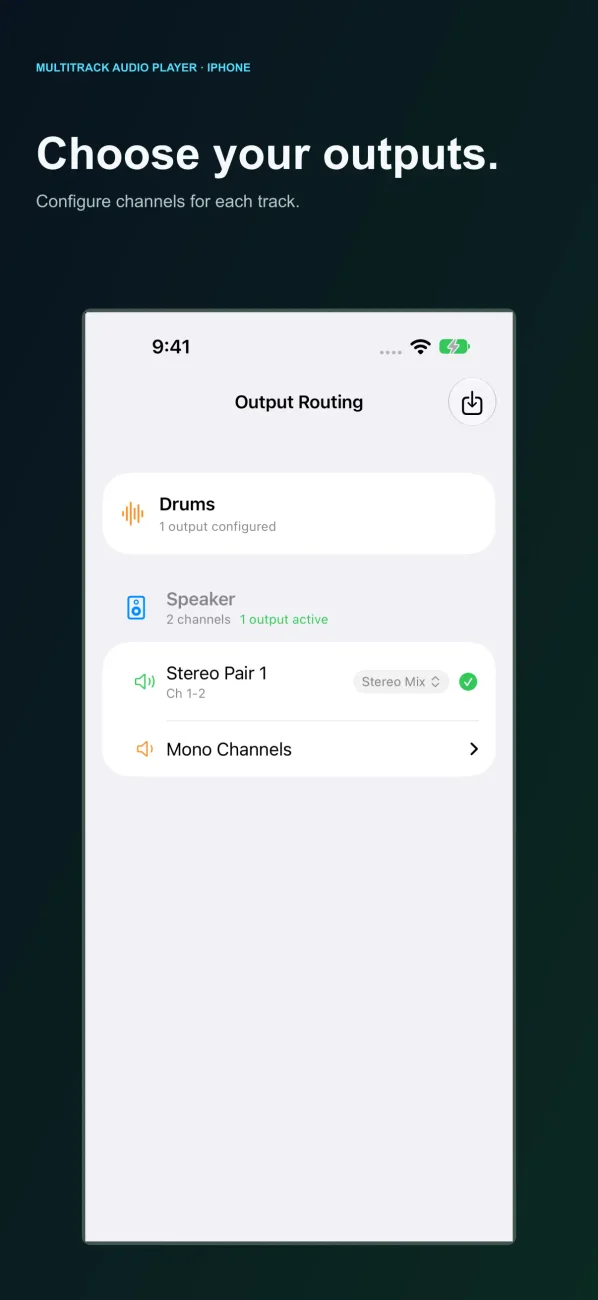
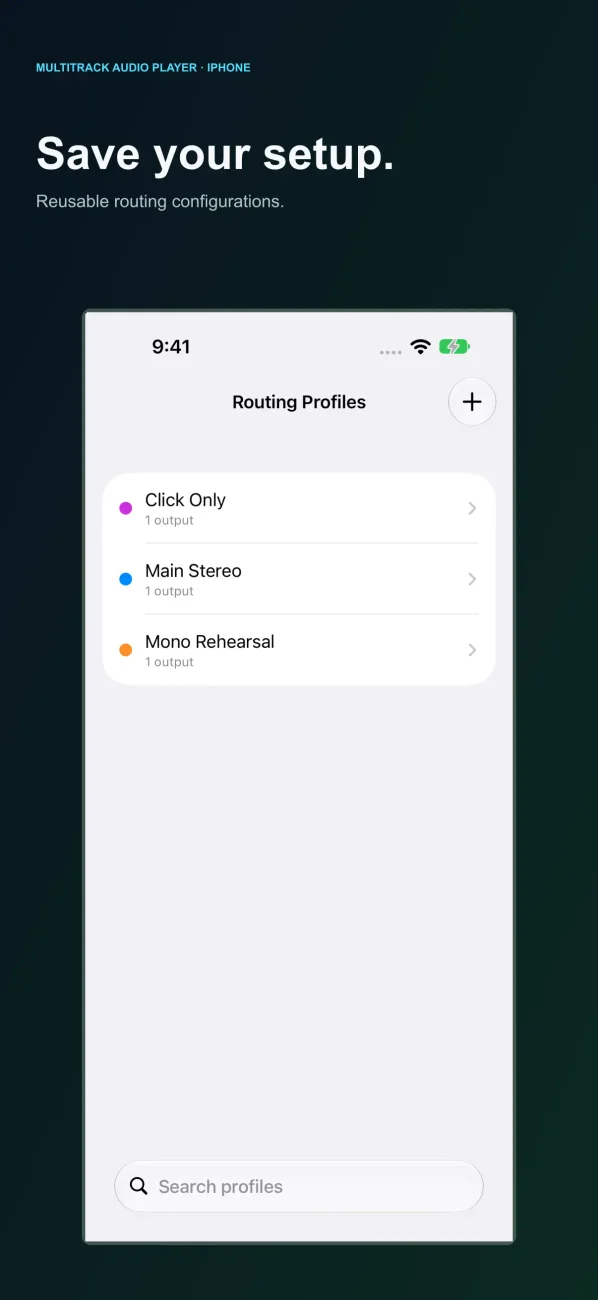
Send any track to any hardware output. Build custom mixes for in‑ears, front‑of‑house, click channels, stems, or stage monitors. Route exactly what you need, where you need it.
Built‑in metronome, count‑in, and announcements.
Stay locked in with a precise metronome that integrates directly with your tracks. Add a count‑in to start songs cleanly, keep your band aligned, and maintain consistent timing across your entire set. Announce songs and markers before they happen for confident, eyes-free performances.
Performance View.
A clean, focused interface designed for the stage. Large controls, clear markers, and essential information presented at a glance so you can perform without distraction.
Markers for total control.
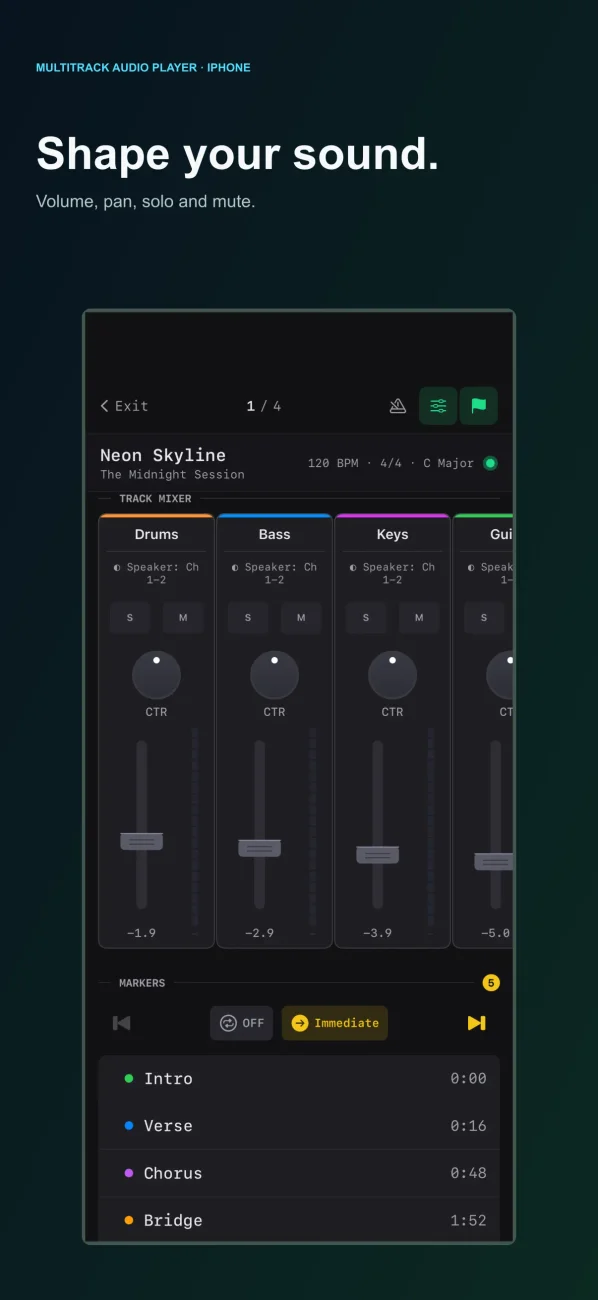
Add markers to structure your songs, cue transitions, rehearse specific sections, or trigger jumps during live playback. Perfect for complex arrangements, worship sets, and shows that require flexibility.
Extensive MIDI integration.
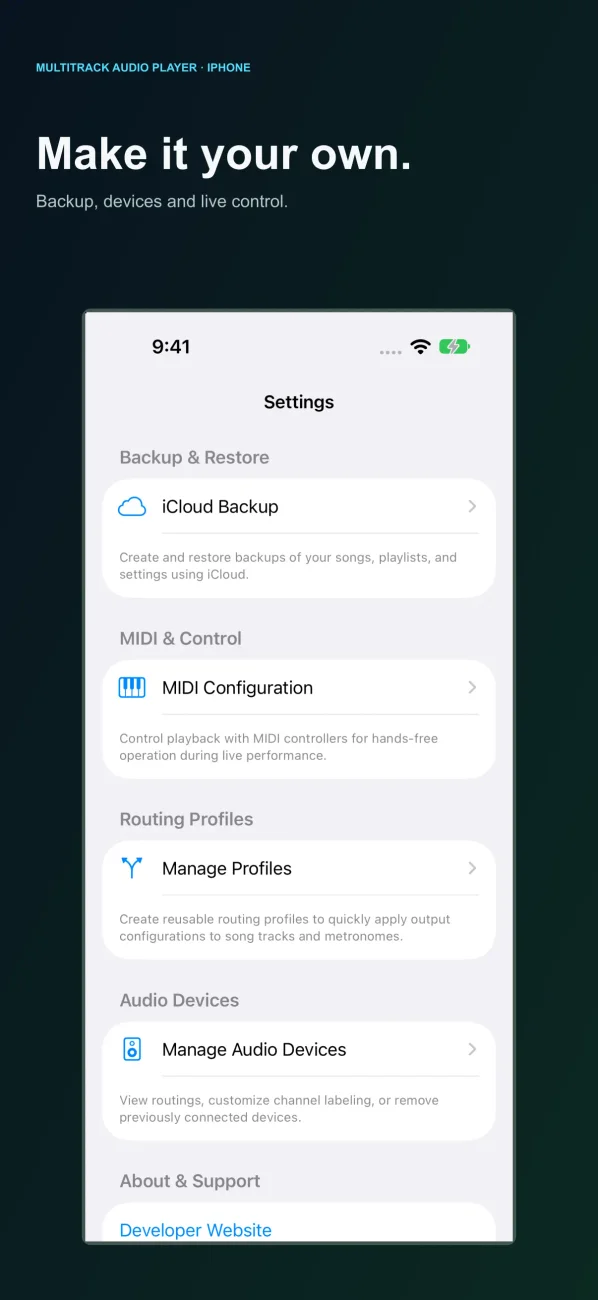
Control transport, markers, playlists, and more using foot controllers, keyboards, or external devices. Automate your show or keep your hands free while performing.
Mix your tracks with ease.
Balance levels, adjust panning, and fine‑tune your stems with a built‑in mixer designed for clarity and speed. Create the perfect blend for your performance environment.
Built for reliability.
Every feature is designed with live performers in mind—fast, predictable, and stable. Whether you’re on stage, in rehearsal, or running playback for a full production, the app keeps your show running smoothly.
Buy once. Own forever.
No subscriptions. No hidden fees. Just a dependable, professional‑grade tool you can trust for every performance.
What’s new
Version 1.5 · Nov 12, 2026
What's new in 1.5:
* Import & Export individual songs to share or move between devices, with audio tracks, markers, and mixer settings included.
* Import individual songs from AnalogDAW exports (coming in AnalogDAW 1.10).
* Improved click track, count-in, and marker timing for imported songs.
App privacy
What Jason Shimkoski declares on the App Store about how this app handles data.
-
Data not collected
The developer does not collect any data from this app.
Privacy practices may vary, for example with the features you use or your age.
Information
- Seller
- Jason Shimkoski
- Category
- Music
- Version
- 1.5
- Updated
- Nov 12, 2026
- Released
- Feb 22, 2026
- Size
- 10.5 MB
- Requires
- iOS 18.6 or later
- Age rating
- 4+
- Price
- $9.99
- Languages
- English
- Copyright
- © Jason Shimkoski
You might also like
-
 Multi-TrackerRecord, Mix, and Master
-
 Atmos FinderExplore your music's quality
-
 PlayStems: Audio Stem PlayerIsolate Vocals, Practice & Mix
-
 CueDeck: Live Backing TracksPro Multitracks & Playback
-
 Vocal Key FinderMusic
-
 OnStem: Local music splitOn-device AI music separation
-
 Stemly Live MultitrackFor Live Bands & Musicians
-
 Player Board ProThe companion for performing
-
 Live Multitrack 2Multitrack audio-video player
-
 The Multitrack PlayerThe best multitrack app