MusicFlow: Audio Visualizer
Live visuals, full screen, PiP
Designed for iPhone, iPad
Free
- Age rating4+
- CategoryMusic
- Developer府 王
- LanguagesEnglish+ 8 more
- Size11.8 MB
Links to the official App Store page
Download.org hosts no file of MusicFlow: Audio Visualizer. The button opens its official App Store page, published by 府 王. Listing last checked on Nov 16, 2026.
Screenshots

About
See your music come alive.
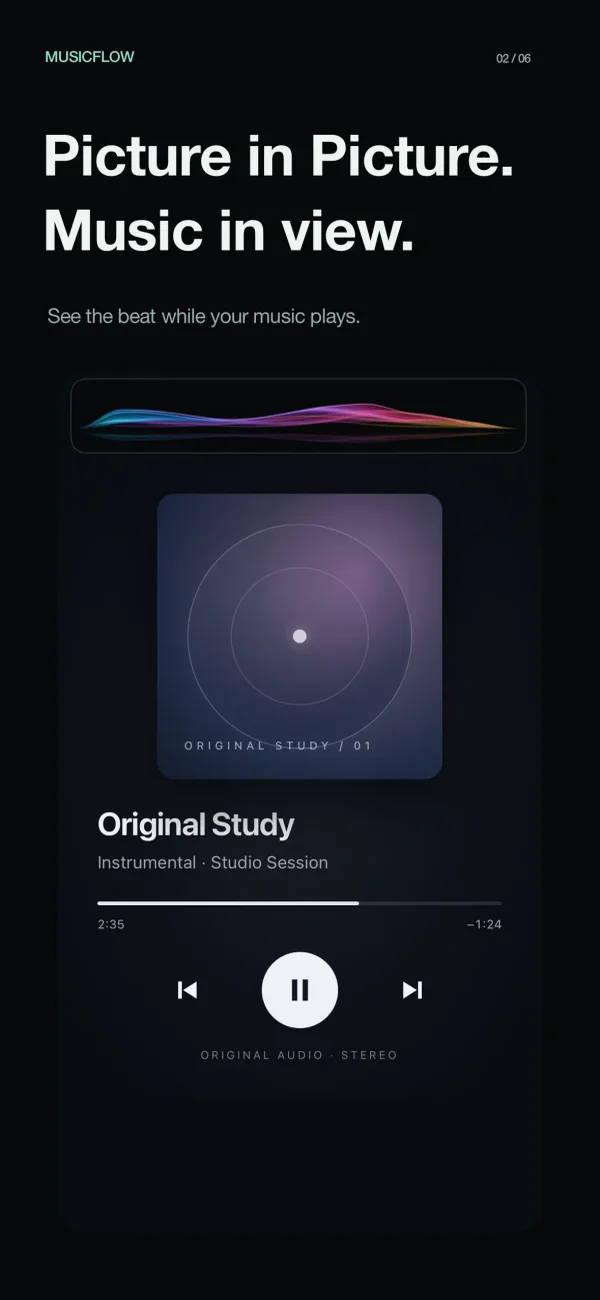
MusicFlow turns compatible audio into flowing waves, ribbons, spectra, and glowing notes on your iPhone or iPad. Watch the details of your music in full screen, or keep a small Picture in Picture window visible while you use other apps.
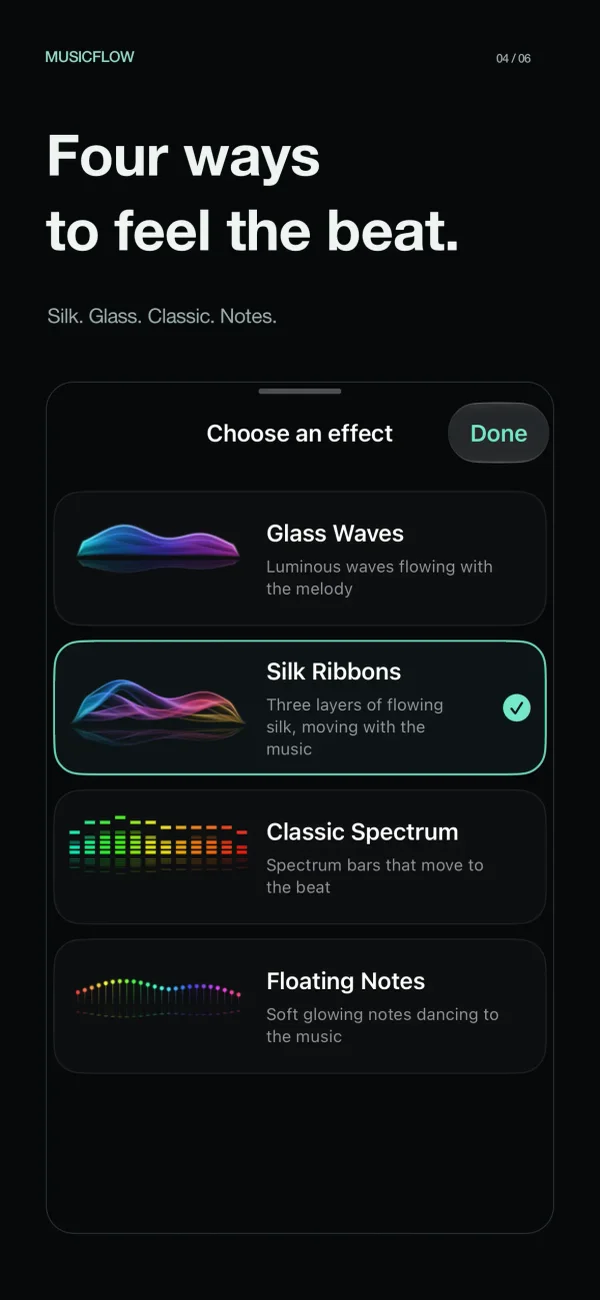
FOUR WAYS TO FEEL THE MUSIC
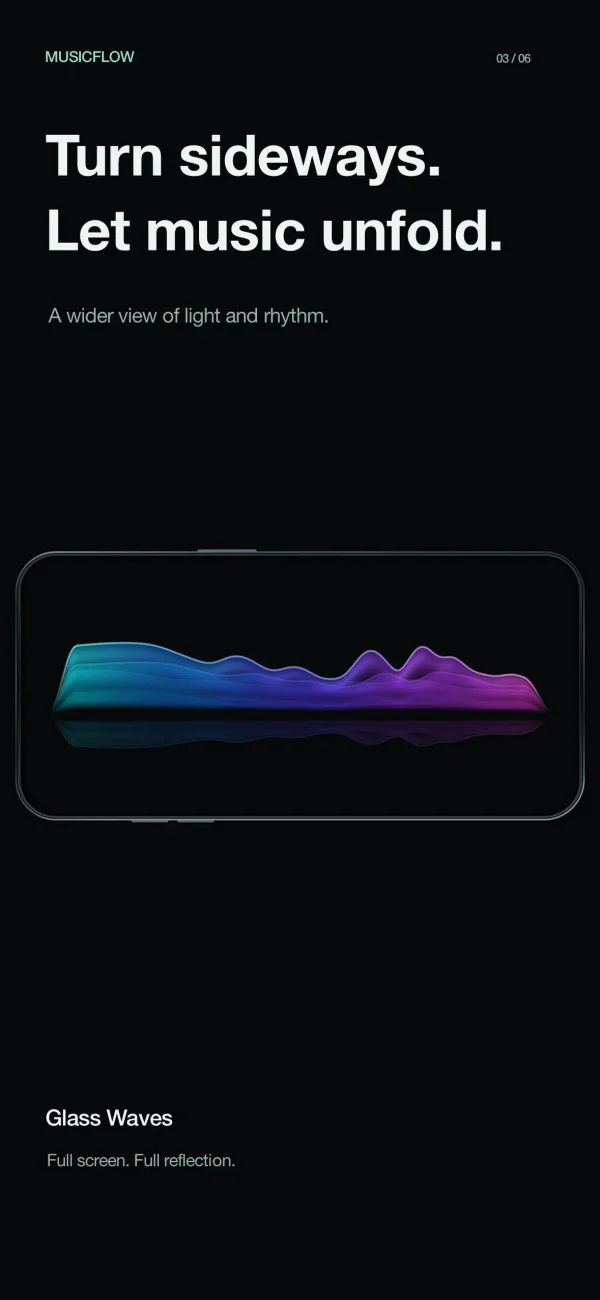
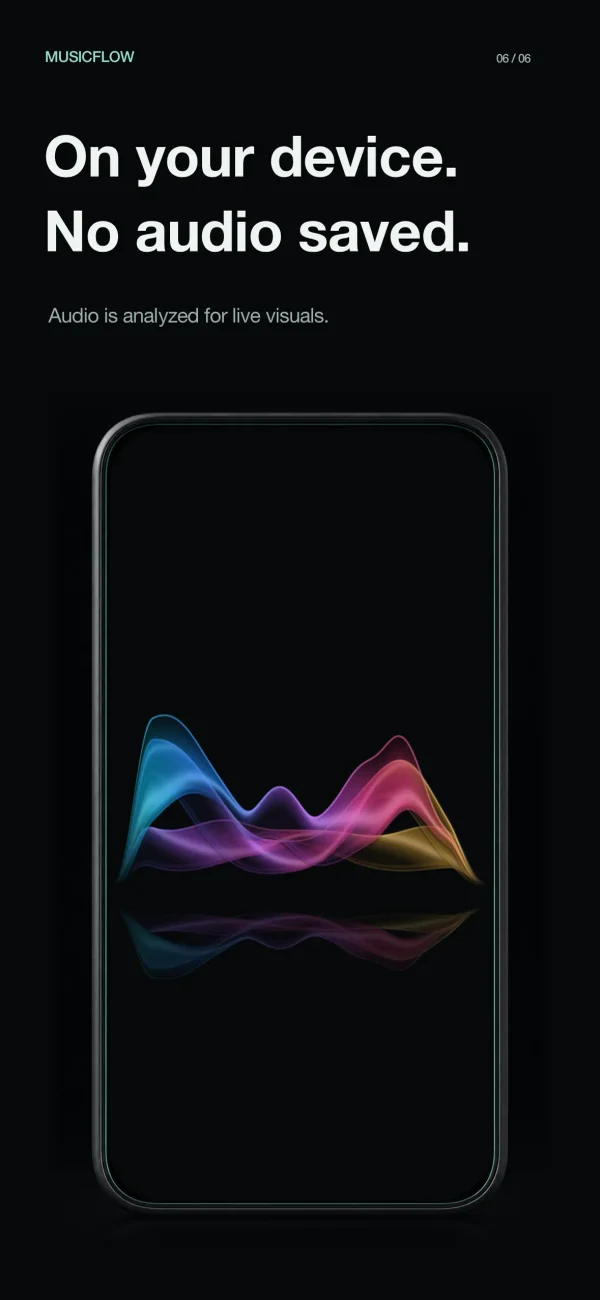
• Glass Waves — luminous waves that follow the melody.
• Silk Ribbons — flowing layers of silk that move with your music.
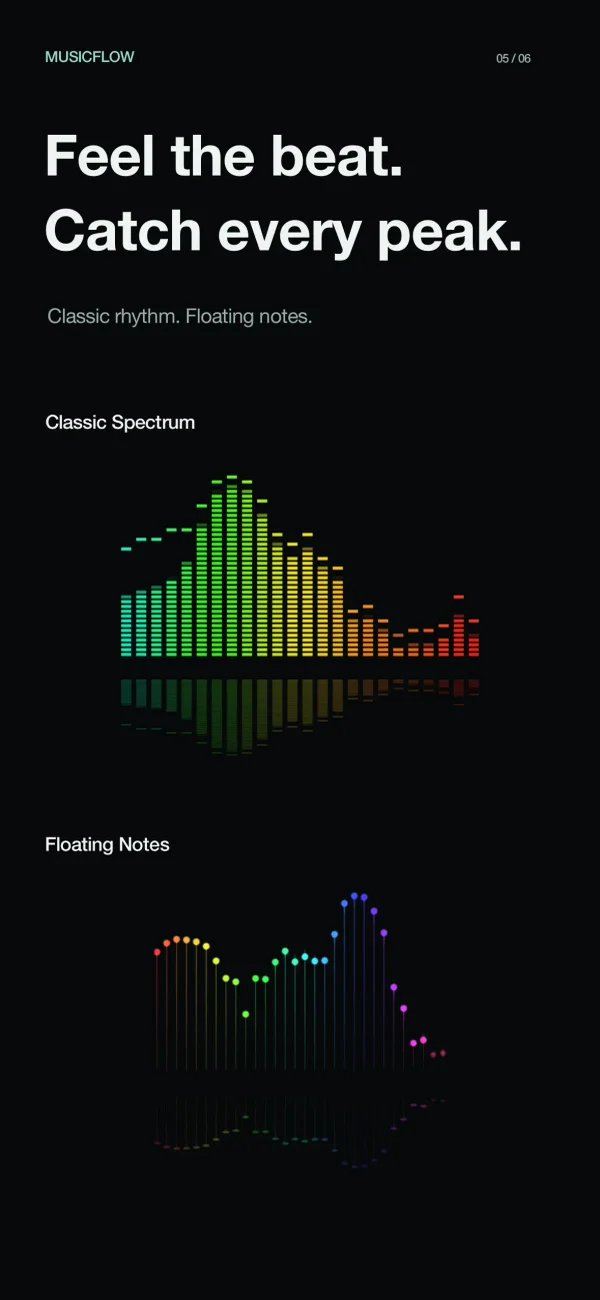
• Classic Spectrum — responsive frequency bands and clear peaks.
• Floating Notes — glowing notes that dance with the sound.
Choose an effect, turn water reflections on or off, and switch looks while visualization is running. The getting-started guide helps you explore the effects, choose an audio source, and see your first live visualization.
FULL SCREEN OR PICTURE IN PICTURE
Enjoy an immersive view in portrait or landscape. Choose from three Picture in Picture proportions, move or resize the system window, and keep the visuals nearby. Automatic Picture in Picture can be turned off in Settings.
CHOOSE YOUR AUDIO SOURCE
System Audio uses screen-sharing permission to analyze audio from compatible apps. Some apps and protected content do not allow capture. Protected Apple Music audio cannot be captured directly.
Microphone mode responds to music playing through speakers, speech, and nearby sounds. It cannot hear music playing through headphones. The microphone starts only when you explicitly start this mode.
PRIVATE BY DESIGN
Audio is analyzed on your device. Audio and screen content are never saved or uploaded, and screen images are discarded immediately. Optional Music permission checks Apple Music playback status for compatibility guidance without reading your library or song details.
No account, ads, or third-party tracking or analytics.
Tap Stop in MusicFlow or close Picture in Picture with × to end capture. Pausing the picture freezes the visuals while audio analysis continues.
Requires iOS or iPadOS 18 or later. Audio availability depends on the source app and content.
App privacy
What 府 王 declares on the App Store about how this app handles data.
-
Data not collected
The developer does not collect any data from this app.
Privacy practices may vary, for example with the features you use or your age.
Information
- Seller
- 府 王
- Category
- Music
- Version
- 1.0
- Updated
- Oct 31, 2026
- Released
- Oct 31, 2026
- Size
- 11.8 MB
- Requires
- iOS 18.0 or later
- Age rating
- 4+
- Price
- Free
- Languages
- English, French, German, Japanese, Korean, Portuguese, Simplified Chinese, Spanish, Traditional Chinese
- Copyright
- © 2026 Fu Wang
You might also like
-
 Music Pulse: Audio VisualizerVU Meters & Music Light Show
-
 Sound Visualizer - VibeMusic
-
 Music Visualizer: Sound ArtAudio Reactive Video effects
-
 Music Visualizer: LIQUIDWAVERave, Disco & Party Light Show
-
 Echo Flow: Music Player & EQOffline Player & Sleep Timer
-
 projectM-iOSMusic visualizer
-
 NEIROAOffline AI Music Generator
-
 Resonance – Music VisualizerAudio-reactive light show
-
 Naut: Cosmic Audio Player3D Music Visualizer & Player
-
 BPMcountR: Song BPM & KeyBPM Finder & Tap Tempo