- Age rating4+
- CategoryMusic
- DeveloperAlexander Ewering
- LanguagesEnglish+ 1 more
- Size1.8 MB
Links to the official App Store page
Download.org hosts no file of MusicFolder 2. The button opens its official App Store page, published by Alexander Ewering. Listing last checked on Nov 17, 2026.
Screenshots
About
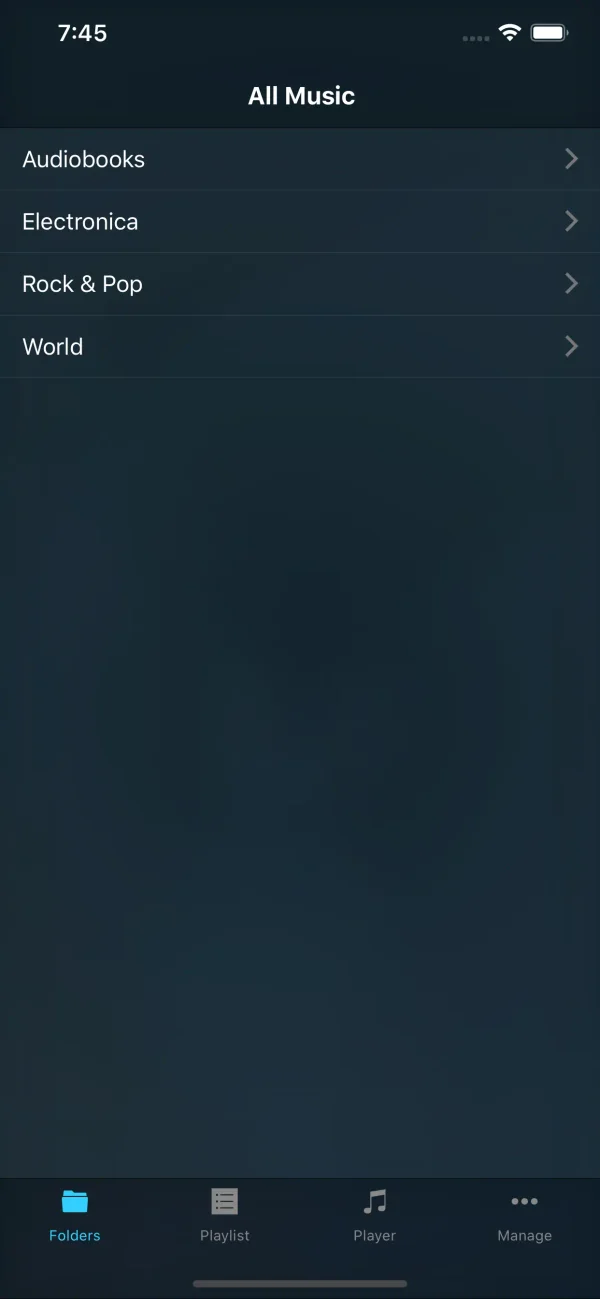
Simple, no-frills music player for "oldschool" users who have a music library based on a folder structure instead of tags / metadata.
This app is SIMPLISTIC BY DESIGN and does NOT HAVE A LOT OF FEATURES! However, those features that it DOES have work GREAT!
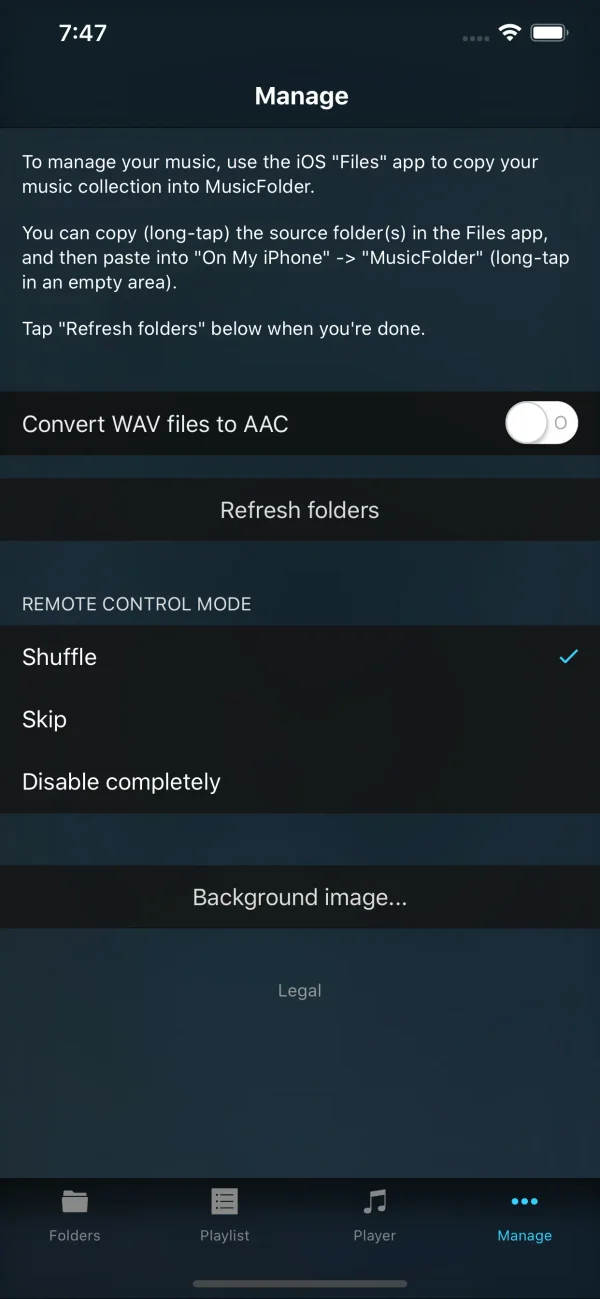
IMPORTANT: You cannot use MusicFolder to play music from the regular "Music" app. Instead, you use the iPhone's "Files" app to copy your folder-based music library from your computer (or anywhere else) into MusicFolder.
- Supported file formats: mp3, mp4, m4a, aac, alac, wav, adts, ac3, aiff, aifc, caf, snd, au, sd2.
- GAPLESS PLAYBACK for all file formats.
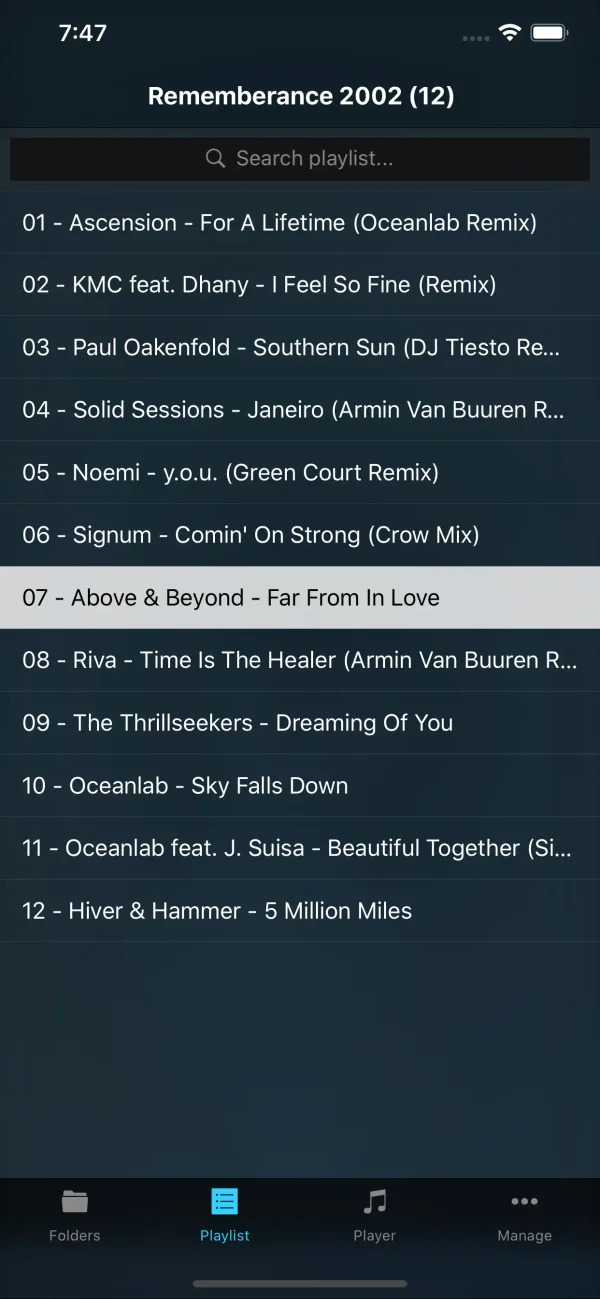
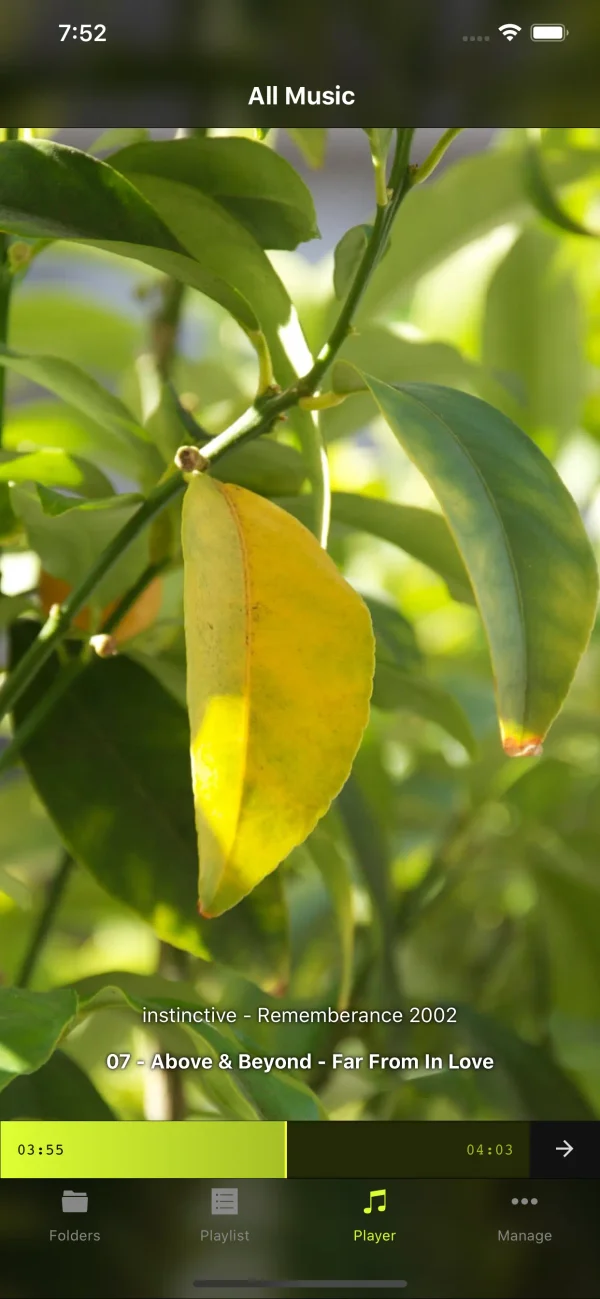
- Straightforward playlist concept: the playlist always simply consists of all songs in the current folder and its subfolders.
- Fast interactive PLAYLIST SEARCH.
- Smart folders that show your most listened to or most recently played songs.
- GESTURE-BASED CONTROL, no need to look at the screen: swipe up/down to shuffle, swipe left/right to skip, double-tap to play/stop, hold and slide up/down for volume control.
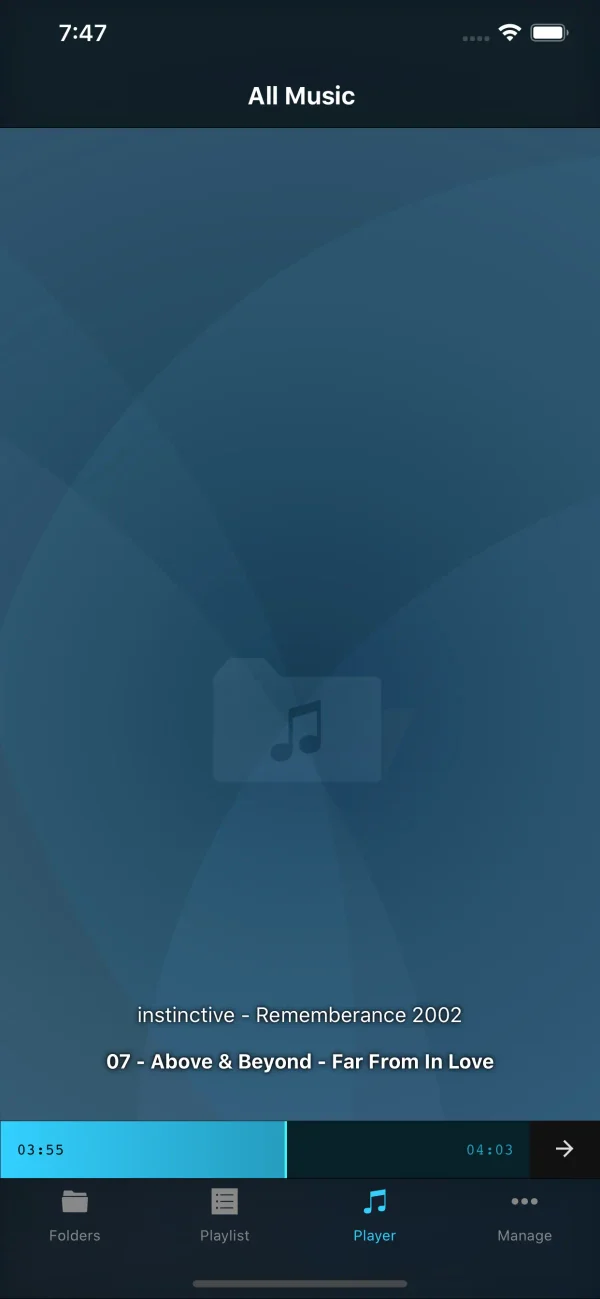
- Interactive SCRUBBING through the current song with the realtime seek bar, including waveform preview.
- Configurable behavior at the end of a song and on remote control events (headphones / Control Center): skip, shuffle, stop, repeat.
- Simple music library transfer and management using the iPhone's Files app.
- Optional AUTOMATIC CONVERSION of newly added WAV files to AAC (various quality levels available) or ALAC (Apple Lossless).
- Full remote control support for headphones and Control Center.
- Full AIRPLAY support.
- Supports portrait and landscape orientation.
- Selecting a photo from your photo library will auto-generate a theme based on the photo's color structure.
IMPORTANT: The app is STRICTLY for FOLDER-BASED libraries and does NOT support ANY kind of tags, cover art, or other metadata inside files. However, for people keeping their music library organized in folders "the oldschool way" and seeking a simple, stable, gapless-capable, no-frills portable player, this app is a godsend!
Let us know if you have any suggesions or issues via our support page!
What’s new
Version 2.13 · Apr 8, 2026
NEW:
- Double-tap the seekbar to jump to a random position in the playing track.
FIXES:
This update fixes all remaining known (rare) bugs:
- Fix rare crash in "Player" tab with certain corrupted audio files.
- Fix rare crash when loading certain background images.
- Fix mode resetting to "skip to next" from "stop" on next app launch despite "Pause after current song only once" being off.
- Fix player not repeating song despite mode set to "repeat" on launch.
App privacy
What Alexander Ewering declares on the App Store about how this app handles data.
-
Data not linked to you
May be collected but is not linked to your identity.
- Usage data
- Diagnostics
Privacy practices may vary, for example with the features you use or your age.
Information
- Seller
- Alexander Ewering
- Category
- Music
- Version
- 2.13
- Updated
- Apr 8, 2026
- Released
- Apr 4, 2018
- Size
- 1.8 MB
- Requires
- iOS 16.6 or later
- Age rating
- 4+
- Price
- $1.99
- Languages
- English, German
- Copyright
- © 2024 Alexander Ewering t/a Seven Systems
You might also like
-
 GSDSP Quantum DistortionXY Multi Distortion
-
 Music FoldersMusic
-
 Async SamplerA powerful musical tool
-
 RingotronThe multiband ring modulator
-
 HarmonicerHarmonic MIDI Generator
-
 BLEASS Multiband CompressorDeep Dynamics Detail
-
 RingsFXPhysical Modelling Resonator
-
 Weeping WallA zen garden of sound
-
 EG NodesClip based Host/MIDI Sequencer
-
 Things - FoldDynamic Wavefolder