
- Age rating4+
- CategoryEducation
- DeveloperNoi Nguyen
- LanguagesEnglish
- Size23.2 MB
Links to the official App Store page
Download.org hosts no file of MVIP. The button opens its official App Store page, published by Noi Nguyen. Listing last checked on Nov 12, 2026.
Screenshots

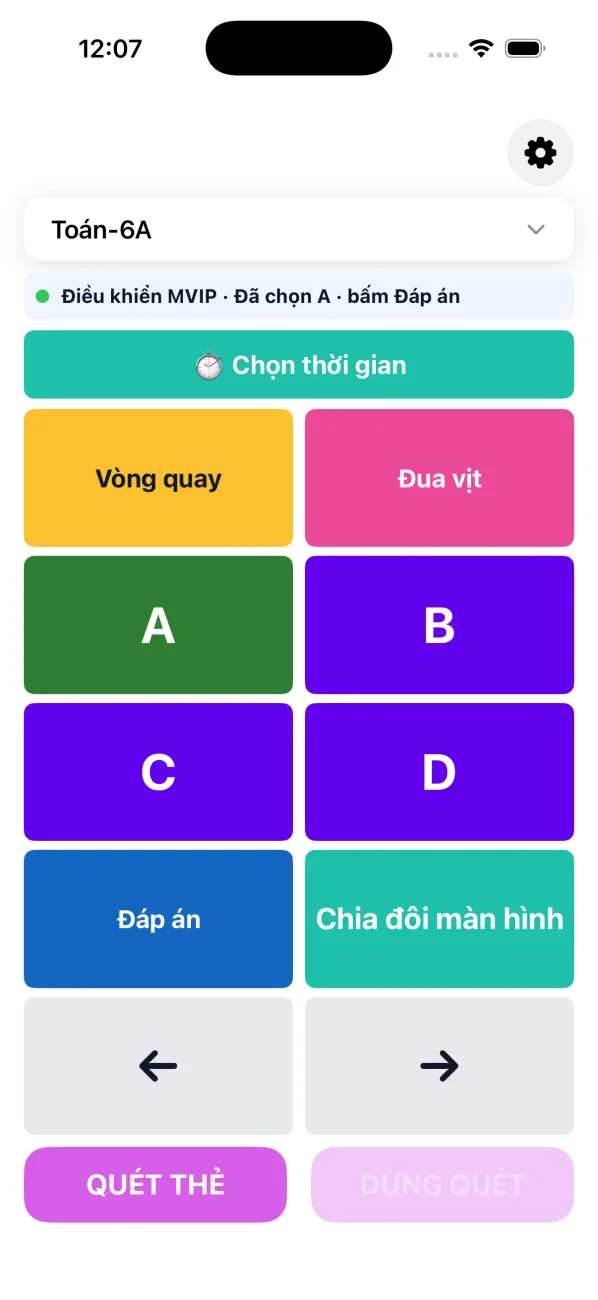
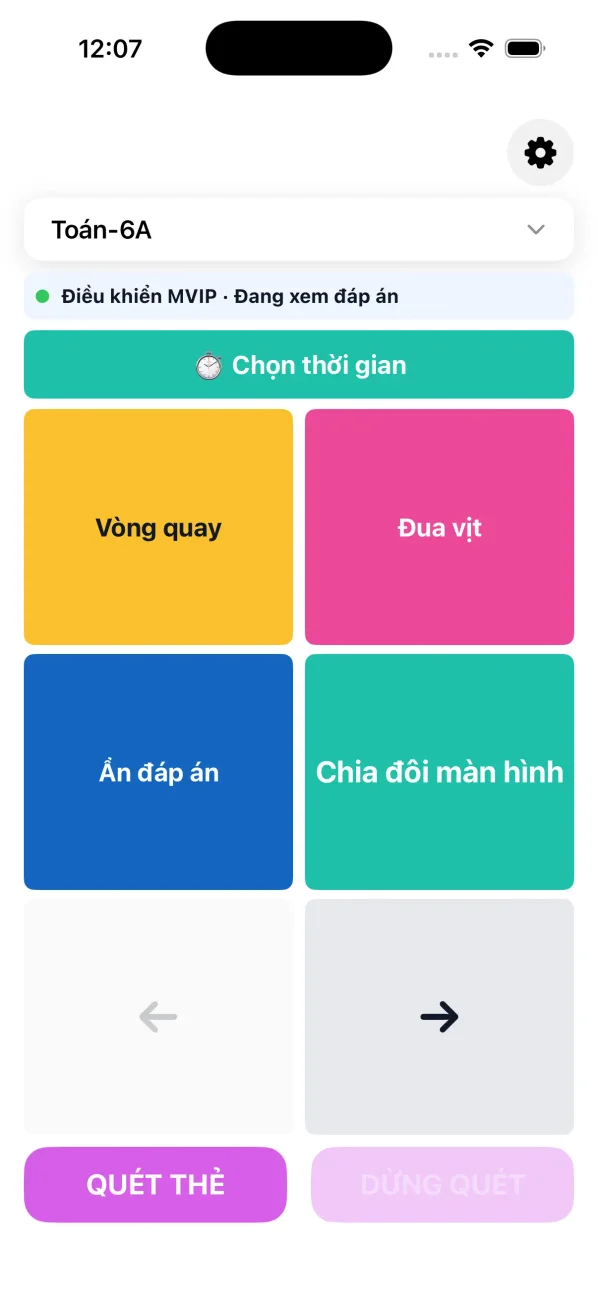
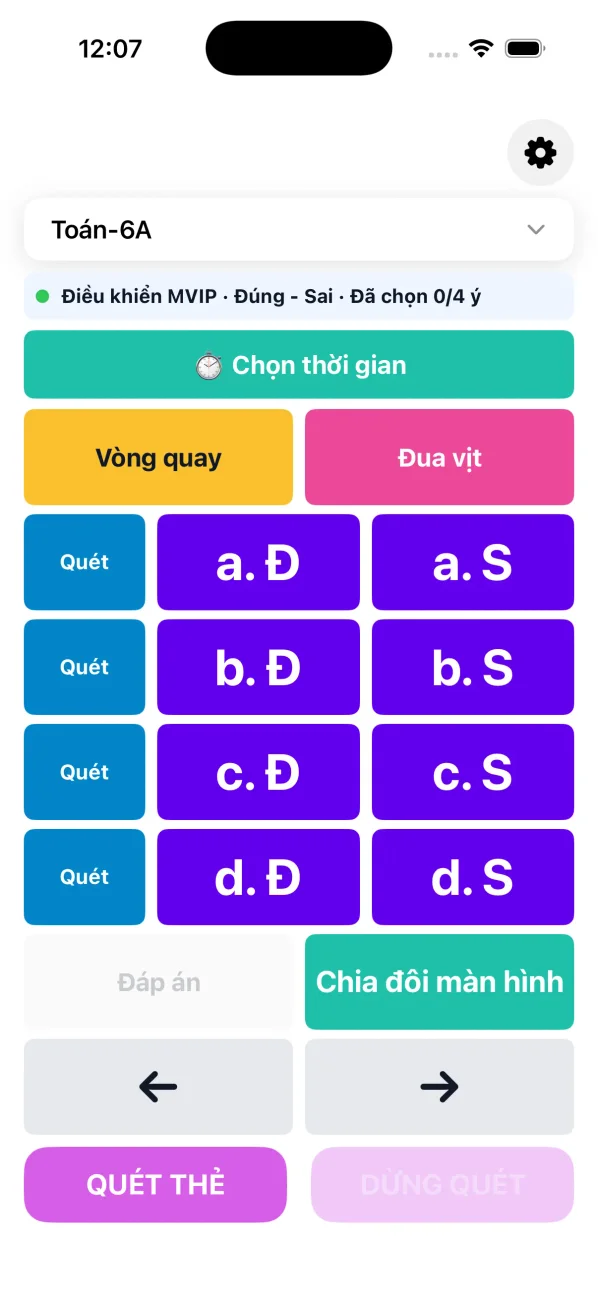


About
**MVIP ScanQuiz – Student Response Card Scanning and Interactive Classroom Control**
MVIP ScanQuiz is an educational application that helps teachers assess student responses and remotely control the MVIP interactive teaching platform using an iPhone or iPad.
**Key Features:**
• Scan student response cards using the device camera.
• Automatically recognize student card IDs and multiple-choice answers.
• Support multiple-choice and True/False questions.
• Synchronize scanning results with the MVIP system.
• Remotely navigate questions and select answers on a connected computer.
• Control classroom activities, including timers, lucky wheels, and duck races.
• Display scanning results and control split-screen presentation.
• Support direct Wi-Fi communication when available, with server-based connectivity as a fallback.
**Benefits:**
MVIP ScanQuiz helps teachers save time, assess student understanding quickly, and organize engaging classroom activities.
**Requirements:**
• An MVIP account and Internet connection are required for authentication and synchronization.
• Camera permission is required for scanning student response cards.
• Remote classroom control requires an active MVIP session on a computer.
MVIP ScanQuiz is designed to support efficient, interactive teaching and classroom assessment.
What’s new
Version 1.7 · Oct 19, 2026
**What's New in Version 1.6:**
- Improved the app interface for a smoother teaching experience.
- Redesigned the Settings button for better visibility and easier access.
- Automatically displays the Settings panel when users are not signed in.
- Added a login success confirmation dialog with an OK button.
- Added two-way Class–Subject selection synchronization between iPhone and computer.
- Optimized the layout of the Scan Cards and Stop Scanning buttons.
MVIP ScanQuiz continues to improve interactive teaching and student assessment, making classroom activities easier and more efficient for teachers.
App privacy
What Noi Nguyen declares on the App Store about how this app handles data.
-
Data not collected
The developer does not collect any data from this app.
Privacy practices may vary, for example with the features you use or your age.
Information
- Seller
- Noi Nguyen
- Category
- Education
- Version
- 1.7
- Updated
- Oct 19, 2026
- Released
- Apr 12, 2026
- Size
- 23.2 MB
- Requires
- iOS 15.6 or later
- Age rating
- 4+
- Languages
- English
- Copyright
- © 2026 Nguyen Van Noi
You might also like
-
 LiuLi TalkEducation
-
 Ôn Thi GPLX 600 Câu 2026Education
-
 GDC English CenterEducation
-
 Ôn thi GPLX - 2026 600 câuEducation
-
 Ôn Thi GPLX 600 Câu Chuẩn 2026Education
-
 TEMISEducation
-
 Tỷ Giá - Giá VàngReference
-
 GPLX 2026: 600 Câu Lý ThuyếtEducation
-
 Chấm thi Tốt nghiệp 2025Education
-
 1200 Câu Đàm Thoại Tiếng TrungEducation