
- Age rating4+
- CategoryProductivity
- DeveloperPedro Guerreiro
- LanguagesEnglish
- Size79.8 MB
Links to the official App Store page
Download.org hosts no file of MXLedger AME. The button opens its official App Store page, published by Pedro Guerreiro. Listing last checked on Nov 24, 2026.
Screenshots


About
MXLedger — Aircraft Maintenance Logbook
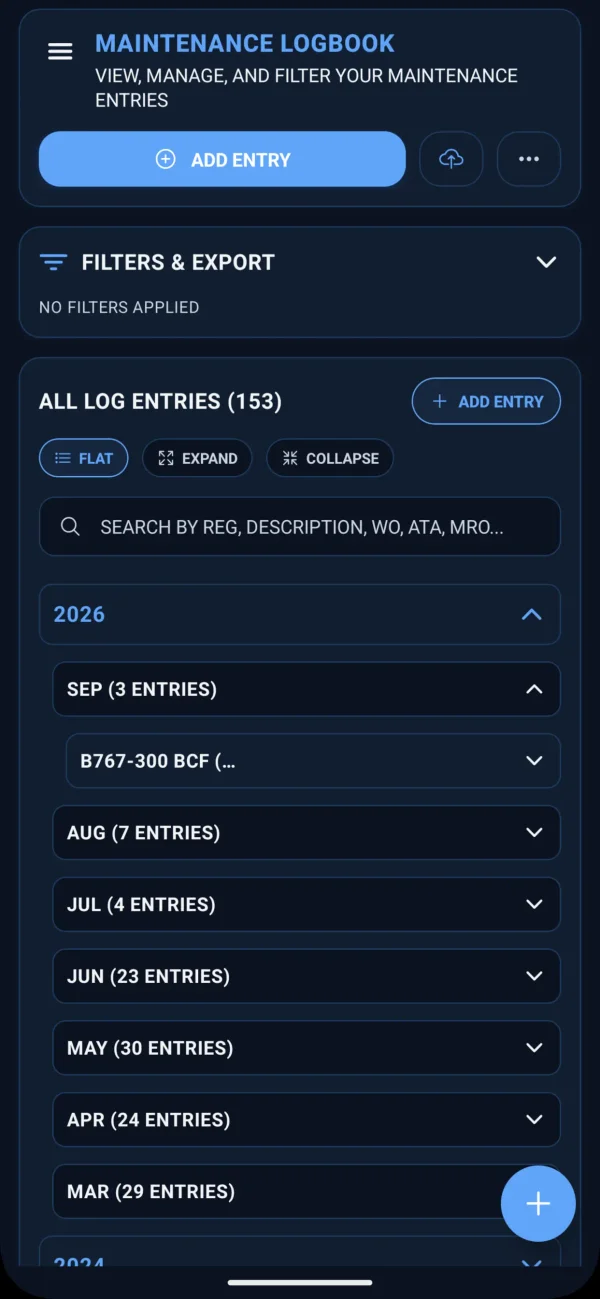
MXLedger is the professional logbook built exclusively for EASA-licensed aircraft maintenance engineers — B1, B2, and Mechanics.
Whether you're building flight hours, tracking certifications, or preparing your CV for the next opportunity, MXLedger keeps everything organised and always up to date.
What's new in v2.0
• AI Import — photograph your paper logbook or upload a PDF, and MXLedger extracts your entries automatically using AI. No manual typing.
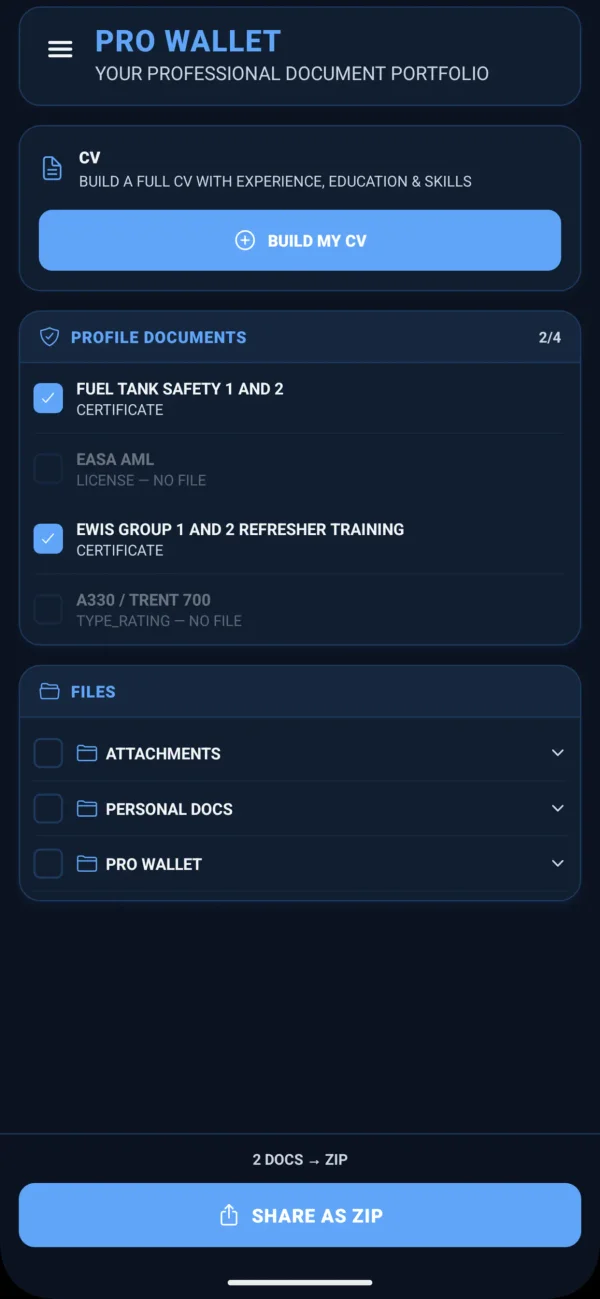
• Living CV — your CV generates itself in real time from your logbook data. Always ready, always accurate.
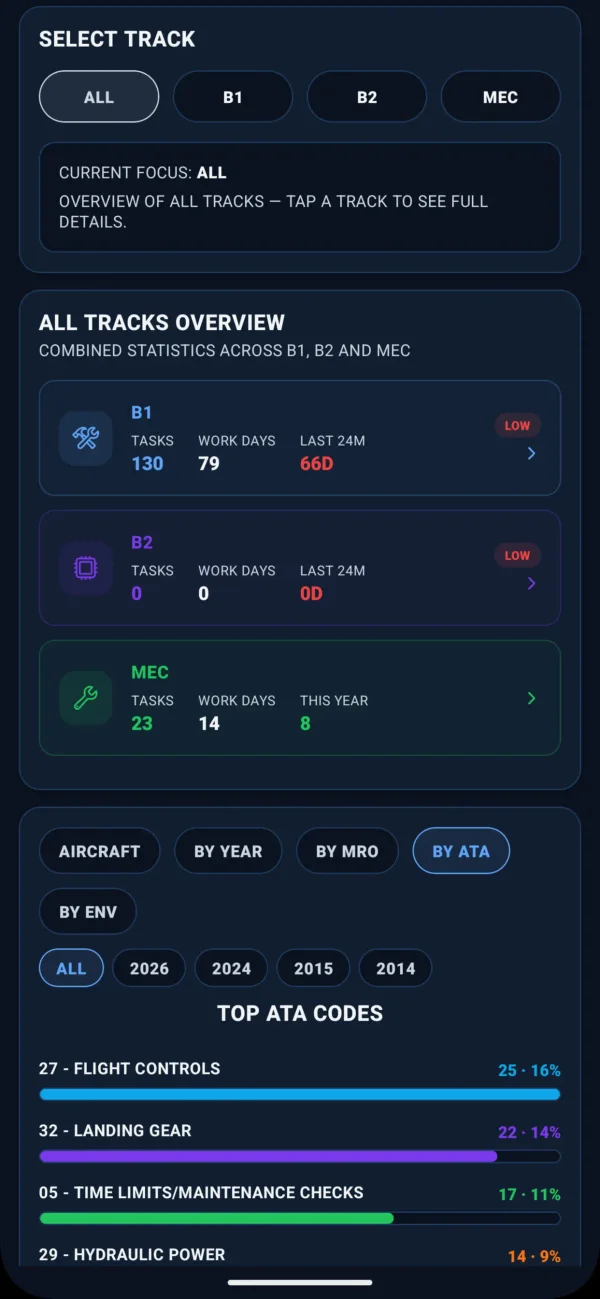
• Experience Tracker — see your hours by aircraft type, ATA chapter, and task category. Know exactly where you stand.
Core features
• Offline-first — your data is always available, with or without internet
• Full logbook with tasks, certifications, and experience records
• Licence progress tracking (B1, B2, Mec) with visual indicators
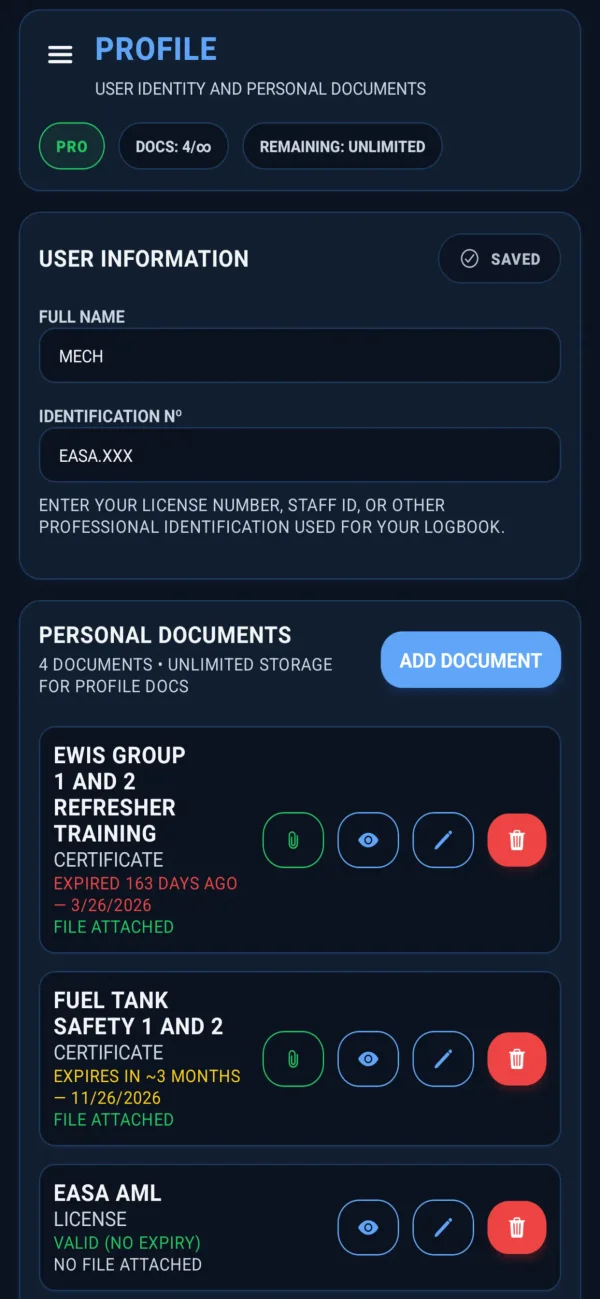
• Document expiry alerts — never miss a renewal
• Secure local storage with biometric lock
• Export to Excel for regulatory submissions
• Dark and light mode
Designed for professionals
MXLedger was built by an aviation maintenance engineer, for aviation maintenance engineers. Every screen, every feature, every data point reflects real-world MRO work — not a generic template adapted for aviation.
Start free. Upgrade when you're ready.
€0.99/month · €9.99/year
Payment will be charged to your Apple ID account at confirmation of purchase. Subscription automatically renews unless cancelled at least 24 hours before the end of the current period. Your account will be charged for renewal within 24 hours prior to the end of the current period. You can manage and cancel your subscriptions in your App Store account settings after purchase. Prices may vary by region.
Terms of Use (EULA): https://www.apple.com/legal/internet-services/itunes/dev/stdeula/
What’s new
Version 2.2.1 · Nov 23, 2026
- Splash screen fix: logo now displays correctly on app launch
- QR code scan: new "Edit before adding" option to review and edit entries before importing
- Bug fixes and improvements
App privacy
What Pedro Guerreiro declares on the App Store about how this app handles data.
-
Data not collected
The developer does not collect any data from this app.
Privacy practices may vary, for example with the features you use or your age.
Information
- Seller
- Pedro Guerreiro
- Category
- Productivity
- Version
- 2.2.1
- Updated
- Nov 23, 2026
- Released
- Jun 7, 2026
- Size
- 79.8 MB
- Requires
- iOS 16.4 or later
- Age rating
- 4+
- In-app purchases
- Yes
- Languages
- English
- Copyright
- © 2026 Pedro Guerreiro
You might also like
-
 Lae LogbookAircraft Maintenance Logbook
-
 AMA LogbookAircraft Maintenance Logbook
-
 FMGS A330Productivity
-
 FMS A350Productivity
-
 InspectionWorks-ConnectProductivity
-
 DragTuner Log Book & WeatherLog Book & Weather Station
-
 Logbook.aero - Pilot LogbookDigital Pilot Logbook
-
 PDF to Excel Converter - XLSXExtract Tables & Data
-
 iCare iTechPaperless Aviation maintenance
-
 FMGS A320Productivity