
My Adventist Library
Lessons, books & EGW library
Designed for iPhone, iPad, iPod touch
Free
- Age rating12+
- CategoryBooks
- DeveloperDam Mang
- LanguagesEnglish
- Size83.4 MB
Links to the official App Store page
Download.org hosts no file of My Adventist Library. The button opens its official App Store page, published by Dam Mang. Listing last checked on Nov 23, 2026.
Screenshots





About
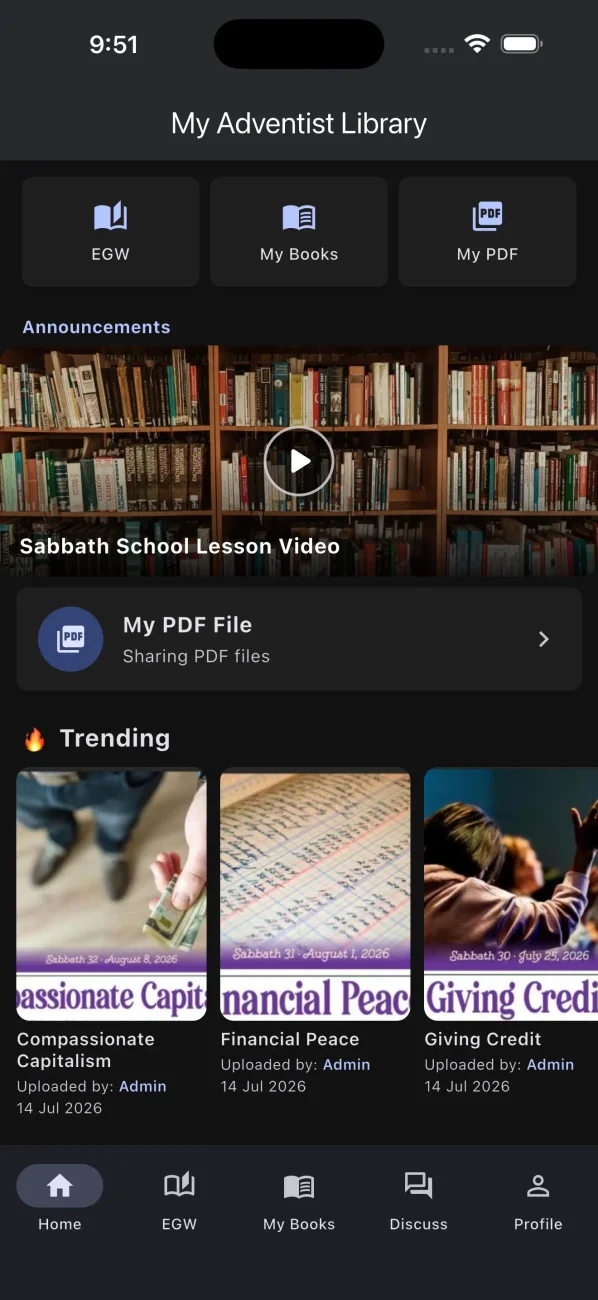
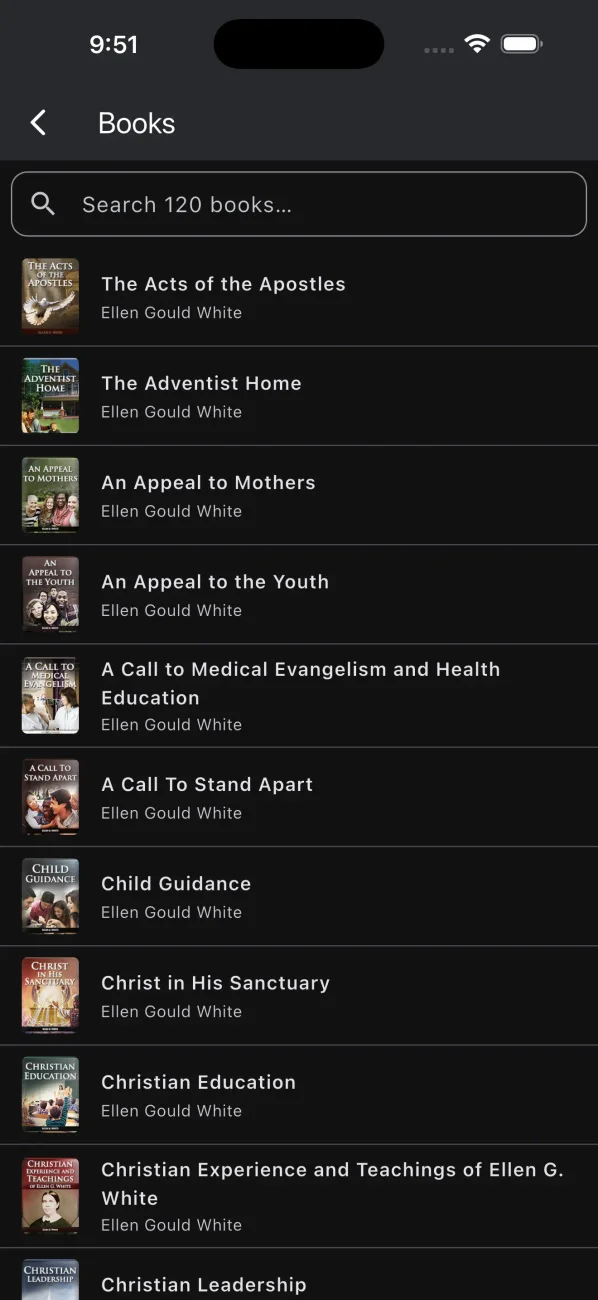
My Adventist Library brings the writings of Ellen G. White, this quarter's Sabbath School lessons, a community book library and your local church together in one free app. No ads, and nothing to pay.
ELLEN G. WHITE WRITINGS
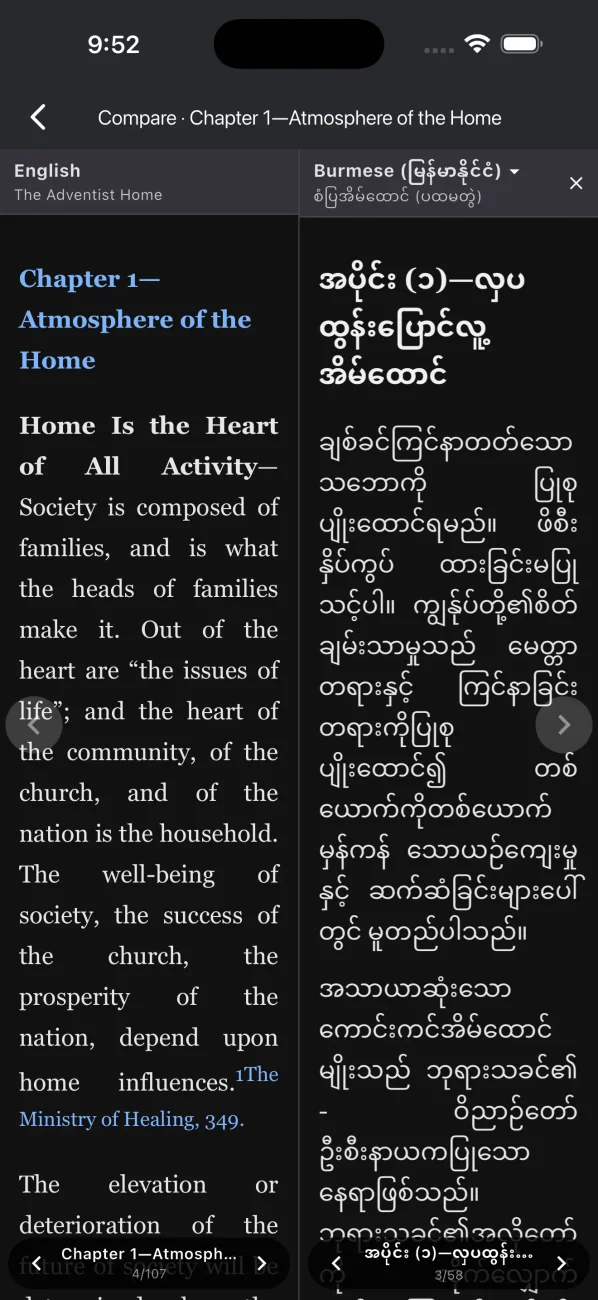
Read the complete EGW library in a clean, comfortable reader. Set the font and text size, read in dark mode, highlight what you want to keep and write your own notes. Everything syncs across your devices when you sign in.
SABBATH SCHOOL LESSONS
Study day by day in a properly formatted reader. Follow today's reading, bookmark where you stopped, tap any Bible reference to see the verse straight away.
MY CHURCH
Find your local Seventh-day Adventist church and join it.
- Announcements and events from your own church
- Group chat with the members, and a private conversation with a leader
- Sabbath check-in by scanning the church's QR code, counted for each programme: Sabbath School, Divine Service, Adventist Youth
- Prayer requests, read only by the person who wrote them and the church's admin team
- Departments for each ministry, each with its own head
- A member directory your church can open to its members, behind switches that start closed
Churches can see attendance and membership reports and export them as a workbook.
TEAMS
Publish under one name. Start a team for a media ministry, a Bible-study group or a department, invite the people in it, and upload books under the team's name instead of your own.
Teams write journals about what they have been doing - an outreach, a study, a trip - with a picture and as much or as little text as they want. The latest from every team appear on the Home page. Anyone can read them, love them and join the conversation, and a journal can be shared with a link that opens for anybody.
COMMUNITY BOOK LIBRARY
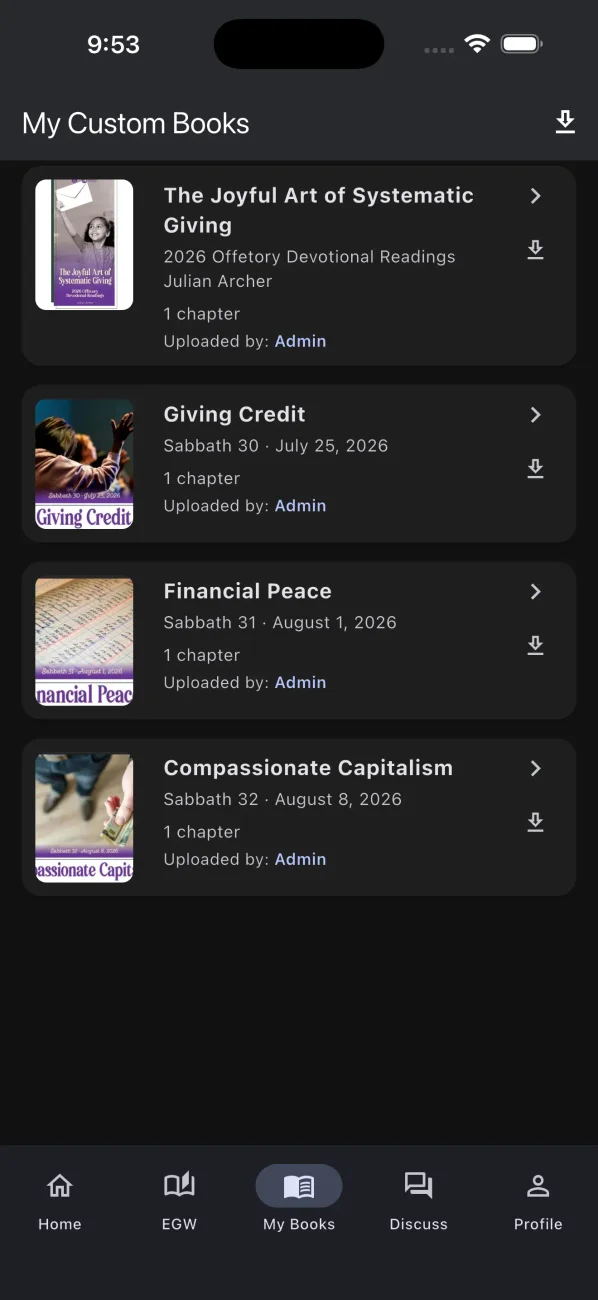
Browse, read and download Adventist books shared by other readers, or upload your own. Every book opens in a built-in PDF reader, works offline once downloaded, and can be loved, saved and discussed.
MADE FOR OFFLINE
Download lessons and books once and read them anywhere with no connection. Your highlights, notes and reading progress are kept on the device and synced when you are back online.
ALSO INCLUDED
- Sign in with Google, Apple, or an email address
- A daily devotional on the Home page
- Reading progress, bookmarks and a personal library
- Notifications you control
- Dark mode throughout
- Report and block, on every place people can write
My Adventist Library is free. There is a Help Center inside the app, and a contact link if you would like to tell us something.
What’s new
Version 2.0.15 · Nov 22, 2026
ATTENDANCE YOU CAN SEARCH
For church leadership, the attendance list now finds who you are looking for.
• Search by name, email or phone number — including the people someone wrote in beside them.
• Filter by any Sabbath on record, members or guests, a programme such as Sabbath School or AY, and who asked for prayer or a Bible study, isn't baptized yet, or left a phone number to follow up.
• Tap a programme in the summary to see only its list.
• The day's figures always stay whole; a line under them says how many are shown, with Clear to go back.
ELECTIONS
• Candidates are numbered on every ballot and list, the same on every phone.
• A ballot asks for every seat: on an office electing three, choose three.
• Move an office up or down in the list.
• History: every step the leaders take — adding a candidate, opening or closing voting, entering paper ballots — is listed with their name and the time. It never shows how anybody voted.
• When a vote ends in a tie, record how the church settled it (a run-off, drawing lots or the church board). The decision shows beside the count, which never changes.
App privacy
What Dam Mang declares on the App Store about how this app handles data.
-
Data linked to you
May be collected and linked to your identity.
- Financial info
- Location
- Contact info
- User content
- Identifiers
- Usage data
- Sensitive info
Privacy practices may vary, for example with the features you use or your age.
Information
- Seller
- Dam Mang
- Category
- Books
- Version
- 2.0.15
- Updated
- Nov 22, 2026
- Released
- Jul 27, 2026
- Size
- 83.4 MB
- Requires
- iOS 15.0 or later
- Age rating
- 12+
- Price
- Free
- Languages
- English
- Copyright
- © 2026 MY KL Studio
You might also like
-
 God's Last Warning MinistryEllen White books & audio
-
 Adventist Study BibleBooks
-
 Holy Bible: Bible OfflineHoly Bible Offline - KJV
-
 Ethiopian Bible・Lost Books・KJVBook of Enoch Jasher ・Jubilees
-
 Love’s Last CallBooks
-
 Maame WhiteBooks
-
 SDA LyricsSeventh-day Adventist Hymn
-
 Devotional and BooksGrow A Love For God!
-
 SafelizBooks
-
 The Ultimate DevotionalInteractive Devotional Library