
My Clock: Flip Clock & Focus
Pomodoro, Timers & Real Alarms
Designed for iPhone, iPad
Free
- Age rating4+
- CategoryProductivity
- DeveloperKarthik Santhosh
- LanguagesEnglish
- Size21.7 MB
Links to the official App Store page
Download.org hosts no file of My Clock: Flip Clock & Focus. The button opens its official App Store page, published by Karthik Santhosh. Listing last checked on Nov 23, 2026.
Screenshots
About
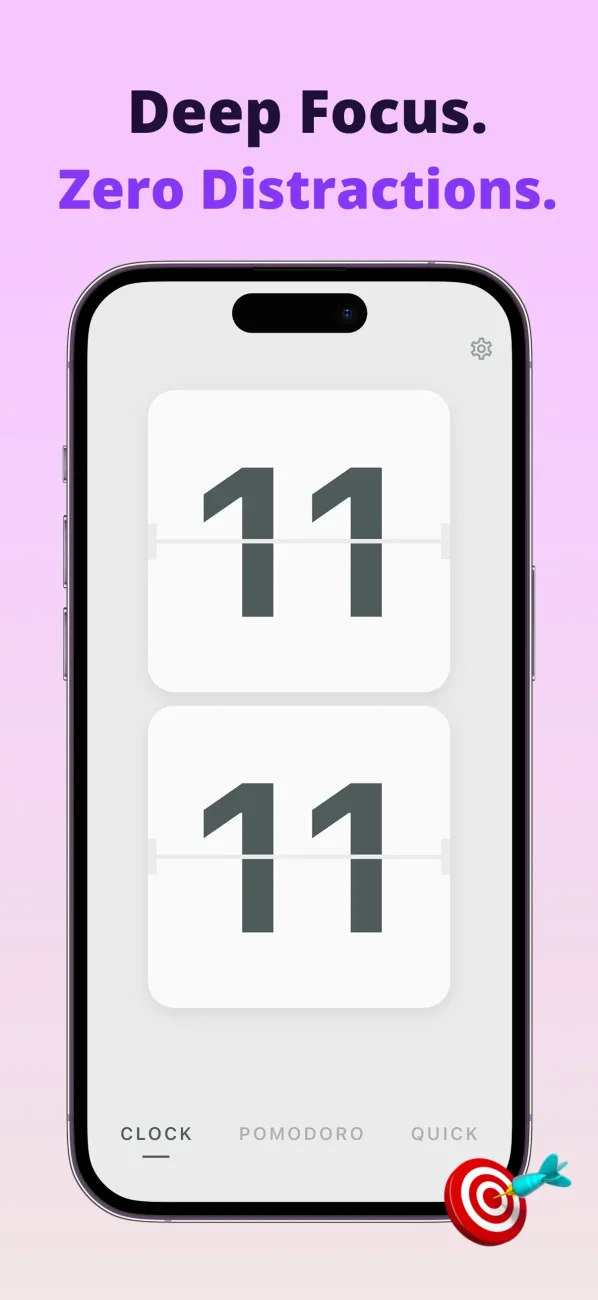
Turn your iPhone or iPad into a distraction-free aesthetic desk clock and focus timer.
Whether you are studying, working deep sessions, or tracking quick tasks, My Clock brings the nostalgic charm of a classic mechanical flip clock to your screen with zero clutter.
KEY FEATURES
• Classic Flip Clock: Smooth, retro flip animations inspired by vintage digital clocks.
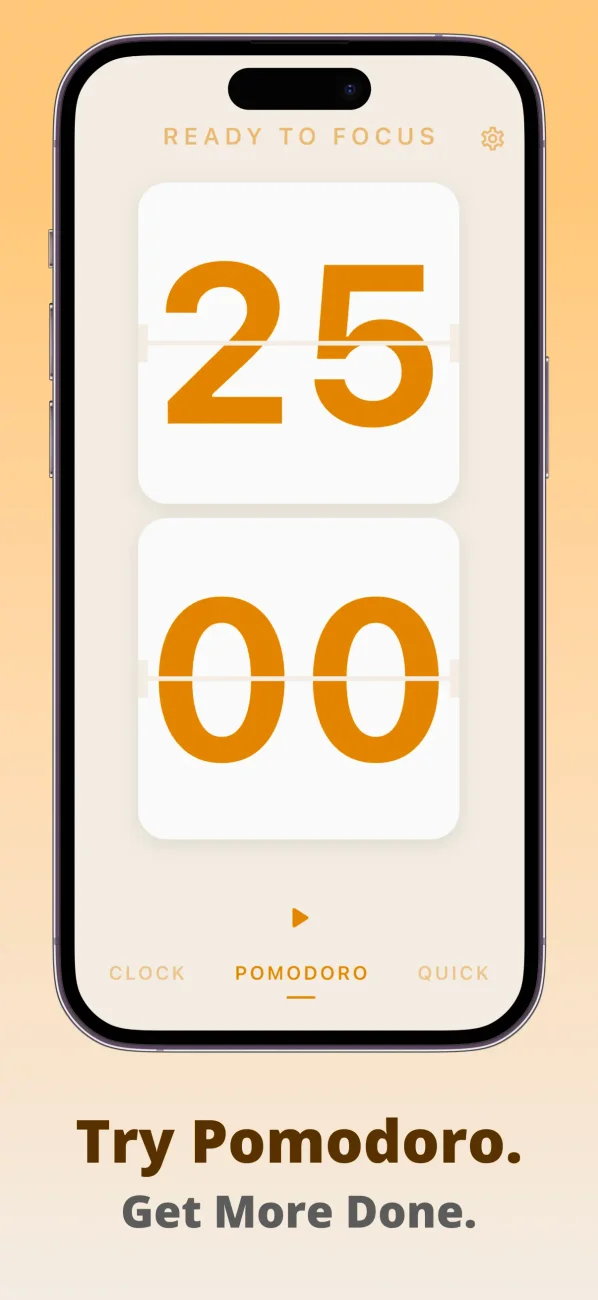
• Pomodoro Focus Timer: Stay in the zone with customizable work and break intervals.
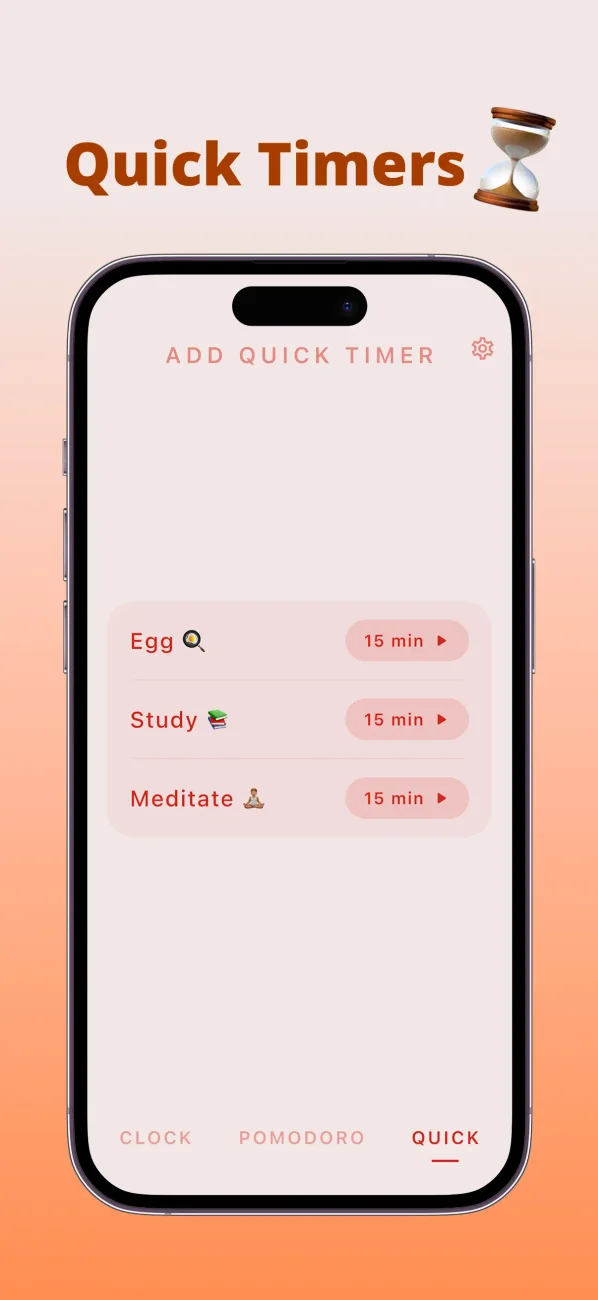
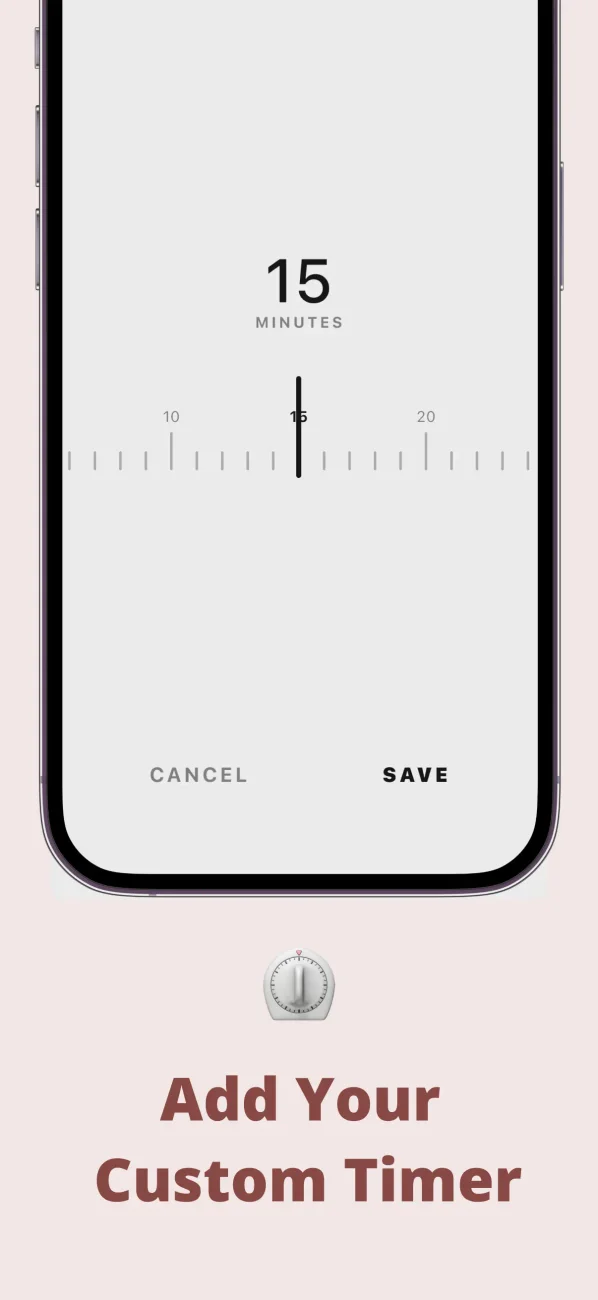
• Quick Timers: Start instant countdowns for cooking, workouts, or short tasks in one tap.
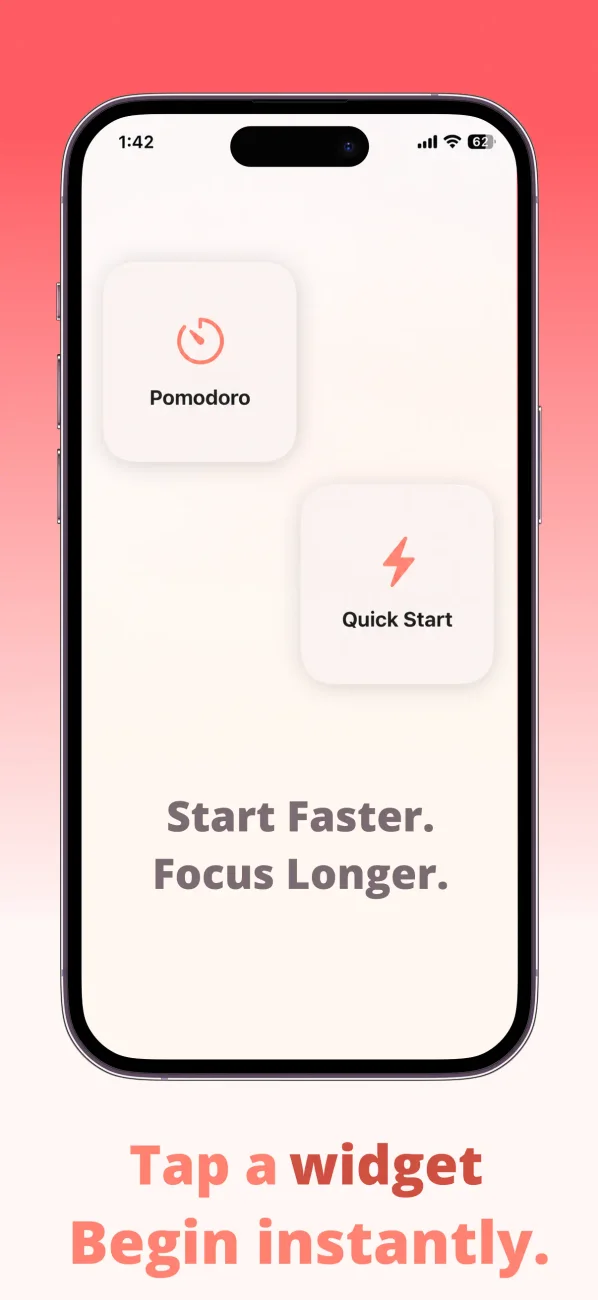
• Live Activities & Dynamic Island: Track your countdown right from your Lock Screen without keeping the app open.
• Home & Lock Screen Widgets: Check your timer or display a clean desk clock anywhere on your device.
• Custom Aesthetic Themes: Match your desk setup with minimal dark, light, and color themes.
• Tactile Sound & Haptics: Enjoy subtle mechanical flip sounds and crisp feedback (or mute anytime).
PURE FOCUS. NO BLOAT.
No complicated setups, no forced accounts, and no unwanted features getting in your way. Just open the app, set your timer, and get things done.
Download My Clock today and make every minute count.
What’s new
Version 1.0.6 · Nov 20, 2026
• Alarm Reliability Fix: Fixed an issue where alarm vibration could continue after tapping Stop from a banner.
• Lock Screen & Live Activity Contrast Fix: Improved button and countdown visibility when using pure White or Black accent themes.
• Daily Focus Reminders: Added gentle motivational notifications to keep your focus streak going, with a toggle in Settings.
App privacy
What Karthik Santhosh declares on the App Store about how this app handles data.
-
Data not collected
The developer does not collect any data from this app.
Privacy practices may vary, for example with the features you use or your age.
Information
- Seller
- Karthik Santhosh
- Category
- Productivity
- Version
- 1.0.6
- Updated
- Nov 20, 2026
- Released
- Jul 7, 2026
- Size
- 21.7 MB
- Requires
- iOS 16.1 or later
- Age rating
- 4+
- Price
- Free
- Languages
- English
- Copyright
- © 2026 Karthik Santhosh
You might also like
-
 FocusTimer: Pomodoro FocusTrack hours by project
-
 PomodoroTimer mi.rsStay focused, get more done
-
 Pomodoro RoundsSimple focus & break timer
-
 Pepinillo: Pomodoro & FocusDeep Work Timer, Habits & ADHD
-
 Focus Timer: Time TrackerSee where your time goes
-
 Strider: Daily Task PlannerPlan Tasks, Track Goals
-
 Seidō - Focus Timer & PomodoroStudy Timer & Deep Work
-
 Pomodoro Timer SPProductivity
-
 FocusTasks - PomodoroFocus Timer & Task Manager
-
 Tuck: Screenshot OrganizerFind by Text in Images & PDFs