
My Device Info
Device diagnostics & insights
Designed for iPhone, iPad
Free · In-app purchases
- Age rating4+
- CategoryUtilities
- DeveloperSamuel Blackburn
- LanguagesEnglish
- Size18.7 MB
Links to the official App Store page
Download.org hosts no file of My Device Info. The button opens its official App Store page, published by Samuel Blackburn. Listing last checked on Nov 17, 2026.
Screenshots

About
Ever been asked for your exact iPhone model, your iOS build number, or your IP address, and had no idea where to look? My Device Info puts all of it on one screen.
Settings scatters this information across half a dozen menus, and some of it isn't in there at all. This app gathers it in one place, says what each value actually means, and lets you copy any of it with a single tap.
WHAT YOU CAN SEE
- The marketing name and the model identifier behind it, like iPhone17,1 and iPhone 16 Pro
- iOS version, including the build number
- Battery level, charging state, and whether Low Power Mode is on
- Free space and total capacity
- Wi-Fi IPv4 and IPv6 addresses, plus your cellular IP
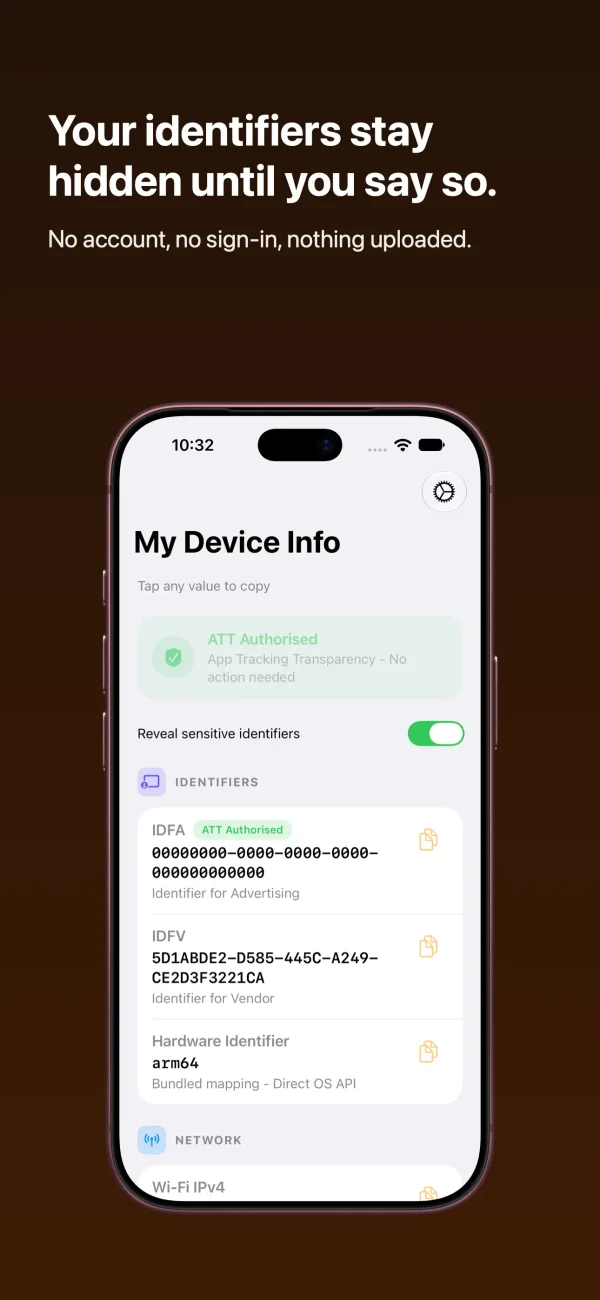
- Identifier for Vendor, and your advertising identifier if you allow tracking
WHEN THE WI-FI IS BEING WEIRD
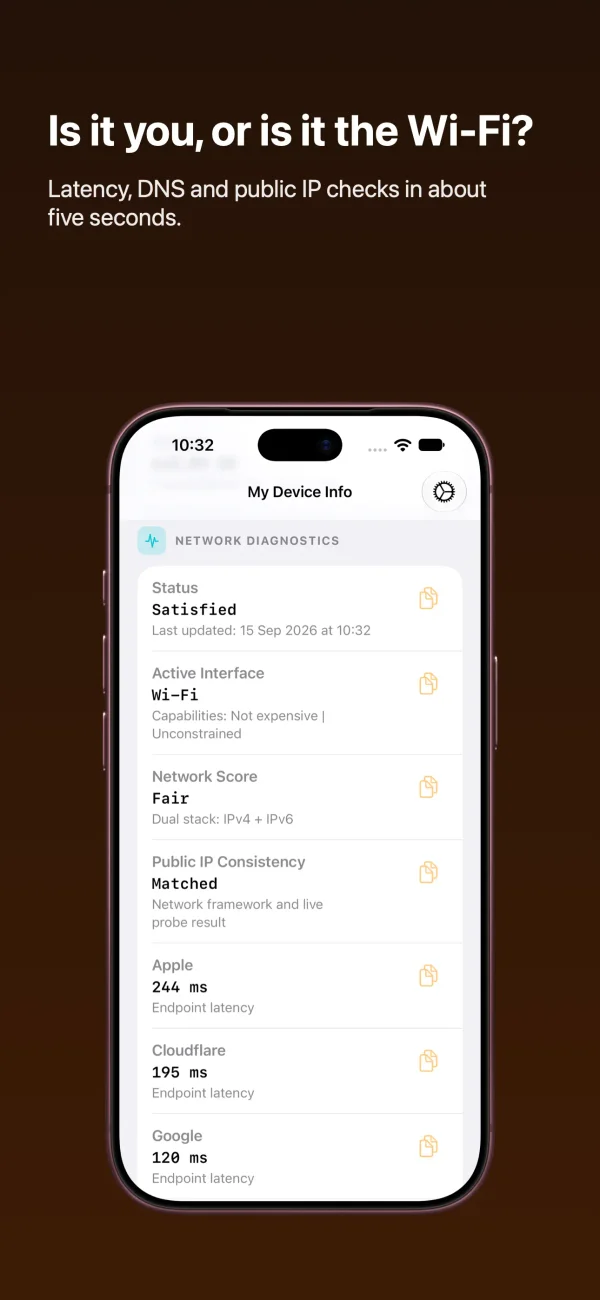
Tap once and the app measures latency to Apple, Cloudflare and Google, times how long DNS lookups take, and checks whether two providers agree on your public IP. You get a Good, Fair or Poor score and the numbers behind it. Useful when everything is technically connected but nothing loads.
PRIVACY YOU ACTUALLY CONTROL
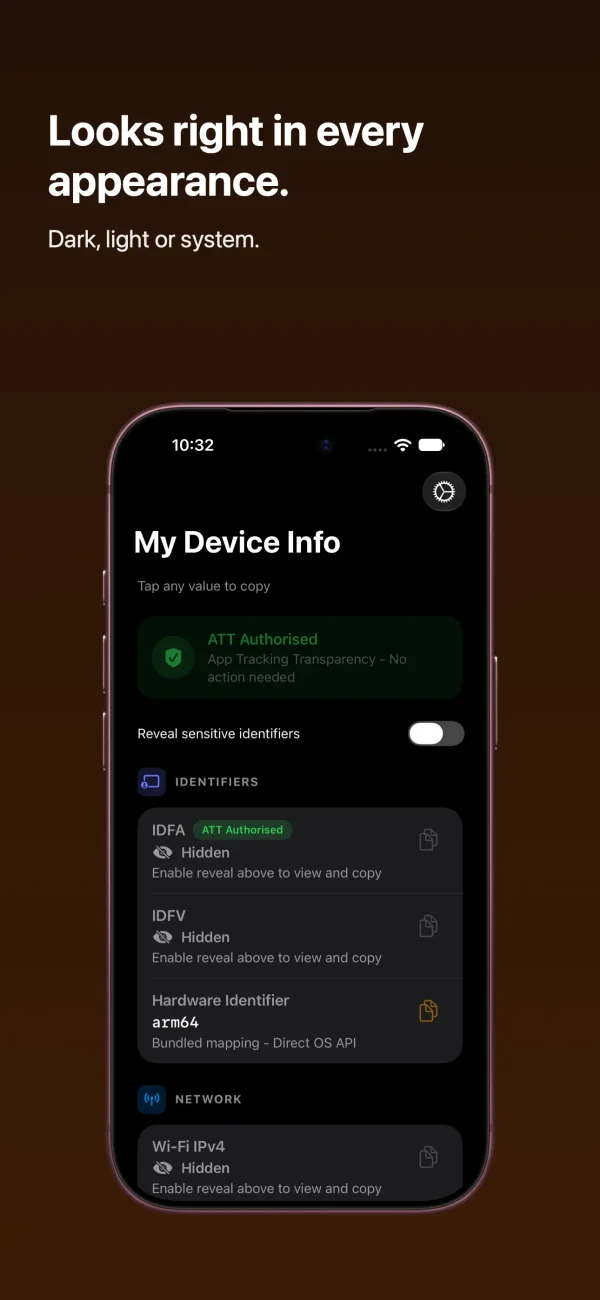
Identifiers and IP addresses stay hidden behind a toggle until you decide to show them. There is no account, no sign-in, and nothing is uploaded from the values on screen. My Device Info does not expose Apple's hardware UDID, because no app can.
ON YOUR HOME SCREEN AND IN SIRI
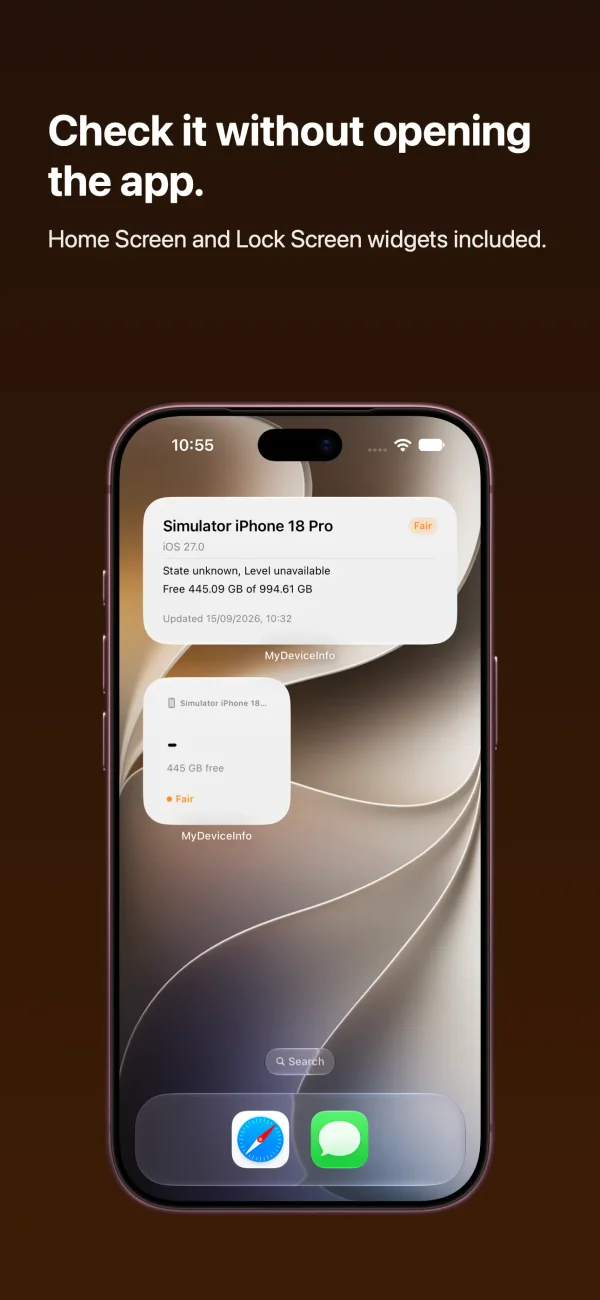
Add a widget to keep your device summary a glance away, on either the Home Screen or the Lock Screen. Or skip the app: ask Siri to run a quick connection check, or to copy your device model straight to the clipboard.
WORTH TURNING ON
Optional alerts can tell you when storage drops below a threshold you set, when connection quality degrades, or when your tracking permission changes. Dark, light and system appearance are all supported. One optional purchase removes ads permanently.
Network checks contact public endpoints to measure your connection.
Questions or feature requests? Reach us at support@samuelblackburn.com
What’s new
Version 2.0.1 · Oct 21, 2026
Support for iPhone Duo.
Bug fixes.
App privacy
What Samuel Blackburn declares on the App Store about how this app handles data.
-
Data used to track you
May be used to track you across apps and websites owned by other companies.
- Identifiers
-
Data not linked to you
May be collected but is not linked to your identity.
- Identifiers
- Usage data
- Diagnostics
Privacy practices may vary, for example with the features you use or your age.
Information
- Seller
- Samuel Blackburn
- Category
- Utilities
- Version
- 2.0.1
- Updated
- Oct 21, 2026
- Released
- Feb 11, 2022
- Size
- 18.7 MB
- Requires
- iOS 16.0 or later
- Age rating
- 4+
- Price
- Free
- In-app purchases
- Yes
- Languages
- English
- Copyright
- © Samuel Blackburn
You might also like
-
 HiddenApp ProUtilities
-
 NetSafety IDEasy web protection
-
 NetSafety DeviceWeb & antimalware protection
-
 eSIM ManagerUtilities
-
 IDFA & Device Info ViewerGet IDFA, Specs & System Info
-
 uPnP MateUtilities
-
 UUID-GeneratorGenerate random UUIDs
-
 SYSMonitor - System Status Wgtsystem memory storage monitor
-
 NetScan - IP ScannerNetwork Analyzer & Ping & Wifi
-
 SIM Card Status CheckerCheck Devices IMEI Status