
- Age rating4+
- CategoryEntertainment
- DeveloperAi Rtistic (FZE)
- LanguagesEnglish
- Size5.9 MB
Links to the official App Store page
Download.org hosts no file of My Doodle Den. The button opens its official App Store page, published by Ai Rtistic (FZE). Listing last checked on Nov 9, 2026.
Screenshots



About
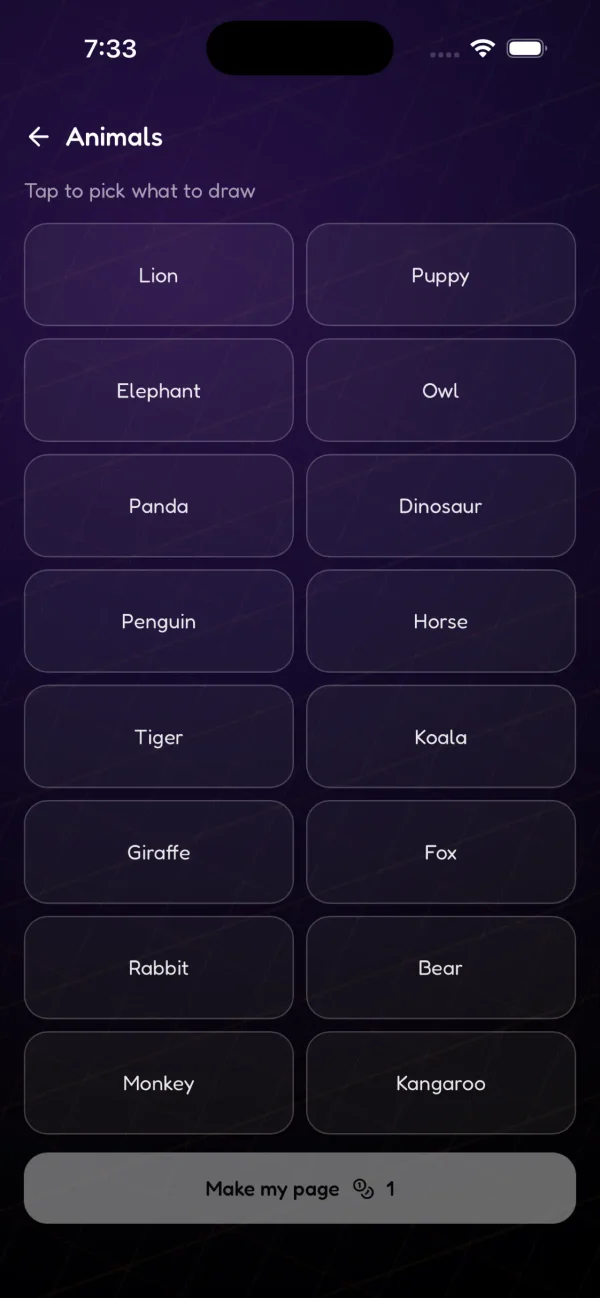
My Doodle Den turns a blank page into an adventure. Pick from Animals, Vehicles, Fish, Patterns, Plants, Landscapes, or dream up something new in Future — or skip straight to a blank canvas with Just Doodle.
HOW IT WORKS
• Pick a category and a subject — no typing required, so there's nothing for a child to type that a grown-up hasn't already approved
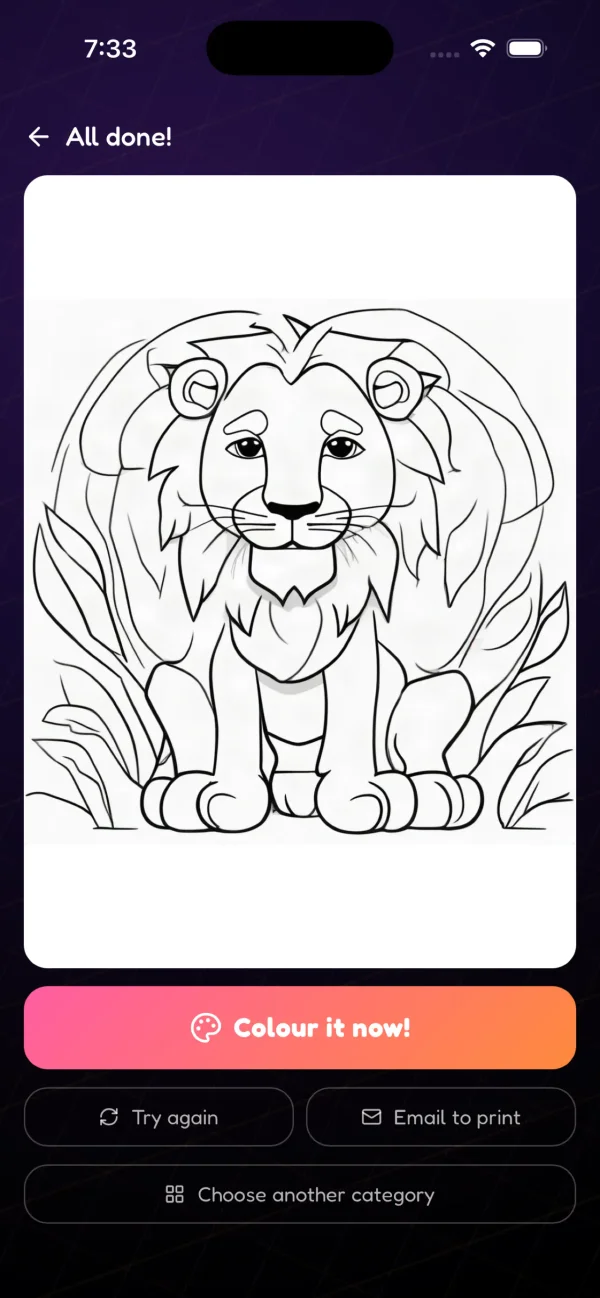
• Watch a fresh line-art page appear, made just for that pick
• Colour it in with an easy-to-use palette and zoom tools
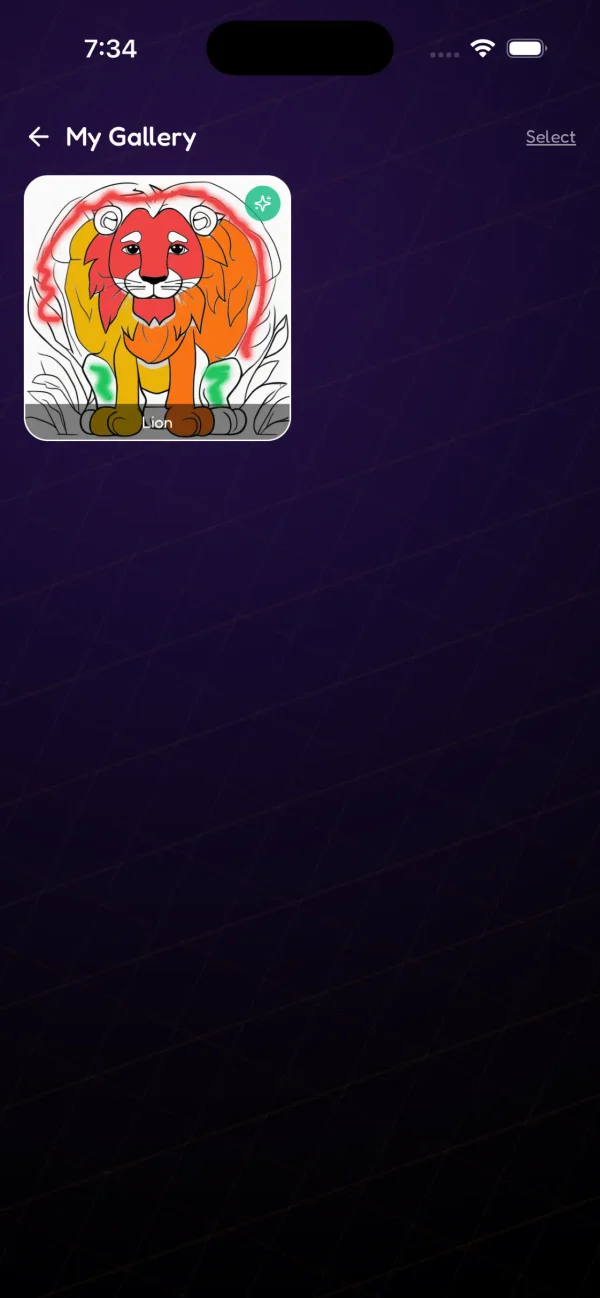
• Tap "I'm done!" to save it to the Gallery
BRING YOUR ART TO LIFE
Once a picture is coloured, two extra options unlock (behind a quick grown-up check):
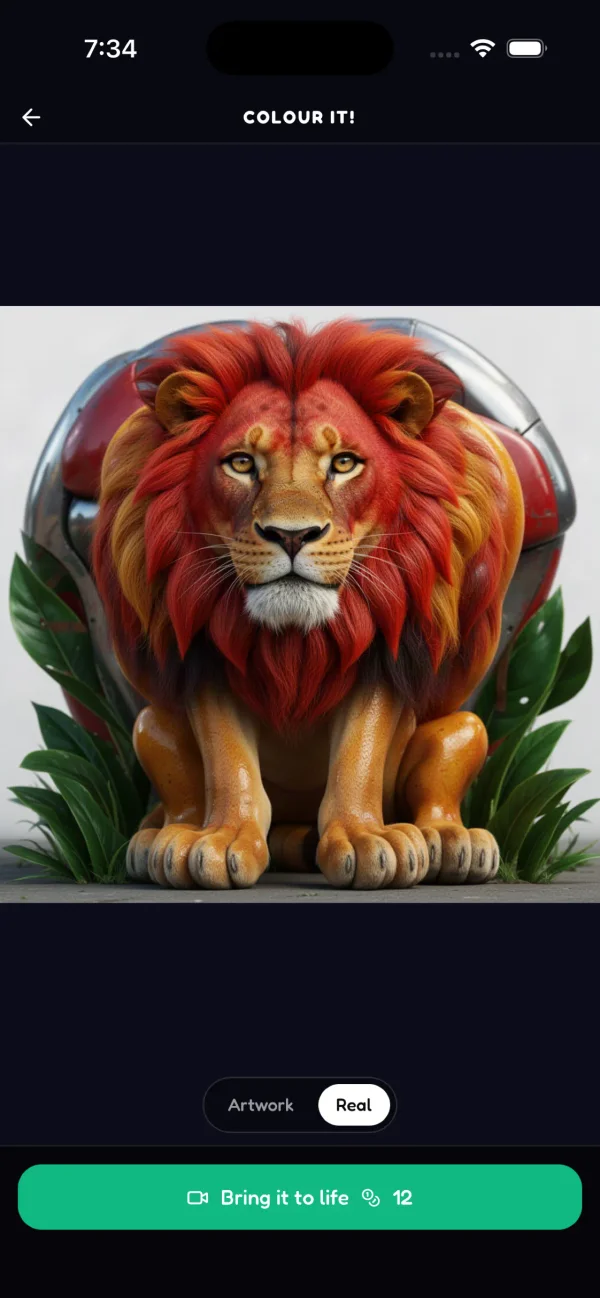
• Make it Real — turns the coloured drawing into a photorealistic image, using the same colours your child chose
• Animate it / Bring it to Life — turns a drawing or its realistic version into a short video clip
A GALLERY OF EVERYTHING
Every piece is saved automatically, and the Gallery keeps every version together — the original artwork, the realistic still, and the animated clip — so nothing is ever lost.
BUILT FOR GROWN-UPS' PEACE OF MIND
• No ads, ever
• No chat, no social features, no way for your child to contact anyone
• A quick math check keeps children from reaching sign-in, purchases, sharing, or account deletion without a grown-up
• Email a finished piece straight to yourself or another grown-up
Some features (extra colouring pages, Make it Real, and Animate it) use coins — a free starter balance is included, with simple in-app packs available if you'd like more.
What’s new
Version 1.0.1 · Oct 24, 2026
Colouring just got easier!
• Stay inside the lines: colours now go underneath the outlines, so little hands can't accidentally paint over them. Want to paint over them anyway? Just switch it off in the new Lines box.
• Colour the lines: the Lines box also lets you change the outline colour, from classic black to any colour you like.
• Zoom in closer: tap zoom to go 2x, then 3x, for those tricky little spots.
• Move around easily: use the new hand button to move a zoomed-in picture, with no more stray dots of paint.
• Your gallery, always there: all your saved artwork now loads every time you sign in or open the Gallery.
• Tidier artwork screen: the top bar no longer sits under your phone's status bar.
App privacy
What Ai Rtistic (FZE) declares on the App Store about how this app handles data.
-
Data linked to you
May be collected and linked to your identity.
- Purchases
- Contact info
- User content
Privacy practices may vary, for example with the features you use or your age.
Information
- Seller
- Ai Rtistic (FZE)
- Category
- Entertainment
- Version
- 1.0.1
- Updated
- Oct 24, 2026
- Released
- Oct 2, 2026
- Size
- 5.9 MB
- Requires
- iOS 15.0 or later
- Age rating
- 4+
- In-app purchases
- Yes
- Languages
- English
- Copyright
- © 2026 Ai Rtistic (FZE)
You might also like
-
 M-Club: UAE DiscountsEntertainment
-
 MADE - A Talent World MadeSearch, Connect & Hire Artists
-
 NLP EternalNLP audio and video programs
-
 Dubai Sports World AppEntertainment
-
 Face Dance videos collectionFunny animated video maker app
-
 HOT 102.7FMRadio & Music, DJ Chat & more
-
 etisalat TV UAEEntertainment
-
 ROXY Cinemas UAEYour ultimate movie journey
-
 SpringboksEntertainment
-
 8K 4K Wallpaper ON Lock ScreenUltra HD Background & Widgets