
My Feed・Grid Preview & Planner
Post & Layout for Instagram
Designed for iPhone, iPod touch
Free · In-app purchases
- Age rating4+
- CategoryPhoto & Video
- DeveloperBigrowth
- LanguagesEnglish+ 9 more
- Size100.5 MB
Links to the official App Store page
Download.org hosts no file of My Feed・Grid Preview & Planner. The button opens its official App Store page, published by Bigrowth. Listing last checked on Nov 27, 2026.
Screenshots





About
Quickly map out your Instagram content, effortlessly finding the perfect combination of posts to arrange your feed in a matter of moments.
Planner for Instagram.
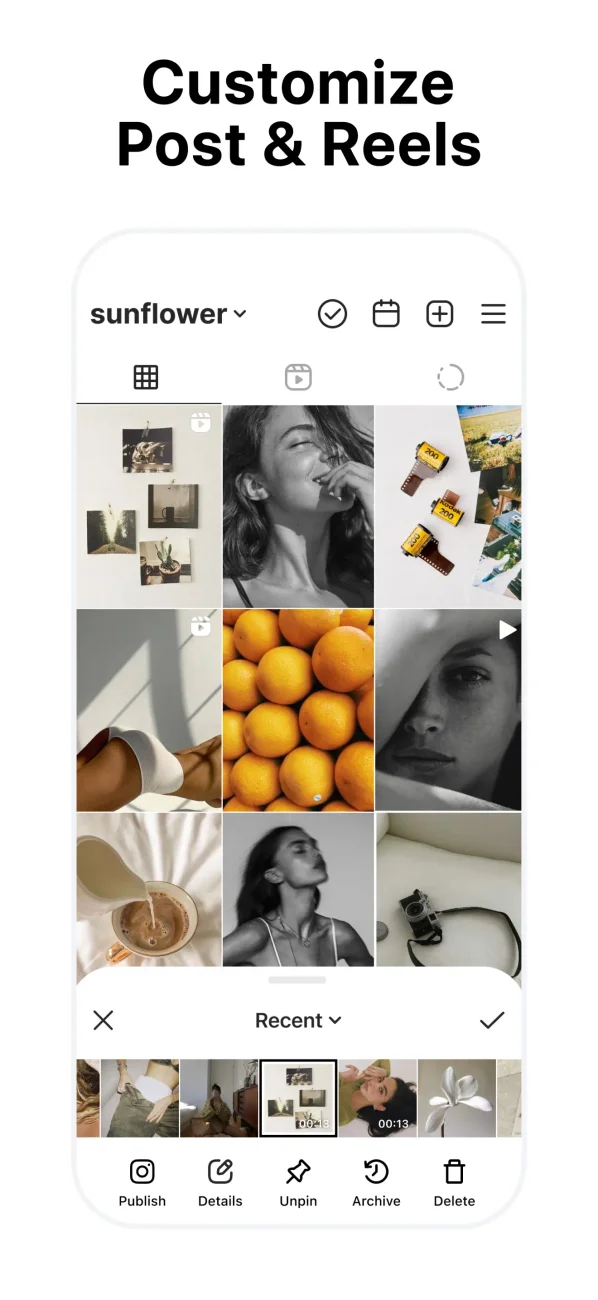
Sync with your accounts: displays the visual combination of future posts alongside published ones.
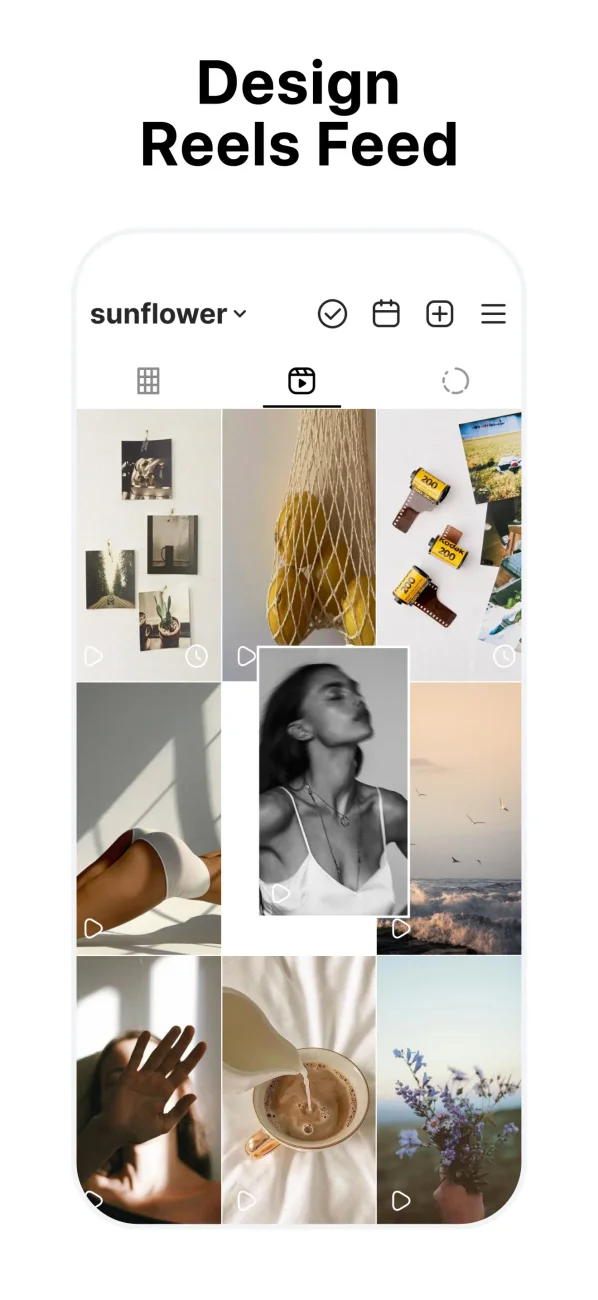
Compatible with various types of publications: posts, stories, reels, carousels, grids, highlights.
Feed arrangement: drag & drop, hide & unhide, pin & unpin etc.
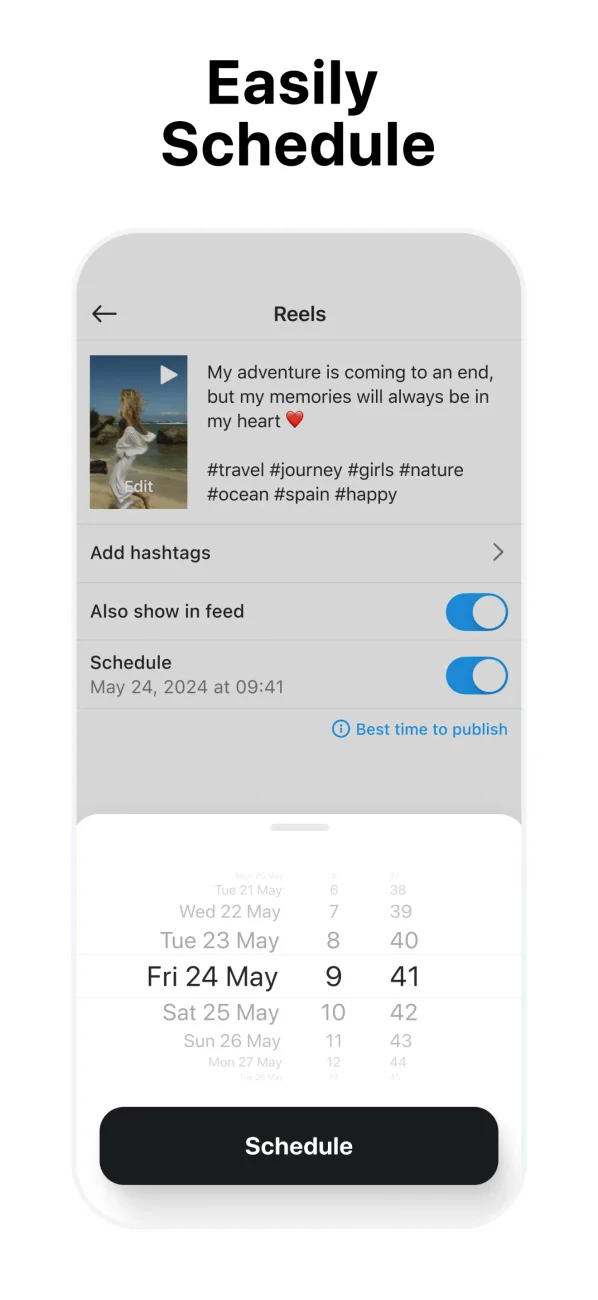
Planning ahead of time: schedule all types of publications.
Edit profile header: change profile photo, bio, links etc.
Tools.
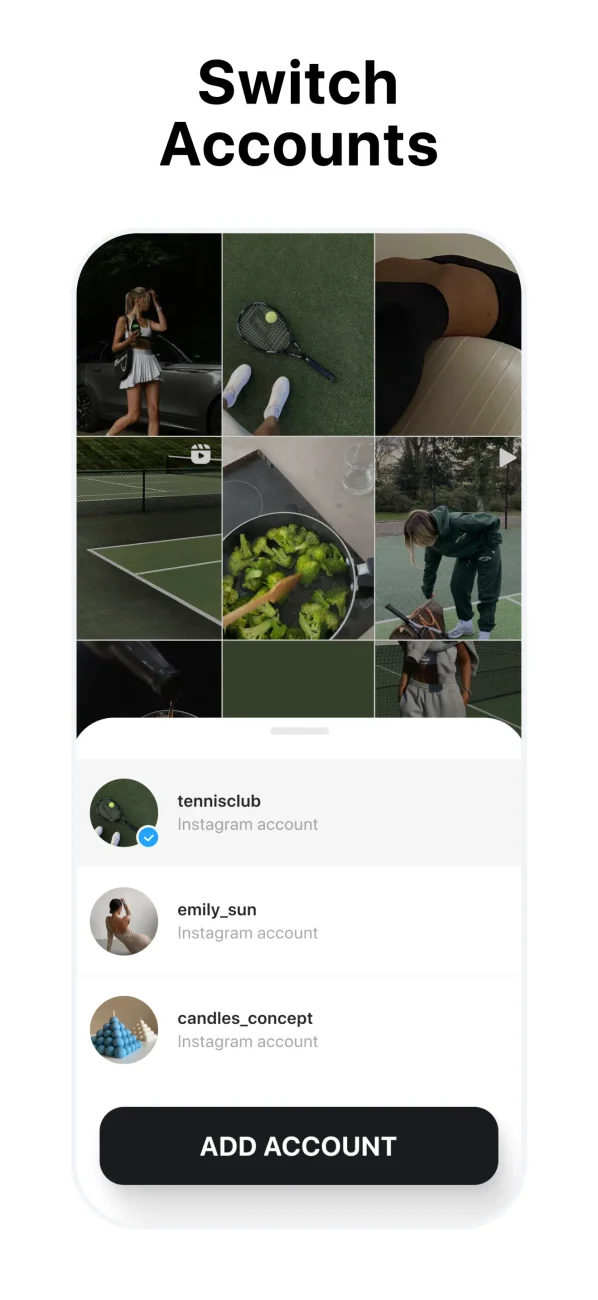
Unlimited accounts: enables managing multiple projects and generating various options for comparison.
Backup: ensures the secure storage of your data.
Calendar: assists in gauging interaction frequency and provides a fresh perspective on the content plan.
Direct publication: export new images, including captions, for seamless posting on Instagram.
Caption editing.
Aesthetic fonts: enhance your text content with trendy fonts.
Instagram space: enables in creating readable and expressive text for publications.
Hashtag groups: simplify the process of working with hashtags.
Photo & video editing.
Filters: enhance media effortlessly with wide range of filters.
Color correction: exposure, contrast, saturation, vignette, blur and more.
Graphics: placeholders, icons for stories highlights.
Disclaimer.
My Feed is not affiliated, associated, sponsored, endorsed by, or in any way officially connected with Instagram and Meta.
Wishing you success in your Instagram ventures! We're committed to supporting you at every turn. Feel free to share your ideas and suggestions with us at support@bigrowth.io
Unlock exclusive benefits by subscribing to our Premium plan.
Privacy Policy: https://bigrowth.io/privacy.pdf
Terms of Use: https://bigrowth.io/terms.pdf
What’s new
Version 13.3 · Sep 2, 2026
Thank you for being with My Feed!
In this update, we polished the design and boosted stability and performance to make your experience even smoother.
We’d love to hear your thoughts - your reviews and ideas help us grow. Feel free to reach us anytime at support@bigrowth.io
App privacy
What Bigrowth declares on the App Store about how this app handles data.
-
Data used to track you
May be used to track you across apps and websites owned by other companies.
- Purchases
- Identifiers
- Usage data
-
Data linked to you
May be collected and linked to your identity.
- Purchases
- Identifiers
- Usage data
-
Data not linked to you
May be collected but is not linked to your identity.
- Diagnostics
Privacy practices may vary, for example with the features you use or your age.
Information
- Seller
- Bigrowth OU
- Category
- Photo & Video
- Version
- 13.3
- Updated
- Sep 2, 2026
- Released
- Nov 27, 2020
- Size
- 100.5 MB
- Requires
- iOS 15.0 or later
- Age rating
- 4+
- Price
- Free
- In-app purchases
- Yes
- Languages
- English, French, German, Italian, Portuguese, Russian, Spanish, Thai, Turkish, Ukrainian
- Copyright
- © Bigrowth
You might also like
-
 PREVIEW: Planner for Instagram#1 Scheduler for IG & TikTok
-
 Feed Preview: IG Grid & LayoutCarousel Planner for Posts
-
 Layout for Instagram・InpreviewPost Planner & Collage Maker
-
 Planoly: Social Media PlannerSchedule Posts & Grid Preview
-
 Grid post & Photo layout makerCrop & fit picture, square pic
-
 Plann: Preview for InstagramPost Scheduler & Analytics
-
 GRIDS Post maker for InstagramReels Editor & Story Templates
-
 17V28: Creative CarouselSeamless Scrapbook Post
-
 Grid Post - Grids Photo CropGrids for Instagram Profile
-
 Grid: Photo Split & Post MakerCarousel, Panorama & Layout