- Age rating4+
- CategoryProductivity
- DeveloperBalwinder Singh
- LanguagesEnglish
- Size7.0 MB
Links to the official App Store page
Download.org hosts no file of My folder. The button opens its official App Store page, published by Balwinder Singh. Listing last checked on Nov 17, 2026.
Screenshots


About
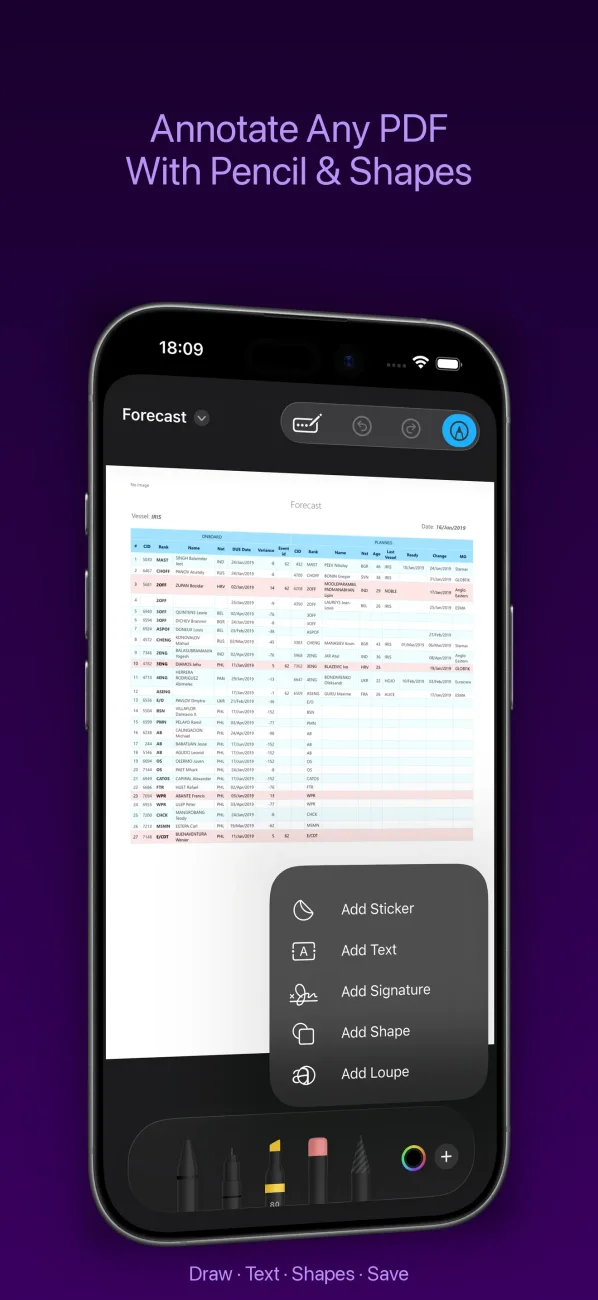
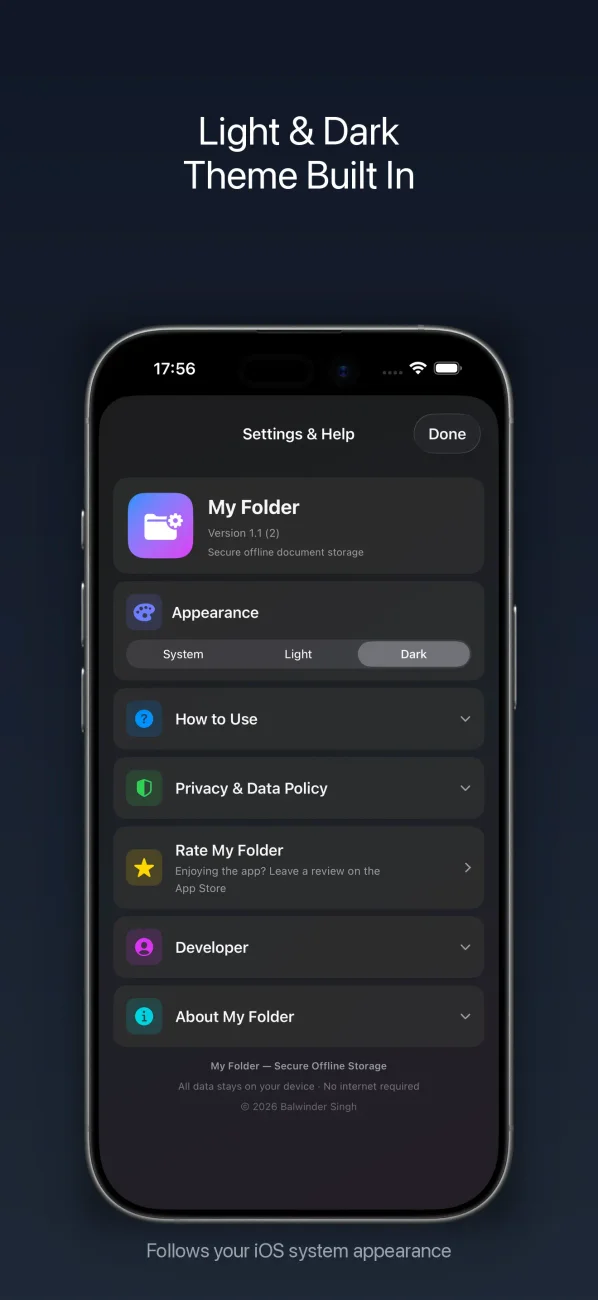
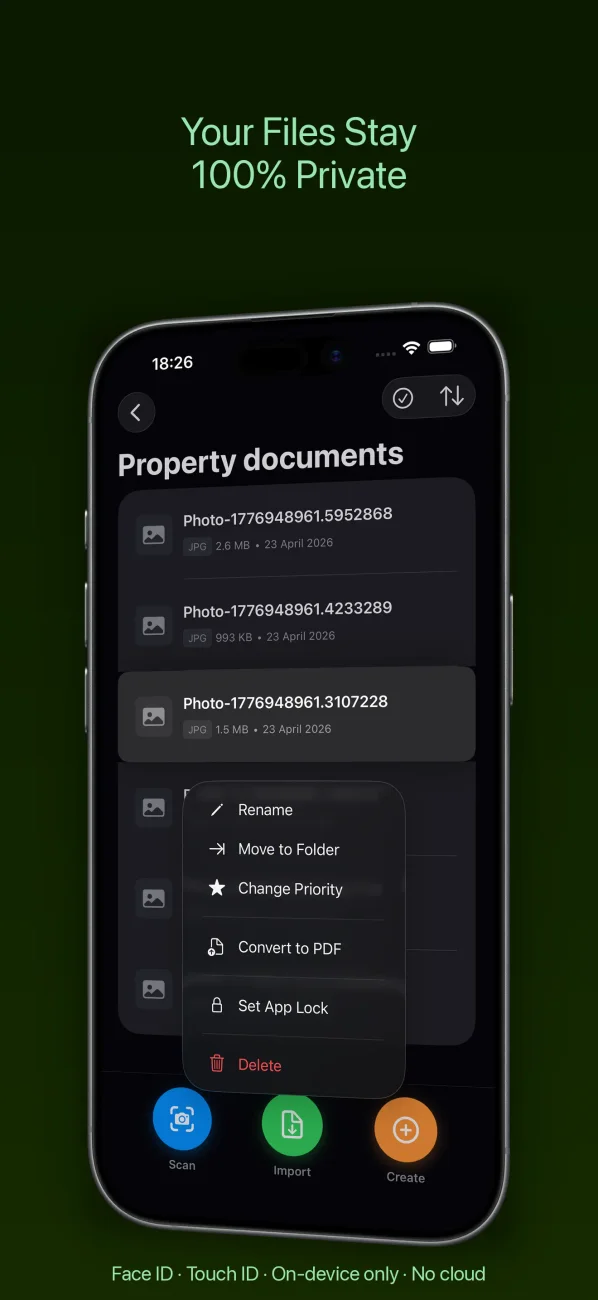
My Folder is your all-in-one personal file manager and document organiser. Keep every file, PDF, photo, and document neatly organised in smart folders — all protected behind biometric security.
SMART FOLDER ORGANISATION
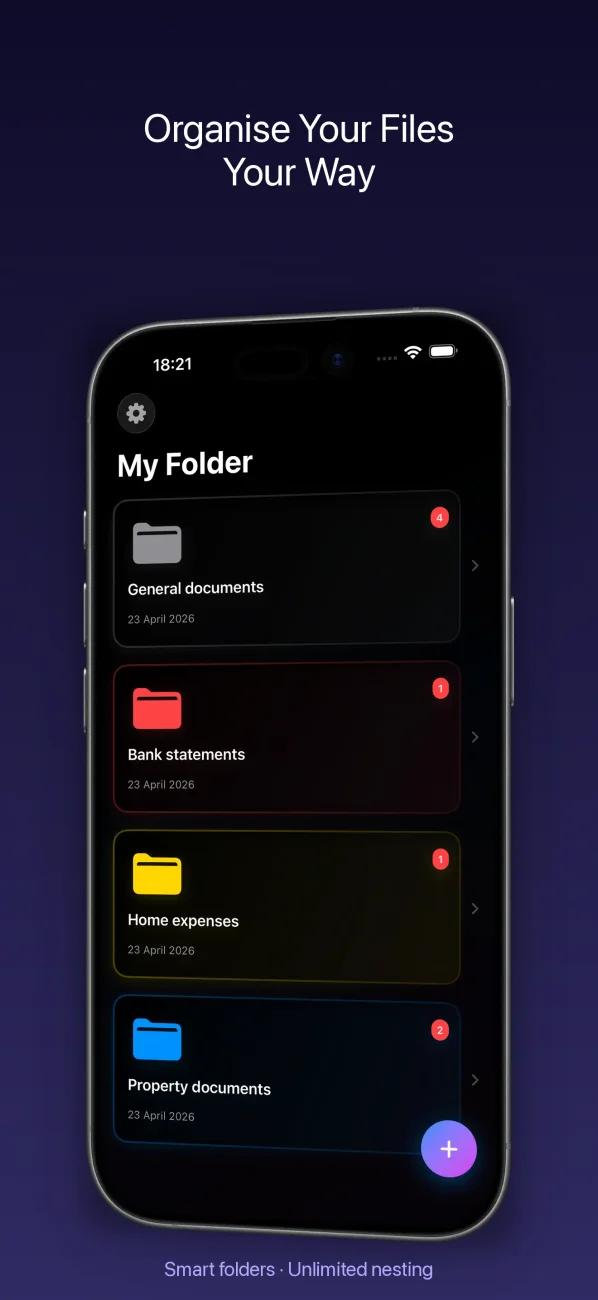
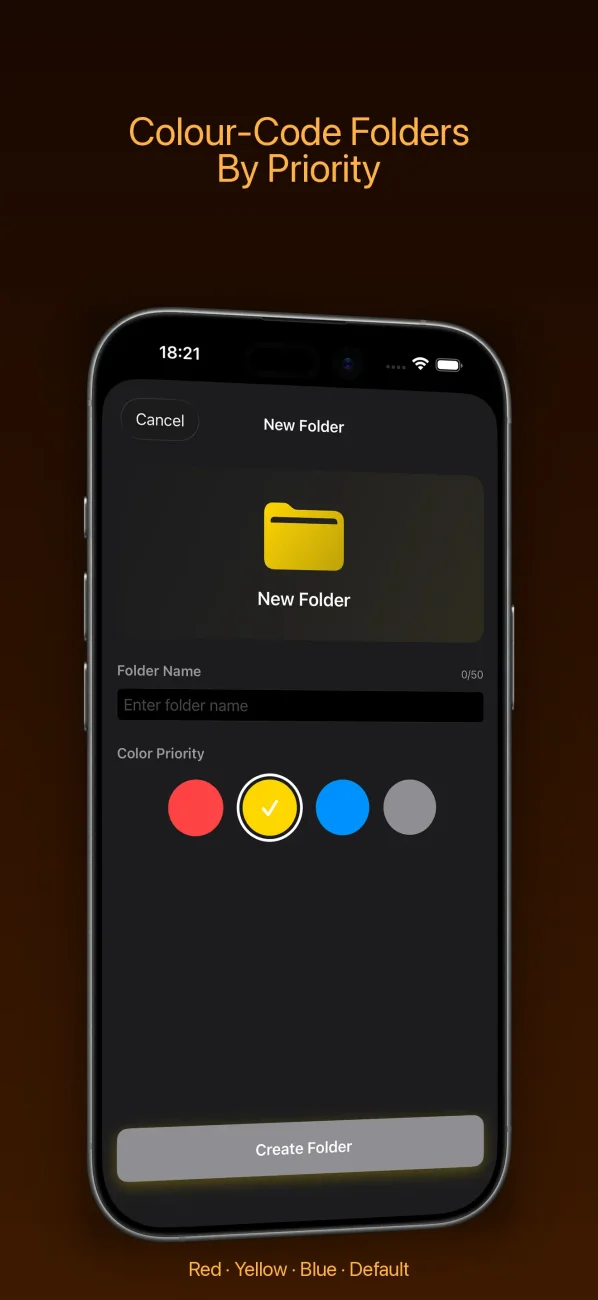
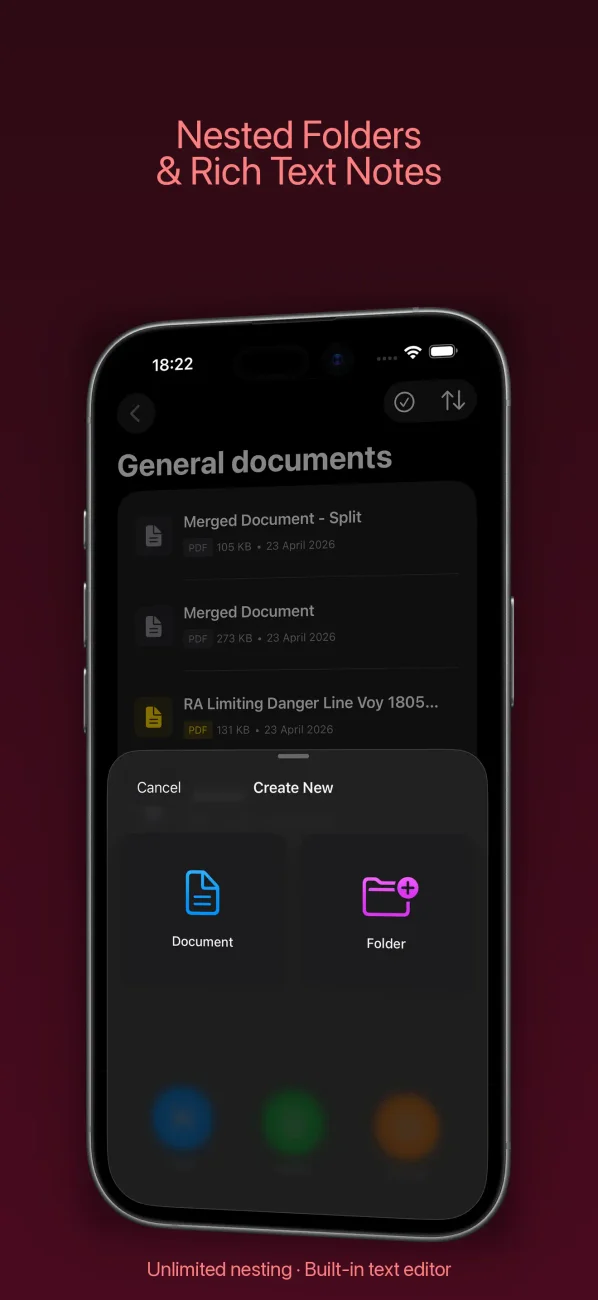
Create unlimited nested folders with custom colours and priority levels. Move, rename, and reorganise your files with a tap. Find anything instantly with full-text search.
POWERFUL PDF TOOLS
- Merge multiple PDFs into one seamless document
- Split a PDF into separate files by page range
- Compress PDFs to reduce file size (High, Balanced, or Maximum compression)
- Password-protect and unlock PDFs with AES-256 encryption
- OCR — extract selectable, searchable text from scanned PDFs
- View, scroll, and zoom any PDF with a smooth native reader
DOCUMENT SCANNER
Scan physical documents using your camera. My Folder automatically crops, enhances, and converts scans into high-quality PDFs ready to store or share.
IMPORT FROM ANYWHERE
- Open files directly from Files app, Mail, Safari, and any other app via "Open With"
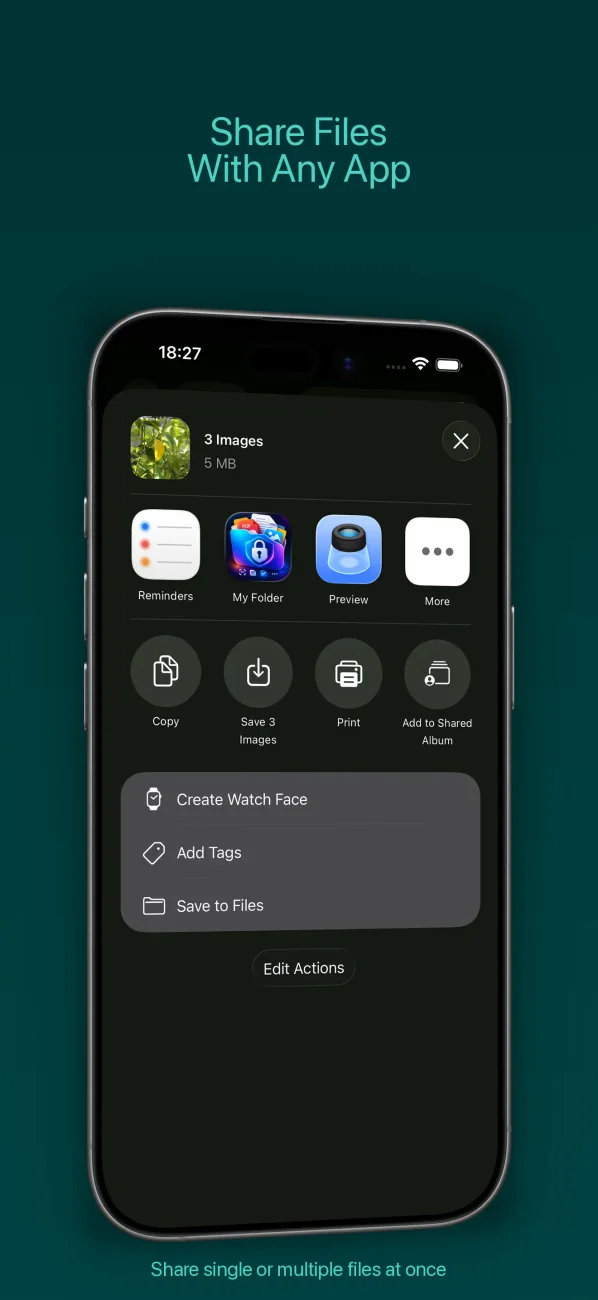
- Share directly into My Folder from the iOS share sheet — photos, documents, and more
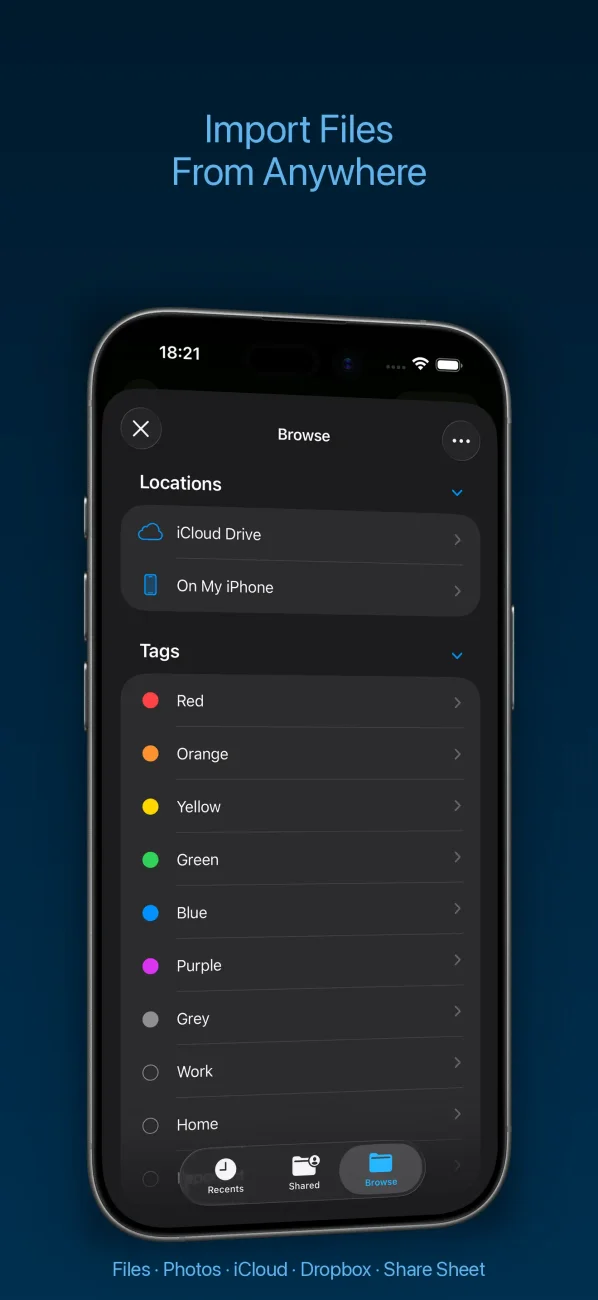
- Pick files from iCloud Drive, Dropbox, Google Drive, OneDrive, and local storage
- Handles PDFs, Word, Excel, PowerPoint, images, videos, audio, ZIP archives, and more
CREATE & EDIT
- Rich text editor — write notes and formatted documents stored right inside your folders
- Capture and attach document scans directly to folders
SECURITY & PRIVACY
- Face ID / Touch ID lock screen — folders are protected the moment the app goes to background
- Optional PDF password protection per document (AES-256 via CGPDFContext)
- App-level per-document passwords using PBKDF2-SHA256 (100,000 iterations)
- All data stored 100% on-device. No cloud sync, no account required, no data sent anywhere.
QUICK LOOK & SHARING
- Preview any supported file type with native QuickLook
- Share single or multiple files to any app via the standard iOS share sheet
Download My Folder today and take control of every file on your iPhone or iPad.
App privacy
What Balwinder Singh declares on the App Store about how this app handles data.
-
Data not collected
The developer does not collect any data from this app.
Privacy practices may vary, for example with the features you use or your age.
Information
- Seller
- Balwinder Singh
- Category
- Productivity
- Version
- 1.1
- Updated
- May 6, 2026
- Released
- May 5, 2026
- Size
- 7.0 MB
- Requires
- iOS 17.6 or later
- Age rating
- 4+
- Price
- Free
- Languages
- English
- Copyright
- © 2026 Balwinder Singh
You might also like
-
 GarageBox: Garage ManagementGarage Management Application
-
 Note Fold: Structured NotesNested Folders & Rich Notes
-
 DocPortalSecure file storage & sharing
-
 Lucid Mind: Brainstorm Ideasidea board, learning diagram
-
 Vertical Calendar - ScheduleCalendar Widget Reminder Alarm
-
 ESP-DHL PortalProductivity
-
 stashy: save anythingSave links & videos fast!
-
 Calculator Notes - SpreadsheetWidget Sheets Calculator Notes
-
 Hindi - English : TranslatorTranslate voice, photo, text
-
 ADHD Calendar: Voice PlannerAI Calendar: Talk to Schedule