
- Age rating4+
- CategoryUtilities
- DeveloperOceano Inc.
- LanguagesEnglish+ 1 more
- Size44.1 MB
Links to the official App Store page
Download.org hosts no file of My Hashtag. The button opens its official App Store page, published by Oceano Inc. Listing last checked on Nov 12, 2026.
Screenshots

About
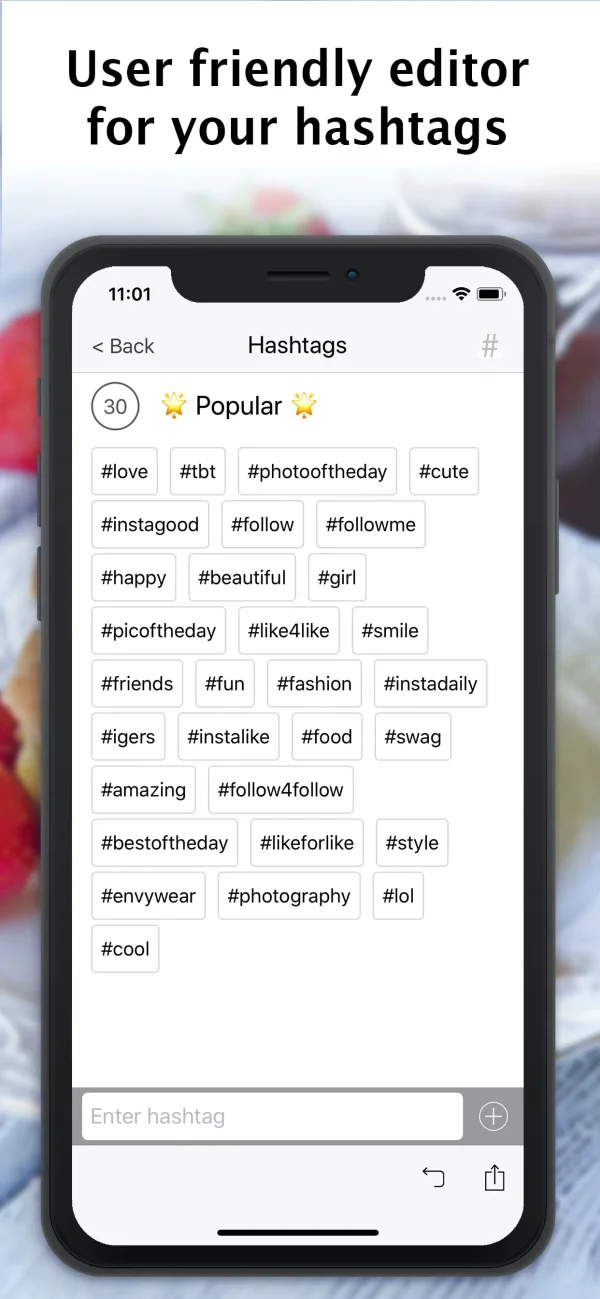
User friendly editor for your hashtags.
Tired using memo app to save your favorite hashtags?
Say good bye to exhaustive operations like scroll, select, cut, copy and paste.
This app helps you to keep and manage your set of favorite hashtags you really want to use with your post!
Features:
Customizable hashtags with easy to use operations.
Add, duplicate, edit, re-order, delete, undo delete hashtags.
Detect duplicates of hashtags within a group.
Copy set of hashtags and paste on your post.
Paste multiple words at once to automatically save as hashtags.
Appending ‘#’ is not necessary. This app will do it for you.
It removes delimiters and spaces automatically which is not usually allowed as hashtag.
Group of hashtags can be copied to clipboard. Text format options can be chosen for your preference:
- Append #, or do not append # in front of hashtag
- Use comma, or do not use comma between hashtags
- Use space, break (new line), or nothing for delimiter
- Use Return Emoji as break (replaces automatically), or as Emoji as usual (don't replace).
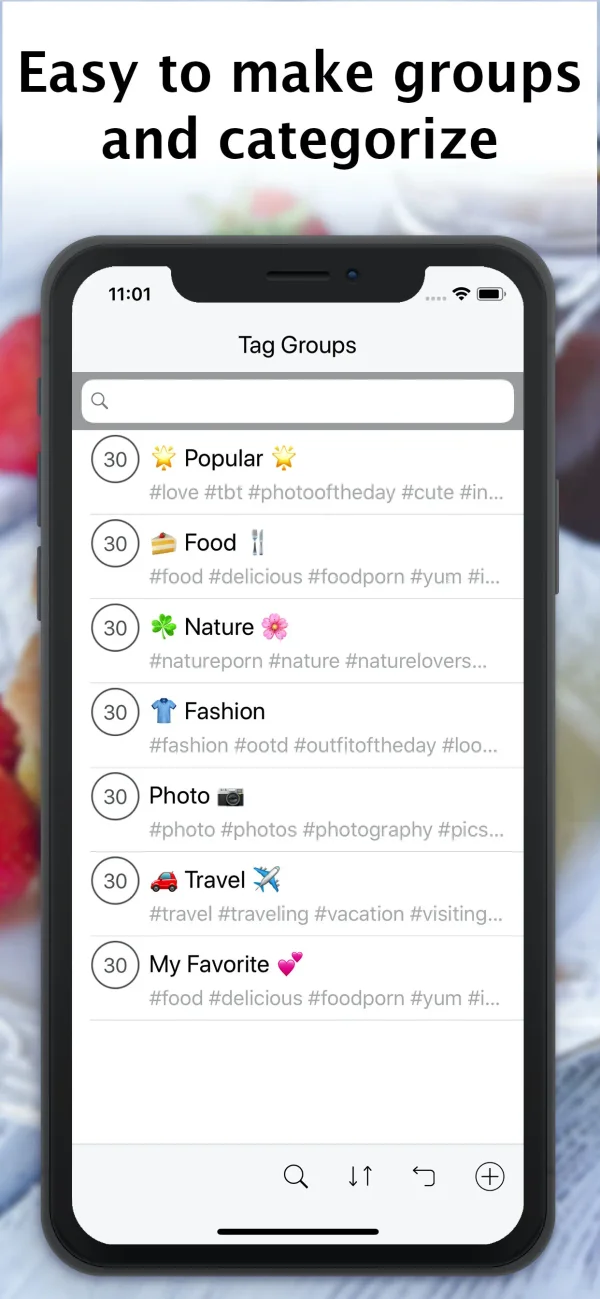
Customizable groups of hashtags for your interest.
Add, duplicate, edit, re-order, delete, undo delete grouping of hashtags.
Shows number of hashtags in a group.
Preset with popular hashtags to boost likes for your post.
Switching hashtag to text "mode" allows you to have delimiters and spaces.
Hashtag and text can be mixed in one group, by changing mode.
Group "mode" either hashtag or text can be set. It decides base mode behavior within the group.
Group mode can be switched by double tap on counter at hashtag screen.
You can select hashtag to copy, or deselect not to copy, using filter feature.
If you have filtered hashtags, action menu will show "Copy filtered items" button.
Using "Copy filtered items" button, filtered and greyed items are not included for copy.
URL is detected automatically. Double tap on URL shows "Open with browser" menu.
Return Emoji can be used as break (line feed). It can be used in within hashtag or text to insert breaks.
Multiple breaks can be inserted.
What’s new
Version 1.4.0 · Aug 29, 2026
Improvements for stability.
App privacy
What Oceano Inc. declares on the App Store about how this app handles data.
-
Data used to track you
May be used to track you across apps and websites owned by other companies.
- Location
- Identifiers
- Usage data
- Diagnostics
-
Data not linked to you
May be collected but is not linked to your identity.
- Location
- Identifiers
- Usage data
- Diagnostics
Privacy practices may vary, for example with the features you use or your age.
Information
- Seller
- Oceano Inc.
- Category
- Utilities
- Version
- 1.4.0
- Updated
- Aug 29, 2026
- Released
- May 19, 2018
- Size
- 44.1 MB
- Requires
- iOS 18.6 or later
- Age rating
- 4+
- Price
- Free
- Languages
- English, Japanese
- Copyright
- © 2026 Oceano Inc.
You might also like
-
 Hashtag Generator - AI TagsFind Top Hashtags & Boost View
-
 Hashtag: AI Tag GeneratorGenerate Expert Post Captions
-
 MyHashtags: Hashtags for PostManage hashtag list for likes
-
 Find My HashtagsHashtags for Instagram with AI
-
 AI Chatbot - Hashtag & CaptionChatGPT Hashtag & Caption
-
 Fancy: Story Viewer & SaverInstagram Story Saver & Viewer
-
 Tagged Notes App - Tag PadAvailable offline and online
-
 Mahjong ScorebookUtilities
-
 Date Radar Countdown StopwatchMultiple long term timers
-
 Swipe Memomake notes with a swipe only