My Invoice Maker Pro
Pay once. Invoice forever.
Designed for iPhone, iPad
Free · In-app purchases
- Age rating4+
- CategoryBusiness
- DeveloperChristopher Gurtlinger
- LanguagesEnglish
- Size2.4 MB
Links to the official App Store page
Download.org hosts no file of My Invoice Maker Pro. The button opens its official App Store page, published by Christopher Gurtlinger. Listing last checked on Nov 18, 2026.
Screenshots


About
Send professional invoices in minutes, right from your iPhone or iPad.
My Invoice Maker Pro is built for freelancers, contractors and small business owners who want to get paid without wrestling with spreadsheets or complicated accounting software. Add your clients, list what you did, and share a clean PDF invoice with your logo and details.
CREATE INVOICES FAST
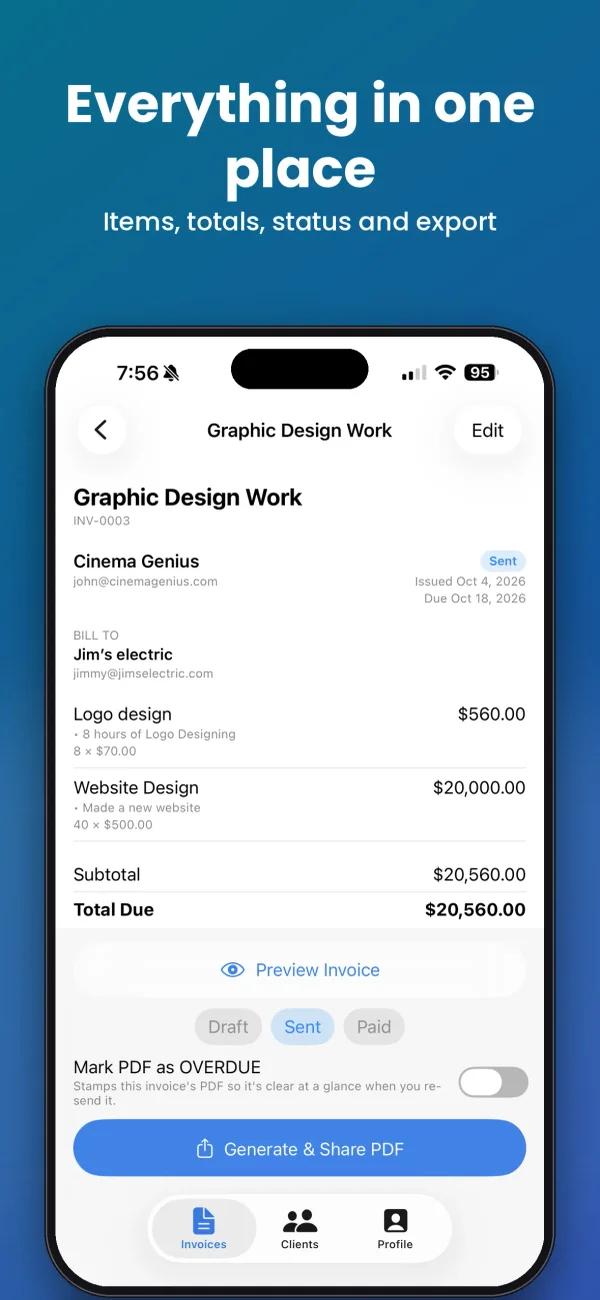
Add line items with a quantity, rate and short details
Automatic subtotal, discount, tax and total
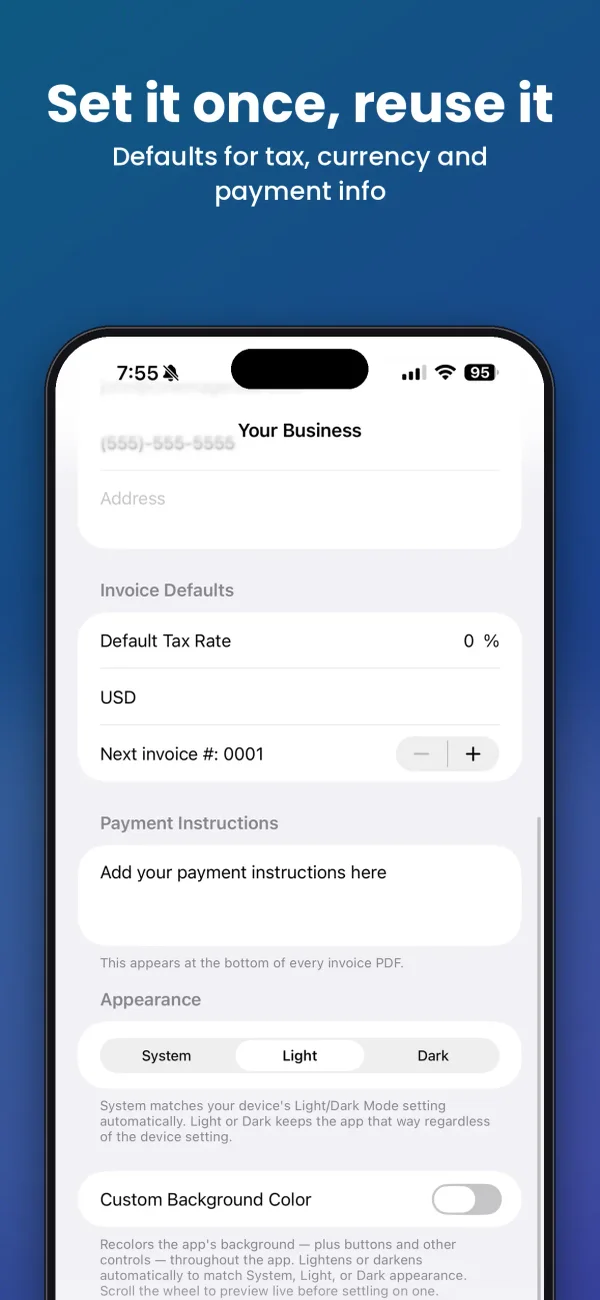
Choose your currency and set a default tax rate
Invoice numbers are filled in for you
Add notes and payment instructions (bank details, PayPal, Venmo and more) that appear on every PDF
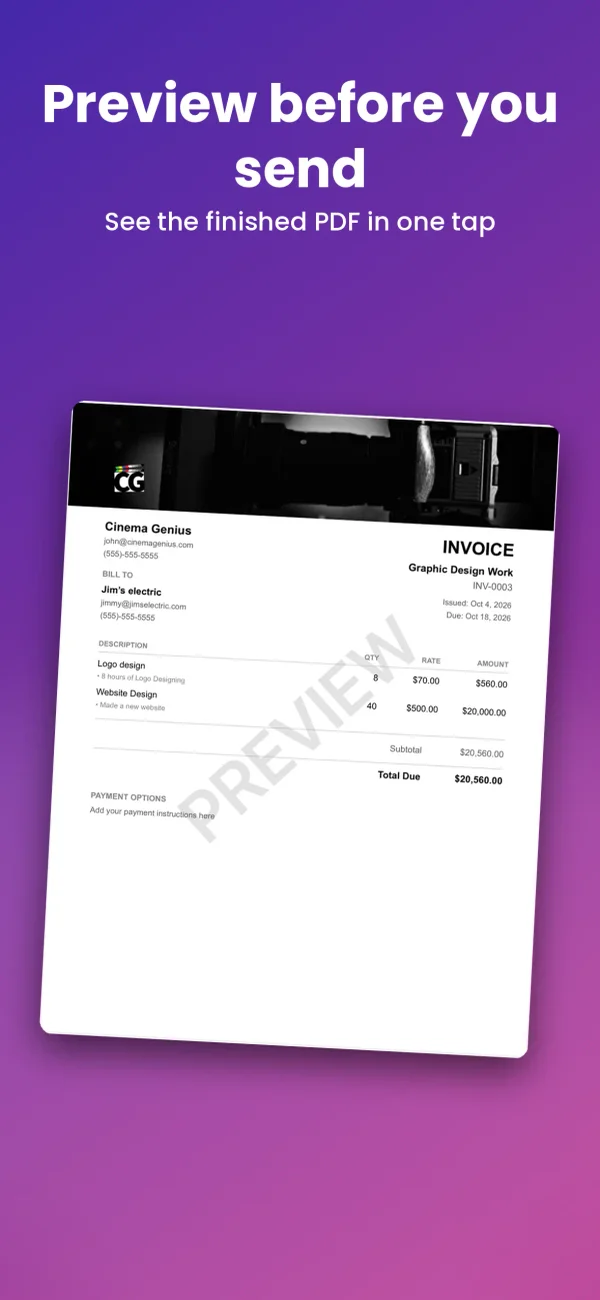
PREVIEW BEFORE YOU SEND
See exactly what your client will receive with one tap, from the invoice screen or while you edit. When it looks right, generate and share the PDF by email, message or any app you like.
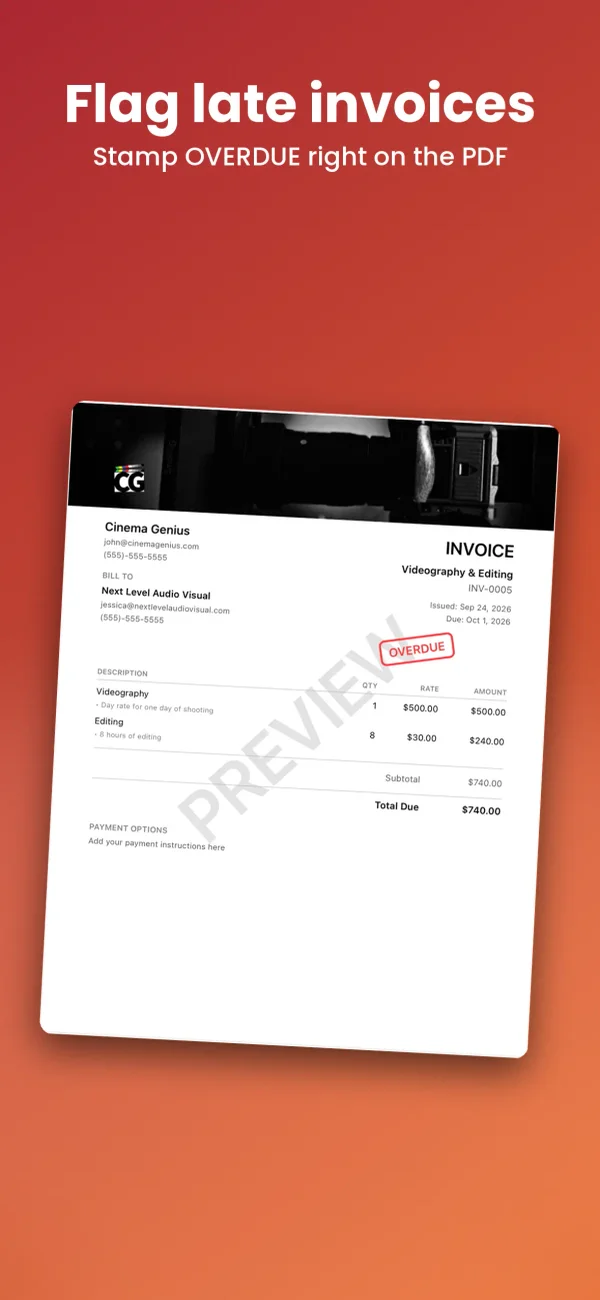
STAMP IT PAID OR OVERDUE
Mark an invoice Paid and a green PAID stamp appears on the PDF. Running late? Turn on the OVERDUE stamp so a re-sent invoice stands out at a glance.
STAY ON TOP OF GETTING PAID
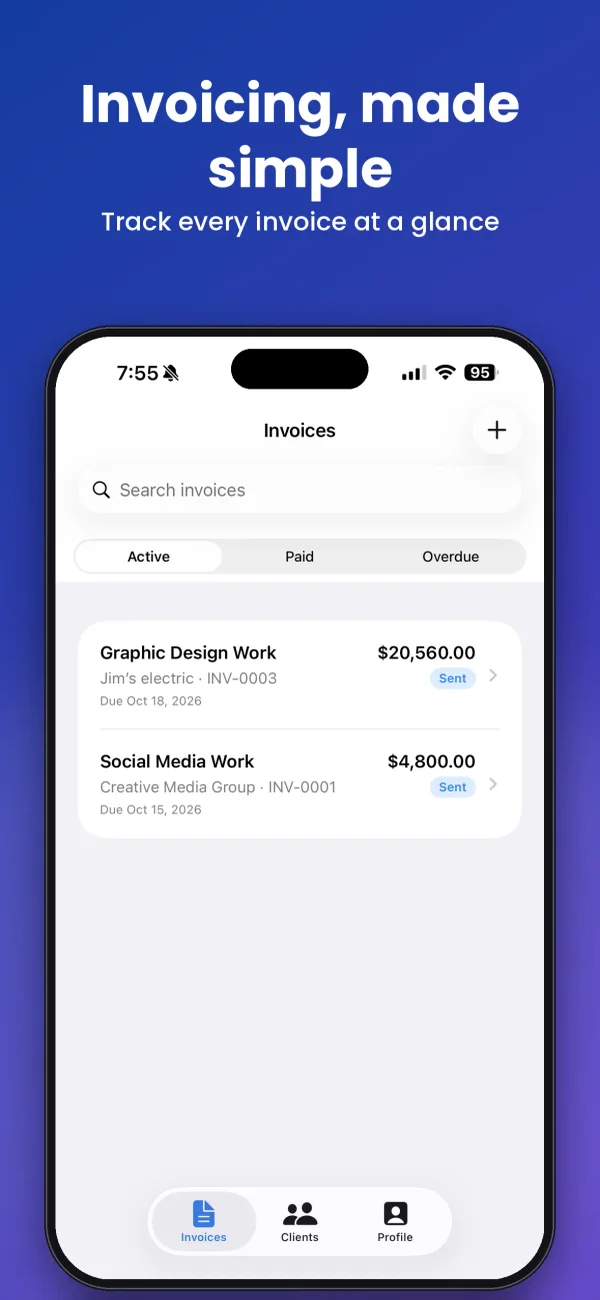
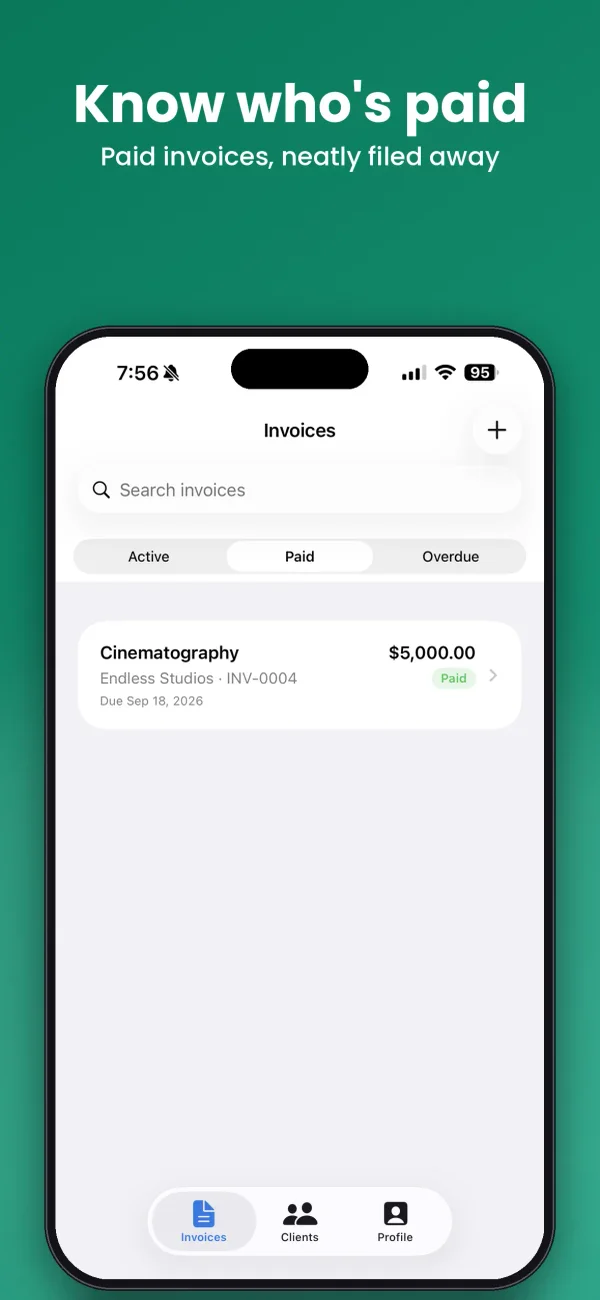
Mark invoices Draft, Sent or Paid
Switch between Active, Paid and Overdue invoices with one tap
Overdue invoices are flagged automatically when the due date passes
Search your invoices by title, client or number
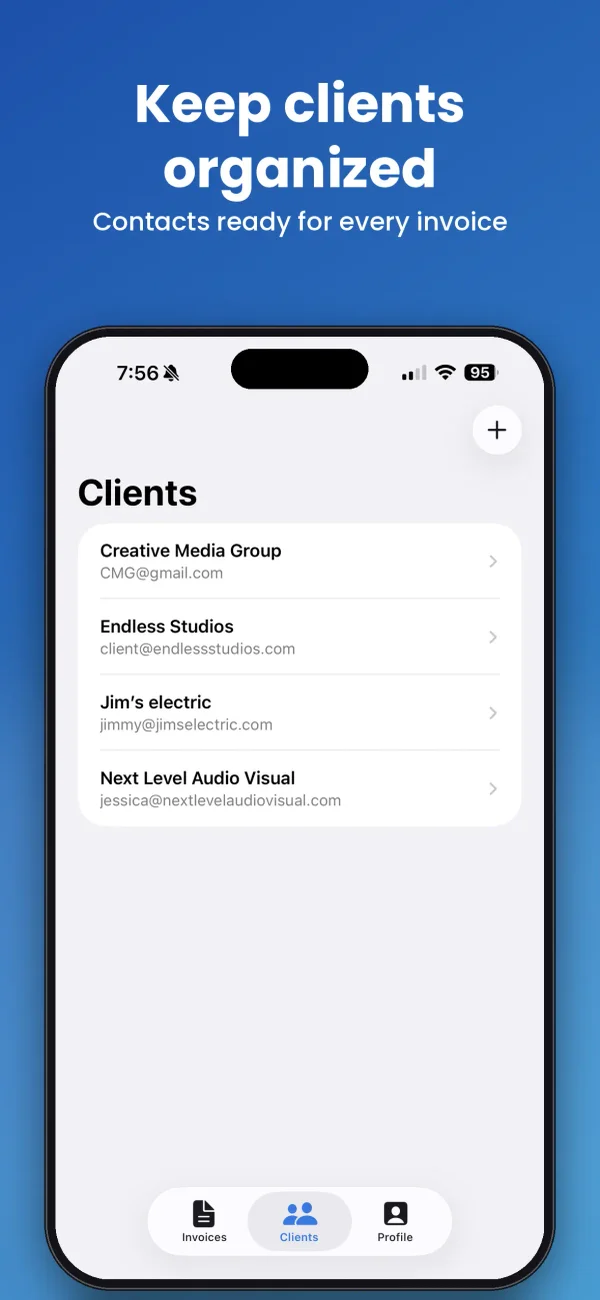
KEEP YOUR CLIENTS ORGANIZED
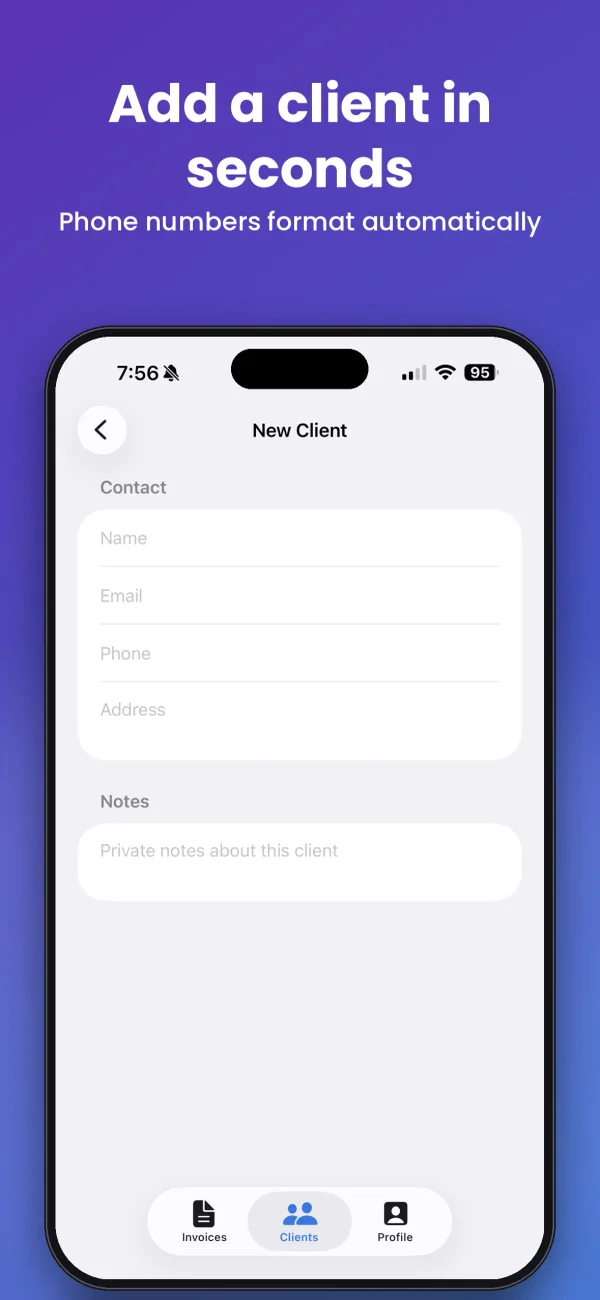
Save contact details, private notes and see each client's invoice history. Phone numbers format themselves as you type.
MAKE IT YOUR OWN
Add your logo to every invoice
Choose from different invoice fonts
Add a custom background banner across the top of the PDF
Light, Dark or System appearance, plus an optional custom app color
MADE FOR iPHONE AND iPAD
A layout designed for each screen, including a three-column view on iPad.
What’s new
Version 1.2 · Nov 8, 2026
What's New in 1.2
Duplicate Invoice. Swipe right on any invoice, or press and hold it, to copy it into a new draft. You can also find it in the "…" menu on an invoice.
• Backup & Restore. Save all your invoices, clients, logo and business details to a file in Files or iCloud Drive, and restore them any time, even on a new phone. You'll find it at the bottom of the Profile screen.
• Export to CSV. Send your invoices to a spreadsheet for bookkeeping.
• 8 new background colors for the Lifetime Unlock (19 in all): Coral, Gold, Lime, Teal, Navy, Indigo, Maroon and Slate.
• Smoother layout when you edit an invoice on larger screens.
Thanks for using My Invoice Maker Pro! If you have an idea or run into a problem, email us from the support page.
App privacy
What Christopher Gurtlinger declares on the App Store about how this app handles data.
-
Data not collected
The developer does not collect any data from this app.
Privacy practices may vary, for example with the features you use or your age.
Information
- Seller
- Christopher Gurtlinger
- Category
- Business
- Version
- 1.2
- Updated
- Nov 8, 2026
- Released
- Oct 22, 2026
- Size
- 2.4 MB
- Requires
- iOS 17.0 or later
- Age rating
- 4+
- Price
- Free
- In-app purchases
- Yes
- Languages
- English
- Copyright
- © Chistopher Gurtlinger
You might also like
-
 Embassy Bank MobileFinance
-
 DuGood Federal Credit UnionAccount access on the go
-
 My SSGSalon Service Group
-
 Fourthwall for CreatorsBusiness
-
 Flock: Team Communication AppBusiness
-
 VestwellFor the future.
-
 Mobilo CardThe smart business card
-
 Penmate: Send mail to jailSend mail from your phone
-
 Allume — for focused thinkingFormerly Muse Canvas for Ideas
-
 Buddy PunchGPS Time Clock App