
My Notes: Cards & Pages
Think on a board of cards
Designed for iPhone, iPad
In-app purchases
- Age rating9+
- CategoryLifestyle
- DeveloperSAIKONTAN.LLC
- LanguagesJapanese+ 1 more
- Size6.5 MB
Links to the official App Store page
Download.org hosts no file of My Notes: Cards & Pages. The button opens its official App Store page, published by SAIKONTAN.LLC. Listing last checked on Nov 16, 2026.
Screenshots

About
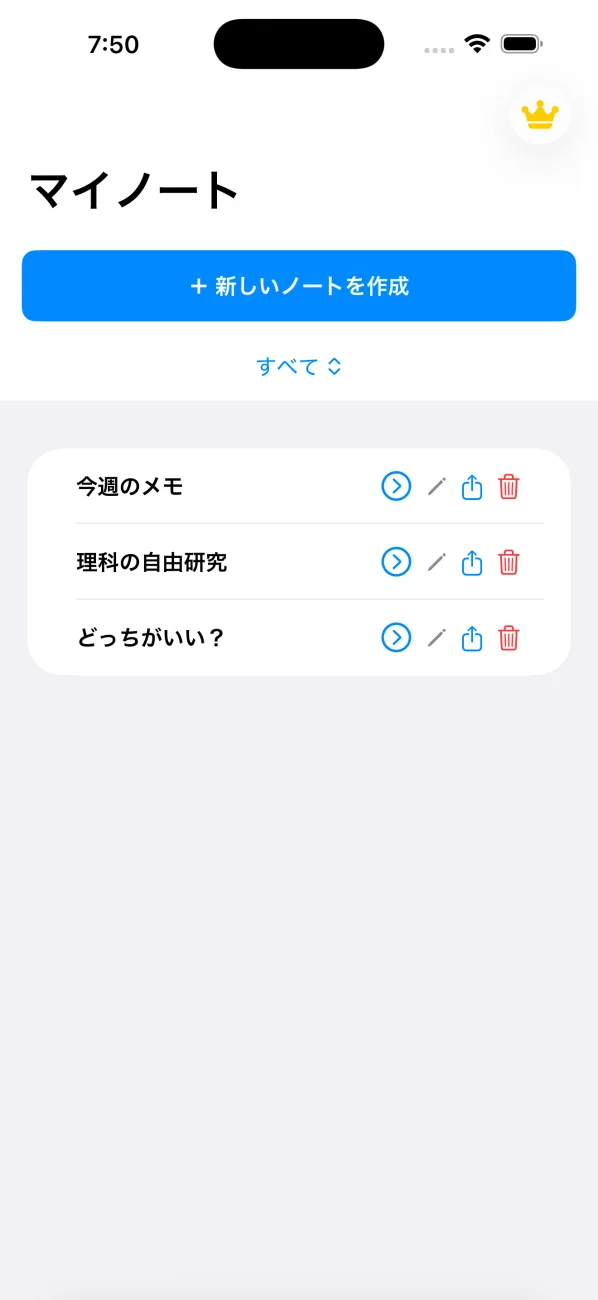
My Notes is a notebook where a note is a stack of cards you can move around.
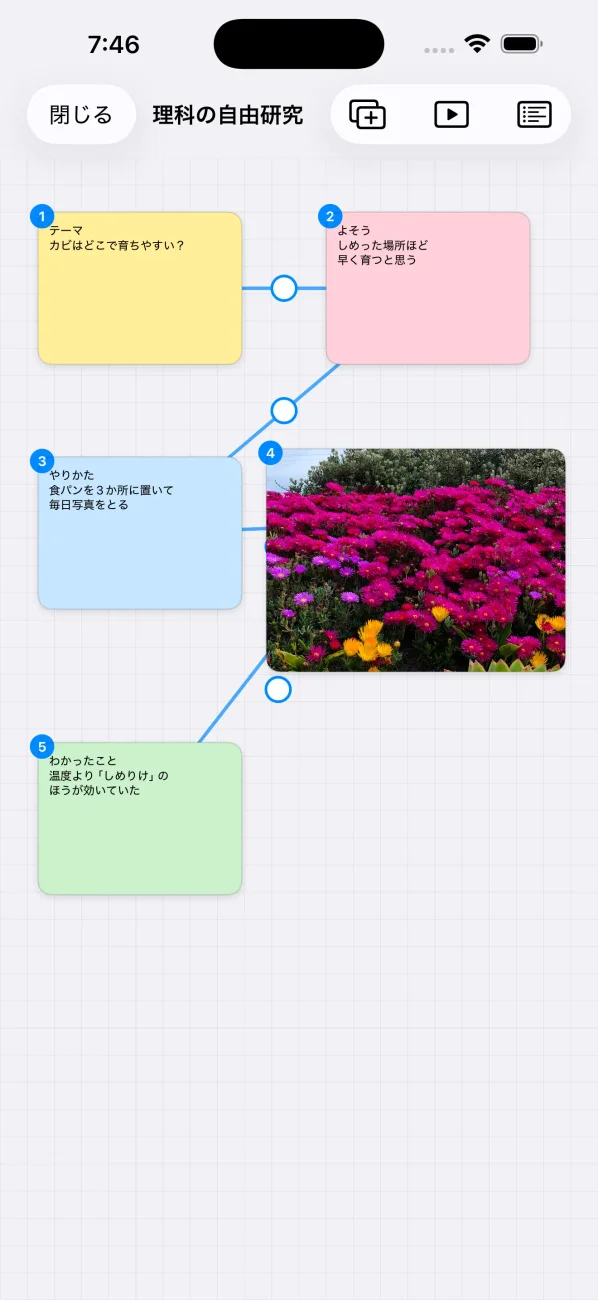
Write on pages like an ordinary notebook, or open the card board and spread the same pages out as cards. Drag them anywhere, connect them with lines, and stack the ones that belong together. When your thinking is settled, present the cards in order — full screen, one tap at a time.
WRITE THE WAY YOU LIKE
• Rich text — bold, italic, underline, highlight colors and text size
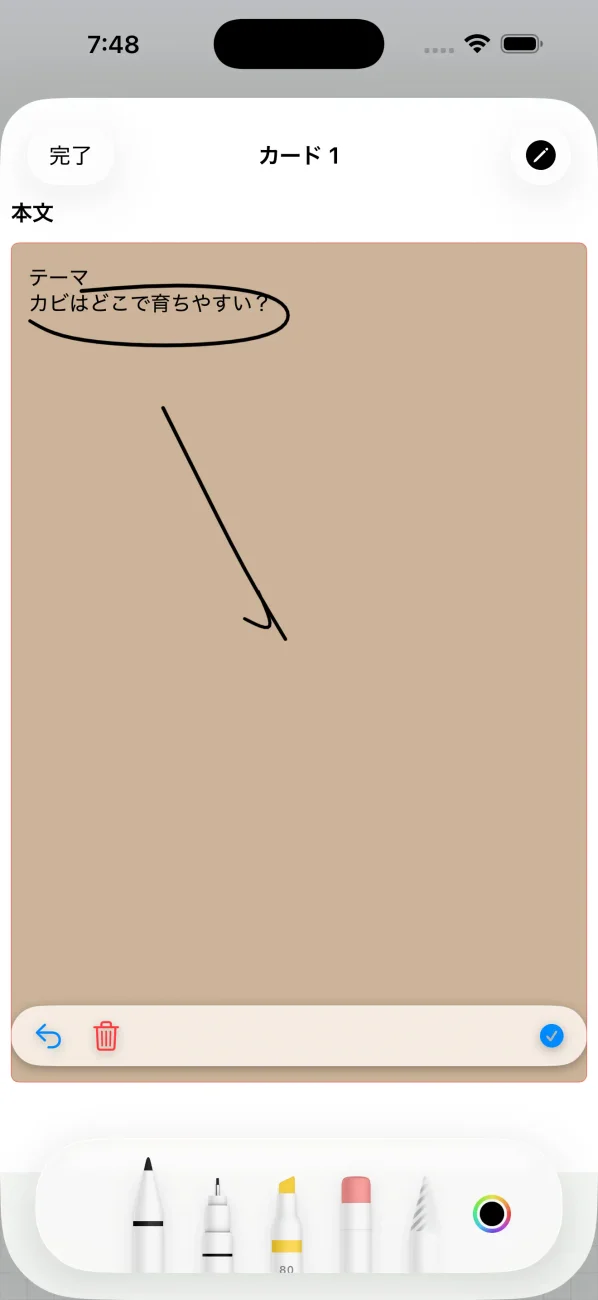
• Handwriting on any page or card, with Apple Pencil or your finger
• Photo cards for pictures from your library
• Templates to start from: diary, to-do, shopping, habits, meals, meeting, class, reading, ideas, study checklist, travel, gratitude, review, dreams
THINK ON THE BOARD
• Place cards freely and connect them with lines
• Stack related cards into one, and unstack them again
• Three card sizes and six card colors
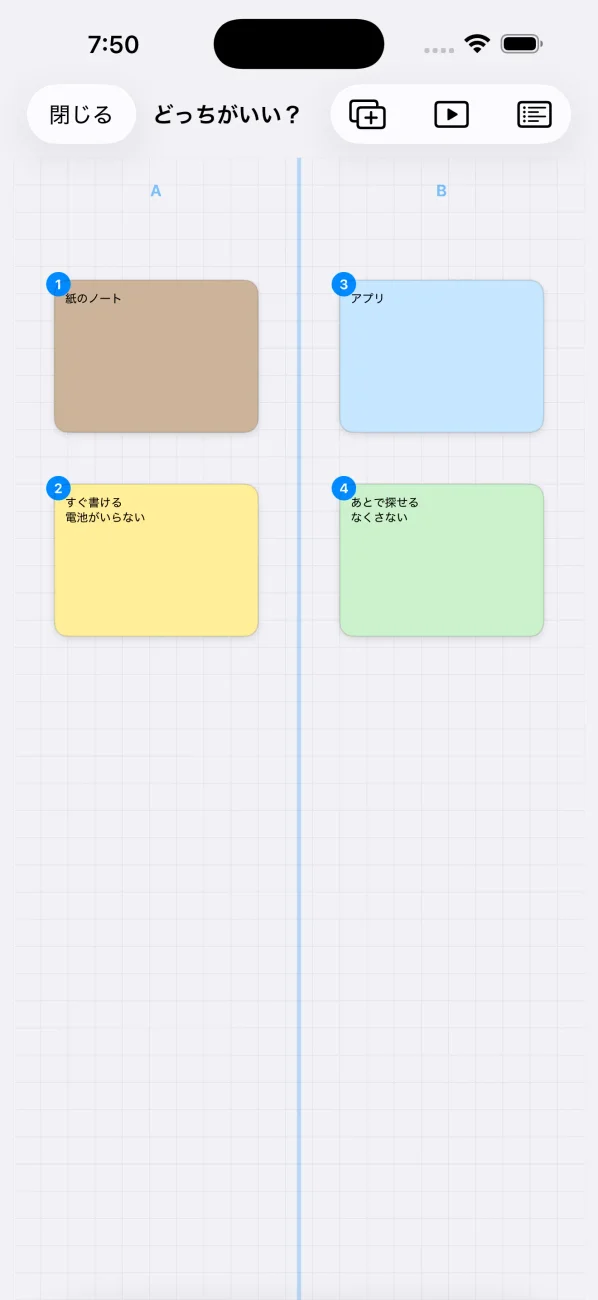
• Board layouts to think inside: Compare (2 columns), Sort (4 quadrants), Timeline and Overlap (Venn)
PRESENT WHAT YOU MADE
• Follow the lines you drew and show cards one by one
• Tap the right side to go forward, the left edge to go back
• Autoplay for hands-free presenting
KEEP IT SAFE, TAKE IT WITH YOU
• Export a note as PDF or Markdown
• Back up and restore your notes on the device
• Attach files to a note
• Set a reminder to come back to a note
• Contents list to jump between pages
JAPANESE AND ENGLISH
Switch the display language between Japanese and English right from the home screen — no need to change your device settings.
FREE AND PREMIUM
The free version lets you create up to 10 pages or cards per note, and shows ads. You can watch an ad to add one more page.
My Notes Premium removes the ads and the limit:
• Monthly plan — renews every month
• Yearly plan — renews every year, about 33% less than monthly, with the first week free
Payment is charged to your Apple ID account at confirmation of purchase. Subscriptions renew automatically unless canceled at least 24 hours before the end of the current period. Manage or cancel any time from Subscriptions in the App Store.
Terms of Use: https://www.apple.com/legal/internet-services/itunes/dev/stdeula/
Privacy Policy: https://saikontan.main.jp/2025/11/16/privacy-policy/
App privacy
What SAIKONTAN.LLC declares on the App Store about how this app handles data.
-
Data not linked to you
May be collected but is not linked to your identity.
- Usage data
Privacy practices may vary, for example with the features you use or your age.
Information
- Seller
- Saikontan LLC
- Category
- Lifestyle
- Version
- 1.0
- Updated
- Aug 31, 2026
- Released
- Aug 30, 2026
- Size
- 6.5 MB
- Requires
- iOS 17.0 or later
- Age rating
- 9+
- In-app purchases
- Yes
- Languages
- Japanese, English
- Copyright
- © 菜根譚合同会社
You might also like
-
 MyCalendar-Highlight EventsHighlight upcoming events
-
 ワタシイロ - 心の天気で気分を記録する日記Lifestyle
-
 テイズプリントLifestyle
-
 推し活管理 - チェキ・握手券・チケットの記録Lifestyle
-
 Note Taking QuickNotebook, Endless Paper, PDF
-
 UV Index & Sun Tanning: BronzrMap, Quiz, Vitamin D Tracker
-
 緘黙症サポート コミュサポLifestyle
-
 ウマカン - 推し活グッズ管理アプリLifestyle
-
 通訳ゴリラ | ストレス発散・愚痴・悩みLifestyle
-
 Mono - Item TrackerSimple & powerful inventory