My Notes - Notebook, Notepad
Memo Note Taking & Checklists
Designed for iPhone, iPad, iPod touch
Free · In-app purchases
- Age rating4+
- CategoryProductivity
- DeveloperAscendik
- LanguagesEnglish+ 28 more
- Size128.6 MB
Links to the official App Store page
Download.org hosts no file of My Notes - Notebook, Notepad. The button opens its official App Store page, published by Ascendik. Listing last checked on Nov 12, 2026.
Screenshots
About
Get ready to experience the power of efficient note taking and task management with My Notes - Notebook, Notepad. This app is designed to be your go-to tool for capturing and managing all your ideas, thoughts, and important information in one place. This notebook with calendar will revolutionize the way you write down things and keep a log of your tasks. No need to wonder how to stay organized any longer!
With My Notes - Notebook, Notepad, you can create separate notebooks for different subjects or projects, ensuring a well-organized workspace for lists or audio notes. Take advantage of its useful features such as daily checklists, drawing capabilities, text formatting, lovely backgrounds and themes, and a convenient widget that allows you to access your quick notes with ease. Also bear in mind that protection is important so you can keep your secrets safe with the built-in codelock feature. Say hello to a digital memo notepad that enhances your productivity and creativity!
REDEFINING THE ART OF TAKING NOTES:
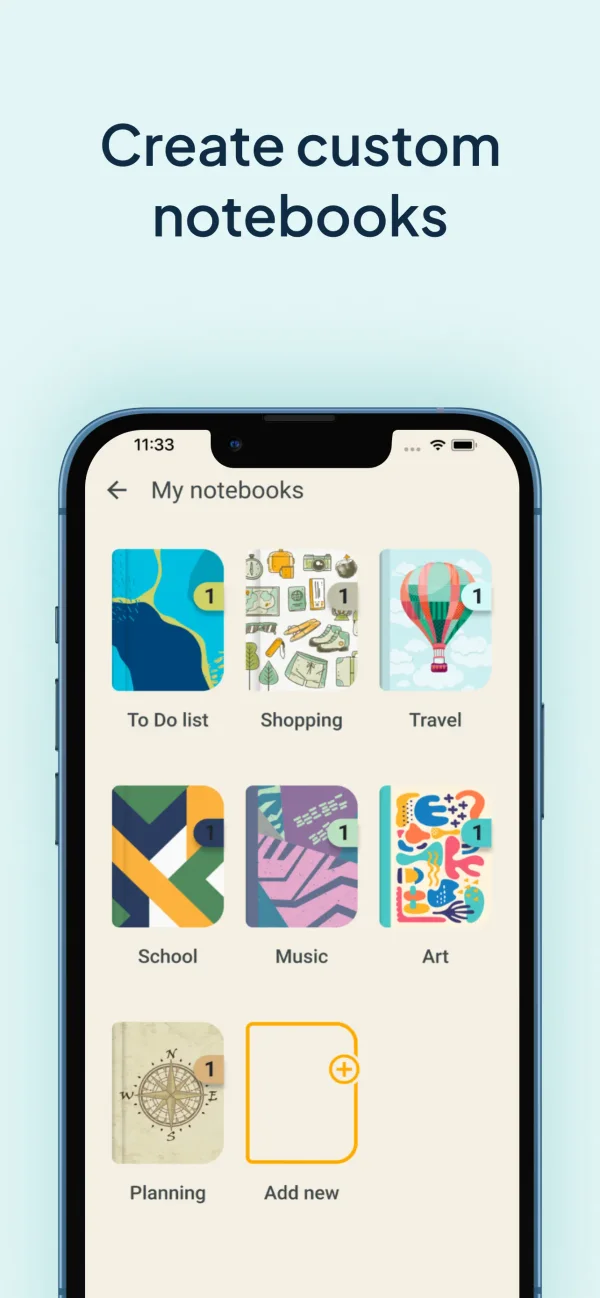
Create separate notebooks for different purposes, keeping your writings organized and easily accessible.
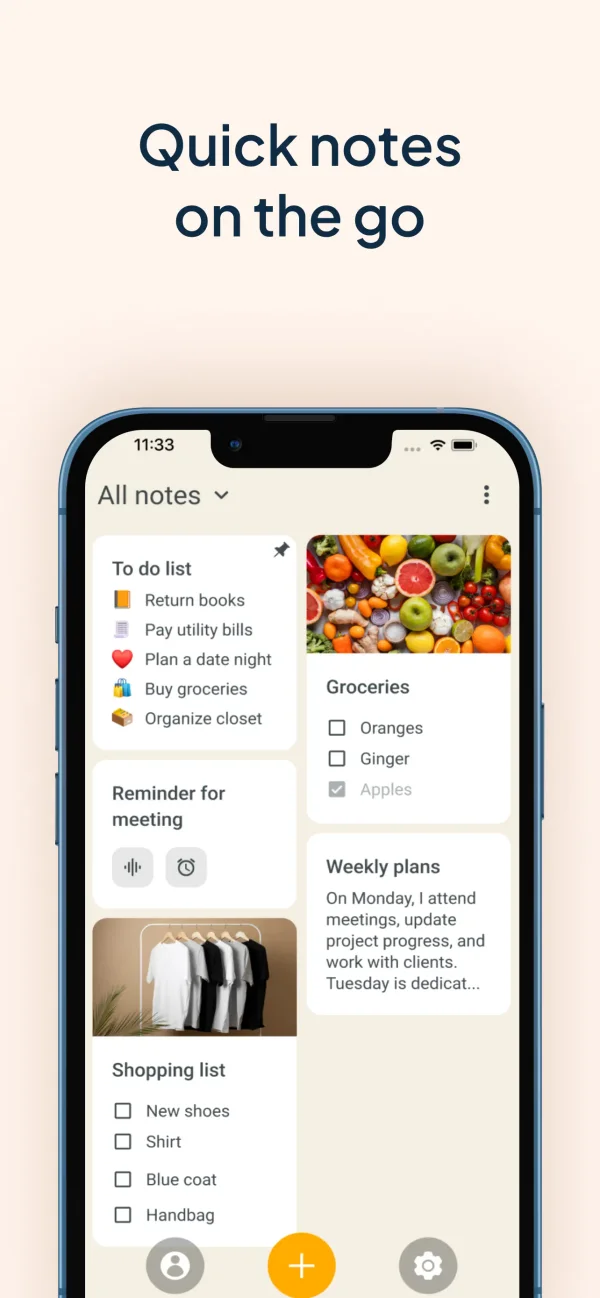
Use the checklists option to manage your tasks list and to-do lists efficiently, ensuring that nothing falls through the cracks.
Capture your thoughts and ideas effortlessly with the ability to type, draw, or even record audio notes.
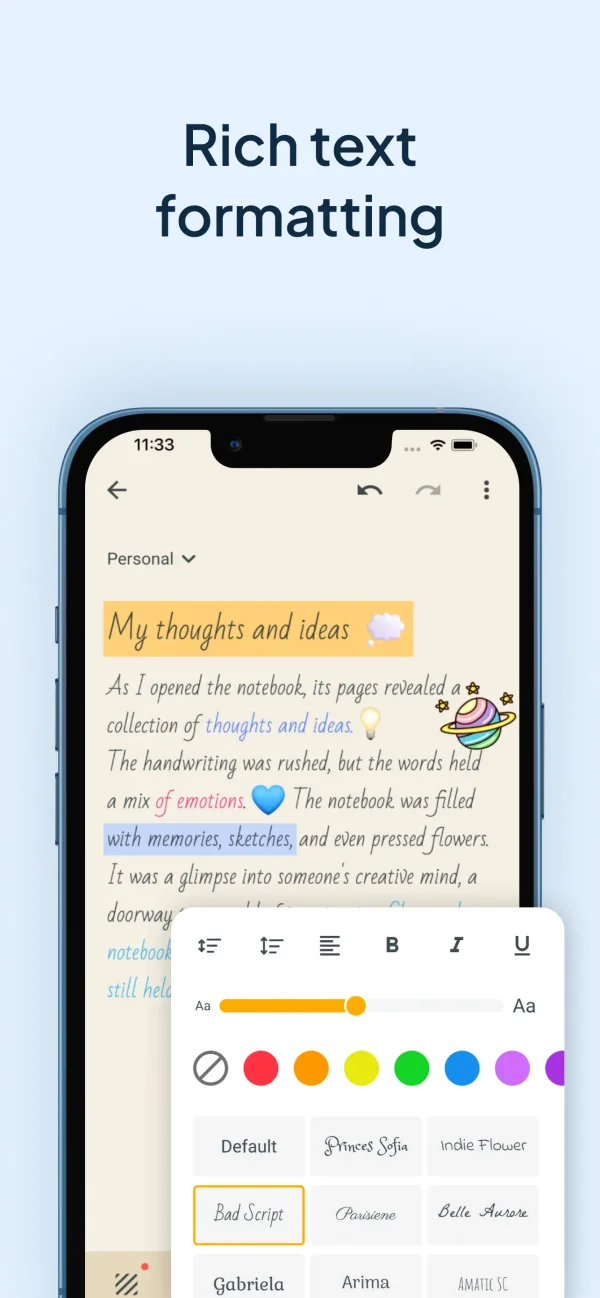
Enhance your notebook with rich text formatting options, including bold, italic, underline, and bullet points.
Archive writings that you no longer need but still want to keep for future reference. The archive feature helps you maintain a clean and organized color notes app.
CUSTOMIZATION THAT SETS YOUR NOTEBOOKS APP APART:
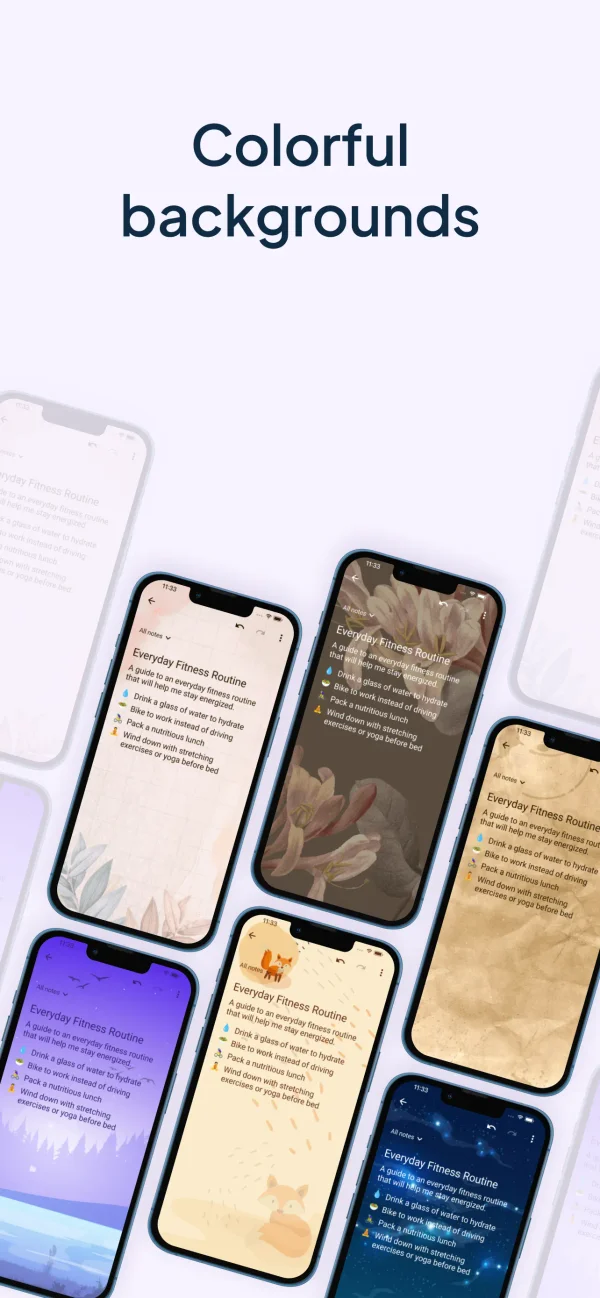
Choose from a wide range of attractive backgrounds and themes to personalize your notes taking experience.
Adjust font sizes, colors, and styles to make your notes visually appealing and easy to read.
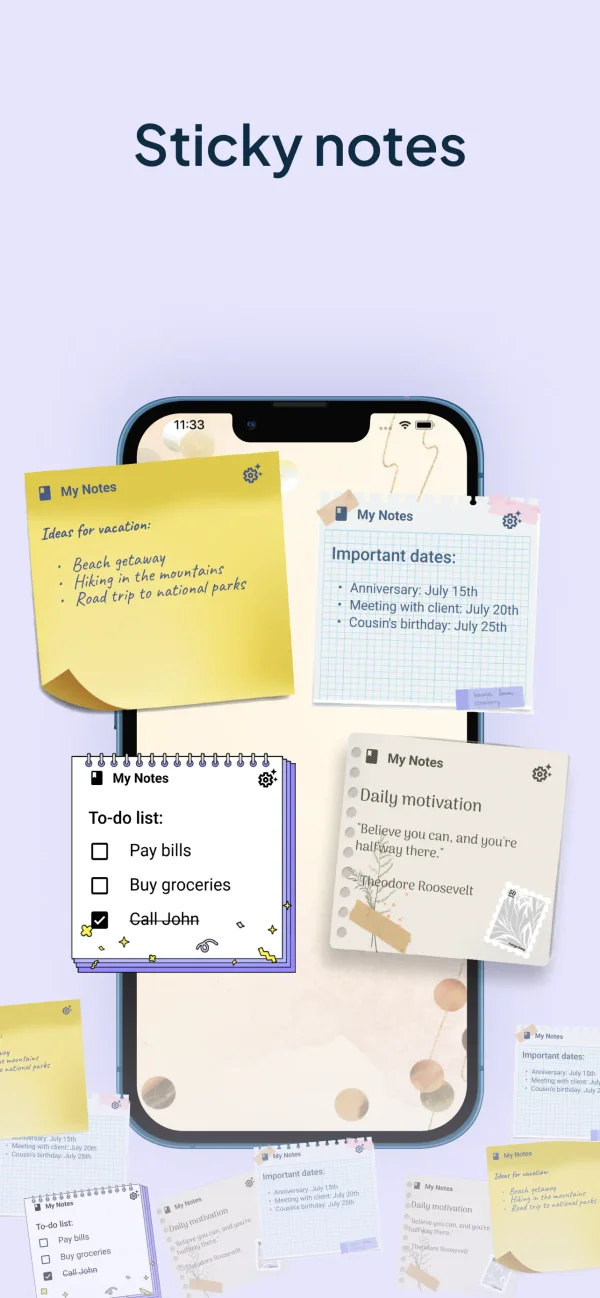
Access your memo notes with ease using the convenient widget shown on your device's home screen just like sticky notes.
MULTIMEDIA TO VISUALIZE YOUR IDEAS:
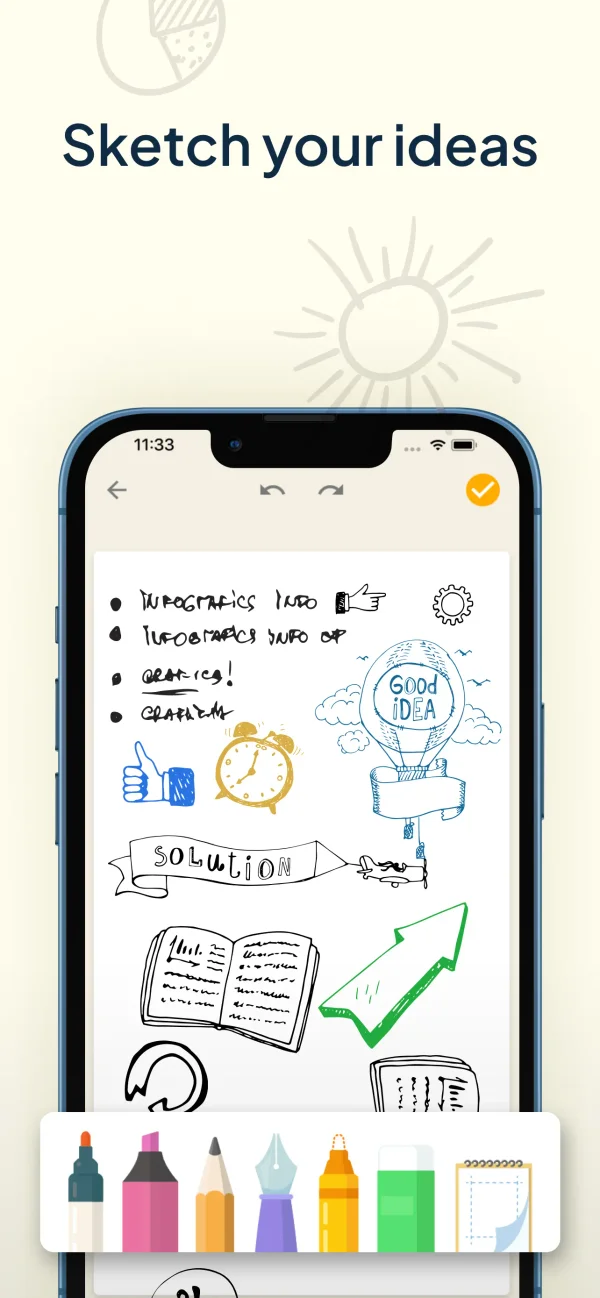
Unleash your creativity and sketch or draw notes to illustrate your thoughts visually.
Insert photos, images, and videos to create multimedia-rich entries that bring your memories and concepts to life.
Record notes to capture lectures, interviews, or important discussions, ensuring you never miss a detail.
PROTECT AND SECURE YOUR NOTE WRITER:
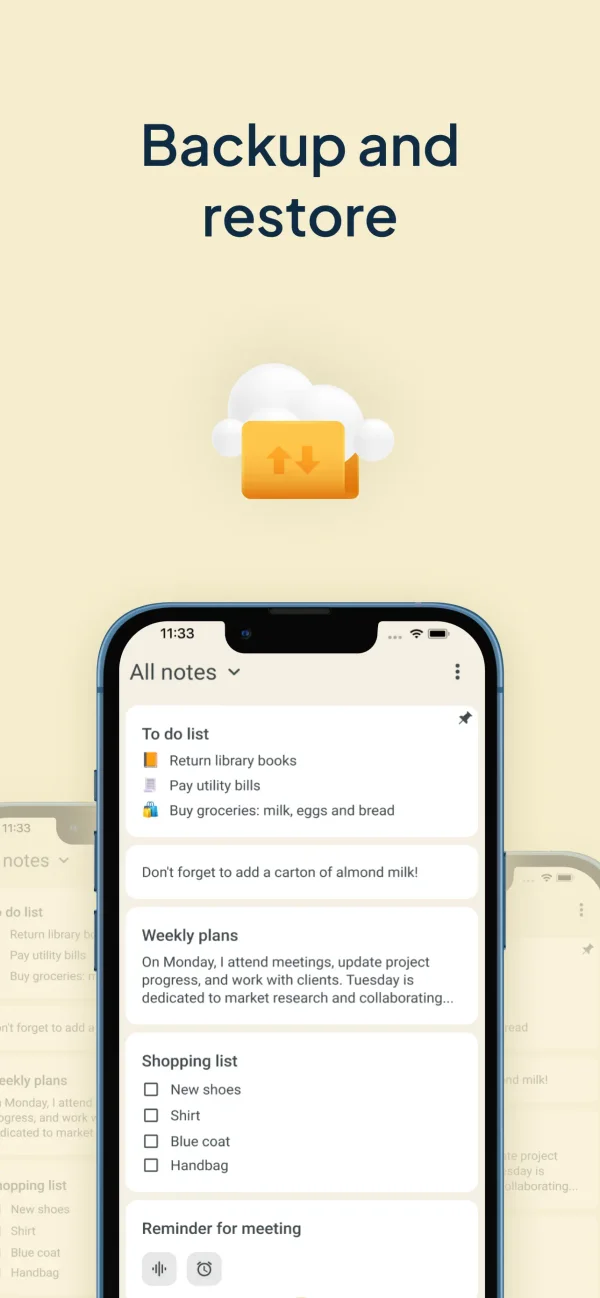
Safeguard the thoughts that you jot down, a checklist or voice notes by backing them up to the cloud or internal storage.
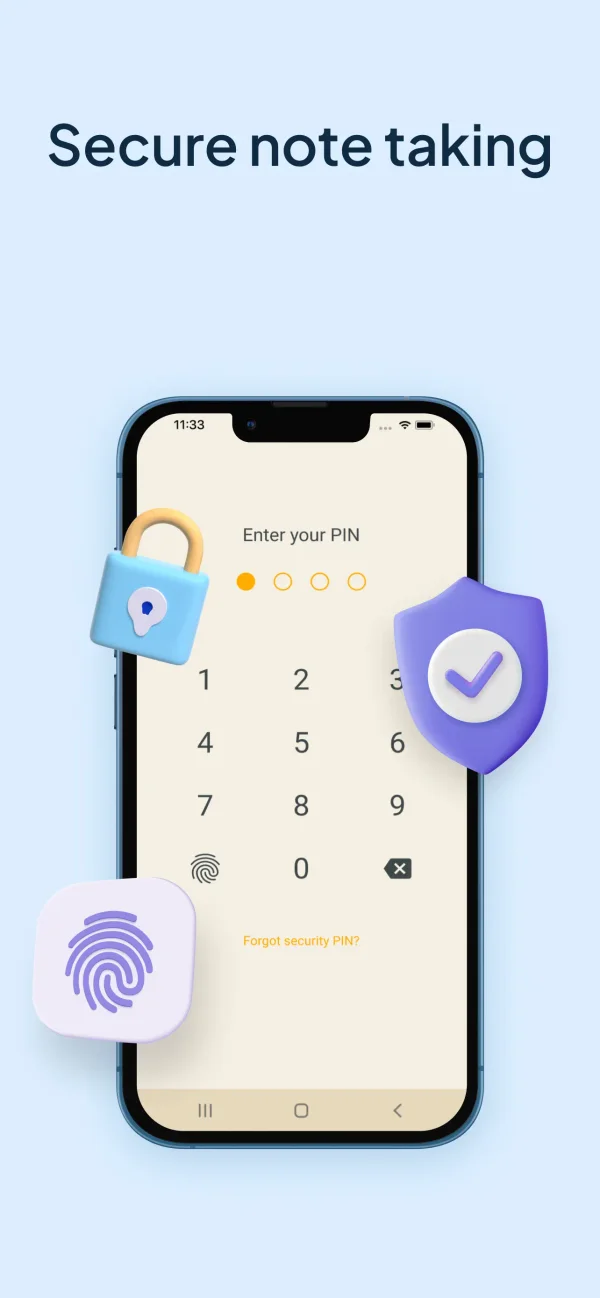
Set up a codelock to protect sensitive information like tasks schedule or an important to do list.
Restore your notebook entries from previous backups, giving you peace of mind even if your device is lost, damaged, or replaced.
WHY GO PREMIUM?
Unlock the full potential of this new take notes app with the premium version, granting you access to advanced features and exclusive benefits, access to premium backgrounds, themes and additional customization options.
Enjoy an ad-free experience, allowing you to focus solely on your creative moments and tasks without any distractions.
Lifetime access with one-time payment is available for users, but you can choose the subscription plan as well that best suits your needs. We can offer you a Premium 1-year subscription or a 1-month subscription plan. Your iTunes account will be charged at confirmation of purchase. The subscription will automatically renew unless auto-renew is turned off at least 24 hours before the end of the billing period. You can go to your iTunes Account Settings to manage your subscription & turn off auto-renew. Any unused portion of the free trial period, if offered, will be forfeited when you purchase a subscription.
Terms of Use: https://www.apple.com/legal/internet-services/itunes/dev/stdeula/
Privacy Policy: https://www.ascendik.com/privacy-policy/
Do you have questions or feedback? Feel free to contact us at notebook.support@ascendik.com
What’s new
Version 2.1.1 · Dec 2, 2025
We regularly release updates to the app, which include great new features, as well as improvements for speed and reliability.
App privacy
What Ascendik declares on the App Store about how this app handles data.
-
Data used to track you
May be used to track you across apps and websites owned by other companies.
- Usage data
-
Data not linked to you
May be collected but is not linked to your identity.
- Identifiers
- Usage data
Privacy practices may vary, for example with the features you use or your age.
Information
- Seller
- MARKO NIKOLIC PR RACUNARSKO PROGRAMIRANJE ASCENDIK NIS
- Category
- Productivity
- Version
- 2.1.1
- Updated
- Dec 2, 2025
- Released
- Aug 24, 2023
- Size
- 128.6 MB
- Requires
- iOS 14.0 or later
- Age rating
- 4+
- Price
- Free
- In-app purchases
- Yes
- Languages
- English, Arabic, Bengali, Czech, Danish, Dutch, Finnish, French, German, Greek, Hindi, Indonesian + 17 more
- Copyright
- © Ascendik 2023
You might also like
-
 Digital Notebook - Note TakingFreeform PDF annotation w/ Pen
-
 memono JournalDiary notes with lock
-
 Color Notes With Lock & To DoReminders, Voice Note & Memo
-
 Memo Pad - Simple Note PadSimple & Stylish NotePad
-
 WeNote - Notes, Notepad, To doColor Notebook & Calendar
-
 SuperNotes Note Taking AppWriting with Pencil for iPad
-
 Plain Note: Notes WidgetSimple Notepad for Quick Memos
-
 Meeting Notes & Work PlannerTake Notes & Track Work Tasks
-
 Weekly Planner: Agenda JournalDigital calendar and schedule
-
 Simple Notes - Notepad ManagerOrganize notes with folders