
- Age rating4+
- CategoryUtilities
- DeveloperErgun Bassan
- LanguagesEnglish
- Size34.0 MB
Links to the official App Store page
Download.org hosts no file of My Password Save. The button opens its official App Store page, published by Ergun Bassan. Listing last checked on Nov 12, 2026.
Screenshots


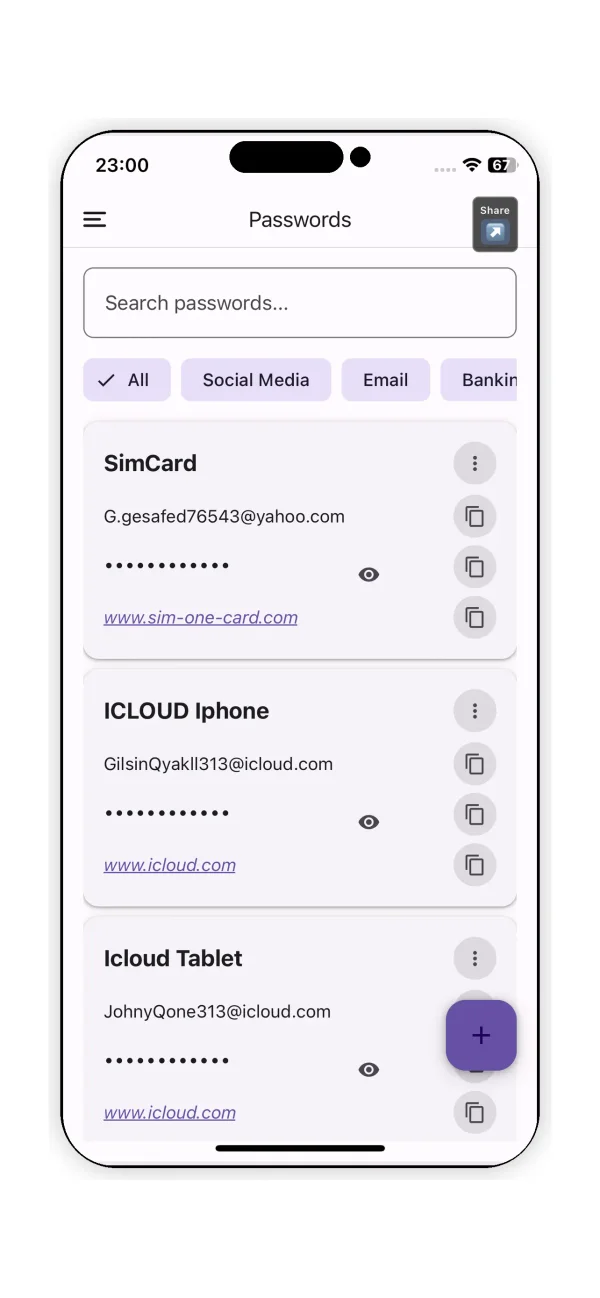
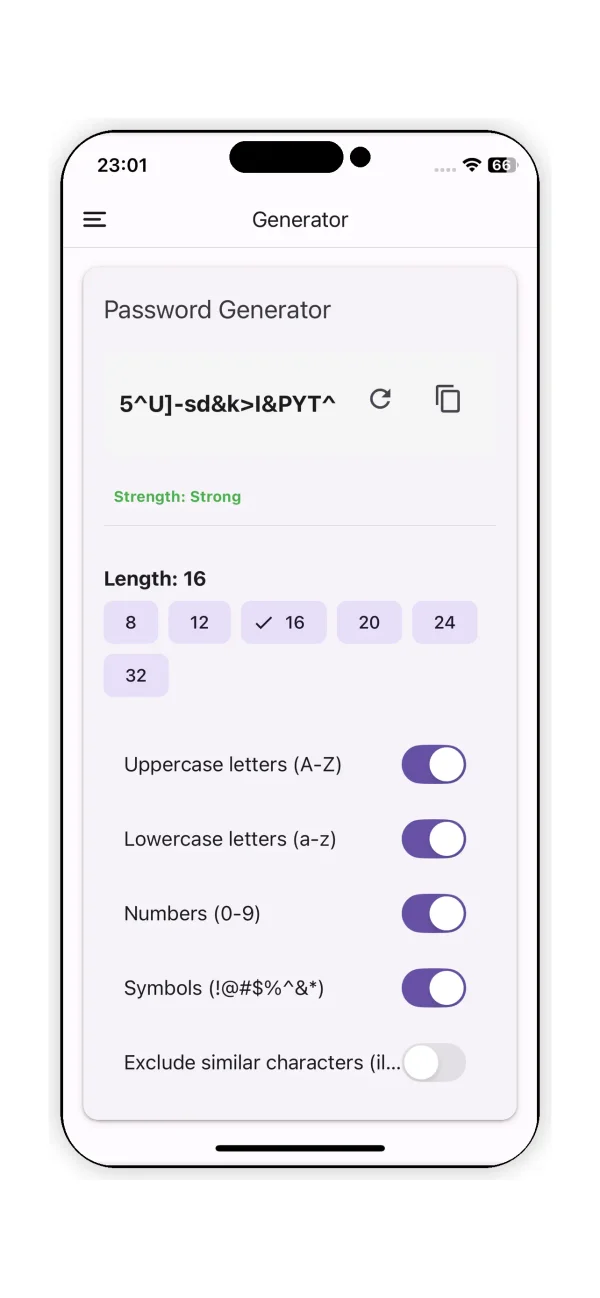
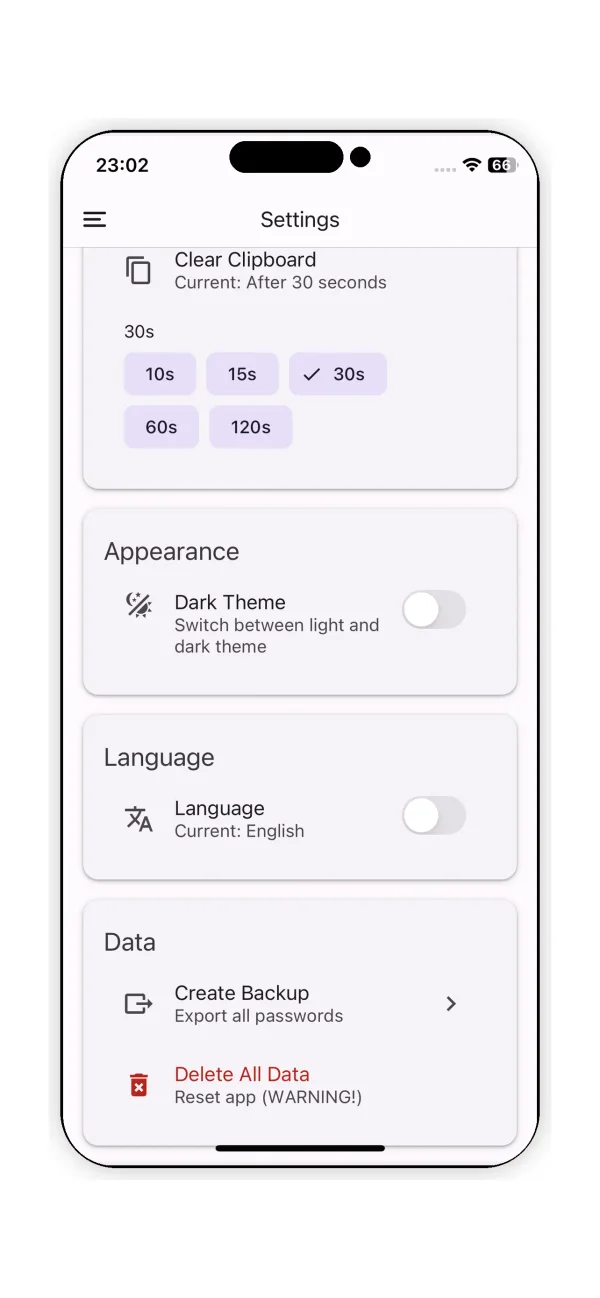

About
Psave: The Simple, Private Password Manager for iOS
Tired of complex password managers that track you or require a subscription? Psave is the solution. It’s a completely offline, local-only password manager designed for users who value privacy above all else.
Your Data, Your Device. Period.
Psave stores all your passwords directly on your iPhone or iPad. No data ever leaves your device. There are no servers, no cloud backups, and no third-party access. This means your sensitive information stays under your control at all times.
Simple, Secure, and Free.
We believe security shouldn’t be complicated or expensive. Psave is free to use with no hidden fees, no in-app purchases, and no advertisements. Its straightforward interface makes it easy for anyone to start managing their passwords securely, without a steep learning curve.
Key Features:
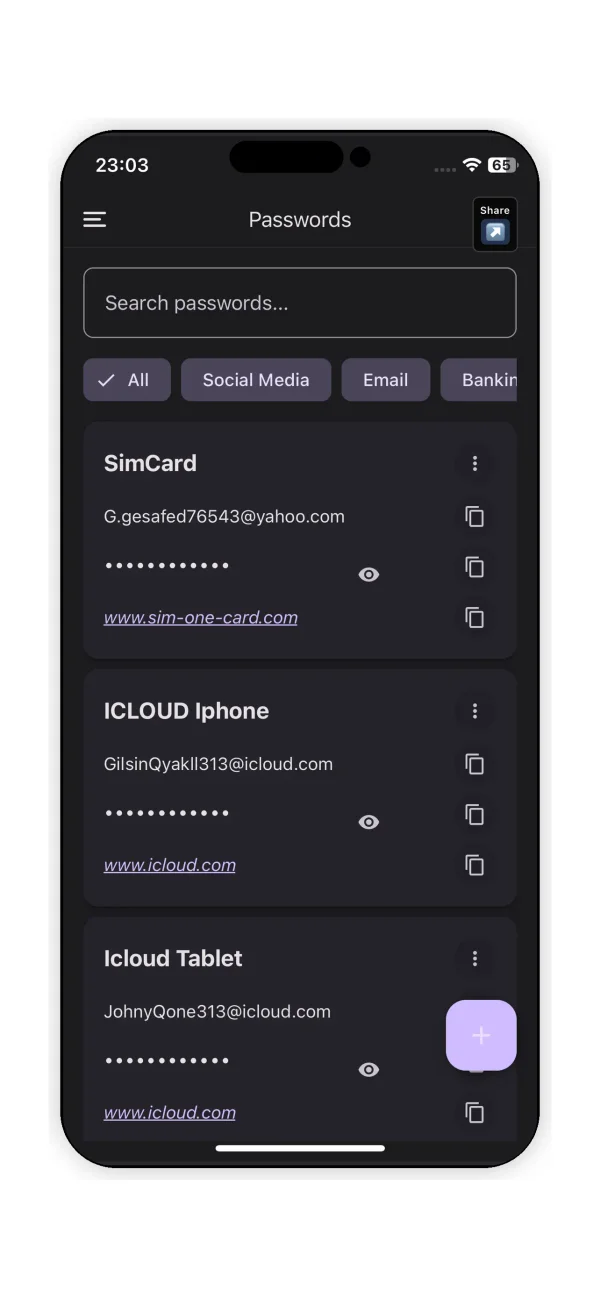
Local-Only Storage: All passwords are encrypted and saved only on your device. Never transmitted or stored online.
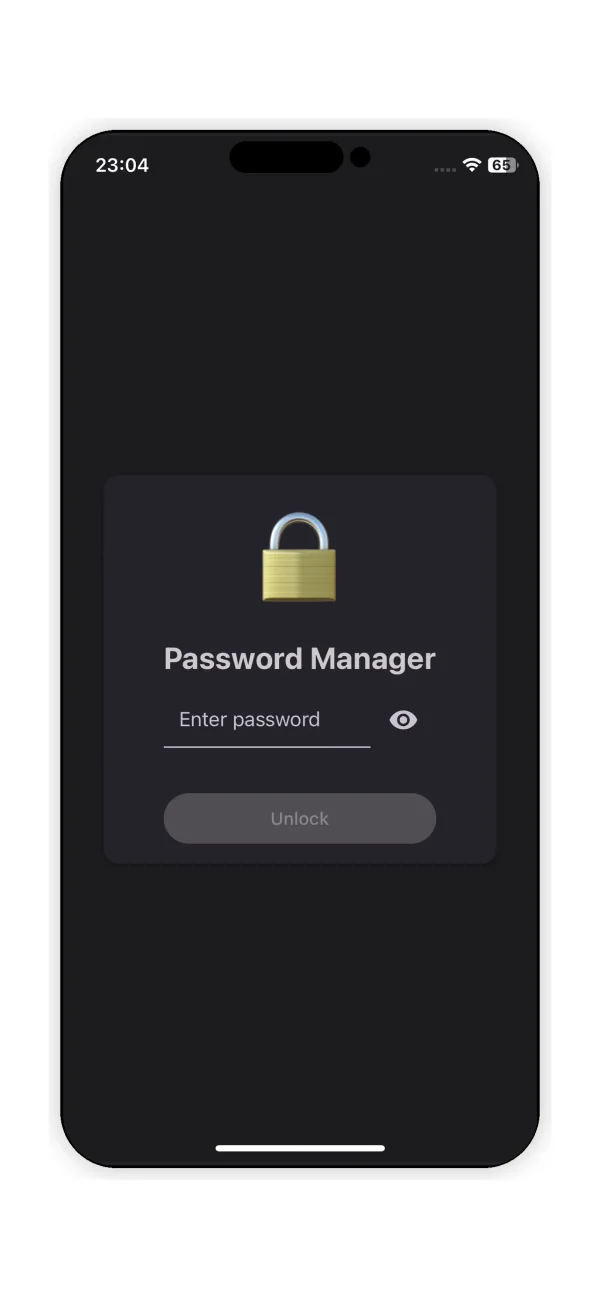
Master Password Protection: Lock your entire vault with a single master password. Access requires this password every time.
Auto-Lock Feature: Automatically locks the app after a period of inactivity to protect your data if your device is left unattended.
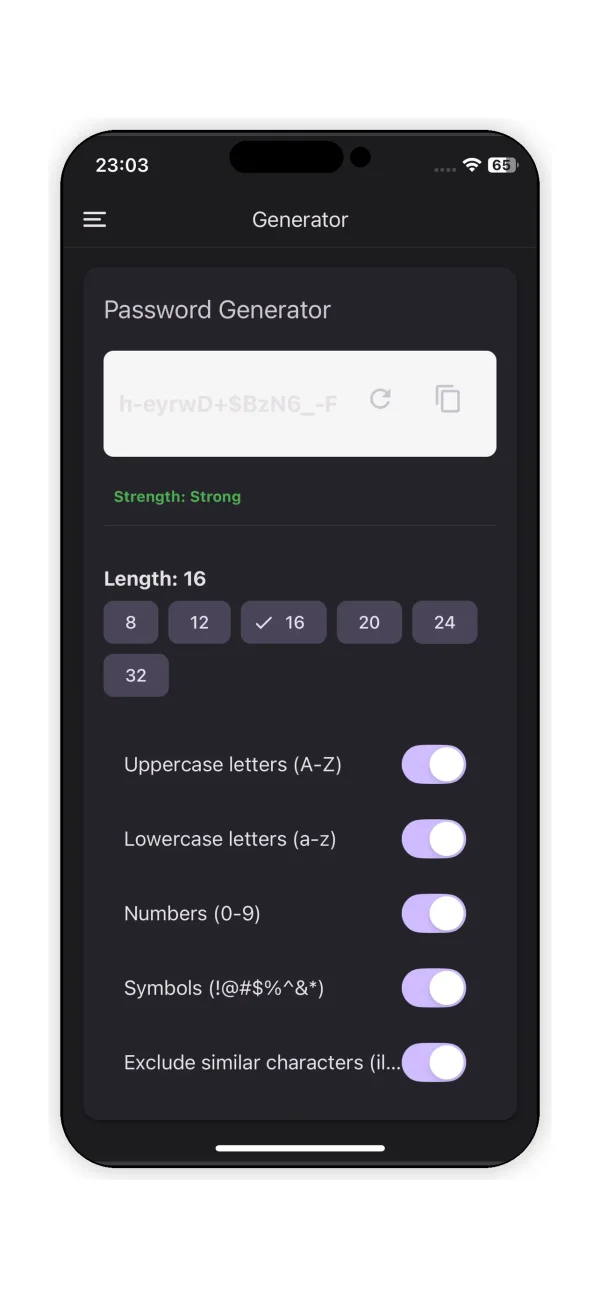
Password Generator: Create strong, random passwords with customizable length and character sets (uppercase, lowercase, numbers, symbols).
Search & Categorize: Quickly find any password using the search bar or filter by category (Social Media, Email, Banking, etc.).
Export Backup: Easily export all your passwords as a CSV file for safekeeping on your computer or external drive.
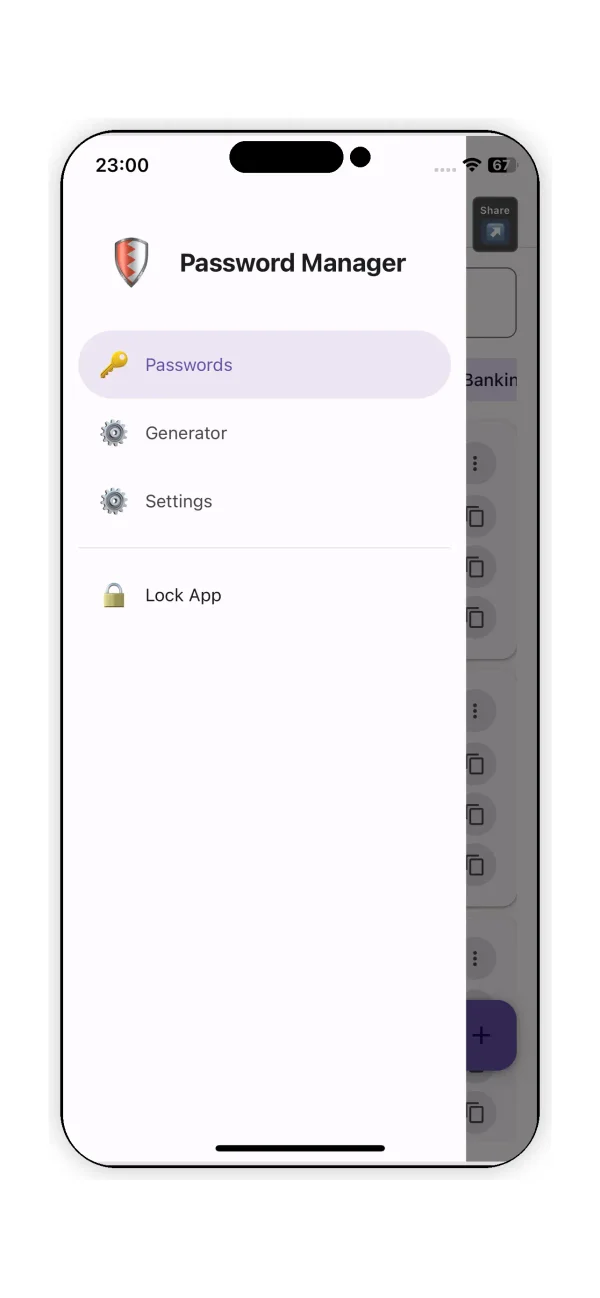
Dark Mode & Language Support: Choose between light and dark themes, and switch between English and German for a comfortable user experience.
Clipboard Auto-Clear: For added security, copied passwords automatically clear from your clipboard after a set time.
Why Choose Psave?
In an age where data breaches and surveillance are common, Psave offers peace of mind. It’s not just a tool; it’s a commitment to your digital privacy. You don't need to trust a company with your secrets — because Psave doesn't collect them in the first place.
Get Started Today.
Download Psave now and take control of your online security. Simple setup, powerful protection, and total privacy — all on your iOS device.
Note: Psave does not offer cloud sync. If you need to access your passwords across multiple devices, this app is not for you. Psave is designed for users who prioritize absolute local control and privacy over convenience.
App privacy
What Ergun Bassan declares on the App Store about how this app handles data.
-
Data not collected
The developer does not collect any data from this app.
Privacy practices may vary, for example with the features you use or your age.
Information
- Seller
- Ergun Bassan
- Category
- Utilities
- Version
- 1.0.1
- Updated
- Nov 13, 2025
- Released
- Nov 13, 2025
- Size
- 34.0 MB
- Requires
- iOS 15.1 or later
- Age rating
- 4+
- Price
- Free
- Languages
- English
- Copyright
- © abssn
You might also like
-
 Keep It password managerPassword manager
-
 LockIt: Locker PasswordsNever Forget Locker Passwords
-
 Car Ledger: Service BookMaintenance, fuel & oil log
-
 SafePass+Utilities
-
 TeamsMasterUtilities
-
 Trakli | Income & ExpenseUtilities
-
 My Passwords: Password ManagerPrivacy Token Data Local Vault
-
 CodeYam CounterCount anything, beautifully
-
 Password Generator: KeegenCreate safe passwords
-
 SafeKey — Password ManagerOffline Password Manager