
- Age rating4+
- CategoryProductivity
- DeveloperMiron Neborskii
- LanguagesEnglish+ 4 more
- Size28.7 MB
Links to the official App Store page
Download.org hosts no file of My Storage: Warehouse. The button opens its official App Store page, published by Miron Neborskii. Listing last checked on Nov 17, 2026.
Screenshots



About
Keep track of what you store and find things in seconds. My Storage helps you stay organized at home, in the garage, and anywhere you keep your belongings.
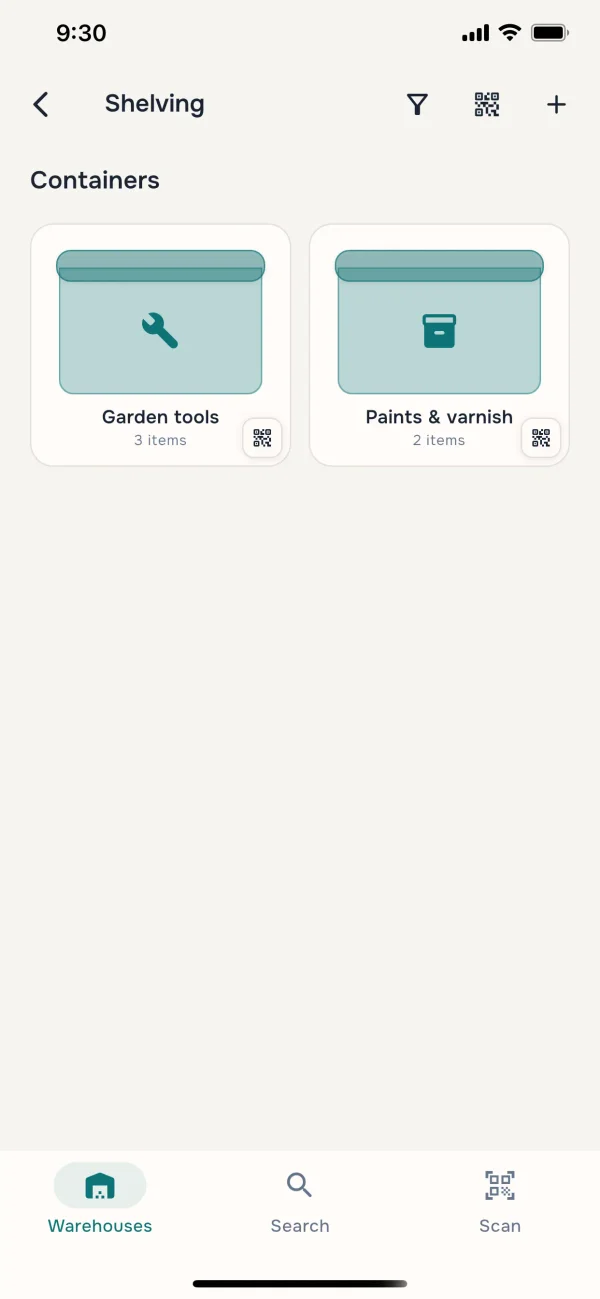
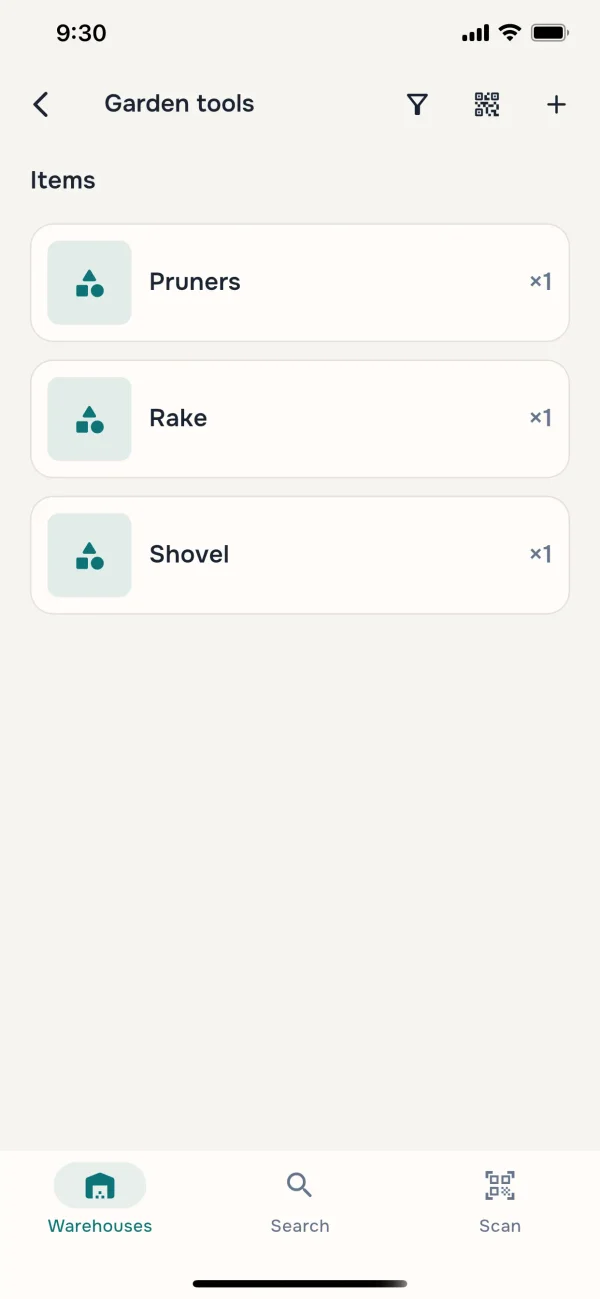
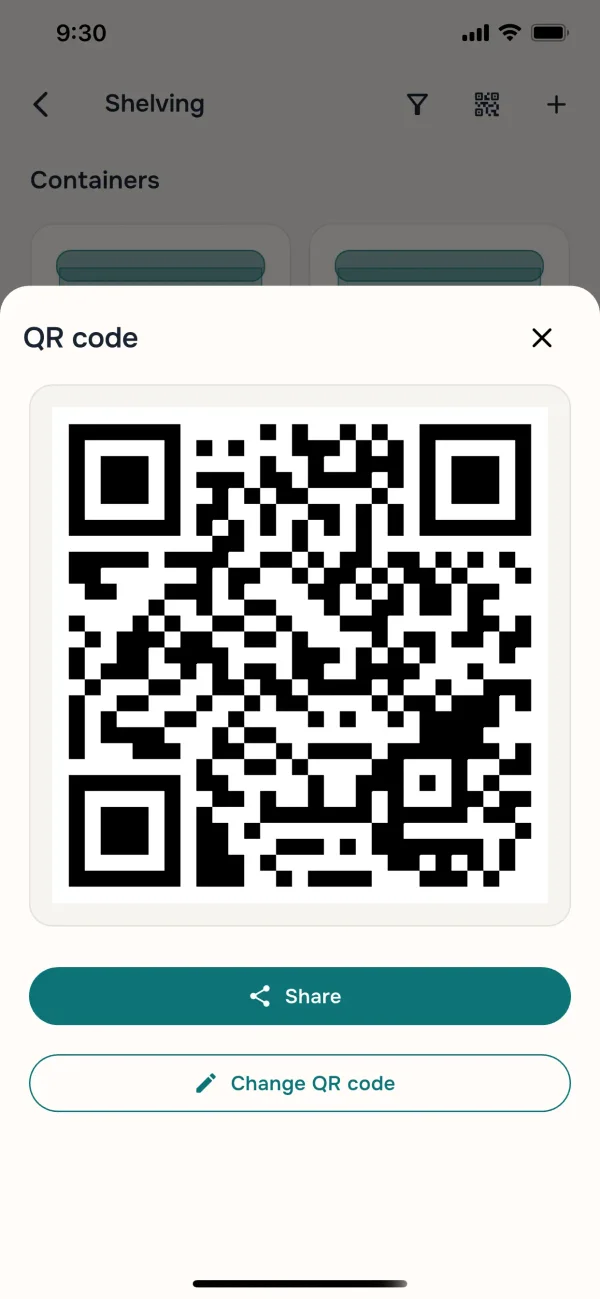
Create warehouses for your home, garage, country house, or storeroom. Split them into zones and containers, add items with photos and quantities, link QR codes to zones and containers — and open the right list with a single scan.
HOW IT WORKS
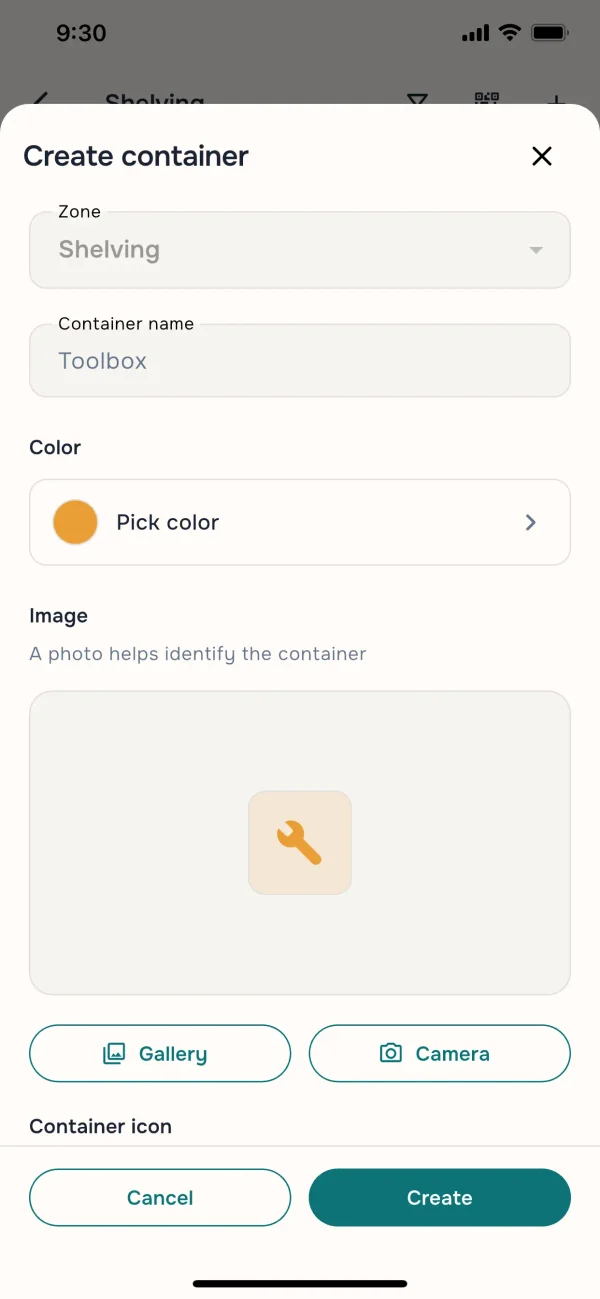
• Create a warehouse and add zones or containers
• Add items and assign them to the right place
• Generate a QR code, print it, and stick it on a box or shelf
• Scan the code — the app shows what is inside
FEATURES
• Flexible structure: warehouses, zones, containers, and items
• QR codes: create, share, scan, and link to locations
• Search across warehouses, zones, and containers
• Documents (PDF and photos) attached to a storage location or item
• Photos, colors, and icons for quick recognition
• Passcode, Face ID / Touch ID
• Works offline — your data stays on your device
GREAT FOR
• Home storage and seasonal items
• Tools and spare parts in the garage
• Moving boxes
• Hobbies, sports gear, and collections
What’s new
Version 1.2.0 · Sep 30, 2026
You can attach PDFs or photos to any warehouse, zone, container, or item.
New languages: German, French, and Spanish
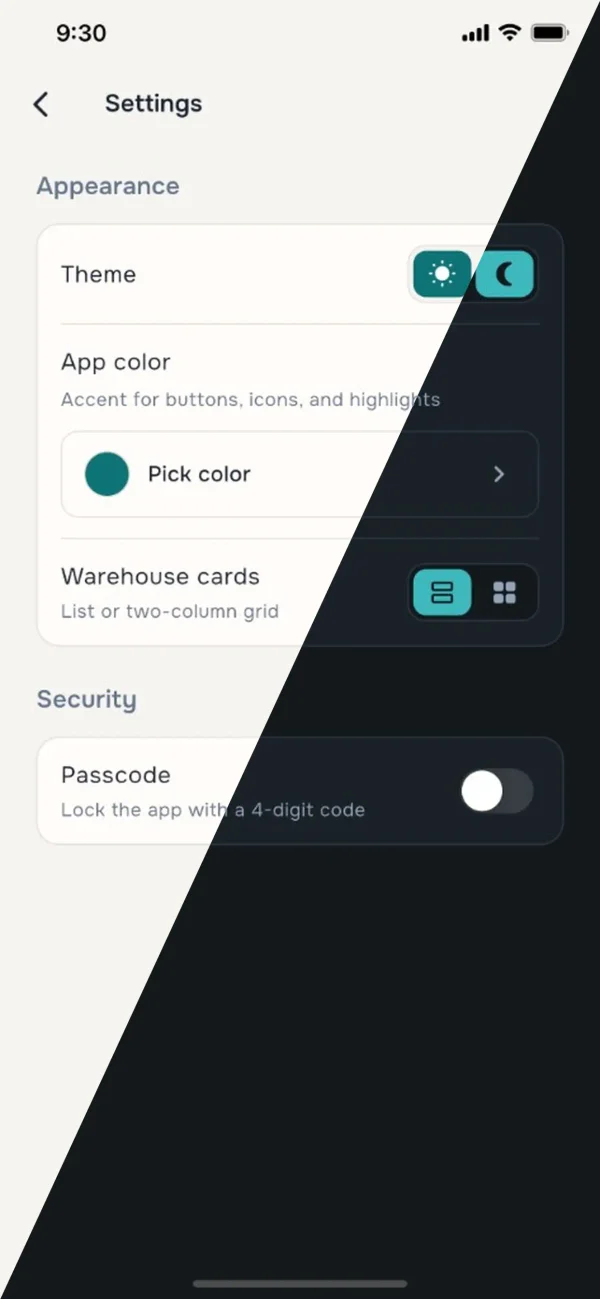
The Settings screen has been updated
This version also includes bug fixes and other minor improvements
App privacy
What Miron Neborskii declares on the App Store about how this app handles data.
-
Data not collected
The developer does not collect any data from this app.
Privacy practices may vary, for example with the features you use or your age.
Information
- Seller
- Miron Neborskii
- Category
- Productivity
- Version
- 1.2.0
- Updated
- Sep 30, 2026
- Released
- Jun 8, 2026
- Size
- 28.7 MB
- Requires
- iOS 15.0 or later
- Age rating
- 4+
- Price
- Free
- Languages
- English, French, German, Russian, Spanish
- Copyright
- © Twwan
You might also like
-
 Где лежит? — учет вещейProductivity
-
 Spacy: Home Inventory & QRQR Labels, Boxes & Search
-
 StashMap — Home InventoryKnow where everything is
-
 ItemSpotSmart Item Location Tracker
-
 Storage Tracker ProProductivity
-
 What's in that Box?Smart storage for every space
-
 StuffioOrganize Your Belongings
-
 Where Is My ThingSnap once, find anything.
-
 Box’d InventoryHome inventory & item tracker
-
 Коммуналка.ПРОProductivity