
- Age rating4+
- CategoryUtilities
- Developerhuajun xia
- LanguagesSimplified Chinese+ 2 more
- Size108.7 MB
Links to the official App Store page
Download.org hosts no file of My T Data. The button opens its official App Store page, published by huajun xia. Listing last checked on Nov 19, 2026.
Screenshots


About
Footprint maps and a travel passport
Explore recorded routes on full-screen Standard, Satellite and Hybrid maps on the iPhone Duo inner display and iPad. Reveal places along your drives, view 3D buildings, switch day and night appearances, and filter by date.
Designed for iPhone Duo
Explore a spacious map on the inner display and browse footprint cards and your passport on the outer display, with layouts that adapt to both displays and landscape use. Your passport brings together journey milestones and country, state/province and city stamps. Zoom in to reveal parking visits and known stop durations. Center your phone location while keeping the map scale and viewing angle.
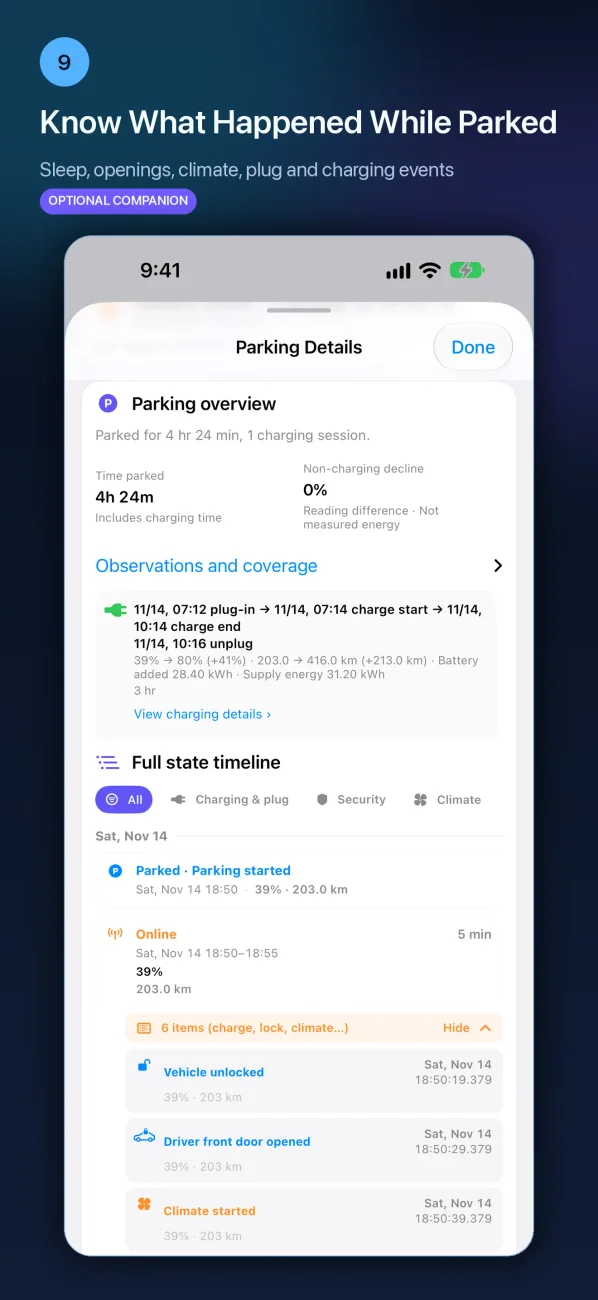
• Cleaner Overview: sleep and charging no longer repeat the same facts; Places and Together share one compact shortcut.
• Today’s drives and regeneration sit on a single summary row. You can still turn each Overview card on or off in Settings.
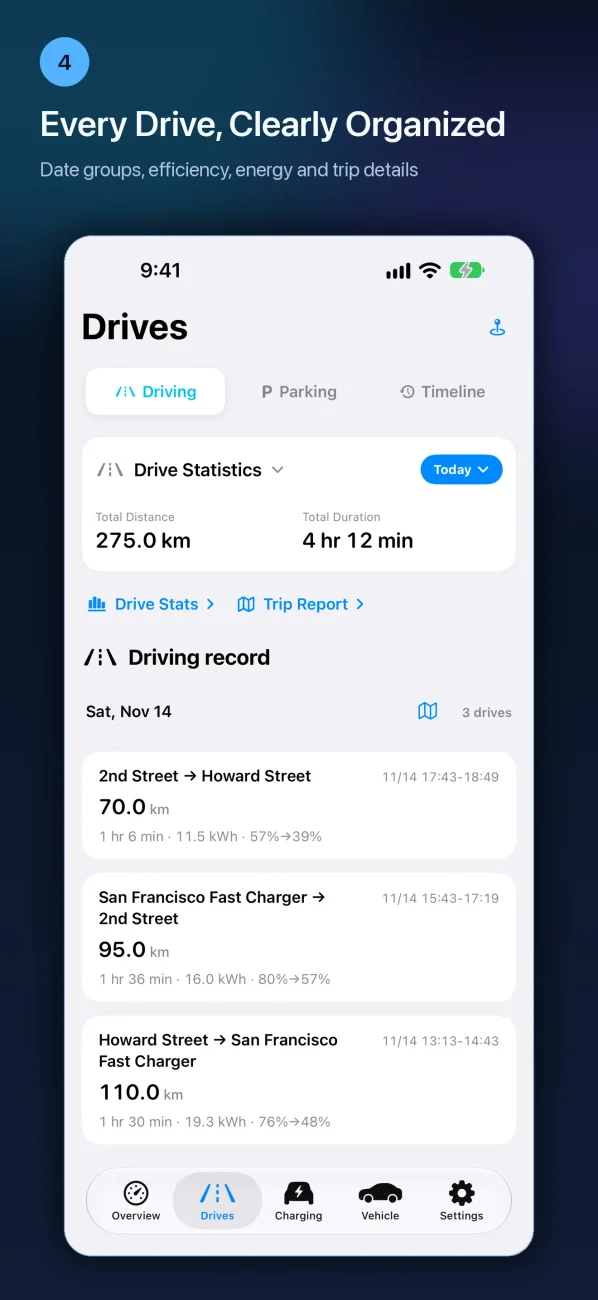
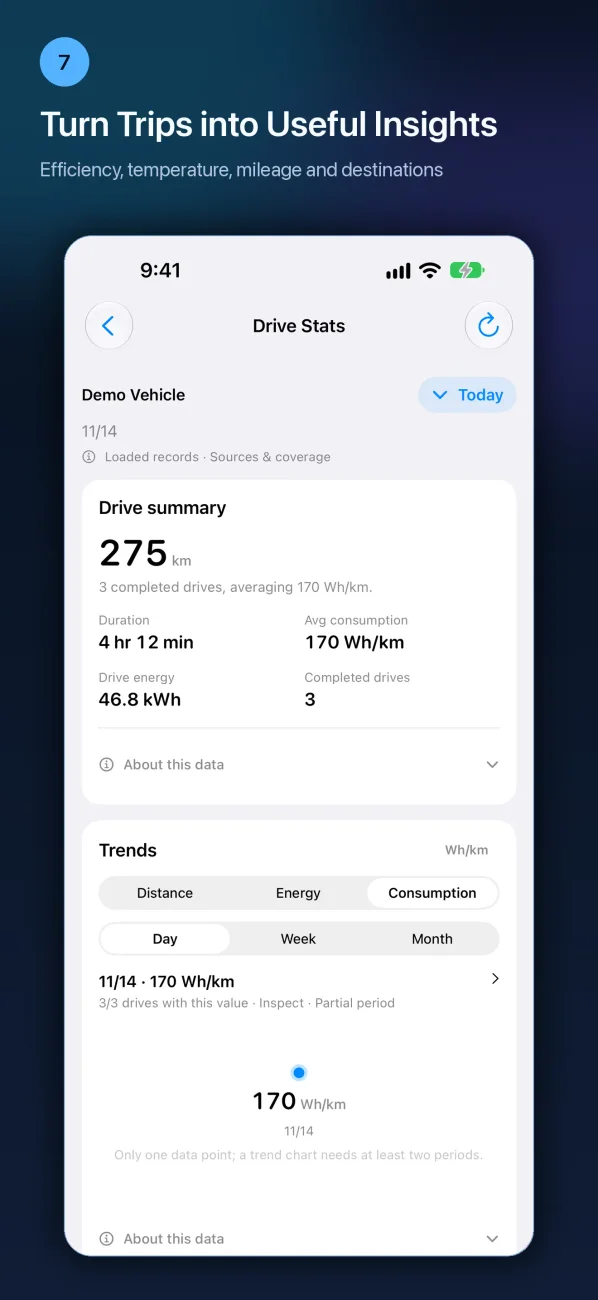
• Drive details open with the route and a short recap; extra metrics stay under Detailed Analysis.
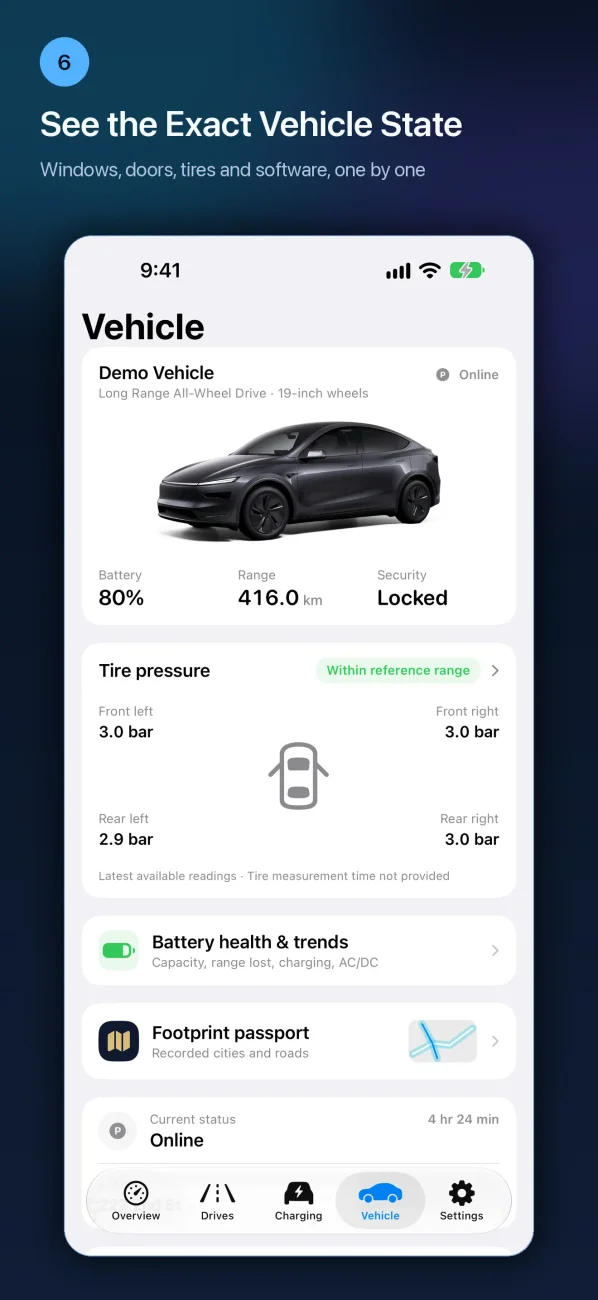
• Vehicle Software shows firmware and FSD side by side in the same large type.
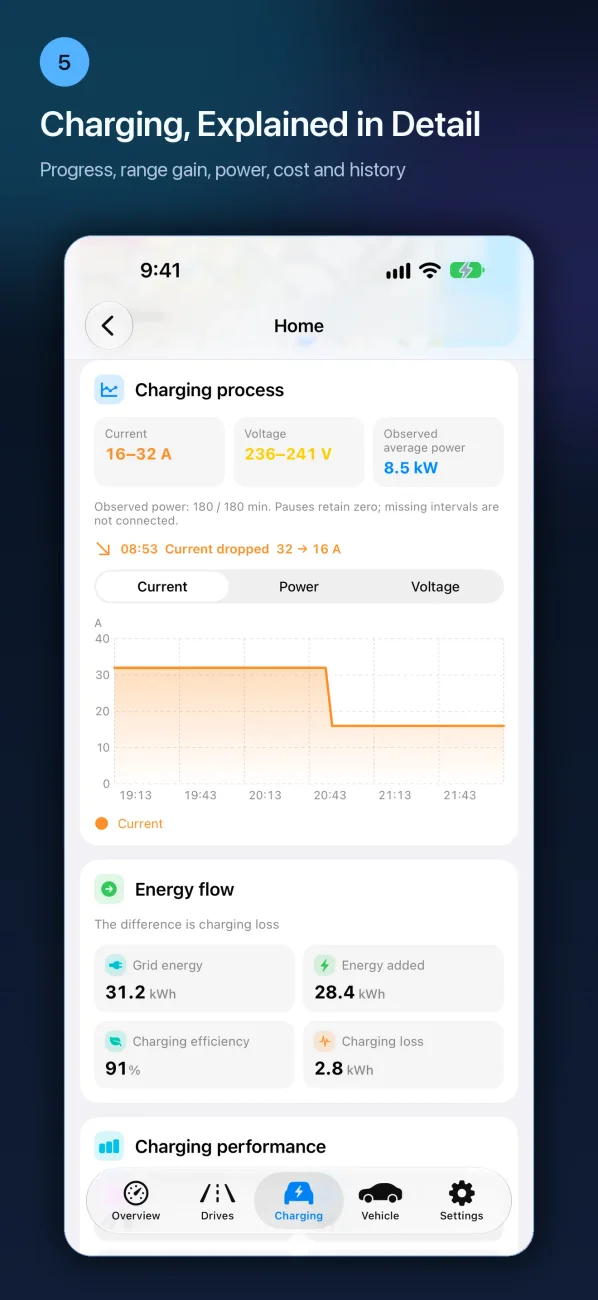
• Tap the charging header for live readings. DC charge history lists power in kW only.
• Journey summaries can be saved as a route overview image, without street addresses.
• Navigation Live Activities no longer show street names on the Lock Screen.
What’s new
Version 8.06 · Nov 15, 2026
• A fresh visual design: unified type sizes, spacing and colors, clearer numbers, and better readability in Dark Mode, Light Mode and larger text sizes.
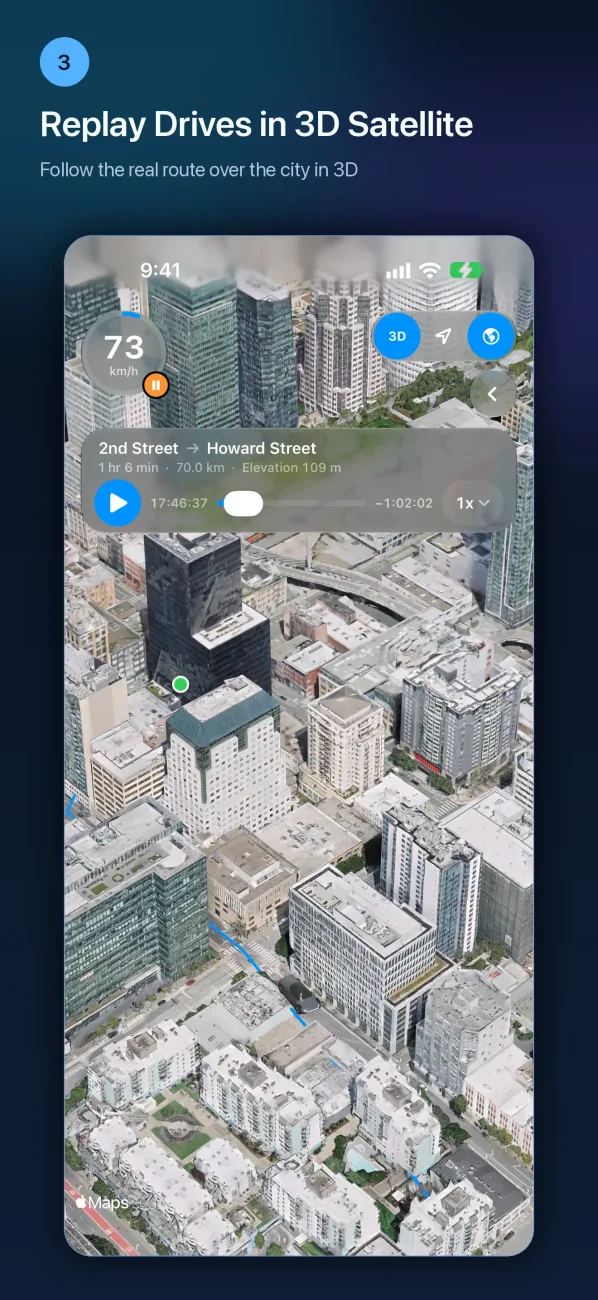
• Trip replay: heading-up or north-up, 2D/3D switching, and a 3D Model 3/Model Y that you can lock onto and follow over 3D satellite cities.
• Footprint map: full-screen maps on iPad and iPhone Duo; unexplored areas still show the base map, street names appear as you zoom in, and parking spots are numbered.
• Smoother Overview full-screen maps (Find My Car and Expand): zooming, rotating, panning and 3D tilt now feel fluid, and map controls are repositioned for iPhone, iPad and iPhone Duo for easier one-handed reach.
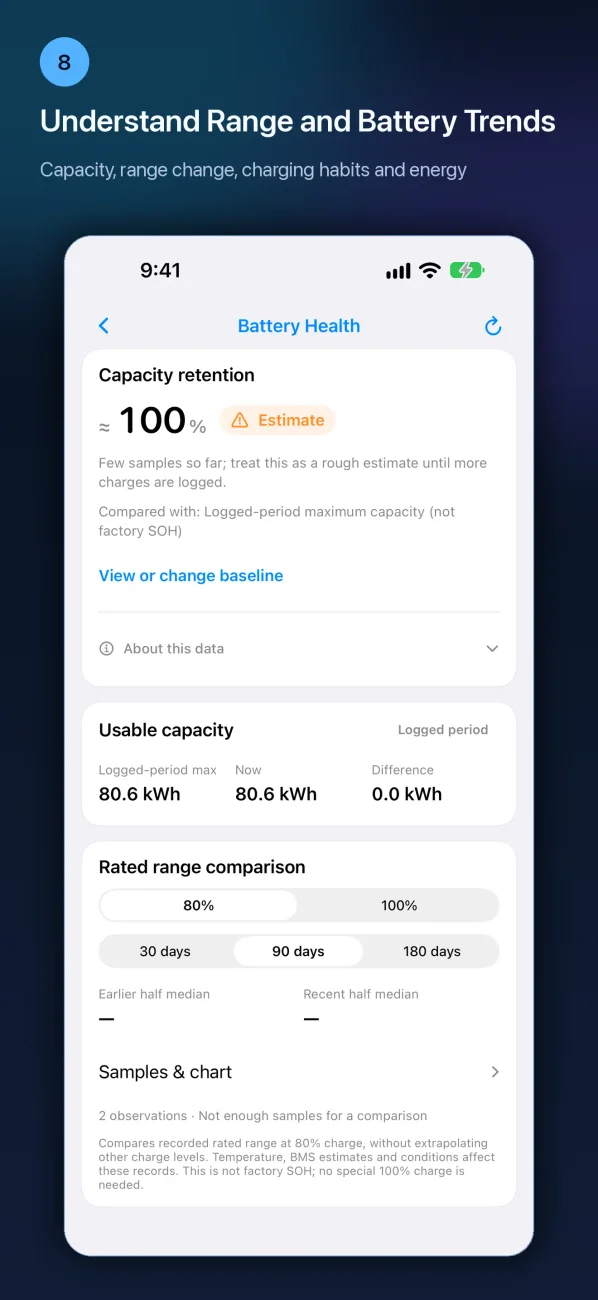
• More accurate battery health, charging and parking data, plus overall stability improvements.
App privacy
What huajun xia declares on the App Store about how this app handles data.
-
Data linked to you
May be collected and linked to your identity.
- Identifiers
- Usage data
Privacy practices may vary, for example with the features you use or your age.
Information
- Seller
- huajun xia
- Category
- Utilities
- Version
- 8.06
- Updated
- Nov 15, 2026
- Released
- Jul 15, 2026
- Size
- 108.7 MB
- Requires
- iOS 18.0 or later
- Age rating
- 4+
- Languages
- Simplified Chinese, Traditional Chinese, English
- Copyright
- © 2026 Har
You might also like
-
 故事地图Utilities
-
 Route Tracking lightFollow and record path of move
-
 Cloud Authenticator: MFA & 2FAotp, two factor authentication
-
 QianTu ShowQianTu
-
 Teslog - TeslaMate Mobile AppVehicle Data from TeslaMate
-
 SSE PriceWatchUtilities
-
 Authenticator App 2FA SecurityMFA, 2FA, OTP ID Secure Code
-
 HTTPocket - WiFi File TransferTransfer, Manage & Convert
-
 MakePaper - Wallpaper StudioMake wallpaper from ideas.
-
 Mr.InkUtilities