My Tempus Life Progress Widget
Life Counter & Visual Grid
Designed for iPhone, iPad
Free · In-app purchases
- Age rating4+
- CategoryLifestyle
- Developer军 黄
- LanguagesEnglish
- Size32.5 MB
Links to the official App Store page
Download.org hosts no file of My Tempus Life Progress Widget. The button opens its official App Store page, published by 军 黄. Listing last checked on Nov 28, 2026.
Screenshots
About
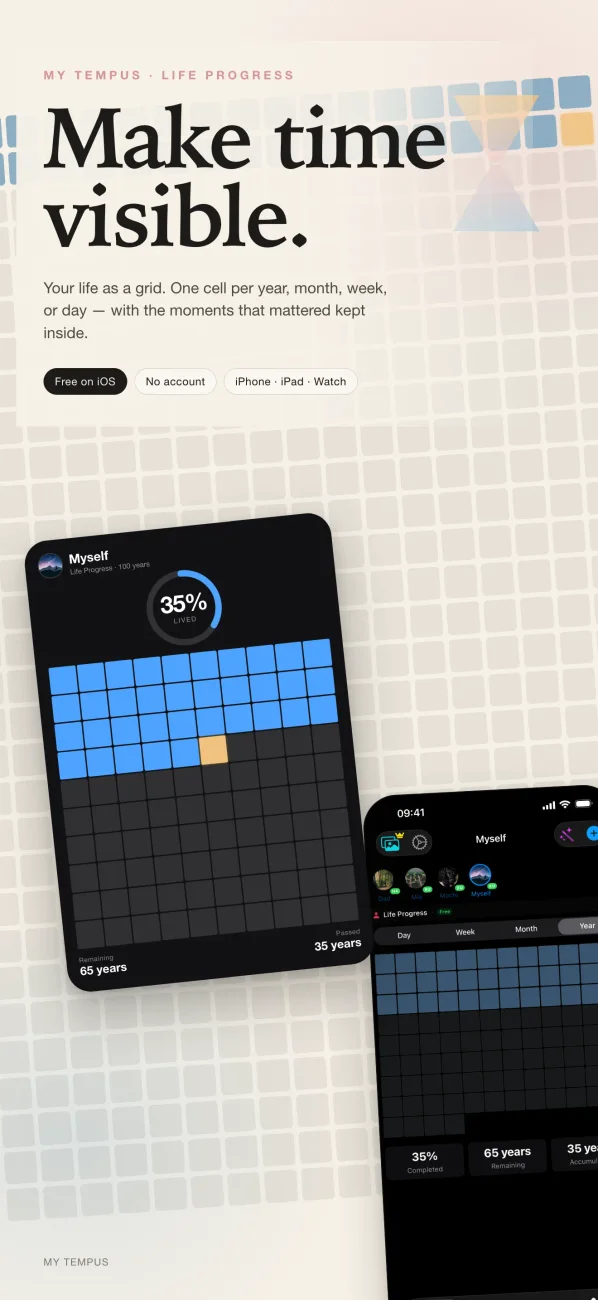
Your life is made of moments. My Tempus gives every one a beautiful place in your story — an interactive grid you can explore, a journal with six ways to look back, immersive recaps that play your memories back to you, companions who matter most, event timers for what's ahead, and stunning widgets that make every glance meaningful. All private, all on your device. Four themes: System, Light, Dark, and Sepia.
--------------------
CORE FEATURES
--------------------
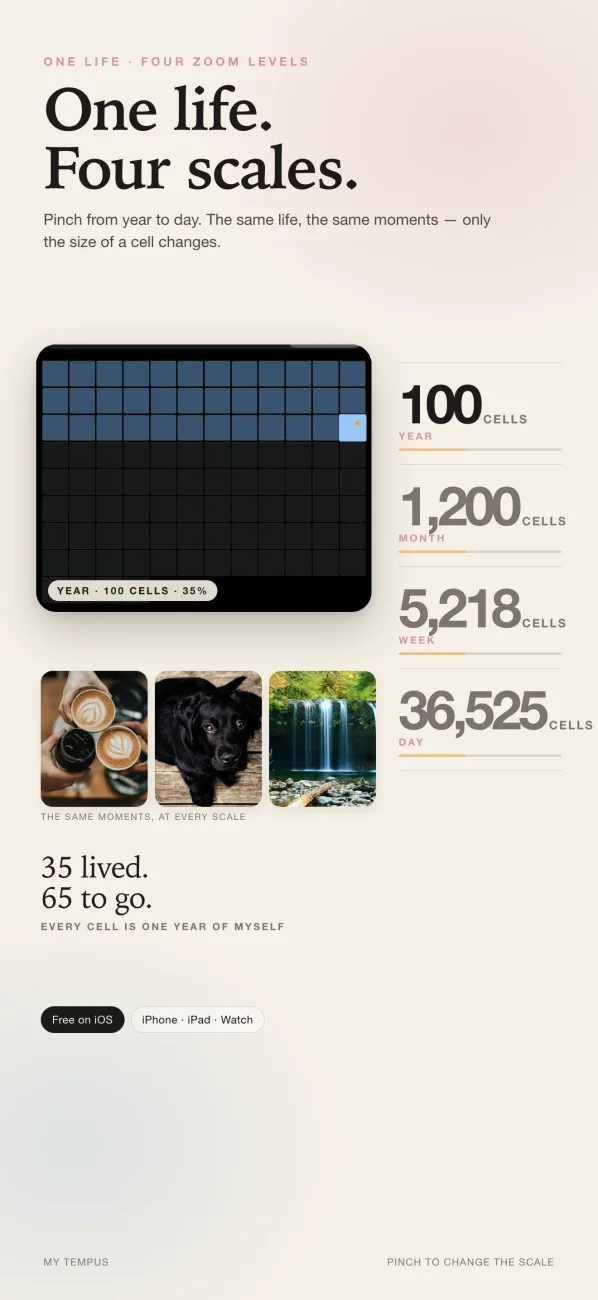
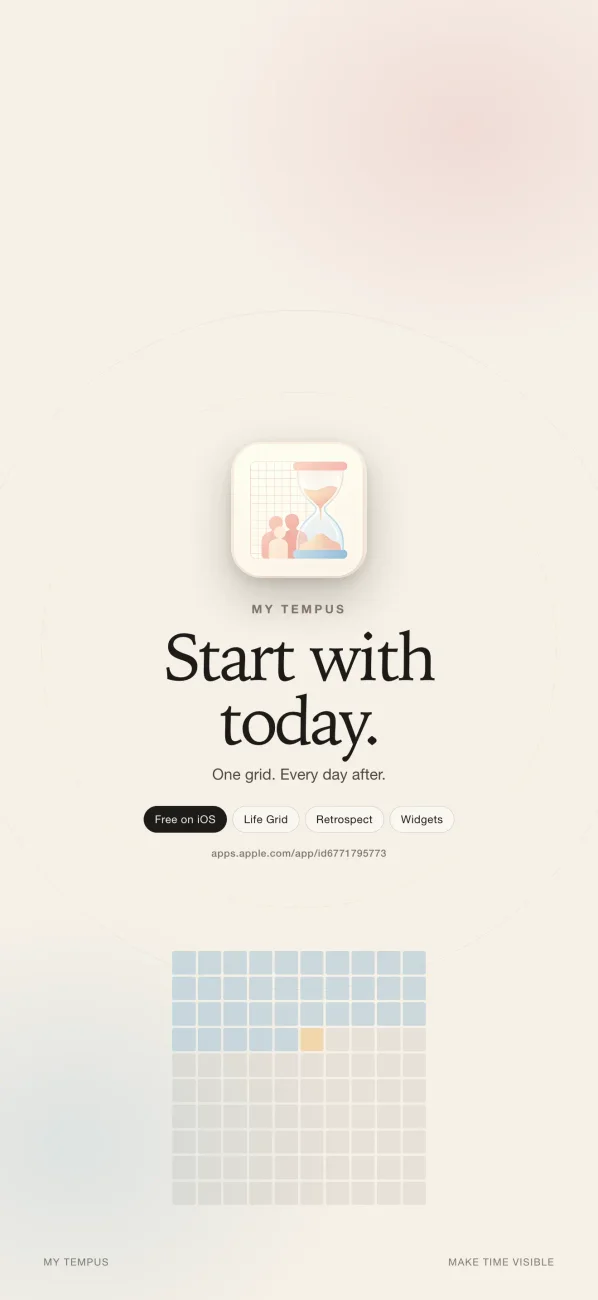
• INTERACTIVE LIFE GRID — Switch from Day to Year and feel your journey take shape, cell by cell. Your present glows yellow; the past is blue, the future gray. Starred cells hold memories; colored dots mark events. Tap any cell to revisit a moment, record something new, or see how far you've come — completion percentage and days remaining always in view. Thirteen templates track everything from a child's growth to an exam countdown.
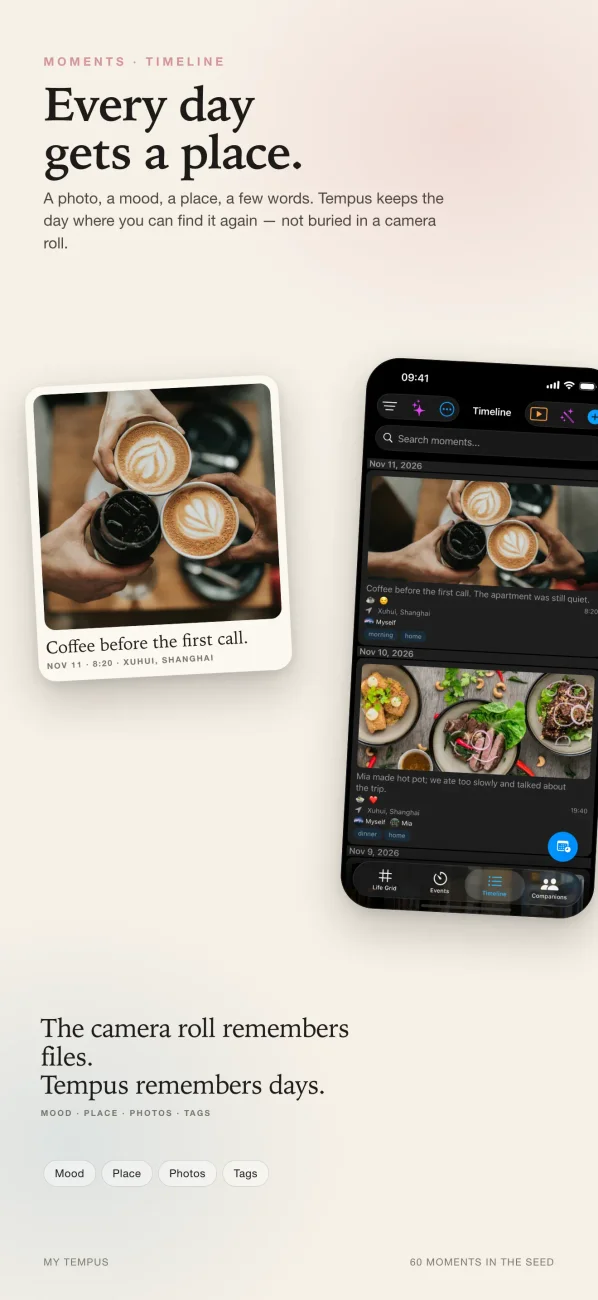
• RICH MOMENT CAPTURE — Capture what moves you. Choose from 15 moods, write freely, and attach up to 6 photos or videos. Tag your location, add custom tags, link companions and events. Quick Record notes a mood in one tap. Share any moment as a beautifully styled image card.
• SIX WAYS TO RELIVE YOUR STORY — List View gives you full-text search, filters, and a date-jump calendar. Calendar View paints each day with a memory. Year View shows your whole year as a heatmap. Map View plots your geo-tagged moments. Photos View becomes a visual diary. Statistics View reveals your moods, favorite places, and quiet rhythms.
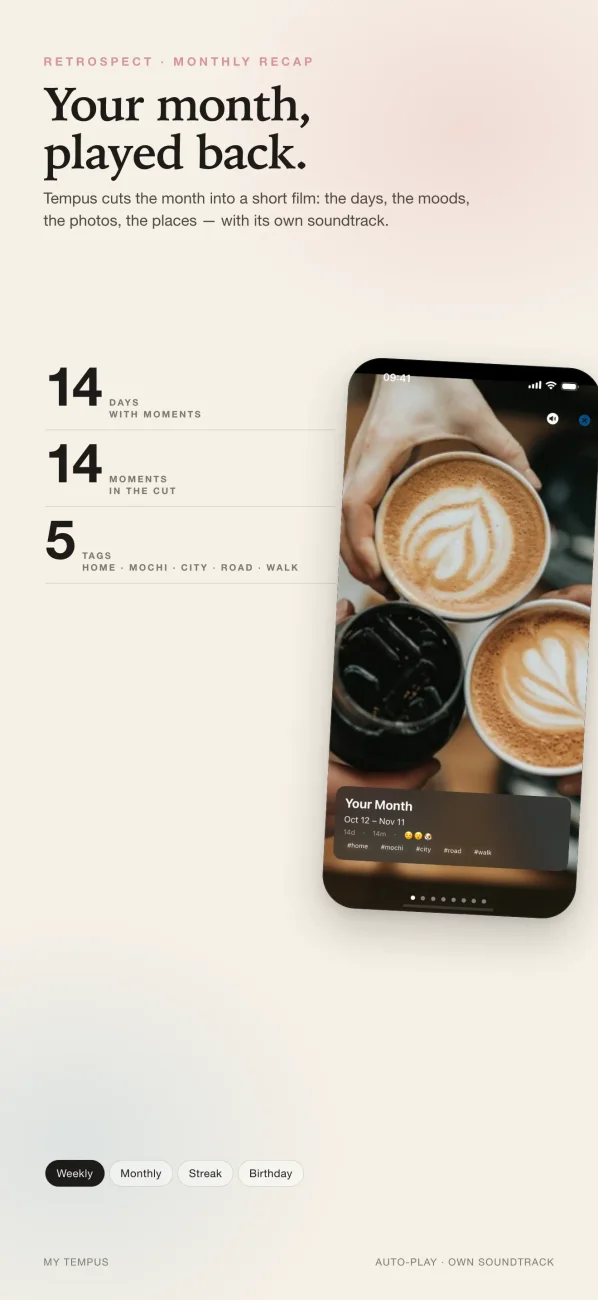
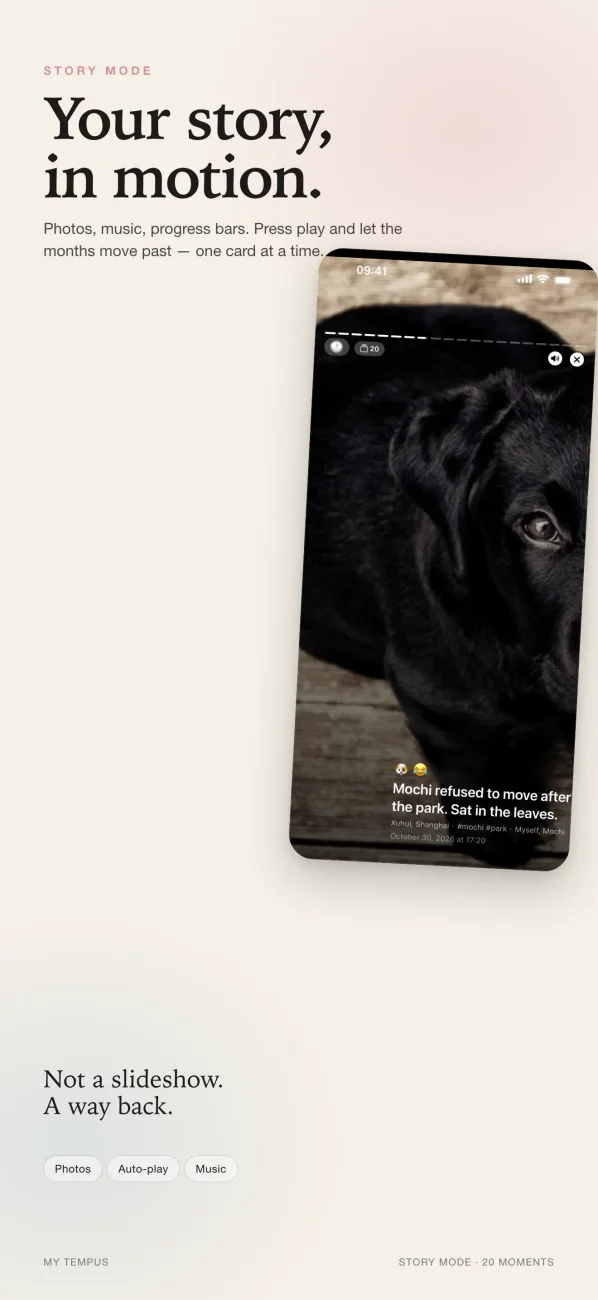
• RETROSPECT & STORY MODE — My Tempus composes your moments into immersive, auto-playing recaps with their own soundtrack — weekly and monthly summaries, streak milestones, birthdays, and completed countdowns, complete with stats, photo memories, and a map of your places. Or press play on Story mode for a full-screen, cinematic look back at your highlights, with configurable playback.
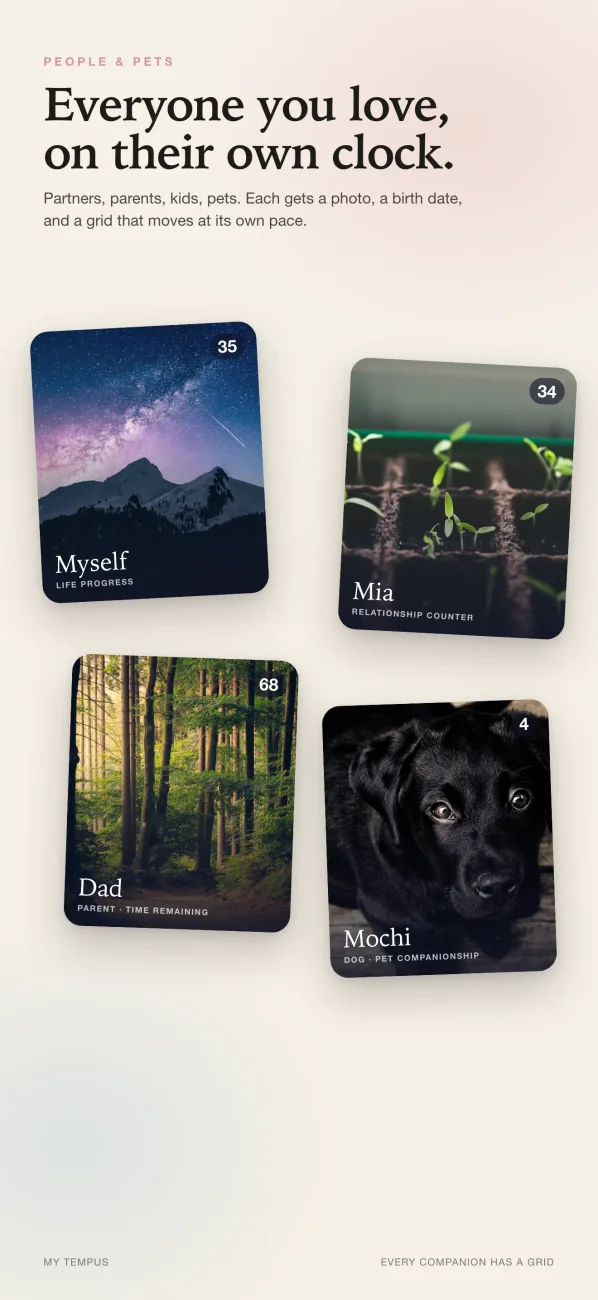
• COMPANIONS — The people you love are part of your story. Create profiles for yourself, your partner, your child, a parent, a pet — anyone whose timeline you want to treasure. Pets get species-typical lifespans. Give them a photo and a birth date, and watch their journey unfold beside yours in real time.
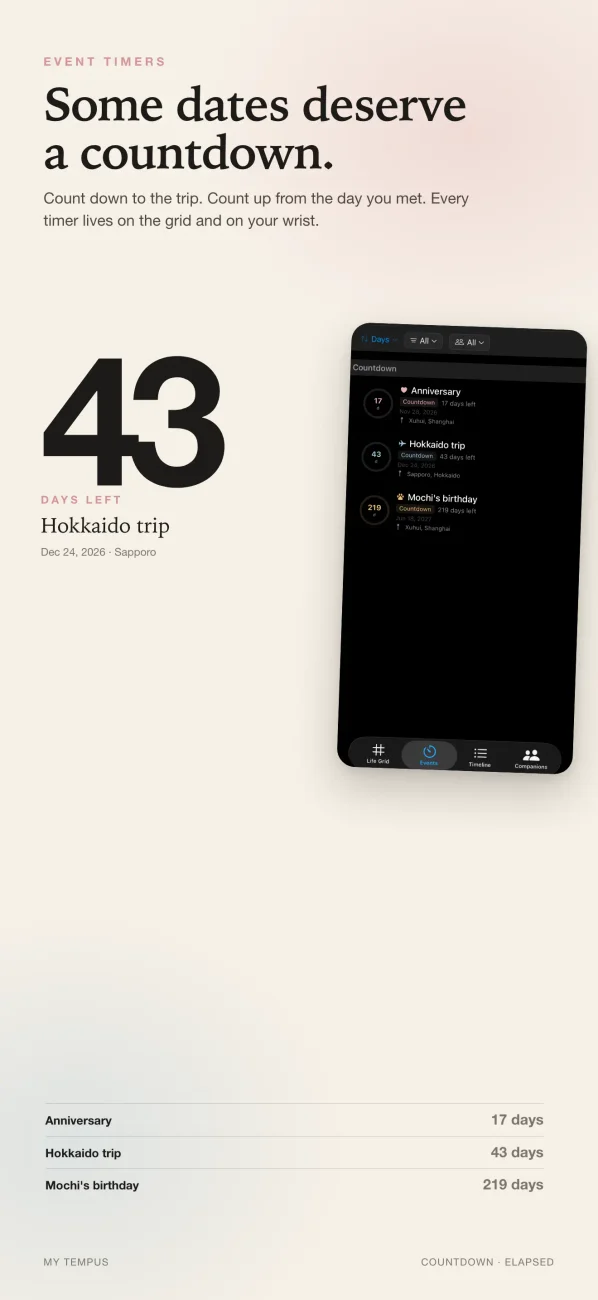
• EVENT TIMERS — Some dates deserve their own countdown. Count days to a wedding or since a life-changing moment. Each timer switches between Countdown and Elapsed. Choose from 50+ icons, 80+ emoji, your own photos, and 8 colors. Timers appear on the grid and in widgets.
• DATA WALLPAPERS — Turn your life into lock screen art. Three styles and five layouts, with premium Storywall and Pure in Pro. Every wallpaper auto-fits your iPhone. Save, set, or share.
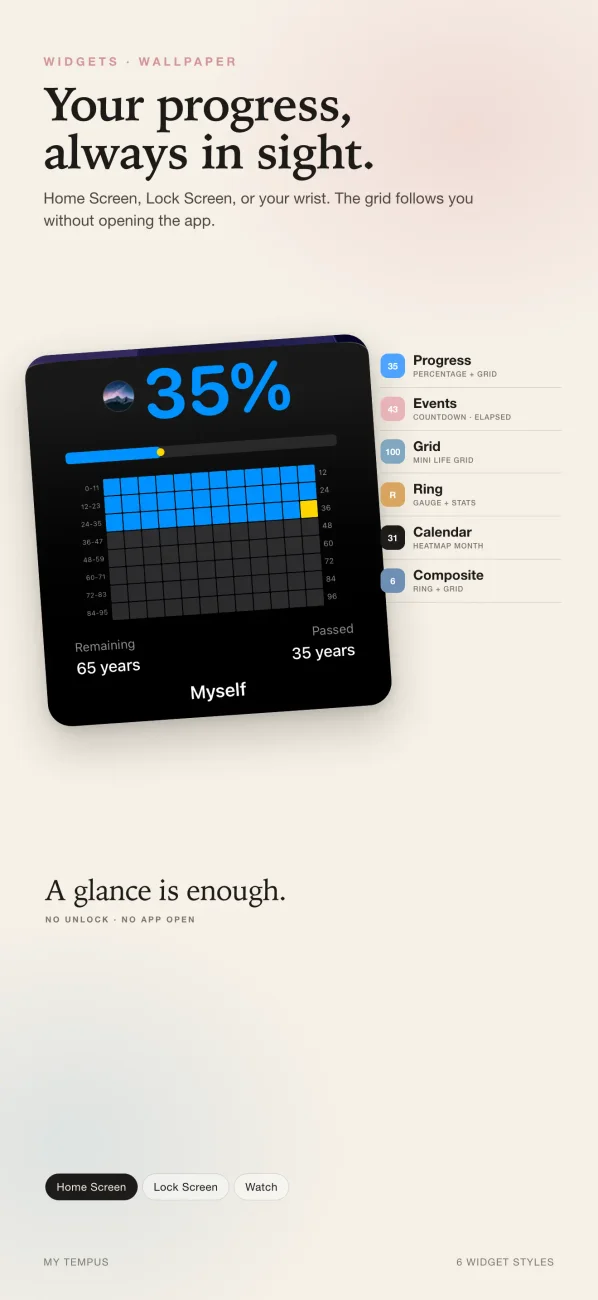
• HOME SCREEN WIDGETS — Six ways to keep your story close. Life Progress, Events, Grid, Ring, Calendar, and Composite — each now showing your active template, on Home Screen and Lock Screen.
--------------------
PRIVACY & PRICING
--------------------
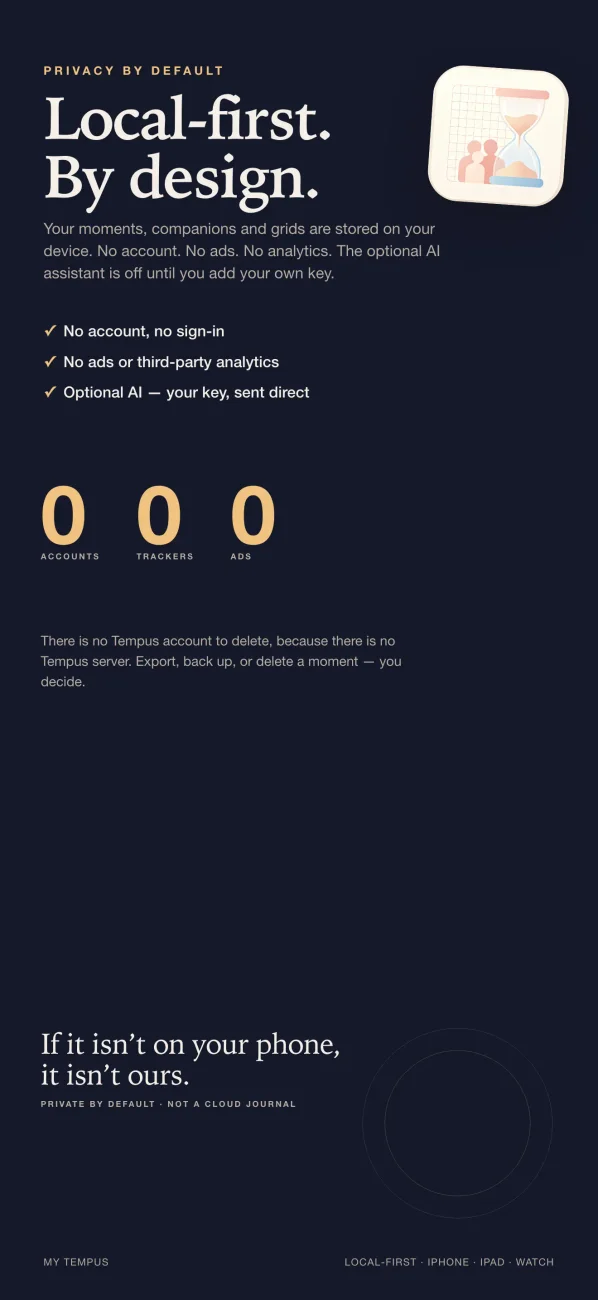
• PRIVATE BY DEFAULT — Everything stays on your device. No account, no cloud, no tracking. An optional AI assistant (off by default) can turn a sentence into a moment using your own API key — nothing else ever leaves your device.
• FREE: 2 companions, 2 moments, 2 event timers, 3 wallpapers/day, Small + Lock Screen widgets, 4 templates.
• PRO: Unlimited companions, moments, event timers, and wallpapers, with premium layouts, milestone stories, auto wallpaper updates, all widget sizes, and all 13 templates. Auto-renewing Monthly or Yearly subscription (7-day free trial), or a one-time Lifetime purchase. Payment is charged to your Apple ID; a subscription renews automatically unless canceled at least 24 hours before the period ends, and can be managed in your Apple ID settings. Restore purchases anytime from Settings.
Privacy Policy: https://jacketime-alt.github.io/support/Tempus/Tempus%20Privacy%20Policy.html
Terms of Use (EULA): https://jacketime-alt.github.io/support/Tempus/Tempus%20Terms%20of%20Service.html
What’s new
Version 4.0 · Nov 27, 2026
Version 4.0 sharpens every corner and adds a whole new way to see your year.
--- SEE YOUR WHOLE YEAR ---
- YEAR TIMELINE VIEW -- A new Year mode in the Timeline shows your entire year as a 12x31 heatmap. Darker days hold more moments. Tap any day to open its record, and jump between years in one tap.
- EVENTS CALENDAR -- Your event timers now have a month-grid calendar view with event dots, titles, and month navigation. Tap any date to see what's ahead or what you've completed.
--- A STORY MODE YOU SHAPE ---
- CONFIGURABLE STORY MODE -- Story mode is now yours to tune. Choose the sort (Highlights, Recent, Chronological, or Shuffle), moment count (All / 20 / 50), content filter (photos or videos), transition, loop, image display, and a 7-track soundtrack. Photos and videos both play inline.
--- PLACES THAT ALWAYS WORK ---
- WORLDWIDE LOCATION SEARCH -- Address search now falls back across multiple geocoders (Apple, Photon, Nominatim, ArcGIS) and supports manual coordinate entry, so tagging a place works reliably even where Apple's geocoder is blocked.
--- CLEANER EVERYWHERE ---
- CELL DETAIL SHEET -- Tap any grid cell to see a unified timeline of that period's moments and events, sorted by date with photo thumbnails.
- FULL-SCREEN ROTATION -- Use My Tempus in portrait or landscape across every screen.
- DOZENS OF FIXES -- Full-resolution cover photos in recaps, more reliable AI moment creation, auto wallpapers that use your latest moments, and tighter layouts across the app.
My Tempus 4.0 -- your story, told your way.
App privacy
What 军 黄 declares on the App Store about how this app handles data.
-
Data not collected
The developer does not collect any data from this app.
Privacy practices may vary, for example with the features you use or your age.
Information
- Seller
- 军 黄
- Category
- Lifestyle
- Version
- 4.0
- Updated
- Nov 27, 2026
- Released
- Jun 9, 2026
- Size
- 32.5 MB
- Requires
- iOS 17.0 or later
- Age rating
- 4+
- Price
- Free
- In-app purchases
- Yes
- Languages
- English
- Copyright
- © 2026 Jun Huang. All Rights Reserved.
You might also like
-
 A Life in Weeks: Life CalendarLife Progress & Time Left
-
 Stats CalendarCan view activity statistics.
-
 Lilith - Habit WidgetsTrack habit, customize widgets
-
 dayme: Mood & Habit TrackerDaily Journal & AI Reflections
-
 Life Time Left: 4K WeeksAI Stoic Journal Calendar
-
 Life Widget - Time ProgressVisualize the flow of time
-
 KUU: Overthinking Brain DumpMind full? Talk. ADHD-friendly
-
 Color Analysis - AI PaletteYour Perfect Seasonal Palettes
-
 StampCalendar DXCute calendar for girls
-
 Diarium Journal: Private DiaryDaily Mood & Travel Notes