My TV Tracker
A simple way to track TV shows
Designed for iPhone
Free · In-app purchases
- Age rating4+
- CategoryEntertainment
- DeveloperGregory White
- LanguagesEnglish
- Size6.1 MB
Links to the official App Store page
Download.org hosts no file of My TV Tracker. The button opens its official App Store page, published by Gregory White. Listing last checked on Nov 12, 2026.
Screenshots

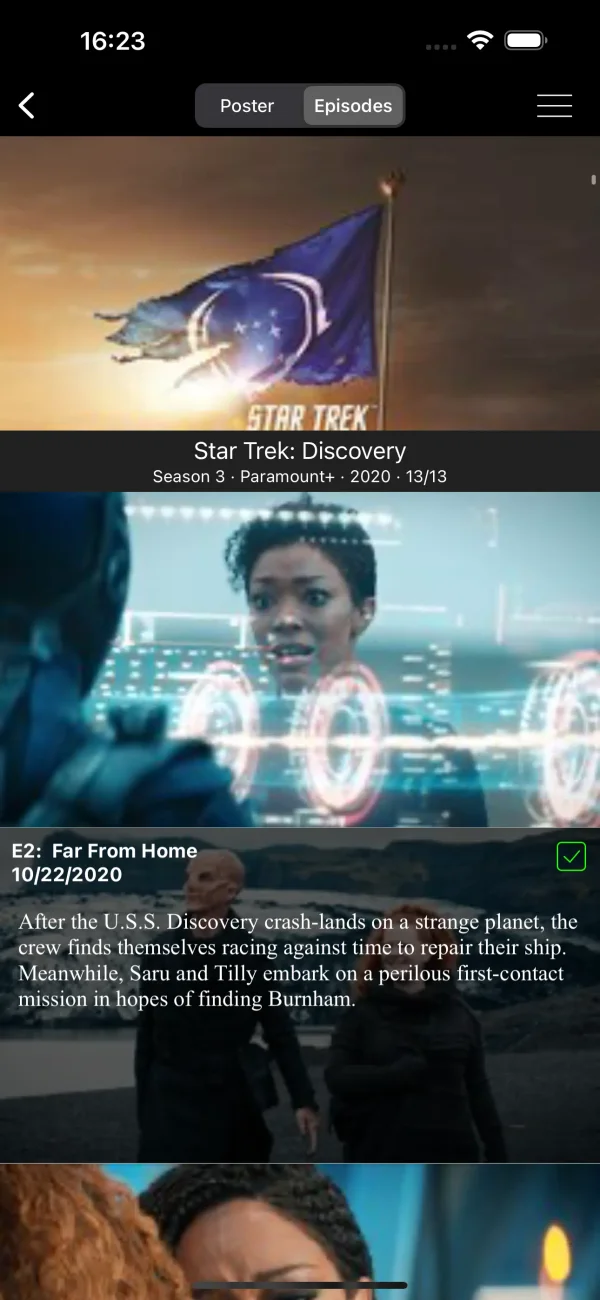

About
About:
- Keep track of up to 3 shows for free to try it out; tracking more shows requires purchase of the app via in-app purchase.
- Creation of an external account and/or login is not required.
- You cannot watch TV shows with this app.
List Functionality:
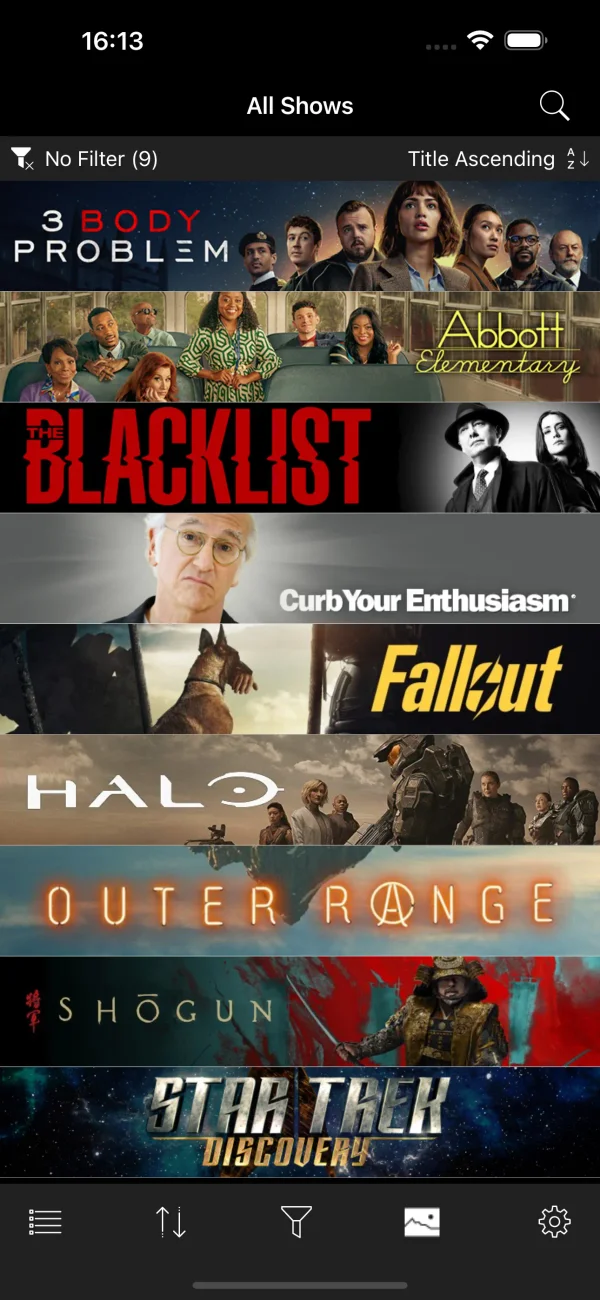
- Select your working list. Make choice by tapping the list button in the toolbar and selecting from the popup menu:
* Active shows
* Archived shows
* All shows
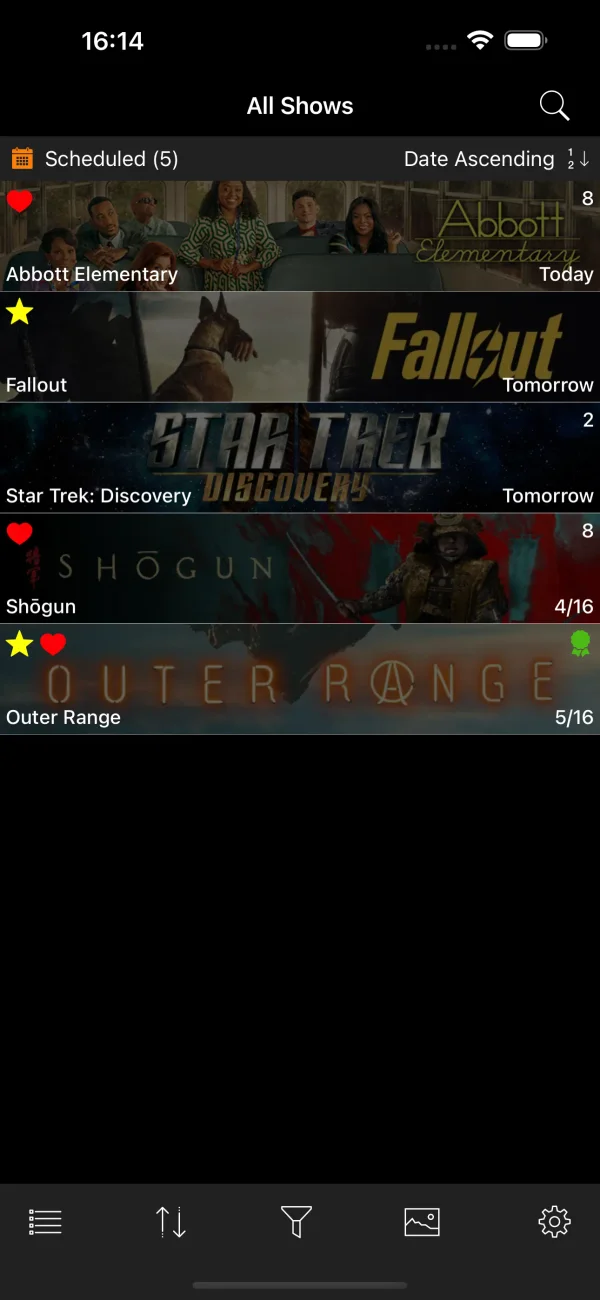
- Filter the shows in your working list. Make choice by tapping the filter button in the toolbar and selecting from popup menu:
* Scheduled - only display shows that have a scheduled upcoming episode.
* Favorites - only display shows marked by the user as a Favorite.
* Watching - only display shows marked by the user as Actively Watching.
* In Development - only display shows that are In Development; i.e shows that have been announced, but the first show has not been scheduled.
* On Hiatus - only display shows that are On Hiatus; i.e. in between seasons or mid-season break.
* Ended - only display shows that have Ended; i.e are no longer in production.
* No Filter - display all shows in the list.
- Sort the shows in your working list. Make choice by tapping the filter button in the toolbar and selecting from popup menu:
* Title A to Z
* Title Z to A
* Next episode date sooner to later
* Next episode date later to sooner
Show Functionality:
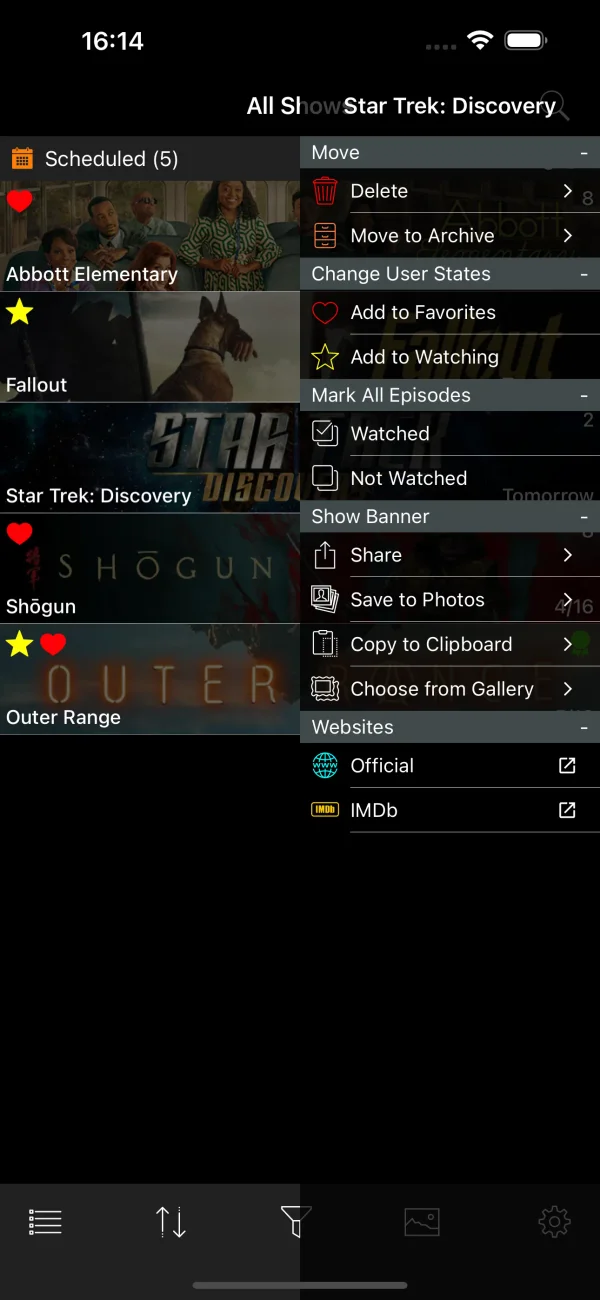
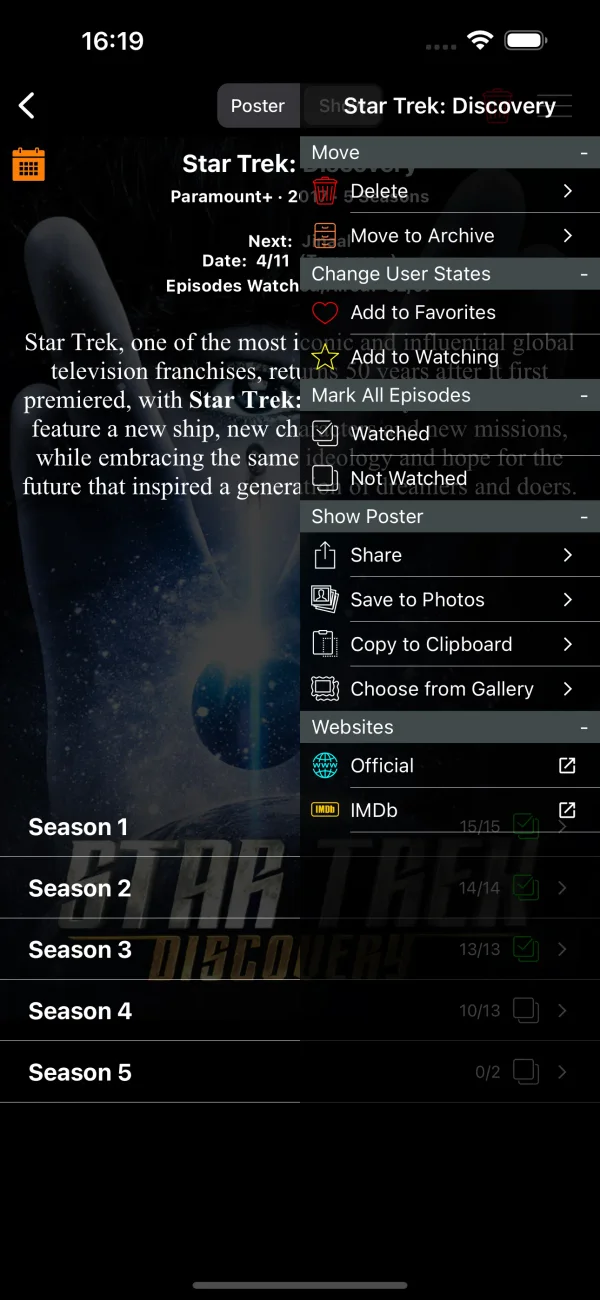
- Move show back and forth between active/archive/all show lists.
- Mark a show as a Favorite or as a show that is being Actively Watched.
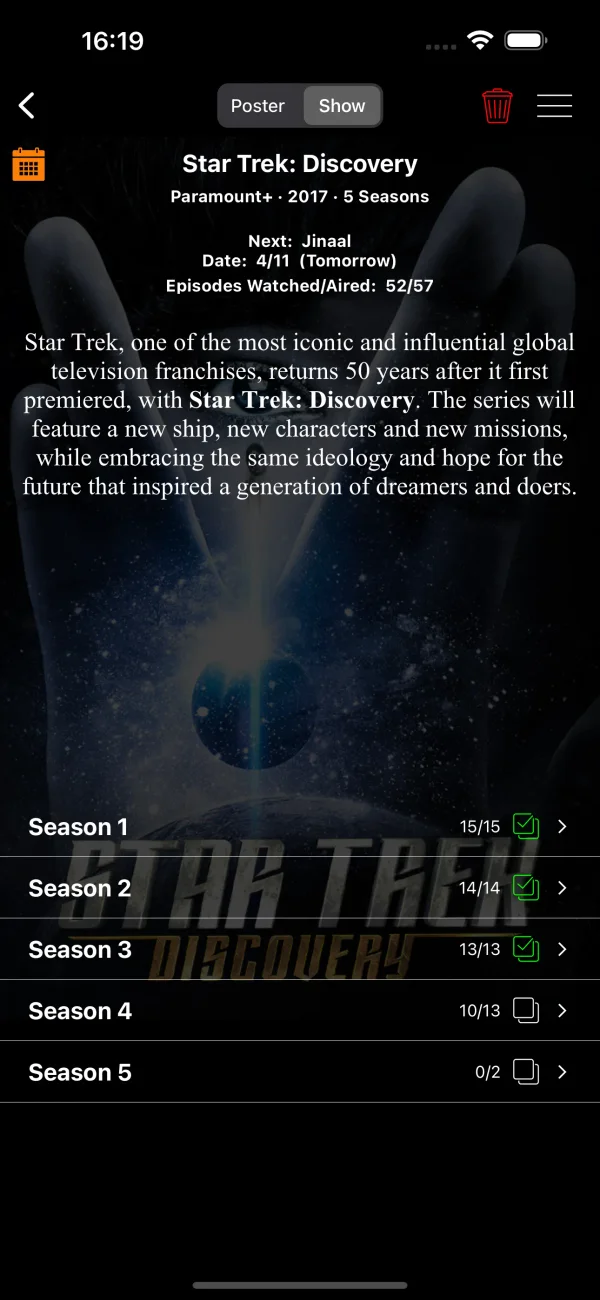
- Mark all the episodes of a show as watched or unwatched with one tap.
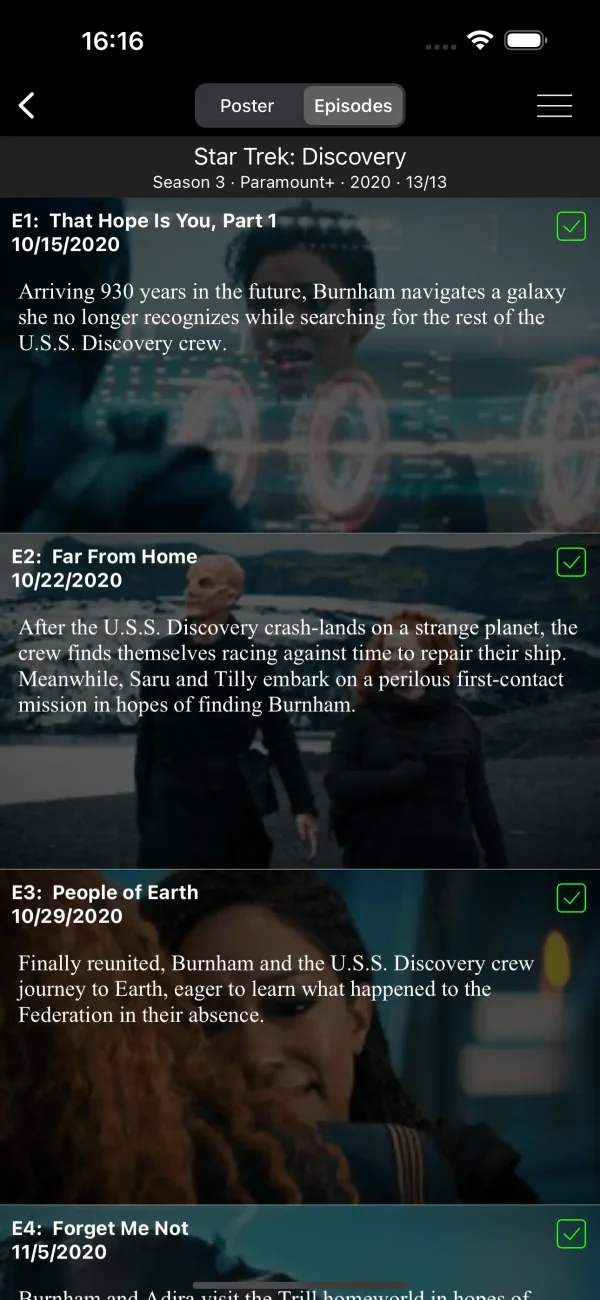
- Mark all the episodes of a single season as watched or unwatched with one tap.
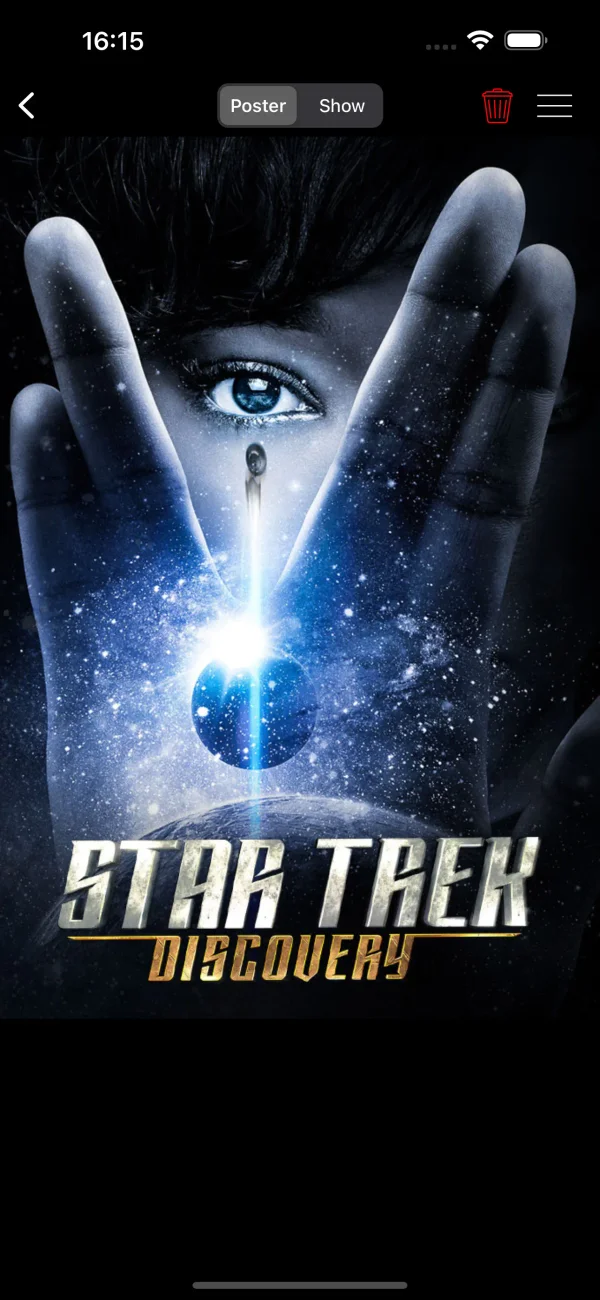
- Change downloaded artwork if other choices are available.
- Save downloaded artwork to Photos.
- Share downloaded artwork.
- Copy downloaded artwork to the clipboard.
- Follow link to official show webpage, if one exists.
- Follow link to IMDb entry, if one exists.
How To:
- Add a show: tap Search button (magnifying glass) to navigate to Search view. Type in title and tap return. In resulting list of shows, tap a row to add that show to your list.
- Refresh show information: perform pull-to-refresh action on displayed list of shows. When updates are complete, an alert appears providing list of updated shows.
- For a given show in your displayed list:
* Tap row to navigate to Season view.
* Long press row to display Show Activity Menu.
* Swipe left on row to uncover Delete Action.
What’s new
Version 2.1 · Apr 20, 2024
- Swiping left on a show in the main show list now presents an Archive/Unarchive action. Tap to toggle the archival status of the show.
- Added capability to hide episode summaries and images from view until the episode is marked as watched (No Spoilers).
- Search results now contain all basic show information, not just title only.
- Bug fixes and optimizations.
App privacy
What Gregory White declares on the App Store about how this app handles data.
-
Data not linked to you
May be collected but is not linked to your identity.
- Identifiers
- Diagnostics
Privacy practices may vary, for example with the features you use or your age.
Information
- Seller
- Gregory White
- Category
- Entertainment
- Version
- 2.1
- Updated
- Apr 20, 2024
- Released
- Nov 19, 2019
- Size
- 6.1 MB
- Requires
- iOS 16.6 or later
- Age rating
- 4+
- Price
- Free
- In-app purchases
- Yes
- Languages
- English
- Copyright
- © 2024 Gregory White
You might also like
-
 Eastwatch - TV Show TrackerSync with Trakt.tv
-
 Simple Show Tracker - tveeBeautiful, simple show tracker
-
 Lately - Track TV Show SeriesEasy seasons & episodes list
-
 Episodic: TV & Movie TrackerTrack Shows, Movies & More
-
 Showdown - TV & Movie TrackerAlways know what to watch
-
 SignalTV — TV TrackerKnow what to watch next
-
 My Episodes TrackerBuilt for MyEpisodes.com
-
 seriesheroTrack & Discover TV Shows
-
 My TV Shows: Track & DiscoverEntertainment
-
 Show Tracker for TraktTrack your movies & TV shows