
- Age rating4+
- CategoryMusic
- DeveloperAdrian Portela Ortiz
- LanguagesEnglish+ 1 more
- Size38.7 MB
Links to the official App Store page
Download.org hosts no file of My WindSheets. The button opens its official App Store page, published by Adrian Portela Ortiz. Listing last checked on Nov 12, 2026.
Screenshots


About
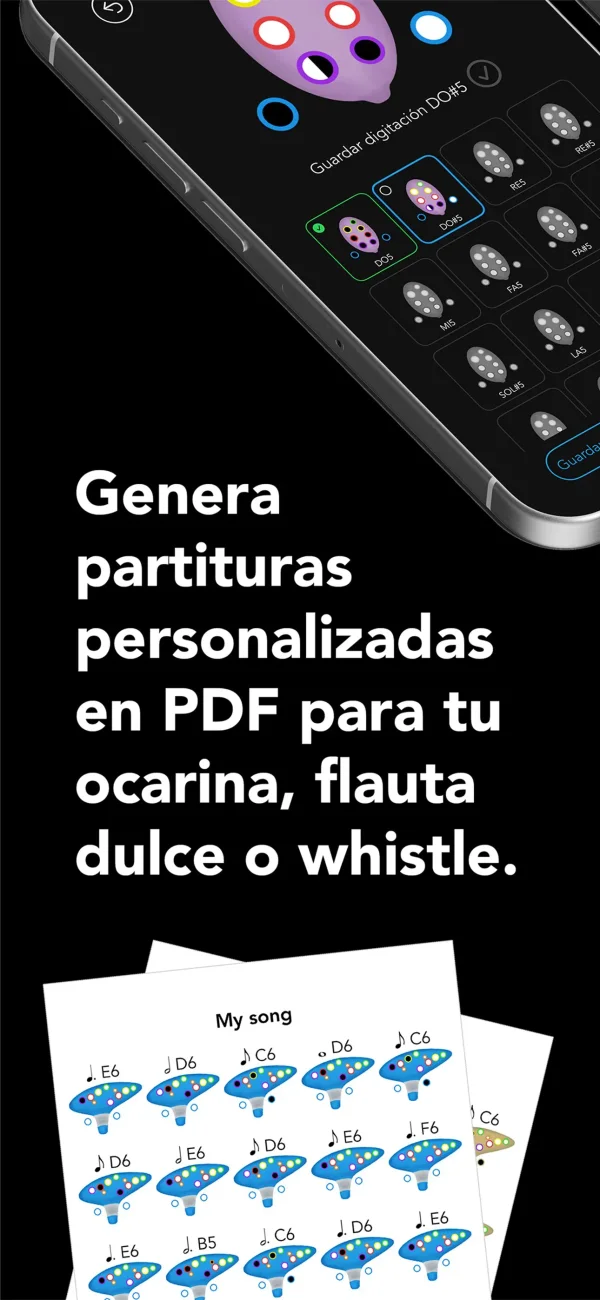
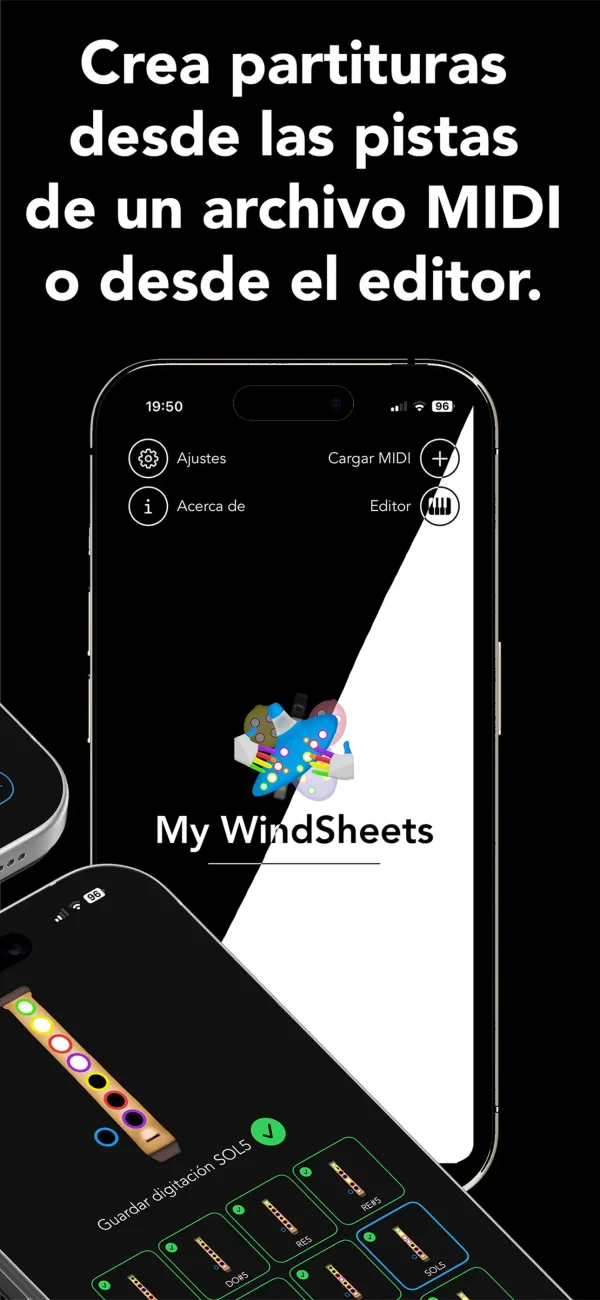
My WindSheets allows you to create custom PDF sheet music for wind instruments such as the ocarina, recorder, or whistle, customized to your instrument and playing style.
CREATE YOUR OWN INSTRUMENT FROM SCRATCH:
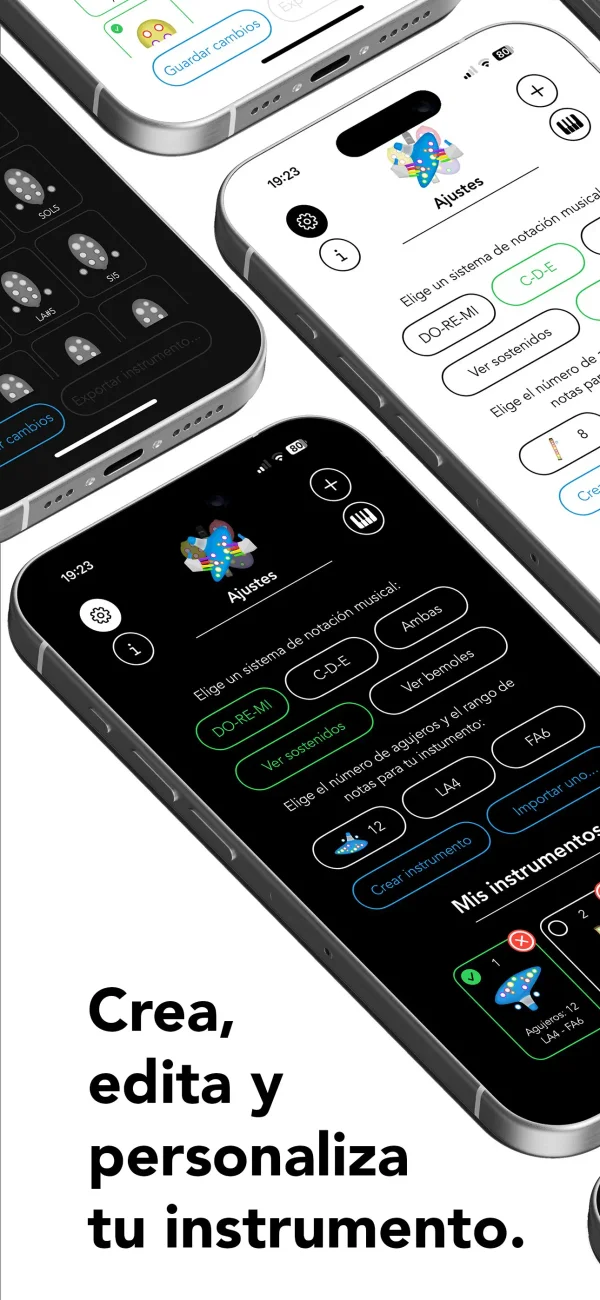
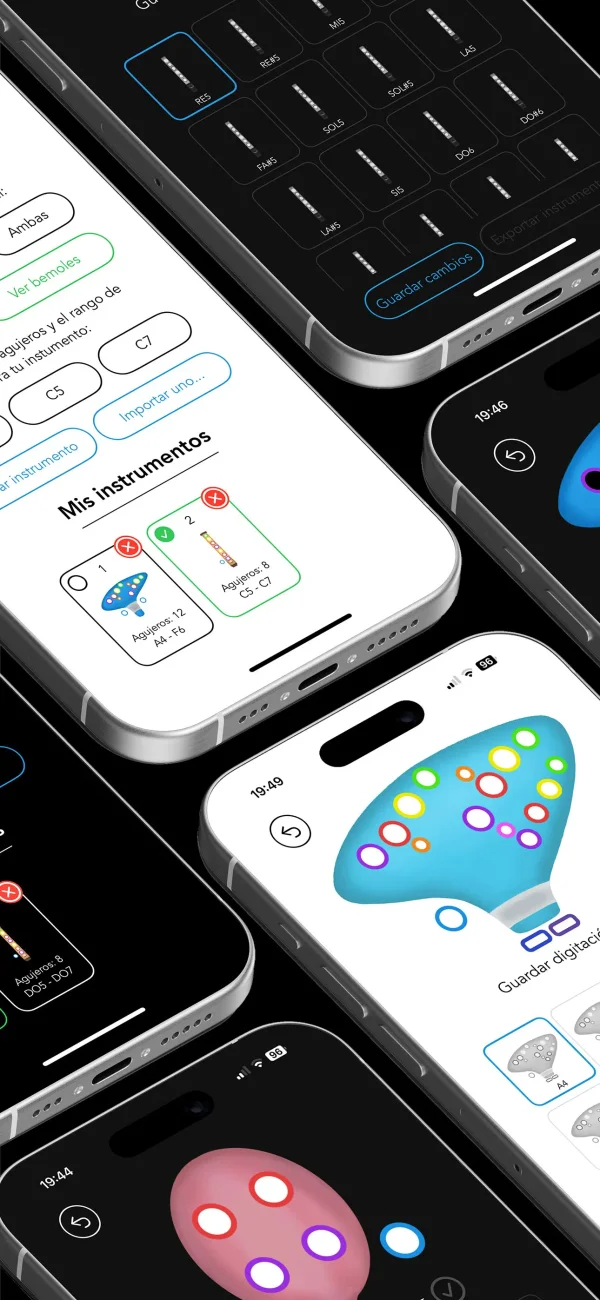
• Choose from a recorder, a whistle, or a large variety of ocarina designs, including models between 4 and 13 holes, or even double-chamber ocarinas.
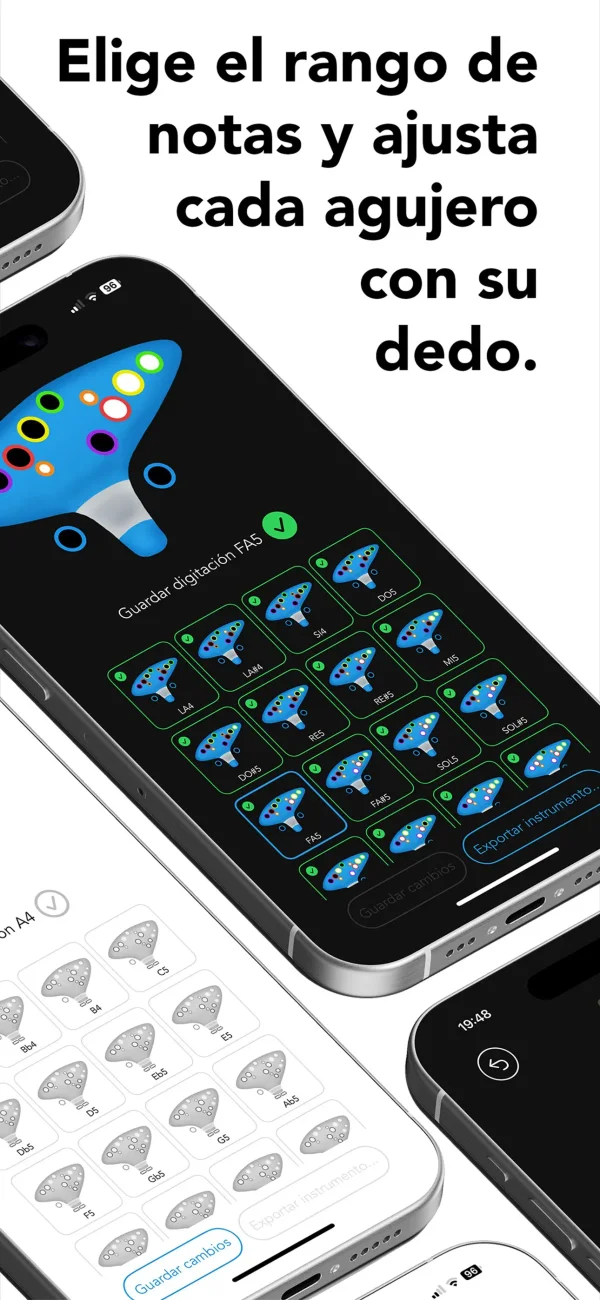
• Define your note range and configure each fingering hole by hole (open, half-covered, or covered).
• Share your instrument settings with a friend by exporting them, or import one that you receive.
MANUAL EDITOR:
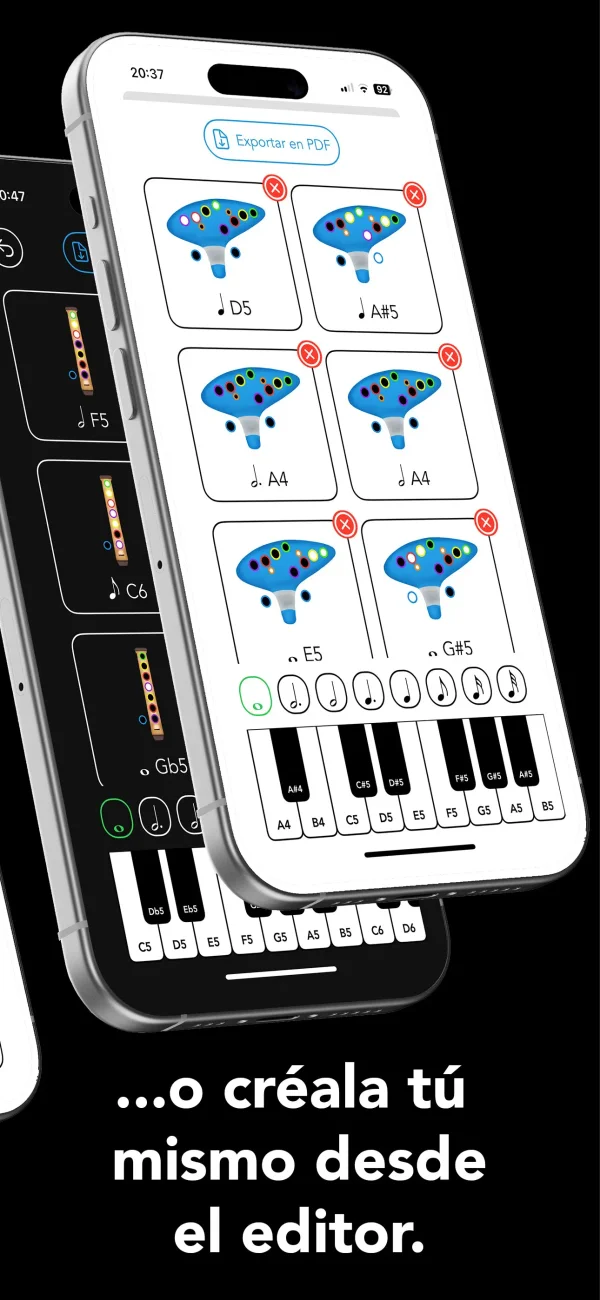
• Create your sheet music note by note, also choosing its musical figure.
• Listen to each note you play.
MIDI IMPORT:
• Load a MIDI file from your device and choose the track you want to convert to sheet music.
• Play each track, listen to the entire MIDI file, or change the sound of each track in real time (between piano, ocarina, recorder, or whistle).
• Play with the transposition of notes on each track to adapt it to the range of your instrument and thus minimize any notes that are outside that range.
GENERATE SHEET MUSIC WITH:
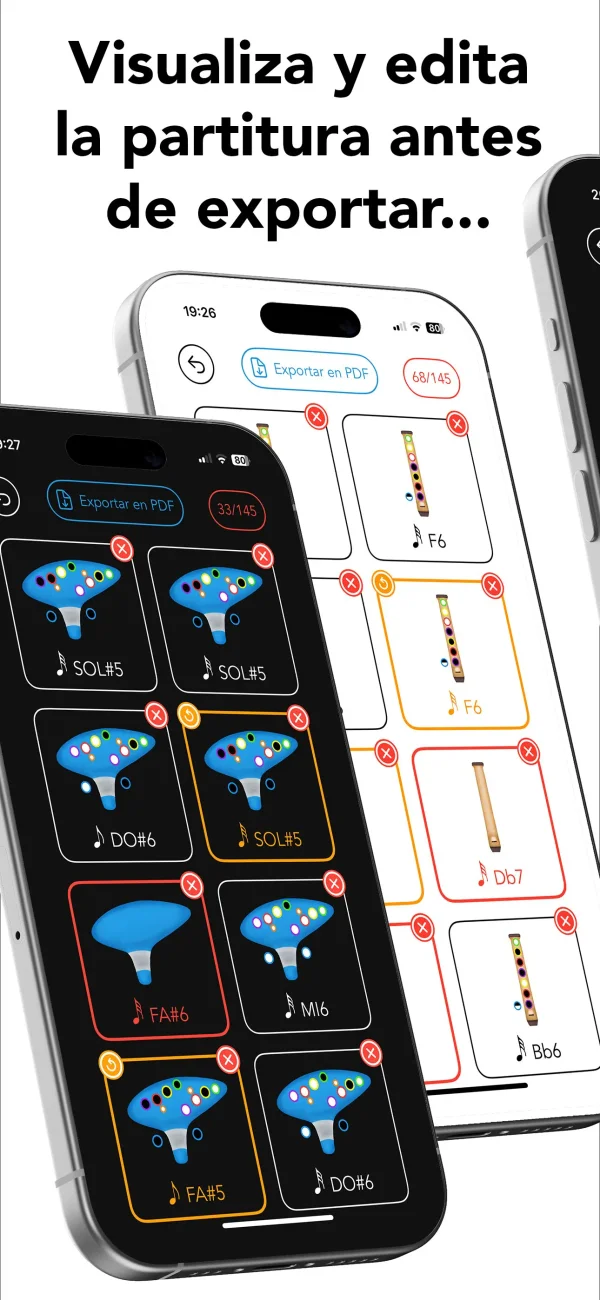
• The name of the note.
• The musical figure.
• The corresponding fingering drawing.
TOTAL CUSTOMIZATION:
• Choose between viewing the entire app with Anglo-Saxon notation (C, D, E...), Latin notation (DO, RE, MI...) or even both at the same time.
• Choose if you want to see sharps or flats.
• Edit the sheet music to your preference before exporting it, allowing you to delete or change notes.
• Export to PDF with a format of 4×4 or 5×5 notes per page, depending on whether you prefer to see larger or more compact notes.
My WindSheets is designed for people who want to learn and be able to play without relying on generic sheet music.
What’s new
Version 1.0.1 · Feb 19, 2026
- All views have been redesigned to improve the iPad experience in landscape orientation.
- Added the name of the menu you are in at the top.
- Added the option to edit any note in the sheet music within the range of your active instrument. It also includes the option to revert any note modified in this way.
- Minor graphical changes to improve the experience.
App privacy
What Adrian Portela Ortiz declares on the App Store about how this app handles data.
-
Data not collected
The developer does not collect any data from this app.
Privacy practices may vary, for example with the features you use or your age.
Information
- Seller
- ADRIAN PORTELA ORTIZ
- Category
- Music
- Version
- 1.0.1
- Updated
- Feb 19, 2026
- Released
- Feb 11, 2026
- Size
- 38.7 MB
- Requires
- iOS 18.5 or later
- Age rating
- 4+
- Price
- Free
- Languages
- English, Spanish
- Copyright
- © 2026 Adrián Portela Ortiz
You might also like
-
 Ocarina BuddyMusic
-
 Ocarina TrainerOcarina Breath Training
-
 Ocarina Pocket: Tabs & TunerPlay Songs & Fingering Chart
-
 Ocarina SimOcarina Simulator
-
 Ocarina Studio: Tabs Tuner12-Hole Songs, Lessons & Chart
-
 ARTinoise ZefiroMusic
-
 Ocarina Notes & TablaturesSheet music, notes, tablatures
-
 KeylimbaCute, customizable kalimba!
-
 DJ KartierPlay 1,000+ Iconic Sounds
-
 Mezquite Diatonic AccordionLearn to Play Accordion