
- Age rating17+
- CategoryBusiness
- DeveloperDMS Navigator
- LanguagesEnglish
- Size30.2 MB
Links to the official App Store page
Download.org hosts no file of MyAutoCompanion. The button opens its official App Store page, published by DMS Navigator. Listing last checked on Nov 12, 2026.
Screenshots

About
Welcome to AU Assist, designed for all your motoring needs.
AU Assist was created to assist the user with managing their vehicle. AU Assist provides information on TAX, MOT and servicing of your vehicle. There is also as section for handy hints and tips for maintenance. Should you require an MOT, Service or repair the AU Assist App will help you find the right garage from a network of repairers in your area.
AU Assist focuses on the key features of keeping your car legal, safe and on the road.
The tax reminder feature confirms your vehicle has valid tax and your car is registered to be on the road.
The MOT reminder displays the last date of MOT and also when the next MOT is due. Messages will be sent prior to MOT expiry recommending booking an appointment at your local garage.
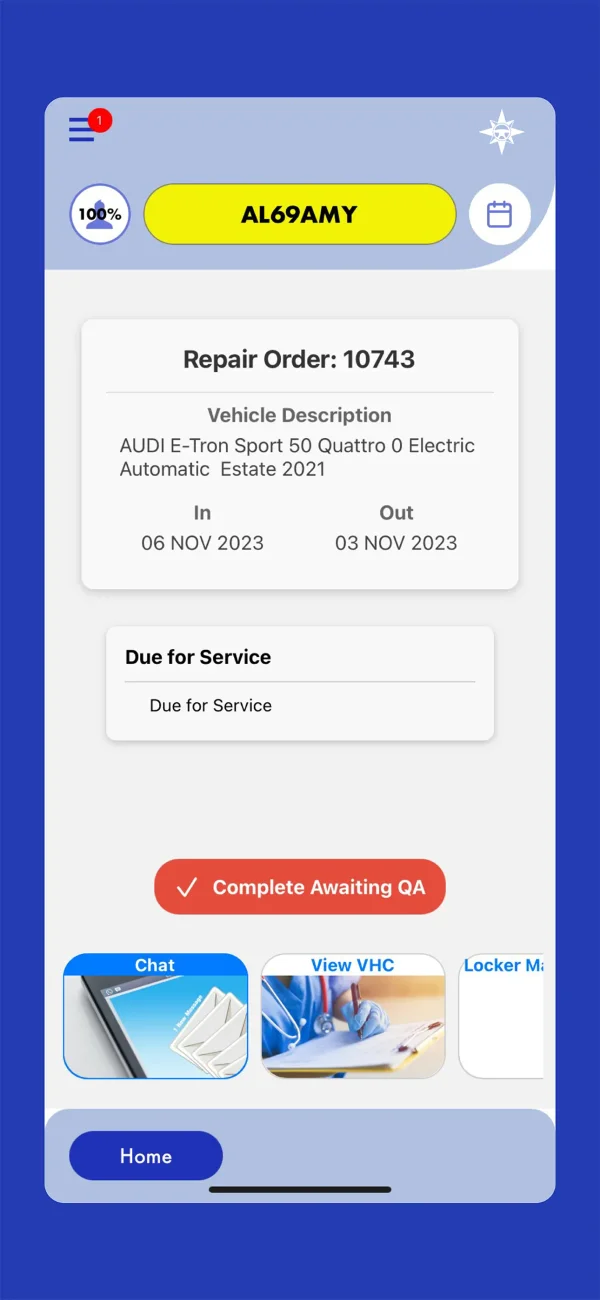
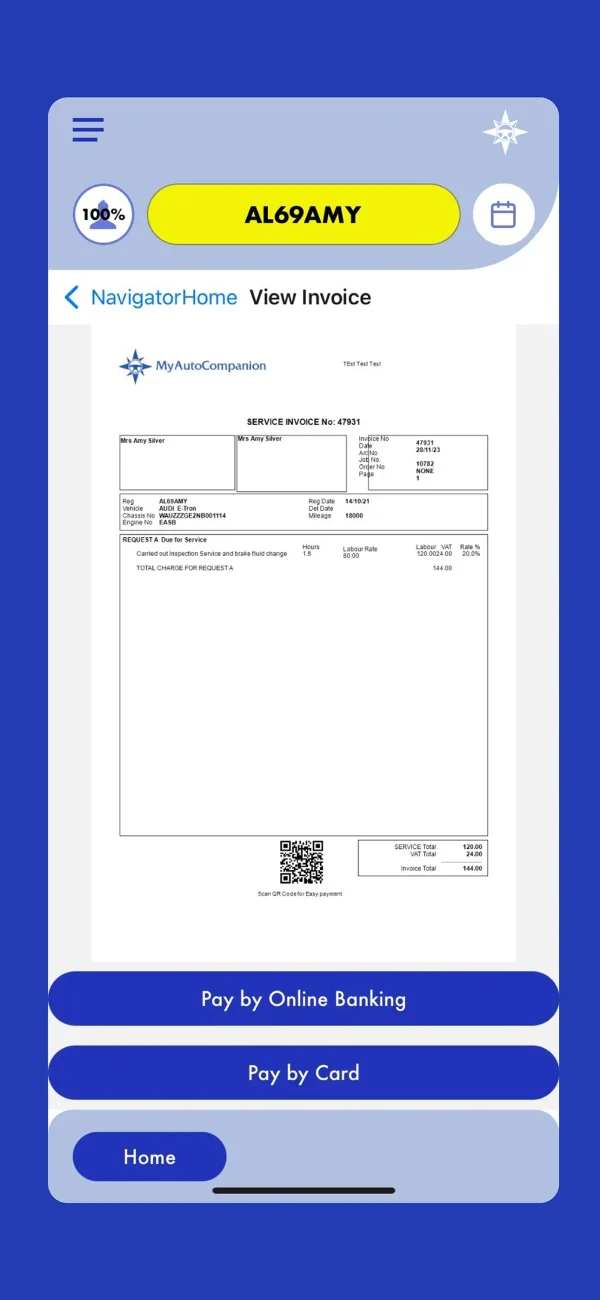
Should an appointment with a garage be required this can also be arranged through the app, as well as making payment for your repair and receiving quotations and invoices.
AU Finder. Constantly looking for your keys, phone, wallet? The AU Finder fob will attach or slip in to most items, helping you locate them in seconds.
The Finder is linked to your mobile phone device through the AU Assist App and will help you locate your items. Should you be out of range it will tell you the last place the item was connected.
Ringing items.
Attach the AU Finder to anything that you don’t want to lose. You can then use AU Assist App to contact the fob. When in range the Finder will ring with your choice of tones. If the item is out of reach, the App will let you know where it was last seen.
Siri
The AU Finder will work with the Siri feature provided by Apple. When setting up the Finder, set up Siri with the item its connected to, such as yours keys, Handbag or wallet.
Contact your phone
Unable to find your phone but have your finder, press the button to locate your mobile, even if it is on silent.
As a bonus feature the AU Finder will also take pictures from the phone that it is connected to, making it easy to take selfies or group photographs.
Guarantee
Should you currently have a guarantee through AU Warranties, claims can be registered and processed. Should your wish to upgrade your level of cover this to can be arranged.
App privacy
What DMS Navigator declares on the App Store about how this app handles data.
-
Data linked to you
May be collected and linked to your identity.
- Contact info
-
Data not linked to you
May be collected but is not linked to your identity.
- Financial info
- Contact info
- User content
Privacy practices may vary, for example with the features you use or your age.
Information
- Seller
- Dealer Management Services Ltd
- Category
- Business
- Version
- 1.0
- Updated
- Jan 11, 2024
- Released
- Jan 11, 2024
- Size
- 30.2 MB
- Requires
- iOS 12.4 or later
- Age rating
- 17+
- Price
- Free
- Languages
- English
- Copyright
- © 2024