
- Age rating4+
- CategoryProductivity
- DeveloperDaniel Vetan
- LanguagesEnglish
- Size30.1 MB
Links to the official App Store page
Download.org hosts no file of myEval. The button opens its official App Store page, published by Daniel Vetan. Listing last checked on Nov 25, 2026.
Screenshots


About
Writing evaluations shouldn't require a desktop program older than you. myEval lets you draft, check, and share Navy performance evaluations on your iPhone, iPad, or Mac. Just download and go.
WRITE ANYWHERE
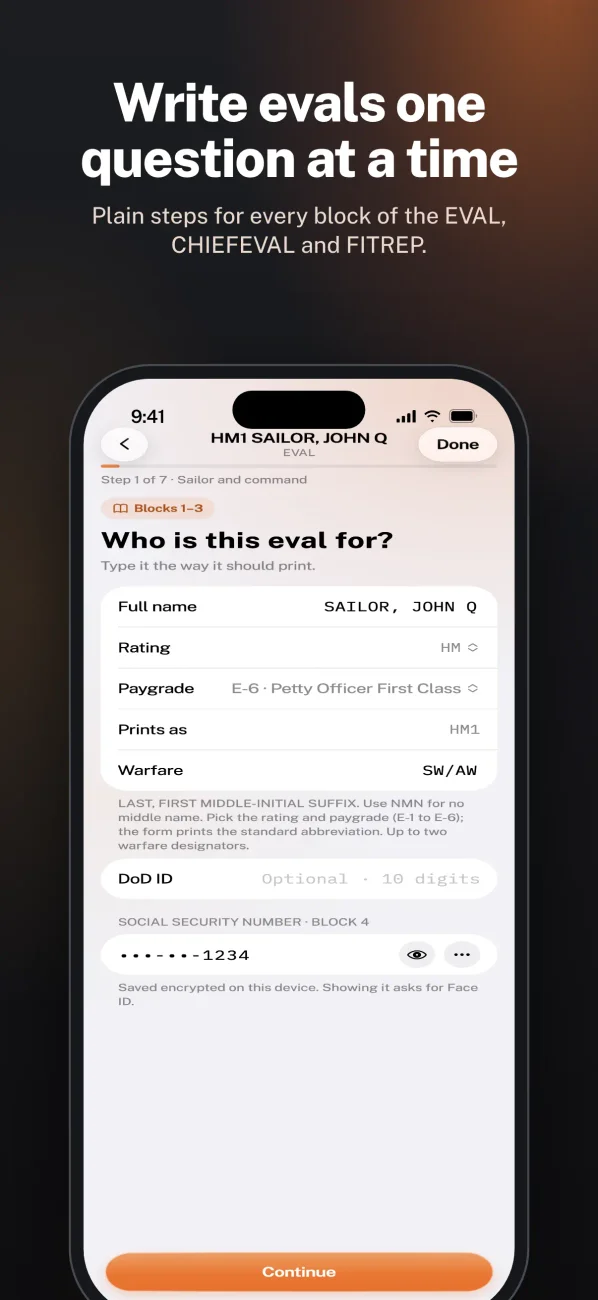
• Step-by-step guided entry for EVALs, CHIEFEVALs, and FITREPs
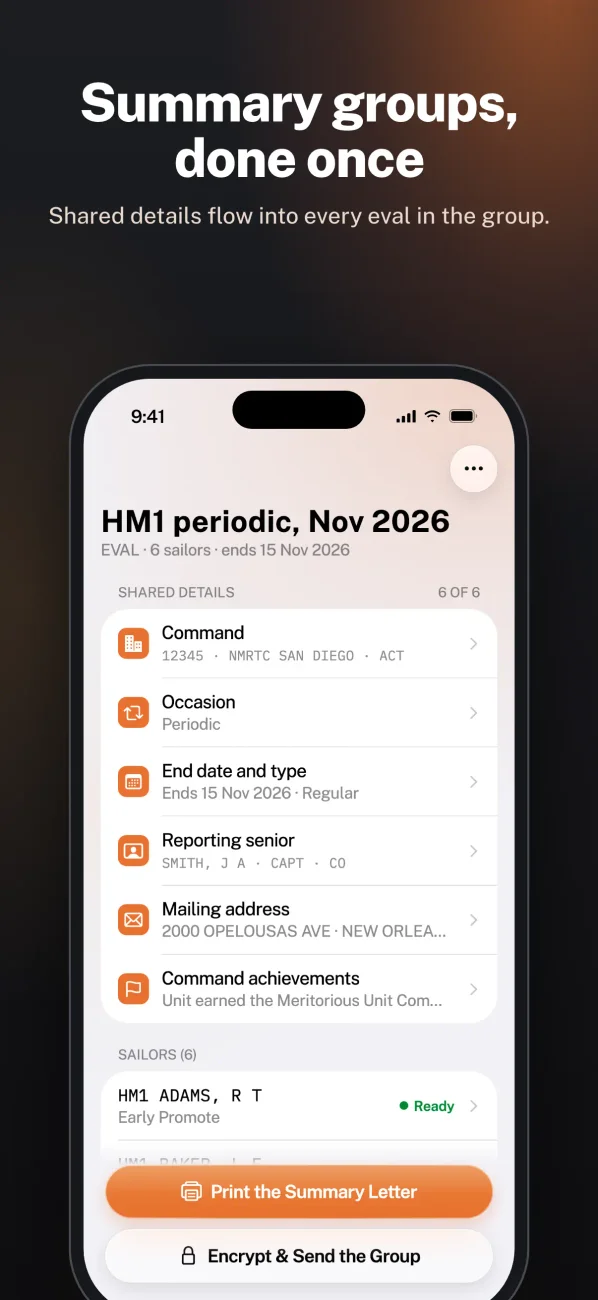
• Enter summary group details once and apply them to every report in the group
• Works fully offline. Your data stays on your device
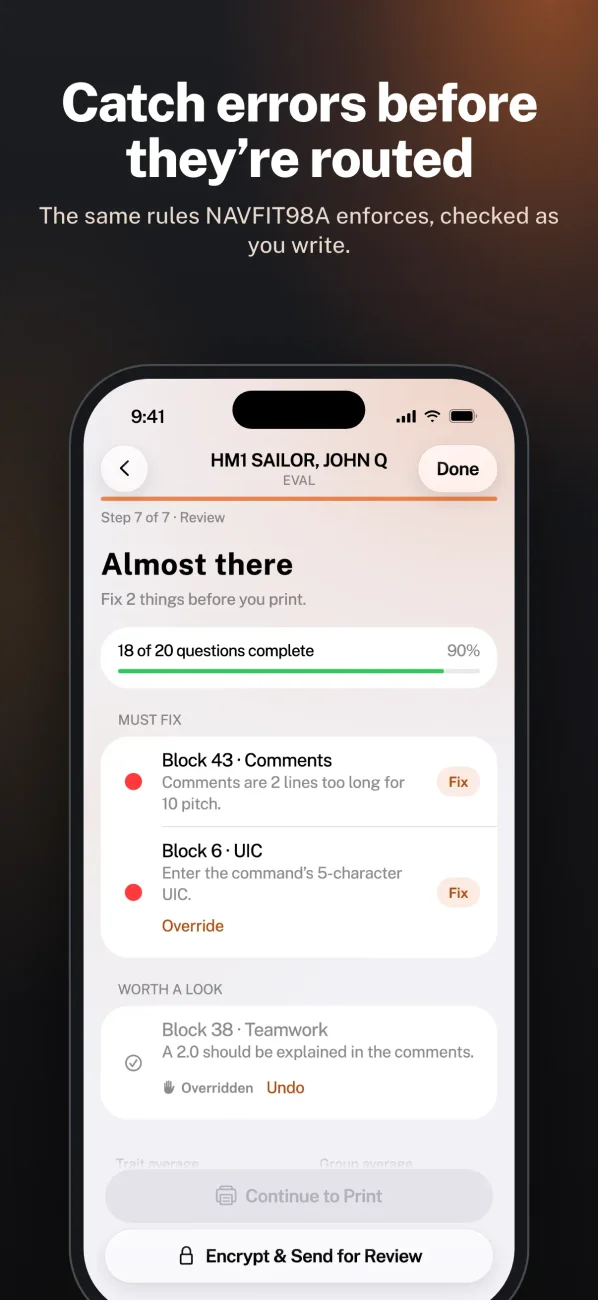
CATCH ERRORS BEFORE THEY'RE ROUTED
• Built-in validation and formatting rules that follow the evaluation instruction
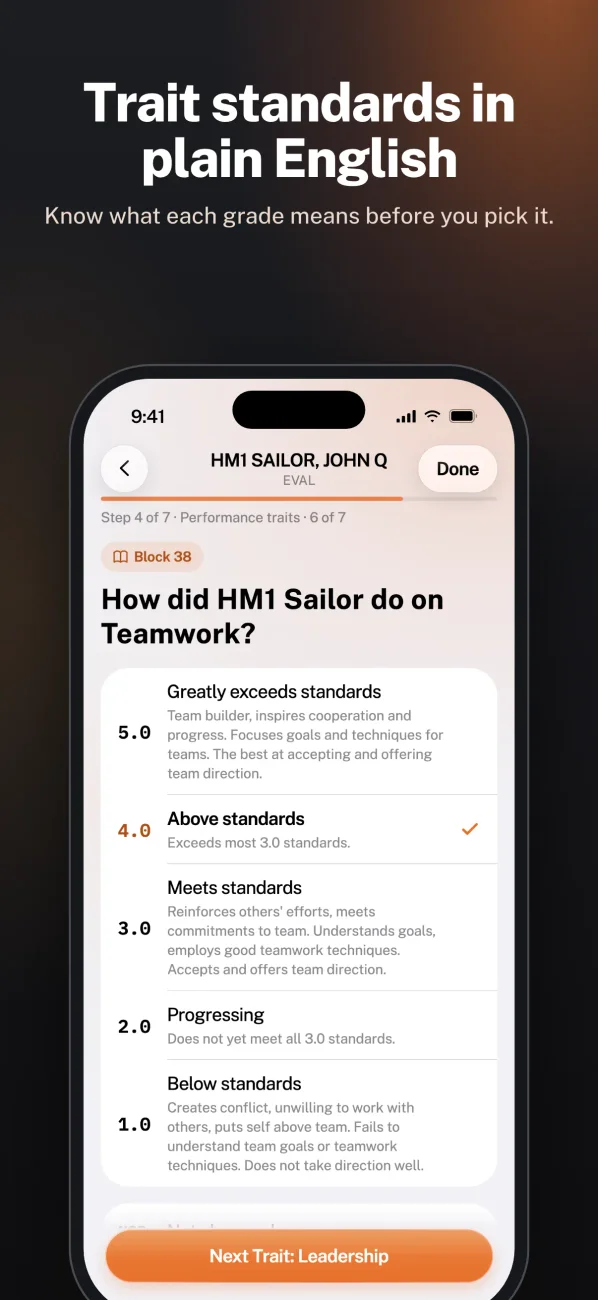
• Clear warnings, like flagging 2.0 trait grades that need justification
• Plain-English explanations for every block and trait standard
• Keep the reporting senior's RSCA in view while you grade
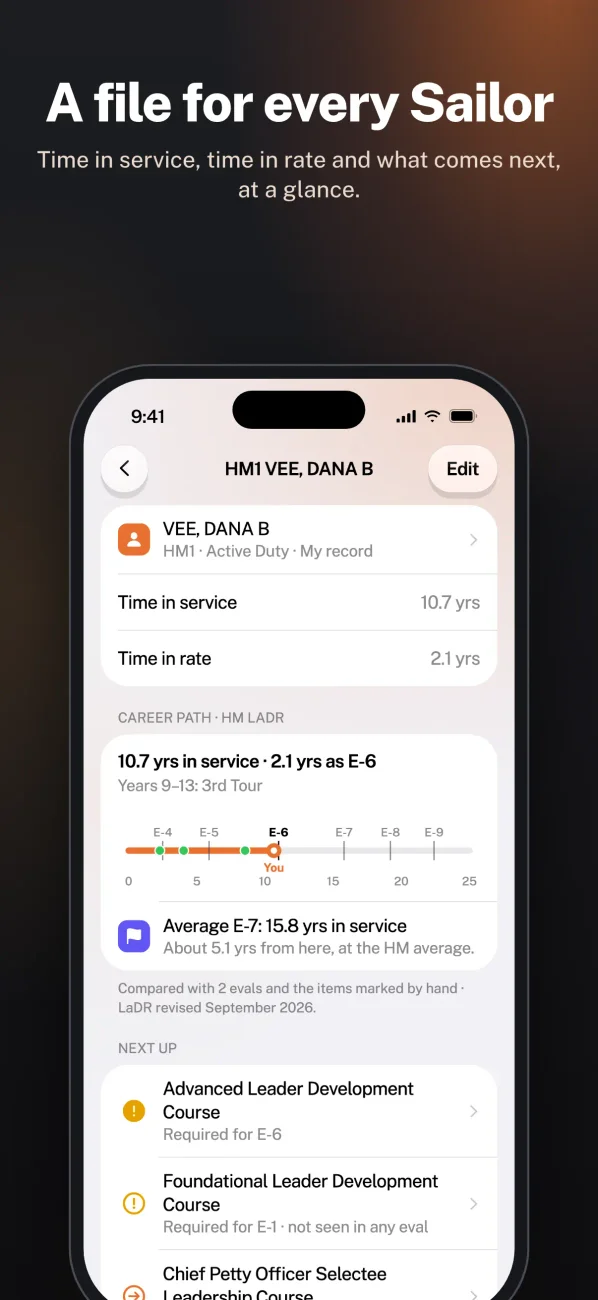
TRACK EVERY SAILOR'S CAREER
• A Sailor file for you and each Sailor you lead, with time in service, time in rate, and dates of rank
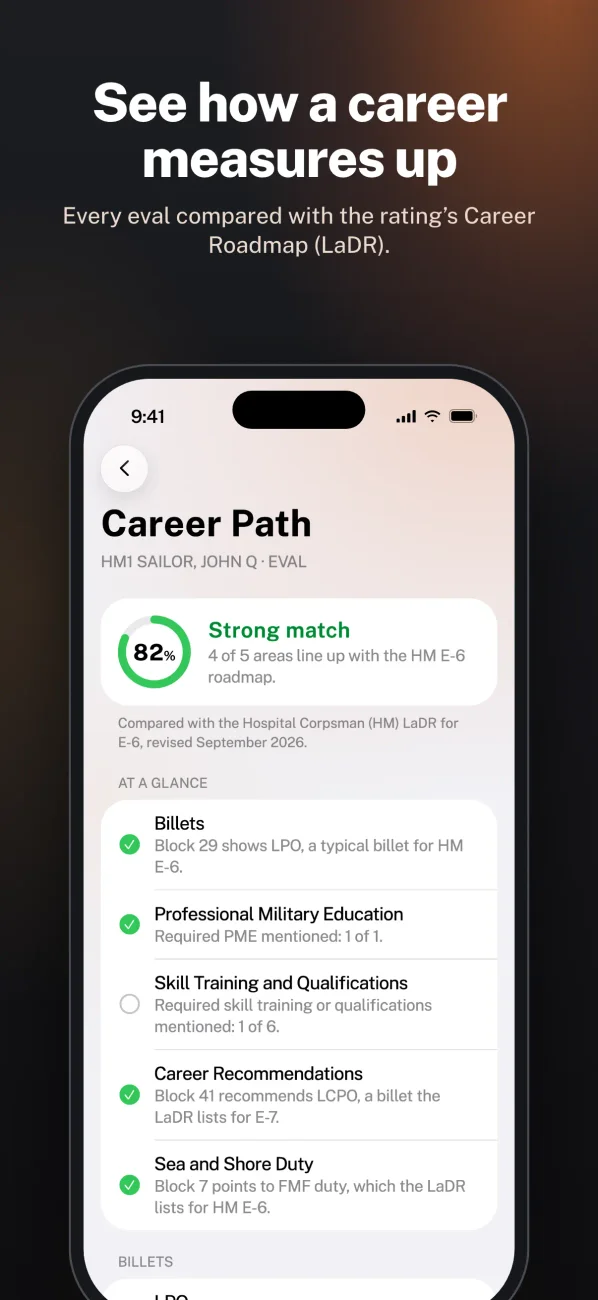
• Compare every eval against the rating's Career Roadmap (LaDR) and see which milestones come next
• Record mid-term counseling and Page 13 counseling chits, ready for blocks 30 and 31 when eval time comes
IMPORT EVALS FROM PDF
• Add past evals from BOL or OMPF PDFs. Text is read on your device, and Apple Intelligence fills any gaps where it's available
• Review every field before it's saved. SSNs are never stored
• Works with Siri and Shortcuts: "Import an eval into myEval"
SHARE SECURELY
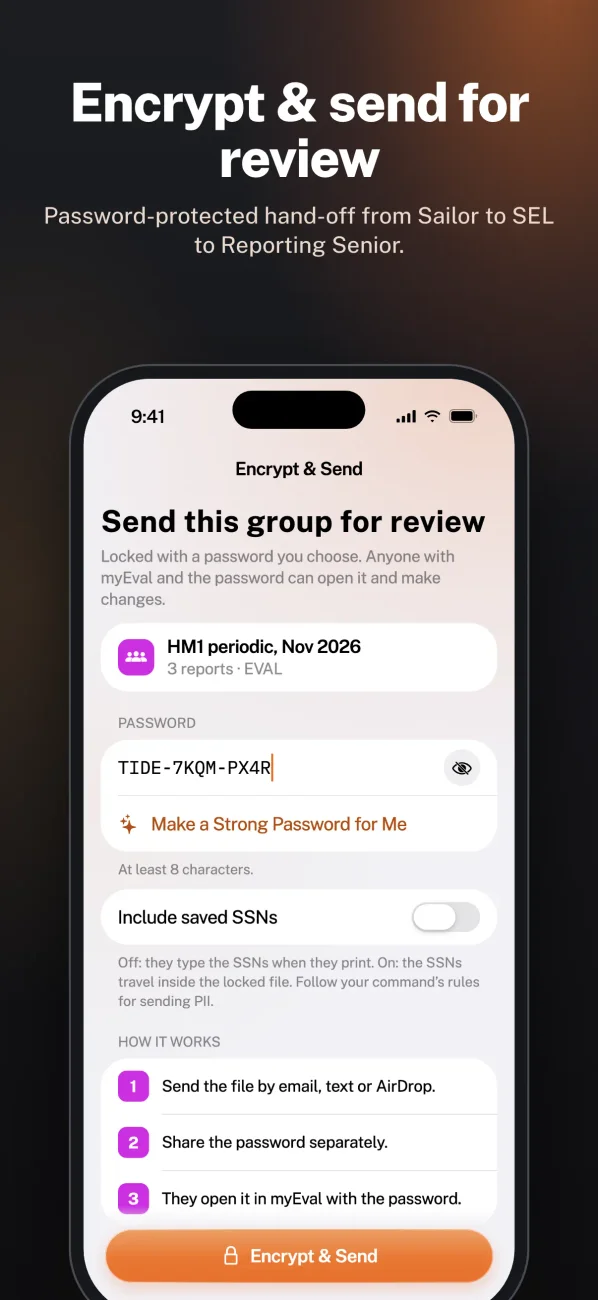
• Encrypt & Send: password-protect a report and pass it from Sailor to Senior Enlisted Leader to Reporting Senior
• Reviewers can edit the report, while name and SSN stay locked
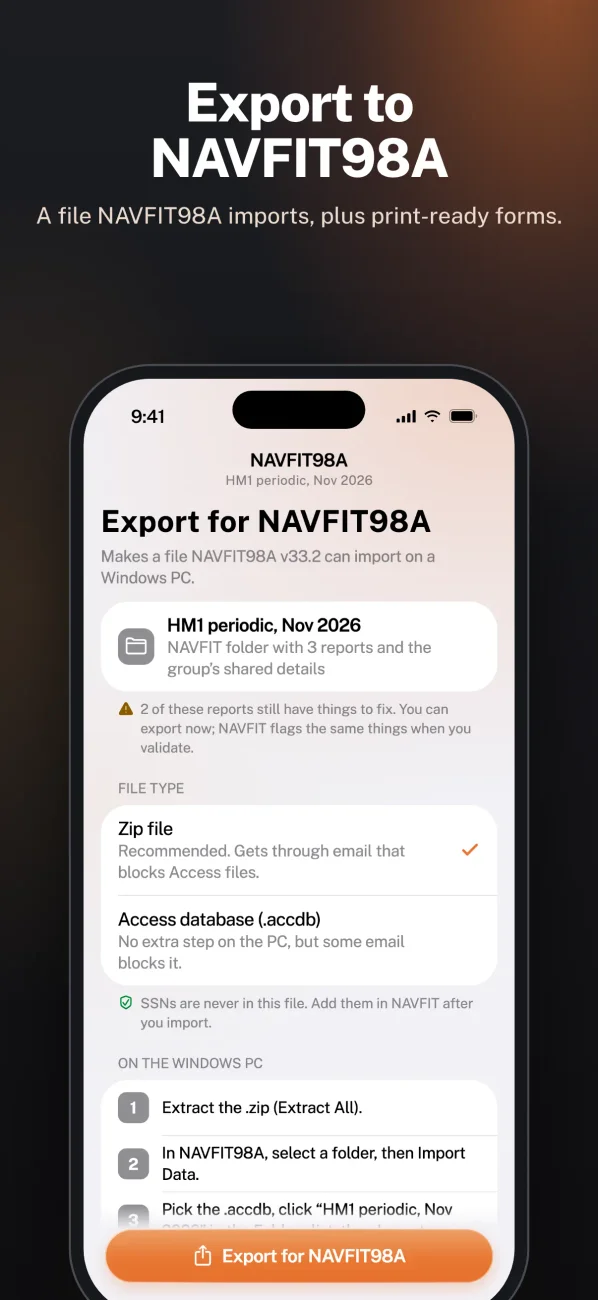
• Print-ready output, plus export compatible with NAVFIT98A's Import Data
PROTECT SENSITIVE INFO
• App Lock with Face ID, Touch ID, or passcode, required automatically once an SSN is entered
• No accounts, no ads, no tracking
LEARN AS YOU GO
• Searchable in-app reference to the evaluation instruction
• Quick tips that show you each feature
ON THE MAC
• The same evals and Sailor files in a full Mac app, with a sidebar, keyboard shortcuts, and side-by-side checks
myEval is an independent app. It is not affiliated with, endorsed by, or sponsored by the U.S. Navy, the Department of Defense, or any government agency. Always confirm requirements against the current official instruction.
What’s new
Version 1.2.0 · Nov 24, 2026
• Import from NAVFIT98A: open a file exported from NAVFIT98A (Export Report or Export Folder, .accdb or zipped) with the Import button. Each report comes in as an eval you can edit, and a folder of matching reports comes in as a summary group. SSNs in the file are kept only with App Lock on, or you can import without them.
• Duty status now reads TAR, as BUPERSINST 1610.10H CH-3 names it, in the app and on the printed summary letter.
• EVALs now have the block 29 PFA line, as CH-3 chapter 1 asks for.
App privacy
What Daniel Vetan declares on the App Store about how this app handles data.
-
Data not collected
The developer does not collect any data from this app.
Privacy practices may vary, for example with the features you use or your age.
Information
- Seller
- Daniel Vetan
- Category
- Productivity
- Version
- 1.2.0
- Updated
- Nov 24, 2026
- Released
- Nov 5, 2026
- Size
- 30.1 MB
- Requires
- iOS 27.0 or later
- Age rating
- 4+
- Price
- Free
- Languages
- English
- Copyright
- © 2026 VTAN INNOVATIONS LLC
You might also like
-
 FireTrade Shift SwapProductivity
-
 GRBC PlannerProductivity
-
 Rise4Productivity
-
 Trades 3631Firefighter Shift Trades
-
 Fly with TailwindsTailwinds
-
 tempCubeProductivity
-
 SQ ConnectNaval Command Communication
-
 EMS EventsProductivity
-
 FDNY Calendar Fire & EMSFDNY Calendar Fire & EMS
-
 MilDrillsGuard and Reserve pay tracking